Looks good to me at this time with Chrome on a Mac.
As a sidenote: It would be nice if on the N&W Forum the number of images posted in one thread was limited to 10 and go back to allowing only one new thread per member per day.
Also it would be great if cross-posting was eliminated. It is no great chore to post on two separate forums and does not cause the confusion created by a number of cross-postings.
James Markus wrote:
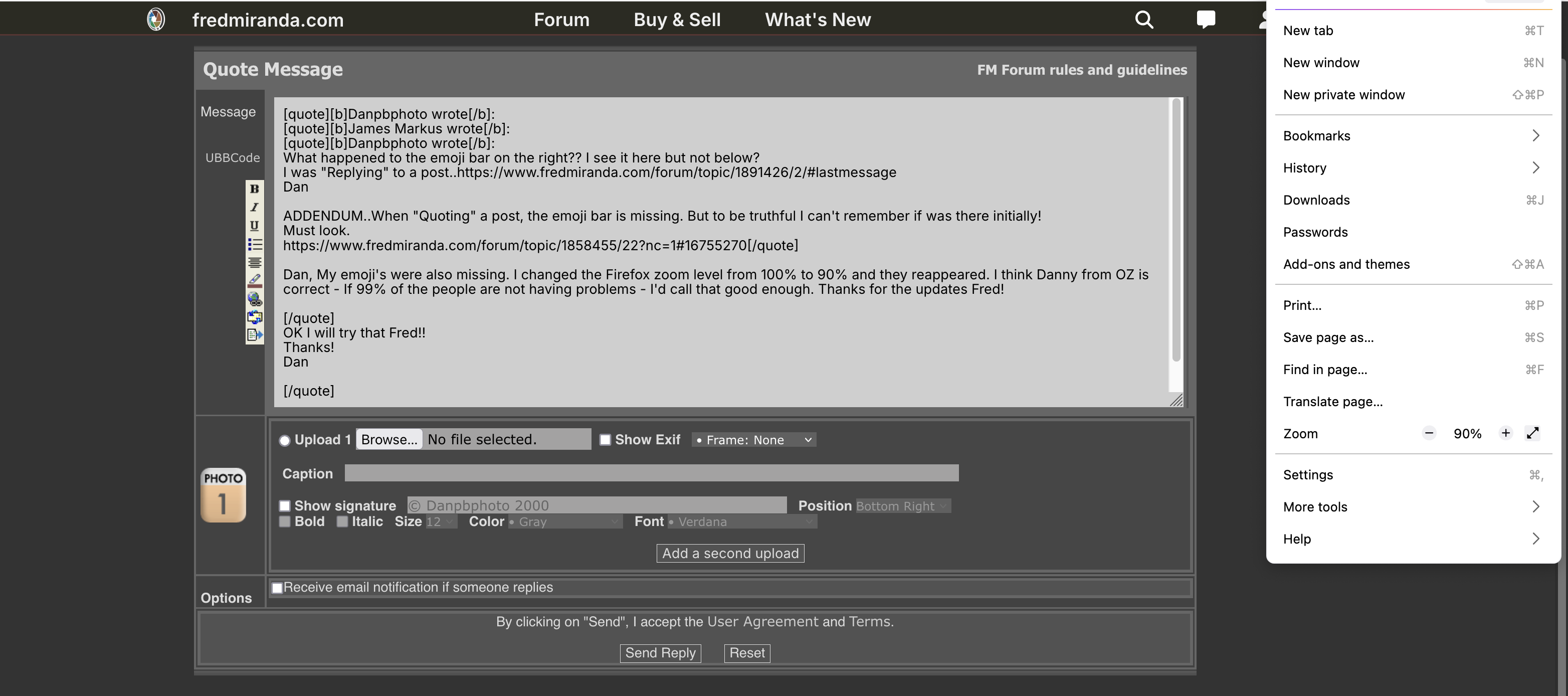
Dan, My emoji's were also missing. I changed the Firefox zoom level from 100% to 90% and they reappeared. I think Danny from OZ is correct - If 99% of the people are not having problems - I'd call that good enough. Thanks for the updates Fred!
OK I will try that Fred!!
Thanks!
Dan
On FF on a Mac..no joy!!!
James Markus wrote:
Dan, My emoji's were also missing. I changed the Firefox zoom level from 100% to 90% and they reappeared. I think Danny from OZ is correct - If 99% of the people are not having problems - I'd call that good enough. Thanks for the updates Fred!
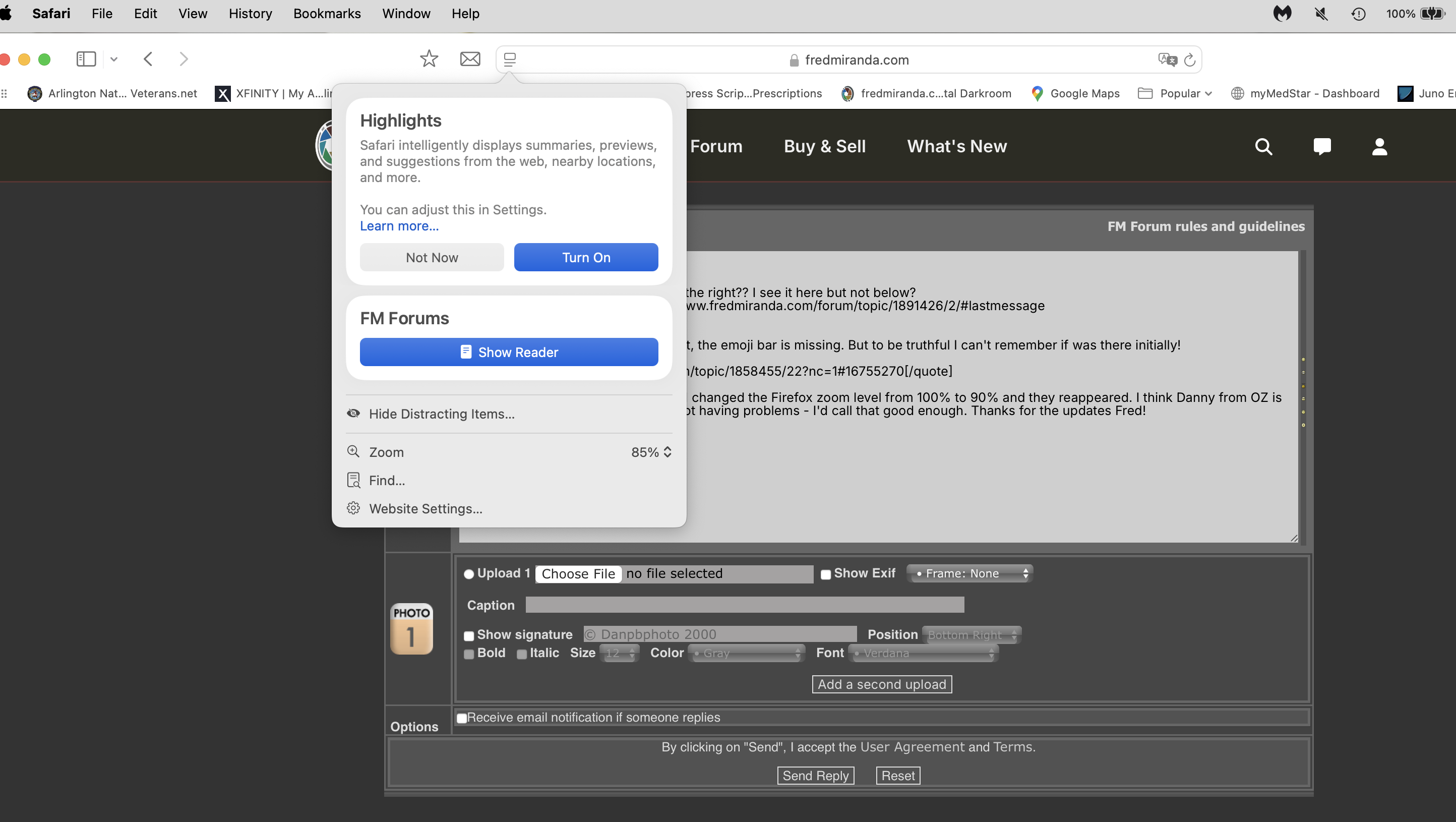
OK Changed Safari to 85% and still the emojis appear as small dots and yes they now shoe smiles, laughs...
But FF nada...I will explore my FF settings further!
Thanks both Fred's!!
Dan
Dan, Click the green jelly bean under the word "Safari". See if that shows th emoji's correctly. To get out of full screen hit the esc key or push your mouse up to the top left corner and the menu bar will appear - click the green jelly bean again.
Here are some work-arounds for those not able to login.
1-Type your user name in and click the button
2-Next page (password) hit the tab key 7 times. You will see an outline box move left to right across the screen starting with the FM logo. The seventh tab key push puts the cursor in the password box you can not see. Type your password and hit the enter key.
If you can not see notifications (like me)
1-Once you login hover your mouse over the top right generic person avatar and select "View Profile"
2-Keep this tab open, and periodically refresh it to see if any notifications have come in - use another tab to surf
If bits of a page are missing on Apple OS
1-Click the green jelly bean for Apple's version of full screen (It will cover up the dock, operating system, and application title bars)
2-To return to a normal windowed desktop push the cursor up into the top left hand corner until the OS menu bar drops down - click the green jelly bean again
James Markus wrote:
Dan, Click the green jelly bean under the word "Safari". See if that shows th emoji's correctly. To get out of full screen hit the esc key or push your mouse up to the top left corner and the menu bar will appear - click the green jelly bean again.
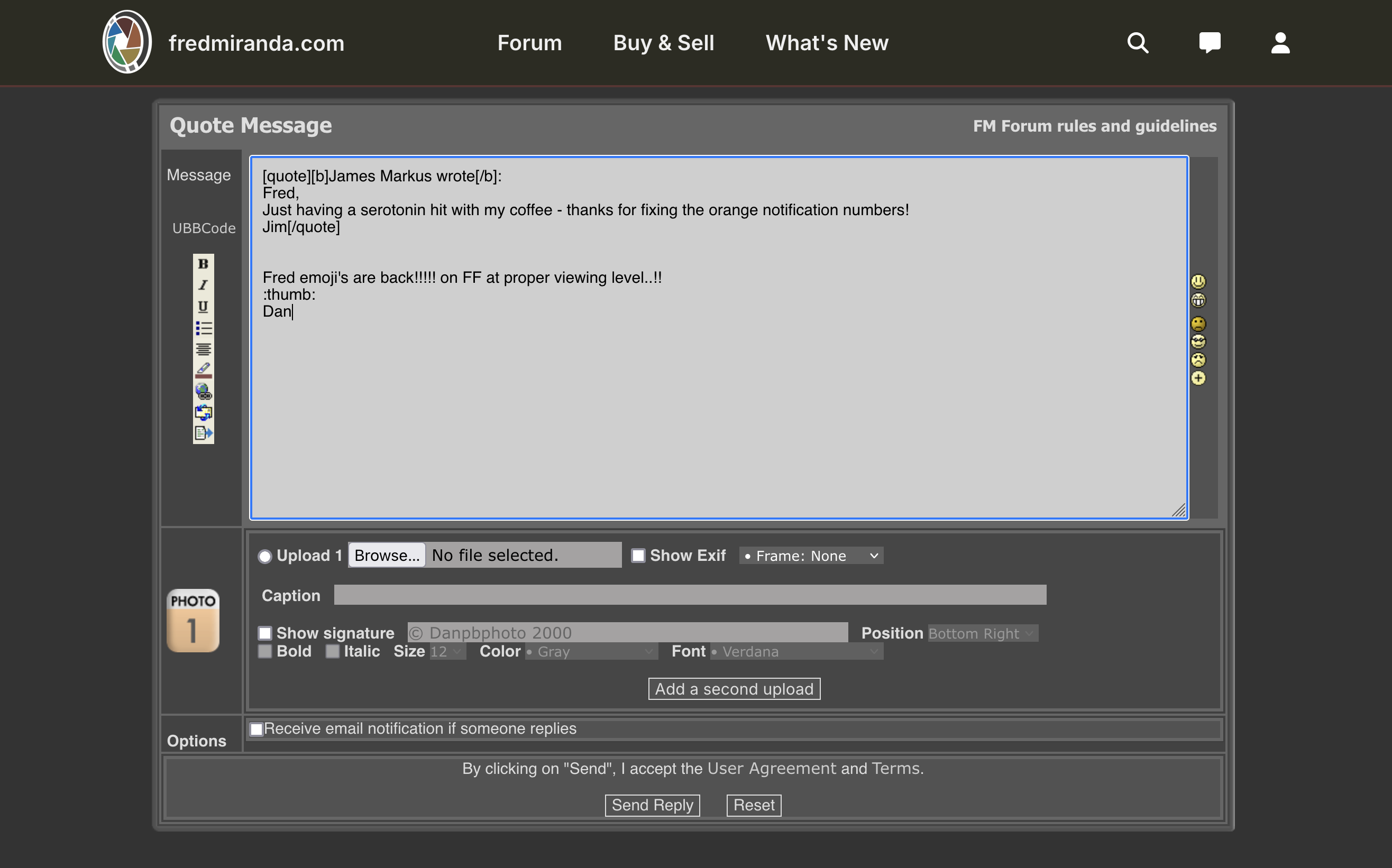
"Winner, Winner..Chicken Dinner"!! The emoji's are still very small but they are there...
That did it on Safari!!! I will try later on FF/Windows.....Got a doc appt.
Much thanks Jim!!!!!
Dan
James Markus wrote:
Dan, Click the green jelly bean under the word "Safari". See if that shows th emoji's correctly. To get out of full screen hit the esc key or push your mouse up to the top left corner and the menu bar will appear - click the green jelly bean again.
Windows and FF no go!! No matter what option/setting I change..Nothing changes as per the emojis..None there.
Dan
Danpbphoto wrote:
Windows and FF no go!! No matter what option/setting I change..Nothing changes as per the emojis..None there.
Dan
Try Chrome. Just now, with zoom level at 90% I can see Notifications, and Emojis in Chrome. FF, no. Yesterday - neither chrome or FF worked on Windows10
James Markus wrote:
Try Chrome. Just now, with zoom level at 90% I can see Notifications, and Emojis in Chrome. FF, no. Yesterday - neither chrome or FF worked on Windows10
James Markus wrote:
Try Chrome. Just now, with zoom level at 90% I can see Notifications, and Emojis in Chrome. FF, no. Yesterday - neither chrome or FF worked on Windows10
Never got to try it Jim...Fred fixed the issue before I could.....This is Mac on FF...
Dan
Two things:
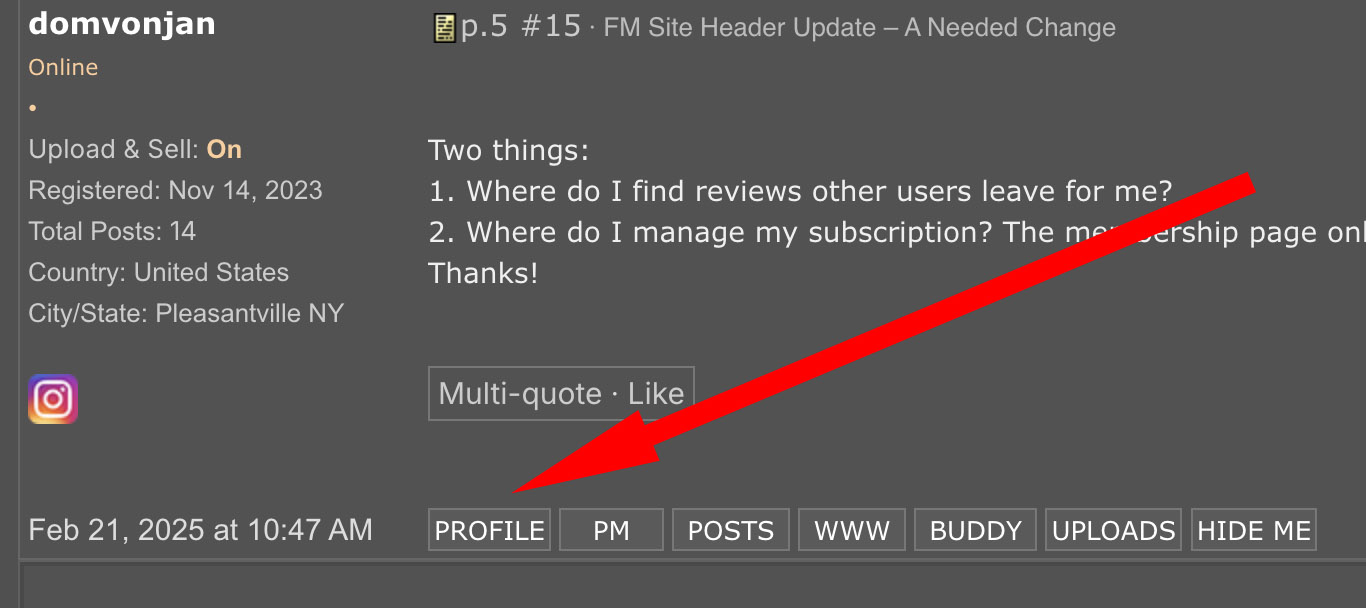
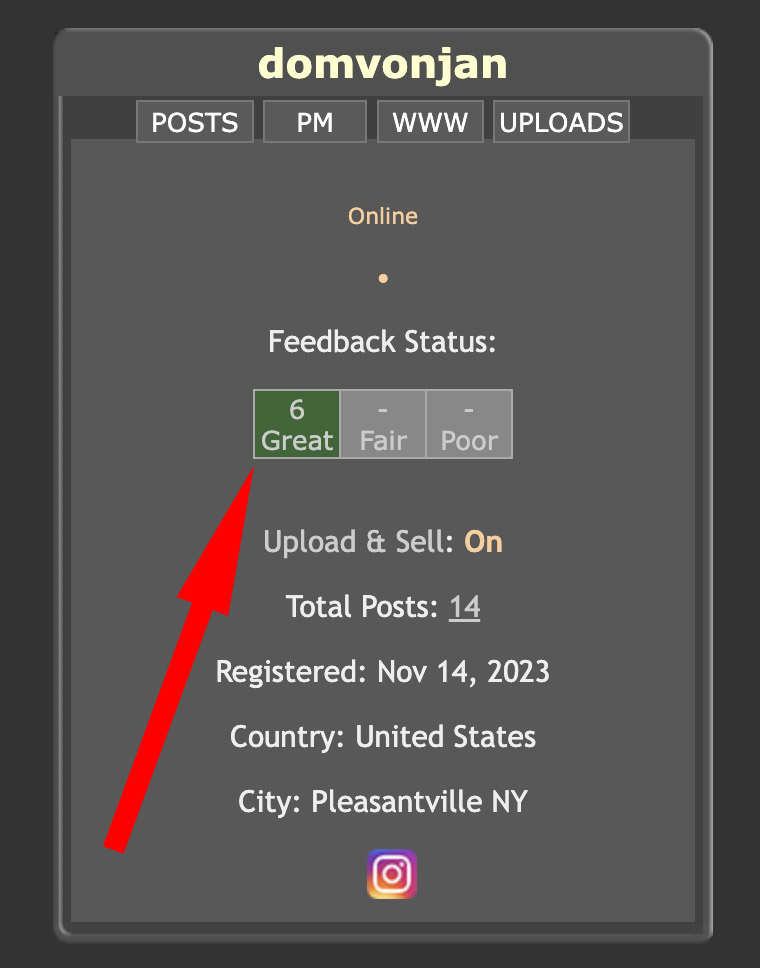
1. Where do I find reviews other users leave for me?
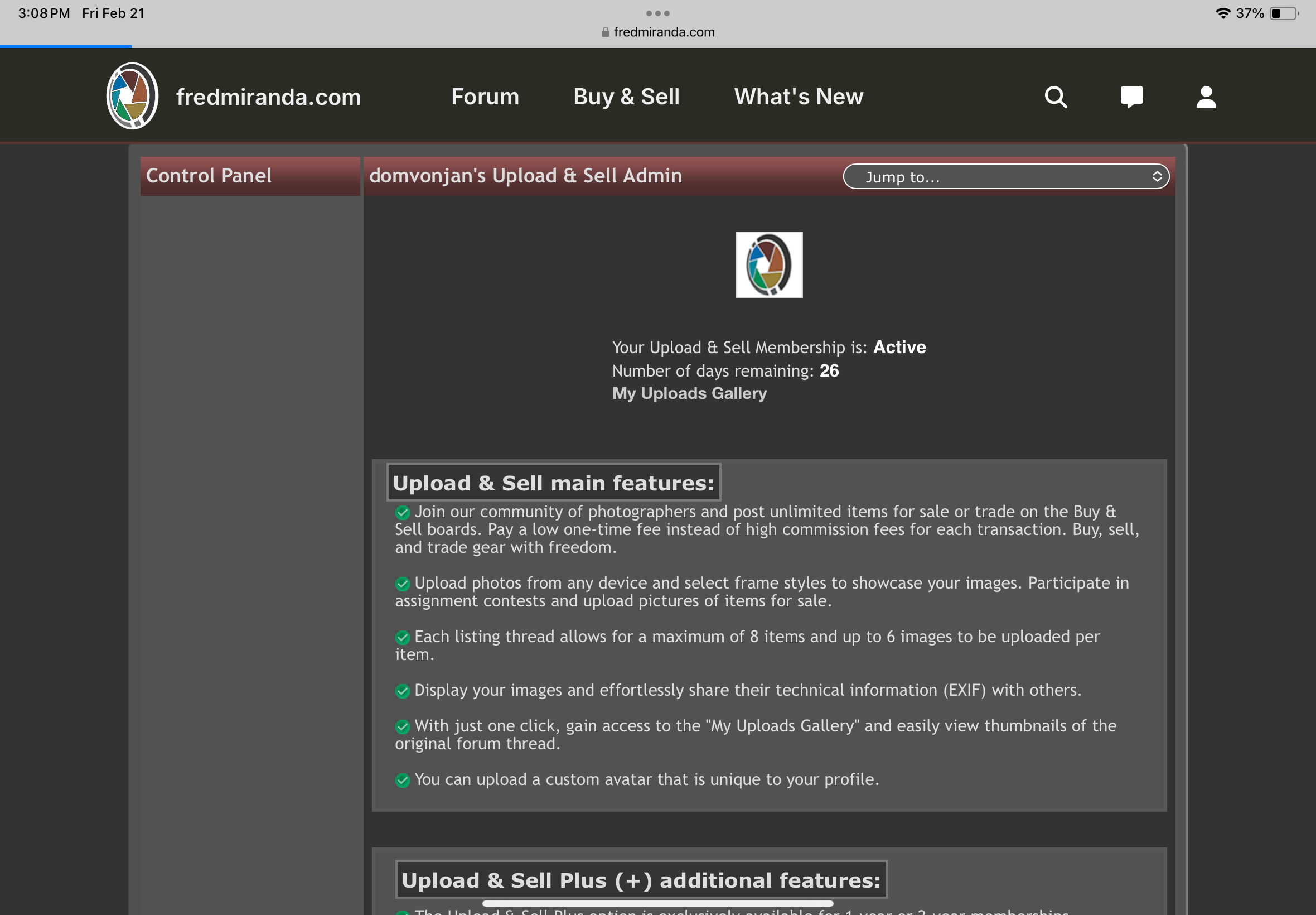
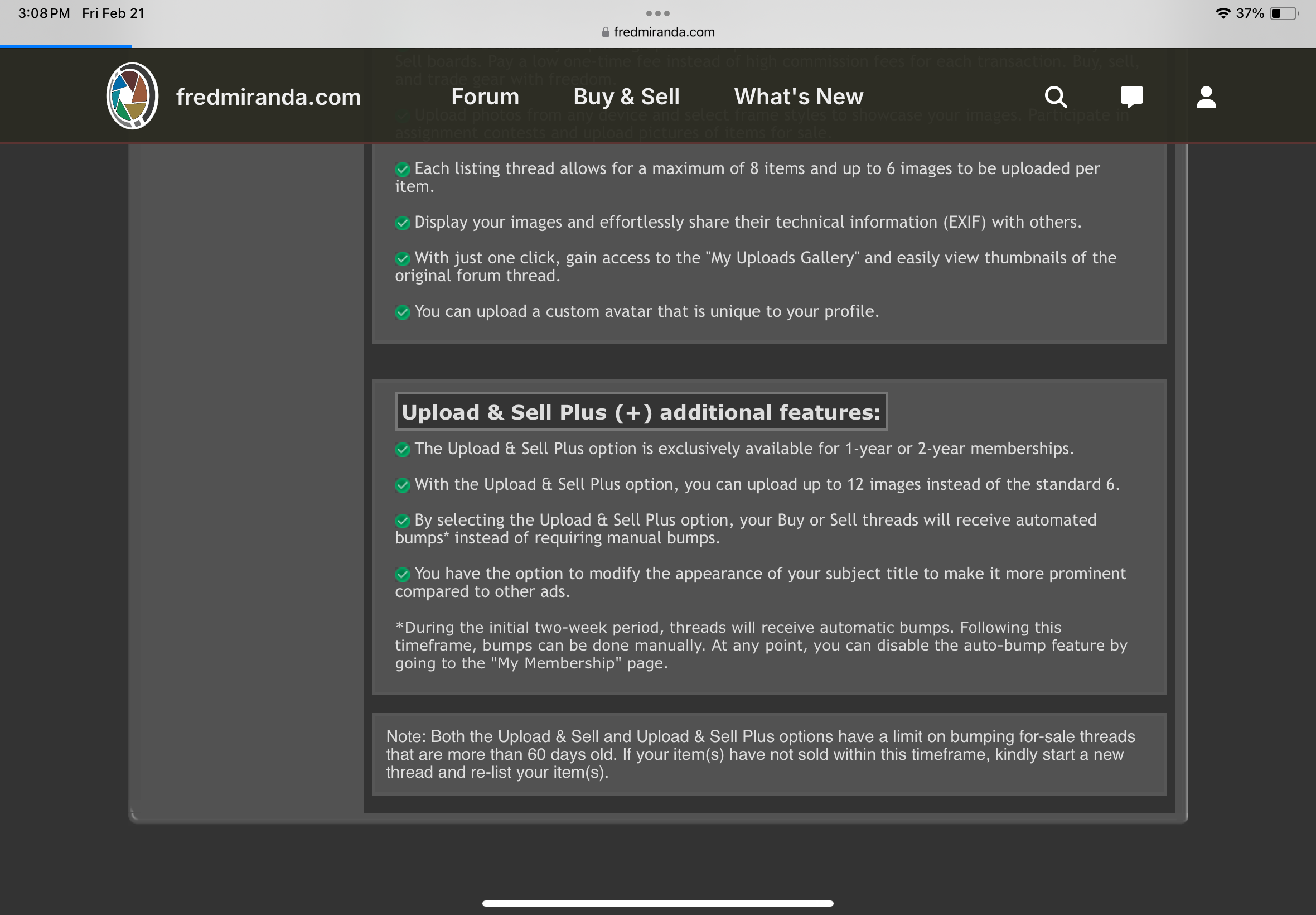
2. Where do I manage my subscription? The membership page only has information, no buttons that i.e. let me change my auto-renewal for the Upload & Sell function.
Thanks!
2. Where do I manage my subscription? The membership page only has information, no buttons that i.e. let me change my auto-renewal for the Upload & Sell function.
Thanks!
Thank you, found the reviews!
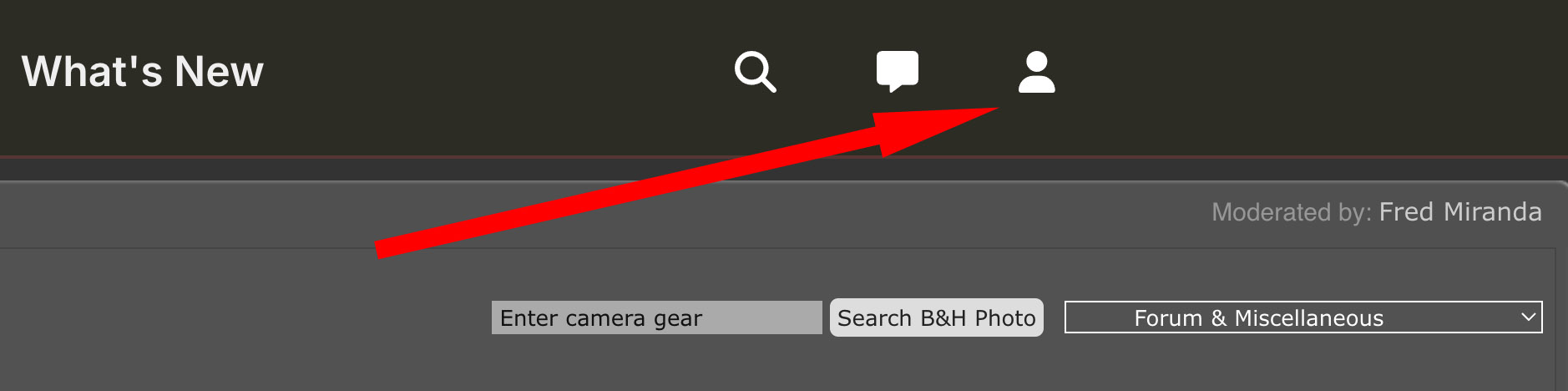
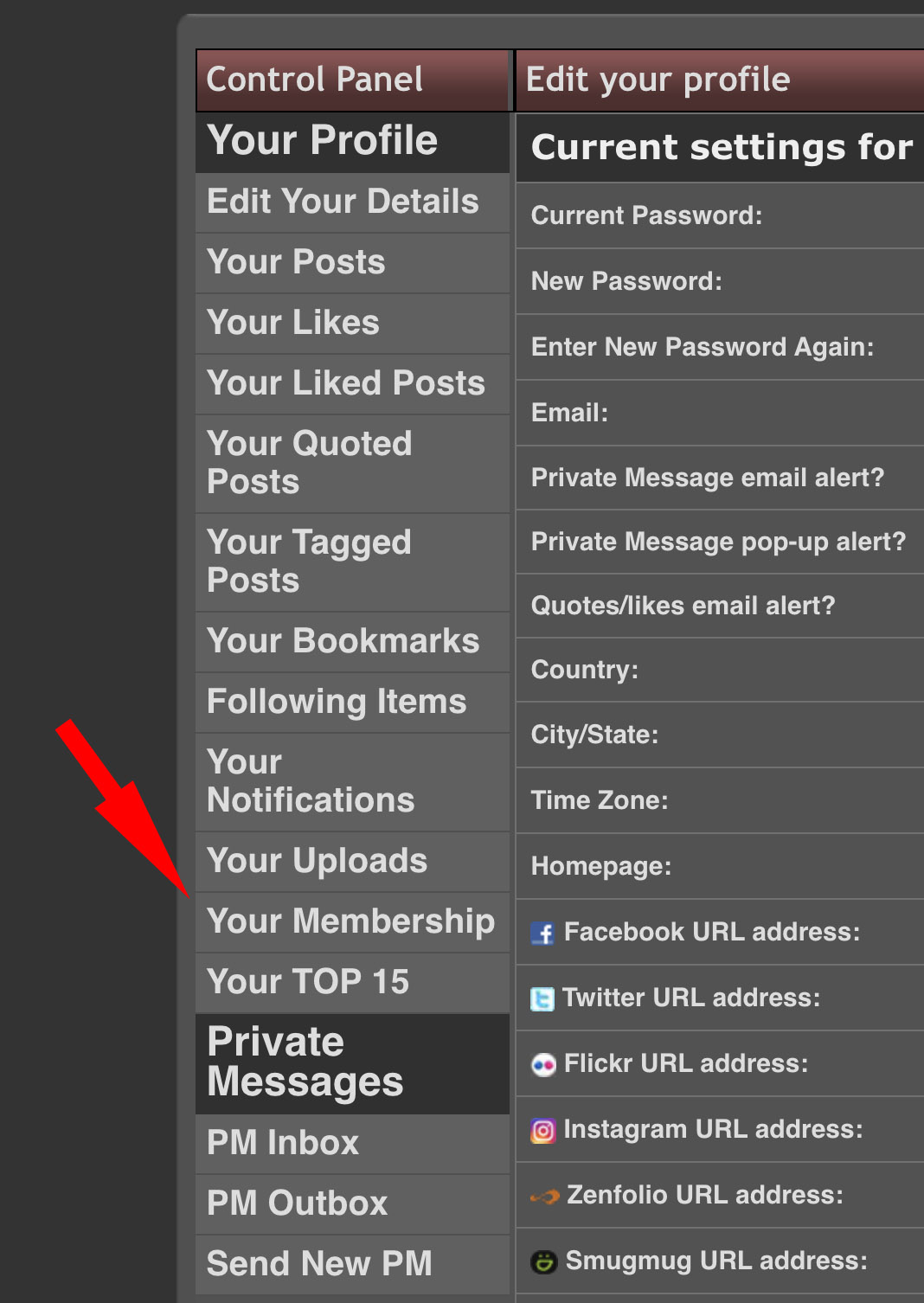
On the membership management page, there doesn’t seem to be any functionality, just the descriptions of the two membership levels. See screenshots.
Thanks!