Fred Miranda wrote:
I can’t replicate this in Windows 11 using Chrome. I’ve cleared the cache for the reply page. In your screenshots, the sidebars aren’t displaying correctly, which suggests a caching issue or a browser-specific problem. It may resolve on its own, or it could be a compatibility issue with the browser.
This was a Mac(latest version) or Windows 10 Fred
Dan
Danpbphoto wrote:
This was a Mac(latest version) or Windows 10 Fred
Dan
I still can't replicate this issue. Could you try clearing the site’' cache in your browser and perhaps restart your computer to see if that resolves it?
Fred
Fred,
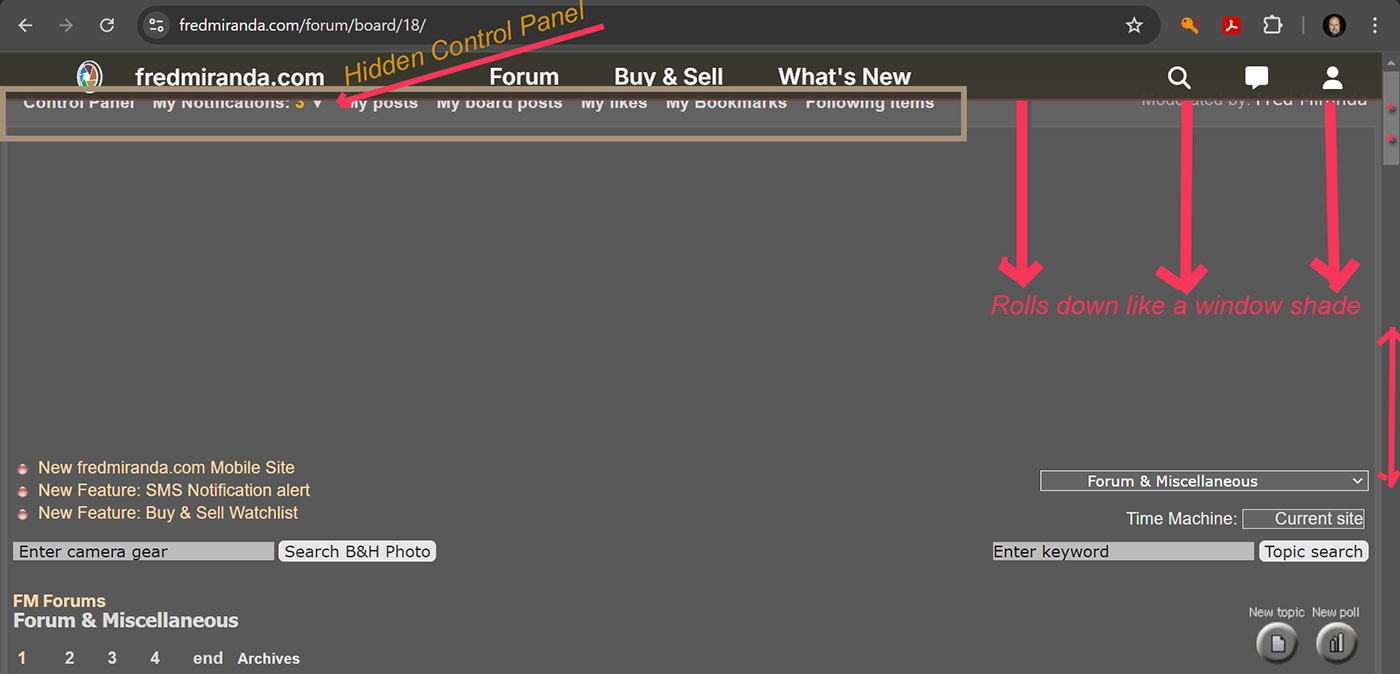
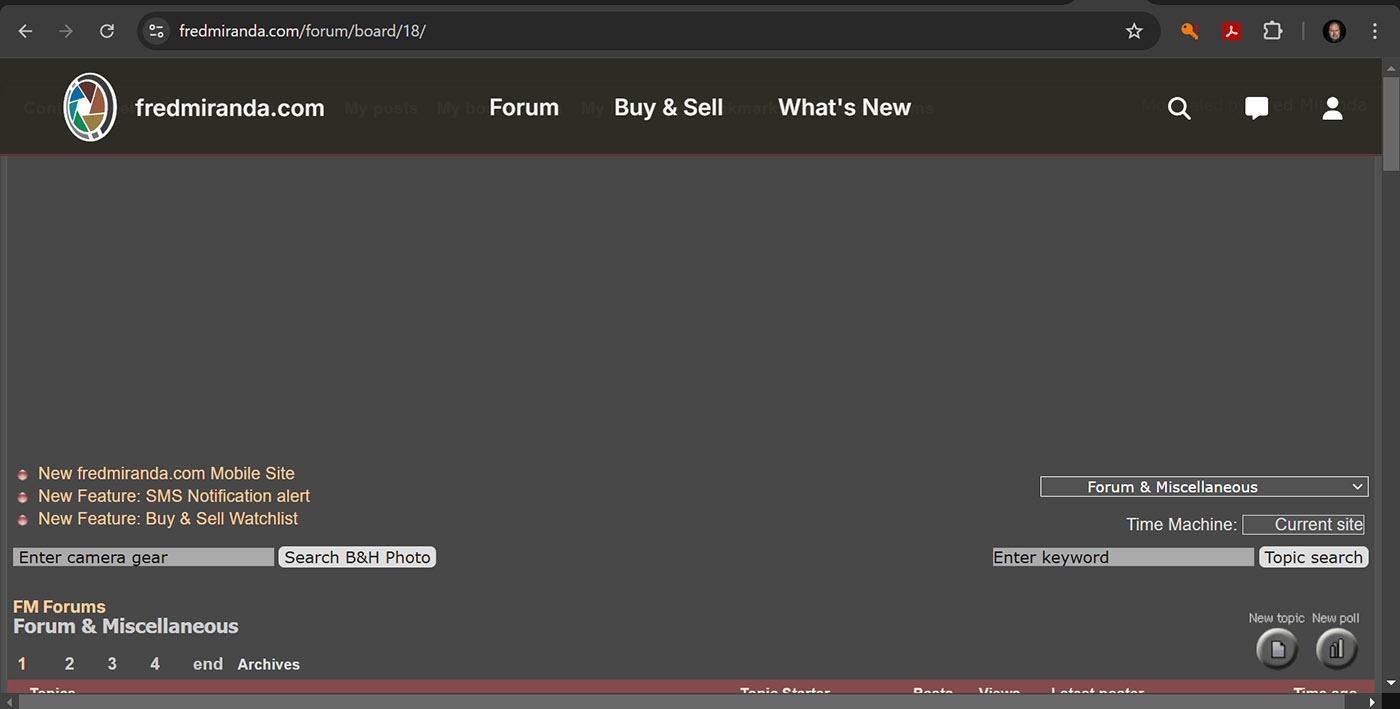
The top banner is rolling up and down in height when you pull the right side scroll bar to it's extremes. It took about 12 tries to capture this using the windows "print screen" keyboard button., but I can just see what gets covered up (the "control panel") by the banner. When I did my old html web site I had to have "index" numbers for the order of layering to determine what is on top of what, but your site is a whole other thing. Here are the captures. #2 is what I see 100 of the time. Didn't you use to have a broad maroon to blackish gradient bar between the header and body of the page?
Jim
I can’t replicate this. Which OS and browser are you using?
James Markus wrote:
Fred,
The top banner is rolling up and down in height when you pull the right side scroll bar to it's extremes. It took about 12 tries to capture this using the windows "print screen" keyboard button., but I can just see what gets covered up (the "control panel") by the banner. When I did my old html web site I had to have "index" numbers for the order of layering to determine what is on top of what, but your site is a whole other thing. Here are the captures. #2 is what I see 100 of the time. Didn't you use to have a broad maroon to blackish gradient bar between the header and body of the page?
Jim...Show more →
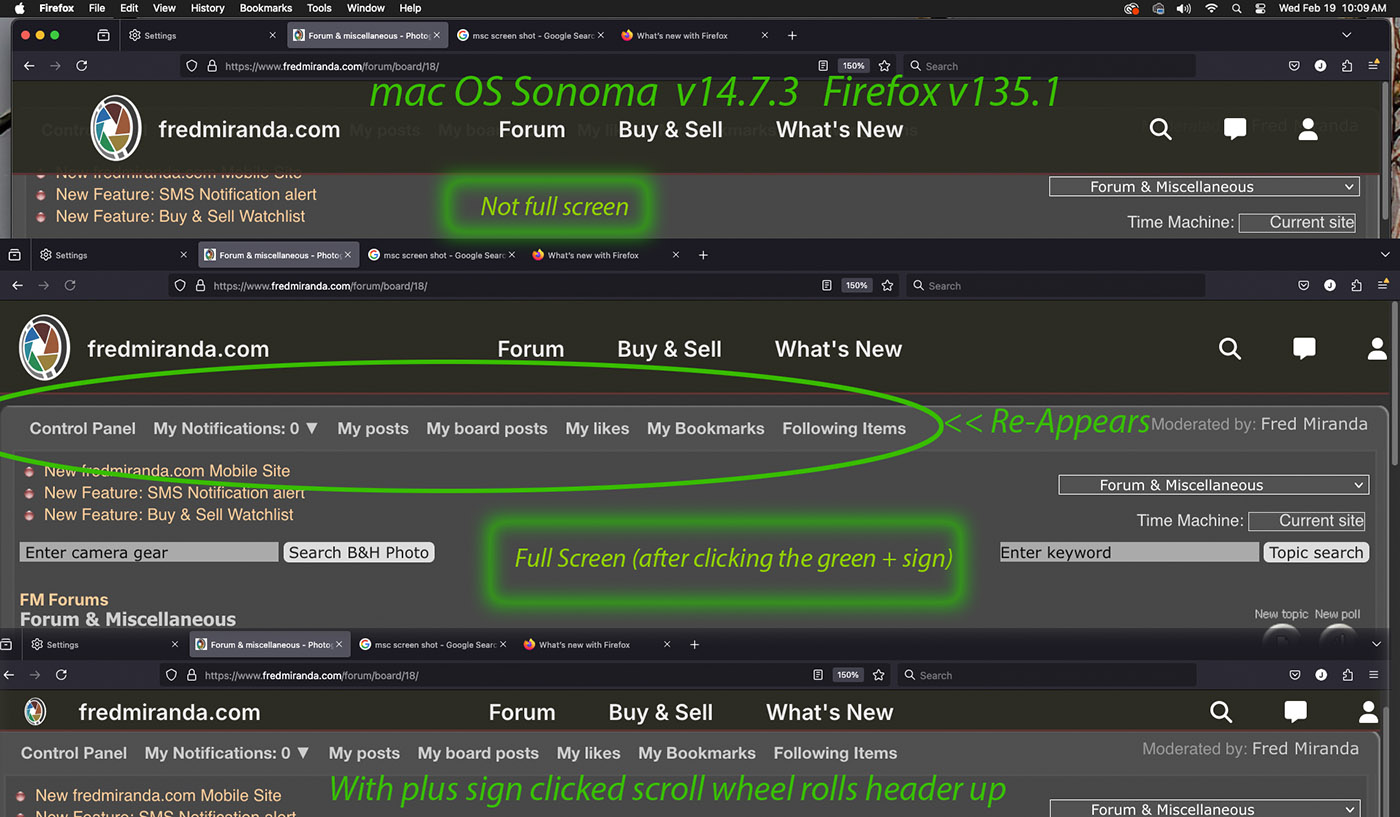
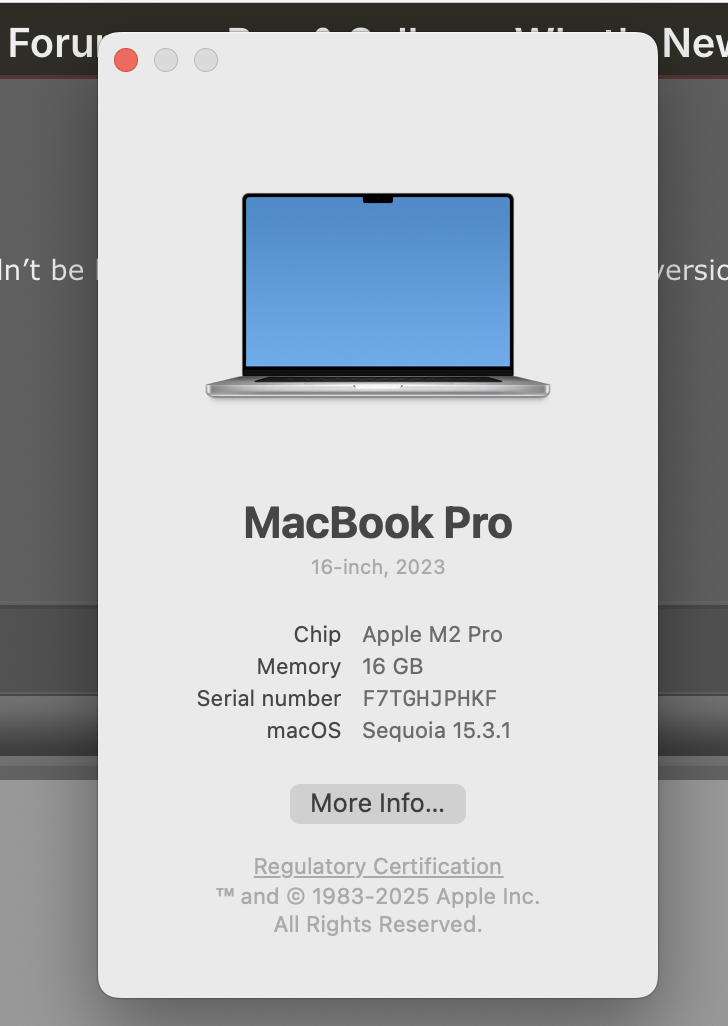
The previous post was Windows 10 pro, and Chrome's latest version. On Firefox v135 it also does it, However, I can't get it to show as much. The control panel bar is also covered up on Mac Sonoma 14.7.3 with Firefox v135 and Chrome.
Also, there is a lot of unused space under the header? It seems the background color is preeminent (on top of) whatever is suppose to be there? Or maybe it is pushing the rest of the page down?
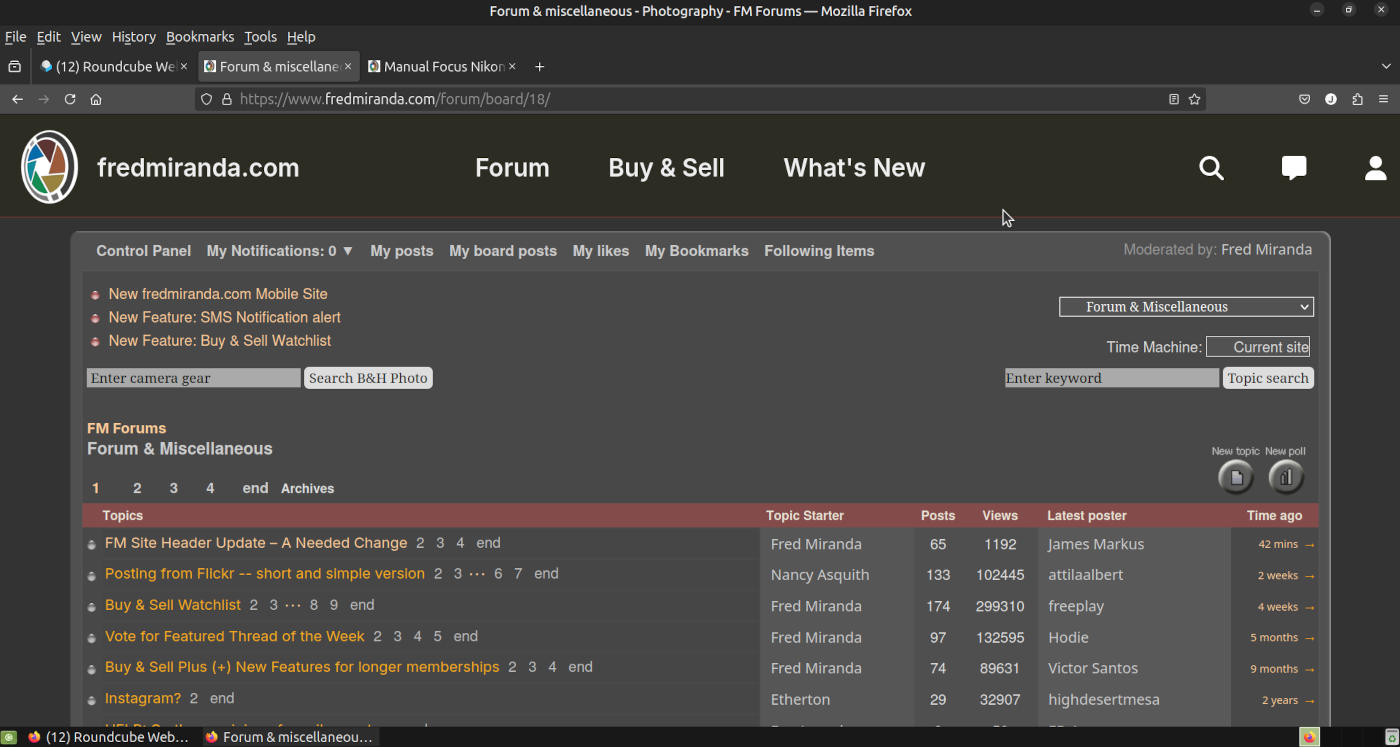
Here is the exact same computer (Windows 10 pro), but running native Ubuntu MATE 24.04.2 and Chrome (it is a dual boot computer, not a virtual machine on top of Win10 using VirtualBox etc) Formatting looks fine.
Edit: oops that was Firefox v135 - I'll get Chrome next
Fred Miranda wrote:
I can’t replicate this. Which OS and browser are you using?
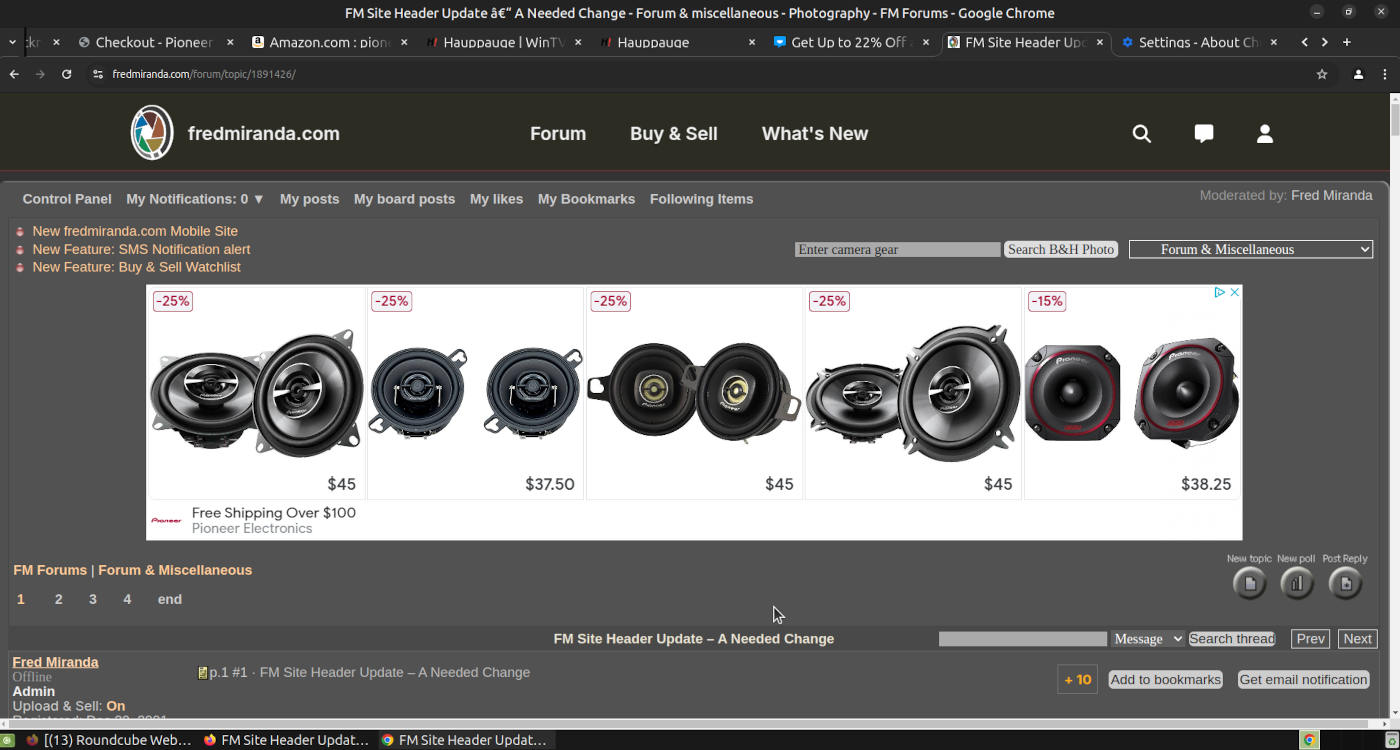
Here is Chrome v133.0.6943.126 on the same ubuntu 24.04.2 computer. I see now what is suppose to go in that space under the header that I saw in Windows 10 - a banner ad. Apparently Firefox blocks it, and Chrome doesn't. Either way - in Ubuntu neither browser cover the control panel with the header.
BTW - I didn't buy tweeters from Pioneer - just shopping
I checked if there were any updates to Chrome or Firefox on the mac, and there were small incremental updates available. Chrome is now working properly, but Firefox is covering the control panel unless you make the application full screen. Firefox is now v135.0.1, and Chrome is v133.0.6943.126
Fred Miranda wrote:
I still can't replicate this issue. Could you try clearing the site’' cache in your browser and perhaps restart your computer to see if that resolves it?
Fred
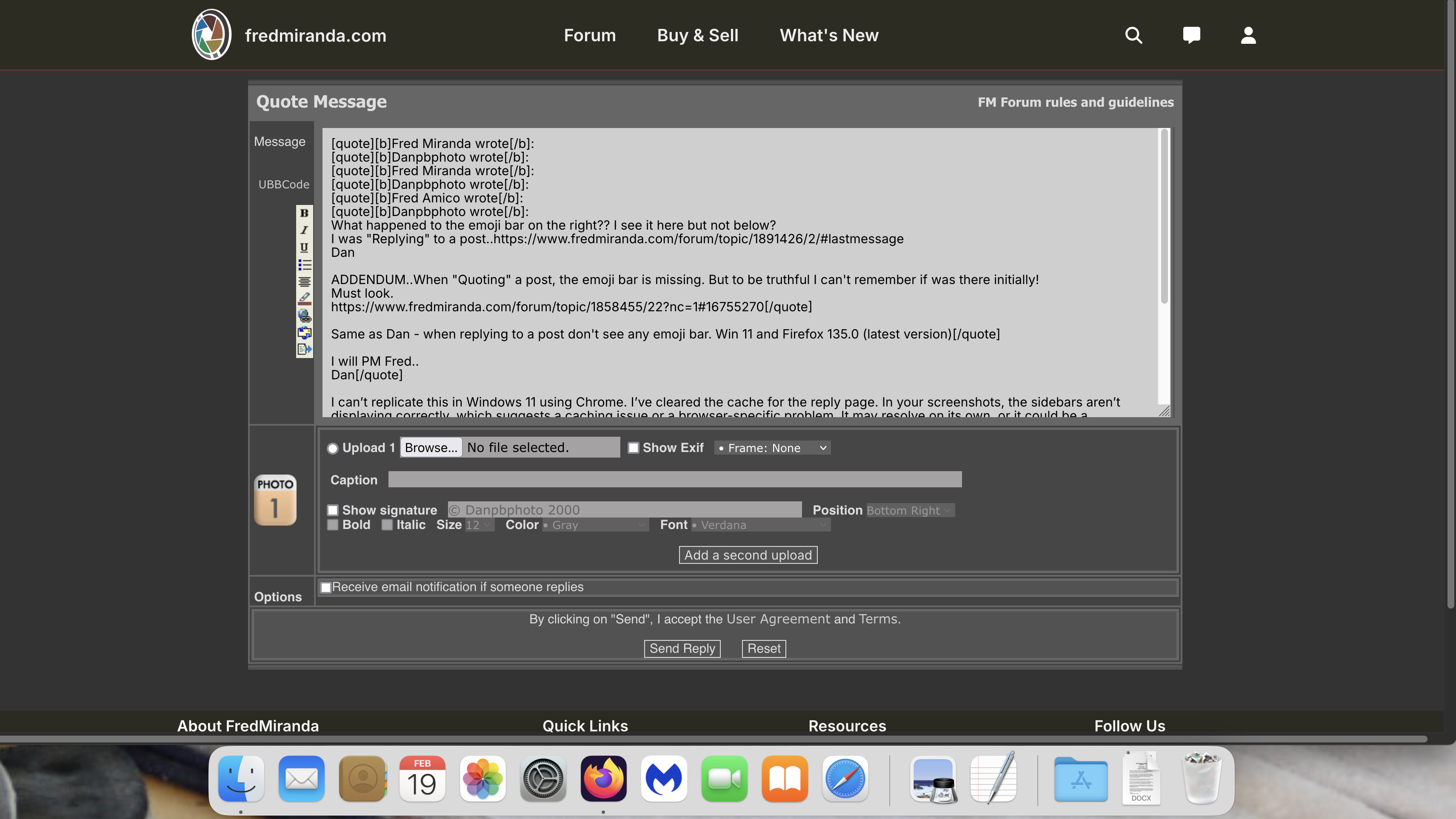
Cleared cache and restarted..still no emoji bar on right...
If anyone does have the emoji bar on the right when "Quoting and adding a reply that HAS the emoji bar..Please post it for me...
Fred Miranda wrote:
I still can't replicate this issue. Could you try clearing the site’' cache in your browser and perhaps restart your computer to see if that resolves it?
Fred
Danpbphoto wrote:
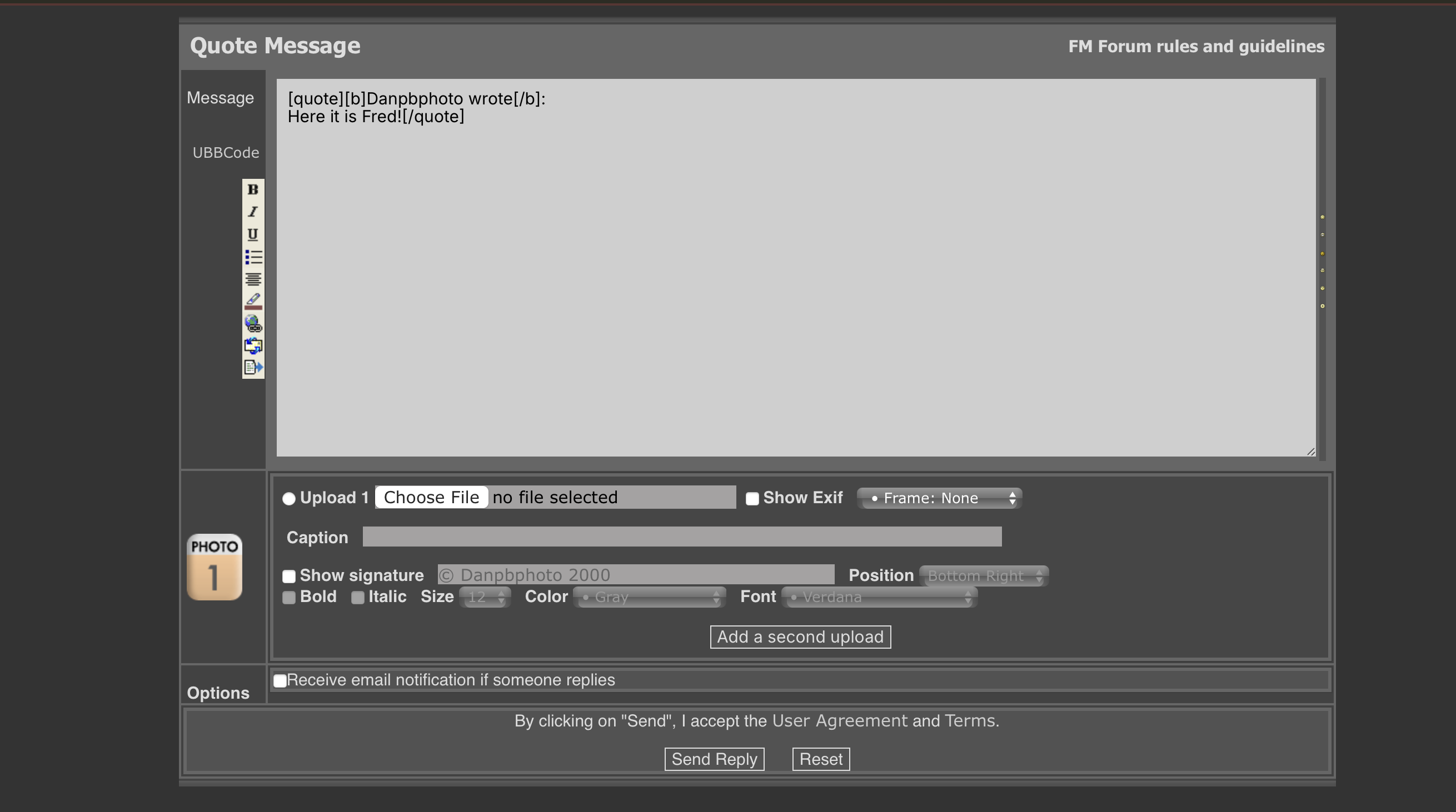
Here it is Fred!
OK Fred..I switched to Safari..I did not think about this in previous posts..
The screenshot shows the emoji bar, at a very reduced size, but it is there!!! Also when I click on 1 of them it does not "present" that emoji but 2 headers open..1 at the top and 1 at the bottom and presents the "post" on a single screen that you have "><" to go between posts.
Dan
Dan
Like others, I am unable to
log in on my laptop, via both the latest version of
the Google Chrome browser and
Vivaldi browser, latest version. Using the latest version of windows 11. I can enter the user name, but space to enter the password is covered by the site header. Hopefully I have missed a solution or work around, as I have not read
all the messages under this topic.
Update: Just checked and the site works fine, no problem logging in, on my desktop computer, with 24" monitor.
Problem appears to be a config problem with a 12" laptop screen. Works fine also on my Google Pixel Android phone.
Danpbphoto wrote:
OK Fred..I switched to Safari..I did not think about this in previous posts..
The screenshot shows the emoji bar, at a very reduced size, but it is there!!! Also when I click on 1 of them it does not "present" that emoji but 2 headers open..1 at the top and 1 at the bottom and presents the "post" on a single screen that you have "><" to go between posts.
Dan
Dan
I made some changes to the code, let me know if it fixed it or not.
jstrawman wrote:
Like others, I am unable to
log in on my laptop, via both the latest version of
the Google Chrome browser and
Vivaldi browser, latest version. Using the latest version of windows 11. I can enter the user name, but space to enter the password is covered by the site header. Hopefully I have missed a solution or work around, as I have not read
all the messages under this topic.
Update: Just checked and the site works fine, no problem logging in, on my desktop computer, with 24" monitor.
Problem appears to be a config problem with a 12" laptop screen. Works fine also on my Google Pixel Android phone....Show more →
---------------------------------------------
alexsherrill wrote:
Just wanted to note when I go to login on chrome on my laptop the top header bar covers the password entry box.
It seems the issues some members have are mainly due to the settings and setup of their devices and not necessarily due to anything wrong with this website.
Here I am now on my Win 10 laptop (1920 x 1080px screen resolution) and everything looks and works fine using the latest Google Chrome.
With the display scale setting set to 125% the username and password textboxes are clearly visible although the green login button is partially obscured but still clickable and works.
Setting the display scale to 100% displays the entire web page nicely and comfortably within the browser window.
Users should ensure their browser caches are completely cleared so that any cached css or javascript files from prior the website updates are not still being used by their browser.
I think you need to be careful tinkering with the code to help a small number of members who have issues because too much tinkering could break the web pages for those who currently have no issues.
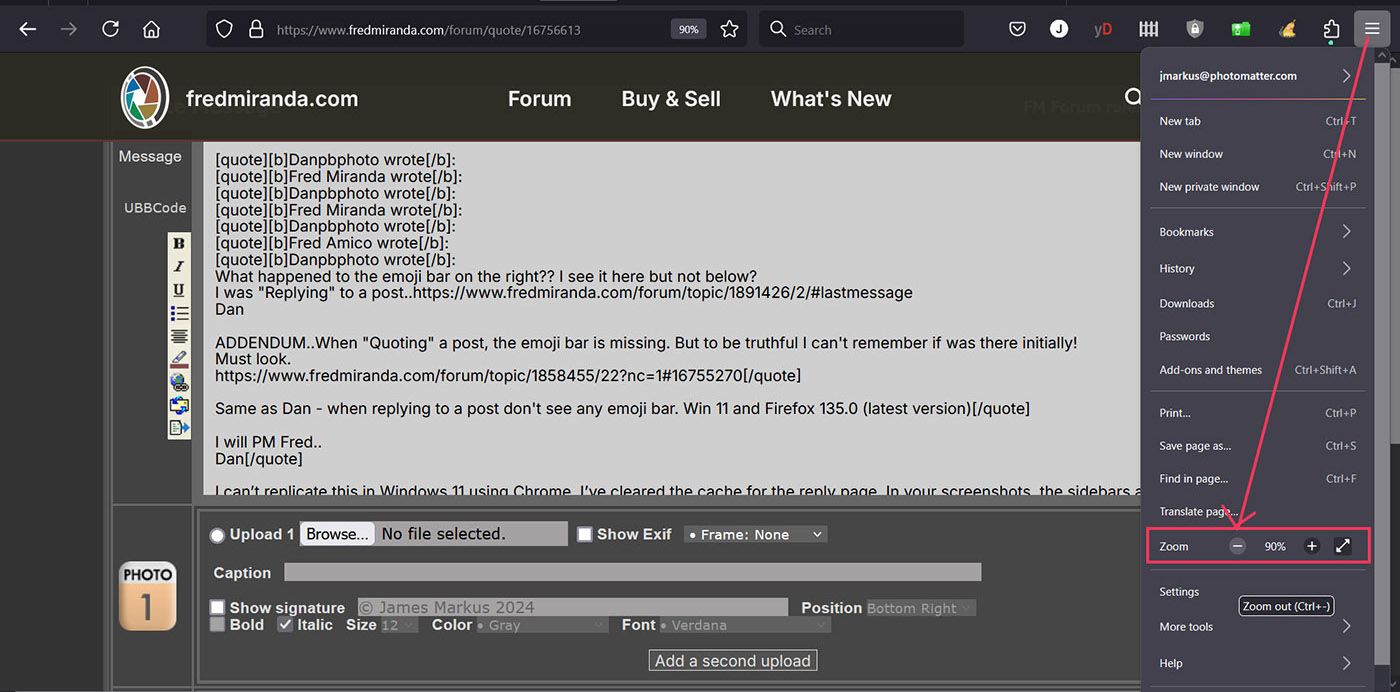
Dan, My emoji's were also missing. I changed the Firefox zoom level from 100% to 90% and they reappeared. I think Danny from OZ is correct - If 99% of the people are not having problems - I'd call that good enough. Thanks for the updates Fred!