Hi, Fred--Thank you for your work with this! My only issue is that I can edit My Profile (Edit your Details), but after editing, I can't find My Profile in a finished form that includes the "Short Bio" and "Signature and Current Gear." Thanks! --Frank
When going through and choosing topics and then clicking on them, on the home page under the column used to review photo submissions, the selected does neither change shade nor remain changed so I can tell which posts I have viewed. This is Win 11, on Edge- browser.
I mostly use the mobile version and have noticed a couple of issues:
From the Home page, clicking the Forum header doesn’t take me to the forums; it just refreshes the home page. I can click PM or another link and then access the forums but not using the top button on Home.
When I select the Sony board from Jump to Board on the Home page, the Sony forum never loads. I wait and wait and nothing happens. Works for others like General Gear and Post Processing but not Sony. Could be others but that’s all I’ve tried.
Fred Miranda wrote:
- Browser Version
- OS Version
- Mobile or Desktop?
- Guest or Logged In?
- URL to page causing the error.
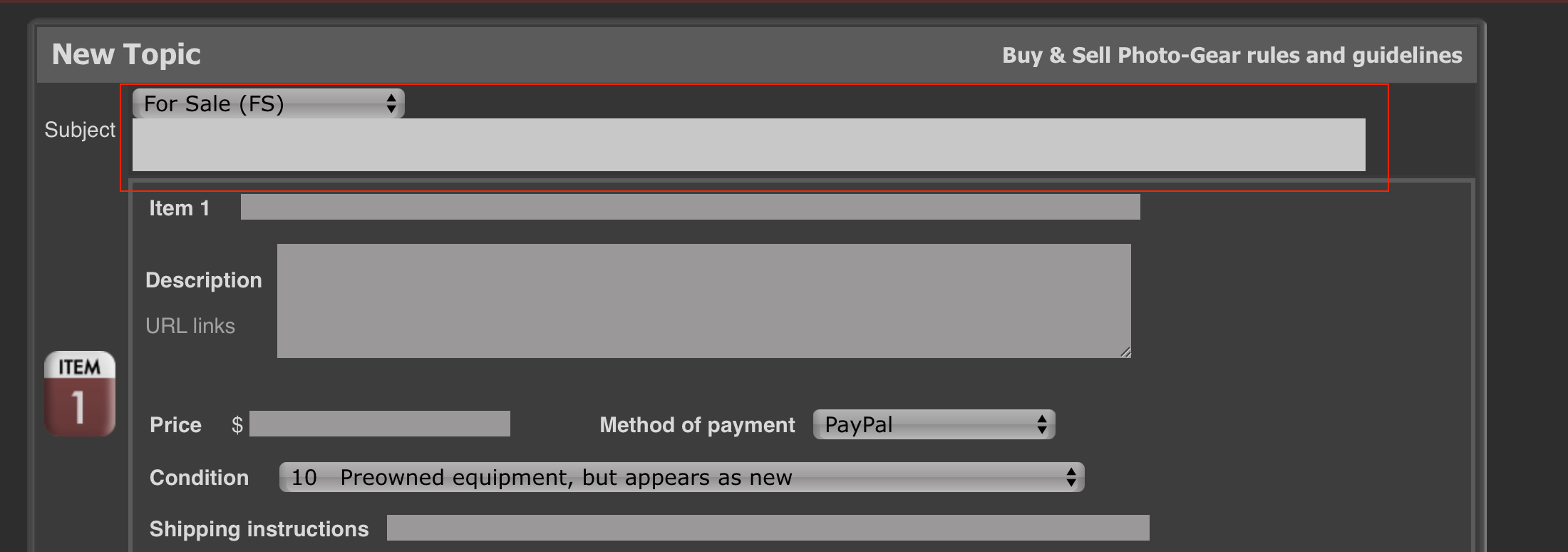
- Please include a screen shot if you think it will be useful.
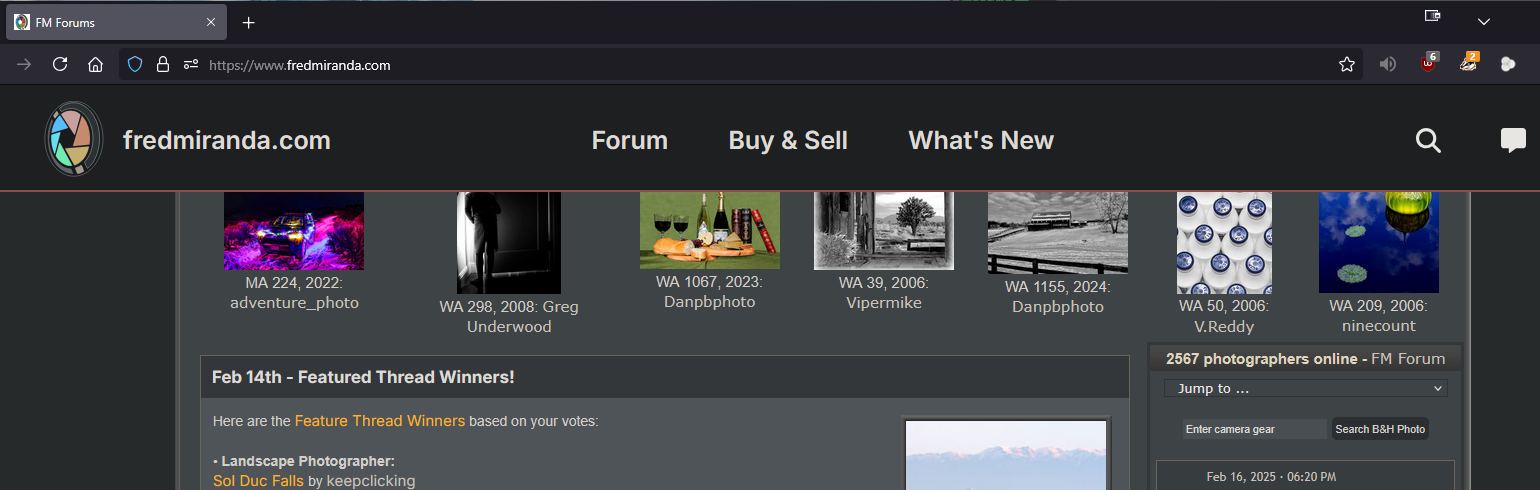
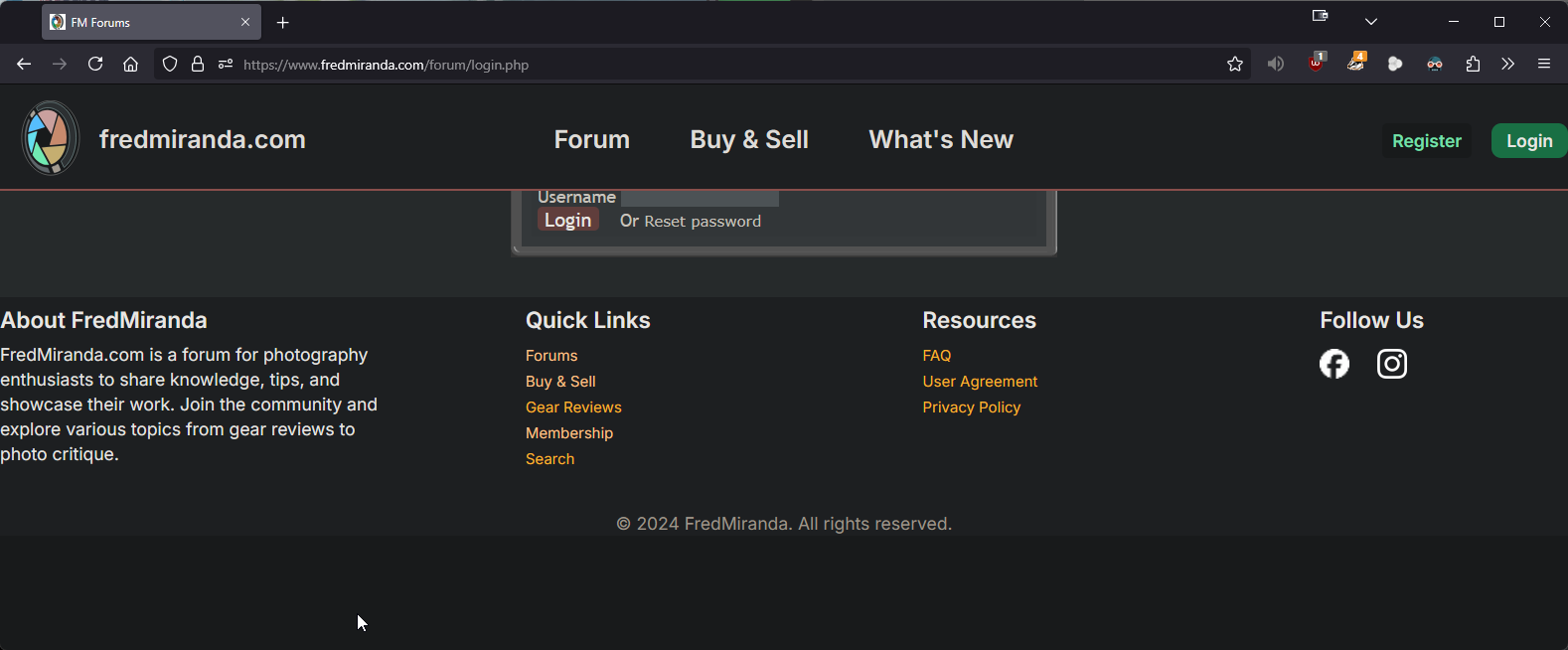
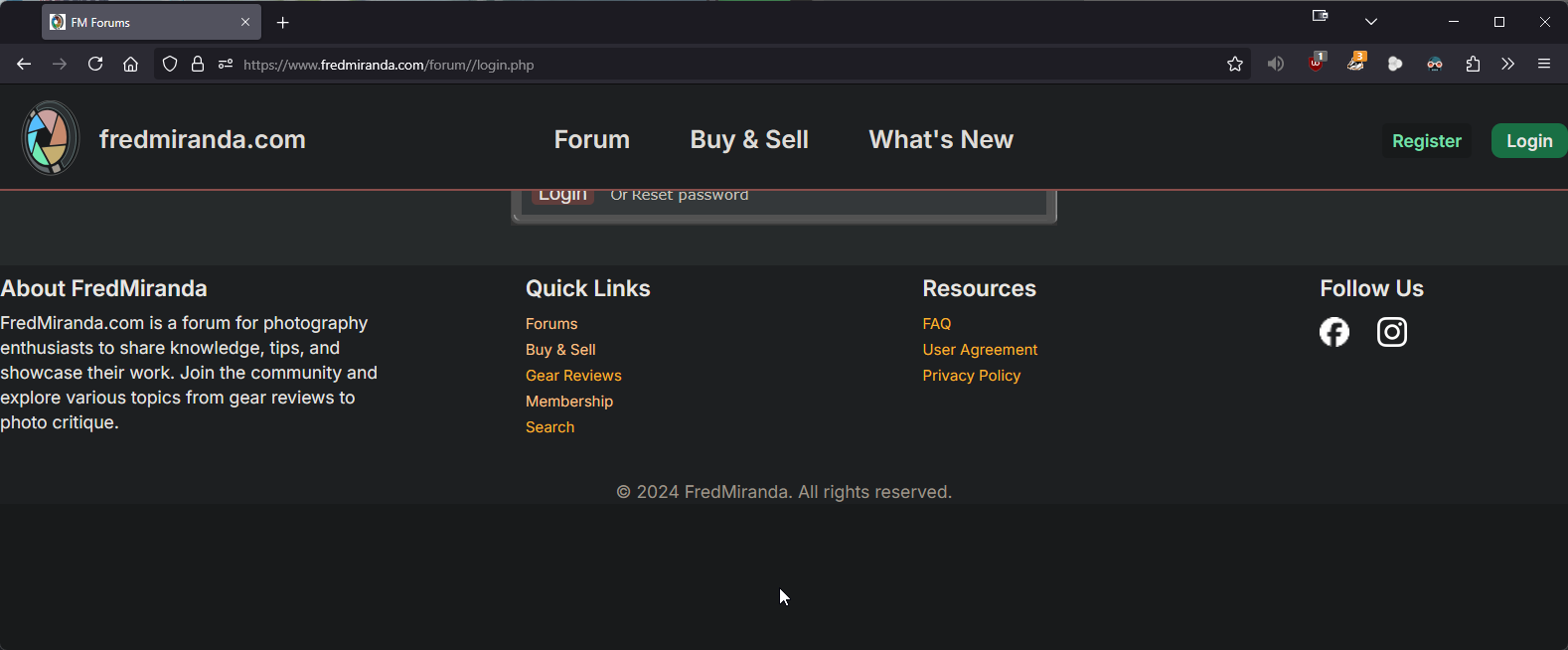
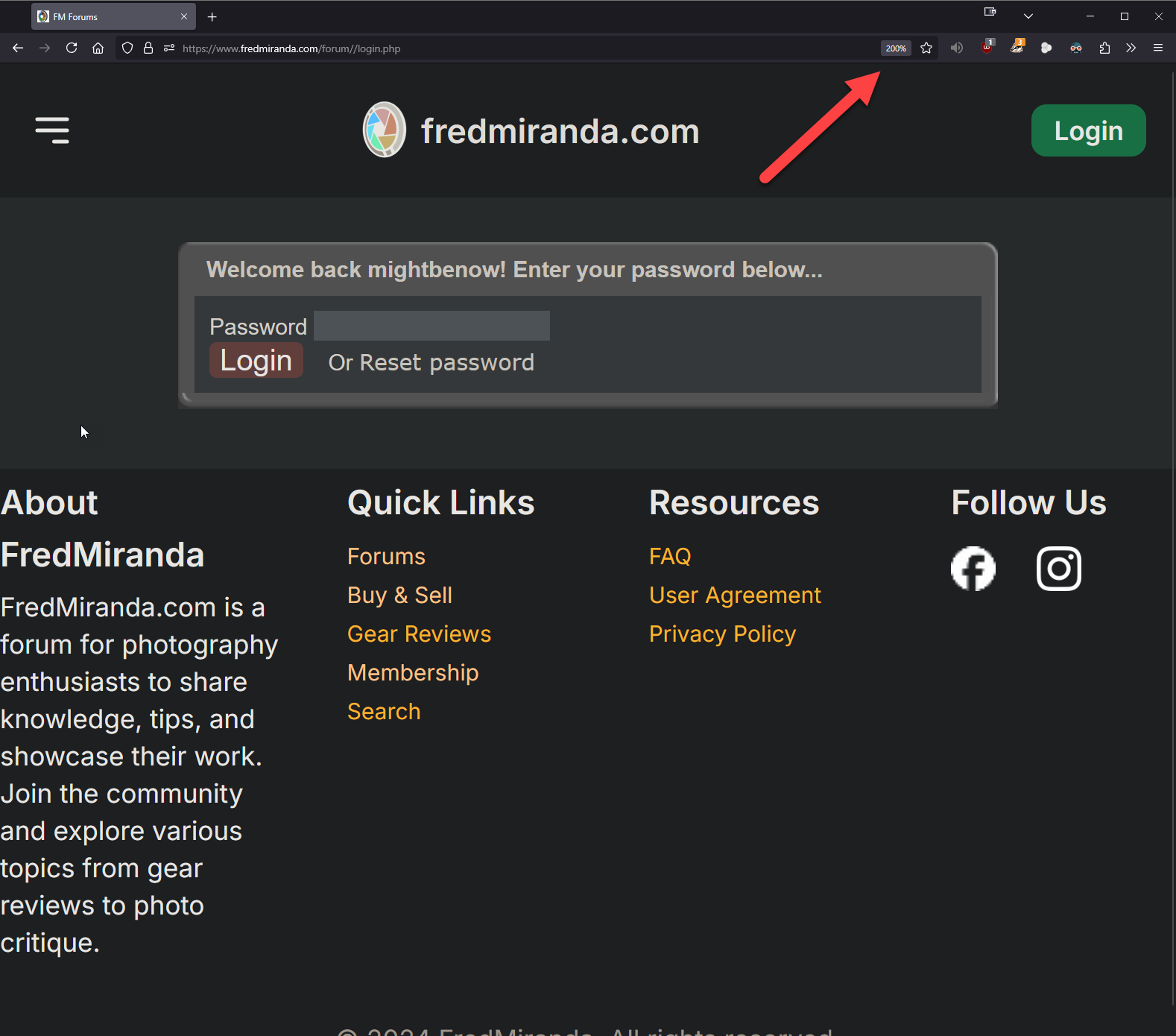
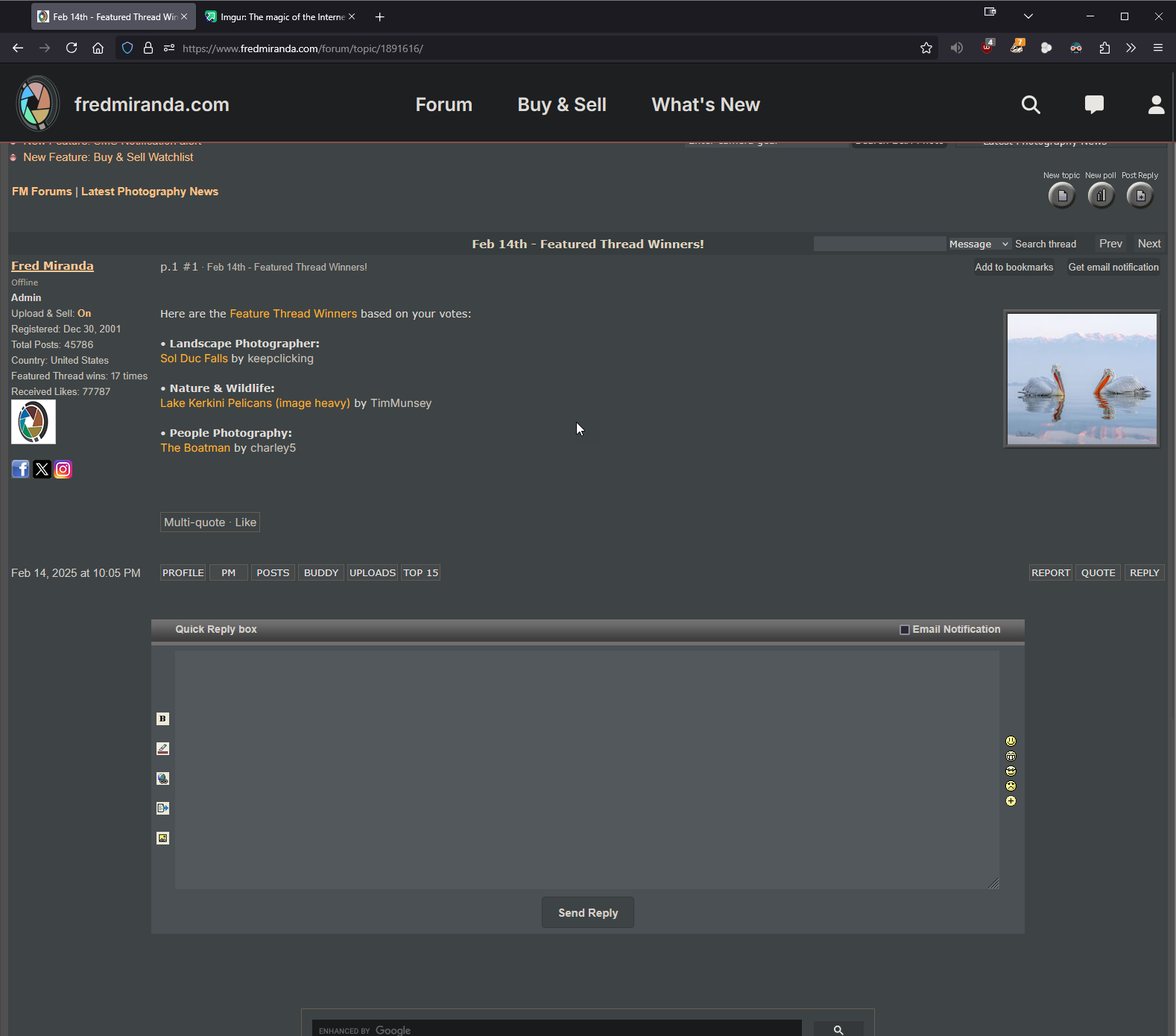
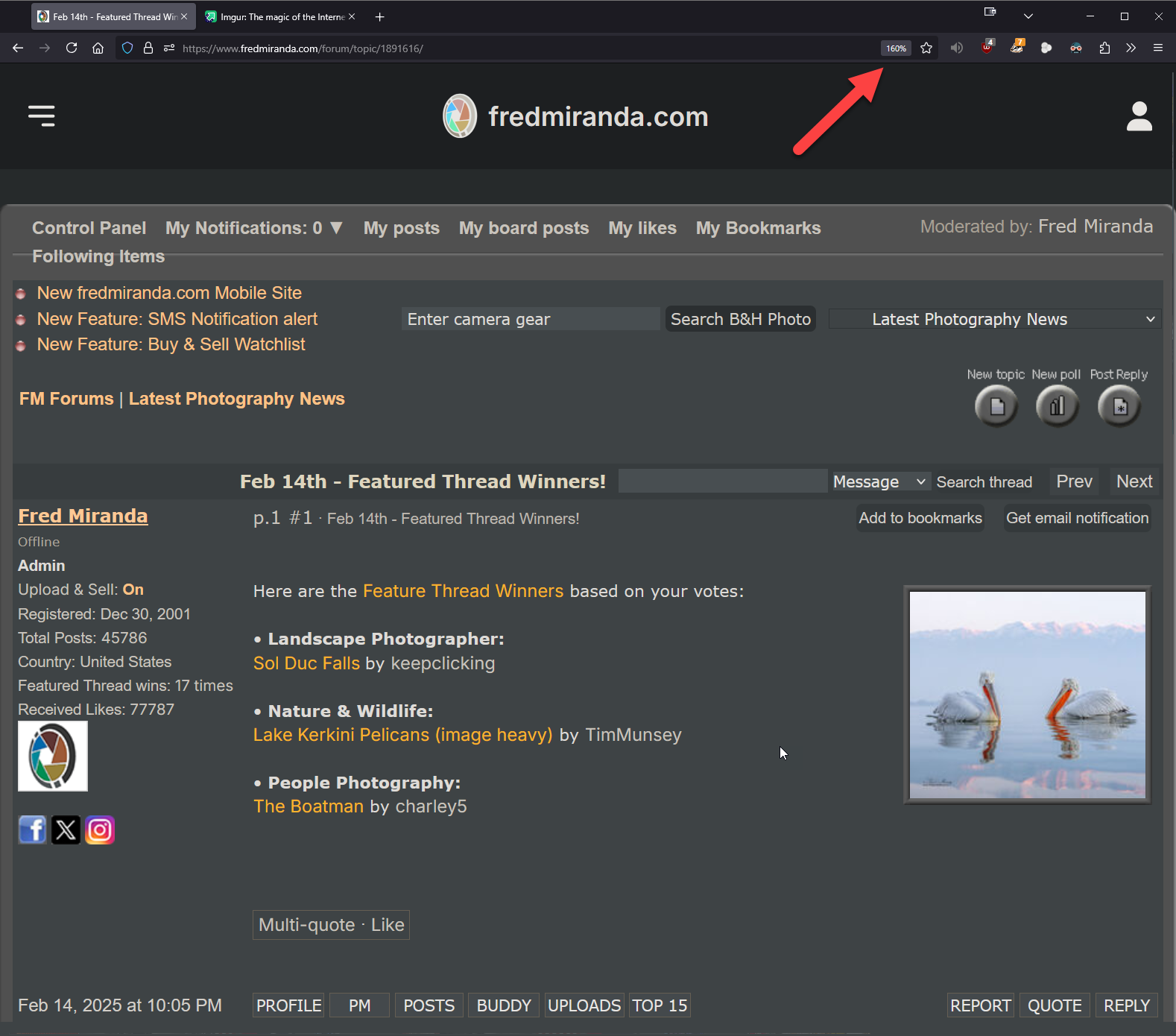
Seems like all pages on Desktop Firefox, v135.0 (latest update) with Windows 11, 24H2 (latest update), have the top cut off.
I also have Adblocker Origin & Privacy Badger enabled on Firefox, disabling them didn't seem to fix anything.
Couldn't login without zooming in the page to 150-200%, to hide the top banner, and to see the password box or top of any page.
vbnut wrote:
In the "latest posts" lists on the right side, I used to be able to tell which items I had visited in the past. IIRC, visited items were a different shade of yellow/orange than unvisited items. Now all the items in those lists are white, and there doesn't seem to be any way for me to see which ones I have visited in the past.
I forgot to include this info:
- Browser Version: Firefox 135.0 (64-bit)
- OS Version: Windows 10 Pro Version 22H2
- Mobile or Desktop?: Desktop
- Guest or Logged In?: Logged In
- URL to page causing the error?: https://www.fredmiranda.com/
- Please include a screen shot if you think it will be useful.
In the red-circled area of the screenshot below, the distinction between previously visited and unvisited links is clear, while in the blue-circled area, previously visited and unvisited links are indistinguishable.
- Browser Version: Firefox 135.0 (64-bit)
- OS Version: Windows 10 Pro Version 22H2
- Mobile or Desktop?: Desktop
- Guest or Logged In?: Logged In
- URL to page causing the error?: https://www.fredmiranda.com/
- Please include a screen shot if you think it will be useful.
In the red-circled area of the screenshot below, the distinction between previously visited and unvisited links is clear, while in the blue-circled area, previously visited and unvisited links are indistinguishable.
Same issue. Header covers too much of the, so controls cannet be accessed
Browser Version: safari
- OS Version: ipadOs
- Mobile or Desktop?: Desktop
- Guest or Logged In?: Logged In
- URL to page causing the error?: whole site
Fred,
I'm having serotonin withdrawal - missing the "Control Panel" bar that was just under the header. I never realized how I looked for that ""My Notifications:" # first. I think my brain gets a little hit every time I saw that orange number. Now, I don't see any notifications anywhere? Desktop, logged in, Win10 64bit, FF v135.0 64bit - I will check my mac, and Linux machines. I like how you have remained true to the original color aesthetics. Quite a task taking on a rolling upgrade - I'm sure it will end up being even better than before.
Jim
EDIT:
In Ubuntu MATE v24.04.2, Desktop, Logged In, FF v135.0 - Notifications are there
In mac Sonoma v14.7.3, Desktop, Logged In, FF v135.0 - same issue of missing notifications as Win10 with FF
mightbenow wrote:
Seems like all pages on Desktop Firefox, v135.0 (latest update) with Windows 11, 24H2 (latest update), have the top cut off.
I also have Adblocker Origin & Privacy Badger enabled on Firefox, disabling them didn't seem to fix anything.
Couldn't login without zooming in the page to 150-200%, to hide the top banner, and to see the password box or top of any page.
Hope this helps!
I see the same thing.
FWIW, I have my FM username and password saved in Firefox's password manager, so after I click on the "Login' button on the main page, and it takes me to the password page, I just type Tab enough times to get me to the password field, then type Return to login. I used to have to type Tab 4 times, but after the update it's 7 times. This works even though I can't see the password field, so it might be a helpful workaround until Fred fixes this.
SoaringSprite wrote:
I am unable to log in via Safari on my MacBook using the normal login method with the new header implemented. Although my username appears via password autofill, I can’t get past the username to enter my password. When I hit the “Login” button, nothing happens beyond that. It worked via my iPhone, so that’s how I’m able to reply here.
I have encountered this issue a few times, too, including before the update.
It happened when using the login links at the bottom of forum pages. I was still able to log in using the login links on the main page at that time.
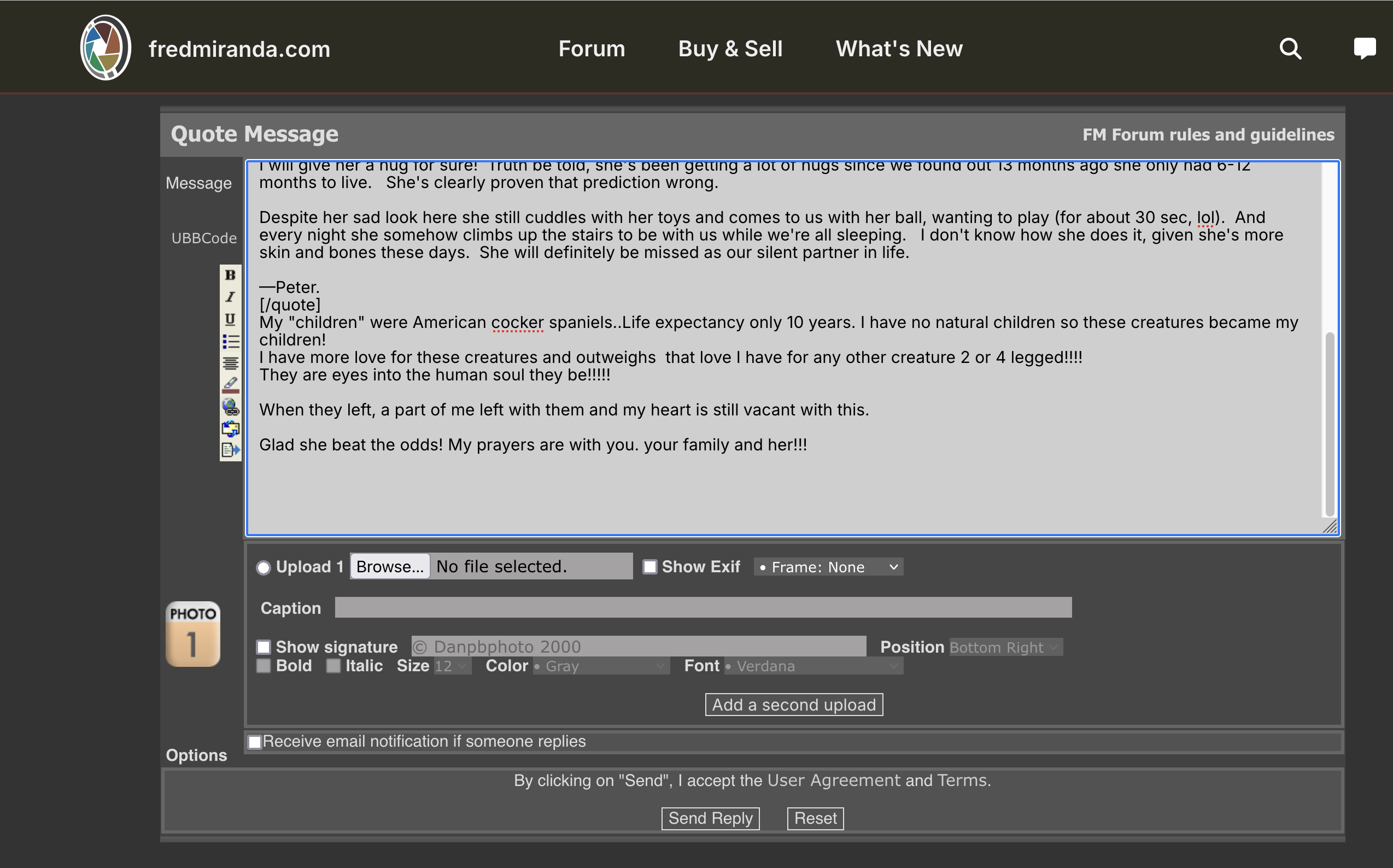
I can’t replicate this in Windows 11 using Chrome. I’ve cleared the cache for the reply page. In your screenshots, the sidebars aren’t displaying correctly, which suggests a caching issue or a browser-specific problem. It may resolve on its own, or it could be a compatibility issue with the browser.