domvonjan wrote:
Thank you, found the reviews!
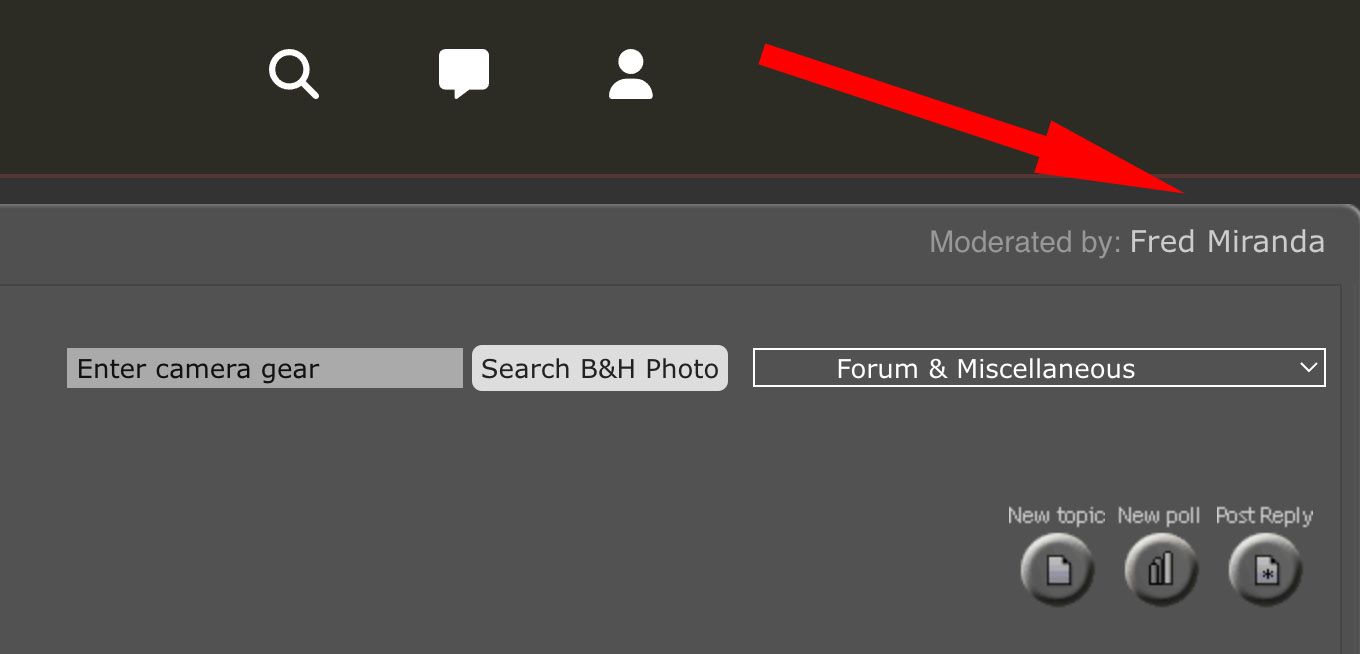
On the membership management page, there doesn’t seem to be any functionality, just the descriptions of the two membership levels. See screenshots.
Thanks!
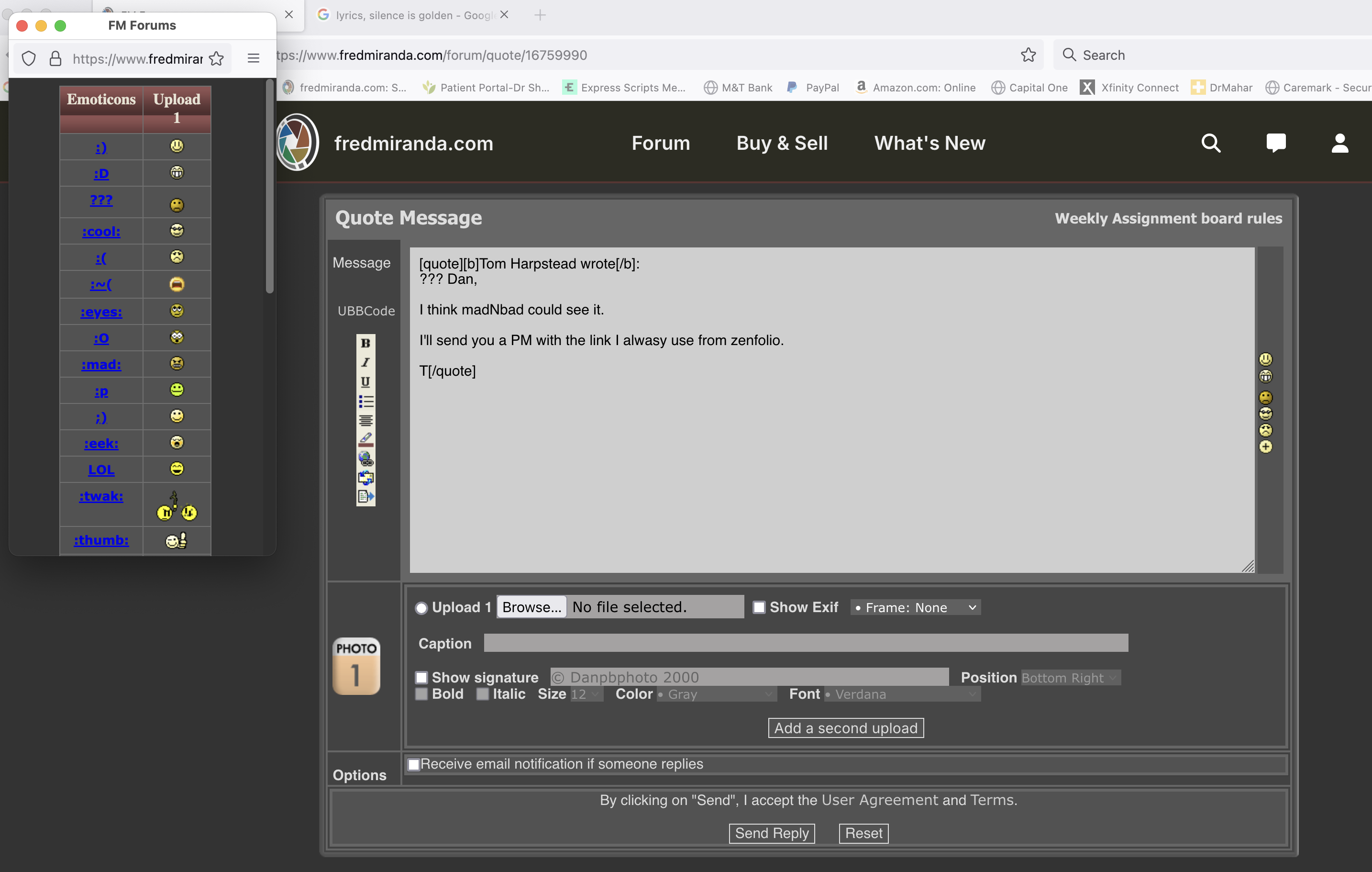
Something has happened Fred! Everything appears to be a bit haywire! Many emojis gone..on Left of "QRB" the "B(old)" shows but the rest is text.
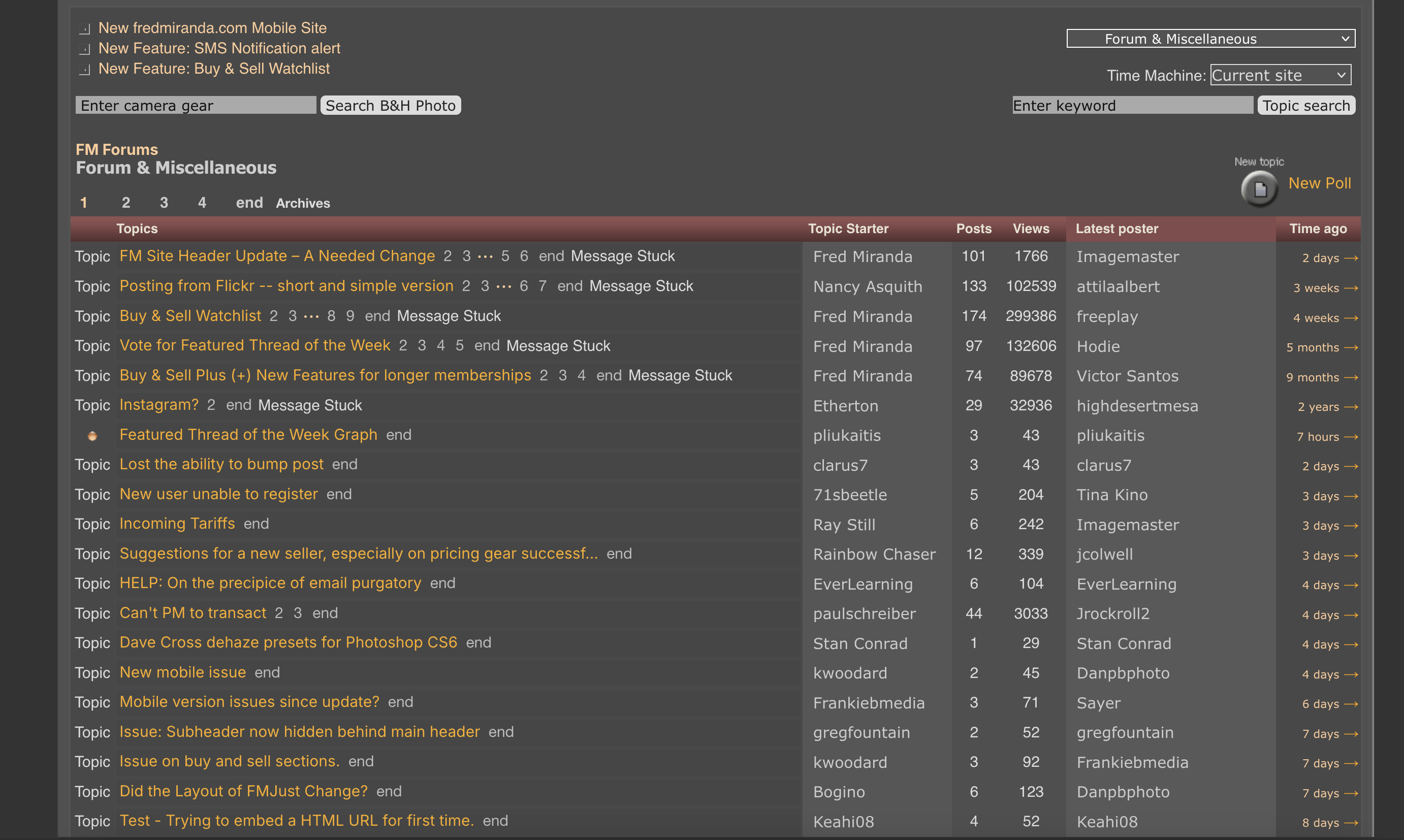
The Home Forum Page looks like the attachment..
Dan
No problems with the new layout per se, the update is welcome. However, the Buy & Sell pages don't display properly on Firefox & Chrome (tried it on both Mac & Windows, same results). Safari on MacOS has no issues.
On Firefox, the first column with the 3 icons indicating New item, item update or price reduced display doesn't display/render correctly:
On some rows, the little icons don't seem to get fetched correctly, on others, the alternative text displays next to displayed icon, resulting in the overall column width for the first column to be very wide (vs. just the width of the 3 icons on Safari).
Log in problem with safari on iOS using saved log-in credential but no a problem with safari on MacOS. So far the experience after the update has been quite painful. Please fix it.
A couple annoying glitches.
I now must sign back in after a day or a few more, usually a couple times a week or more.
My Bookmarks will not remove the items when I click to remove or remove all, it changes to a blank screen.
I'm an early, long time member, May 03, 2004 so I know how to move around all of the forums and so on..
A Huge bug as of today..
Windows 10, Firefox latest, Desk Top, VPN..
I am on a mac laptop...on my Windows PC's there are 3-5 forums on FM I can never log into as of today..
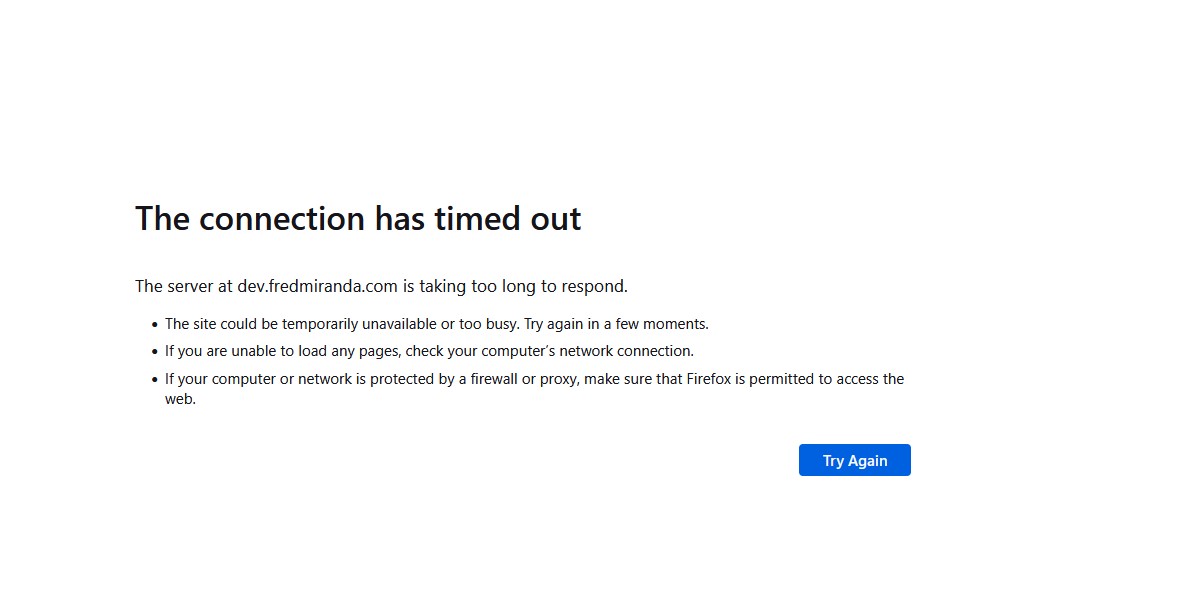
I get a "FM server timeount" error..
All other Forums woked instantly...Traffic?..could be..but it just started today.
Thanks Fred!
Dan
I've experienced this problem pretty consistently when trying to access the General Gear Talk forum ever since website update.
This is a forum that is on my list of forums to monitor daily. This one fails pretty consistently . There have been other infrequent failures for some of the other forums.
StephenS_CP wrote:
No, Dan, it didn't just start today.
I've experienced this problem pretty consistently when trying to access the General Gear Talk forum ever since website update.
This is a forum that is on my list of forums to monitor daily. This one fails pretty consistently . There have been other infrequent failures for some of the other forums.
Just saw when logging in (Microsoft Edge on Mac OSX), there is an extra "/" and no page to display, only see the header - BUT after logging in I can click on the Buy and Sell forum and I am logged in, this is the error in the URL:
@Fred Miranda - My login session ends each time I leave the site despite configuring the "Session is renewed after..." setting in my profile to 14 days. Can this be corrected?
jmreese wrote:
@Fred Miranda@ - My login session ends each time I leave the site despite configuring the "Session is renewed after..." setting in my profile to 14 days. Can this be corrected?
Could this be due to your browser settings? The site requires cookies to maintain your session, so make sure your browser isn’t blocking or clearing them automatically.
When you started doing the site update I wasn’t sure I liked it, but I now do use (and appreciate) the ability to to go straight to any forum from the drop down menu revealed by hovering over the “Forum” link at the top of the page.
I have a thought about that, though I realize that my idea might be too much trouble to implement.
If I have scrolled down a page those links at the top are no longer visible, obviously. I have to scroll back up the full page (a long ways in some discussion threads) to regain access to them. Not the end of the world, obviously, but it would be very cool if that small area containing these navigation links remained fixed at the top of the page as we scrolled the main page underneath.
I can't find where this issue has been addressed and if it has I apologize or maybe it's just me having this problem. I have two Macs, both running Sonoma 14.7.5. In the N&W forum after an image is posted and receives x number of replies (I believe it's 5) the image used to appear on the top of the page. There are 5 images displayed horizontally along the top. (The five most recent viewed that have received the required minimun number of replies.) My two PC's are not updating with those top 5. The images that are being displayed on my computers are over a week old. Any ideas on how I can get my computers to update the images?
Hi! Is there a way to "like" the original post in a thread? This thread has "multi-Quote" and "like" in p.1 #1 but most threads starting with a photo or photos don't have a "like" option. Thanks!
Any ideas on why the image upload page(s) for members is only showing question marks where images should be. It looks like it started sometime around mid March.
lemmy shoyu wrote:
Hi! Is there a way to "like" the original post in a thread? This thread has "multi-Quote" and "like" in p.1 #1 but most threads starting with a photo or photos don't have a "like" option. Thanks!
I don't recall "like" ever being an option on the original post, just the responses.
However, you can always respond with "YO!...nice photo!". I, for one, certainly appreciate someone taking the extra few moments to provide their feed back.
As a bonus, your post count increases when you post which qualifies you for the additional cash and prizes.