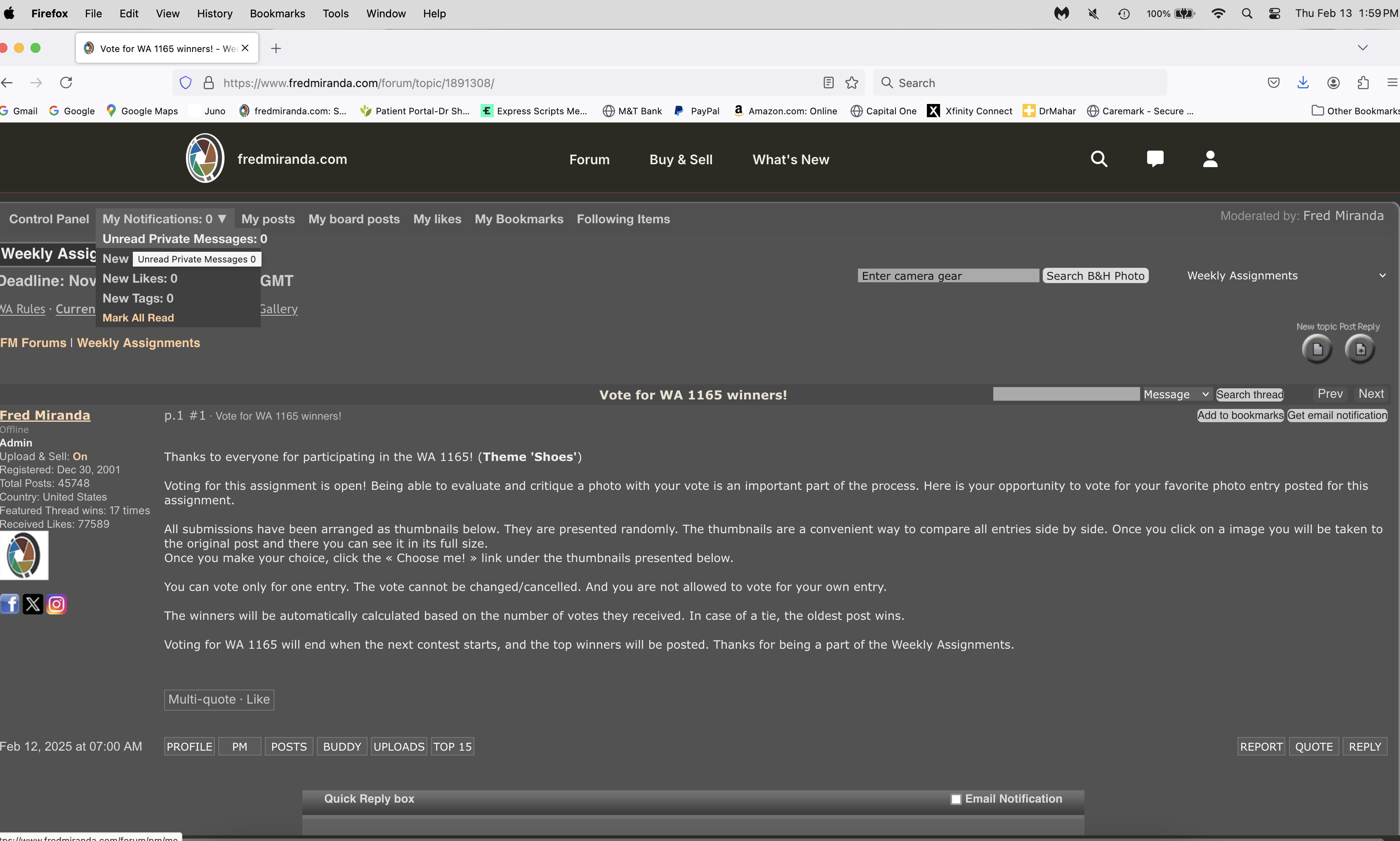
You may have noticed a change in the site’s header. This update was necessary to modernize the site, ensure compatibility with major search engines, and keep FM relevant in today’s evolving web standards.
It wasn’t an easy decision, and a lot of thought went into maintaining the familiar aesthetics while improving functionality. One of the main goals was to keep the header as compact as possible, allowing more content to be visible at the top of the page. All the links you rely on are still available, just in different locations.
Most importantly, the entire code was updated for better compatibility and security. So, the change is not just cosmetic. The updated code will help the site run more efficiently and securely. There may be some bugs as a result of these changes.
I understand it may take some time to adjust to the new layout, and I truly appreciate your patience. If any bugs or errors come up, please feel free to share them.
Your feedback is valuable, and the goal is to ensure the best experience for everyone.
This will really help with debugging issues as they maybe hard to reproduce otherwise.
For any errors, please include:
- Browser Version
- OS Version
- Mobile or Desktop?
- Guest or Logged In?
- URL to page causing the error.
- Please include a screen shot if you think it will be useful.
I am unable to log in via Safari on my MacBook using the normal login method with the new header implemented. Although my username appears via password autofill, I can’t get past the username to enter my password. When I hit the “Login” button, nothing happens beyond that. It worked via my iPhone, so that’s how I’m able to reply here.
SoaringSprite wrote:
I am unable to log in via Safari on my MacBook using the normal login method with the new header implemented. Although my username appears via password autofill, I can’t get past the username to enter my password. When I hit the “Login” button, nothing happens beyond that. It worked via my iPhone, so that’s how I’m able to reply here.
Exact same thing for me when using Safari v18.3 on MacOS Sequoia 15.3.
I was having the "login ok and accepted but password not accepted" problem as described above by SoaringSprite on a Windows 11 laptop with Chrome 133.0.6943.99 but that issue has been rectified - thank you for your effort
I'm having an issue with an Android phone running Android 14 and Chrome 133.0.6943.99. Apparently, I am still logged in from a previous session but the top of the screen is covered by advertising and I cannot see the "Forum" "Buy and Sell" "What's new" menus at the top of the screen. The advertising cannot be defeated or minimized so I'm logged in on my phone but can't do much
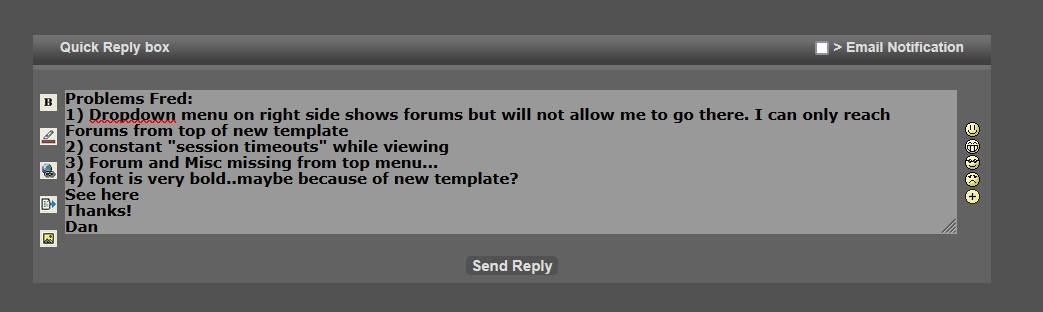
Problems Fred:
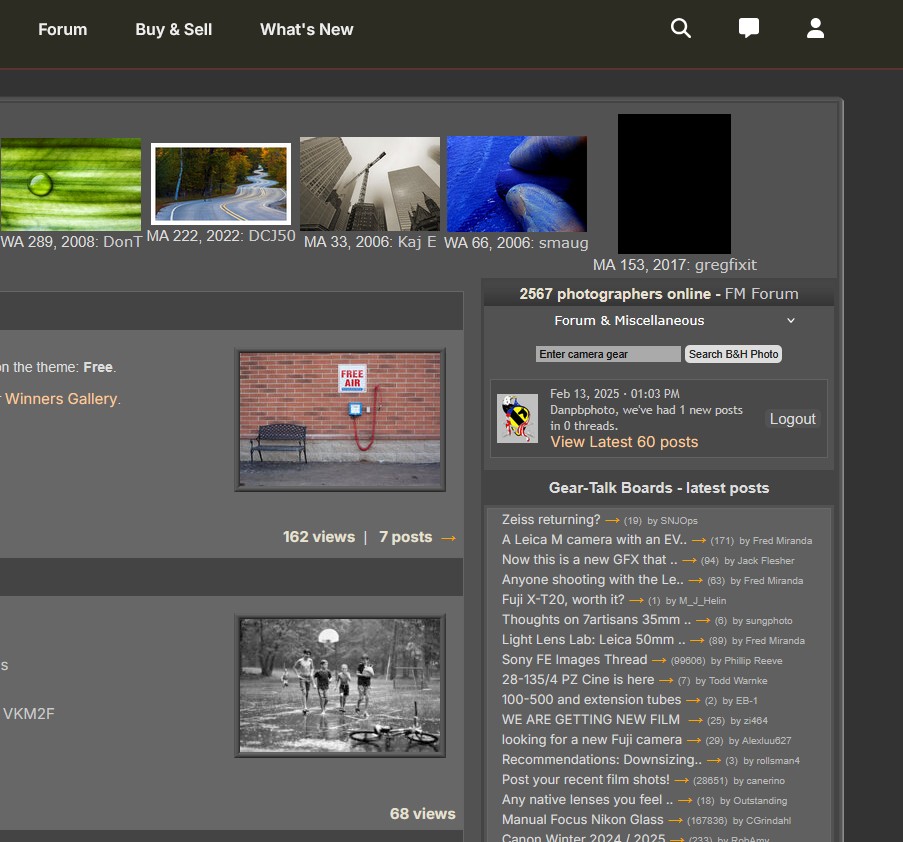
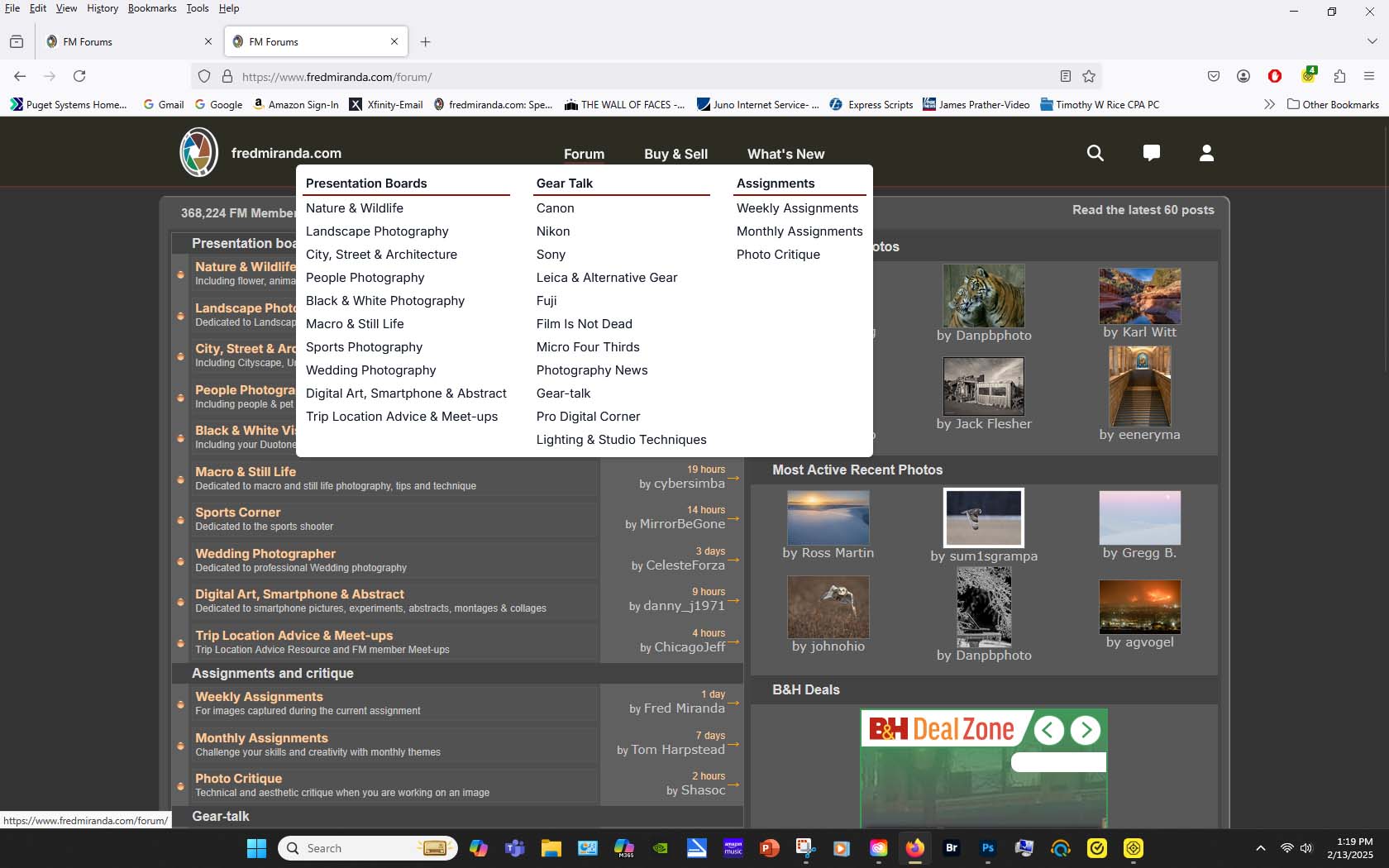
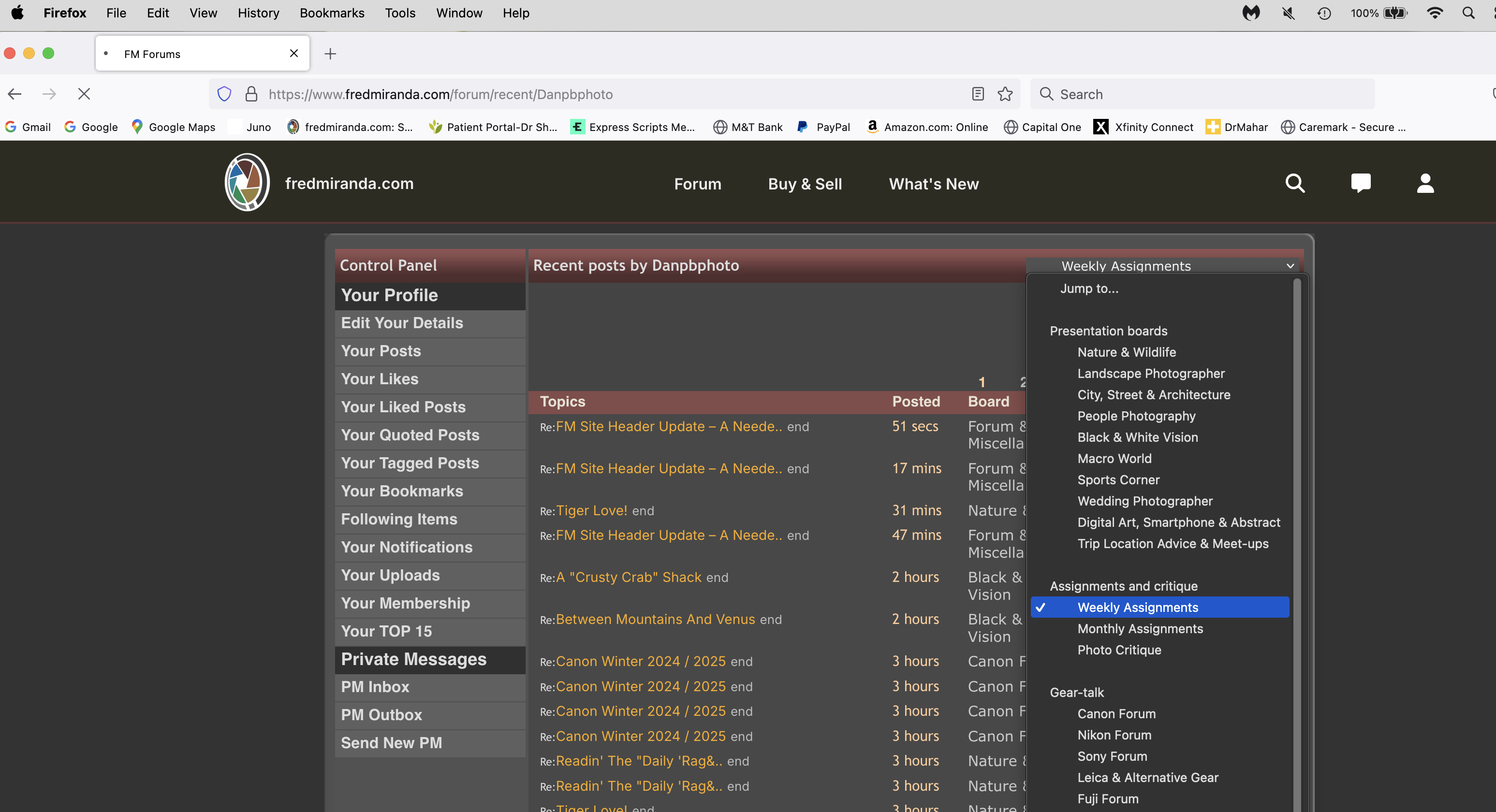
1) Dropdown menu on right side shows forums but will not allow me to go there. I can only reach Forums from top of new template
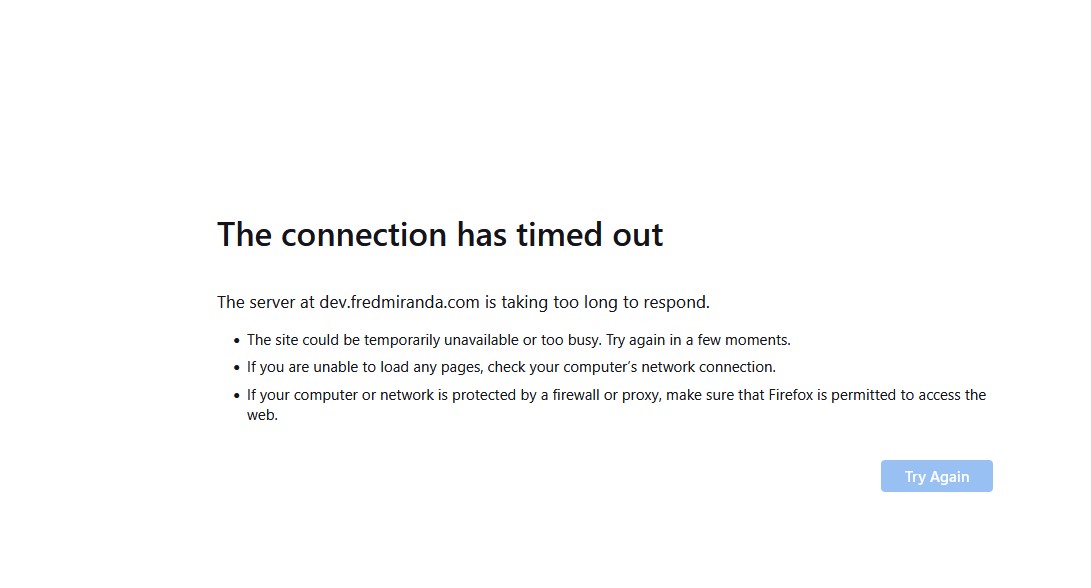
2) constant "session timeouts" while viewing
3) Forum and Misc missing from top menu...
4) font is very bold..maybe because of new template?
See here
Thanks!
Dan
When I try to check out someone's feedback, I get a message saying: Database: Database Operation cannot be performed (token 1739471987.3317SELECT id FROM rp_reviews WHERE userid=334498 LIMIT 1). I've tried this on different users, and it comes up with the same message.
Krss Tea23 wrote:
When I try to check out someone's feedback, I get a message saying: Database: Database Operation cannot be performed (token 1739471987.3317SELECT id FROM rp_reviews WHERE userid=334498 LIMIT 1). I've tried this on different users, and it comes up with the same message.