p.14 #1 · POST your IMAGES SCANNED from slides or film.
MRomine wrote:
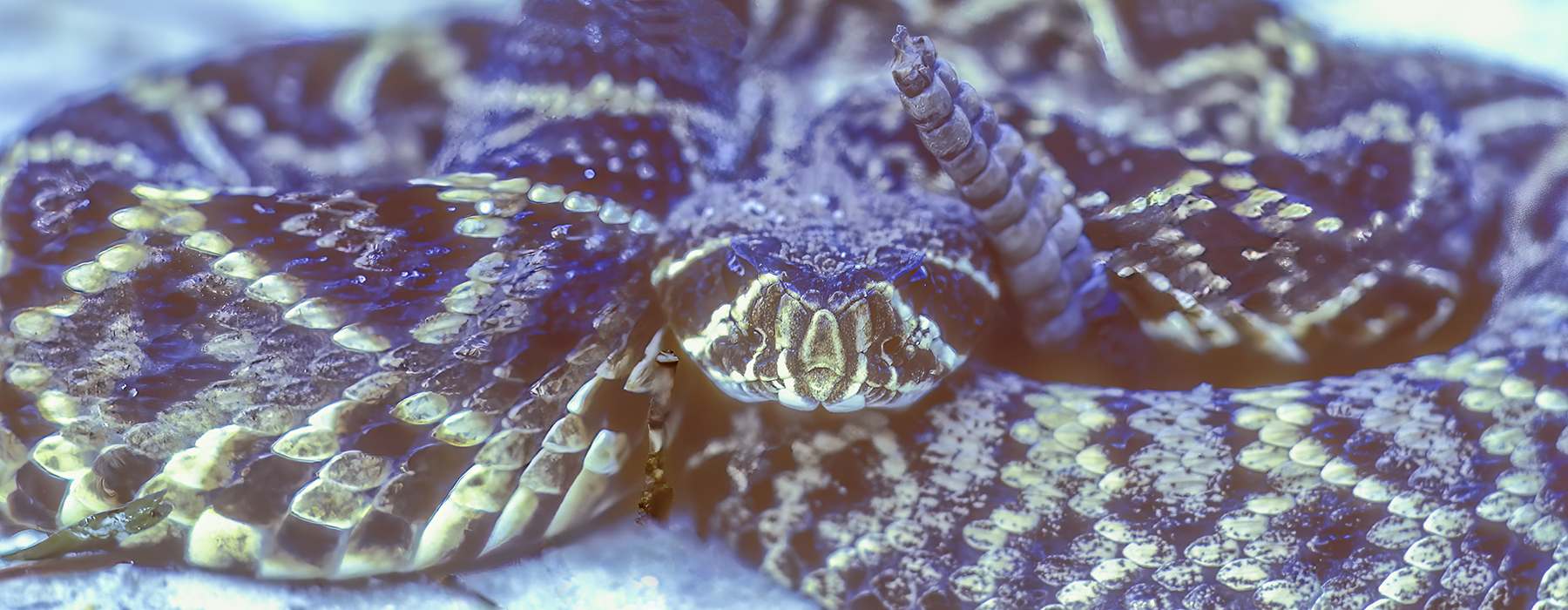
The following images where created in-camera using a 4x5 Sinar. No photoshop used, these were created back in the mid 90s when I was just getting started using PS. So at that time I did not have the skill to make such montage within PS. Doing something like this in PS back then was not easy by any means. The images were originally drum scanned but I have lost the original scans so I photographed the film sheets on a light table using my Z7II and macro lens.
p.14 #2 · POST your IMAGES SCANNED from slides or film.
Well done , Mark.
MRomine wrote:
The following images where created in-camera using a 4x5 Sinar. No photoshop used, these were created back in the mid 90s when I was just getting started using PS. So at that time I did not have the skill to make such montage within PS. Doing something like this in PS back then was not easy by any means. The images were originally drum scanned but I have lost the original scans so I photographed the film sheets on a light table using my Z7II and macro lens.
p.14 #3 · POST your IMAGES SCANNED from slides or film.
OregonSun wrote:
In the share options in Flickr, copy the 'BBCode' and paste into the thread.
This will include a link to the image and your Flickr handle, those can be removed if you so desire.
I'm not seeing any share options or BBCode is that an option that is only included with a paid subscription? These photos are in my photostream and not an album if that makes any difference.
I see where I can set the 'Privacy' but not any options for the share.
p.14 #6 · POST your IMAGES SCANNED from slides or film.
@MRomine Being a programmer, I have no problem diving into the HTML source for that Flickr page and extracting the URL for the image. It's not a user-friendly procedure, so hopefully they provide a clickable equivalent. After that, the BBCode on this forum is easy enough to embed the image into your post.
p.14 #7 · POST your IMAGES SCANNED from slides or film.
MRomine wrote:
I'm not seeing any share options or BBCode is that an option that is only included with a paid subscription? These photos are in my photostream and not an album if that makes any difference.
I see where I can set the 'Privacy' but not any options for the share.
Thanks for trying to help out!
Here's how I get to the share options:
Click on photo in photostream > click on "Share Photo" (looks like a right arrow, text will show if you hover on it) > Pop up will show that says "Share 1 photo to:" and there will be a row of options along the top (Share, Embed, Email, BBCode).
p.14 #8 · POST your IMAGES SCANNED from slides or film.
OregonSun wrote:
Here's how I get to the share options:
Click on photo in photostream > click on "Share Photo" (looks like a right arrow, text will show if you hover on it) > Pop up will show that says "Share 1 photo to:" and there will be a row of options along the top (Share, Embed, Email, BBCode).
Are you using a Windows browser? I'm not seeing those options in Safari for Mac. Not seeing a 'Share Photo' option even when I mouse over the right arrow button. I can right click the arrow and it gives me options like: Add to a Reading List, Add a Bookmark, E-mail this Page, Notes, Messages, etc but no' Share Photo'.
p.14 #10 · POST your IMAGES SCANNED from slides or film.
MRomine wrote:
Are you using a Windows browser? I'm not seeing those options in Safari for Mac. Not seeing a 'Share Photo' option even when I mouse over the right arrow button. I can right click the arrow and it gives me options like: Add to a Reading List, Add a Bookmark, E-mail this Page, Notes, Messages, etc but no' Share Photo'.
I am using Chrome on Windows, but I find it hard to believe Flickr has a completely different UI for Mac/Safari.
Just to clarify, the share arrow is at the bottom right of the slide show area, between the star and download icons. Not the right arrow that moves the slideshow to the next photo.
When I go to one of your photos linked in your previous post, the share arrow is visible. When I click the share arrow, I can see the options I mentioned above (except Email) in the pop up.
I don't have upload and sell, or I'd post a screenshot. I don't want to put a screenshot up in my Flickr stream just to be able to share it here.
p.14 #11 · POST your IMAGES SCANNED from slides or film.
Figured it out. It is the browser. Switched to Chrome and there appeared the share button in the lower right hand corner just as you guys have been telling me. For some strange reason there is no share button in Mac/Safari, instead it is a download button.
p.14 #12 · POST your IMAGES SCANNED from slides or film.
Browsers are a problem. I'm not a Mac guy, but I have an iPad and more often than not Safari has trouble rendering pages that are designed to be visualized with Windows. But I don't use Windows either, I'm on Linux, so I have to rotate through Chrome, Firefox, Brave, Konqueror ... to find something that works. Sometimes things never work no matter what I use. It seems like the main browser expectations are Chrome and whatever Windows calls it's browser now. They're the 800 lb gorillas in the space.
p.14 #13 · POST your IMAGES SCANNED from slides or film.
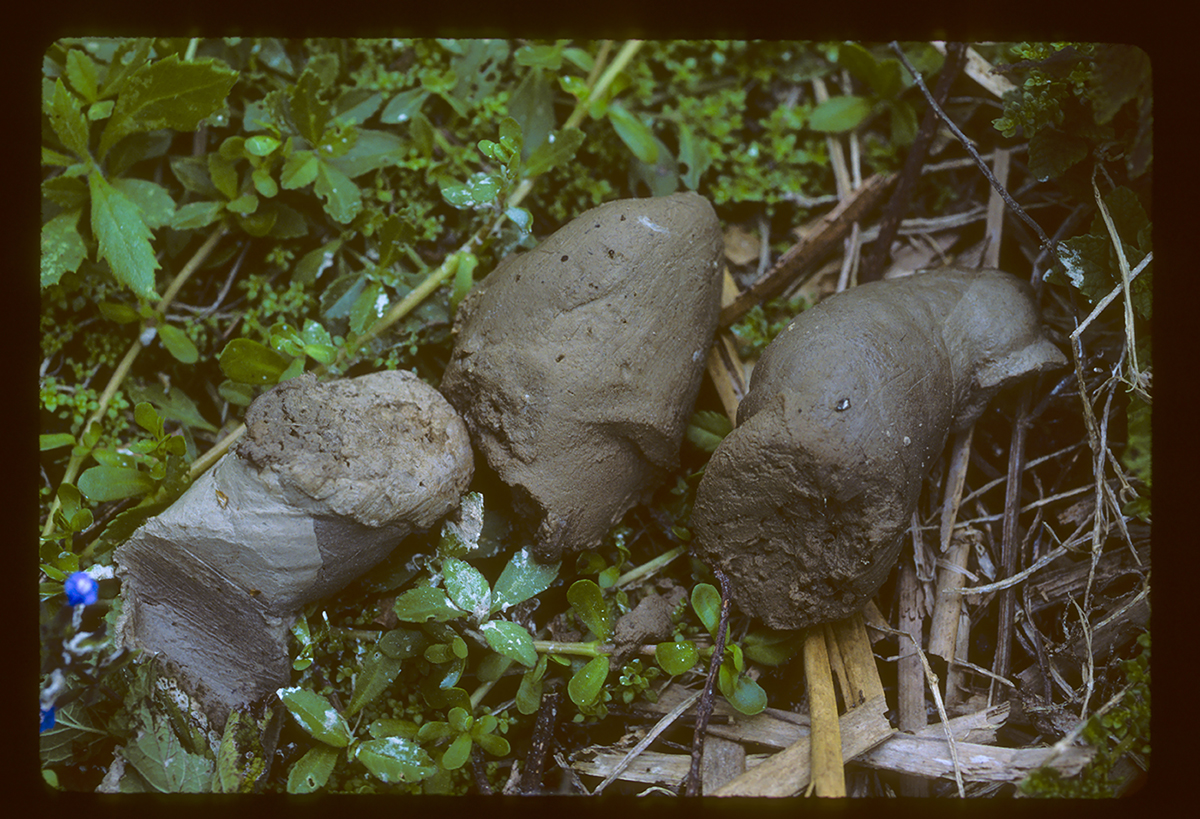
Alligators swallow their food whole, including bones. Everything is digested.
E.L. McIlhenny, in his fascinating book "The Life History of the American Alligator" described the digestive capacity of Alligator gastric juices...........
"The Alligator's digestive juices must be very strong because any food swallowed is digested thoroughly. Even bones, hair, feathers and scales are digested so thoroughly that there is not a trace of them in the excrement. When opening the stomachs of alligators to examine their contents, when the stomach juices have gotten on my hand, I have experienced a severe burning sensation that persisted for quite an hour or more." .....
Robert
Sorry for the image subject. I only did it to illustrate McIlhenny's point.
p.14 #14 · POST your IMAGES SCANNED from slides or film.
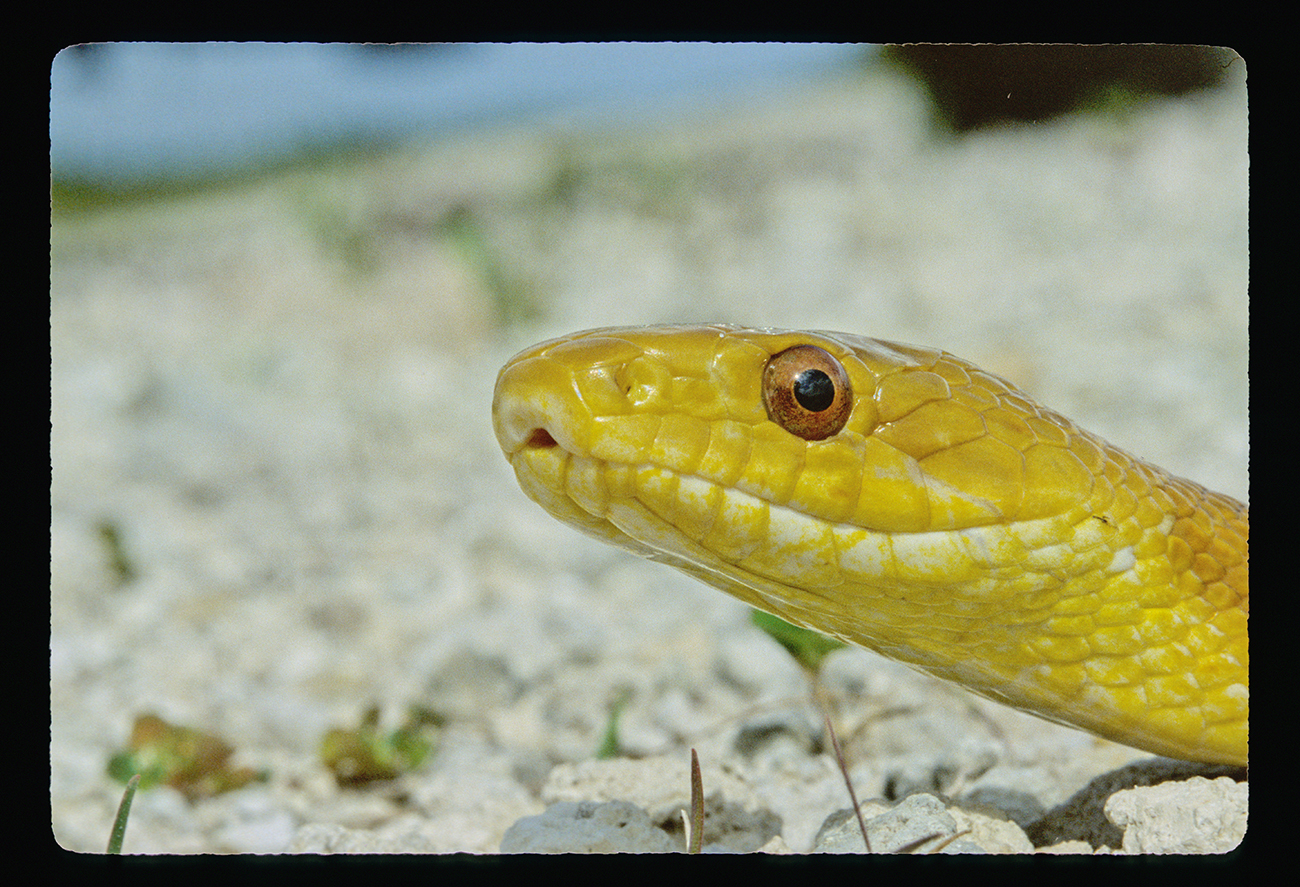
At the time I crossed paths with this Everglades Rat Snake in the 80's the species was already rare. I remember rarely seeing one from time. to time in a tree from a long distance away. They are adept tree-climbers, surely hunting for bird nestlings and eggs.
I fear the pet trade has caught every last one by now.
p.14 #16 · POST your IMAGES SCANNED from slides or film.
rico wrote:
@MRomine@ Being a programmer, I have no problem diving into the HTML source for that Flickr page and extracting the URL for the image. It's not a user-friendly procedure, so hopefully they provide a clickable equivalent. After that, the BBCode on this forum is easy enough to embed the image into your post.
Actually, it's better if you don't use BBCode. Images resize dynamically to monitor size if you use a bare url.
p.14 #17 · POST your IMAGES SCANNED from slides or film.
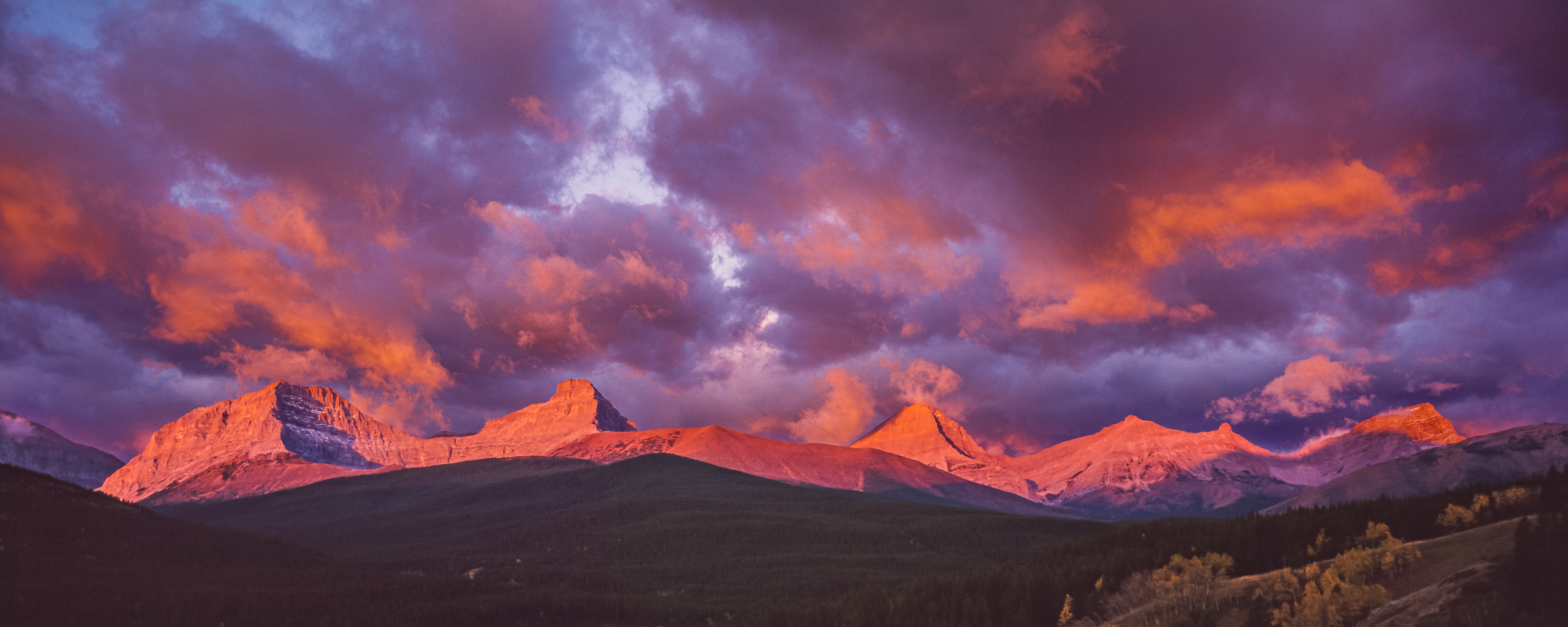
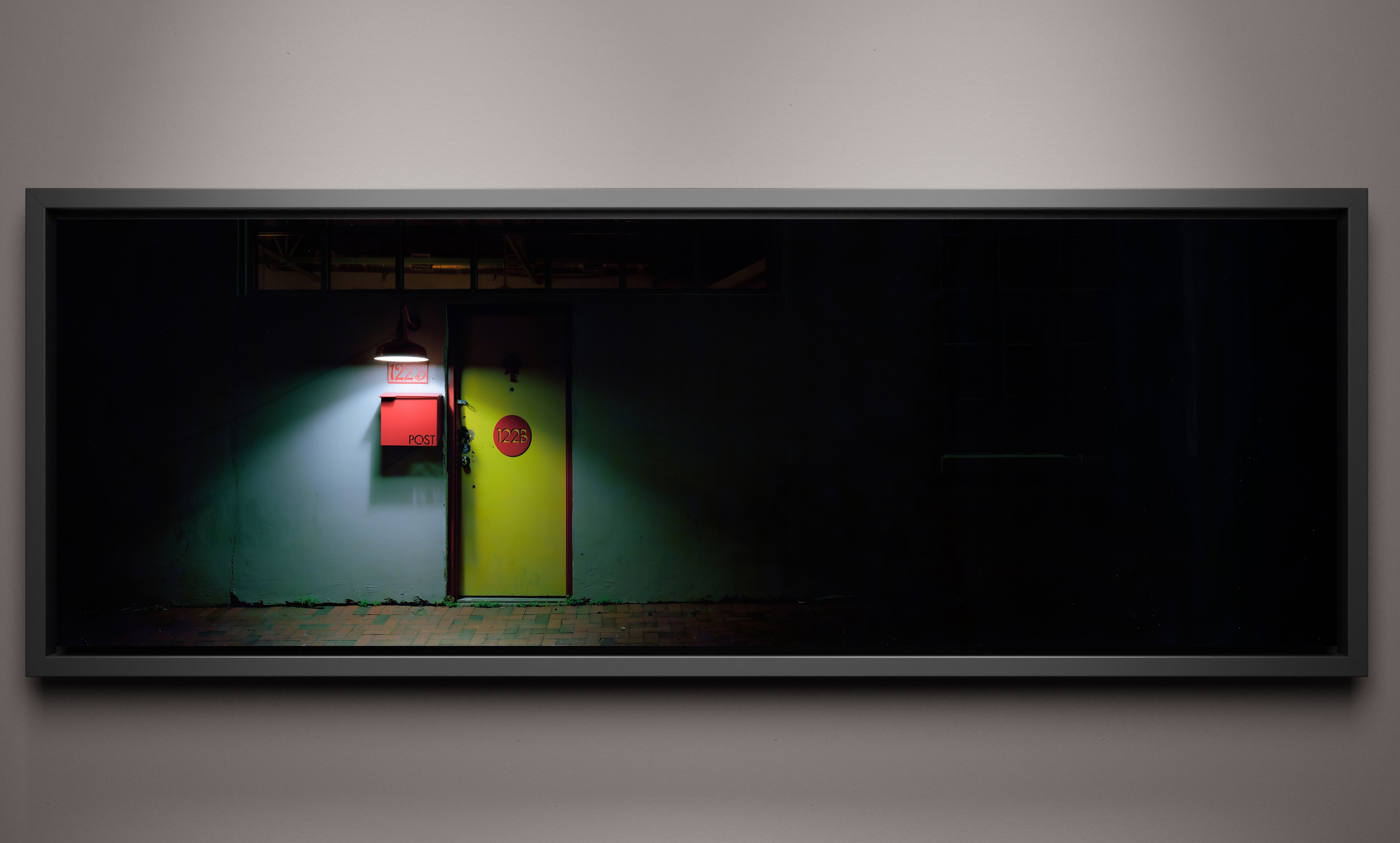
I just finished making a 24 x 60 inch print of this image, shot on Fuji Velvia 50 using an X-Pan and 90mm lens, scanned on an Imacon scanner. It was a real struggle (and not an entirely successful one) to get those Velvia colours within the gamut of the printer and canvas; I really had to knock down the saturation and contrast.
Unfortunately, it looks like one of my print heads crapped out with about 20% of the print remaining, so it was a big waste...
p.14 #20 · POST your IMAGES SCANNED from slides or film.
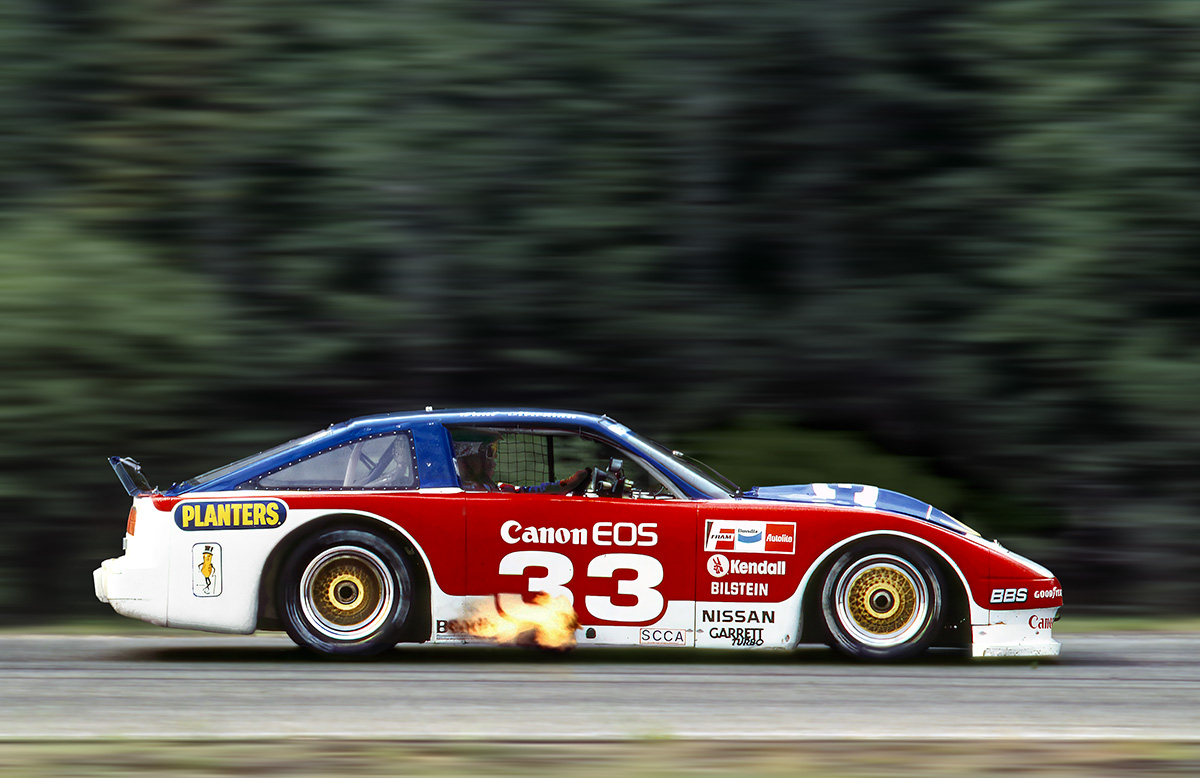
Paul Newman in the Nissan 300ZX 2x2 at the Brainerd International Raceway Trans Am, 1986. He's lifting and braking from around 170mph to about 150mph for the long and intimidating Turn 2. T2 was known among some drivers back then as the Rectal Pucker Capital of Minnesota. My old Datsun could touch 130 mph there, but I did take a Formula Atlantic Ralt through it at 150mph and then I knew why it got it's name.
Kodak Kodachrome 25, F2 and 180mm. Restored from a near terminal mold attack.