This topic is in the 2020 archive. You can read it and like its posts here. It is read only.
Archive 2020Post your R5 Images Here
p.18 #1Post your R5 Images Here
arbitrage wrote:
It reliably locked focus on the duck's or crane's eye. Showing 100% crop and full image. Insane.Curious was it randomly jumping between the eyes of the two birds? Or were you using user selected starting point and it was small enough to place it over one or the other. Is there any way to click left or right to tell it to switch to the other bird (like you can between left and right human eyes)?
I wonder how the new Switching tracked subjects setting would work here. Page 440 of the manual. It appears the factory setting is 1 which the way I understand it will switch to another subject while Disable makes it more sticky.
stanj wrote
Crane. Duck. Turtle.It reliably locked focus on the duck's or crane's eye. Showing 100% crop and full image. Insane.
I wonder how the new Switching tracked subjects setting would work here. Page 440 of the manual. It appears the factory setting is 1 which the way I understand it will switch to another subject while Disable makes it more sticky.
Aug 09, 2020 at 05:12 PM
p.18 #2Post your R5 Images Here
I was using both mechanical and electronic. The trouble with electronic sometimes I am pressing the shutter button and nothing seems to be happening except I have just taken 30 shots. Duh. I hope Canon will make a quiet click available in Electronic shutter so you know when you are taking shots, in a firmware update
Aug 09, 2020 at 06:31 PM

p.18 #4Post your R5 Images Here
Steve Richards wrote:
I was using both mechanical and electronic. The trouble with electronic sometimes I am pressing the shutter button and nothing seems to be happening except I have just taken 30 shots. Duh. I hope Canon will make a quiet click available in Electronic shutter so you know when you are taking shots, in a firmware update
Or better yet, a way to slow it down to something manageable.
Aug 09, 2020 at 06:38 PM

p.18 #6Post your R5 Images Here
Jonesy wrote:
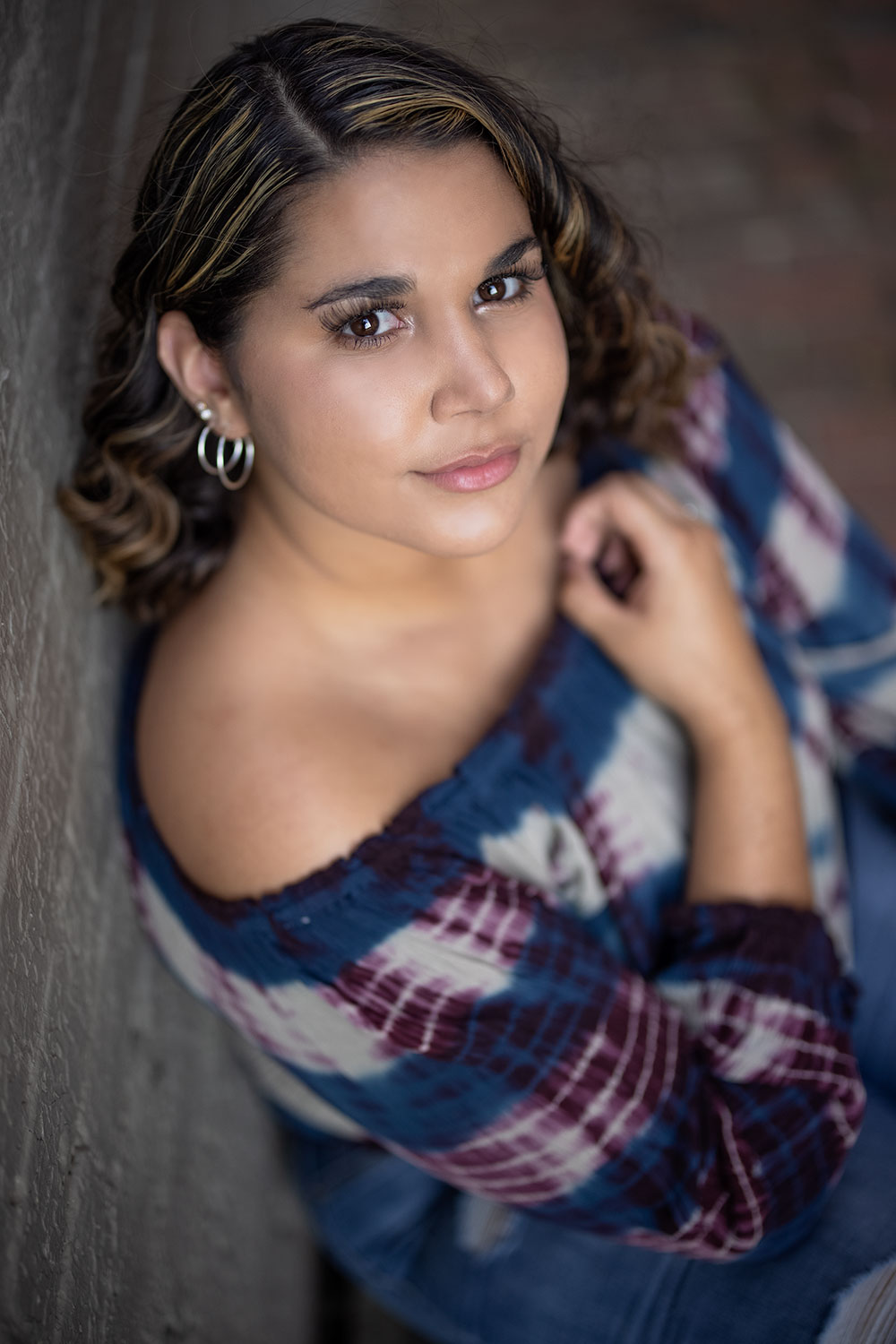
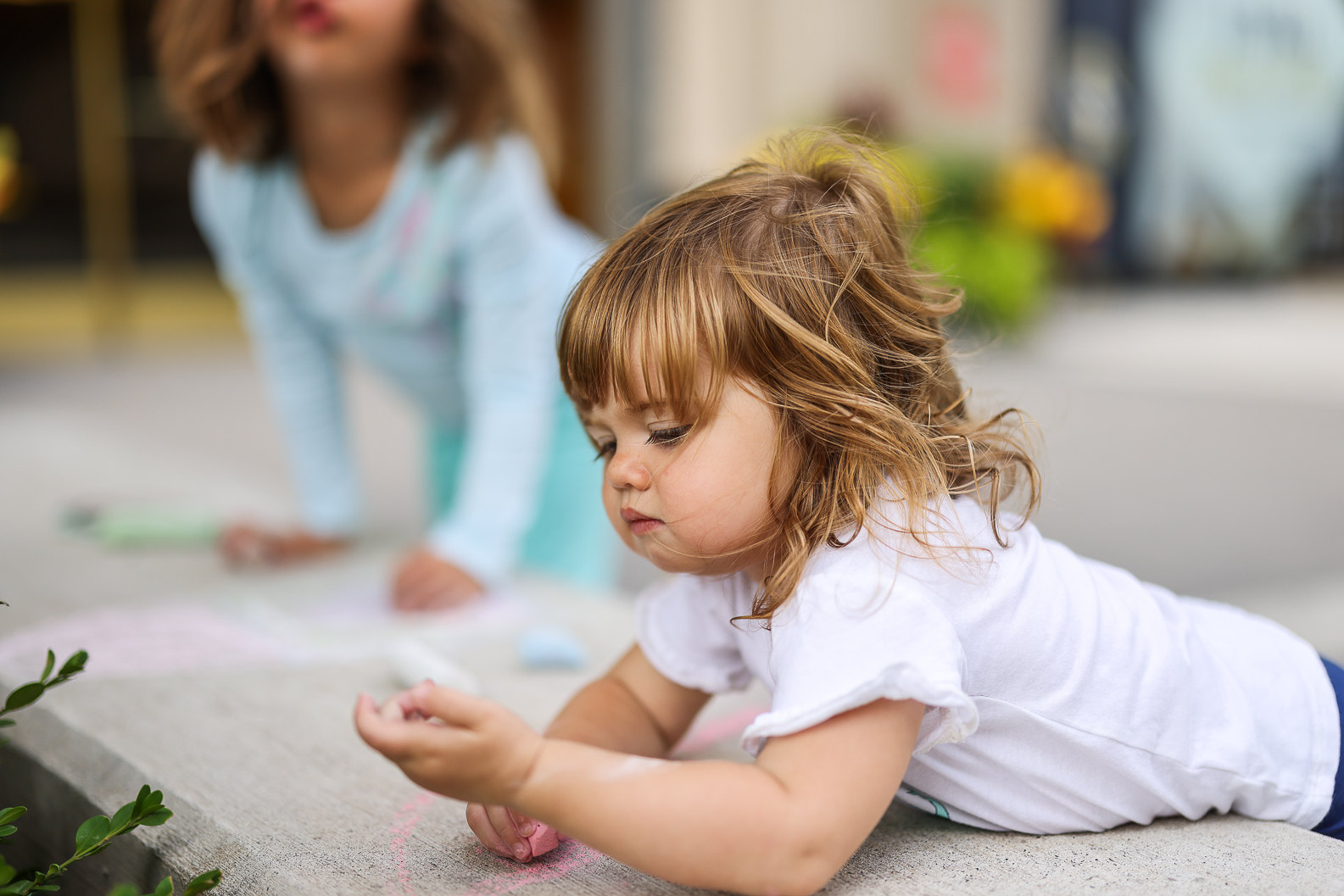
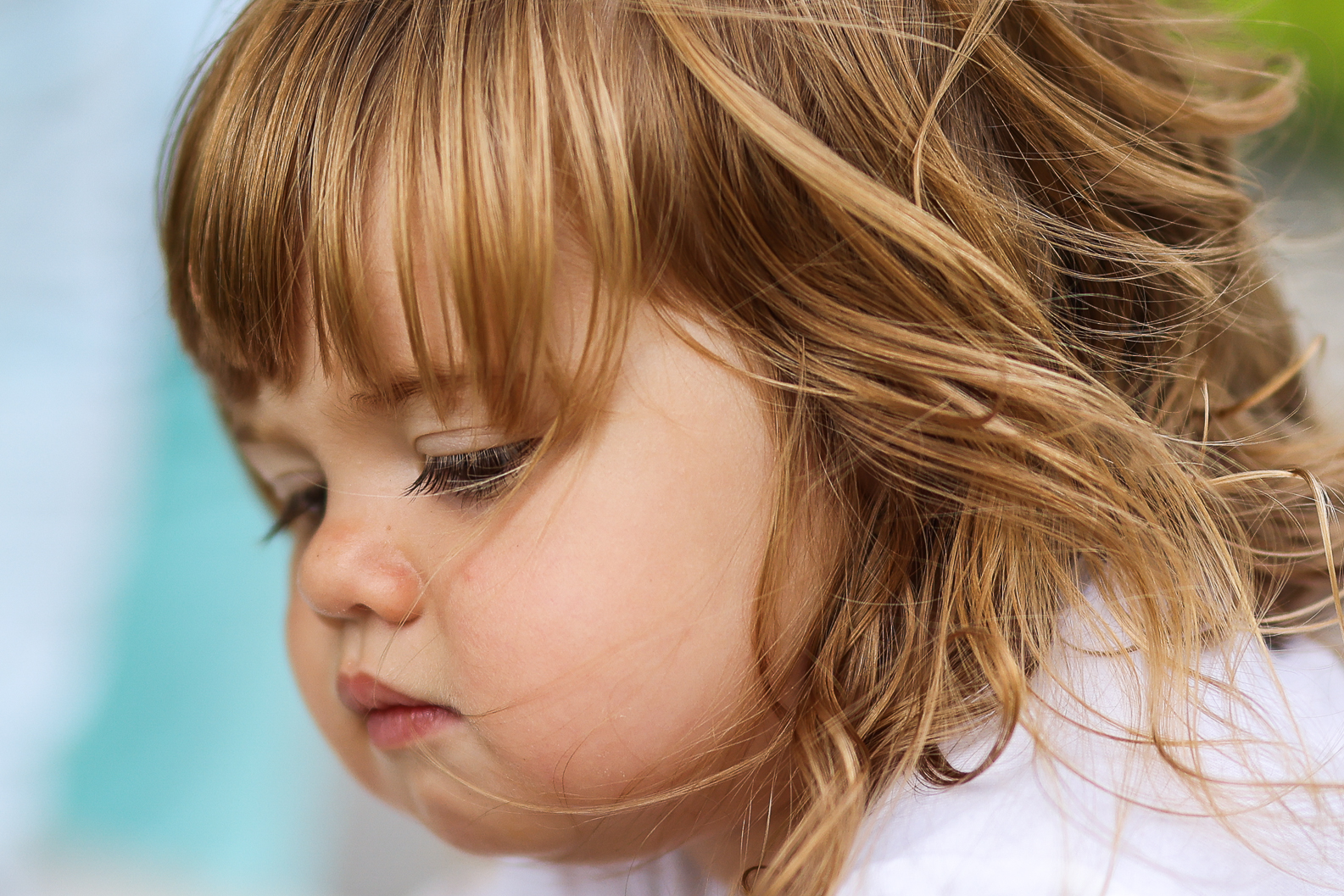
Liking the cam so far
RF85 1.2
The colors here look so Sony

How did you process the picture?
Aug 09, 2020 at 08:52 PM
p.18 #7Post your R5 Images Here
Both options would be great!
stanj wrote:
Or better yet, a way to slow it down to something manageable.
stanj wrote:
Steve Richards wrote
I was using both mechanical and electronic. The trouble with electronic sometimes I am pressing the shutter button and nothing seems to be happening except I have just taken 30 shots. Duh. I hope Canon will make a quiet click available in Electronic shutter so you know when you are taking shots, in a firmware updateAug 09, 2020 at 09:05 PM
p.18 #8Post your R5 Images Here
That’s so funny- I was thinking the same thing
numbertwo wrote:
RF85 1.2The colors here look so Sony
How did you process the picture?
numbertwo wrote:
Jonesy wrote
Liking the cam so farRF85 1.2
How did you process the picture?
Aug 09, 2020 at 09:06 PM
p.18 #9Post your R5 Images Here
RobAmy wrote:
I finally managed to get some flight in today, cloud cover never left but the camera did fairly well in the poor light conditions.
https://live.staticflickr.com/65535/50207240291_30ee60bcfc_h.jpgTern with a catch by A & R Photography, on Flickr
https://live.staticflickr.com/65535/50207237451_15fea0fc1a_h.jpgSemipalmated plover in flight by A & R Photography, on Flickr
https://live.staticflickr.com/65535/50207521157_e5e2adfc1b_h.jpgFemale King Eider with a crab by A & R Photography, on Flickr
A couple from our yard with better light
https://live.staticflickr.com/65535/50206718733_81d99e1db3_h.jpgBullfrog on a lilypad by A & R Photography, on Flickr
https://live.staticflickr.com/65535/50205162176_58c3f76127_h.jpgBlack capped Chickadee by A & R Photography, on Flickr
https://live.staticflickr.com/65535/50205155731_2478d7a110_h.jpgFemale Bluebird with a worm by A & R Photography, on Flickr
Super images as always, Rob/Amy! I am in love with that frog photo!
BTW I notice that you use both the 400 f2.8 L III and the 400 f4 DO II. I am curious to know if you have a preference between those two lenses? I've been able to borrow both and use them for a relatively short period of time and so I know they are both outstanding. The DO lens is of course smaller/lighter but that 400 f2.8 LIII is also a nice weight for that type of lens, and the weight distribution is so nice.
I am thinking of buying one or the other, and that's why I would like to know if you have any insight given your skill and long term use? Thanks.
Aug 09, 2020 at 09:40 PM
p.18 #10Post your R5 Images Here
quantumloop wrote:
Super images as always, Rob/Amy! I am in love with that frog photo!
BTW I notice that you use both the 400 f2.8 L III and the 400 f4 DO II. I am curious to know if you have a preference between those two lenses? I've been able to borrow both and use them for a relatively short period of time and so I know they are both outstanding. The DO lens is of course smaller/lighter but that 400 f2.8 LIII is also a nice weight for that type of lens, and the weight distribution is so nice.
I am...Show more →
Thank you. The 400mm f2.8 does everything better in my opinion over the DO II. I use it mainly at 800mm so I am at f5.6 vs f8 and the AF speed with the 2x with the f2.8 is amazing. The DO II takes a hit in that department but the R5 and the 1dx Mark III did speed that up a bit. Personally I use the 400mm f2.8 the most. However depending on your needs the used price of the DO II are very low when they pop up. If I had to buy new then without question the 400mm f2.8 III. It is my favorite lens out of what I own/used.
Aug 10, 2020 at 02:33 AM
p.18 #11Post your R5 Images Here
 Goldfinch eating the cone flower by A & R Photography, on Flickr
 immature Oystercatcher by A & R Photography, on Flickr
 Yellowlegs flyby by A & R Photography, on Flickr
 Bluebird with 400mm DO II by A & R Photography, on Flickr
 Common Tern with a fish by A & R Photography, on Flickr
Aug 10, 2020 at 03:05 AM
p.18 #12Post your R5 Images Here
Rob hi, what shutter speeds you use here?
I'm struggling with shutter speeds longer then 1/400-1/250 to get fast moving objects really sharp.
thnxx
I'm struggling with shutter speeds longer then 1/400-1/250 to get fast moving objects really sharp.
thnxx
Aug 10, 2020 at 04:32 AM
p.18 #13Post your R5 Images Here
Gust wrote:
Rob hi, what shutter speeds you use here?
I'm struggling with shutter speeds longer then 1/400-1/250 to get fast moving objects really sharp.
thnxx
1/2000 for the most part. 1/250 1/400 is slow for the fast fliers unless they hover then you may get wing blur with a sharp head. I would try to stay above 1/1250 and higher for the fast movers.
Aug 10, 2020 at 04:56 AM
p.18 #14Post your R5 Images Here
for those that use converted DNG and have issues with skin tones using adobe profiles (I did); I created a custom profile. If you like you can try it
https://www.evertdoorn.nl/client/R5test.dcp
https://www.evertdoorn.nl/client/R5test.dcp
Aug 10, 2020 at 05:41 AM
p.18 #15Post your R5 Images Here
evertdoorn wrote:
for those that use converted DNG and have issues with skin tones using adobe profiles (I did); I created a custom profile. If you like you can try it
https://www.evertdoorn.nl/client/R5test.dcp
Thanks. I'll check out. I wonder which Adobe profiles people are using? Classic 9.3 or LR 6.14? I downloaded several DNG files from the Fro's human eye test and I think Classic's Adobe Colour looks pretty good.
Aug 10, 2020 at 07:06 AM
p.18 #16Post your R5 Images Here
evertdoorn wrote:
for those that use converted DNG and have issues with skin tones using adobe profiles (I did); I created a custom profile. If you like you can try it
https://www.evertdoorn.nl/client/R5test.dcp
thnxx
for those that use converted DNG and have issues with skin tones using adobe profiles (I did); I created a custom profile. If you like you can try it
https://www.evertdoorn.nl/client/R5test.dcp
thnxx
Aug 10, 2020 at 07:22 AM
p.18 #17Post your R5 Images Here
Zenon Char wrote:
https://www.evertdoorn.nl/client/R5test.dcpThanks. I'll check out. I wonder which Adobe profiles people are using? Classic 9.3 or LR 6.14? I downloaded several DNG files from the Fro's human eye test and I think Classic's Adobe Colour looks pretty good.
I didn't find the Adobe color to be bad per sé, but I did wanted something that matched what came out of the 5D IV a bit more
evertdoorn wrote
for those that use converted DNG and have issues with skin tones using adobe profiles (I did); I created a custom profile. If you like you can try ithttps://www.evertdoorn.nl/client/R5test.dcp
I didn't find the Adobe color to be bad per sé, but I did wanted something that matched what came out of the 5D IV a bit more
Aug 10, 2020 at 08:38 AM
p.18 #18Post your R5 Images Here
Really?
Used the Raw converter beta
I didn't change the temp or colors any in processing
Used the Raw converter beta
I didn't change the temp or colors any in processing
Aug 10, 2020 at 10:08 AM
p.18 #19Post your R5 Images Here
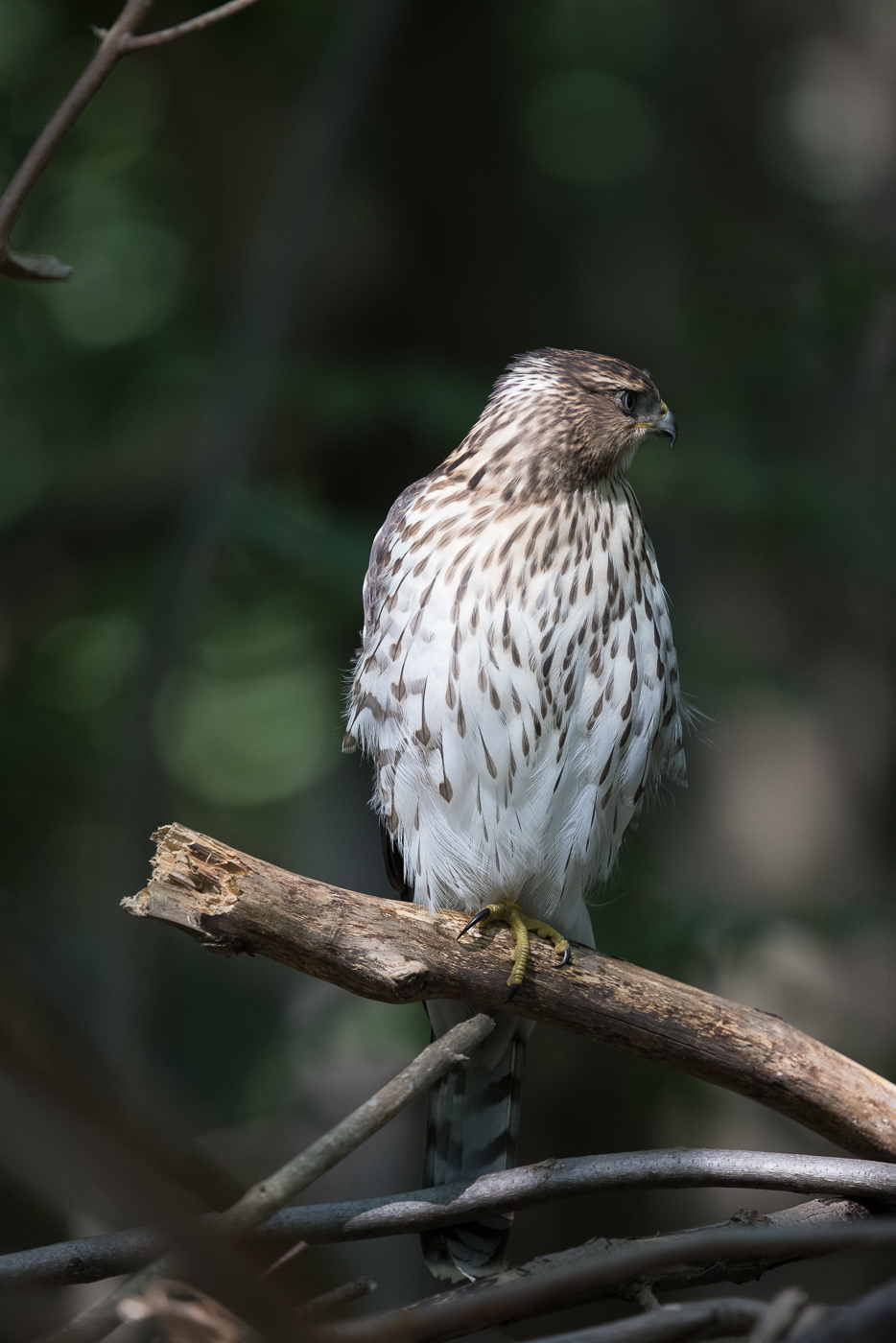
Loving the R5. Here are two shots of a Cooper's Hawk I have been following all summer. Straight out of the camera converted to DMG and imported into Lightroom (can't wait for the upgraded ACR) exported as jpeg. The eye focus is great. Like the files so far, ISO 3200 and 6400 are really good.
regards
Dave
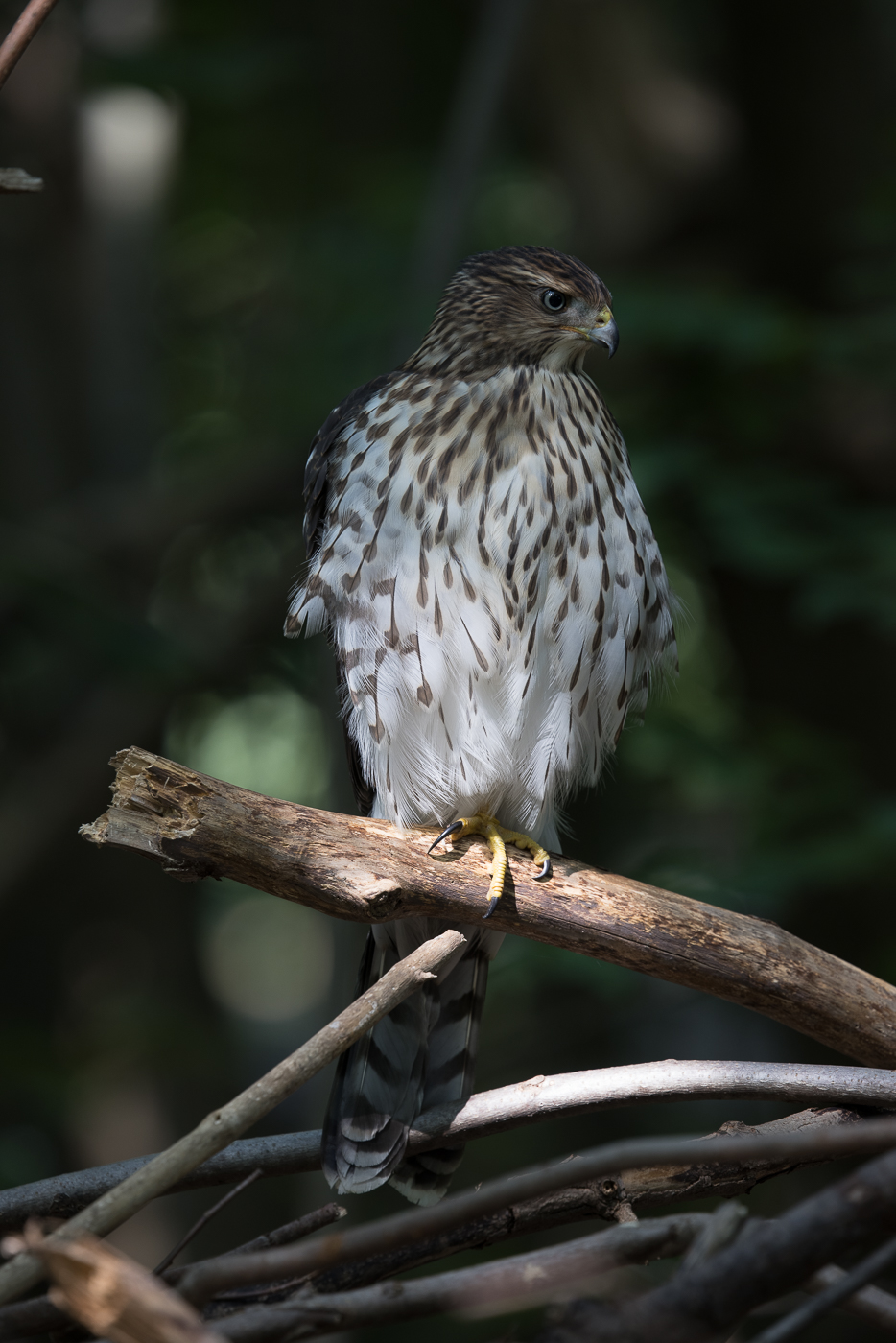
regards
Dave
Aug 10, 2020 at 11:57 AM
p.18 #20Post your R5 Images Here
I'm jealous of all you folks who have all these wonderful birds nearby to photograph. I had to settle for some flying creatures of another kind today on my lunchtime walk! 
Loving this RF 70-200 lens.
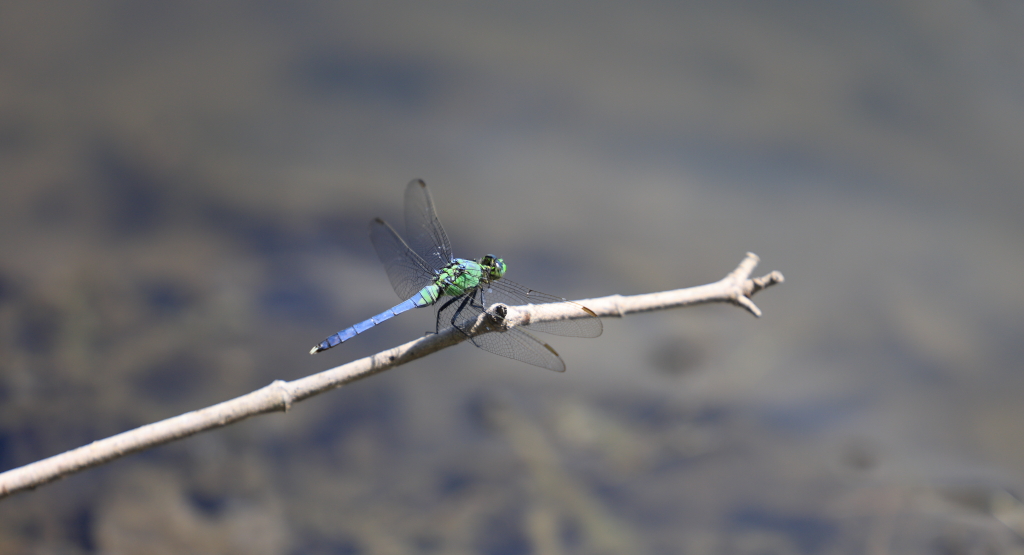
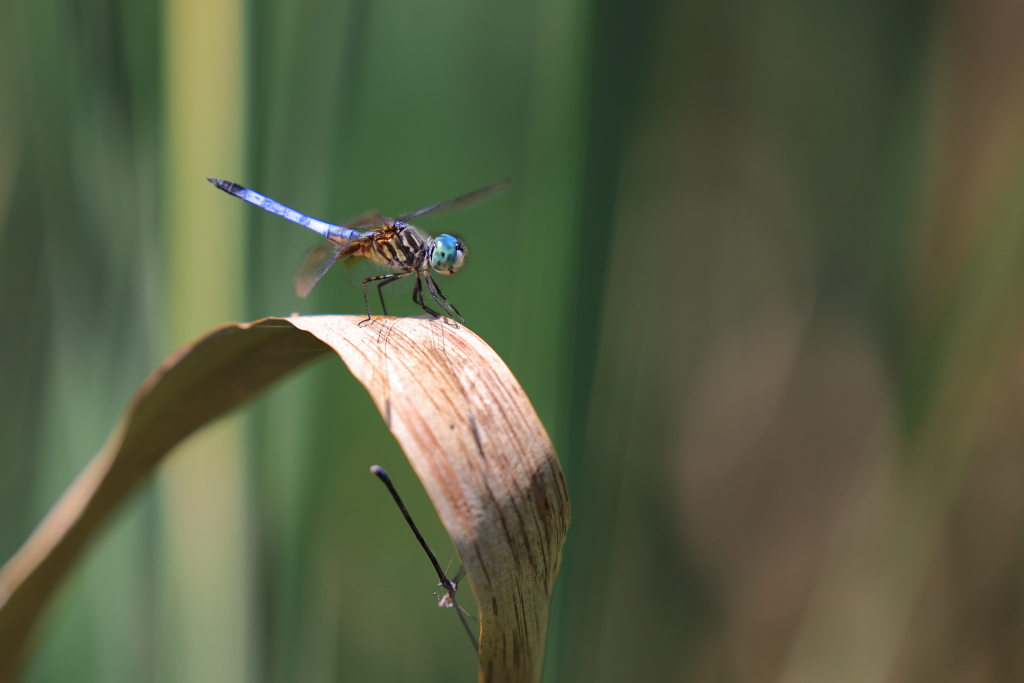
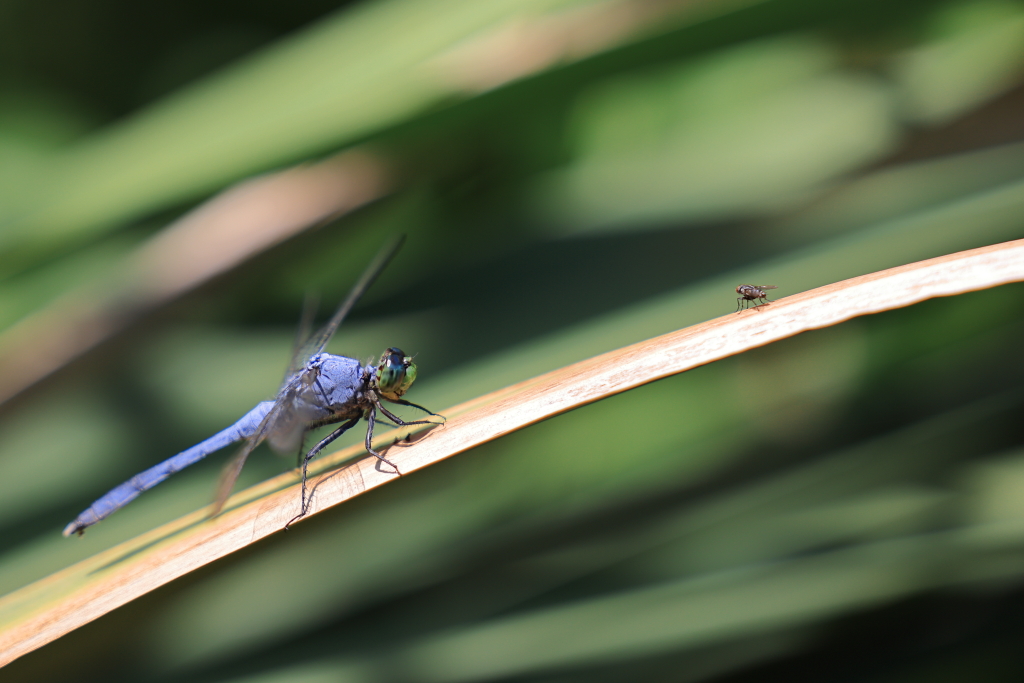
An informal meeting
Loving this RF 70-200 lens.
An informal meeting
Aug 10, 2020 at 12:44 PM