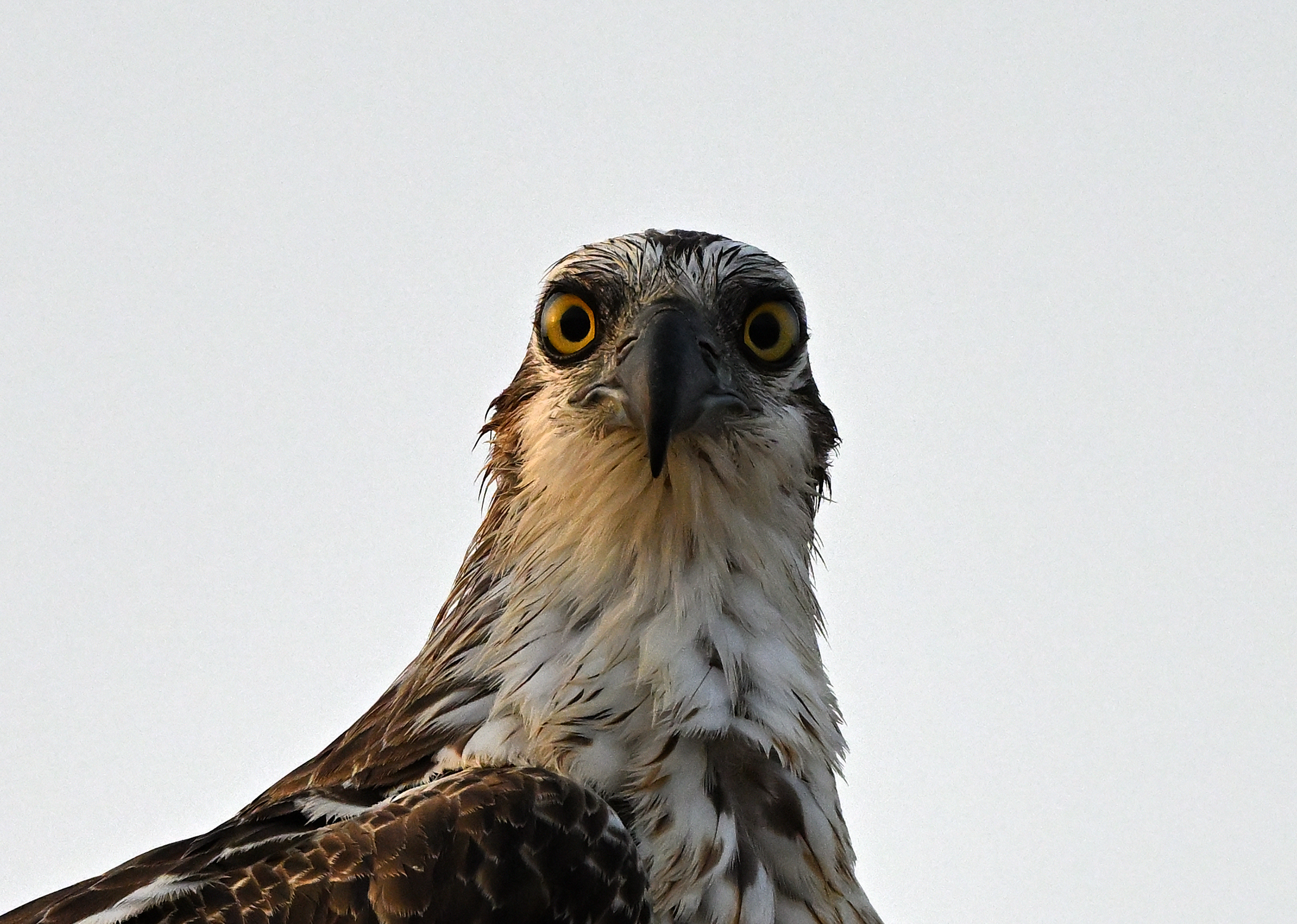
p.81 #1 · Z9 and Z8 ! : A thread for Z9/Z8 images and *discussion*
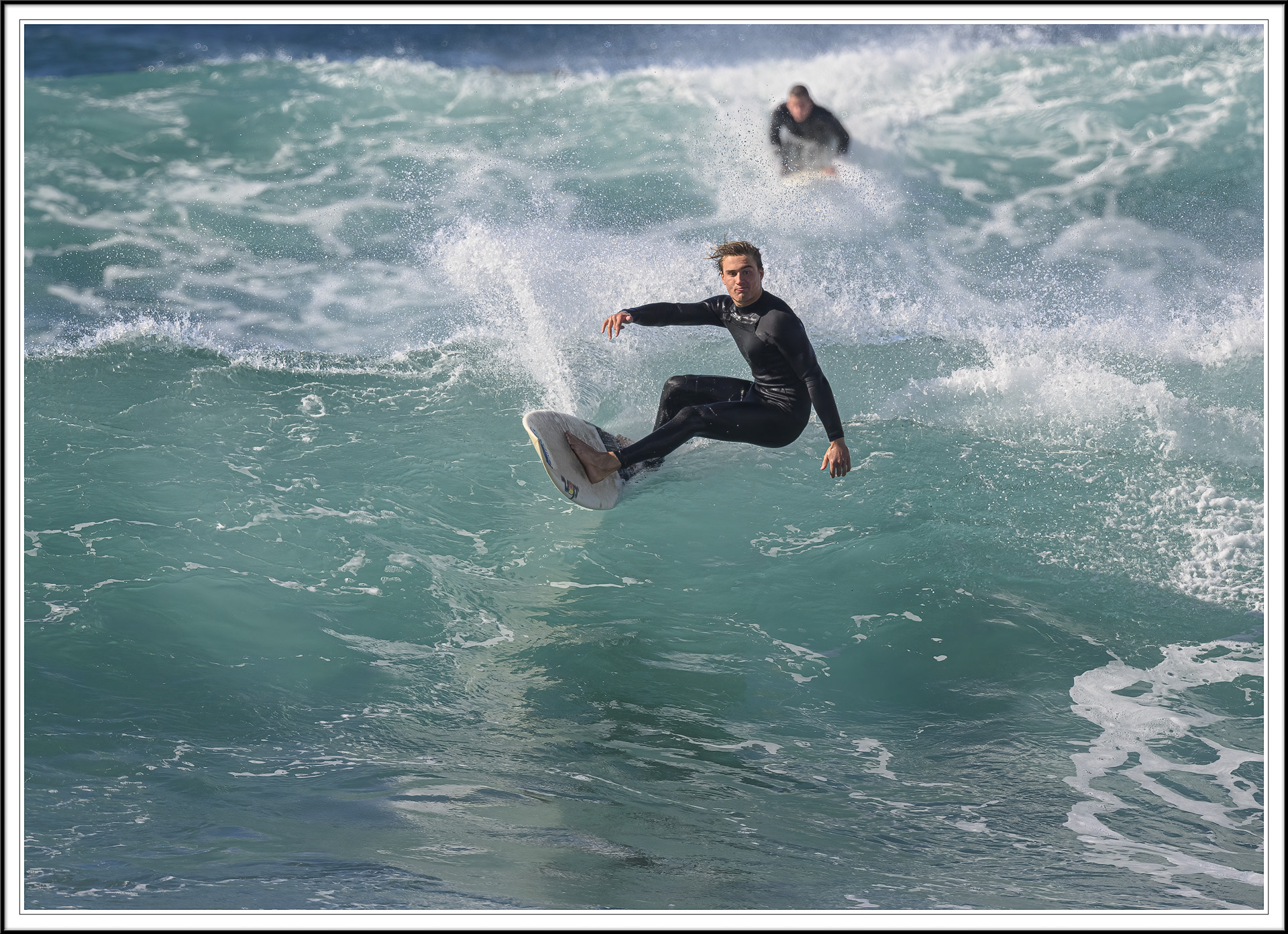
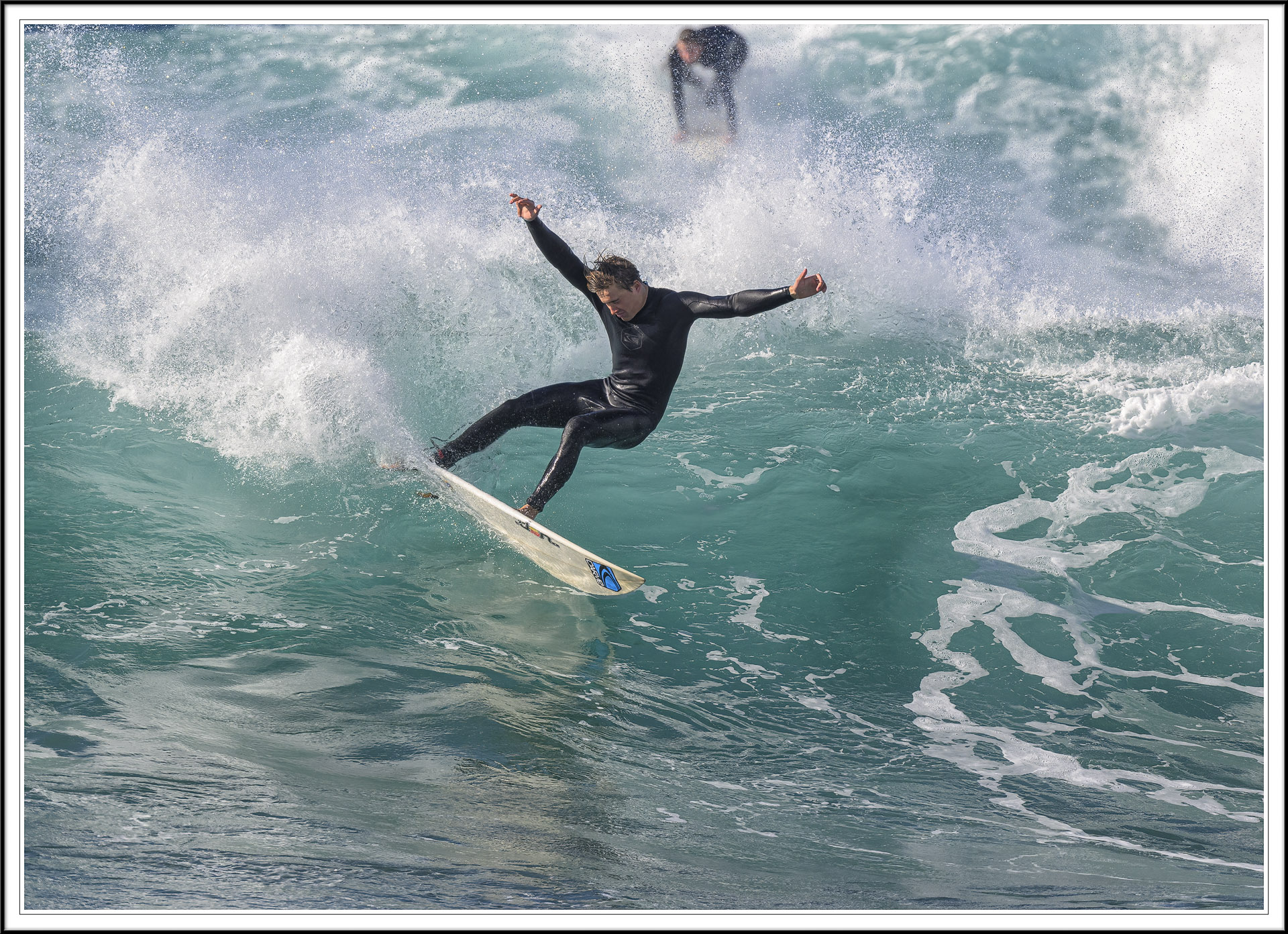
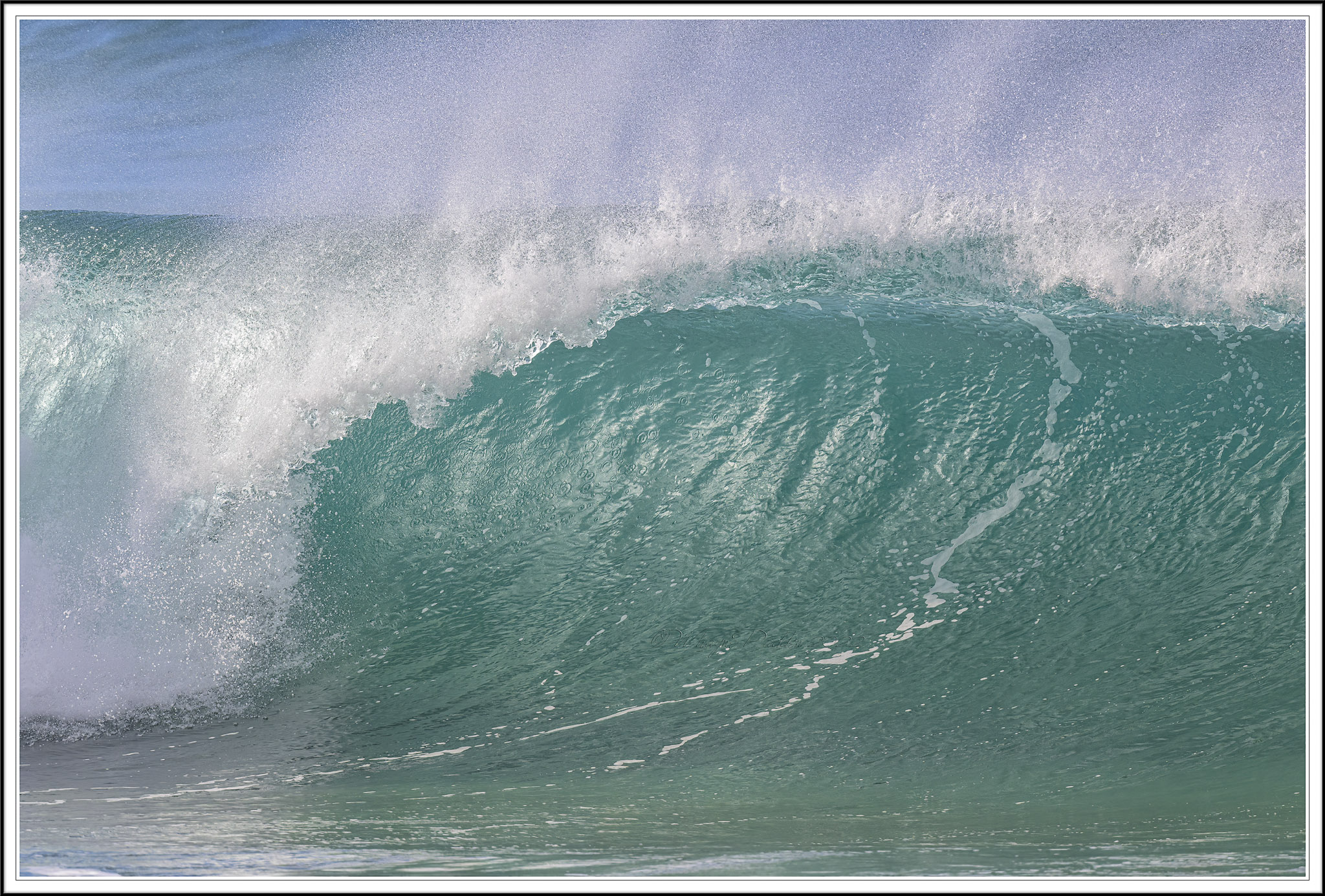
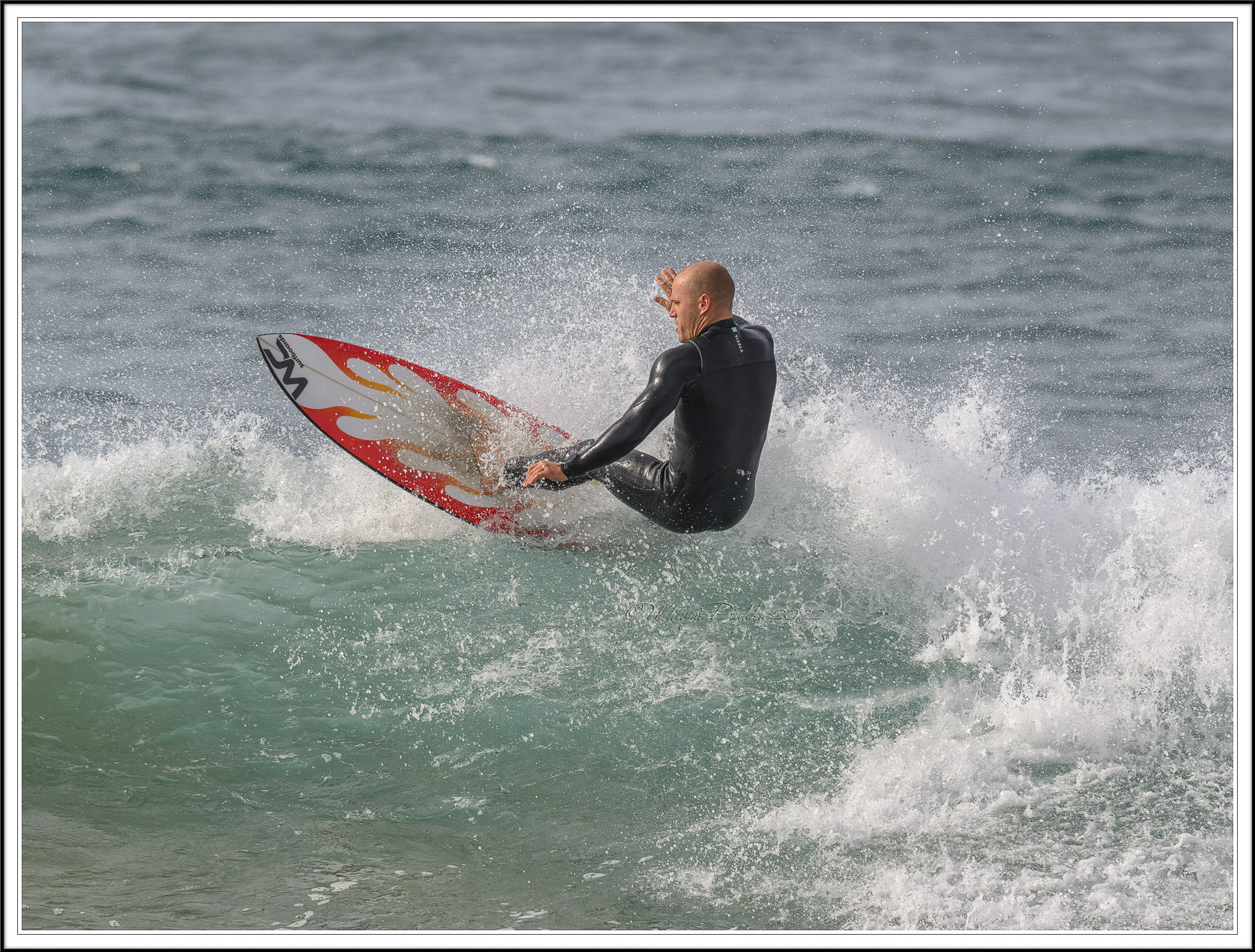
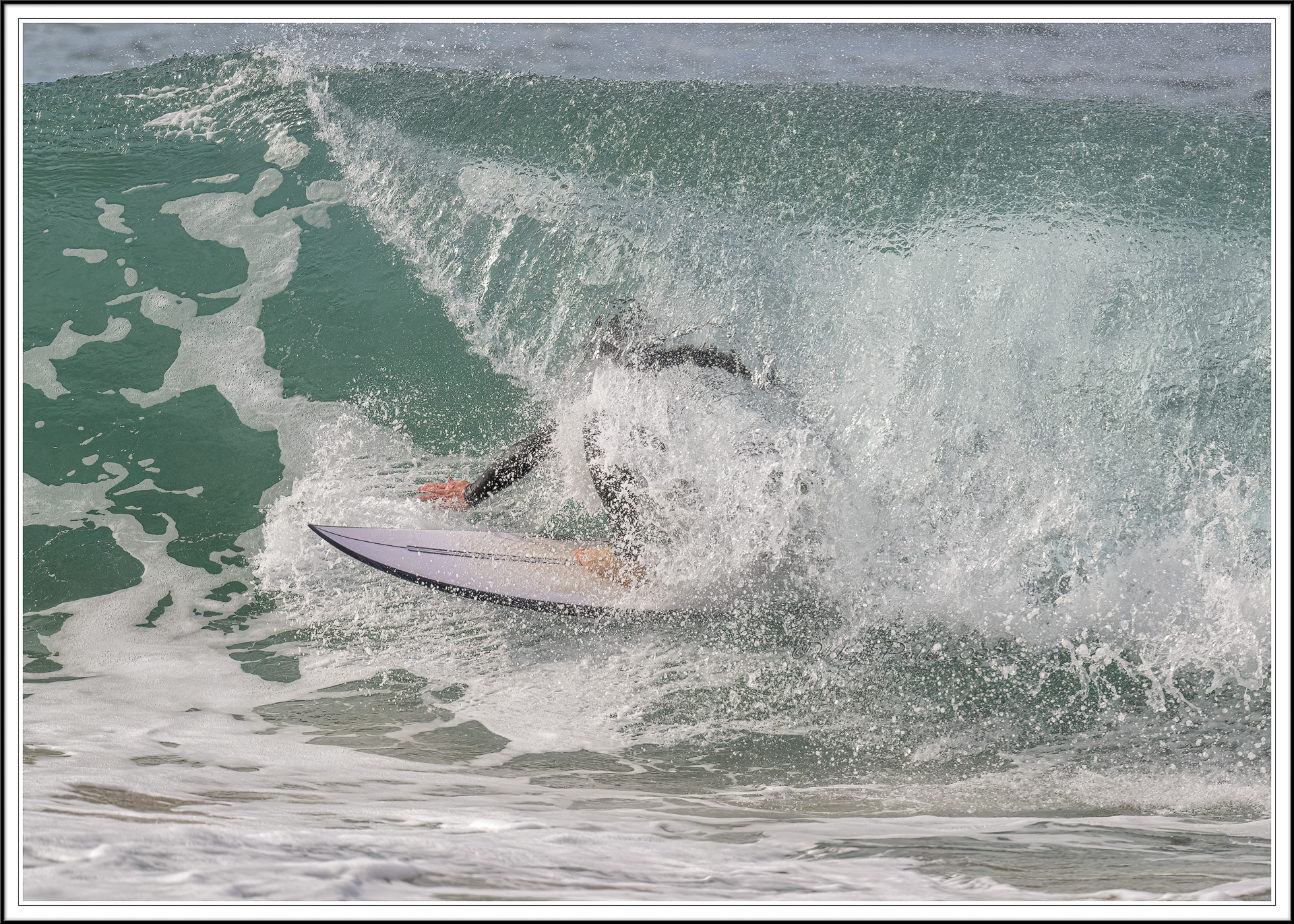
So I had my first chance to shoot some fast moving stuff this past weekend. There is definitely some lessons to be learned on my part.
The conditions were a bit challenging; strong backlight an strong contrast with erratic movement. The camera was set to Aperture priority mode, ISO 200 (to keep shutter speed high), 3D tracking and Auto Subject Detect. The distance to subject was about 4 meters. I used the Z 24-120.
The sequence below illustrates where the camera struggled. The two first shots are tack sharp (in the right place) but the last the AF got confused by the splash of water. Not sure if the web sized images are clear enough to show this.
Next time I will try to set it to detect people and also set it to Highlight Weighted Metering. Got some great shots ruined by over exposure.
I will also shoot more frames as there are so many changes in position and facial expression within a very short period of time.
p.81 #2 · Z9 and Z8 ! : A thread for Z9/Z8 images and *discussion*
sputnik wrote:
Next time I will try to set it to detect people and also set it to Highlight Weighted Metering. Got some great shots ruined by over exposure.
If you don't enable the proper subject detection mode the camera will revert back to closest subject priority mode, which is probably why it grabbed the water in one of the shots - but at the size posted they all look pretty good to me.
As for highlight priority metering, be careful when you are shooting water (or snow, chrome, etc.) + a subject. The glare off the water from the sun is so much brighter than the rest of the scene that you might find your subject is way too dark if you ask the camera to set exposure for the brightest highlights from water. Manual mode would probably be a better choice for a more balanced exposure, and maybe use a polarizer to help cut down on the glare. Highlight priority metering is more suited to something like a wedding dress or performer under a spotlight on a stage rather than an outdoor scene with extreme brightness variations that include either the sun or bright reflections.
p.81 #5 · Z9 and Z8 ! : A thread for Z9/Z8 images and *discussion*
NissanPatrol wrote:
perfecto
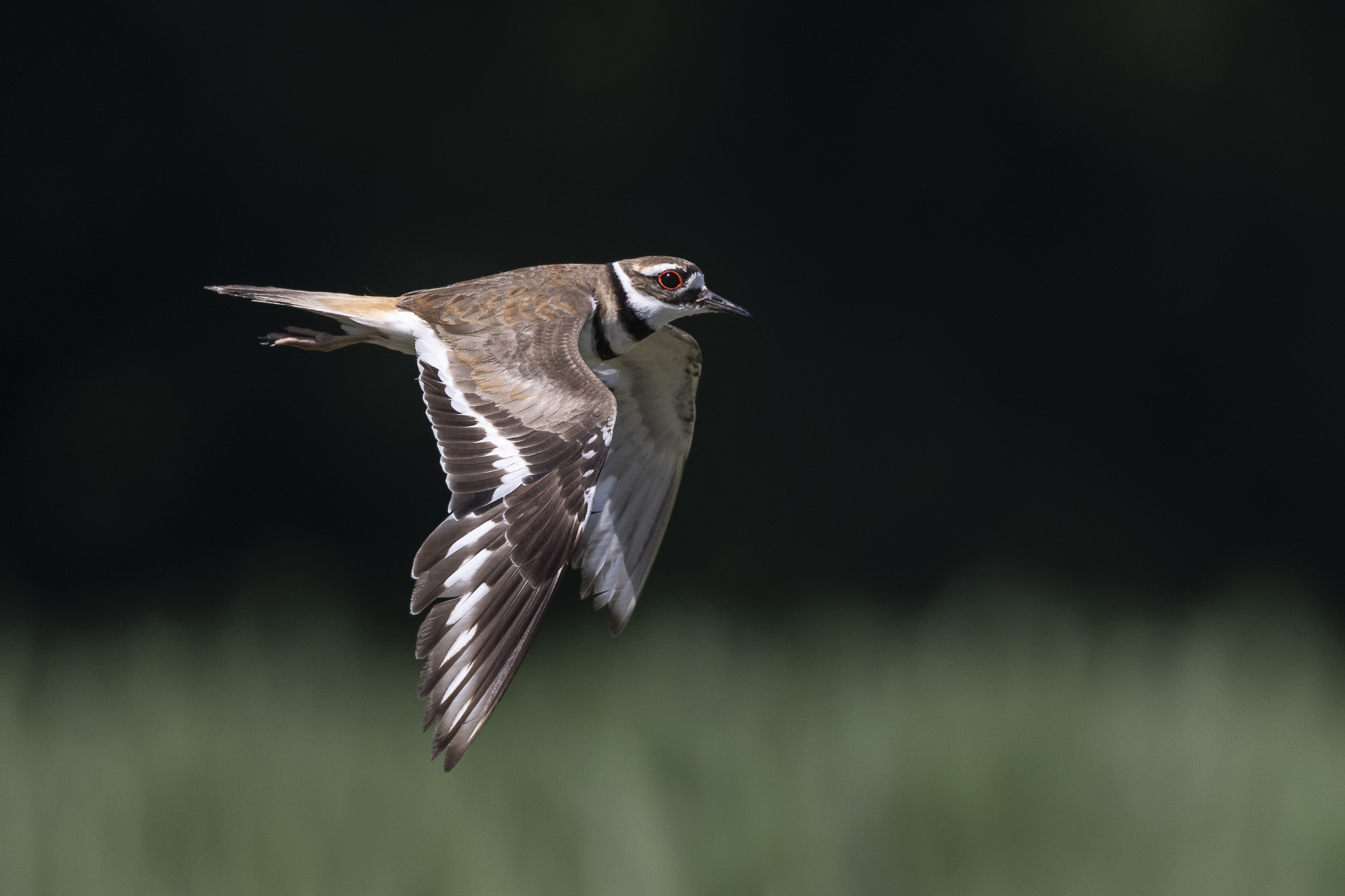
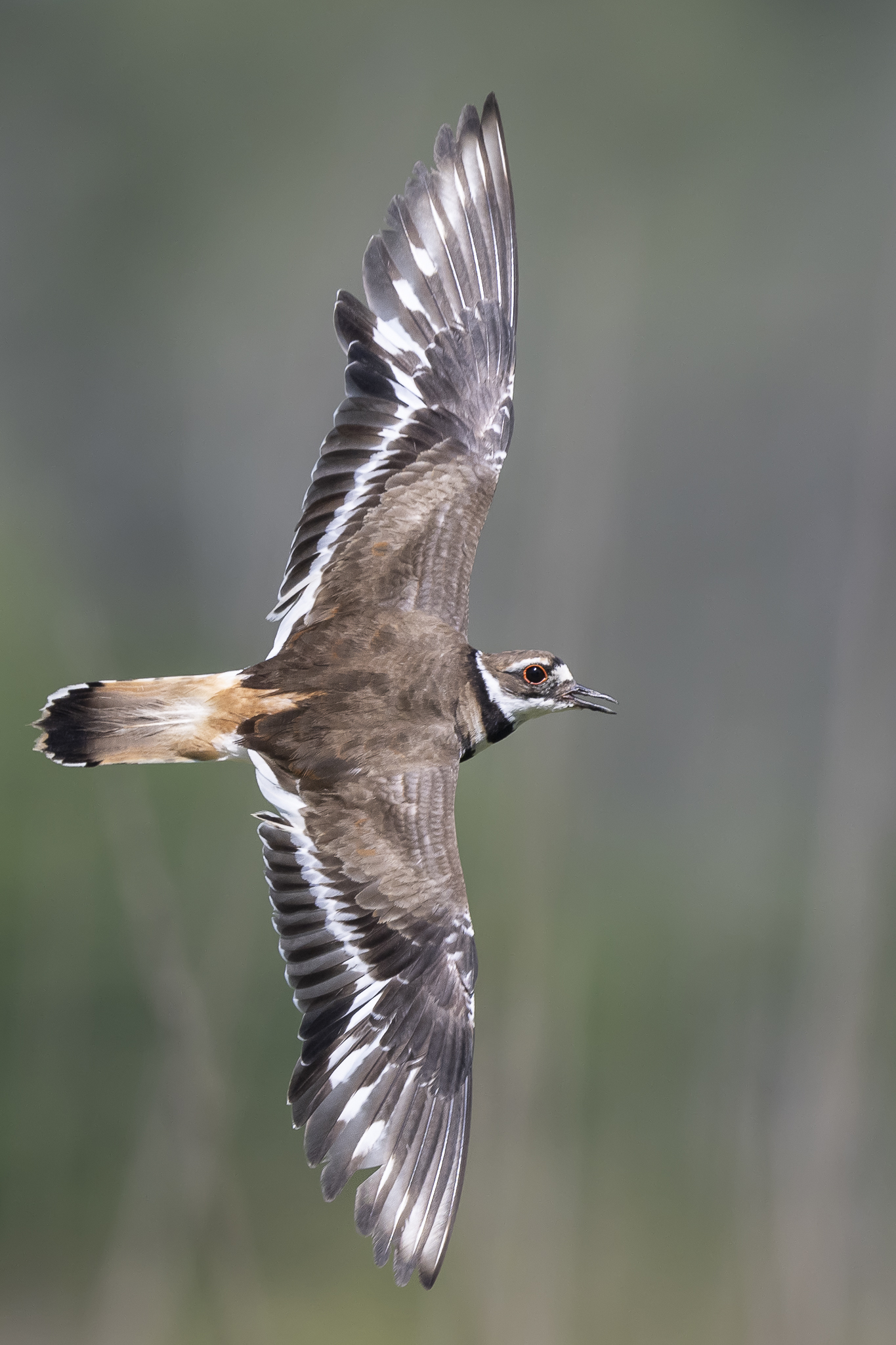
Where is the light coming from in the second picture?
Philip
Thanks!
That's a Killdeer flying low over some 3-5ft tall corn stalks. If the bird is at my 12:00 position, the sun was at my 7:00-8:00 position, coming in at an angle over my left shoulder. It was around 11am, so about 5 hours after sunrise and no clouds in the sky so harsh light and exposing for the white on the bird turned the woods in the far background mostly black.
p.81 #6 · Z9 and Z8 ! : A thread for Z9/Z8 images and *discussion*
Not happy with Z9 noise and grain. Spoke with my local camera store and they contacted Nikon representative with my raw sample file. I have been using Adobe Raw application to convert Nikon NEX raw files and edited the image in PS. I was surprised that I had more noise especially at ISO 1000, 2000 and worse at 10,000. I thought Z9 supposed to have a good image capture at high ISO.
Nikon representative got back and said Adobe is behind in supporting Z9 in their raw application and as well as LR. Representative said to use Nikon Studio application to convert/process your raw images. I tried and it produced better image, less noise and less crunch on sharpening.
Came across this discussion today with Matt Irwin Youtube channel. He discuss with his buddy on the issue and they decided to use Capture One for their Z9 work flow.
p.81 #8 · Z9 and Z8 ! : A thread for Z9/Z8 images and *discussion*
sithbk wrote:
Not happy with Z9 noise and grain. Spoke with my local camera store and they contacted Nikon representative with my raw sample file. I have been using Adobe Raw application to convert Nikon NEX raw files and edited the image in PS. I was surprised that I had more noise especially at ISO 1000, 2000 and worse at 10,000. I thought Z9 supposed to have a good image capture at high ISO.
Nikon representative got back and said Adobe is behind in supporting Z9 in their raw application and as well as LR. Representative said to use Nikon Studio application to convert/process your raw images. I tried and it produced better image, less noise and less crunch on sharpening.
Came across this discussion today with Matt Irwin Youtube channel. He discuss with his buddy on the issue and they decided to use Capture One for their Z9 work flow.
p.81 #10 · Z9 and Z8 ! : A thread for Z9/Z8 images and *discussion*
I scan a few pages and didn’t see anything on the matter before I post my comment. Will check the previous page as noted. I also tried adjusting the raw file with Capture One and it was definitely produce less noise and output smoother image.
p.81 #11 · Z9 and Z8 ! : A thread for Z9/Z8 images and *discussion*
CanadaMark wrote:
I did a quick & dirty RAW converter comparison for those interested. Everything with default/auto settings, making sure that the same amount of effort was required to achieve all the results below, and perhaps most importantly, would be representative of results you could expect from a large batch process. Each program was fed the original lossless compressed NEF.
Photo taken with a Z9 and 70-300 AF-P at ISO 6400 in poor lighting (overcast forest). 100% crops. Analysis written below the images.
1) Adobe - Terrible as usual. It's by far the noisiest image with the least accurate color and much of the ultra-fine detail has been destroyed (adding sharpening in ACR does not bring it back). Yes, you could improve some areas with custom color profiles and careful masking, but who wants to spend a bunch of extra time just to get to an acceptable starting point for editing.
2) Topaz DeNoise RAW profile - Pretty good actually, but it ruined the feathers on top of the bird's head (upper right) with artifacting in the transition to the OOF area, almost as if it was trying to add detail but did a poor job. Also just slightly over-sharpened in my opinion, but otherwise acceptable. It also lowered the exposure slightly, changed the color of some very fine feathers below the beak from white to orange, and has the most background NR. Overall it altered the image a bit too much for my taste in ways that actually changed the image content from the original.
3) DXO Deep Prime 2 - my personal favorite and to my eye the most natural looking. It has the most accurate colors, the finest details are retained to a higher degree and with better contrast, zero artifacts, and it's not over-sharpened. Noise reduction is ever so slightly less aggressive than Topaz and it did not change any colors or alter the image in any way negatively from the original.
4) DXO HQ - this is the lowest quality mode DXO offers, it's very fast to process and does not use any deep learning or AI based processing. Not bad actually, still much better than Adobe, but not as good as Topaz or Deep Prime. The feathers actually look more natural than Topaz, but the background is far noisier. Good colors, zero artifacts, average noise reduction, decent sharpening. A good representation of what 'older' software would achieve.
Thanks for the sample test. I thought it was just me who use Adobe Raw application as my work flow for Z9 raw files. Light Room is just as bad at outputting Z9 files.
I tried Capture One and it produced better image than Adobe. Will checkout DXO Deep Prime 2.
p.81 #12 · Z9 and Z8 ! : A thread for Z9/Z8 images and *discussion*
sithbk wrote:
Thanks for the sample test. I thought it was just me who use Adobe Raw application as my work flow for Z9 raw files. Light Room is just as bad at outputting Z9 files.
I tried Capture One and it produced better image than Adobe. Will checkout DXO Deep Prime 2.
Thanks,
Sithbk
Interested to know why NX studio is not an option for light/quick post processing
p.81 #13 · Z9 and Z8 ! : A thread for Z9/Z8 images and *discussion*
NissanPatrol wrote:
Interested to know why NX studio is not an option for light/quick post processing
It is Philip. But not for denoising. Do you use it?
For me, it is the first software the images go to. All images that pass the 100% test, get a yellow (#3) star... or sometimes better. After they are all checked, NX Studio is a very fast delete for the rest. I like it. It is not as quick to load as FastRawViewer, but it is quicker to jump to 100%.
Tonight, i discovered that all I must do to get to 100%, is click on the image. It jumps up to 100%. Click again and it goes back down to say... 25%. Give the keepers a colored dot and the rest get deleted. It’s quick
p.81 #14 · Z9 and Z8 ! : A thread for Z9/Z8 images and *discussion*
bs kite wrote:
It is Philip. But not for denoising. Do you use it?
For me, it is the first software the images go to. All images that pass the 100% test, get a yellow (#3) star... or sometimes better. After they are all checked, NX Studio is a very fast delete for the rest. I like it. It is not as quick to load as FastRawViewer, but it is quicker to jump to 100%.
Tonight, i discovered that all I must do to get to 100%, is click on the image. It jumps up to 100%. Click again and it goes back down to say... 25%. Give the keepers a colored dot and the rest get deleted. It’s quick
Yes I use NX studio but I don't perform any denoise or focus stacking. I try to keep my ISO low or not shoot.( temporary until I buy a denoise program)
I am very interested in focus stacking which I never done and not sure which software is better for that.
p.81 #15 · Z9 and Z8 ! : A thread for Z9/Z8 images and *discussion*
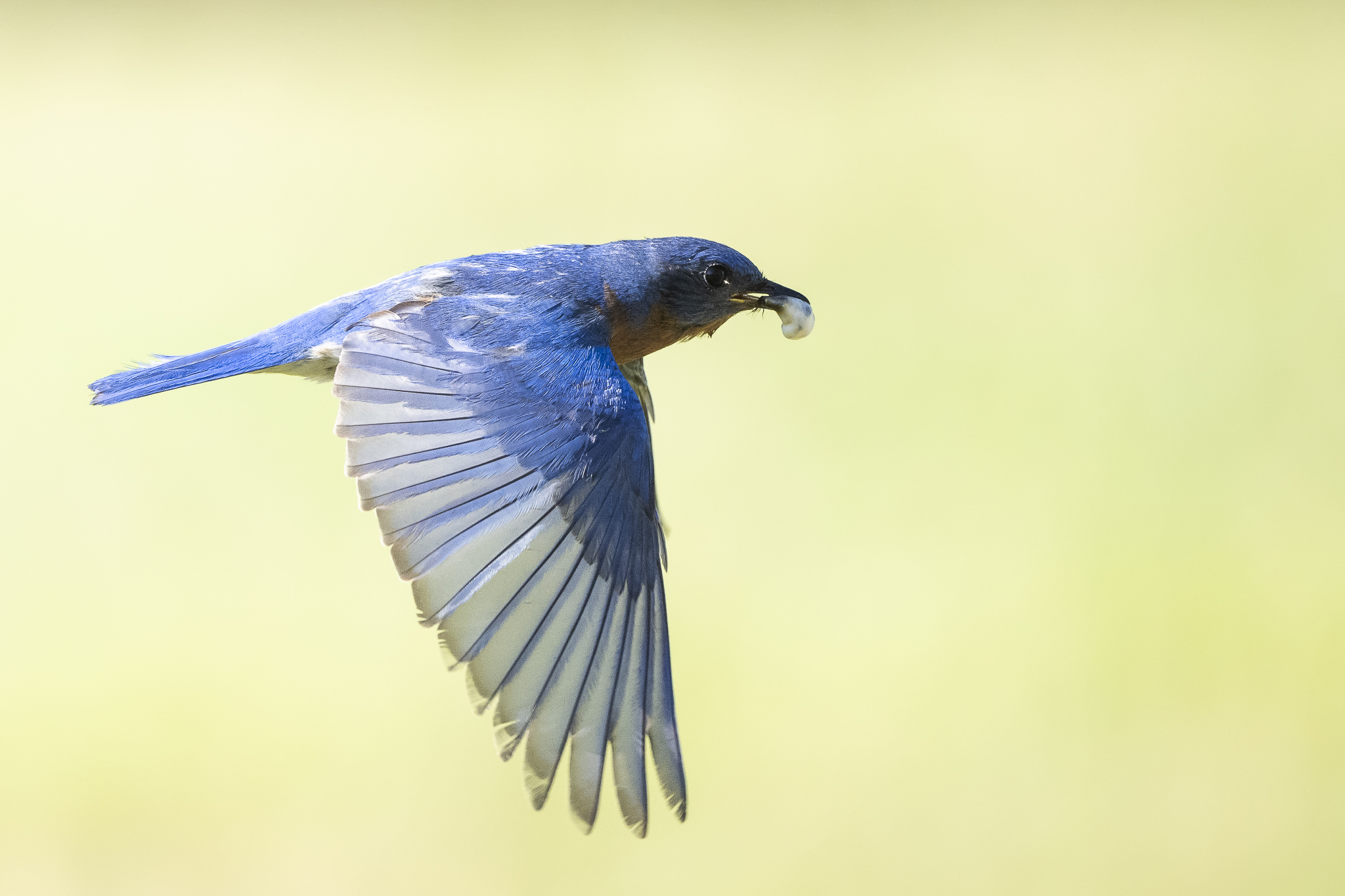
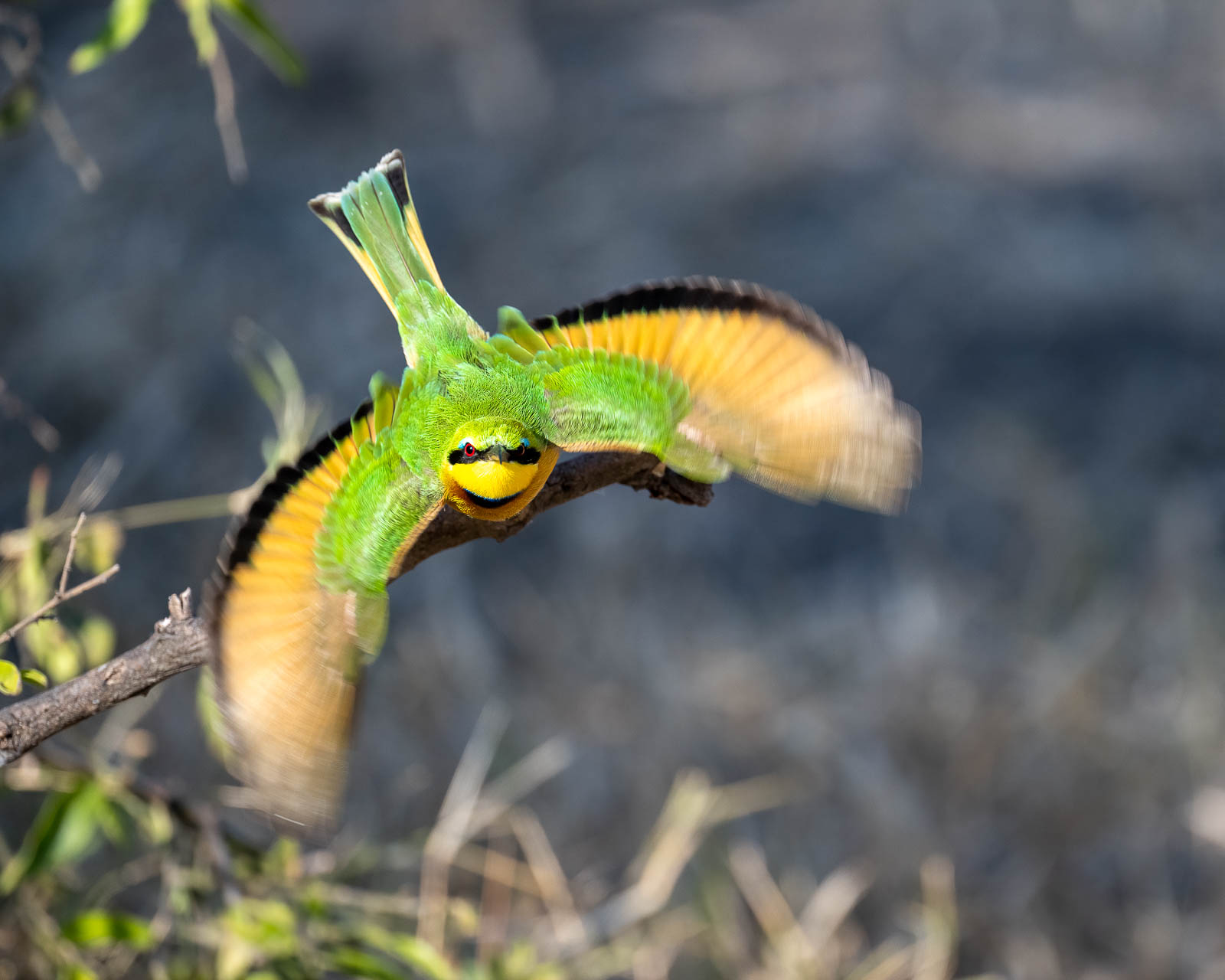
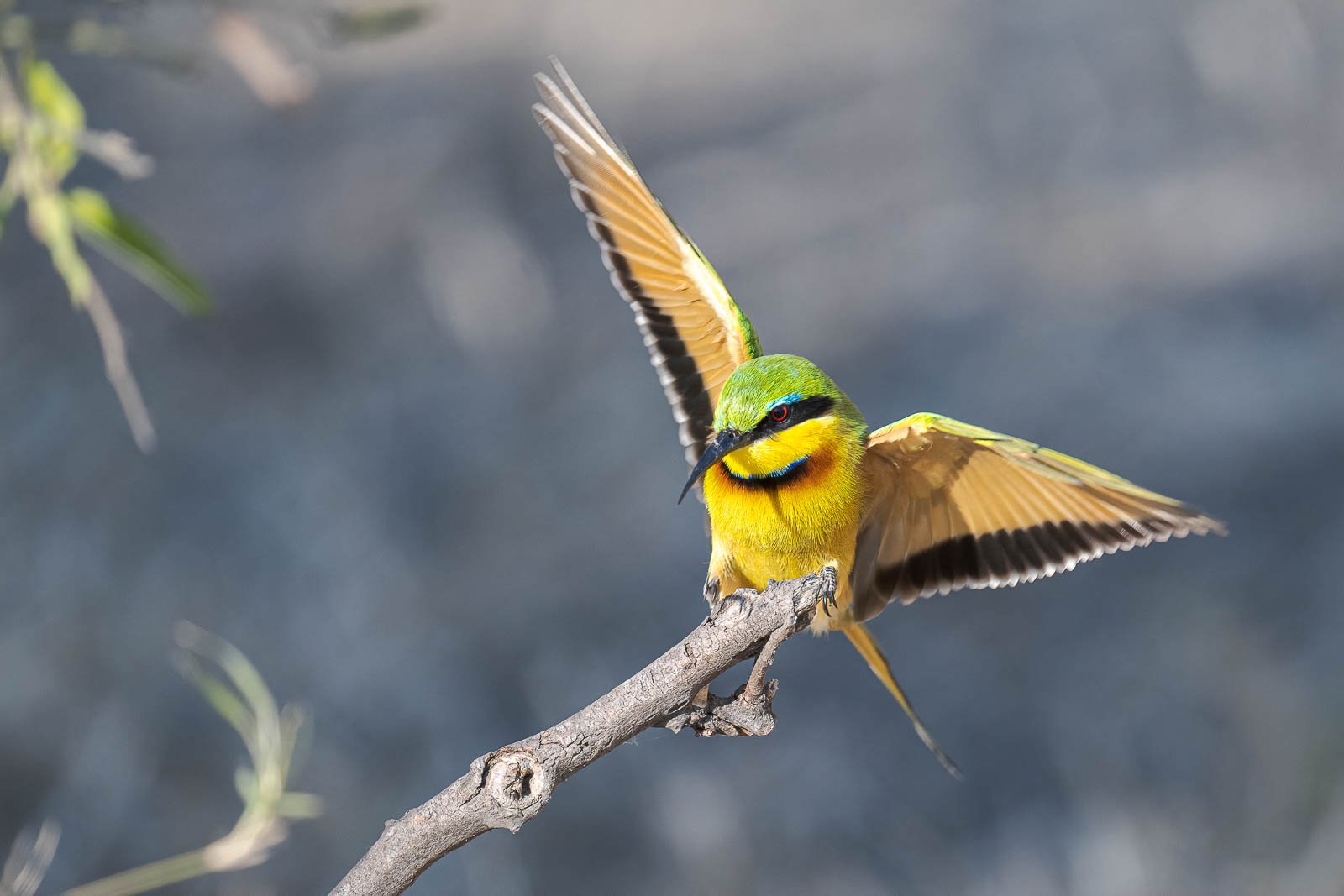
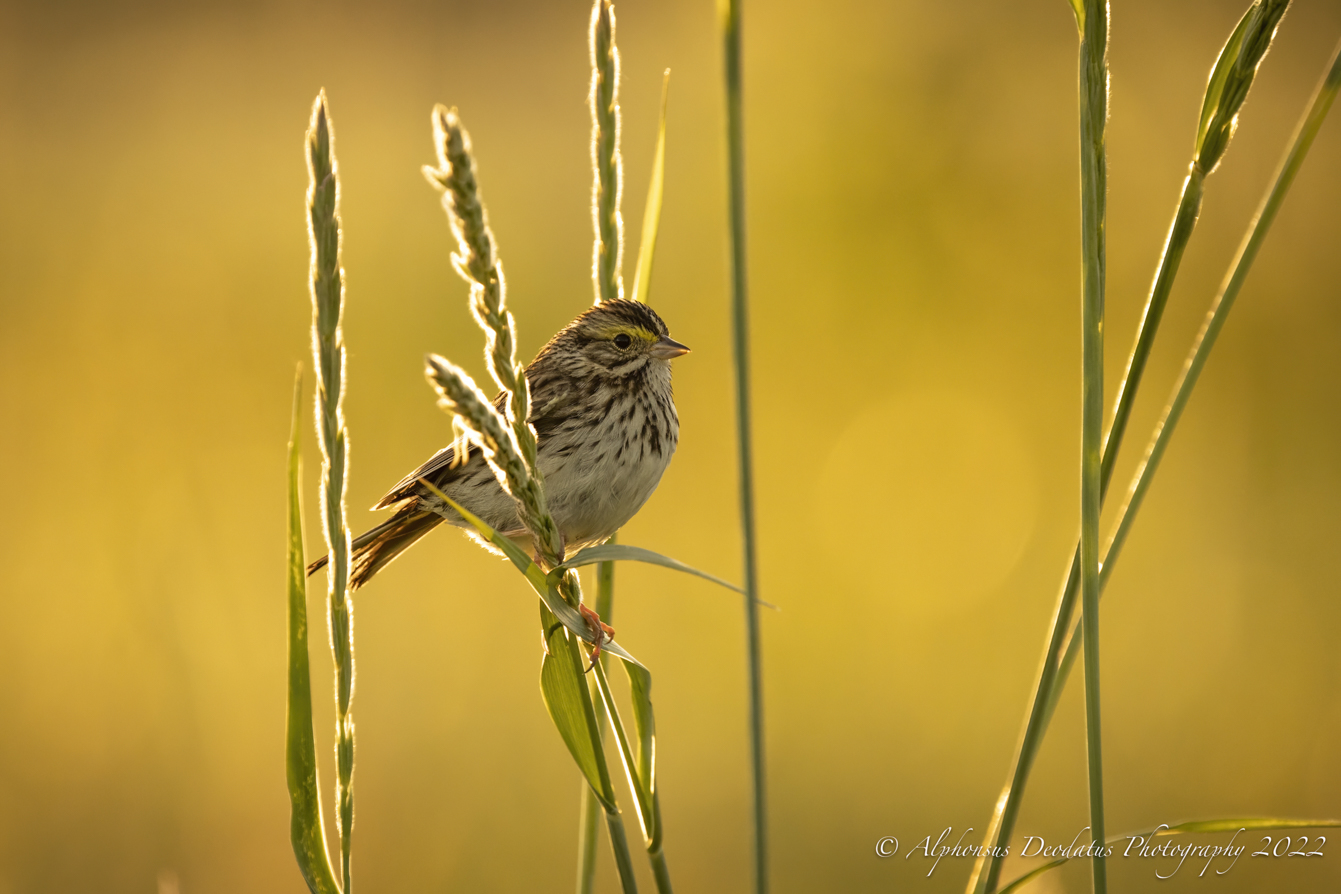
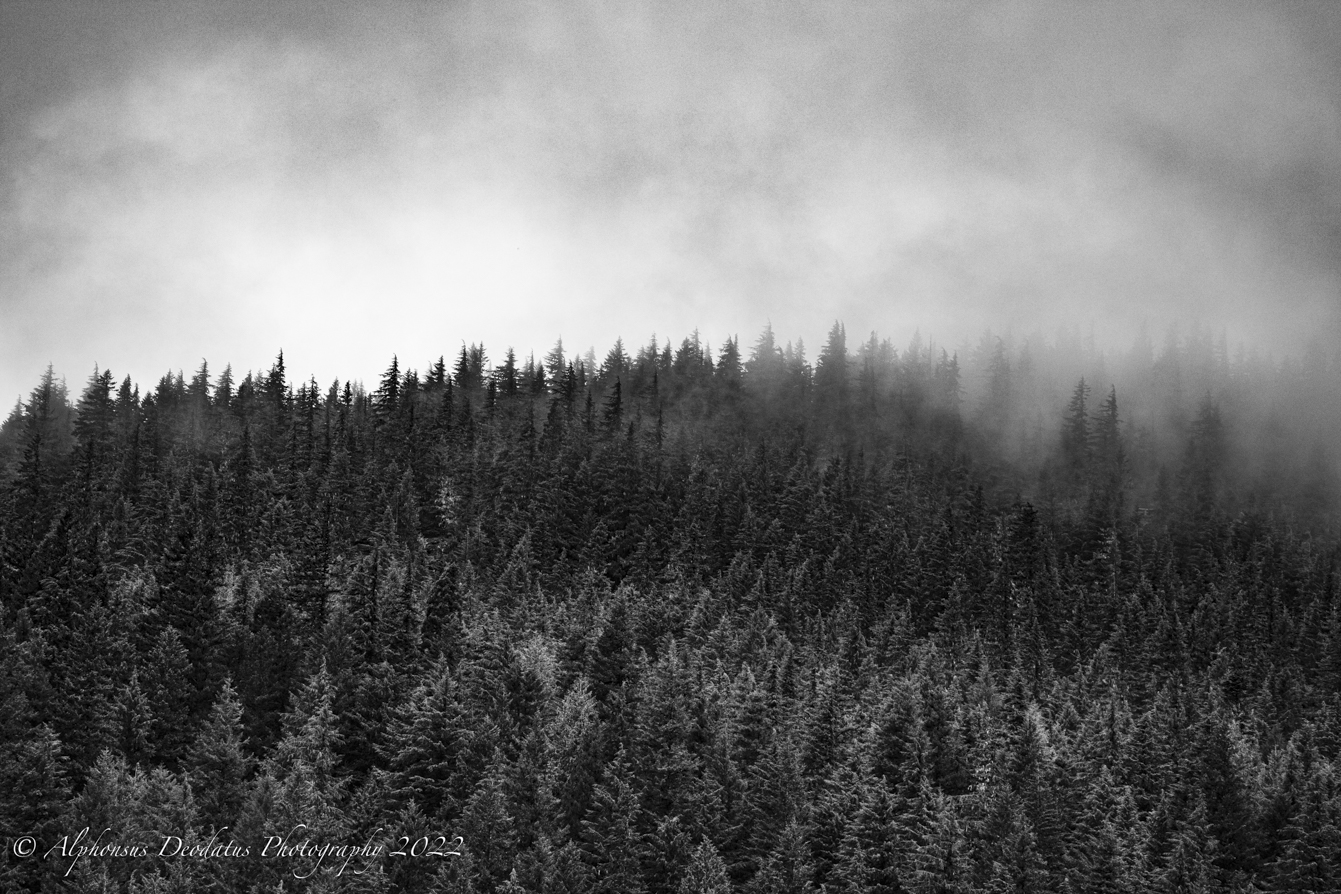
Not just birds. A couple from the last 10 days.
I'm heading out for a 2 week road trip this weekend hoping to come back with some good stuff (though the snow levels might not allow my usual amount of hiking).
p.81 #16 · Z9 and Z8 ! : A thread for Z9/Z8 images and *discussion*
NissanPatrol wrote:
Interested to know why NX studio is not an option for light/quick post processing
You can use NX studio for a simple post processing. I just starting to use it and haven’t learn much of the application yet. I don’t trust Adobe Raw to process my Z9 images anymore until they support Nikon Z9.
p.81 #17 · Z9 and Z8 ! : A thread for Z9/Z8 images and *discussion*
Got around to processing some from last month. Mostly Australasian Gannets. Processed in NX Studio this time which I rather enjoyed for its simplicity and output. All with 300AFD and 600AFD and Z 24-120. Probably with 1.4xII on a couple of them but all exif data intact.
p.81 #19 · Z9 and Z8 ! : A thread for Z9/Z8 images and *discussion*
CanadaMark wrote:
I did a quick & dirty RAW converter comparison for those interested. [...]
CanadaMark: Thanks for your comparison! You've made me interested in the DXO raw converter. Do you - or anyone else reading this - have any experience with the DXO Pure Raw plug in? It seems like it would offer the best of both worlds - a better raw conversion, and I can still work within Lightroom/Photoshop, which are familiar to me.