p.80 #4 · Z9 and Z8 ! : A thread for Z9/Z8 images and *discussion*
bs kite wrote:
I bumped into your post here, from the bottom to top; I opened the thread at Michael Fullana's images of their new rescue pup running.
As I scrolled upward through the butterfly images, I uttered the words "a butterfly house", meaning that this posting is of a bunch of butterflies taken inside a butterfly aviary.
The images are outstanding, albeit static. I think you picked the right focal too, and the backgrounds are super.
You posted *an eloquent description* of the frustration of trying to find and hold a flying butterfly in the viewfinder, long enough to capture a suitable image.
I greatly appreciate your candor. And yes, those places are humid. Back in the late 80's I frequented a place called Butterfly World in Lauderdale. All the images I got had black backgrounds from flash, because in those days, it was Kodachrome 25 or 64 or Fujichrome/Velvia.
What is that new feature of the Z9 that allows the photographer to begin shooting before the action starts? I forget what they call it.
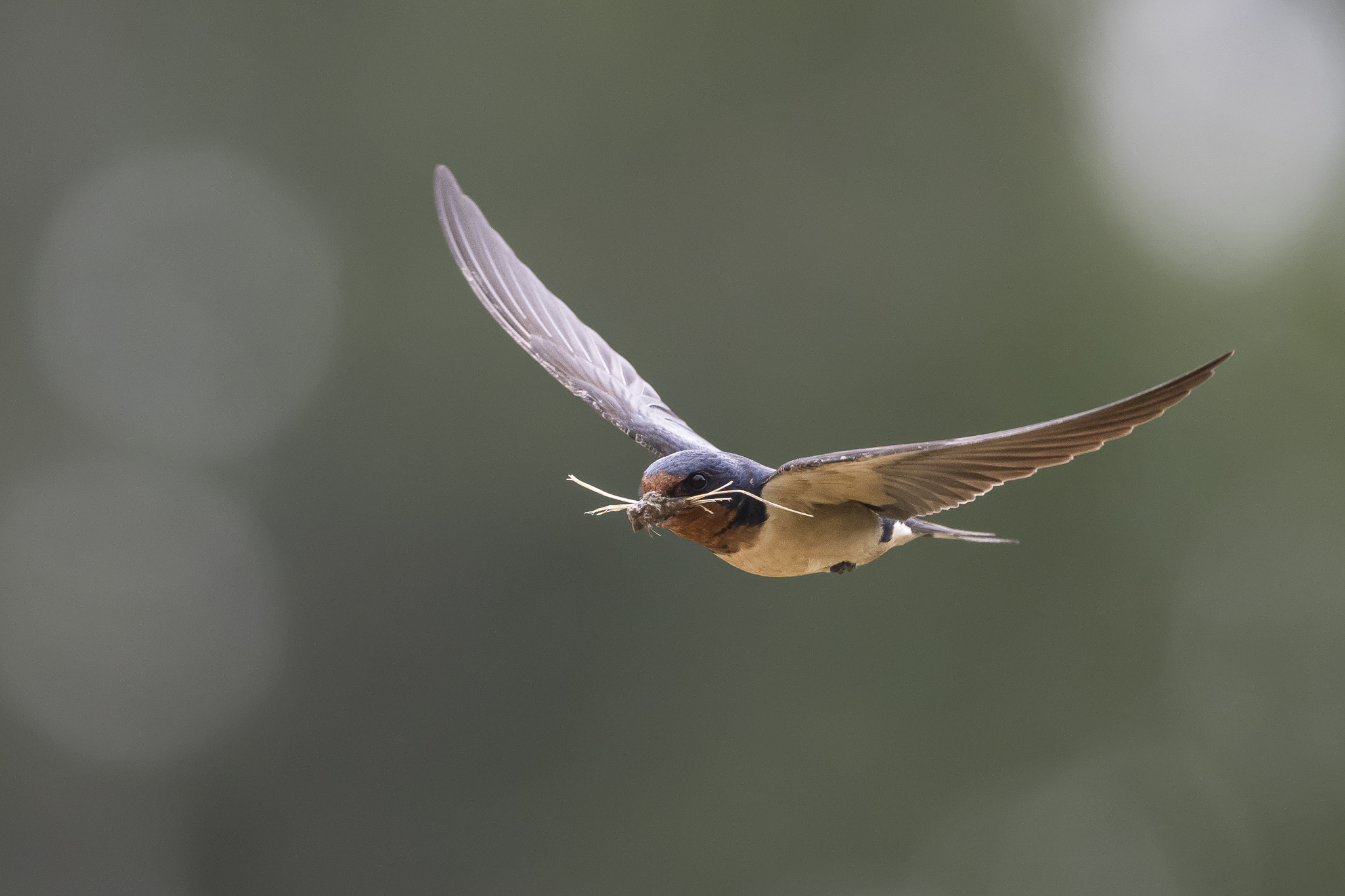
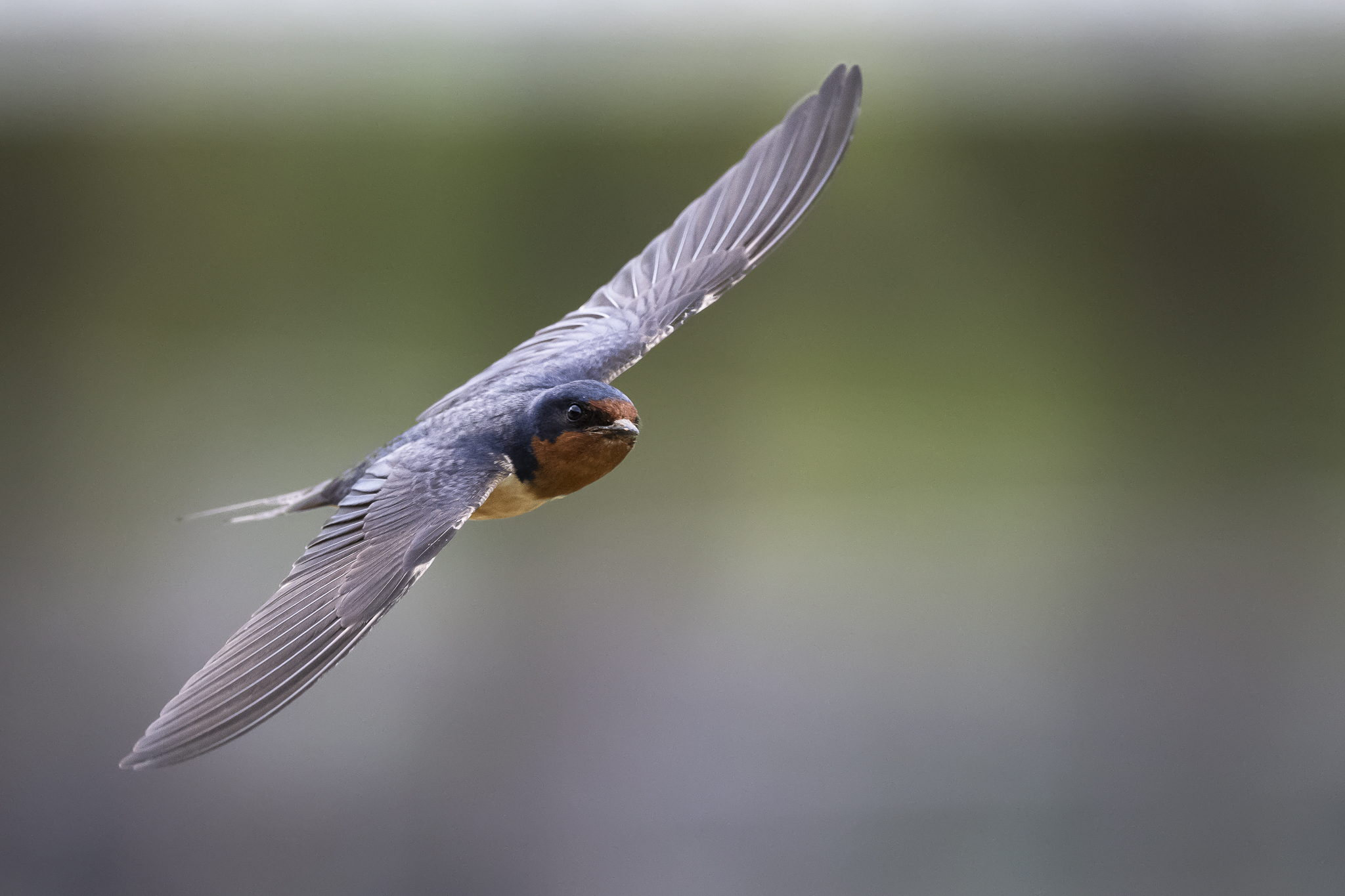
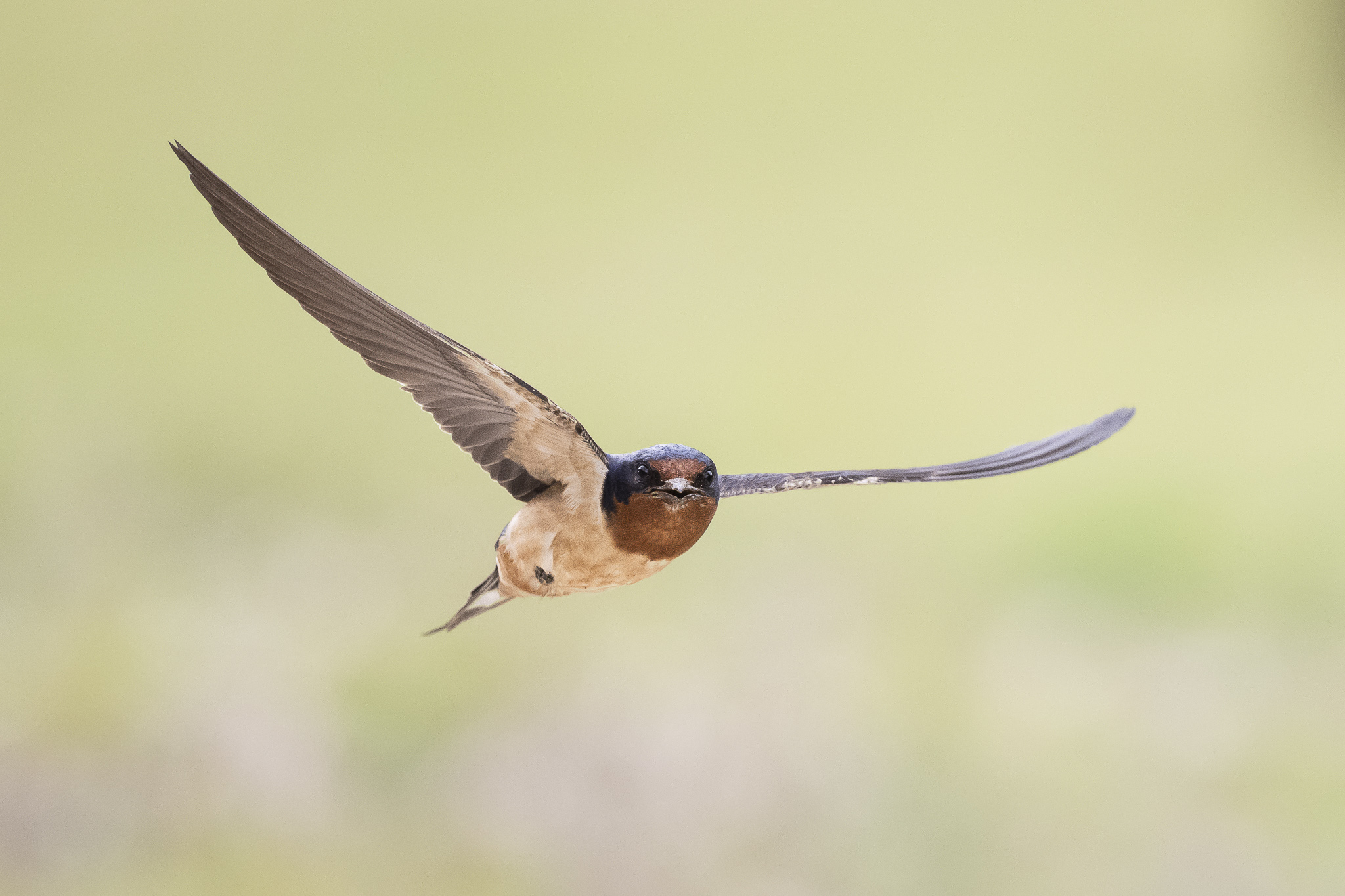
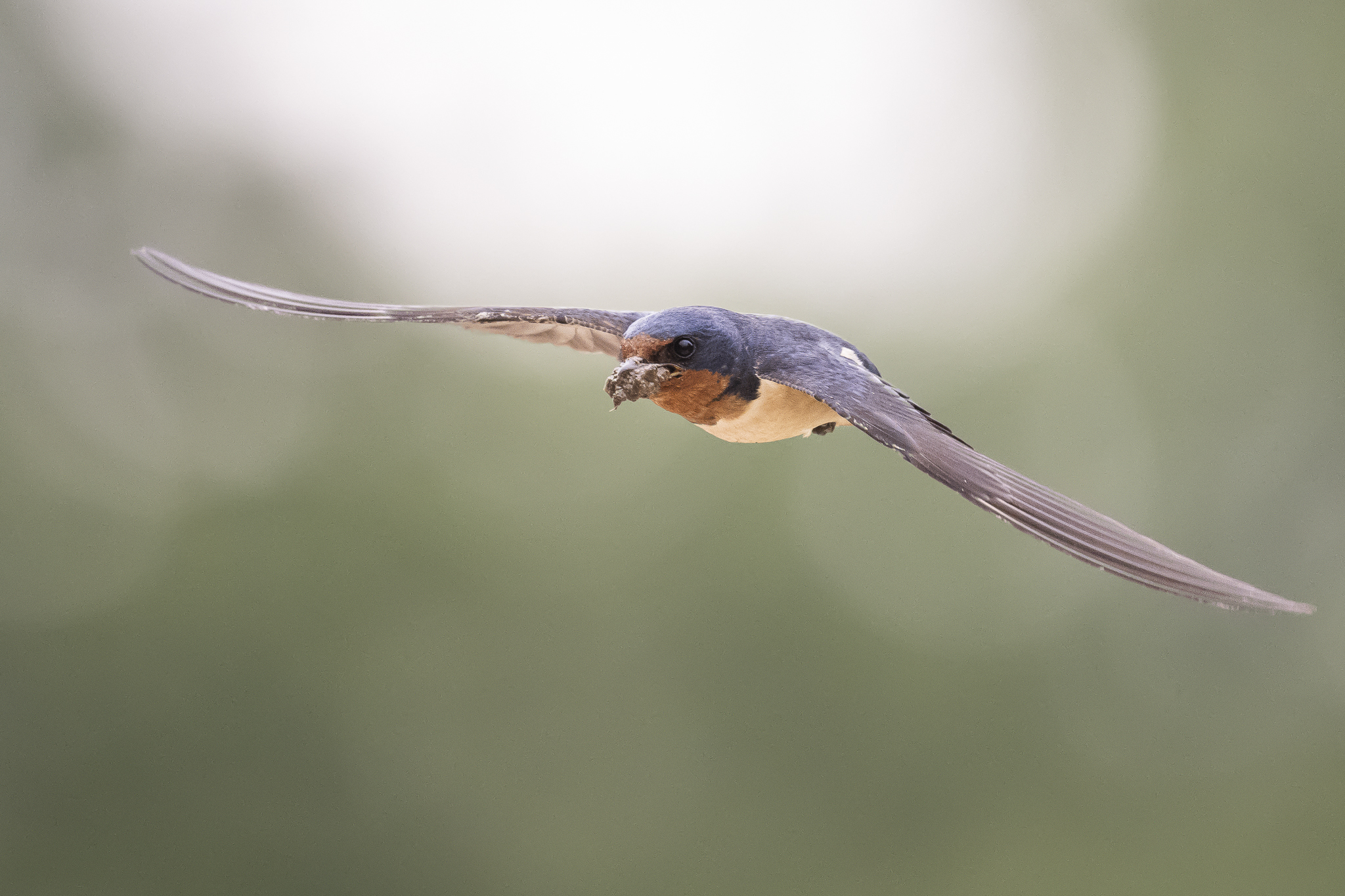
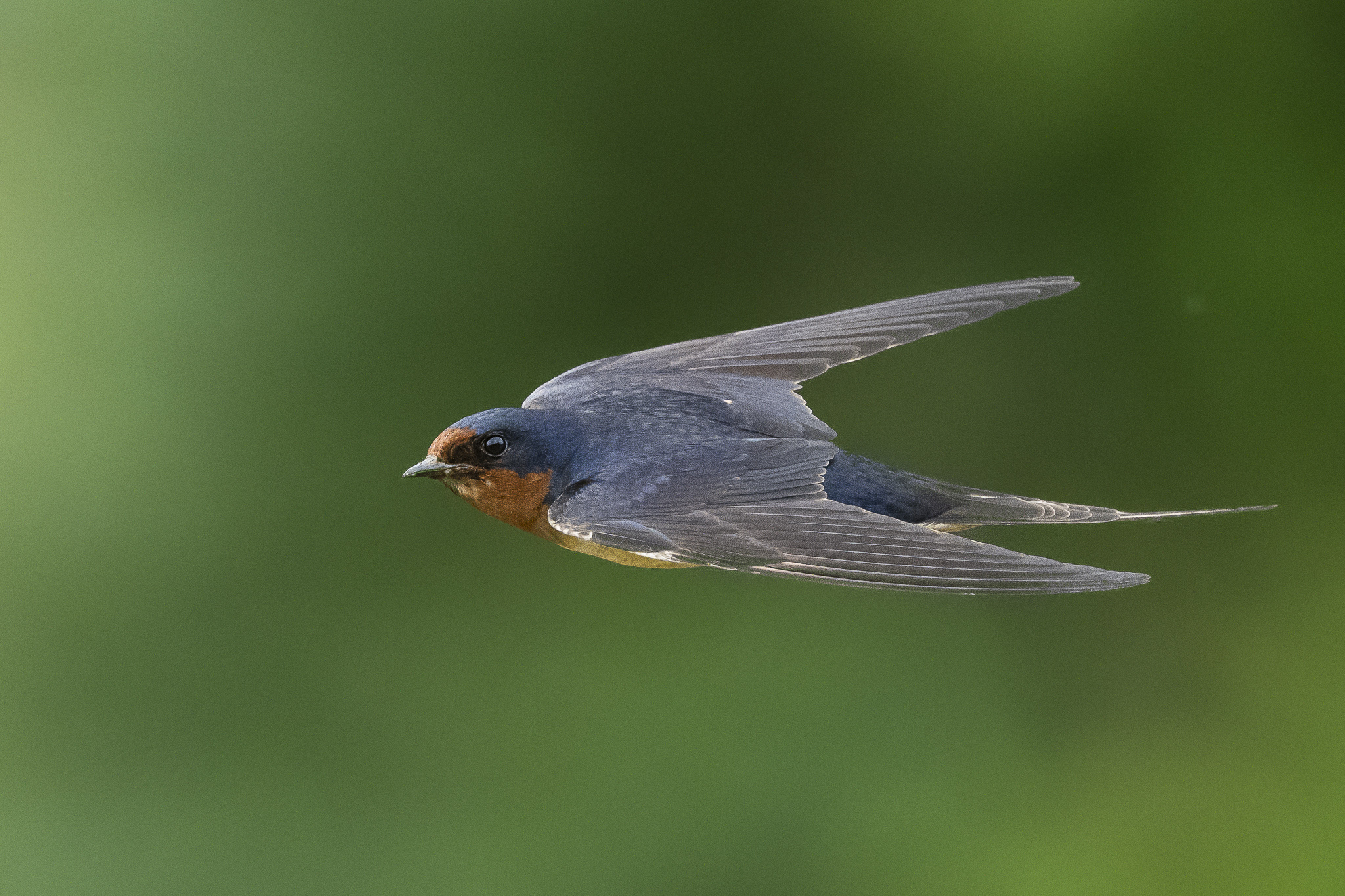
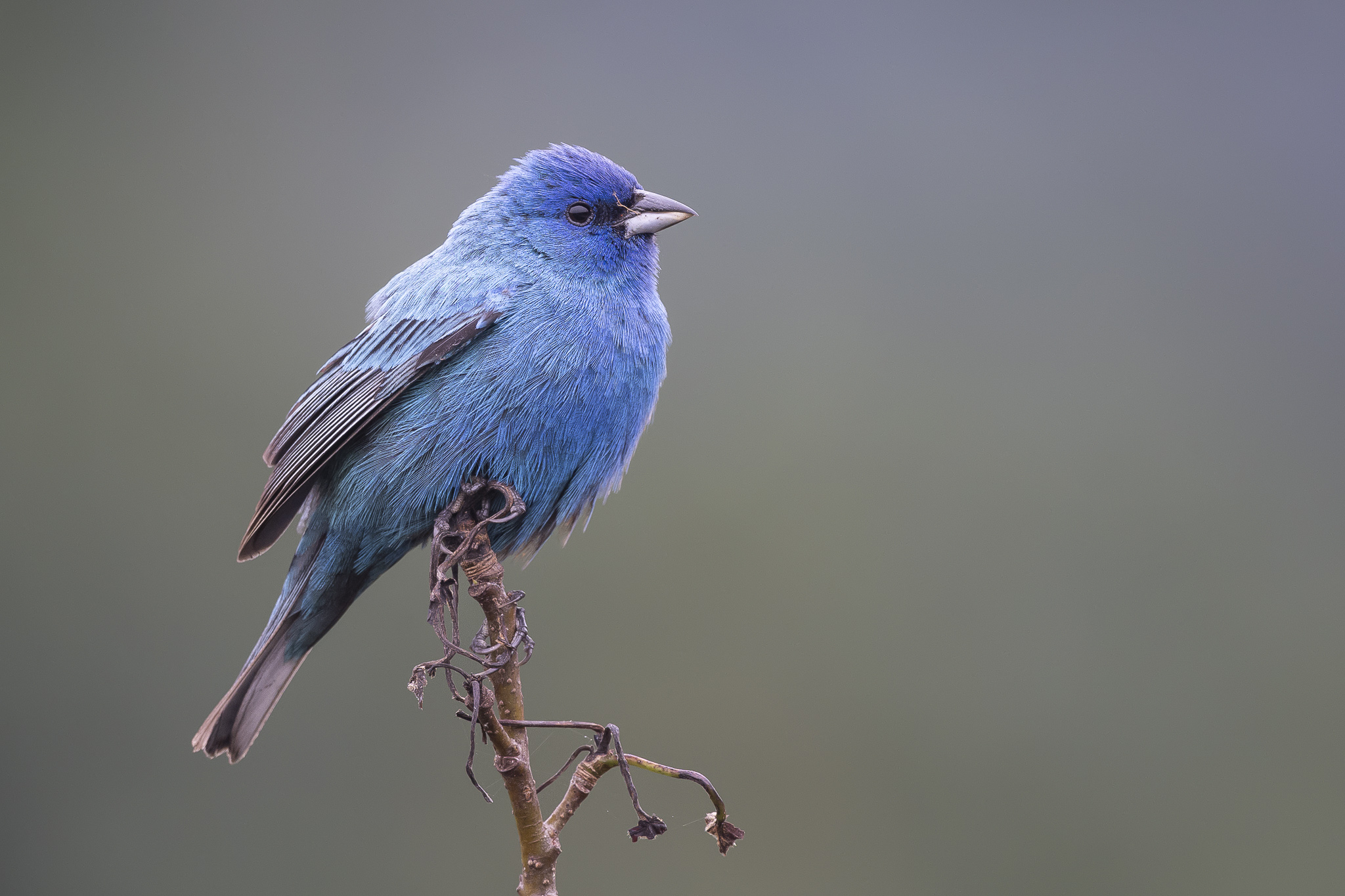
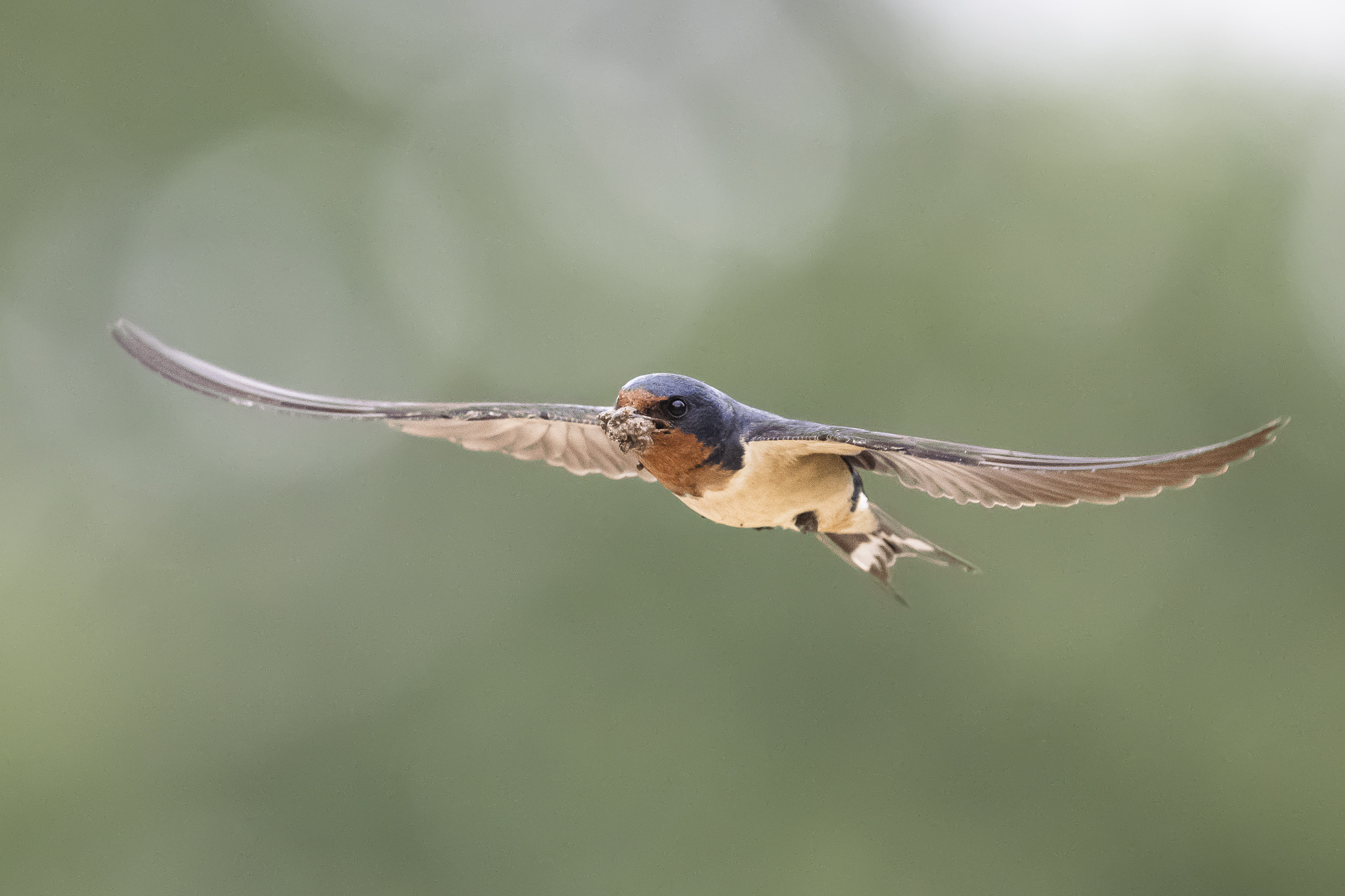
Anyway, not sure if it is the same thing we already do. With the D850's relatively slow 9fps, I watch the animal (birds and insects are animals) very closely and try so hard to anticipate when it is going to launch, and I begin to burst *before* I think it is going to launch. The problem with the D850 is that (depending on how close I am to the little bird at my bird feeder), I almost always just get 1.5 images ... an image of it launching with the next frame being the tip of its tale feather . They are that fast. And you are right, butteries are more difficult because the butterfly gives no indication at all on when it is going to launch. And as you also said, nor do we have any idea where it is going.
The faster FPS is a great advantage the Z9 has over this D850 or D500 in this situation of shooting flying butterflies (or attempting to ).
I have a butterfly garden that I've put a lot or work into (especially this season, more than others, excepting the first season).
The only technique I can think of is the one I have been using. The improvement I can make is to not get too close (for deeper DOF), and start bursting when everything looks good and just keep shooting until it flies or the buffer runs down.
Thank you
Robert
afterthought: I removed a sentence that said "It cannot be done." It's a good challenge for those interested.
I recall a guy years ago who used electronic tripper to freeze insects in flight. Stephen Dalton I think.
Yes, I had the 200f2 in the car to try but after an hour in the place, I was sweating and did not want to go back in. With the longer focal length and smaller magnification of the subject, it will be easier to track and more DOF to work. But will need to crop the image.
My intention was to print out some large prints of these images(I have an Epson P9000 and do my own printing) to see how the detail holds at 44".
p.80 #5 · Z9 and Z8 ! : A thread for Z9/Z8 images and *discussion*
this is me wrote:
Yes, I had the 200f2 in the car to try but after an hour in the place, I was sweating and did not want to go back in. With the longer focal length and smaller magnification of the subject, it will be easier to track and more DOF to work. But will need to crop the image.
My intention was to print out some large prints of these images(I have an Epson P9000 and do my own printing) to see how the detail holds at 44".
I believe those images will look great in large prints! Maybe you might do a collage of them in PS. Many possibilities with that high quality and that printer.
p.80 #7 · Z9 and Z8 ! : A thread for Z9/Z8 images and *discussion*
I got my Z9 way back in the first week of Jan however being sick did not help and I first picked up the camera last week. Are the files inherently grainier than the Z6 or the D850 or am I doing something silly ?
p.80 #8 · Z9 and Z8 ! : A thread for Z9/Z8 images and *discussion*
sritri wrote:
I got my Z9 way back in the first week of Jan however being sick did not help and I first picked up the camera last week. Are the files inherently grainier than the Z6 or the D850 or am I doing something silly ?
Here is the screen shot from LR 1:1
You're not crazy, Adobe's raw conversion is just complete garbage (in general, but particularly for Z9 files) and that's what they look like if you let ACR/LR handle the conversion. Use a different RAW converter before bringing the photos into Photoshop to edit and I think you will be much happier. Personally I think DXO does the best job at the moment.
Also keep in mind that at 1:1, all else equal, the Z9 or D850 is going to look noisier than a Z6. For a proper comparison you need to first down sample the Z9/D850 to 24MP before inspecting them.
p.80 #10 · Z9 and Z8 ! : A thread for Z9/Z8 images and *discussion*
sritri wrote:
I got my Z9 way back in the first week of Jan however being sick did not help and I first picked up the camera last week. Are the files inherently grainier than the Z6 or the D850 or am I doing something silly ?
Here is the screen shot from LR 1:1
Truly sorry to hear of your long sickness. I've been there. Long Covid all the way from April 2021 to end of October.... and it was hell.
I never start post-processing by importing the RAW (NEF) directly into an Adobe product. Mark is right... garbage
Yep a Meadow Lark, very common in Eastern Oregon. In fact I had to scroll up to see these weren't from "Summer Lake Wildlife Area", looks virtually the same as we see there in the spring, birds and all. Excellent captures.
p.80 #14 · Z9 and Z8 ! : A thread for Z9/Z8 images and *discussion*
sritri wrote:
I got my Z9 way back in the first week of Jan however being sick did not help and I first picked up the camera last week. Are the files inherently grainier than the Z6 or the D850 or am I doing something silly ?
Here is the screen shot from LR 1:1
The Sony A1 (that I currently shoot) output is also inherently granier than I was used to with my last dslr, the Nikon D500, and that is a crop camera with identical pixel density as the A1.
Also, the grain already starts to become obvious at lower iso values like iso 200-400, and is consistently more present throughout the iso range. Gone are the silky blue skies, although you have to zoom in to 100-400% to see the grain pattern.The D500 output is simply a good notch smoother and less grainy.
Detail though is another story, due to the complete absence of any type of blurring (AF inaccuracy, mirror slap, shutter shock) the detail is higher (with new problems with moiré artifacts at high zoom levels).
I cannot conclude otherwise than that the always on status of the sensor in mirrorless bodies makes the output granier, but also the stacked sensor adds grain for sure, as the Sony A7RII had much less grain in blue skies at low iso levels.
It is a step back from the latest generations of dslr cameras for sure. So I now spend time with masking and balancing noise reduction and sharpening at iso levels where I did not need to bother with the D500. Especially the noisy OOF backgrounds with even colors can be ugly so need extra noise reduction.
You can of course also let AI noise reduction software handle it for you, and save you a lot of time masking. I think calling Adobe raw bad software is a stretch. I use CO1 for the Sony A1, and it is very similar. You need AI based software if you want a "magical" transformation of the A1 or Z9 output. It is simply the raw signal from the sensors that is the issue.
p.80 #15 · Z9 and Z8 ! : A thread for Z9/Z8 images and *discussion*
ChrisMak wrote:
You can of course also let AI noise reduction software handle it for you, and save you a lot of time masking. I think calling Adobe raw bad software is a stretch. I use CO1 for the Sony A1, and it is very similar. You need AI based software if you want a "magical" transformation of the A1 or Z9 output. It is simply the raw signal from the sensors that is the issue.
I don't think anyone is saying Adobe Raw (I assume you mean ACR) is bad - It is specifically the raw conversion that leaves much to be desired. I still use ACR/Photoshop for all editing beyond the raw conversion.
Adobe applies a default level of sharpening and noise reduction just like any other software. Their conversions are just not as good - this has been the case for years and years and people have been complaining about it for as long as I've been participating on forums. I've noticed it on all my raw files all the way back to my D80.
Their color profiles and "Camera matching" profiles are also never even close, which is why many have to use something like a Colorchecker Passport and import custom profiles. This has been the case long before AI software was even a thing. For example you would always get a better result using Nikon's software than Adobe, it was just slower. Adobe uses AI now for some things as well, they just don't use any for the RAW conversion to my knowledge, which is a choice they are making and it's not for the better. A company that large could easily be competing with DXO, Topaz, etc. but they don't have to because they pretty much own the market as it is.
The noise reduction isn't even really the main issue, other software can extract detail and color fidelity out of raw files that Adobe simply cannot, and that something you can't duplicate no matter how much processing you do, and it makes a real difference in the end result. I've had photos where there were details in the shadows that literally did not exist in the Adobe conversion, but were clearly visible with others - you can't get that back. Looking at RAWs (completely unprocessed) from my Z9 and D850, honestly I can barely tell a difference with the most extreme pixel peeping - the difference is there but not at all noticeable under normal circumstances. Stacked sensors are always slightly behind their non-stacked counterparts from an image quality standpoint. The largest difference by far has to do with the raw converter.
p.80 #16 · Z9 and Z8 ! : A thread for Z9/Z8 images and *discussion*
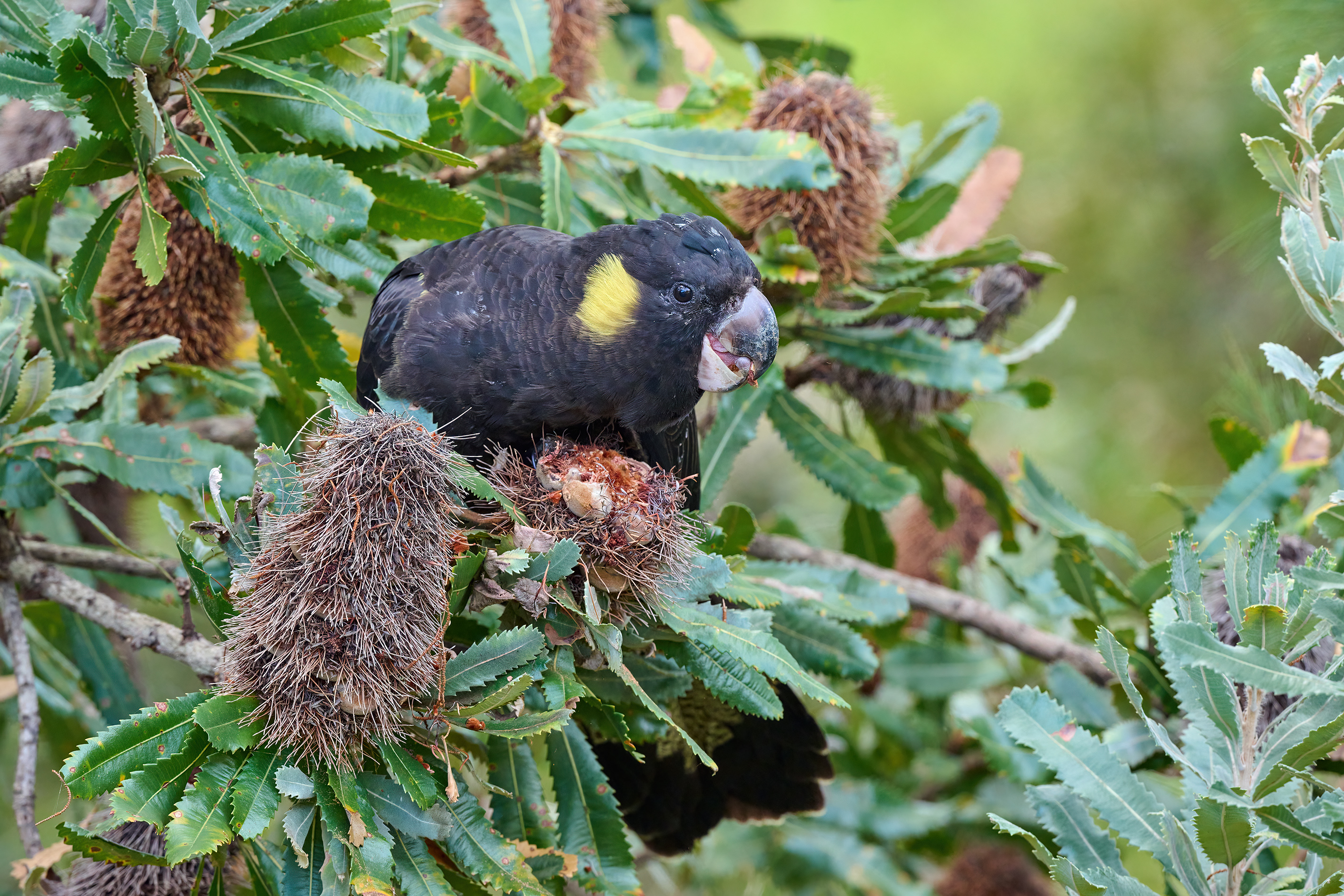
Yellow-tailed Black Cockatoo.
A large bird, a bit larger than the Sulphur-crested Cockatoo. Not common but not rare and such a beautiful bird. Shot at two completely different locations about 60kms from each other on two different days.
p.80 #18 · Z9 and Z8 ! : A thread for Z9/Z8 images and *discussion*
sritri wrote:
I got my Z9 way back in the first week of Jan however being sick did not help and I first picked up the camera last week. Are the files inherently grainier than the Z6 or the D850 or am I doing something silly ?
Here is the screen shot from LR 1:1
i would check a couple of things first.
1. If LR is set to default import its probably dialing in a value of 40 for sharpening.Try taking this down to zero. last time I tried LR isnt good for sharpeing Z9 files but Ive always done it in photoshop anyway.
2. Are you shooting with HE* raw files?. I get lampooned for this but I think that Adobe have work to do before we can be happy with using the Z9 HE* files in Lightroom. Again, last time I looked DXO didnt support HE* files yet and thats in big part that DXO are focused upon quality and will not support something until they are sure they have it right
p.80 #19 · Z9 and Z8 ! : A thread for Z9/Z8 images and *discussion*
I did a quick & dirty RAW converter comparison for those interested. Everything with default/auto settings, making sure that the same amount of effort was required to achieve all the results below, and perhaps most importantly, would be representative of results you could expect from a large batch process. Each program was fed the original lossless compressed NEF.
Photo taken with a Z9 and 70-300 AF-P at ISO 6400 in poor lighting (overcast forest). 100% crops. Analysis written below the images.
1) Adobe - Terrible as usual. It's by far the noisiest image with the least accurate color and much of the ultra-fine detail has been destroyed (adding sharpening in ACR does not bring it back). Yes, you could improve some areas with custom color profiles and careful masking, but who wants to spend a bunch of extra time just to get to an acceptable starting point for editing.
2) Topaz DeNoise RAW profile - Pretty good actually, but it ruined the feathers on top of the bird's head (upper right) with artifacting in the transition to the OOF area, almost as if it was trying to add detail but did a poor job. Also just slightly over-sharpened in my opinion, but otherwise acceptable. It also lowered the exposure slightly, changed the color of some very fine feathers below the beak from white to orange, and has the most background NR. Overall it altered the image a bit too much for my taste in ways that actually changed the image content from the original.
3) DXO Deep Prime 2 - my personal favorite and to my eye the most natural looking. It has the most accurate colors, the finest details are retained to a higher degree and with better contrast, zero artifacts, and it's not over-sharpened. Noise reduction is ever so slightly less aggressive than Topaz and it did not change any colors or alter the image in any way negatively from the original.
4) DXO HQ - this is the lowest quality mode DXO offers, it's very fast to process and does not use any deep learning or AI based processing. Not bad actually, still much better than Adobe, but not as good as Topaz or Deep Prime. The feathers actually look more natural than Topaz, but the background is far noisier. Good colors, zero artifacts, average noise reduction, decent sharpening. A good representation of what 'older' software would achieve.


 )
)
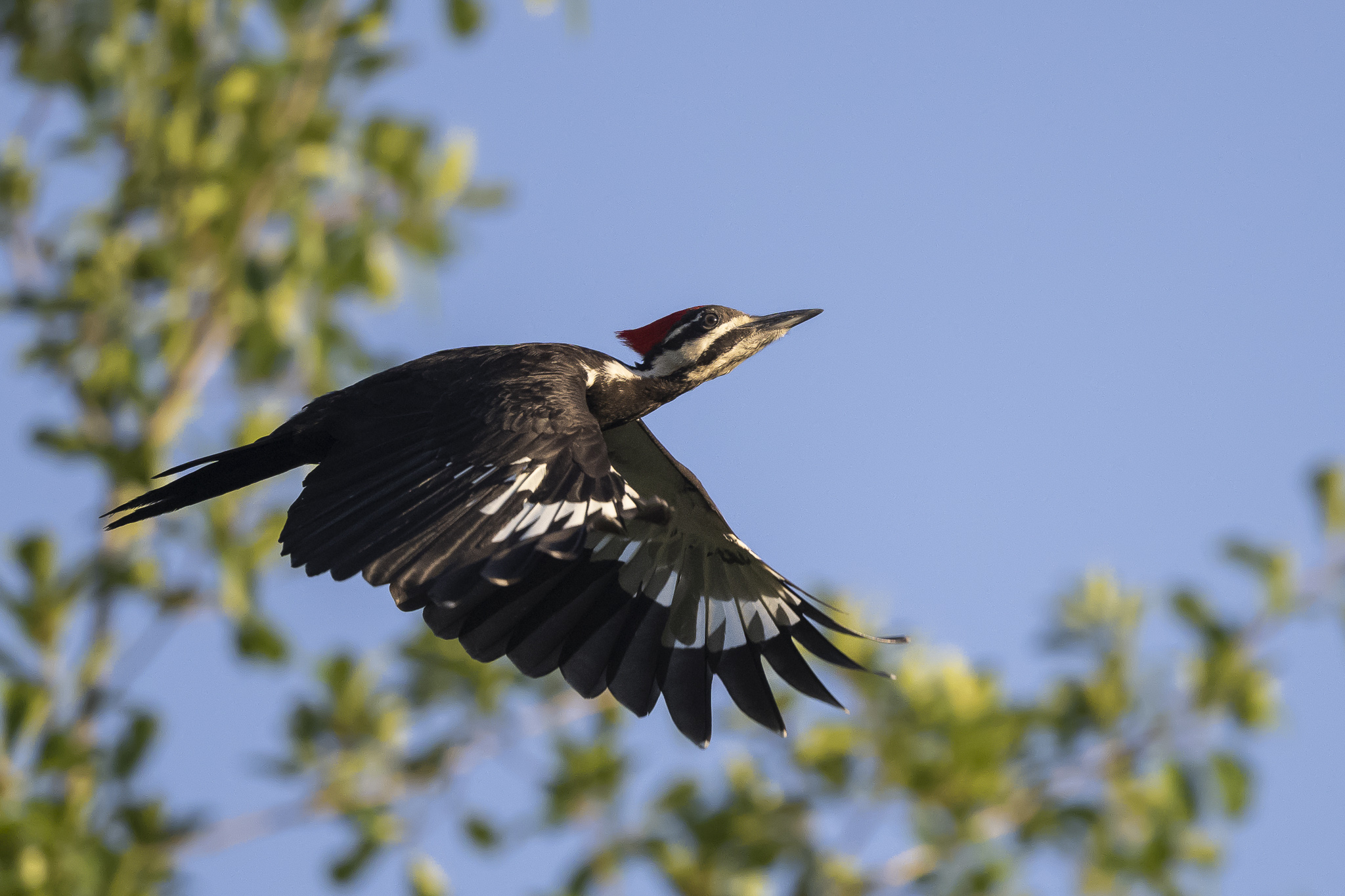
 . They are that fast. And you are right, butteries are more difficult because the butterfly gives no indication at all on when it is going to launch. And as you also said, nor do we have any idea where it is going.