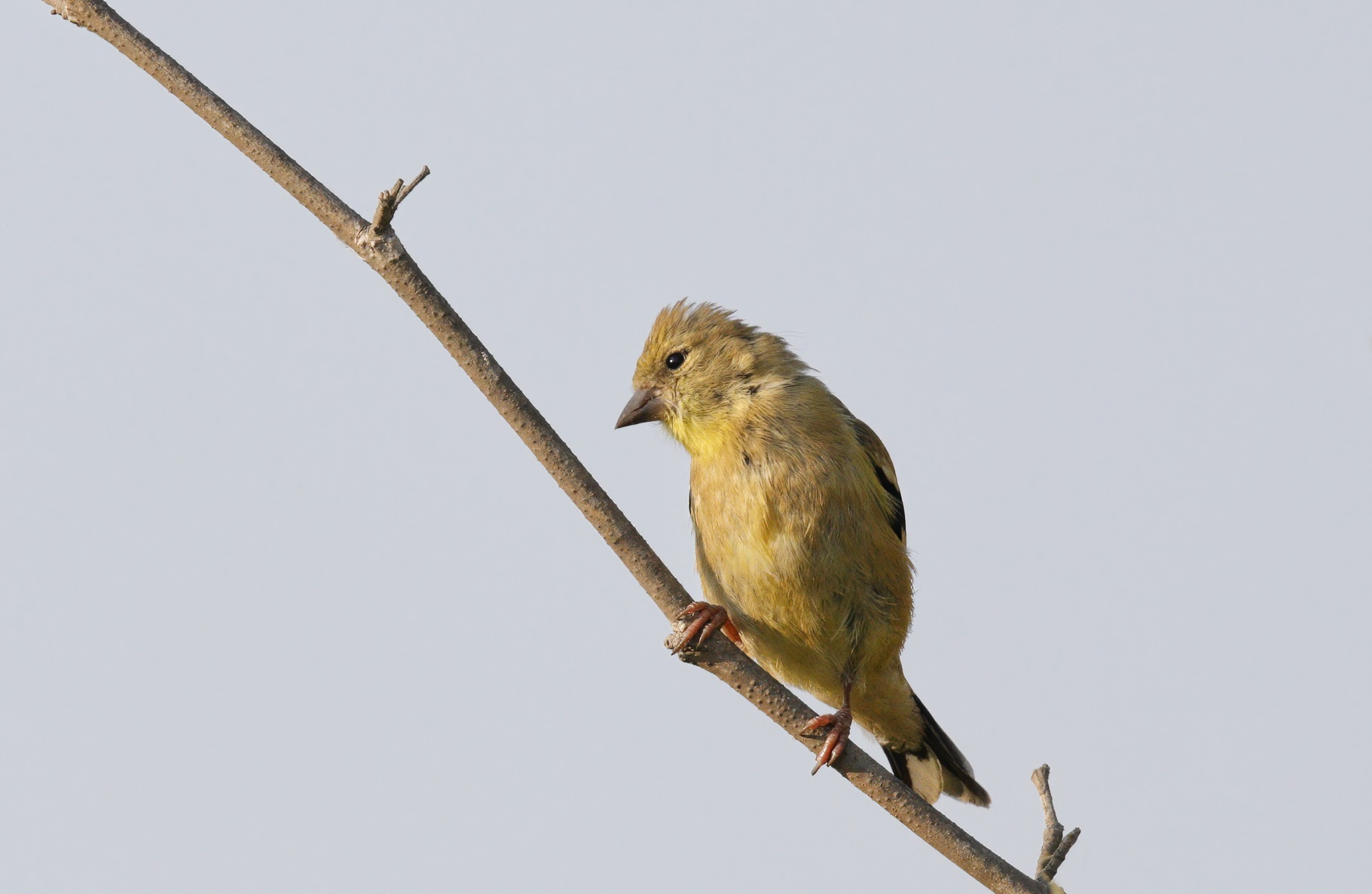
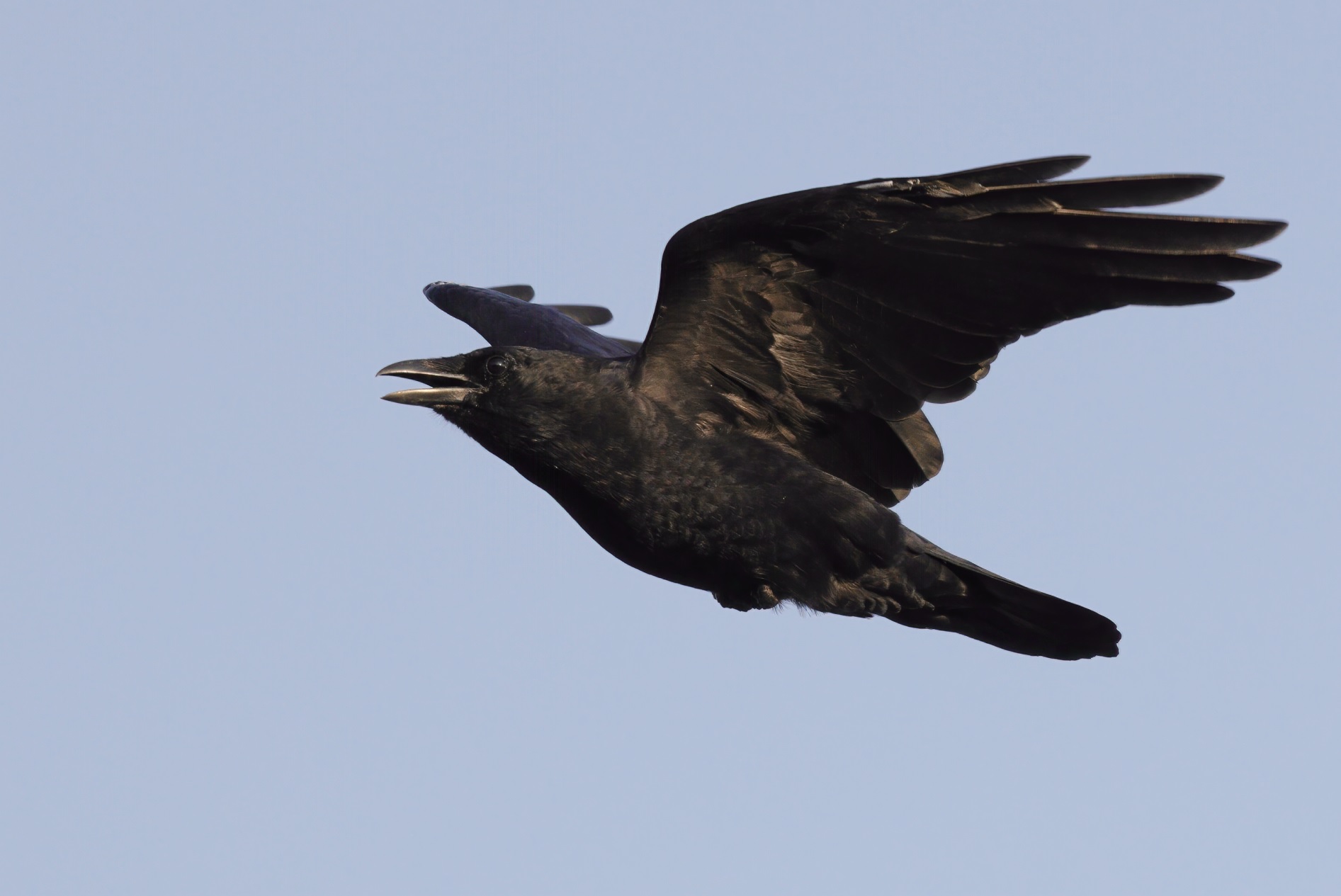
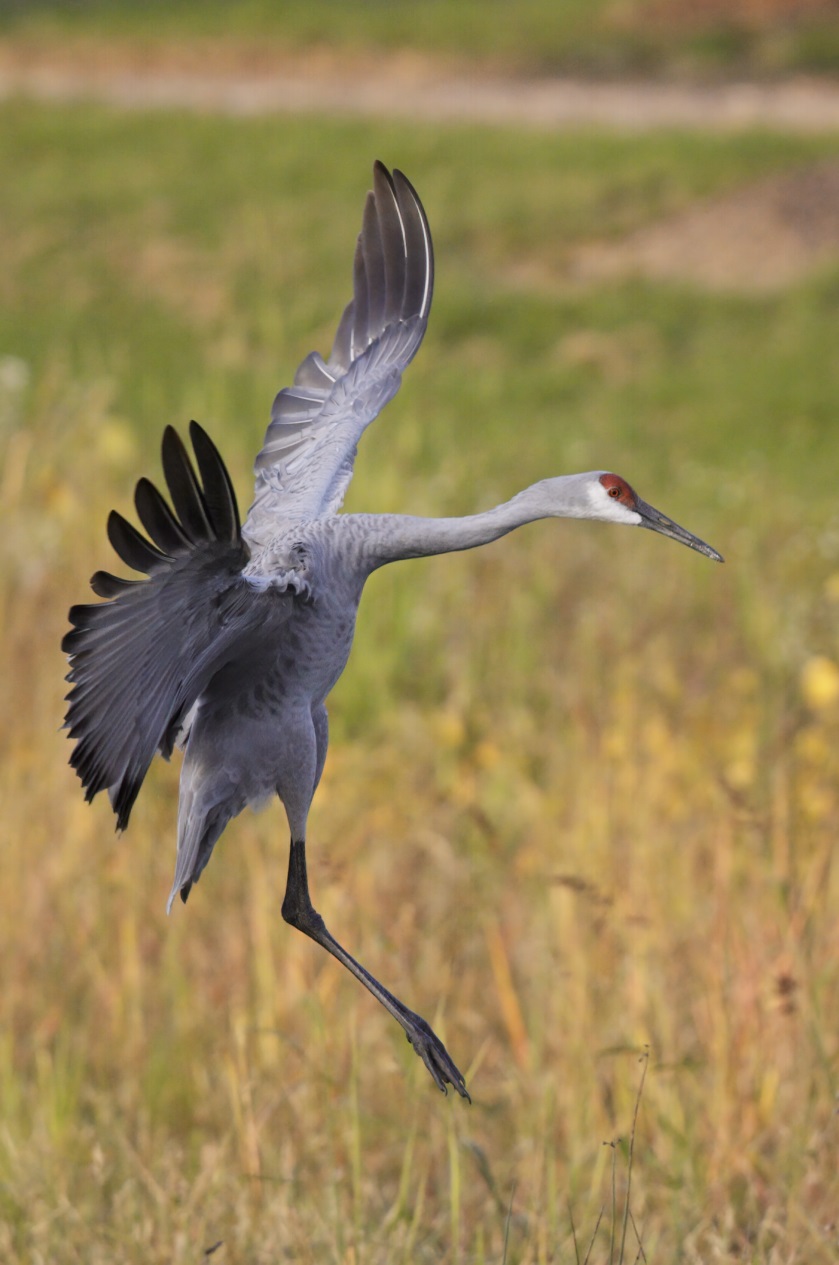
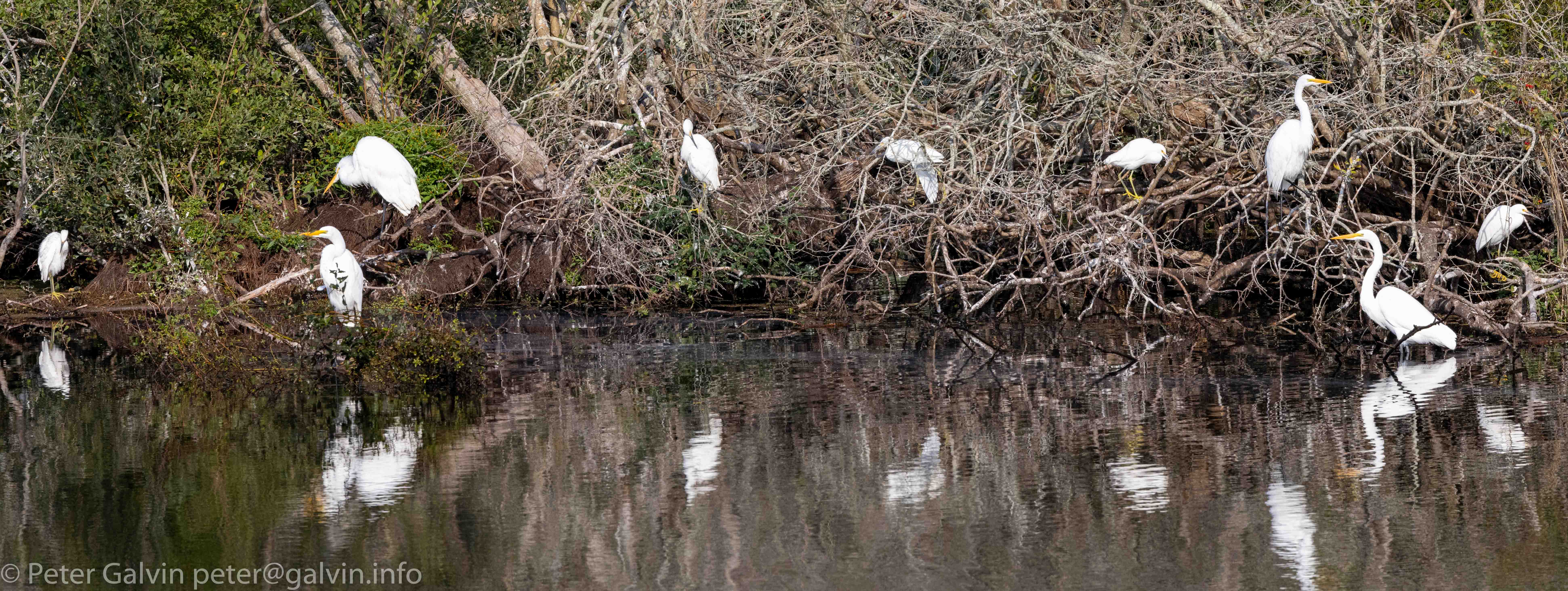
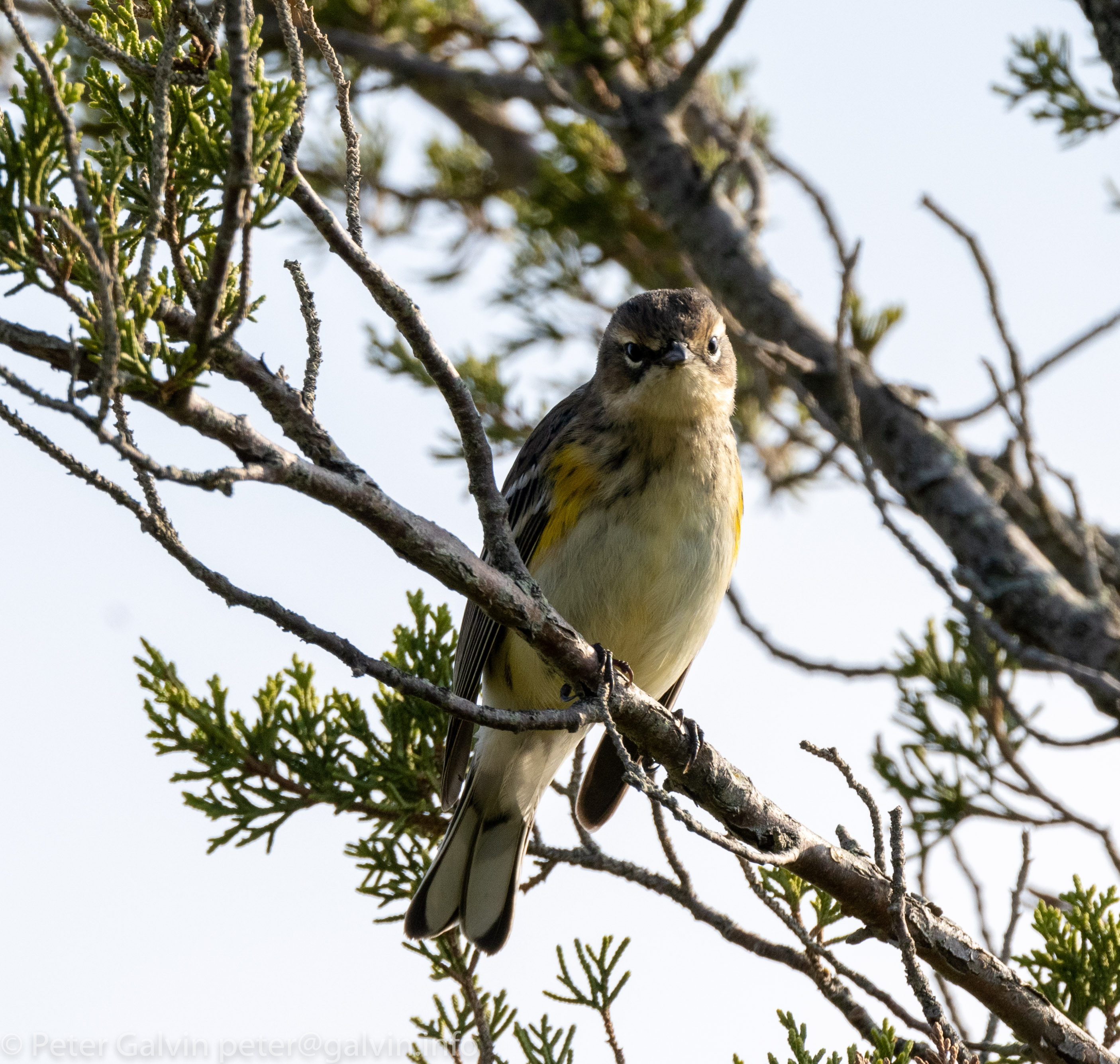
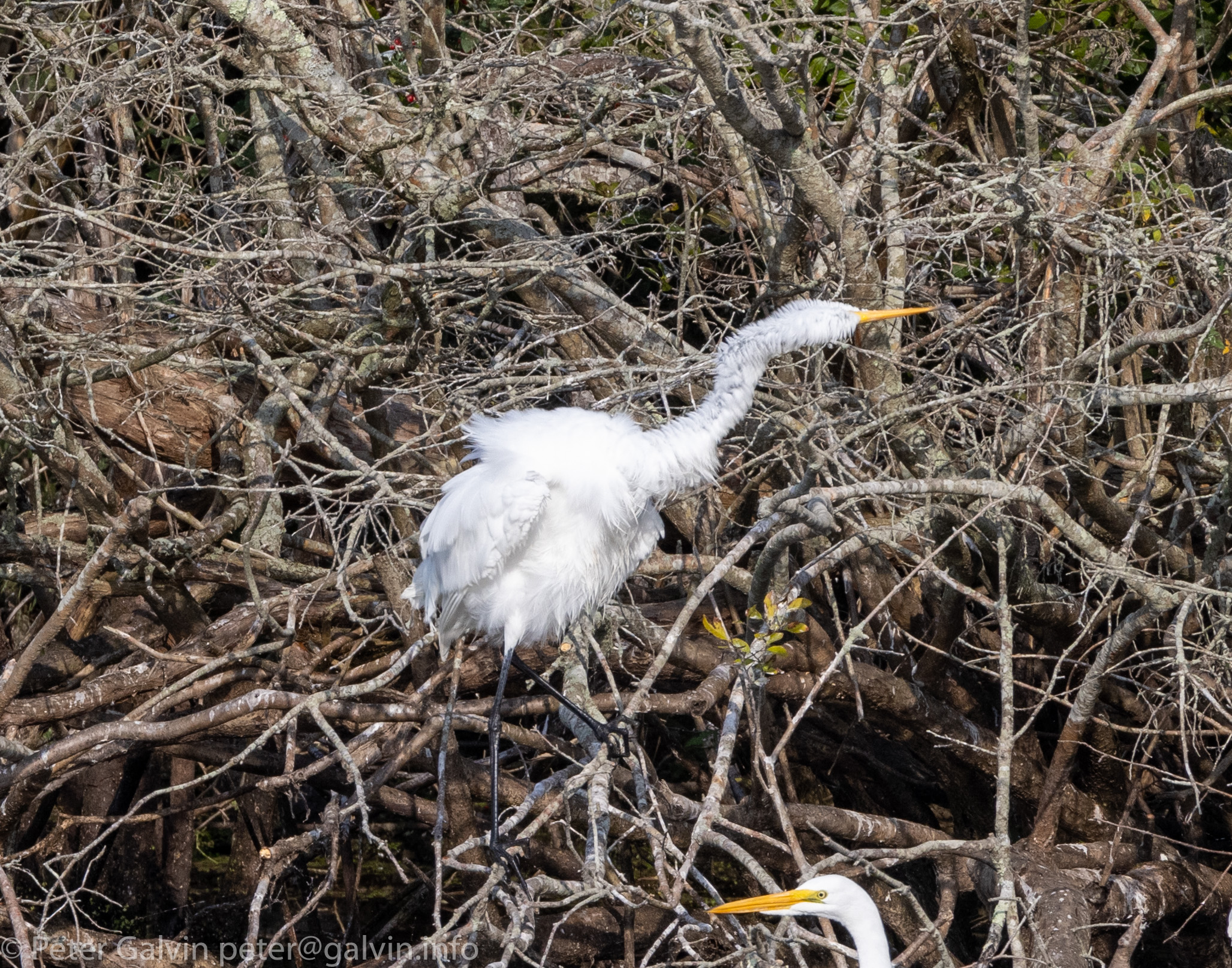
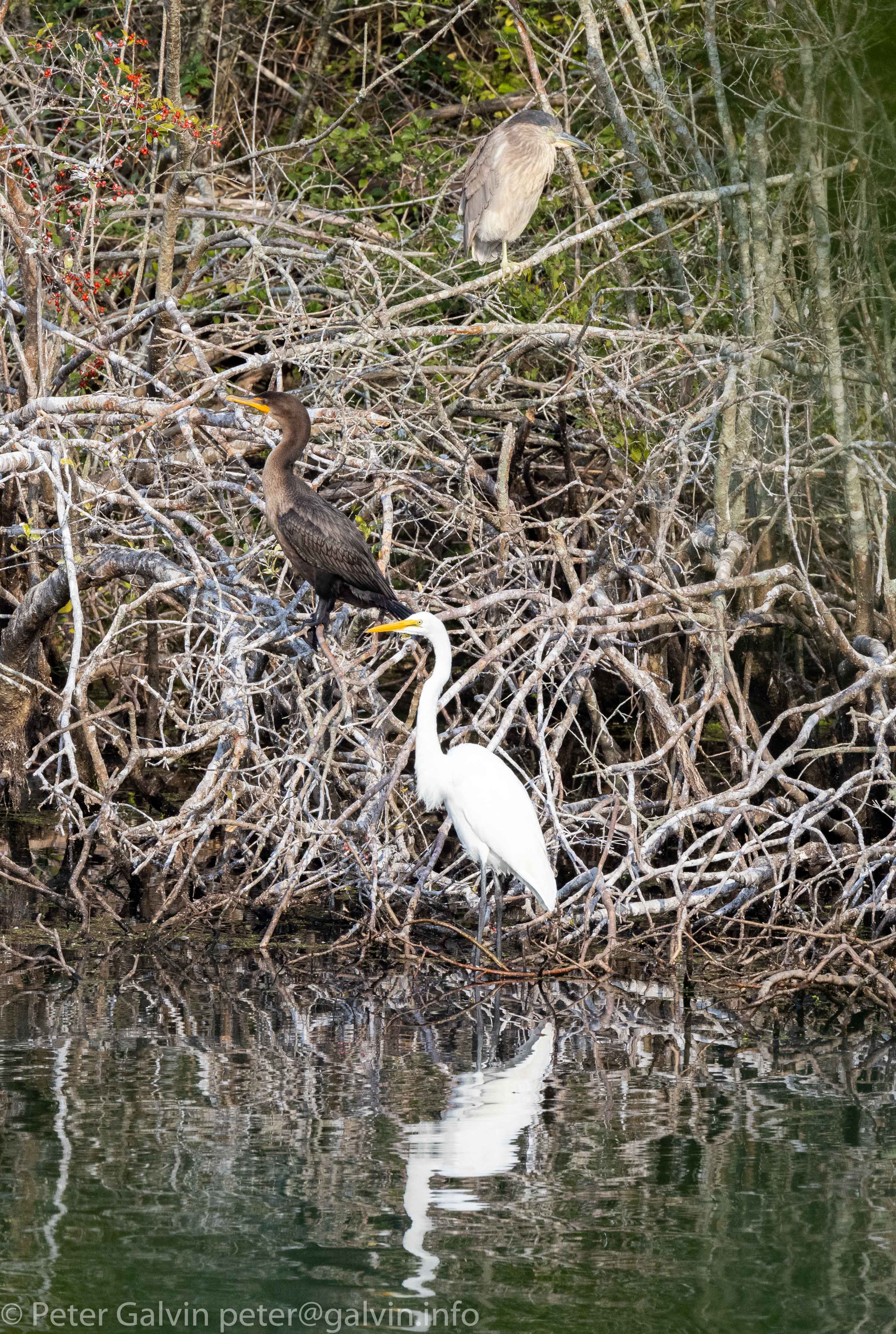
After nearly two months with the R5, I'm finally getting around to getting some processing and posting done. I'm loving this body, particularly on the kayak. It allows things that I don't believe any other camera offers as I'm able to basically put the camera/lens right over the side of the kayak, pull out the flip screen, and then let the camera track the eyes of the birds. Extremely powerful tool.
KINGOFKNGS wrote:
After nearly two months with the R5, I'm finally getting around to getting some processing and posting done. I'm loving this body, particularly on the kayak. It allows things that I don't believe any other camera offers as I'm able to basically put the camera/lens right over the side of the kayak, pull out the flip screen, and then let the camera track the eyes of the birds. Extremely powerful tool.
Time for some picture from my first few trips with the R5. At this stage, I am trying to learn the camera and its capabilities, so I am less interested in composition and more in seeing what the camera does in certain scenarios.
To see how to the edge the AED AF would track - turns out it is much further than decent framing would encourage. So impressive:
Change of background - my 5DIV would struggle with this, choosing to switch focus to the background - no such issue with the R5.
Pulled camera up quickly to see how fast the AF acquired lock on a subject flying into clutter. It locked and tracked so fast, SO FAST!!
Full frame of a butterfly in very windy conditions - exposure and focus challenges - met with ease
Crop of the above image to show how sharp it is. The only comment I had was that the AED thought a spot on the wing was the eye and refused to let go of that in a few more tests.
Tiny energetic bees on moving flowers, overcast skies. Again, AF locked and held with ease.
And finally for now, an actual attempt to capture a half decent shot and stop thinking about testing
I am still learning the Flickr bit, so the images seem to look slightly degraded when linked here as to how they look when full size. But hopefully you can get a flavour of what they look like
KINGOFKNGS wrote:
After nearly two months with the R5, I'm finally getting around to getting some processing and posting done. I'm loving this body, particularly on the kayak. It allows things that I don't believe any other camera offers as I'm able to basically put the camera/lens right over the side of the kayak, pull out the flip screen, and then let the camera track the eyes of the birds. Extremely powerful tool.
mdvaden wrote:
Are you sharpening those bear photos?
The scenes look good, but some of the water drops almost seem too well-defined.
Yeah, I have so many images to go through from this trip I got a little sloppy on my processing.
Do these look better? I made sure there is zero sharpening on the water droplets.
If not, then we'll need to file a complaint with Canon and tell them they need to fix the "blur filter" (AA) on the R5 because it renders things too sharp.
lighthound wrote:
Yeah, I have so many images to go through from this trip I got a little sloppy on my processing.
Do these look better? I made sure there is zero sharpening on the water droplets.
If not, then we'll need to file a complaint with Canon and tell them they need to fix the "blur filter" (AA) on the R5 because it renders things too sharp.
Looks better, or more natural.
For fur, sharpening seems easier to nudge since hair quite defined to the human eye anyway. Whereas liquids, unless it's spray mist, almost always has rounded edges and contours, and may be ideal straight from the camera.
lighthound wrote:
Do these look better? I made sure there is zero sharpening on the water droplets.
If not, then we'll need to file a complaint with Canon and tell them they need to fix the "blur filter" (AA) on the R5 because it renders things too sharp.
Always trying to up my post processing game. Could you give a little more details on how you made sure there is zero sharpening on the water droplets?
DanielPaul wrote:
Always trying to up my post processing game. Could you give a little more details on how you made sure there is zero sharpening on the water droplets?
You and me both when it comes to trying to improve the pp work. I'm still trying to figure out how best to process the R5 files. I seem to always go to heavy on the sharpening.
I use LR for 99% of my work and always zero out the sharpening and NR. I then take them over to PS for a little smart sharpening then export to jpeg. The mistake I made on the first set I posted was that the smart sharpening also recognized the water droplets and I didn't pay any attention to it in haste to get through my mountain of images. All I did was mask everything out except the face.
On the insect shots, did the AED AF zero in on the insect eye?
Miko_Skye wrote:
Time for some picture from my first few trips with the R5. At this stage, I am trying to learn the camera and its capabilities, so I am less interested in composition and more in seeing what the camera does in certain scenarios.
I am still learning the Flickr bit, so the images seem to look slightly degraded when linked here as to how they look when full size. But hopefully you can get a flavour of what they look like ...Show more →
lighthound wrote:
You and me both when it comes to trying to improve the pp work. I'm still trying to figure out how best to process the R5 files. I seem to always go to heavy on the sharpening.
I use LR for 99% of my work and always zero out the sharpening and NR. I then take them over to PS for a little smart sharpening then export to jpeg. The mistake I made on the first set I posted was that the smart sharpening also recognized the water droplets and I didn't pay any attention to it in haste to get through my mountain of images. All I did was mask everything out except the face. ...Show more →
I think we’re all trying to figure this out. After PP’ing in the software de’jour I head over to topaz denoise AI and masking is easy if necessary.
Got to try out my 2 R'5s and compare them to my 1DXIII at a "drive in" at the Airshow London in Ontario, Canada.We had 5 US Airforce demo teams. Each car had a 20'x20' spot with up to 6 people per vehicle. Best way to do an airshow, no gear to carry and all the snacks are handy!
I used a combo of 70-200, 100--400 and 200-400.
A big learning curve to figure out the best settings. I used a combo of MS and ES. I also had to set the lenses to the minimum focus settings as they would otherwise hunt from minimum to infinity. I found all points active the best for focussing.


 :0
:0  !
!