Jemini wrote:
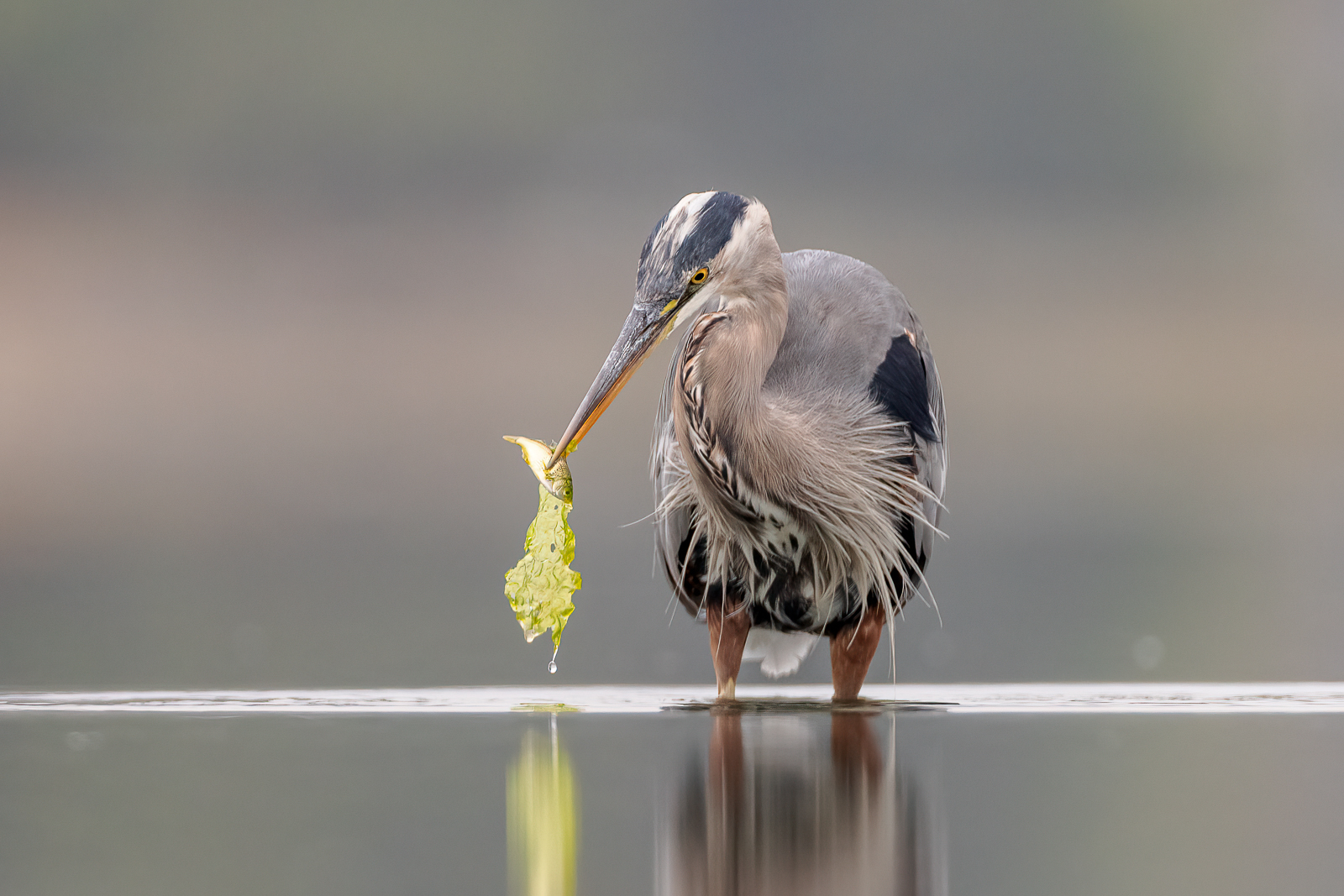
I'd like to know how did the eye AF work on first two shots. How easy is to control where do you want to focus?
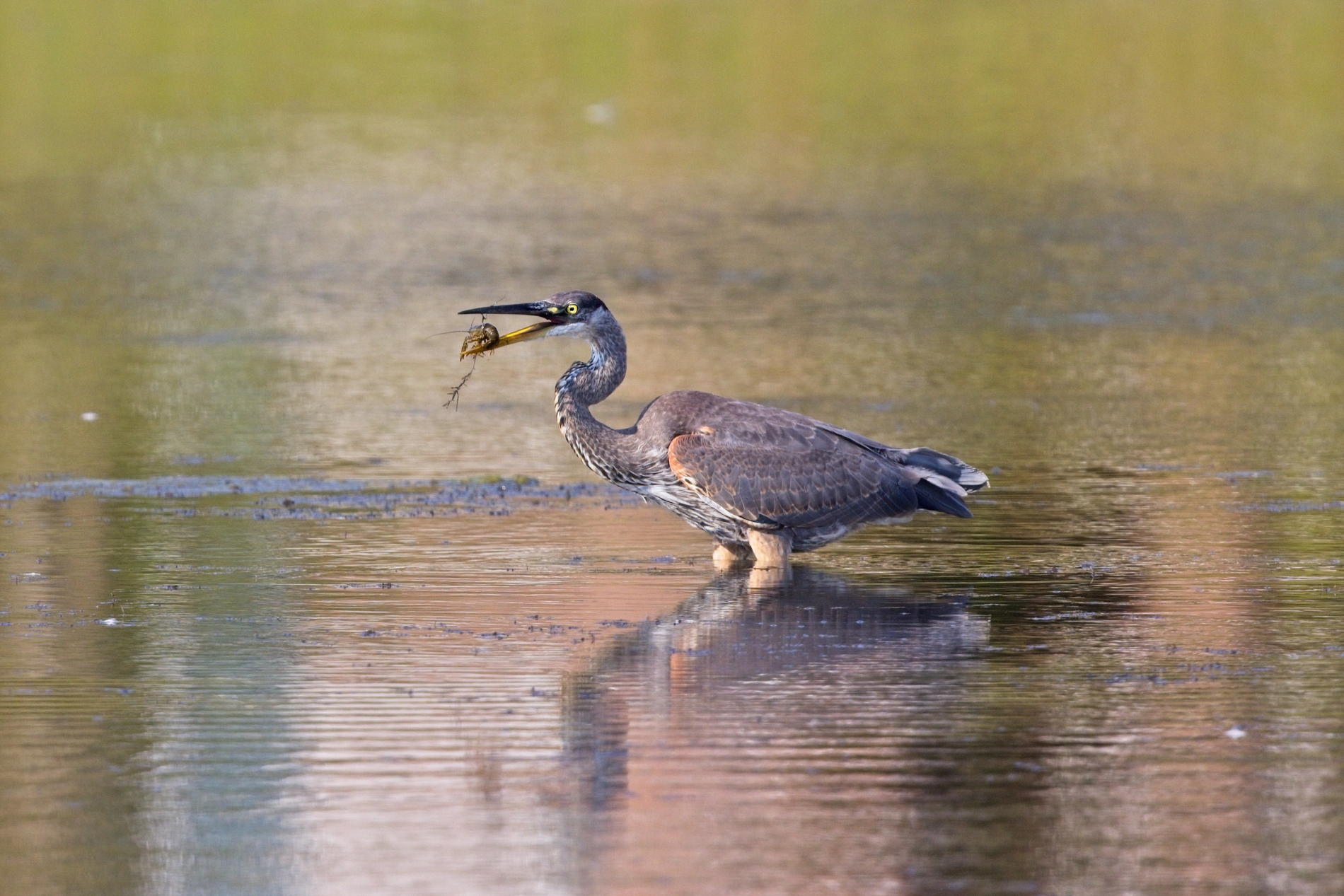
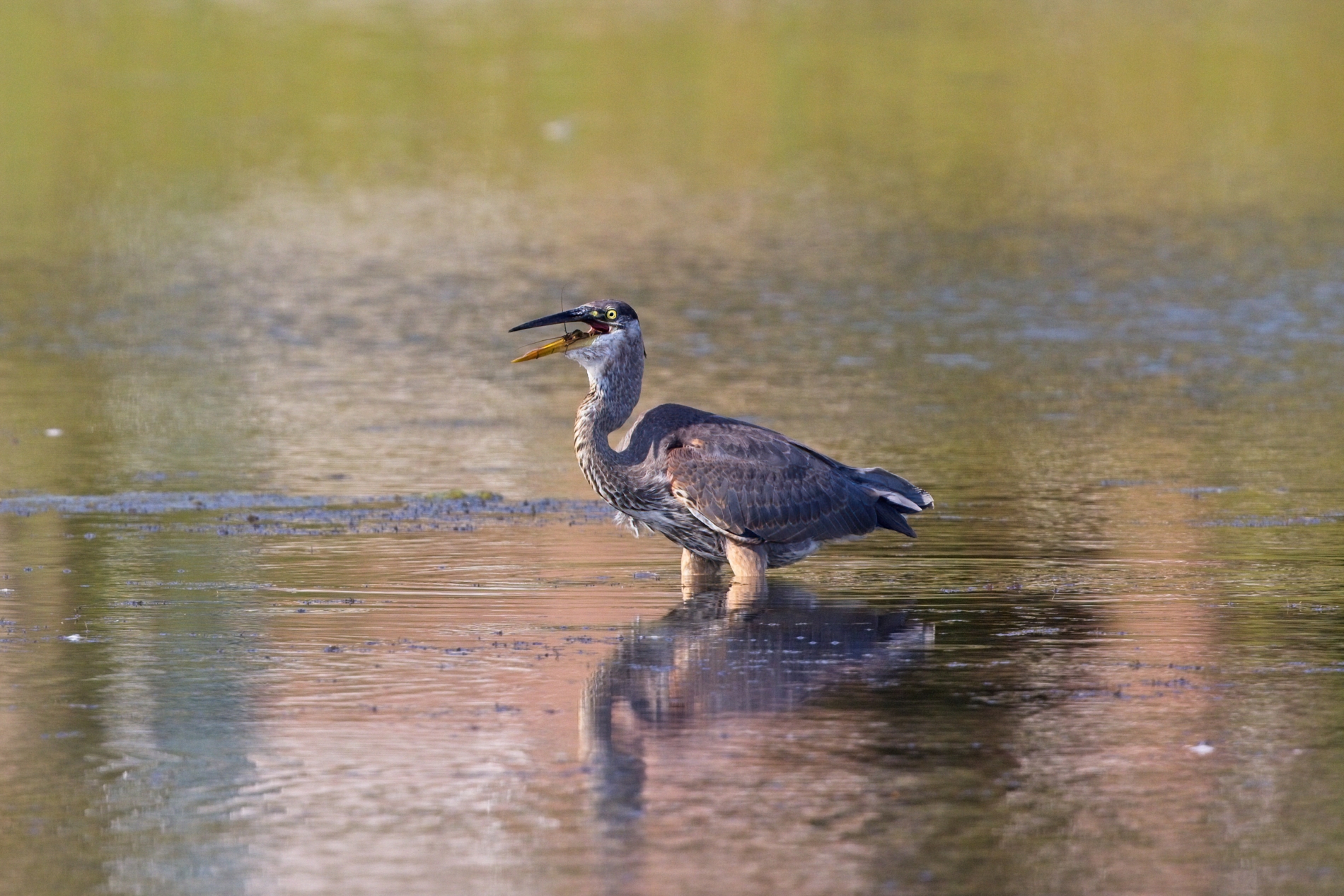
Eye-AF and AF in general usually stayed with the foreground heron but as you can see for a few frames it jumped to the one behind which I found interesting as a final image. Eye-AF doesn't work well with herons in straight on poses. It works on herons mostly when they are in nice traditional side poses. I don't remember Eye-AF activating much in that sequence..mostly just a few blue squares on the head/neck region of the heron.
arbitrage wrote:
Eye-AF and AF in general usually stayed with the foreground heron but as you can see for a few frames it jumped to the one behind which I found interesting as a final image. Eye-AF doesn't work well with herons in straight on poses. It works on herons mostly when they are in nice traditional side poses. I don't remember Eye-AF activating much in that sequence..mostly just a few blue squares on the head/neck region of the heron.
Agree. When focusing on GBH's, Sandy's, etc., in head on poses, the Eye-AF tracking usually generates a larger box on the body, occasionally changes to the multiple tiny squares on the neck, and quickly jumps to Eye-AF on the subject when it turns the head in side profile. Overall, I continue to be impressed with the AF of the R5; it ain't perfect but it's generally very impressive. I suspect that Canon could improve the algorithms but are unlikely to do so because it would cut into the sales of the R3 and vaunted vaporware R1.
arbitrage wrote:
Eye-AF and AF in general usually stayed with the foreground heron but as you can see for a few frames it jumped to the one behind which I found interesting as a final image. Eye-AF doesn't work well with herons in straight on poses. It works on herons mostly when they are in nice traditional side poses. I don't remember Eye-AF activating much in that sequence..mostly just a few blue squares on the head/neck region of the heron.
No camera for dummies yet
On a serious note this is one thing that bothers me on A9 compared to DSLR (D500). When the auto mode doesn't work, how easily we can control a single point(or small group of multiple points) and focus precisely on target? Can we press one button (preferably a FN button at the front) that will make the zone/group into a single point and use joy stick to move the point around?
On a serious note this is one thing that bothers me on A9 compared to DSLR (D500). When the auto mode doesn't work, how easily we can control a single point(or small group of multiple points) and focus precisely on target? Can we press one button (preferably a FN button at the front) that will make the zone/group into a single point and use joy stick to move the point around?
That's why I have my R5 set up with EyeAF set to the AF-ON button, and then I leave it in single point for shutter button focus. Can easily switch between them on the fly.
On a serious note this is one thing that bothers me on A9 compared to DSLR (D500). When the auto mode doesn't work, how easily we can control a single point(or small group of multiple points) and focus precisely on target? Can we press one button (preferably a FN button at the front) that will make the zone/group into a single point and use joy stick to move the point around?
There are a number of ways you can be out of Wide (auto) and into a Flex Spot. You can have a button set to just toggle through a select set of AF modes. You can Register an AF mode (lets say Small Flex Spot) and use a Custom button to recall that. You can set any of the back buttons to automatically switch to Small Flex Spot (or whichever smaller AF mode you want) via the Recall Custom Hold function. Basically there are a lot of ways to do this without any menu involvement and without any use of the scroll wheels. You can have AF-ON be your main AF mode (Wide) and the AE-L button right next to it do AF with a Small Flex Spot. The Sony cameras are so customizable, there is almost nothing you can't make a button do.
Although if you want to move the Single point around than that should be your main mode and the alternative button would be Wide (Auto). Although if you use the Registered AF mode toggle option you can do it the other way round and have Wide as your main mode either on shutter or on AF-ON if you like BBF.
With my camera I use shutter button AF. The shutter is set to Wide (most of the time). My Set button toggles between four different AF modes if I decide I'm not using Wide for awhile. My REC button is set to Registered AF mode toggle and it is registered to toggle into Small Flex Spot. My AF-ON is set to Tracking On. If I hold that in then my main AF mode on shutter becomes the Real Time Tracking variant. My AE-L button is set for perched birds...if I push that it goes to Expand Flex Spot:Tracking, 1/400s, Auto ISO.
arbitrage wrote:
There are a number of ways you can be out of Wide (auto) and into a Flex Spot. You can have a button set to just toggle through a select set of AF modes. You can Register an AF mode (lets say Small Flex Spot) and use a Custom button to recall that. You can set any of the back buttons to automatically switch to Small Flex Spot (or whichever smaller AF mode you want) via the Recall Custom Hold function. Basically there are a lot of ways to do this without any menu involvement and without any use of the scroll wheels. You can have AF-ON be your main AF mode (Wide) and the AE-L button right next to it do AF with a Small Flex Spot. The Sony cameras are so customizable, there is almost nothing you can't make a button do.
Although if you want to move the Single point around than that should be your main mode and the alternative button would be Wide (Auto). Although if you use the Registered AF mode toggle option you can do it the other way round and have Wide as your main mode either on shutter or on AF-ON if you like BBF.
With my camera I use shutter button AF. The shutter is set to Wide (most of the time). My Set button toggles between four different AF modes if I decide I'm not using Wide for awhile. My REC button is set to Registered AF mode toggle and it is registered to toggle into Small Flex Spot. My AF-ON is set to Tracking On. If I hold that in then my main AF mode on shutter becomes the Real Time Tracking variant. My AE-L button is set for perched birds...if I push that it goes to Expand Flex Spot:Tracking, 1/400s, Auto ISO. ...Show more →
Geoff
Thanks for explaining this. Are you talking about Sony or Canon here? We've talked about this a while ago about A9 and as I understand A1 behaves same way. There are different way to achieve this. But they all come with some shortcomings.
1- With custom hold you cannot move the point around
2- If I use registered AF method (button press will toggle AF mode which is not great. I want to go back to zone once the button is releases. Anyway... ) and move the point around, then the custom function won't take you back to default mode.
When I get a bird in frame and since A9 doesn't have eye AF, it's hard and slow to manually focus in the eye of the bird. It was very easy with D500. The single point in MILC is 'weak' in this regard too. But that's a MILC issue. I remember a NG photographer lady mentioning this. It can hut at times while DSLR's AF unit is pretty 'strong' and almost never miss to focus if you use single point. But I'm not complaining about this as we have to accept this as future.
Jemini wrote:
Geoff
Thanks for explaining this. Are you talking about Sony or Canon here? We've talked about this a while ago about A9 and as I understand A1 behaves same way. There are different way to achieve this. But they all come with some shortcomings.
1- With custom hold you cannot move the point around
2- If I use registered AF method (button press will toggle AF mode which is not great. I want to go back to zone once the button is releases. Anyway... ) and move the point around, then the custom function won't take you back to default mode.
When I get a bird in frame and since A9 doesn't have eye AF, it's hard and slow to manually focus in the eye of the bird. It was very easy with D500. The single point in MILC is 'weak' in this regard too. But that's a MILC issue. I remember a NG photographer lady mentioning this. It can hut at times while DSLR's AF unit is pretty 'strong' and almost never miss to focus if you use single point. But I'm not complaining about this as we have to accept this as future.
I'm talking about Sony as you asked about Sony. With the R5 you can do very similar things with setup.
If you don't want to have to push a button to get out of an alternative AF mode and you want to be able to move the small AF point around then just set Small Flex Spot as your primary mode and set Wide as your Registered mode and use the option of Recall Registered AF "Hold" instead of toggle. Then the Wide will only come on as you hold in the button.
I can't even recall the last time I moved an AF point around on one of these modern AF cameras. Just seems a waste of time...way quicker to just aim the centred point at the bird and recompose as it tracks (Eye af or not). Moving the point to go over the bird is way slower IME.
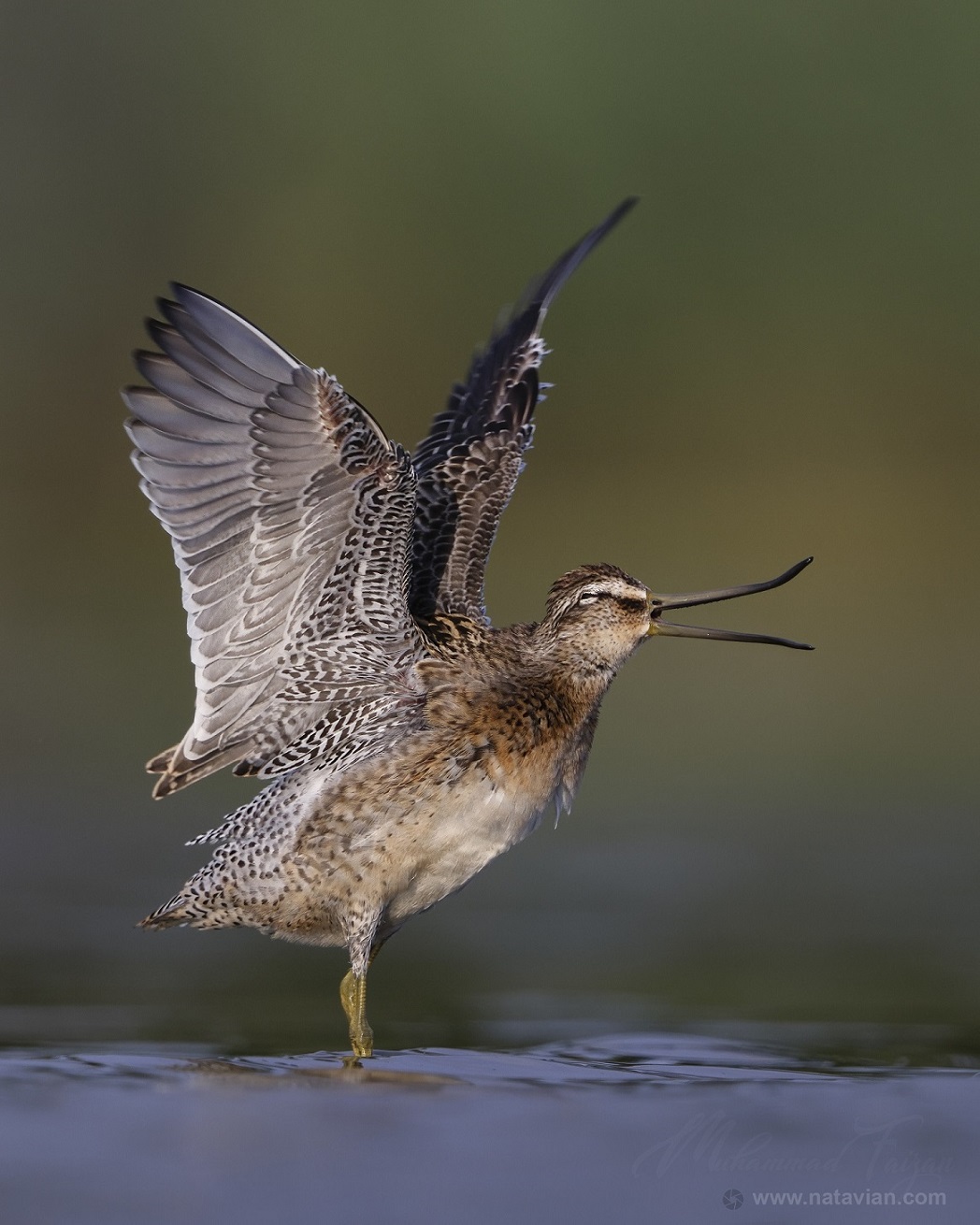
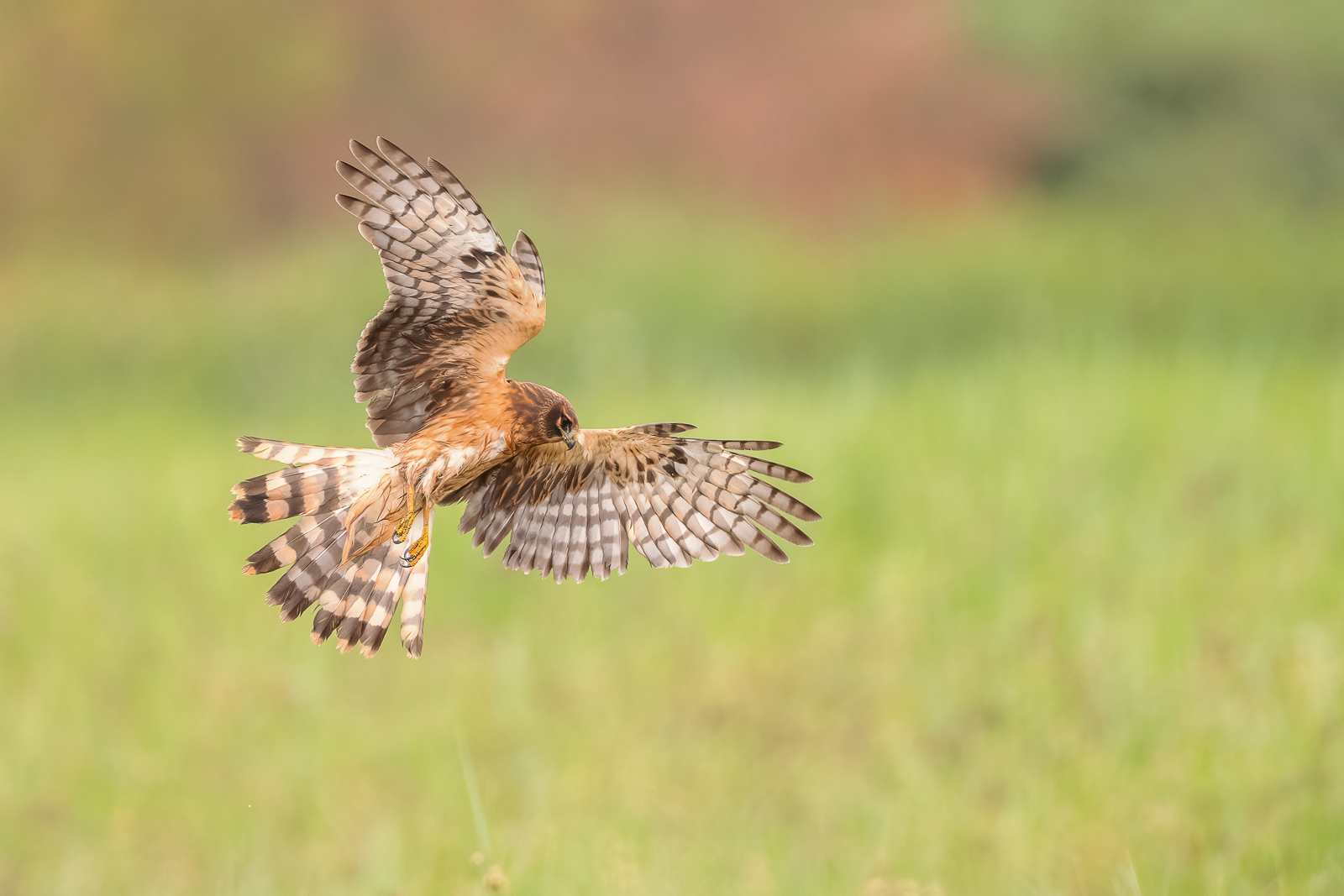
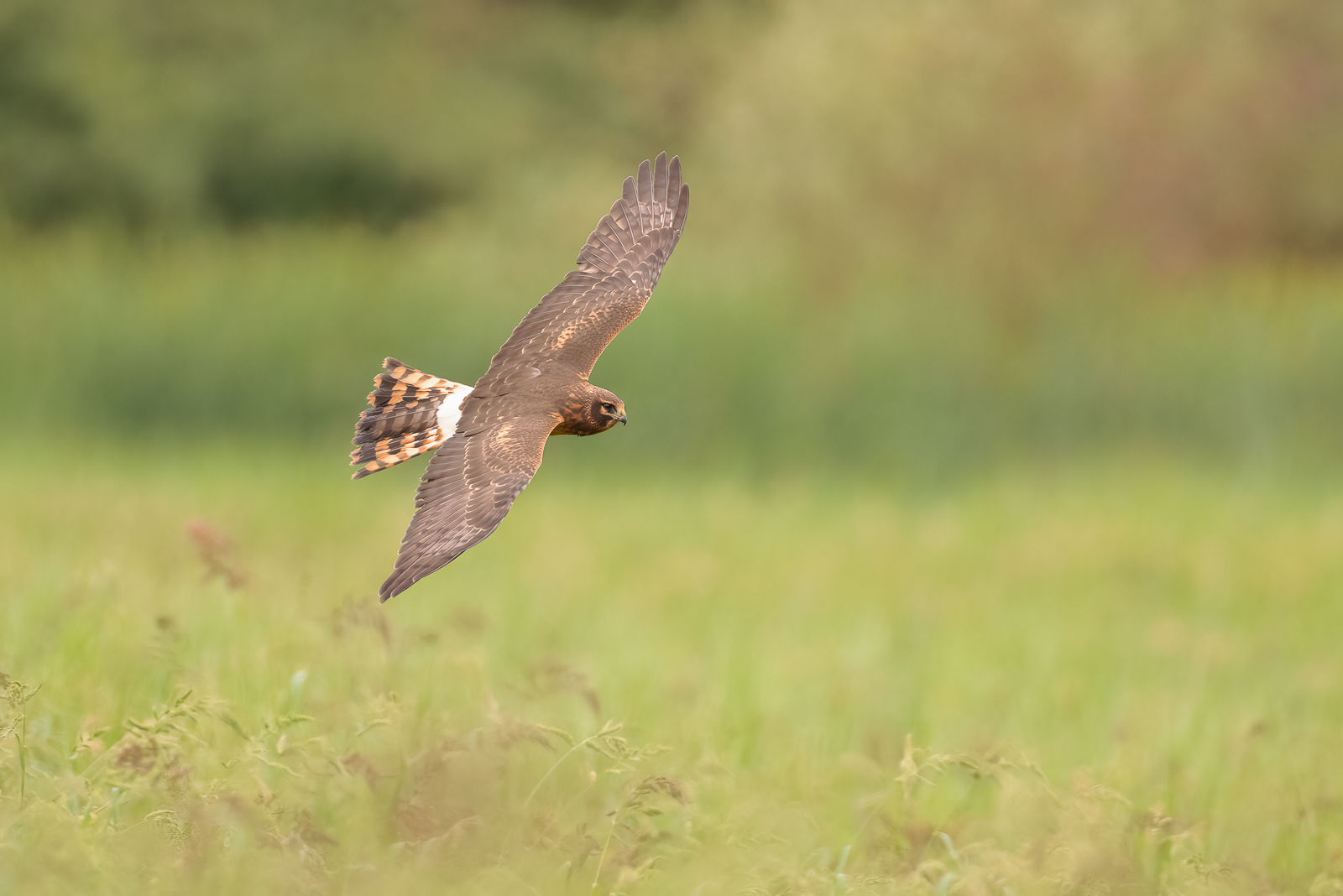
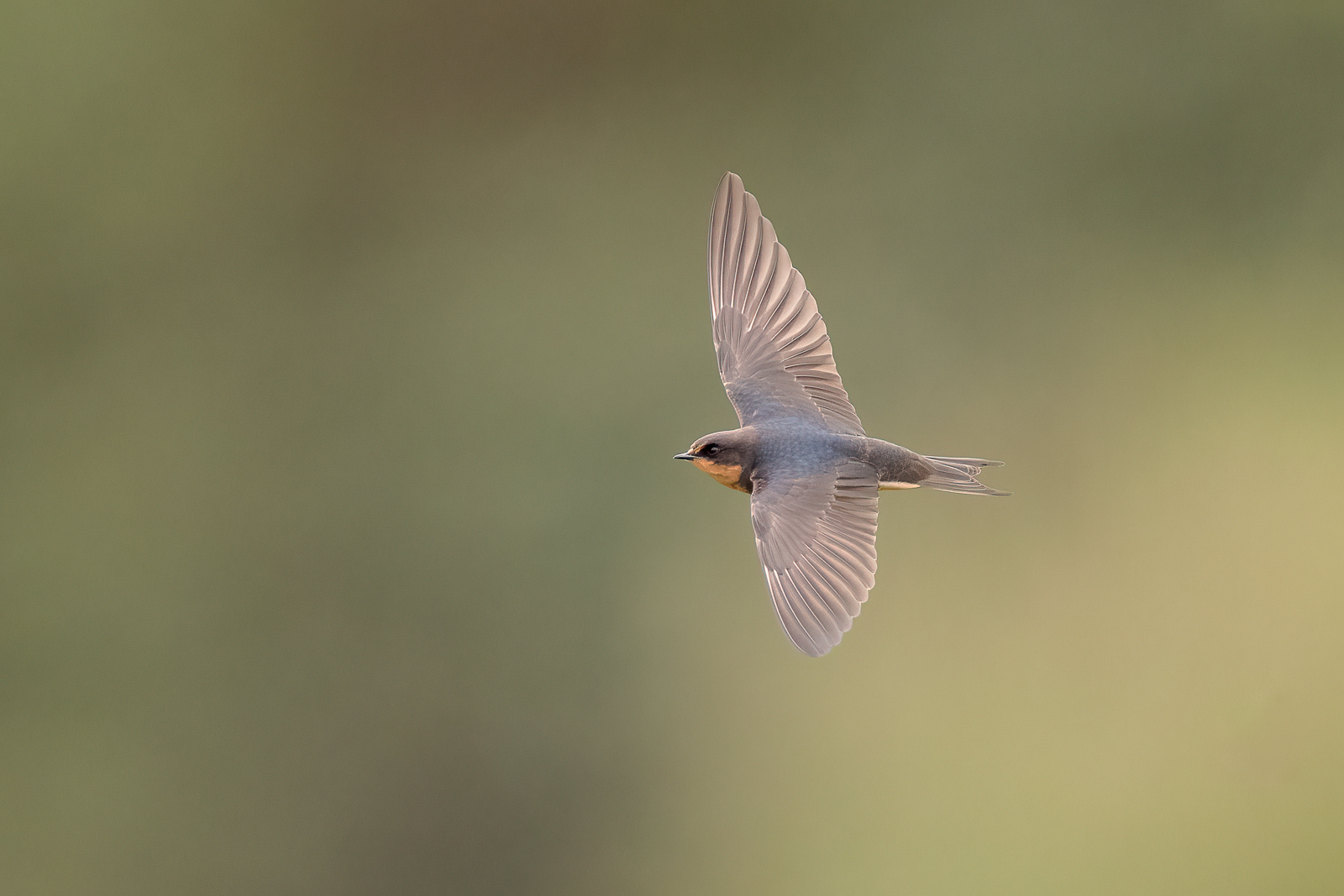
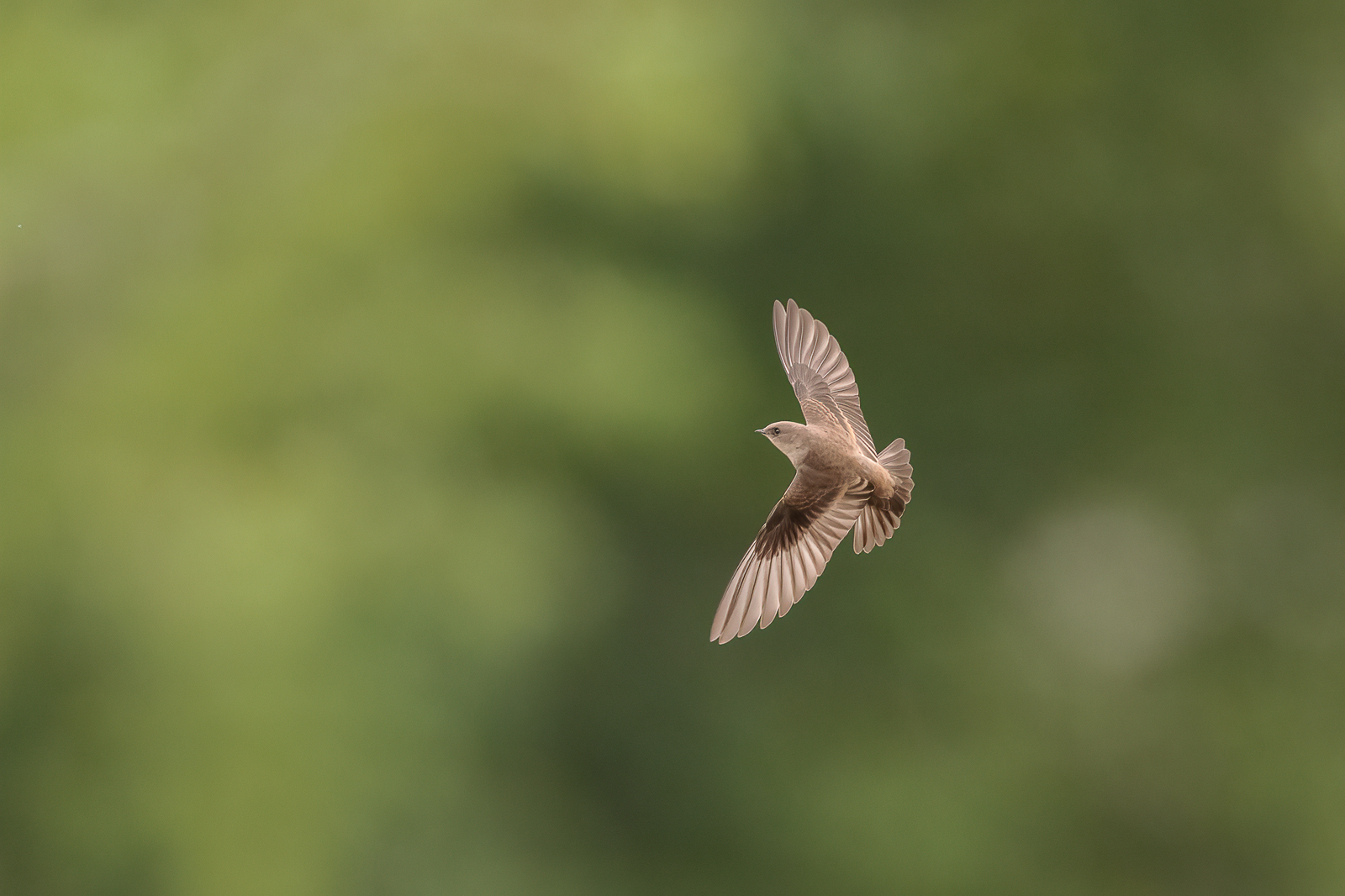
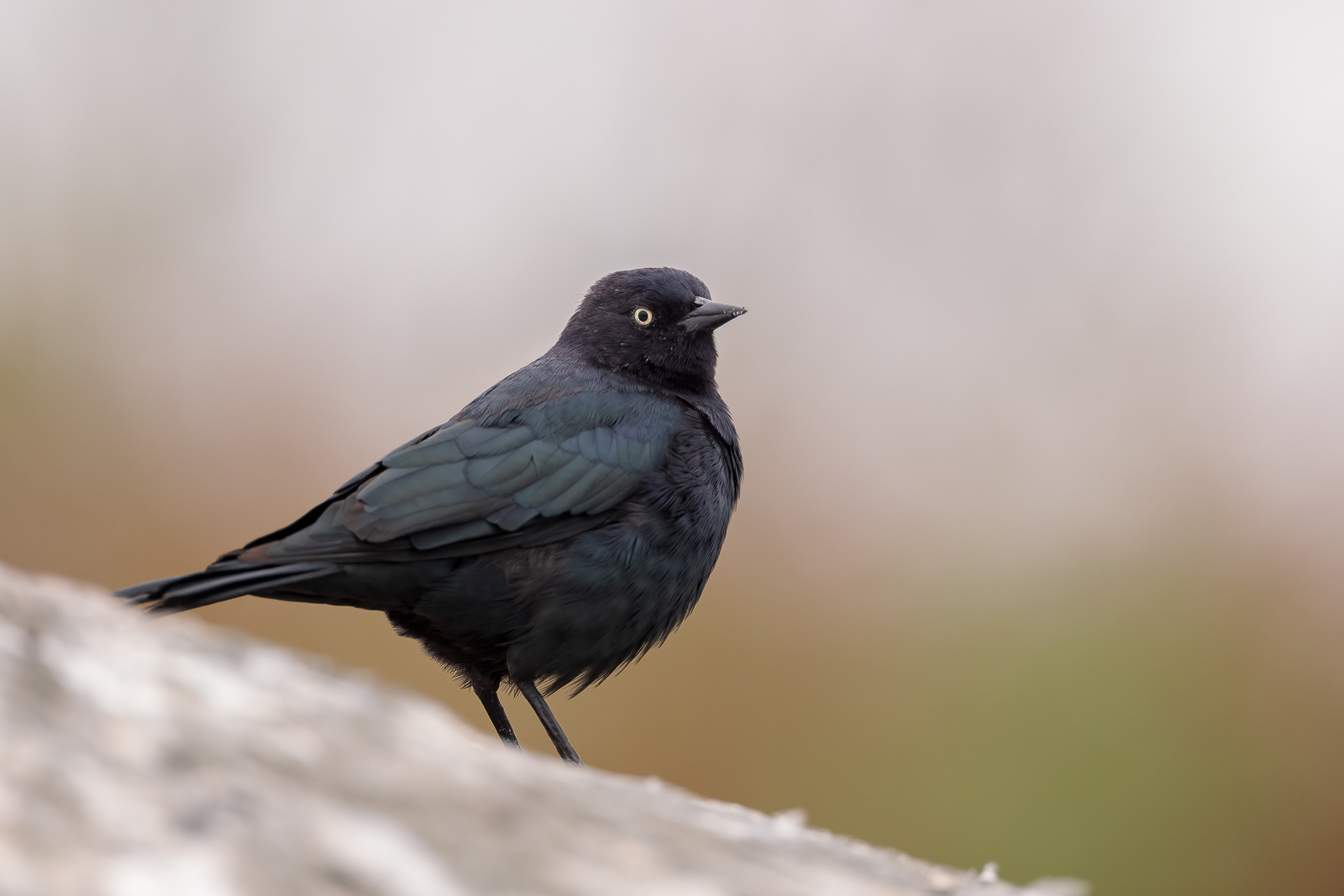
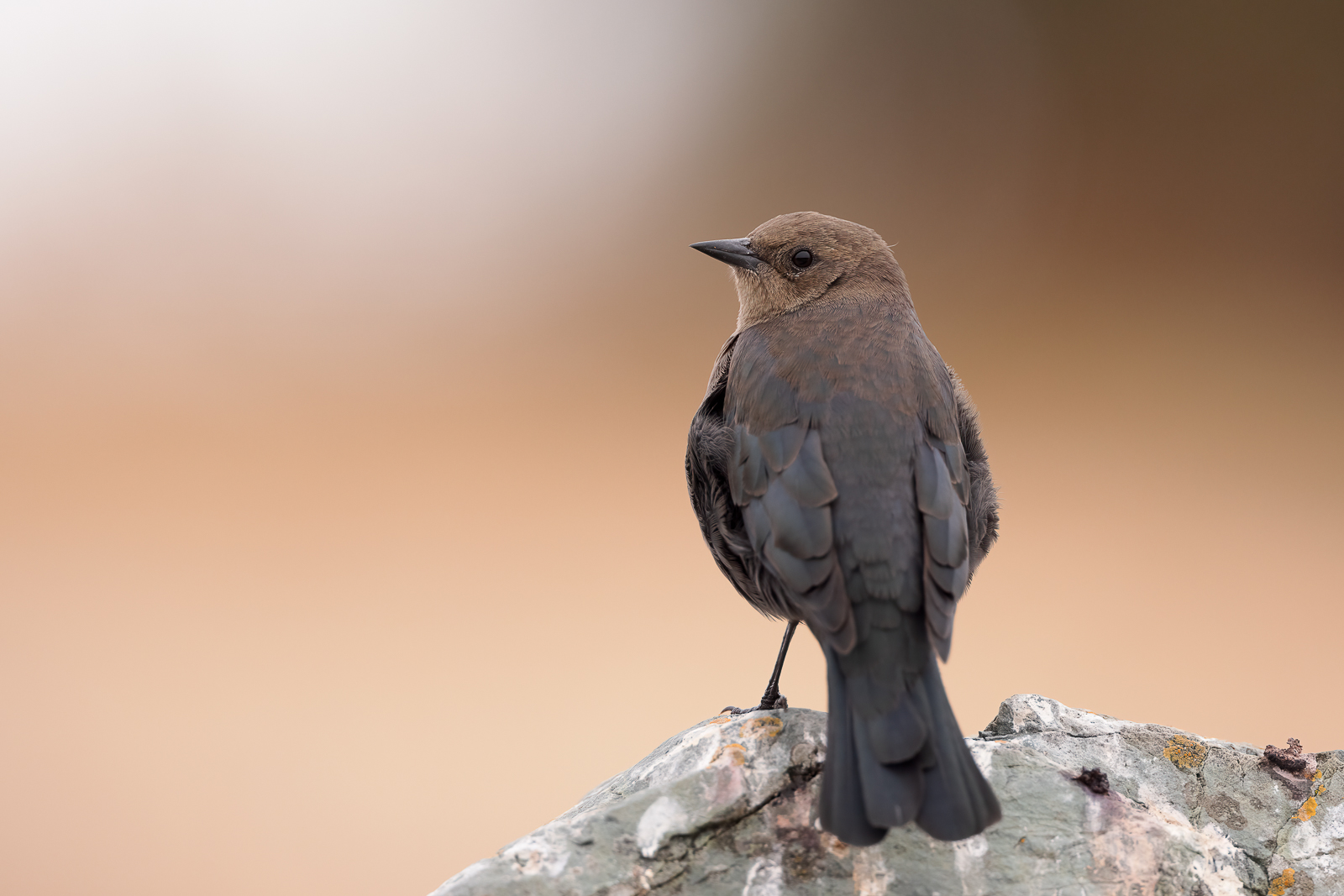
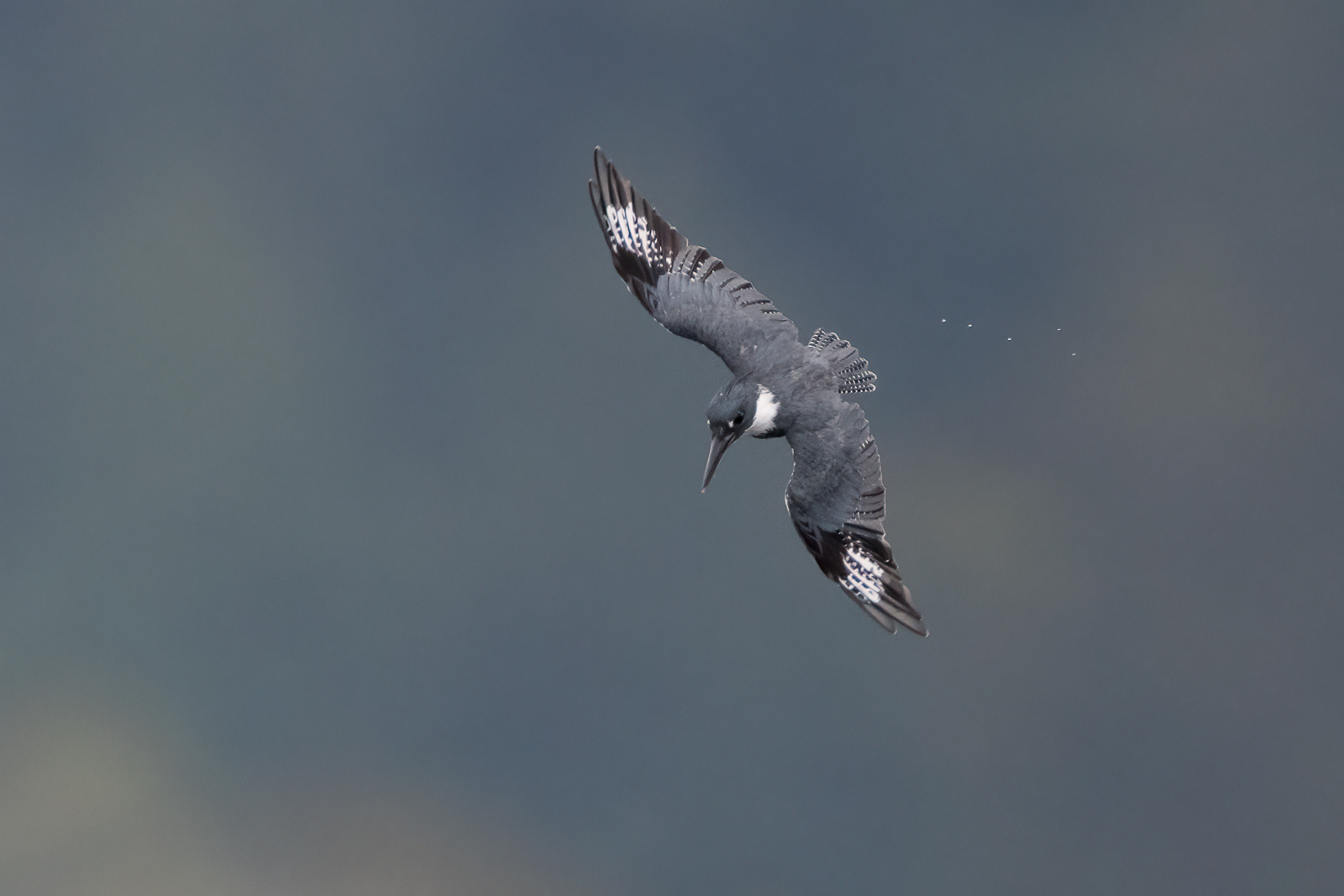
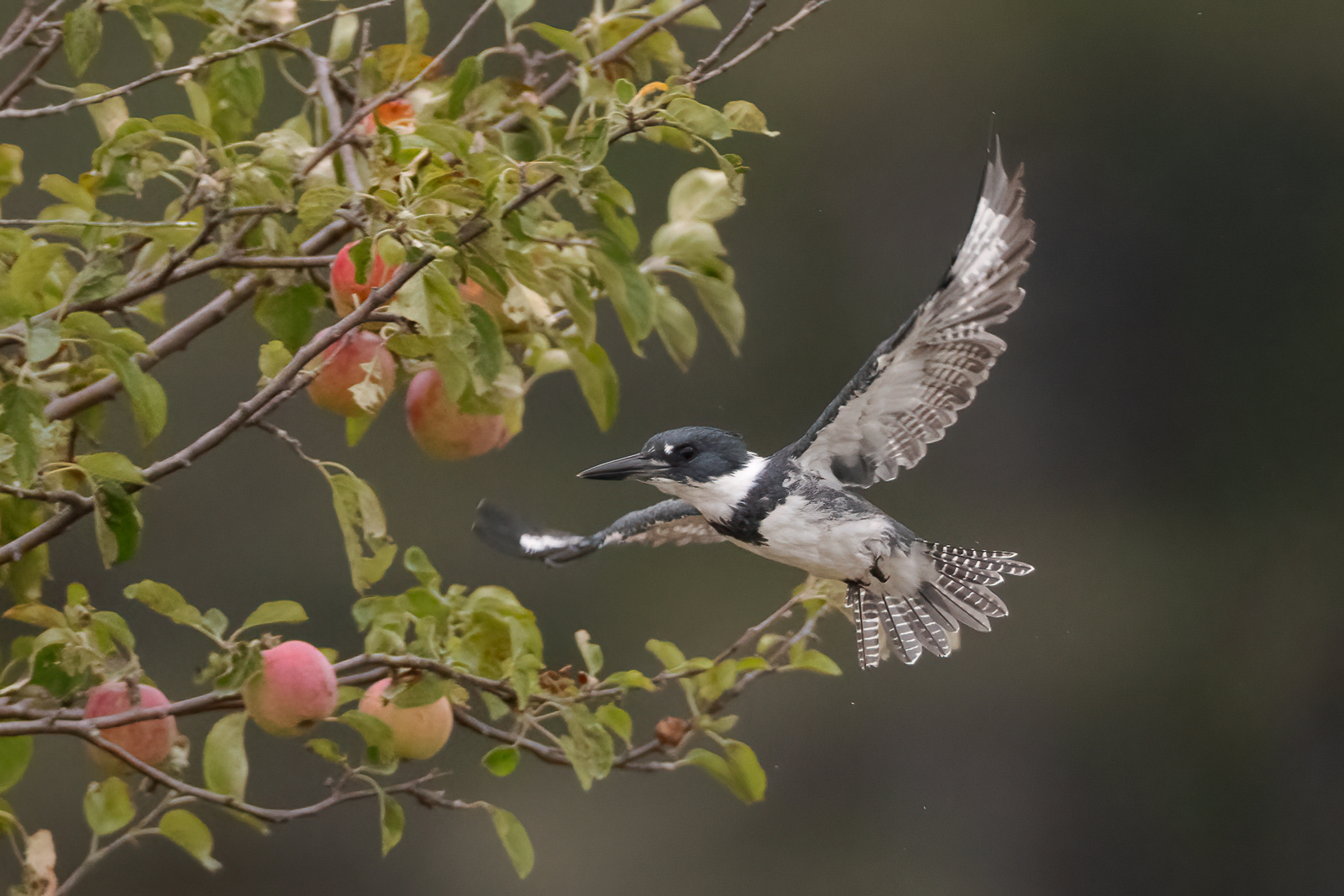
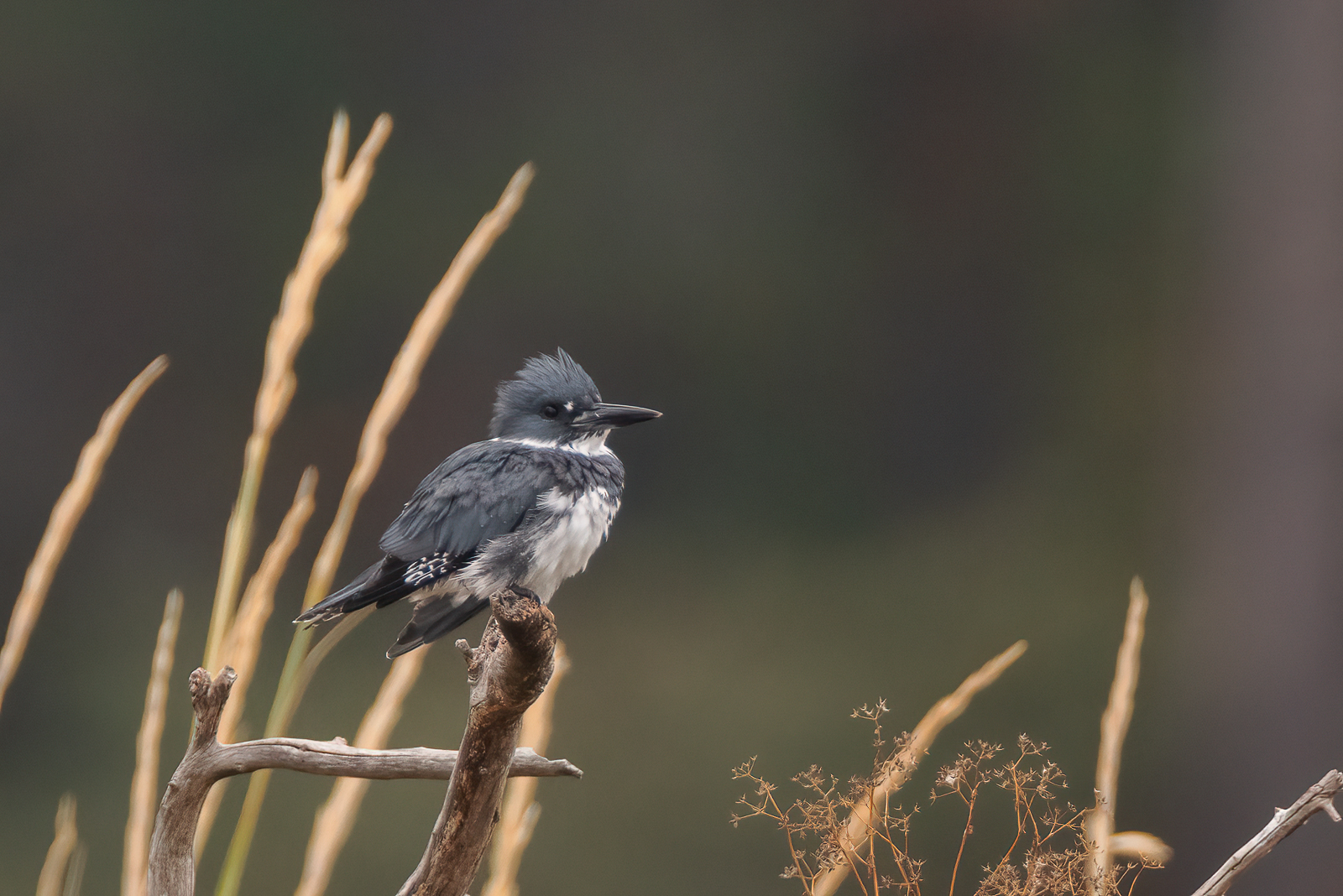
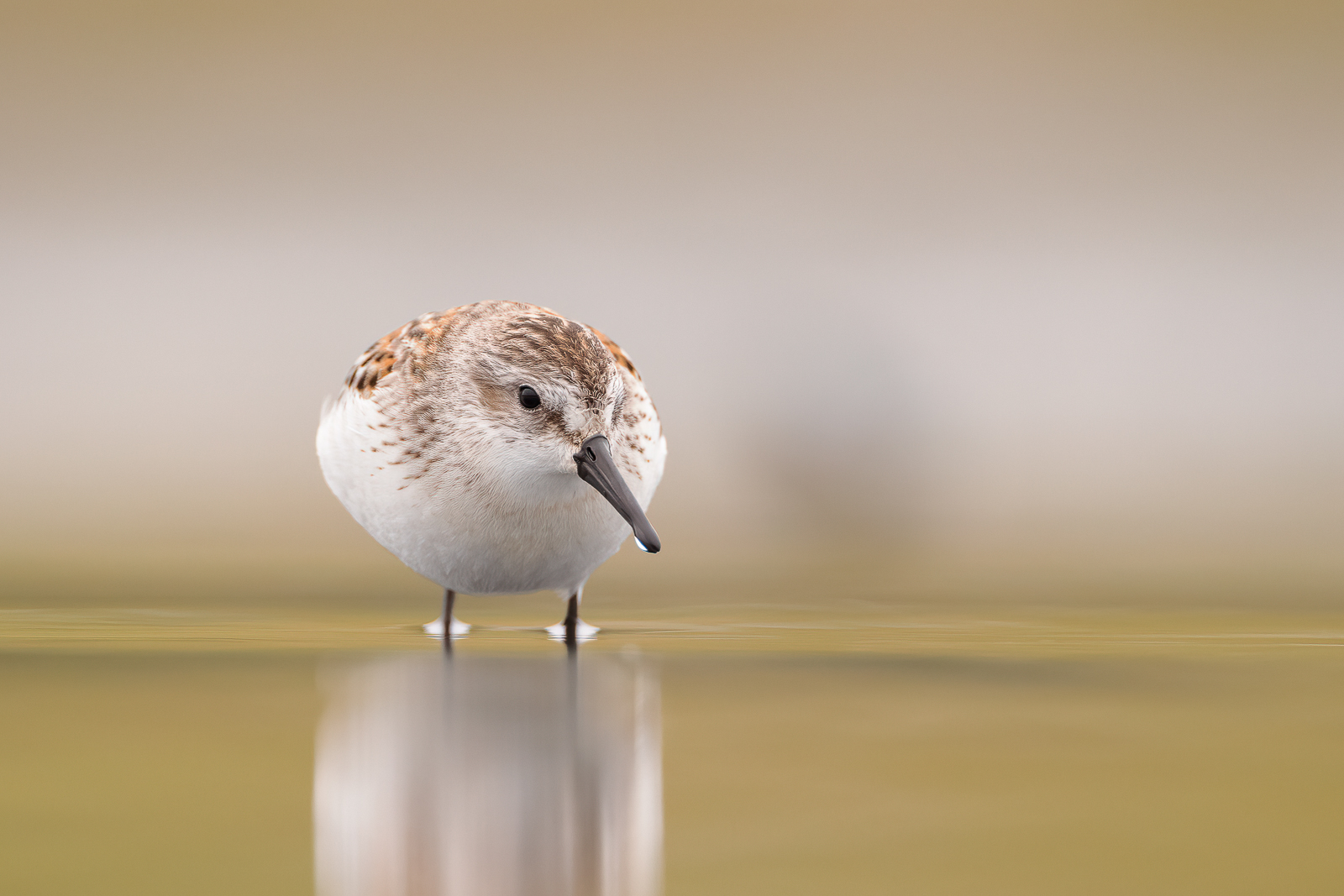
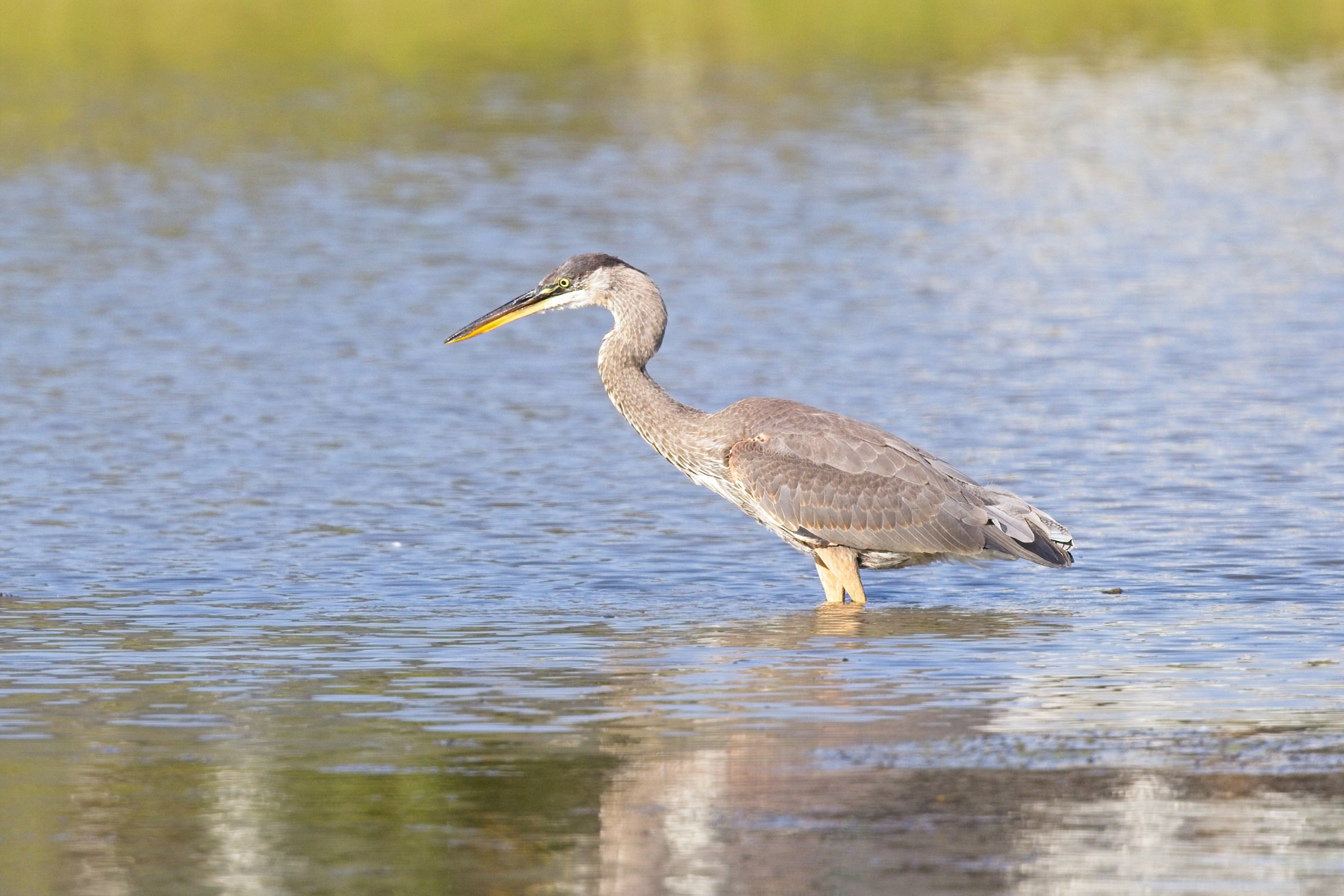
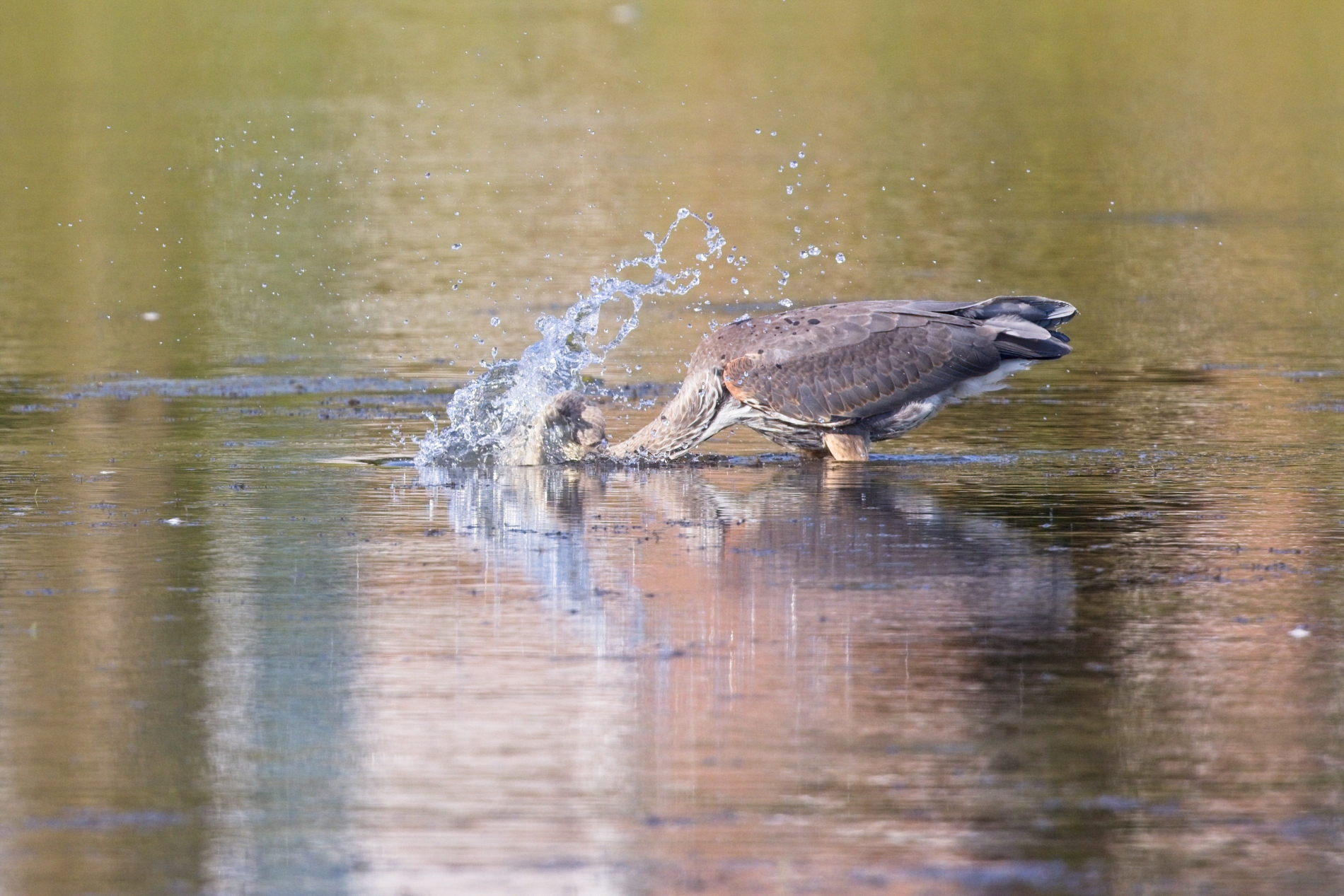
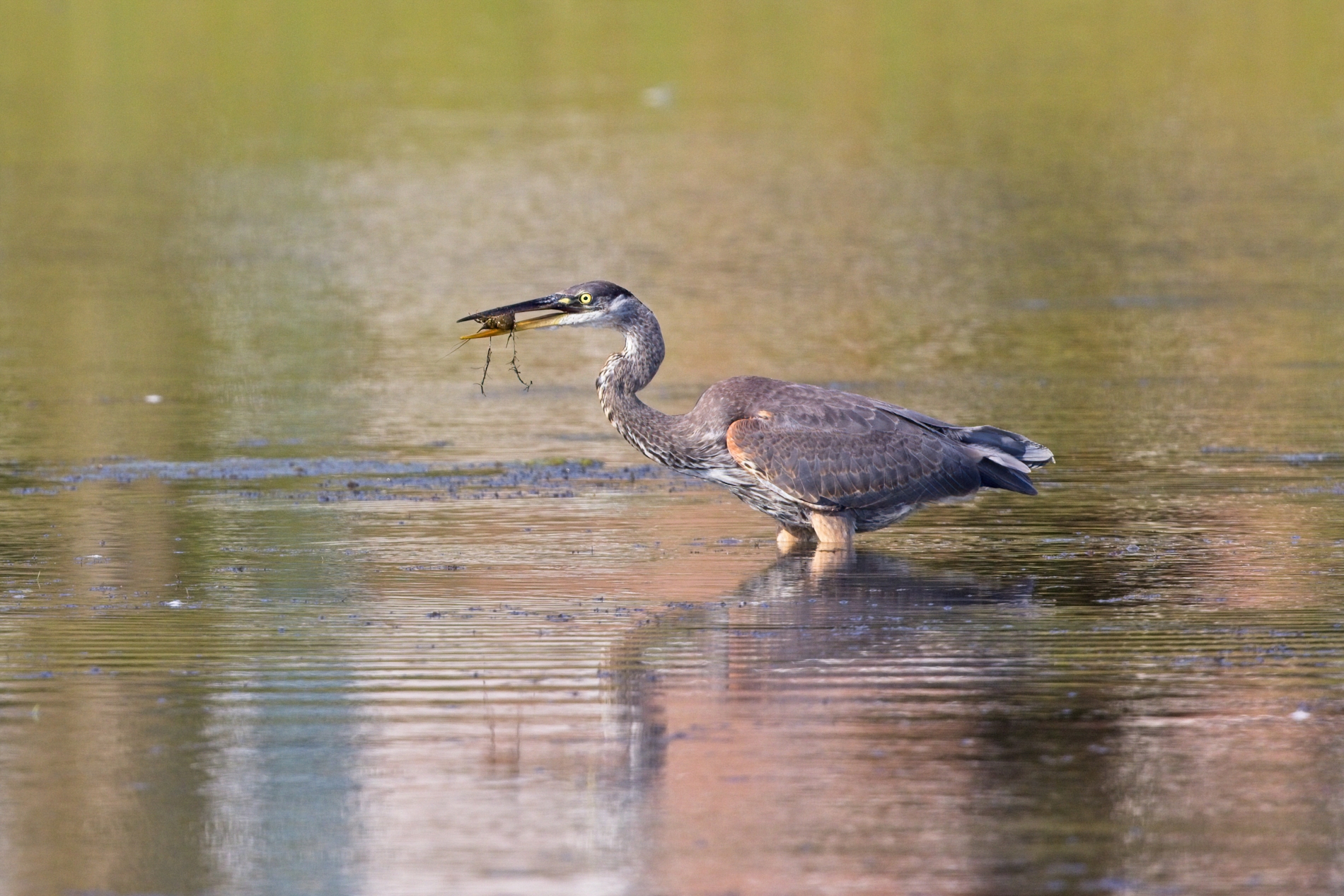
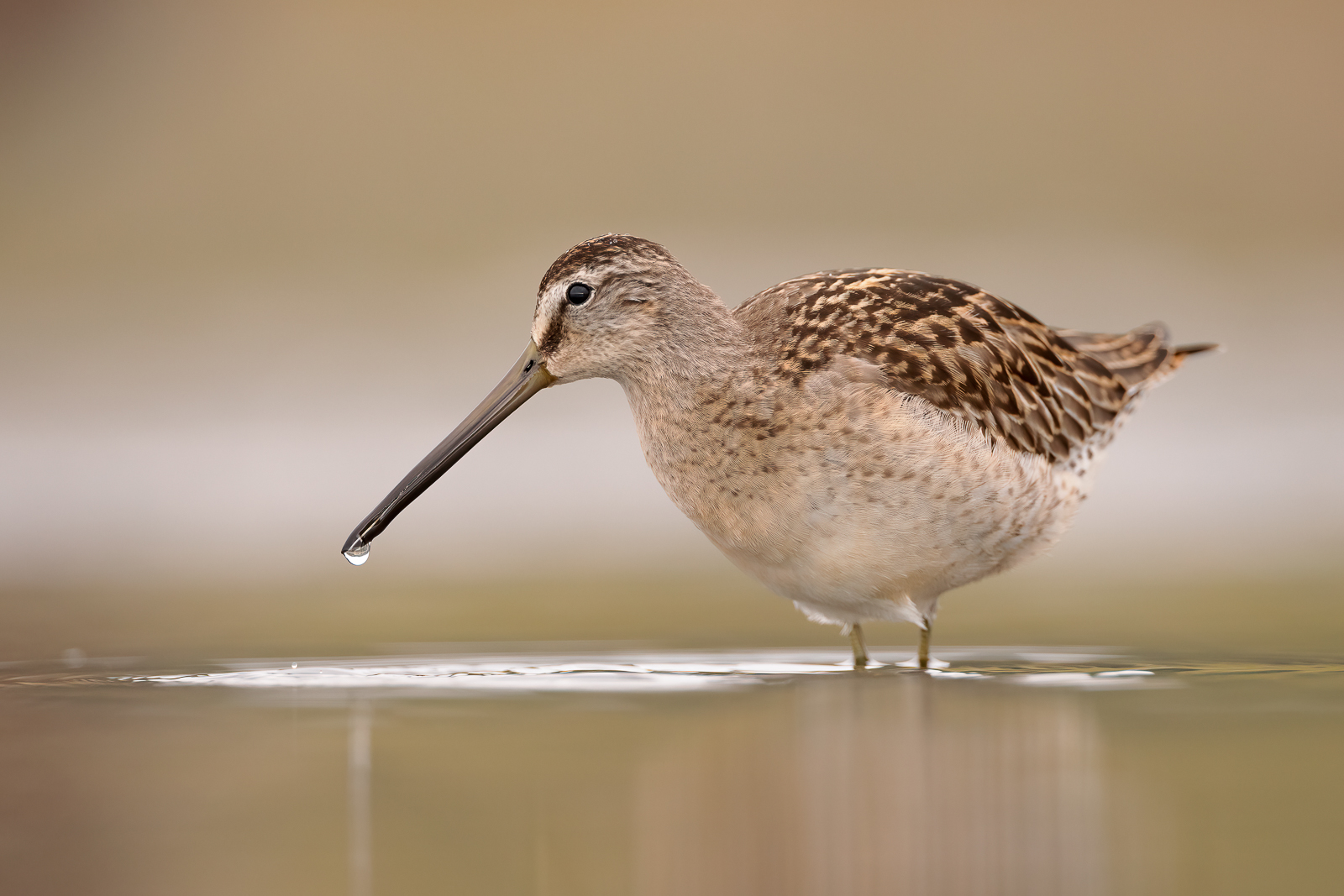
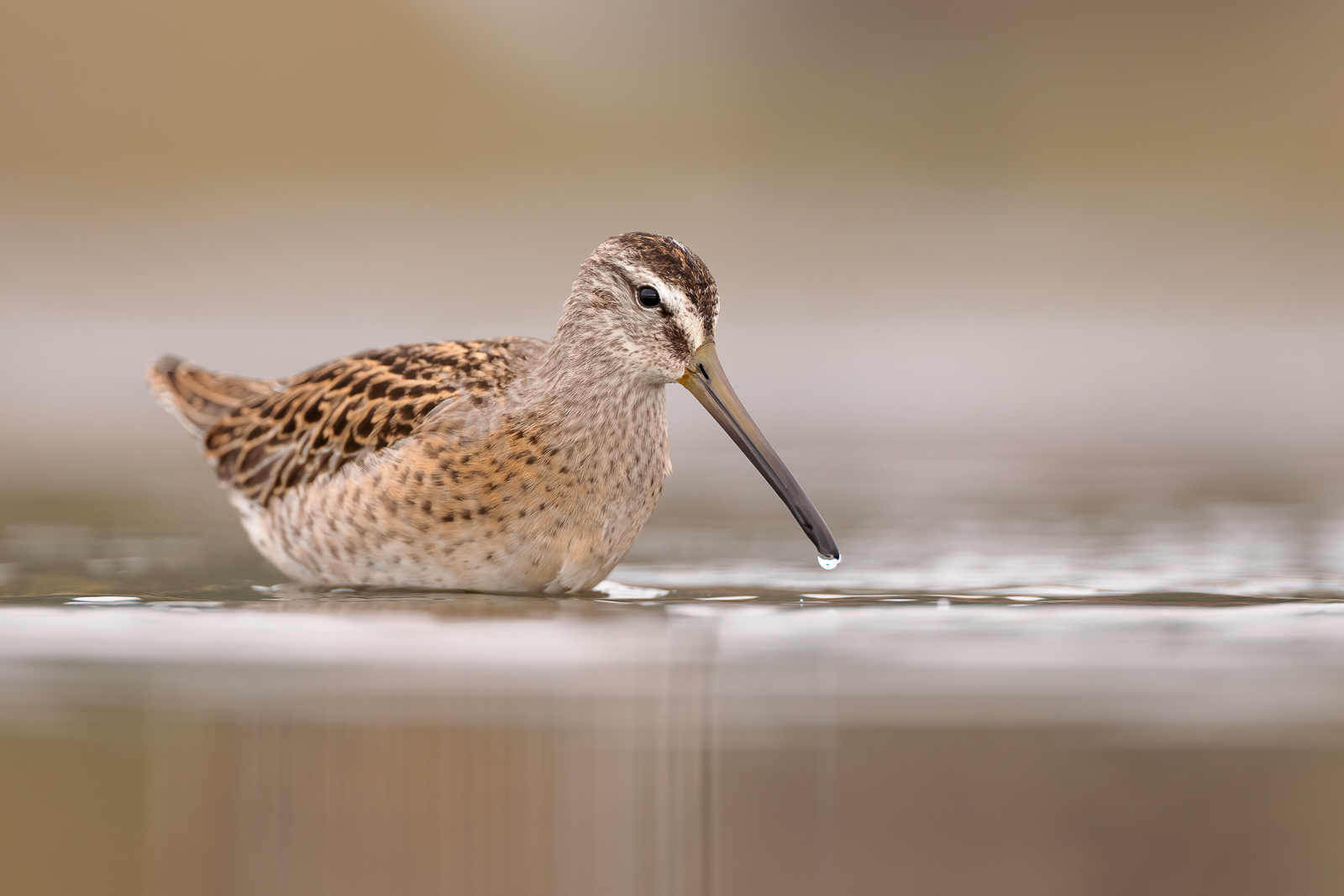
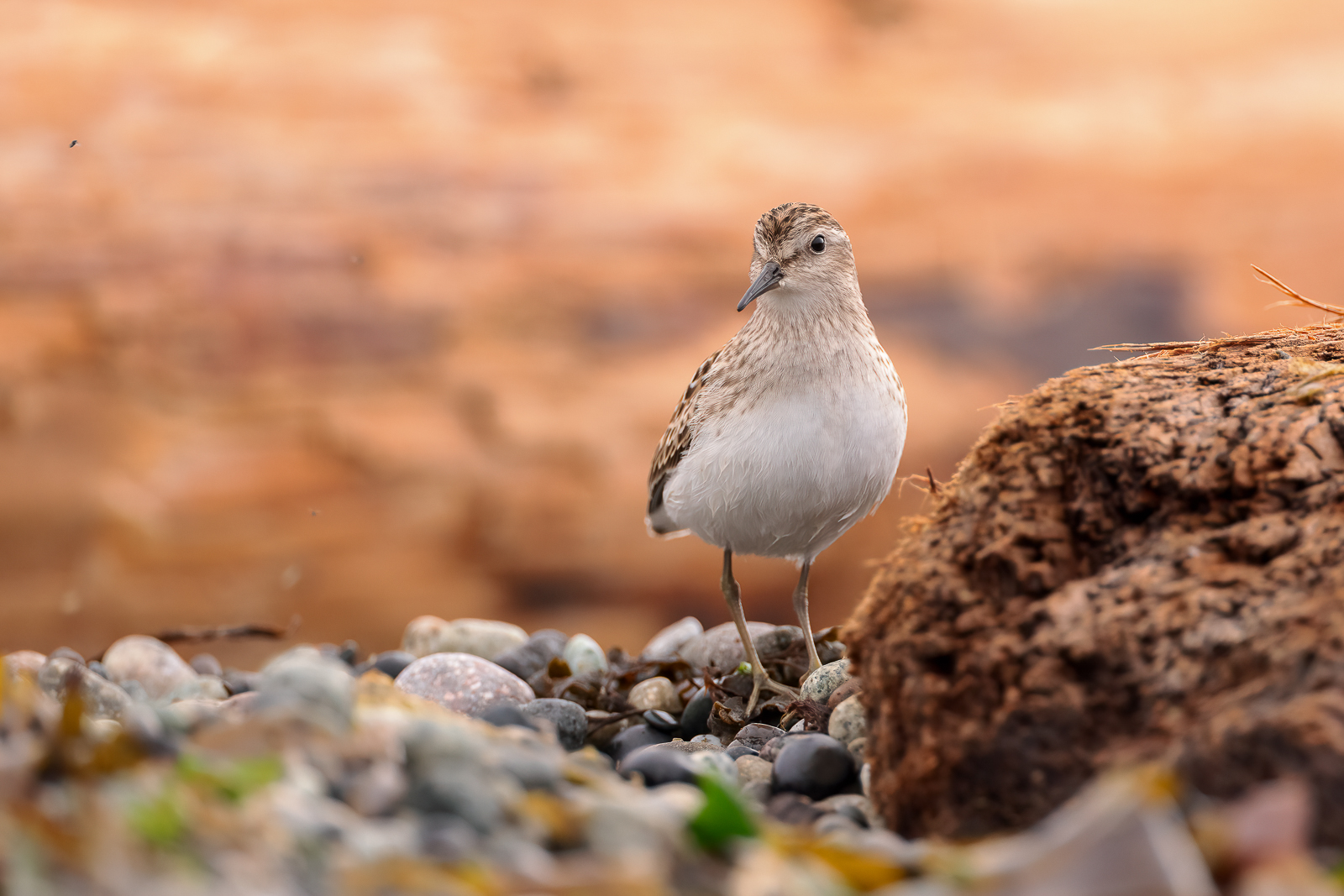
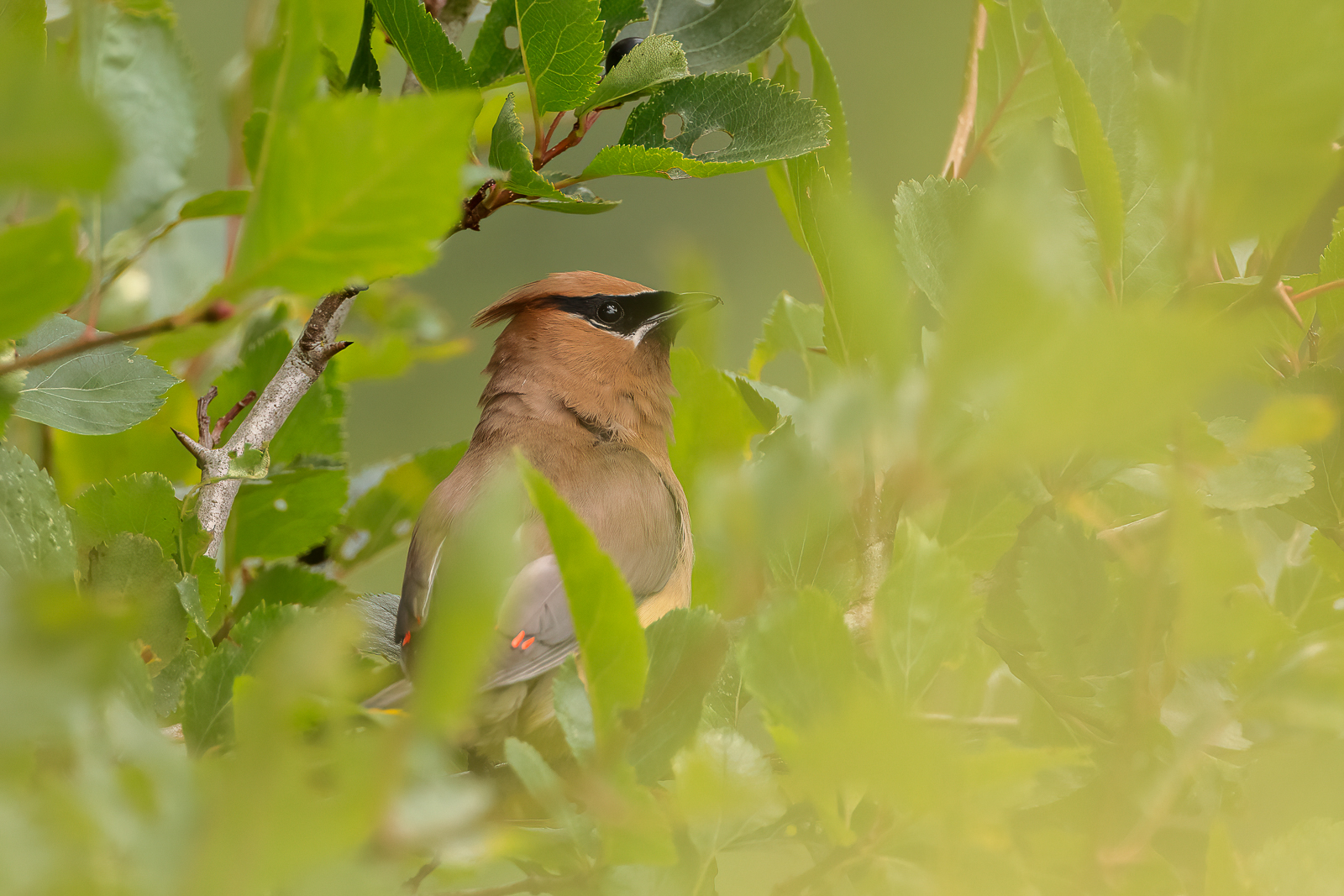
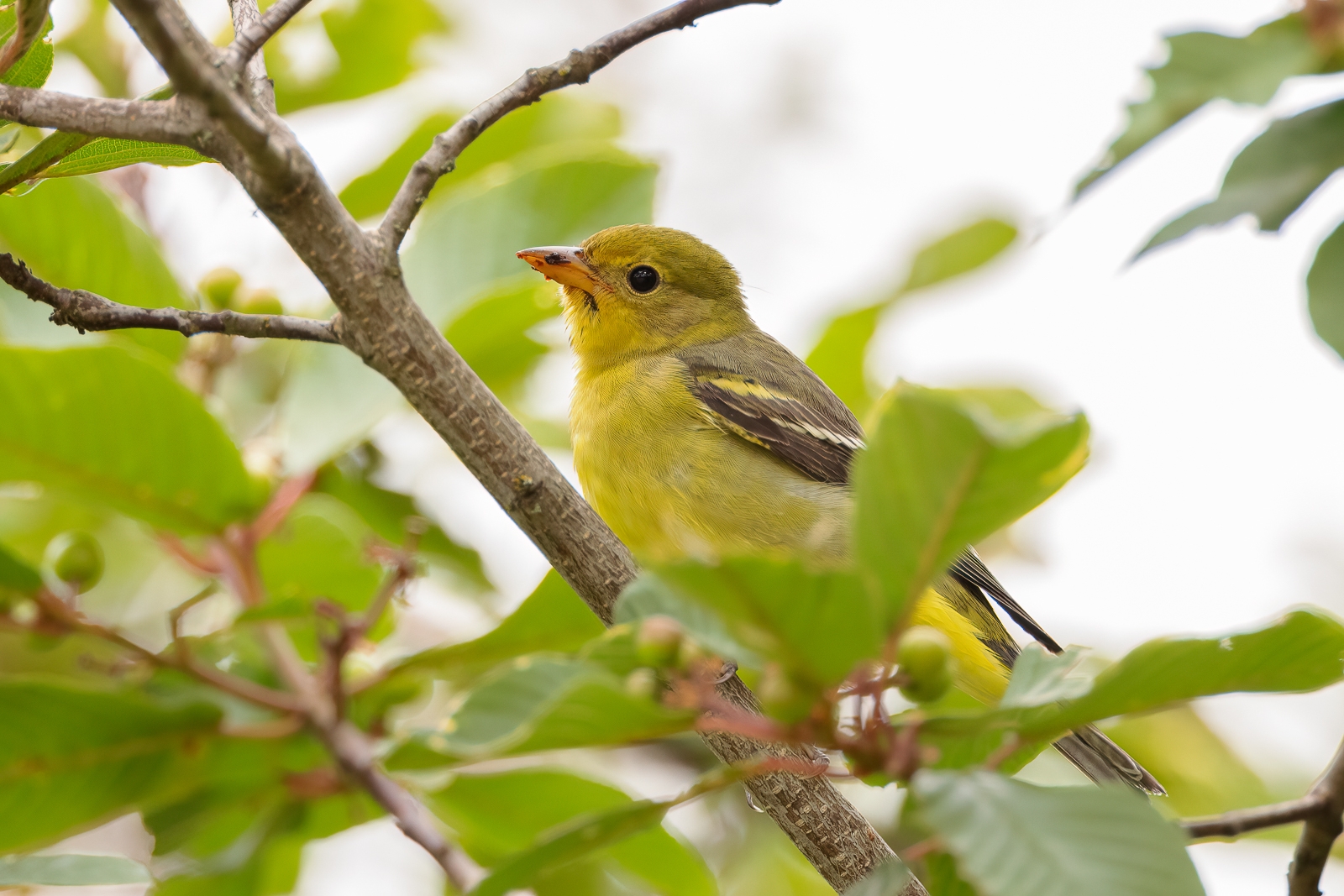
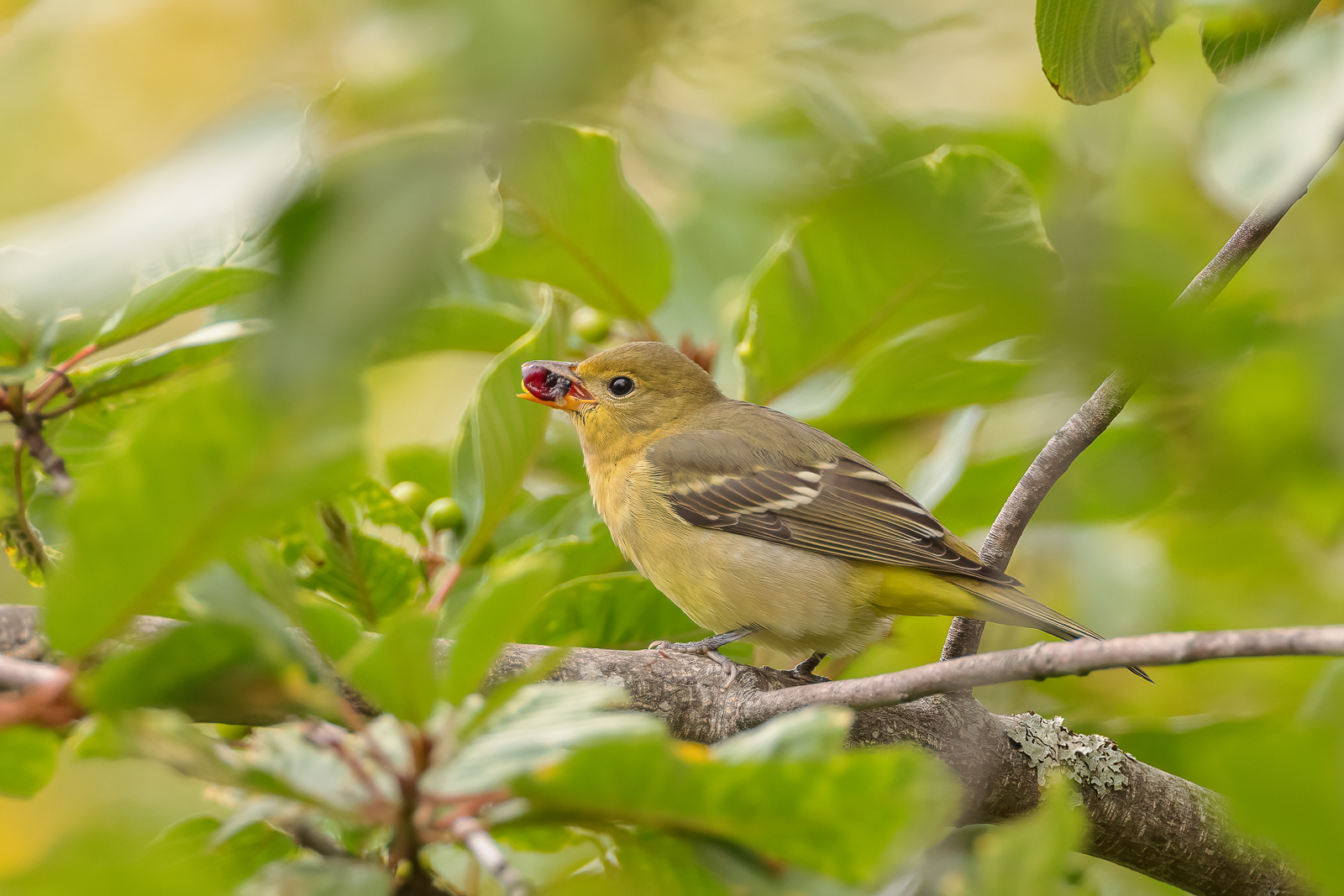
Anyways here are some shots from Day 2 with the R5/600III....