RobAmy wrote:
Fantastic set Dave, I was look for the number of stacked images with the yellowjacket
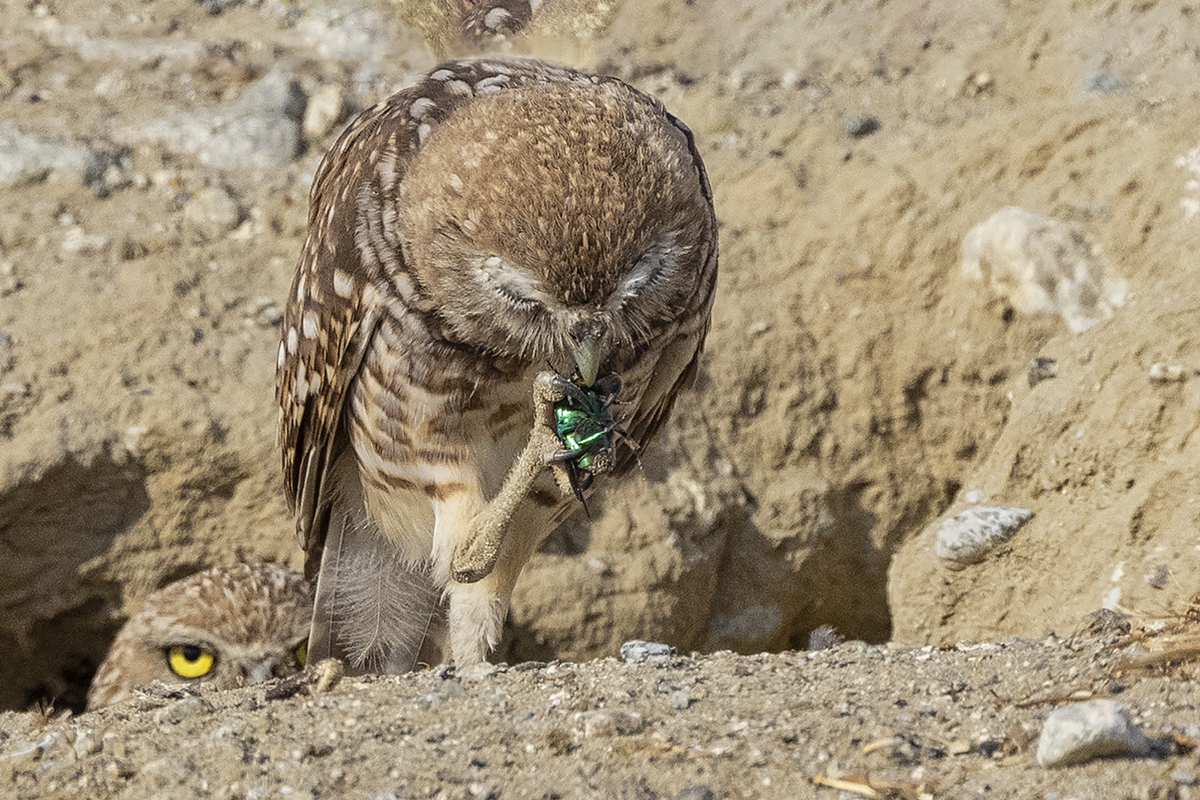
Thanks Rob. Yeah those are just single frames as well as the Baby lizard. I was still set-up doing 100 frame brackets when I first clicked on the attack then quickly realized I needed to disable it quickly.
lighthound wrote:
Thanks Rob. Yeah those are just single frames as well as the Baby lizard. I was still set-up doing 100 frame brackets when I first clicked on the attack then quickly realized I needed to disable it quickly.
Dave, is the R5 automated with a 100 frame focus bracket? If so, how long does it take the R5 to take those 100 bracketed shots? I assume you just need to tell it the far and close focus points and the R5 does the rest?
John_TX wrote:
Dave, is the R5 automated with a 100 frame focus bracket? If so, how long does it take the R5 to take those 100 bracketed shots? I assume you just need to tell it the far and close focus points and the R5 does the rest?
Yes, it's an automated function where you tell it how many shots and what increment you want. Then you focus on the nearest area you want sharp then hit the shutter. For 100 shots it fired them off in a few seconds. If you see it go past what you want sharp, just hit the shutter again to stop it.
I used a very narrow increment for all these and set it to 100 frames to ensure it made it past my subject.
You will then need to stack them using DPP or other stacking software. I use Helicon Focus.
stanj wrote:
Could you share your helicon settings? I use it too and often end up with weird ghosting in similar situations. Thanks!
I used Method B with the Radius set at 8 and Smoothing set to 4. In camera I had it set to a narrow step I think all the way to the left or maybe on step back toward the right. I did have to use the Retouching feature a little on a couple of them and then further clean up in LR on some little areas I missed before exiting Helicon. I think the secret for close subjects like these to shoot very narrow and just deal with a ton of images. The worm was actively eating (moving) and there was a slight breeze as well but Helicon seemed to align them pretty well for my purpose. My PC system that I built last winter seems to eat all these up pretty fast. It took about 3 minutes or so to stack 100 images.
lighthound wrote:
I used Method B with the Radius set at 8 and Smoothing set to 4. In camera I had it set to a narrow step I think all the way to the left or maybe on step back toward the right. I did have to use the Retouching feature a little on a couple of them and then further clean up in LR on some little areas I missed before exiting Helicon. I think the secret for close subjects like these to shoot very narrow and just deal with a ton of images. The worm was actively eating (moving) and there was a slight breeze as well but Helicon seemed to align them pretty well for my purpose. My PC system that I built last winter seems to eat all these up pretty fast. It took about 3 minutes or so to stack 100 images. ...Show more →
Thanks, that helps a lot. I have done a lot of stacks (minimum spacing) of mushrooms this past winter, that fortunately don't move too much, but I still got plenty of halos. I didn't do too much retouching mainly because I'm lazy, but knowing what methods work is helpful.
A couple of images taken of a wildfire interacting with an approaching thunderstorm in Arizona. The lightning image was a surprise; unfortunately my focus was a little off, so the image isn't very sharp.
stanj wrote:
Thanks, that helps a lot. I have done a lot of stacks (minimum spacing) of mushrooms this past winter, that fortunately don't move too much, but I still got plenty of halos. I didn't do too much retouching mainly because I'm lazy, but knowing what methods work is helpful.


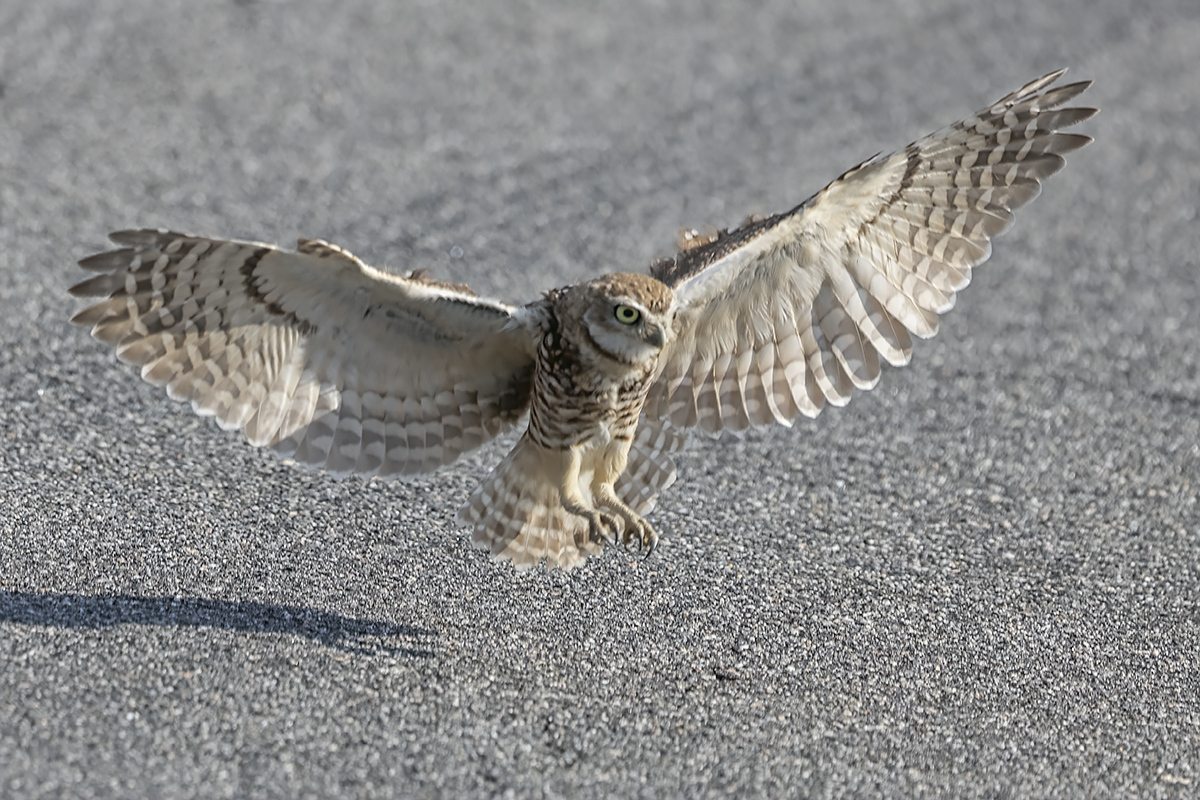


 She still preforms magically!