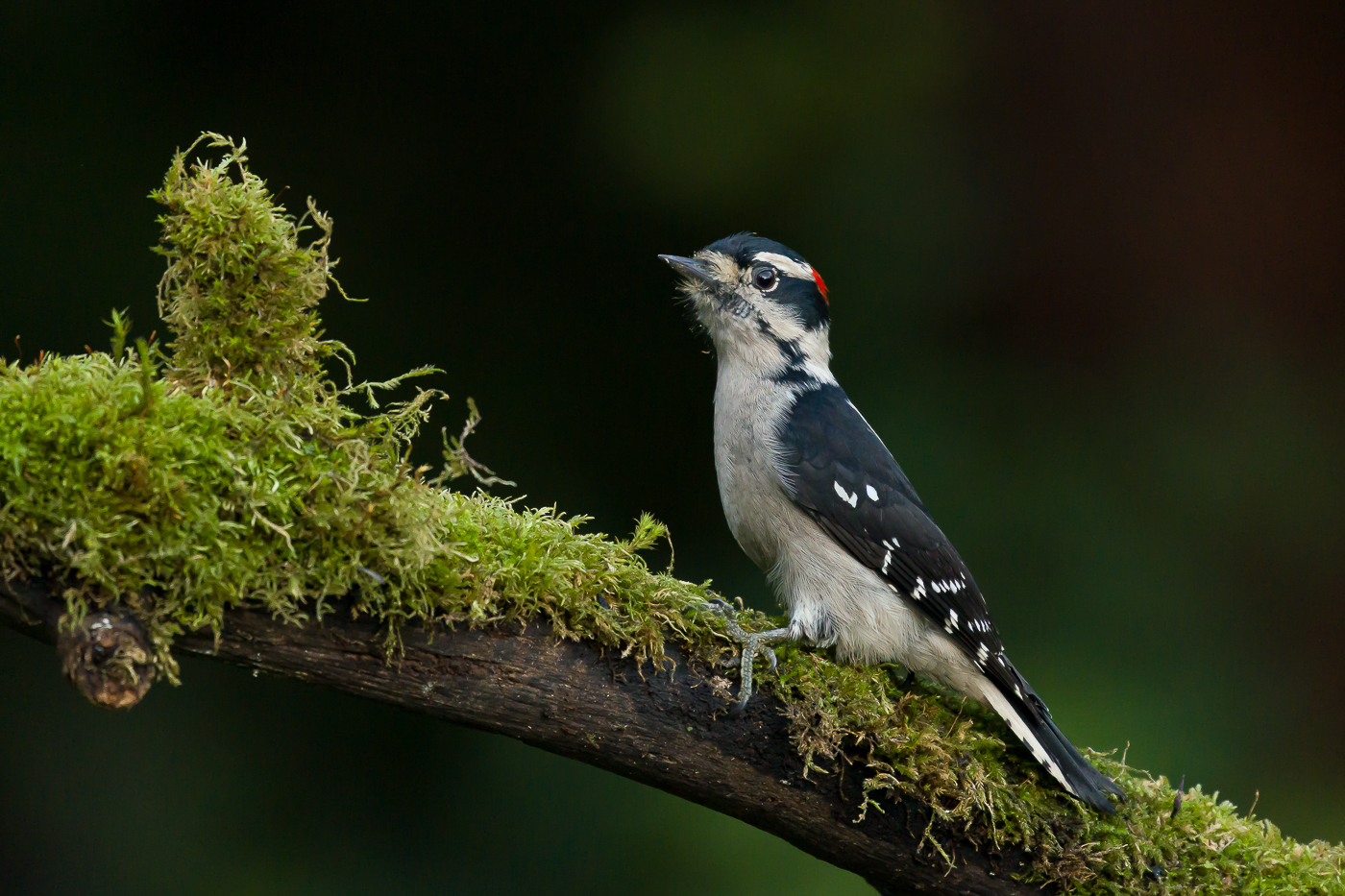
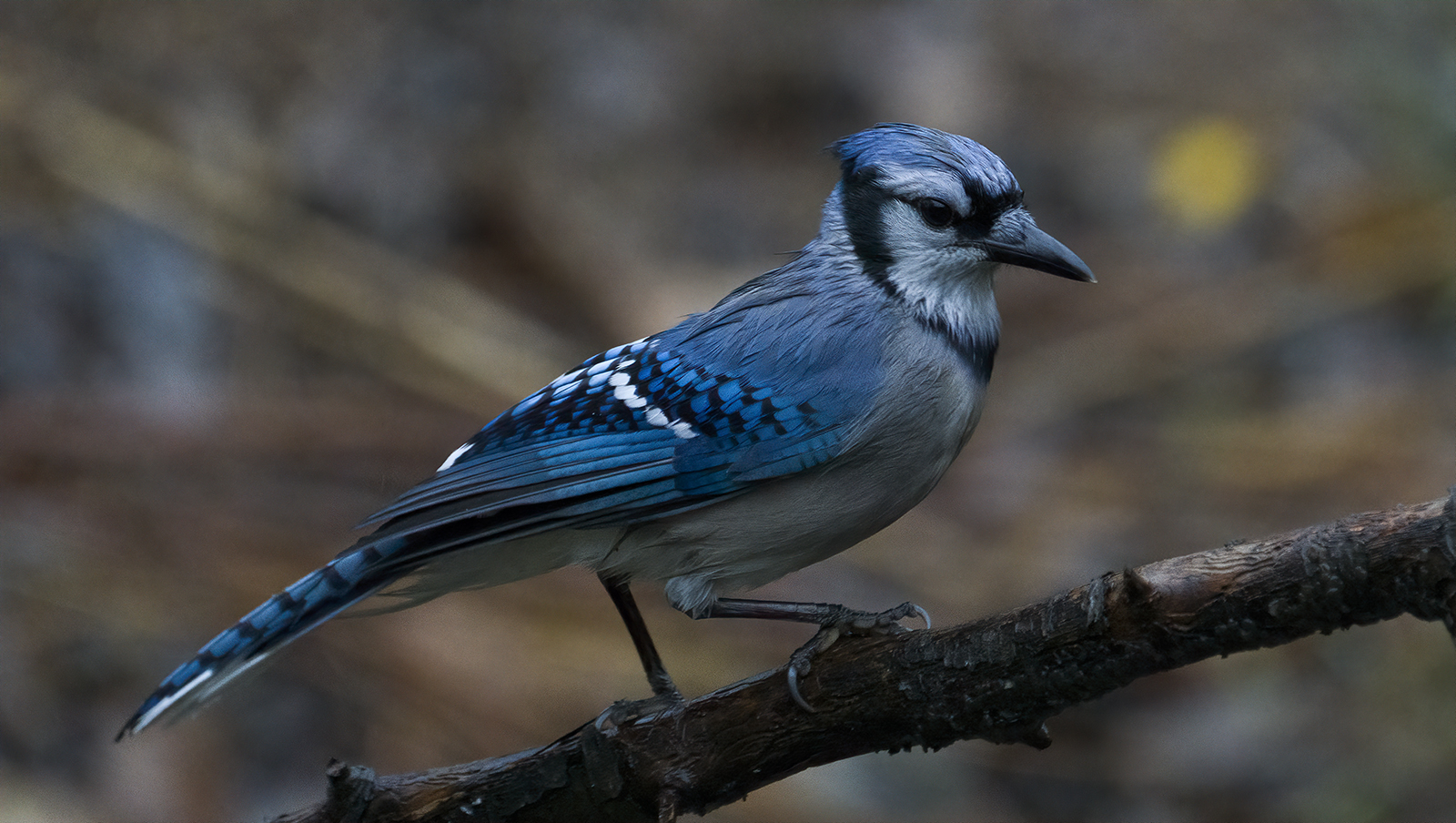
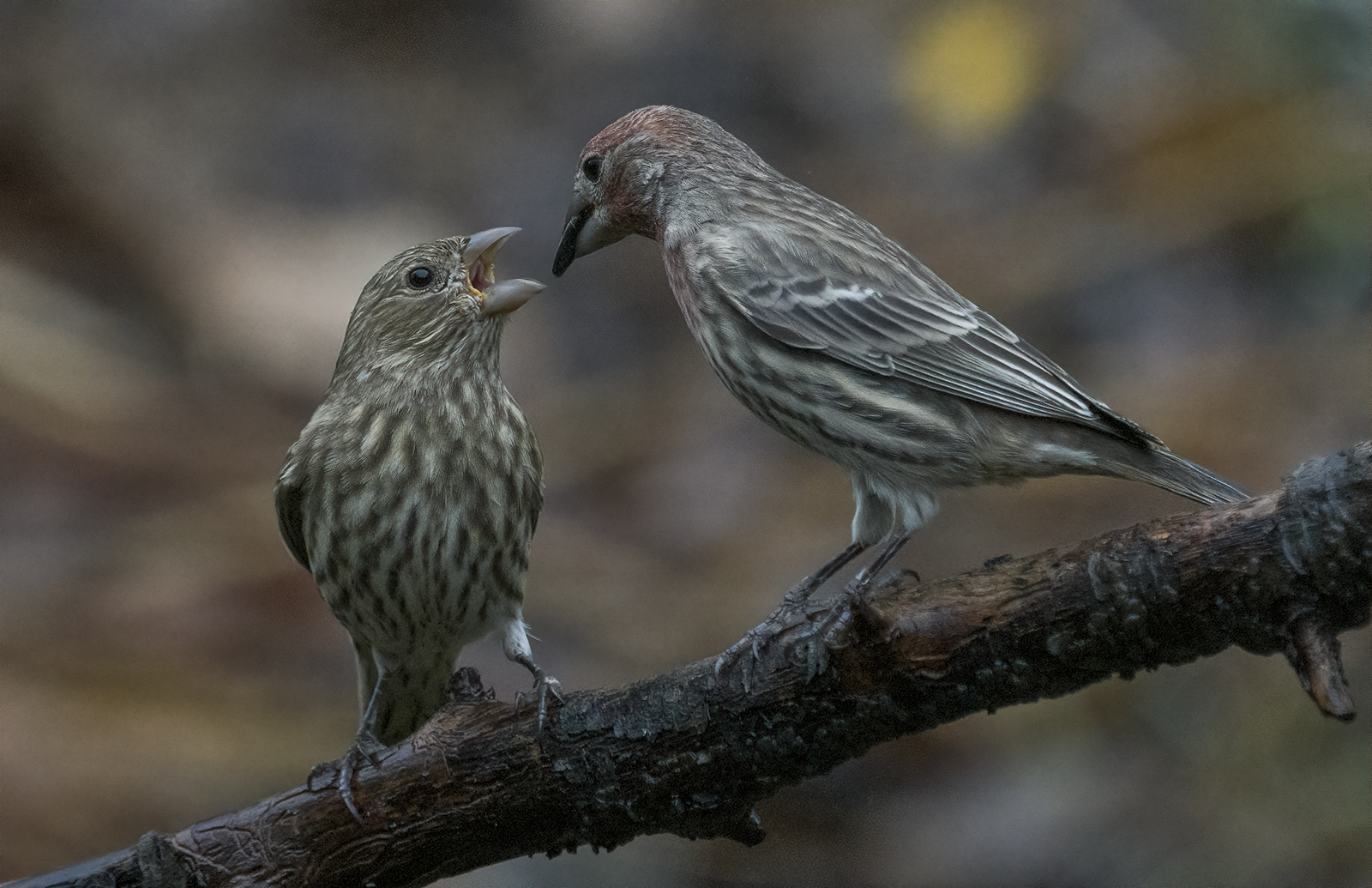
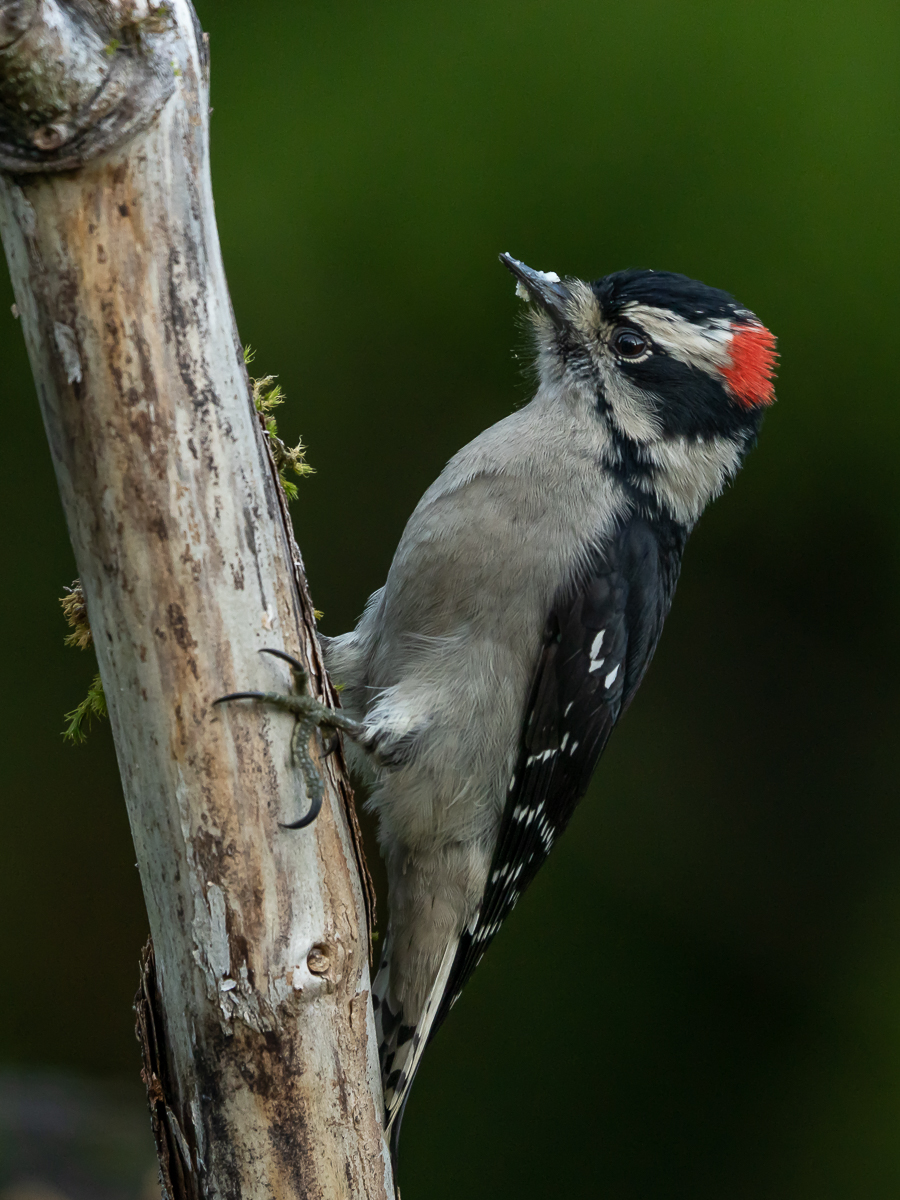
p.34 #11 · Sony FE 200-600mm f/5.6-6.3 G Image Thread
robert614 wrote:
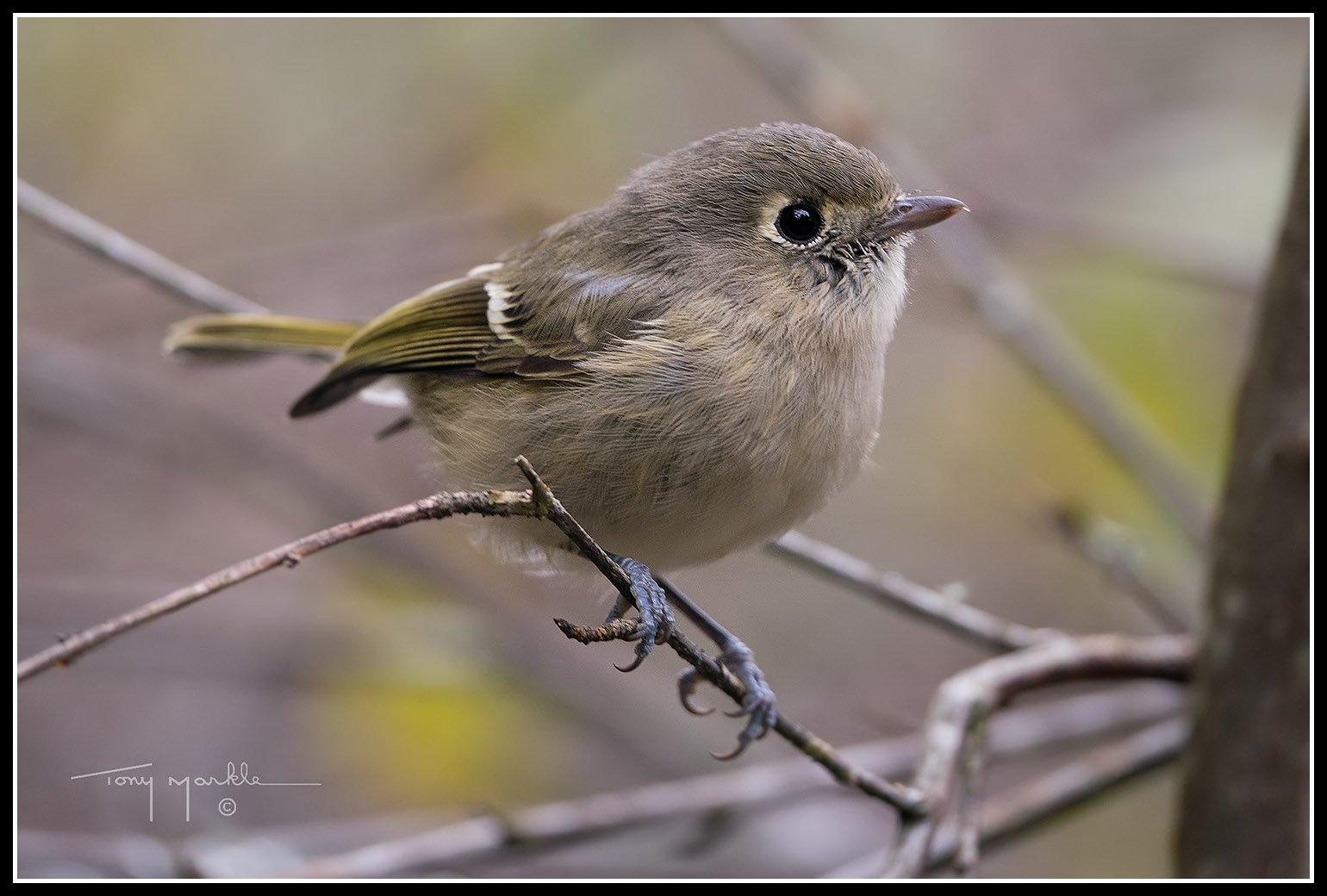
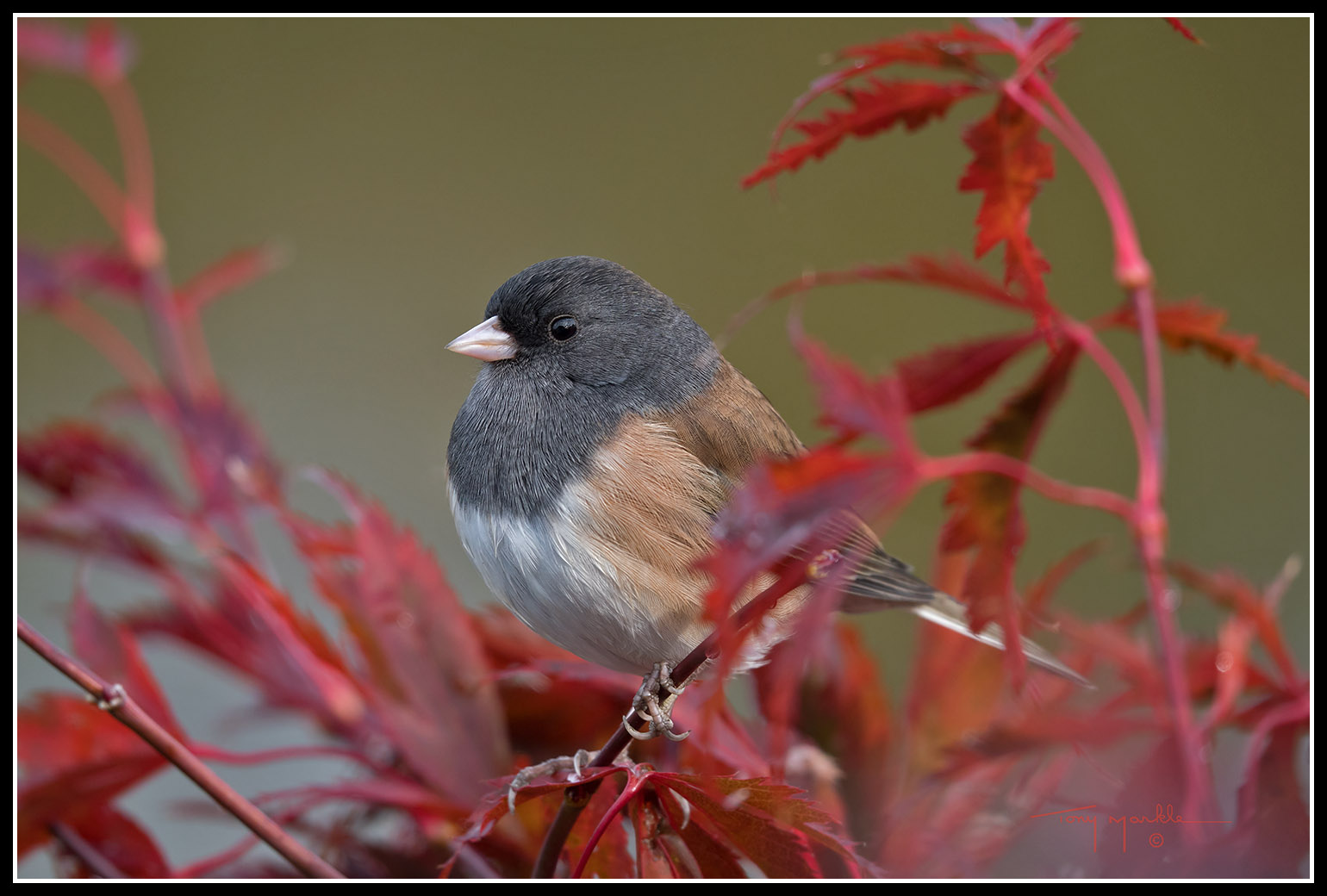
Nice shots Colin!
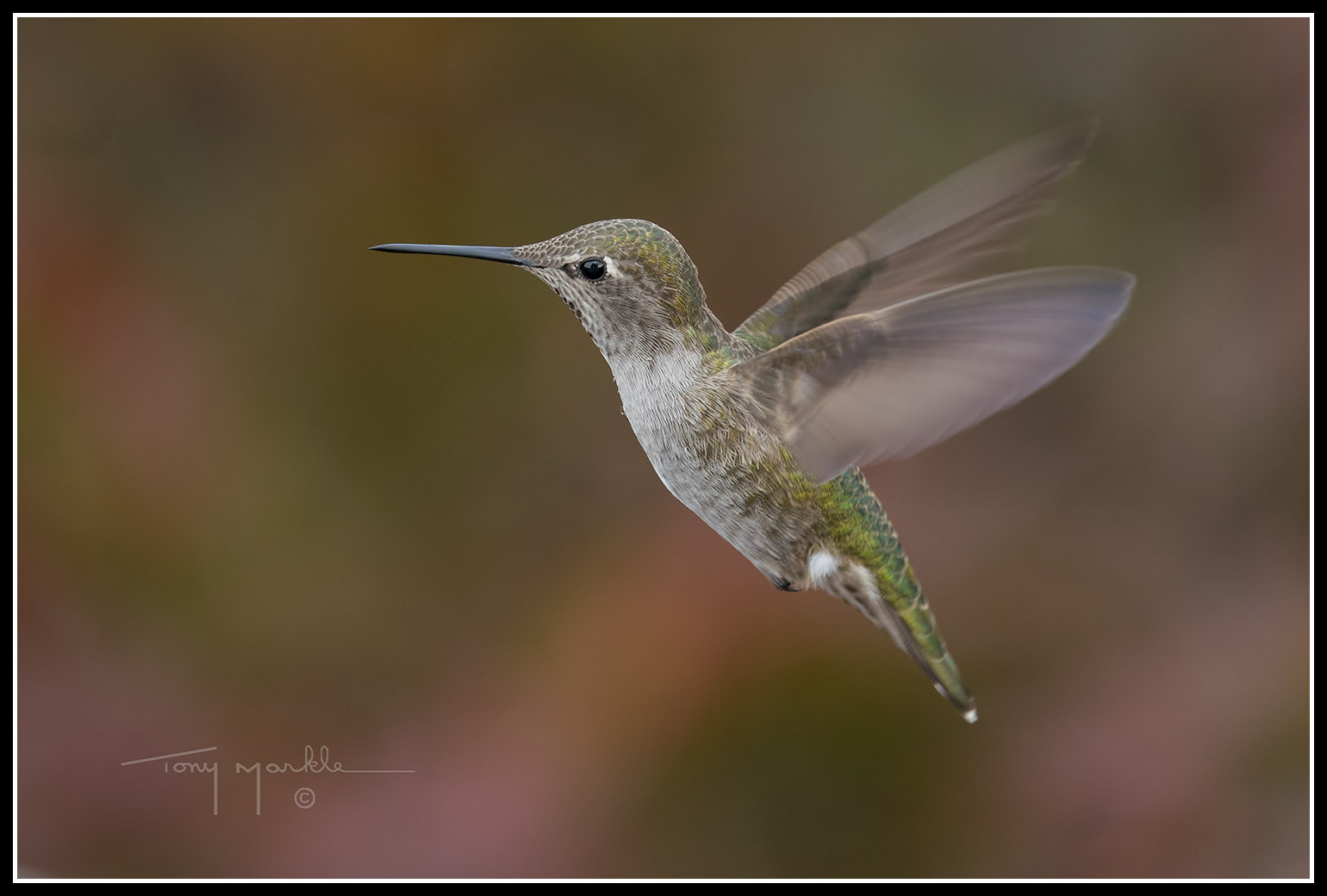
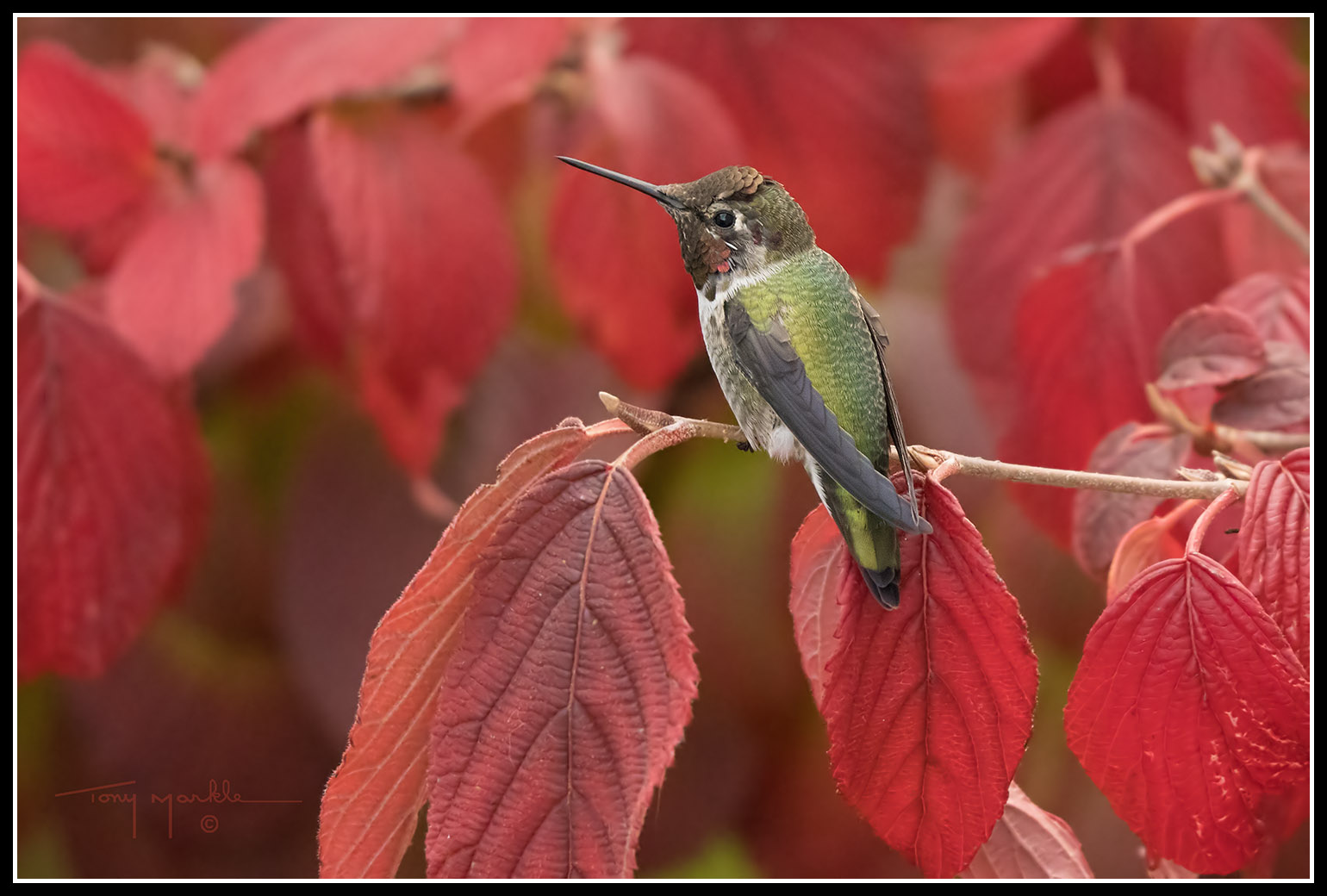
I especially like the hummingbird!
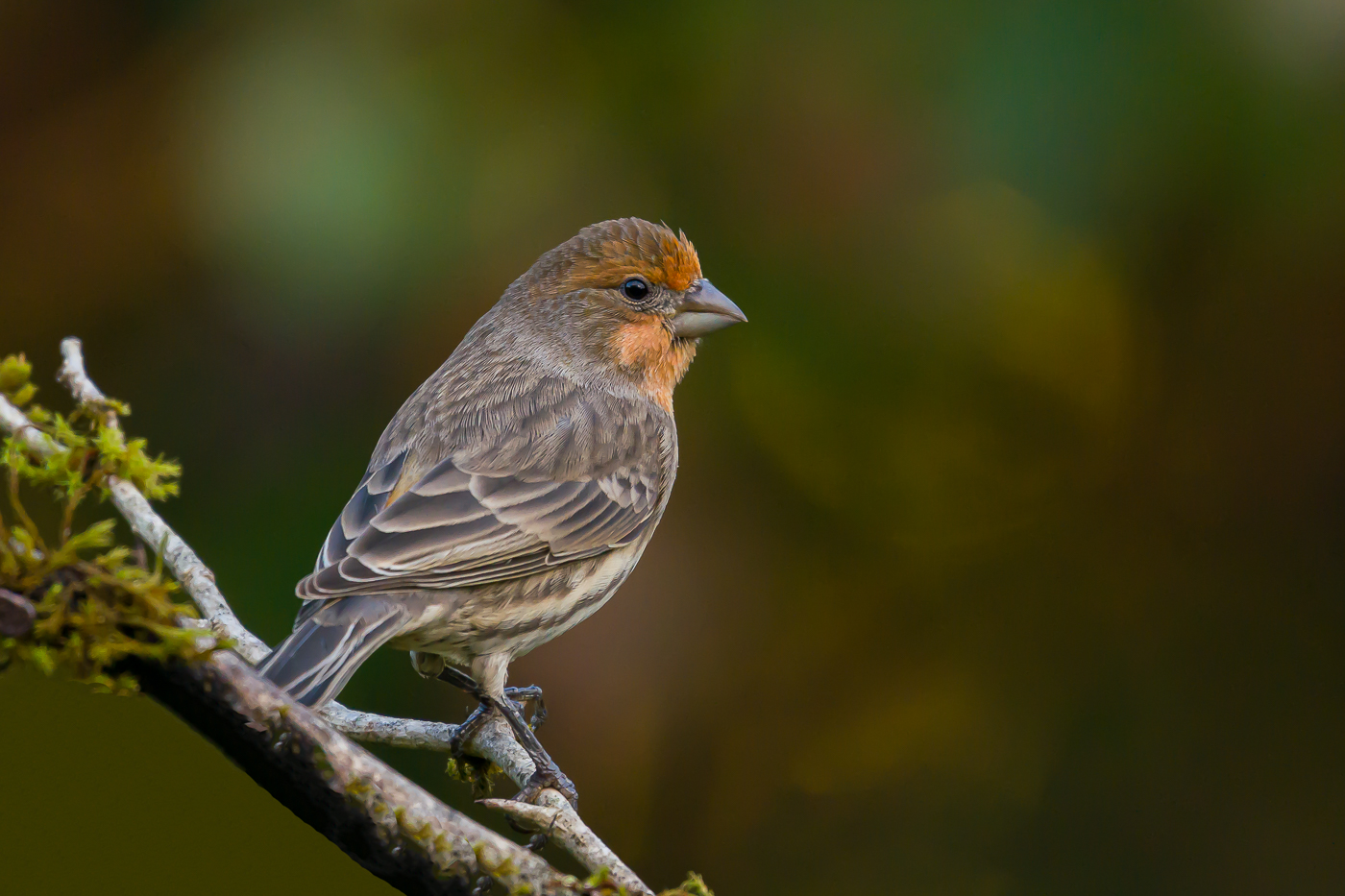
Thanks! While it was raining all day and I was looking out the back window like a sad puppy dog, I noticed that it was regularly perching in one particular spot, so when the rain stopped, I grabbed my step ladder, placed it on the lawn, positioning it so that I had a clear (distant) background, climbed up and waited. It didn't take too long for it to return.
*Being new to Sony, I'm finding the BBAF infuriating. The way I have it set up is:
AF-ON button is set up for birds in flight with zone and tracking (and that's all good), and the AEL button with single point and no tracking for perched/still birds, so that I can get it on their eye whenever possible. One of the things I find maddening is that I cannot move the focus point! WTH? I can move the zone around, but even when I do that, the focus point remains in the middle of the scene. Is there not a way to move the point around with the joystick like every other camera on the planet?
p.34 #12 · Sony FE 200-600mm f/5.6-6.3 G Image Thread
Colin F wrote:
Thanks! While it was raining all day and I was looking out the back window like a sad puppy dog, I noticed that it was regularly perching in one particular spot, so when the rain stopped, I grabbed my step ladder, placed it on the lawn, positioning it so that I had a clear (distant) background, climbed up and waited. It didn't take too long for it to return.
*Being new to Sony, I'm finding the BBAF infuriating. The way I have it set up is:
AF-ON button is set up for birds in flight with zone and tracking (and that's all good), and the AEL button with single point and no tracking for perched/still birds, so that I can get it on their eye whenever possible. One of the things I find maddening is that I cannot move the focus point! WTH? I can move the zone around, but even when I do that, the focus point remains in the middle of the scene. Is there not a way to move the point around with the joystick like every other camera on the planet? ...Show more →
Unfortunately, I don’t believe you can move the focus point around while depressing the AEL button.
I have my camera set up a little differently. I leave the AF on the shutter button turned on. I have flexible small spot on the shutter. Zone AF on the AF-On button. And Flexible Spot Medium with tracking on the AEL button.
Unfortunately, I can’t move the Zone around. Unless I change the flexible small spot on the shutter to Zone temporarily.
I also have slight variations depending what I’m doing. I may swap wide for zone for example.
p.34 #14 · Sony FE 200-600mm f/5.6-6.3 G Image Thread
robert614 wrote:
Unfortunately, I don’t believe you can move the focus point around while depressing the AEL button
Just to be sure we're understanding each other, I don't mean that I attempt to move the focus point while depressing the AEL button, but merely while that mode is active. It seems absurd that one cannot do this.
p.34 #15 · Sony FE 200-600mm f/5.6-6.3 G Image Thread
Colin F wrote:
Just to be sure we're understanding each other, I don't mean that I attempt to move the focus point while depressing the AEL button, but merely while that mode is active. It seems absurd that one cannot do this.
I just thought of something you can do.
Leave the AF on the shutter off like you already have. Set the Focus Area to flexible small spot.
Set the AF-On button to AF-On only. And set AEL button to Zone and AF-On.
Now by default, you should be in flexible spot small. You can move it around with the joystick. Use the AF-On to focus as normal.
p.34 #17 · Sony FE 200-600mm f/5.6-6.3 G Image Thread
robert614 wrote:
I just thought of something you can do.
Leave the AF on the shutter off like you already have. Set the Focus Area to flexible small spot.
Set the AF-On button to AF-On only. And set AEL button to Zone and AF-On.
Now by default, you should be in flexible spot small. You can move it around with the joystick. Use the AF-On to focus as normal.
Use the AEL button to override spot to zone.
Might be a workaround.
---------------------------------------------
Colin F wrote:
^^^ You mean go into the Sony menu system? Nooooooooooooooooooooooo!
Yes this is the solution (which I already told Colin two days ago ). Because it is Recall Custom HOLD it is only active when holding down the button. So the moment you release the button that is activating it the system is back to your baseline AF mode and you can't move the AF point that was being Recalled while pushing the button.
Therefore it is best to leave a non-tracking mode as the baseline AF mode for the AF-ON button so you can move the point around. Then leave a Tracking or Wide (or even Zone as you can't move it around as much anyways) for the Recall Custom Hold function.
And here comes the fun bit....if you want AF-ON button to be your Tracking BIF mode you can still do that as you can set AF-ON to be Recall Custom Hold with Zone:Tracking and set AE-L to be just "AF-ON" which will use the default mode which you would leave set at Small Flex Spot.
But yes, a dive into the menus may be needed unless like myself you have the Recall Custom Shoot Set and Custom Key (Shoot) menu items in your My Menu list
p.34 #19 · Sony FE 200-600mm f/5.6-6.3 G Image Thread
Hi all a few test shots from a Sony Newbie. Can't understand all the options and sub menus..
based on what most recently has been posted, I feel like I should stick with Canon since I cannot get my Sony gear to do anything close to what is posted by other people
C&C Please and also suggestions on various settings. HELP
p.34 #20 · Sony FE 200-600mm f/5.6-6.3 G Image Thread
kdacharya wrote:
Hi all a few test shots from a Sony Newbie. Can't understand all the options and sub menus..
based on what most recently has been posted, I feel like I should stick with Canon since I cannot get my Sony gear to do anything close to what is posted by other people
C&C Please and also suggestions on various settings. HELP