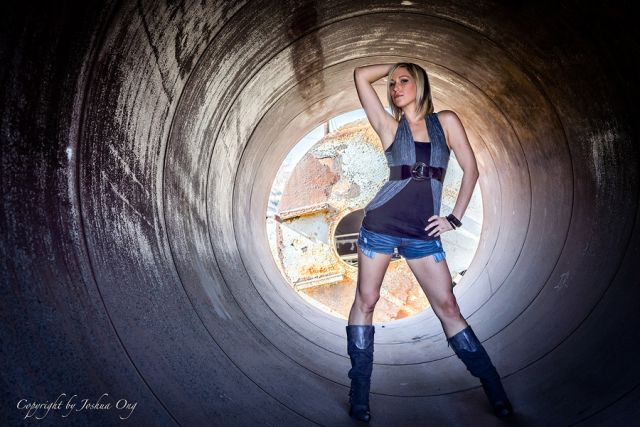
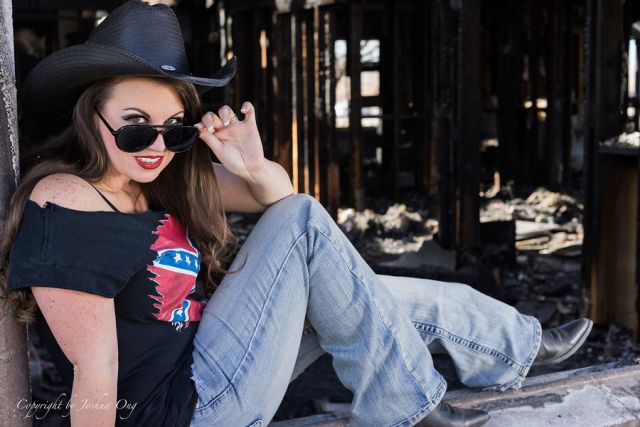
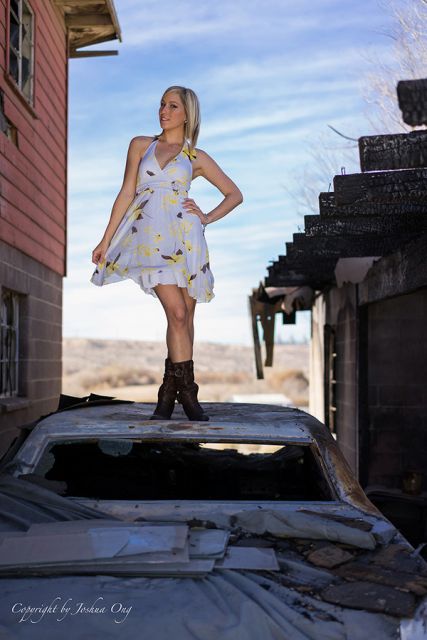
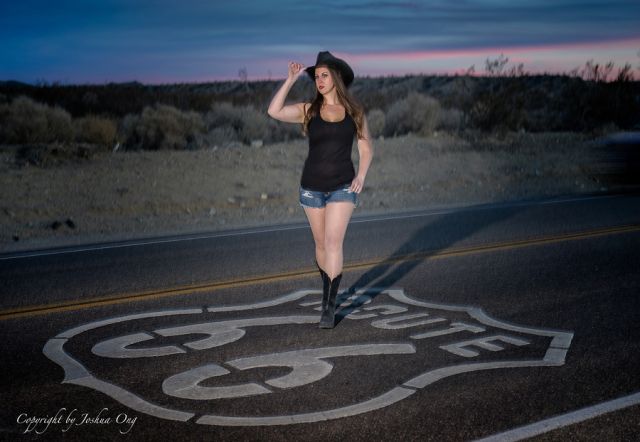
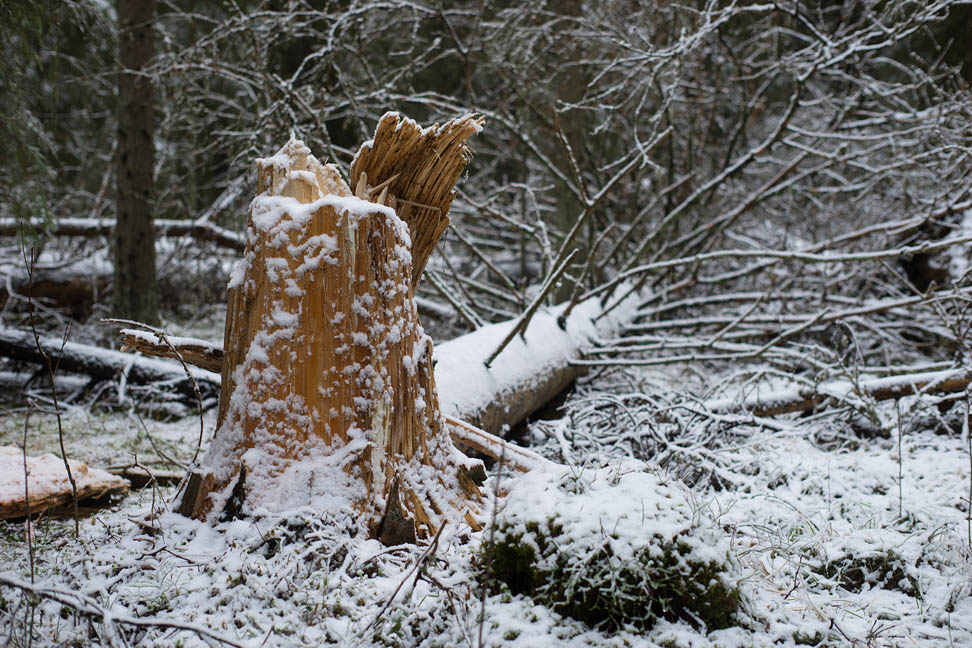
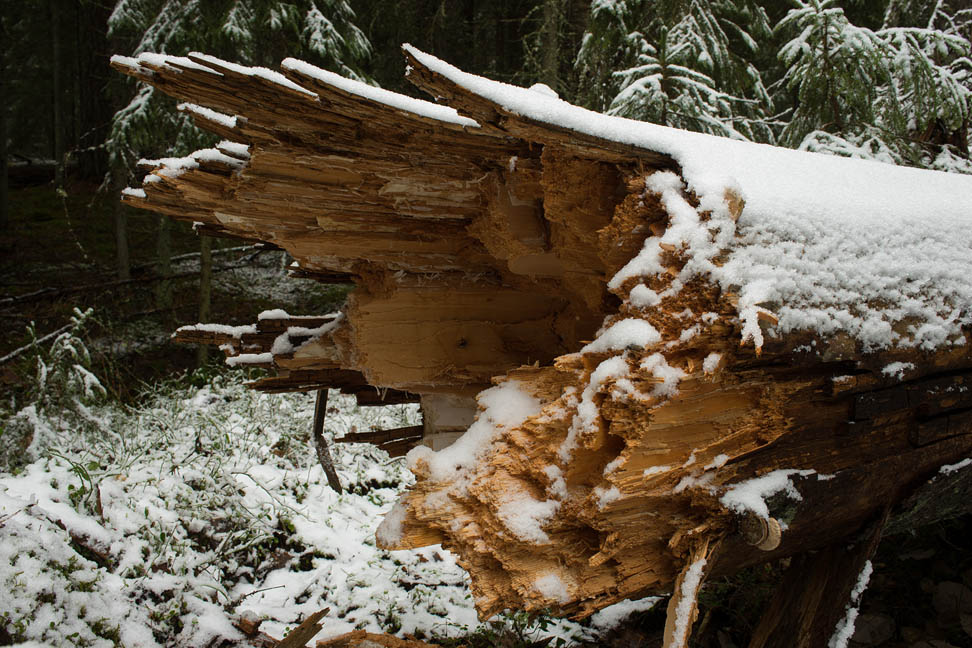
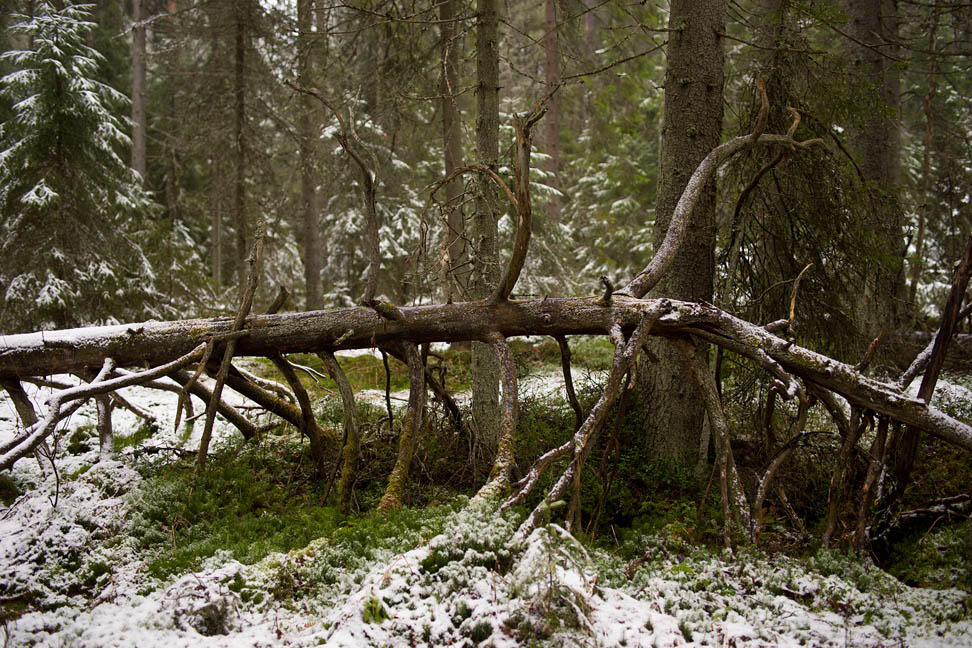
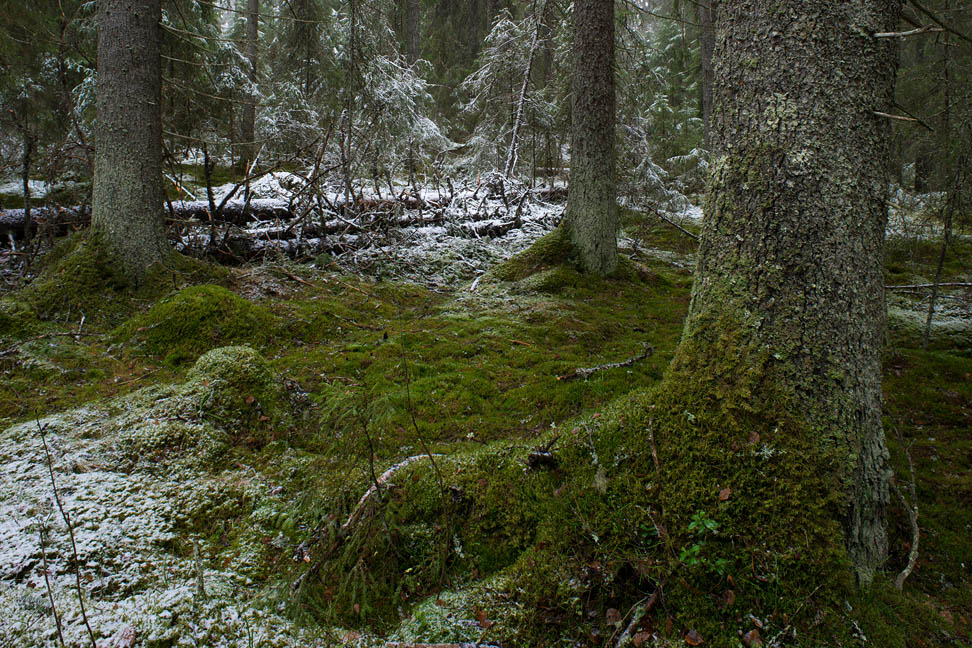
Very nice! Composition and light could not have been better.
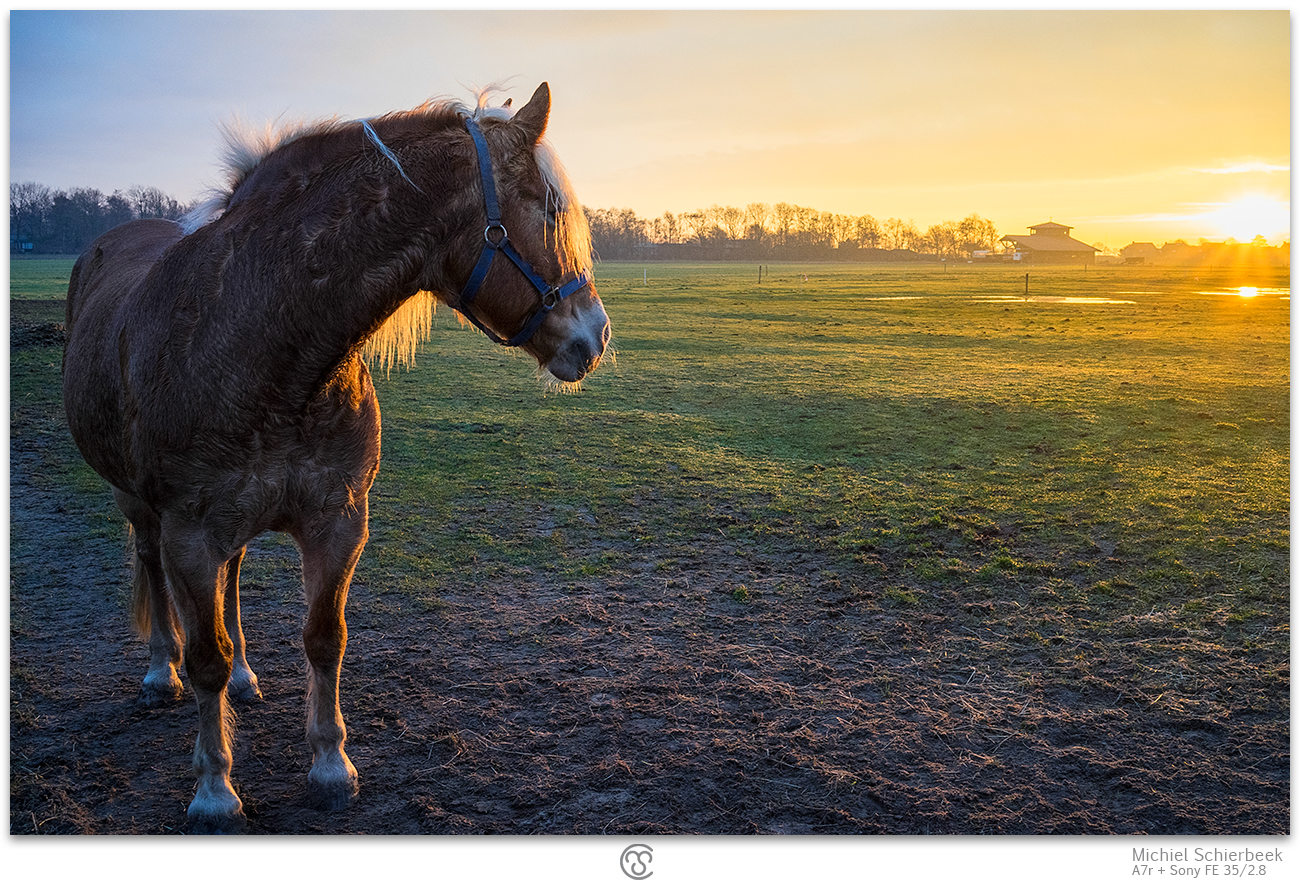
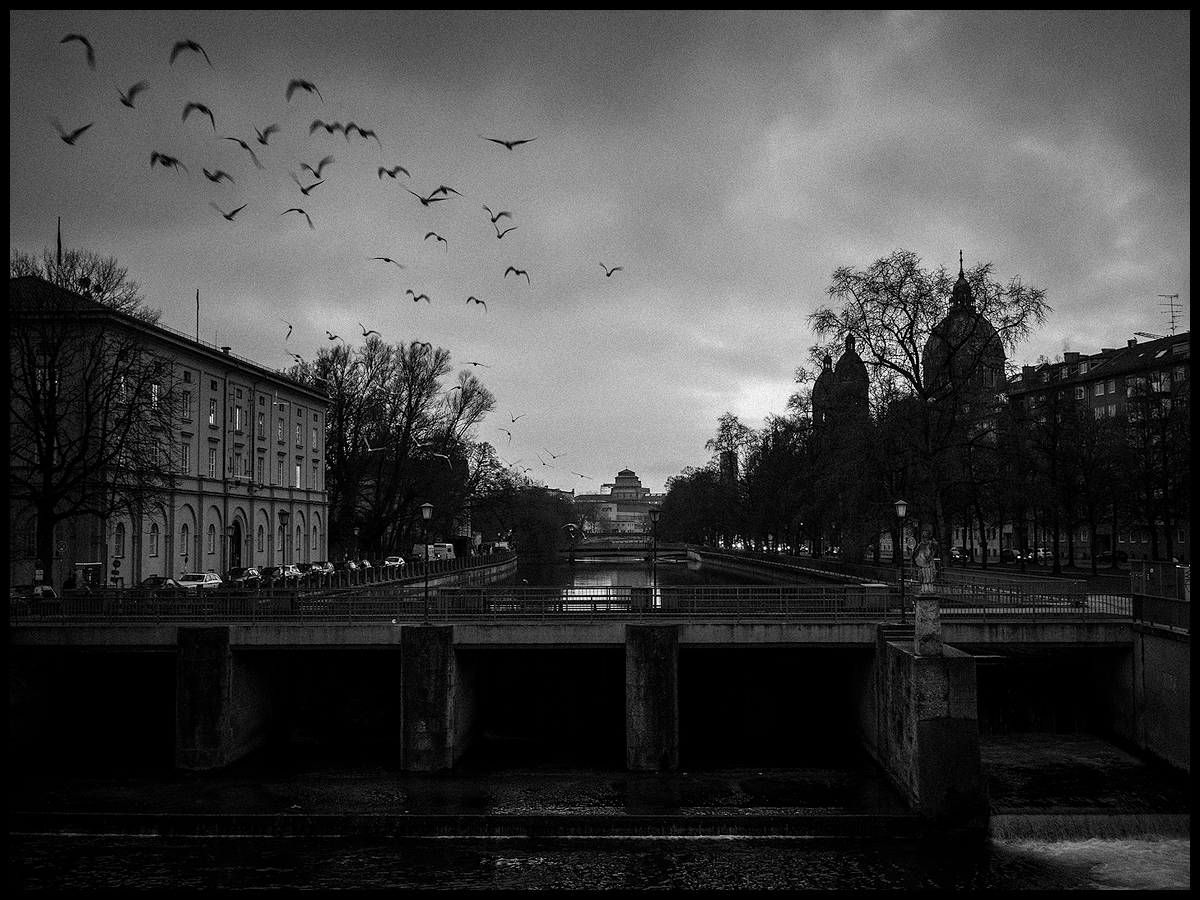
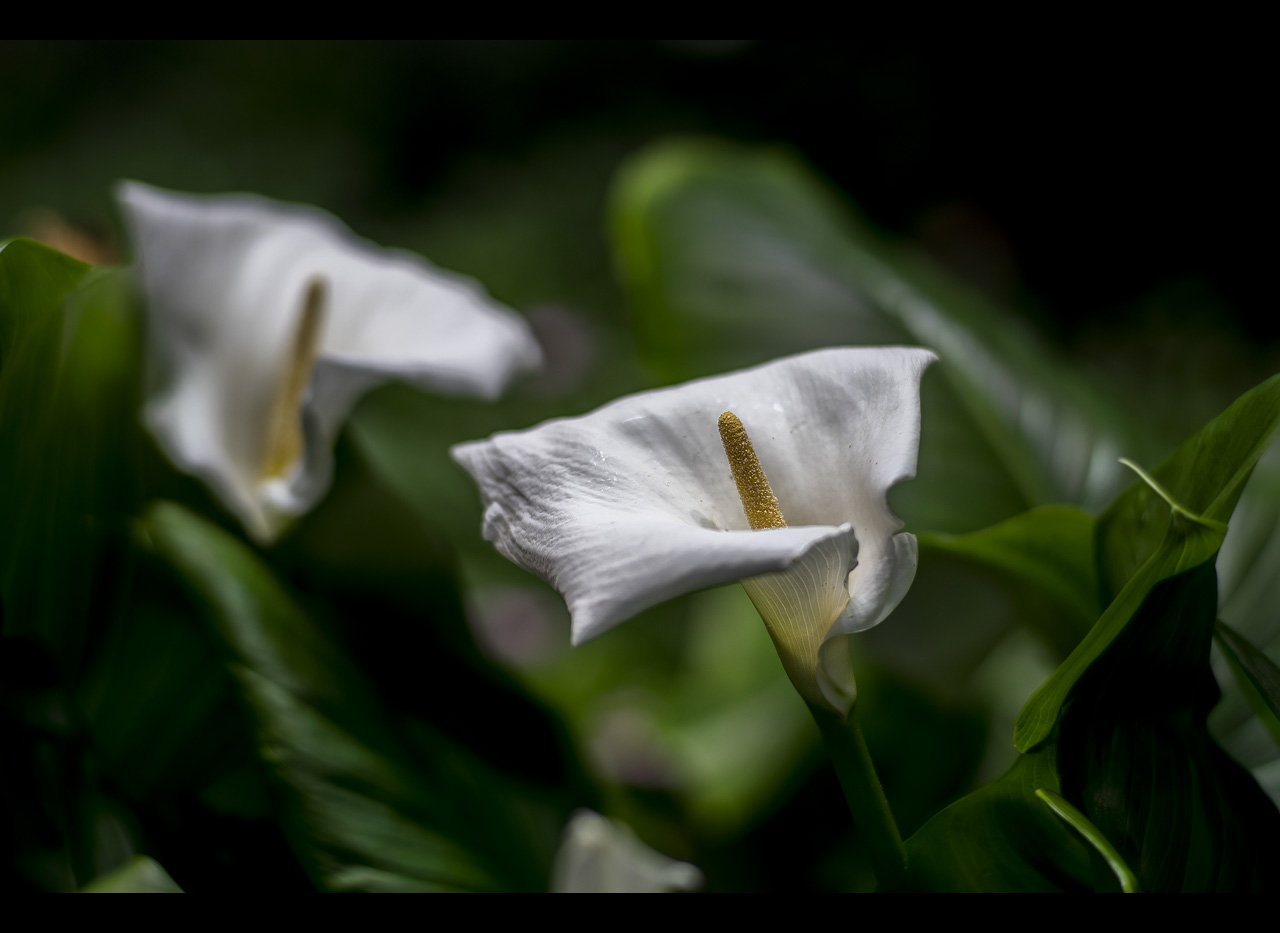
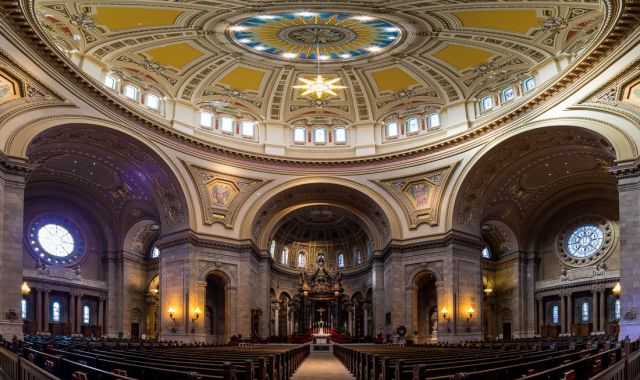
If you don't mind me asking; how are you downscaling your images? Most of them look very "rough" with little detail. Even without any sharpening at all and straight downscaling to final size, I get much crisper results than that.
Makten wrote:
Very nice! Composition and light could not have been better.
If you don't mind me asking; how are you downscaling your images? Most of them look very "rough" with little detail. Even without any sharpening at all and straight downscaling to final size, I get much crisper results than that.
Oh oh, there we go again.
I am seeing no difference with other postings actually...
I stopped downsizing in fases with each time sharpening applied. I run it through focalblade for the wished sharpening and downsize in one time. No sharpening in ACR.
I am seeing no difference with other postings actually...
I stopped downsizing in fases with each time sharpening applied. I run it through focalblade for the wished sharpening and downsize in one time. No sharpening in ACR.
What's your method?
First of all: very nice shot.
However, I was thinking the exact same thing as Martin. Your images suffer from bad downsizing/sharpening. They're full of ugly artifacts which makes them look very rough.
If you don't see it yourself, can I ask you what kind of monitor you're using? I hope it doesn't offend you, that's not my intention at all.
An easy way to do proper multistep downsizing/sharpening is using this free photoshop script:
Jocemb,
I use Lightroom 5 and simply export to a folder and specify the size and resolution, 70 pixels for screen.
Are you saying that this formula gives a significantly better screen output?
Jochenb wrote:
First of all: very nice shot.
However, I was thinking the exact same thing as Martin. Your images suffer from bad downsizing/sharpening. They're full of ugly artifacts which makes them look very rough.
If you don't see it yourself, can I ask you what kind of monitor you're using? I hope it doesn't offend you, that's not my intention at all.
An easy way to do proper multistep downsizing/sharpening is using this free photoshop script: