jstrawman wrote:
When doing your 2 shot panos, how much do you overlap, one shot to the next?
Great shots as usual.
Thanks!
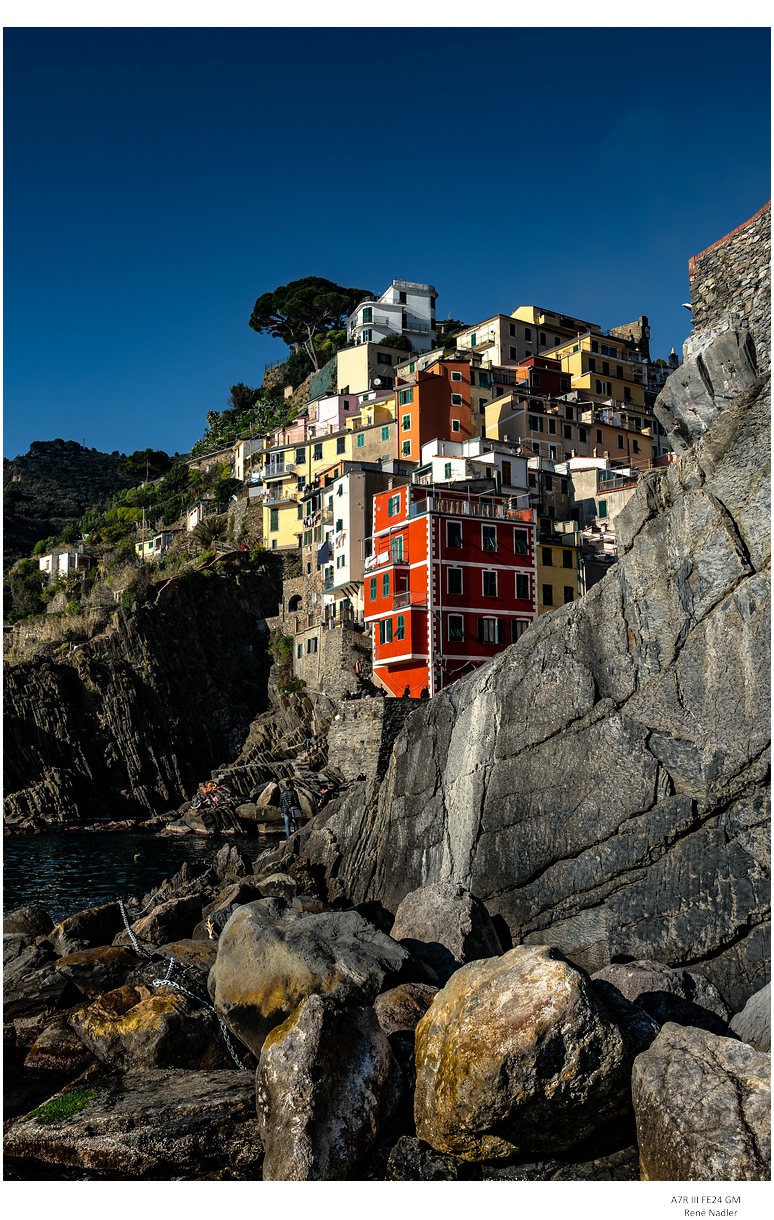
My overlap depends on subject height or width. Most times, there is around 50% overlap, as I am striving to provide just enough room to get side-to-side or up/down coverage to correct for perspective/tilting, and not include excessive width/height which has more chances of frames not matching up precisely in perspective correction. Surrounding excess coverage also needs to be taken into consideration in the final crop, so there are really two factors to take into consideration in final corrected and cropped image. Sometimes very little overlap -- just depends on the subject matter -- it can be a very minor extra amount that cannot be accommodated from my shooting position. Most often, I simply want to get enough "headroom" above the top a structure, while including sufficient foreground details.
Occasionally, the subject requires less overlap and a wider framing, or going to three shots vertically in horizontal format. My preferred final "look" is often somewhat square-ish, or at least 4/3 format when all cropping is complete in LR Focal lengths most amenable range from 20mm to 50mm to capture enough width per frame, and also enough DOF to look natural and sharp.My favorite range for shots of houses from sidewalk is from 24mm to 40mm, finding around 30mm most used for these composites, which equates to using a good quality zoom, or 28mm to 35mm range prime lens.
Rule of thumb: Use a focal length slightly wider angle of view than you think you need, to include enough "wiggle room" to compose the final image. Over time, you will get closer to shooting exactly enough image information and doing as little cropping as possible = highest final image quality and sharpness. In this way, the end result in resolution is around a 30% net gain, for example: making a 60MP sensor look more like a 90MP. File size also increases dramatically -- you don't want to overdo this magic.
Hope that isn't too unweildy of an explanation! It's much easier to do than to describe.
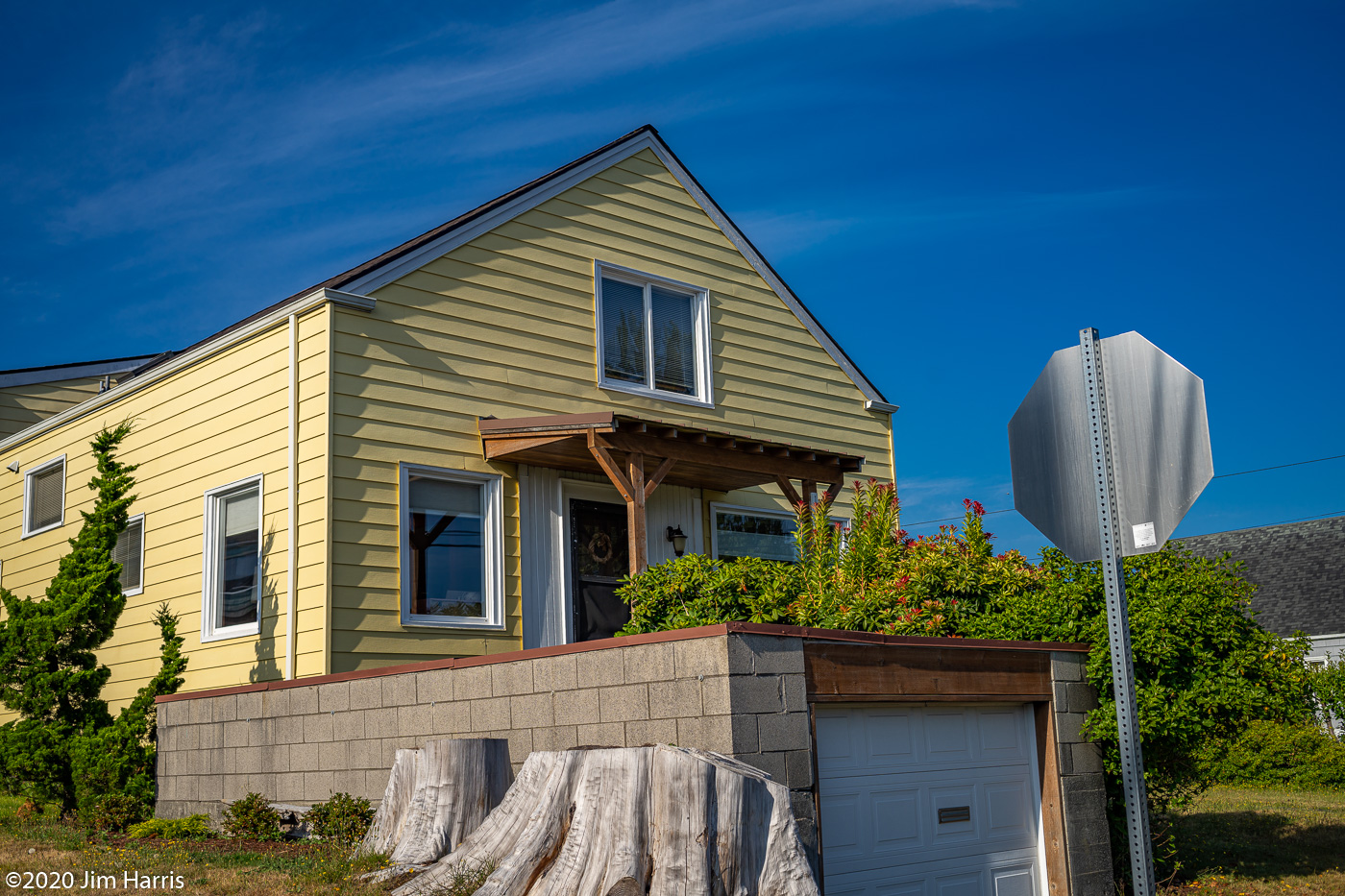
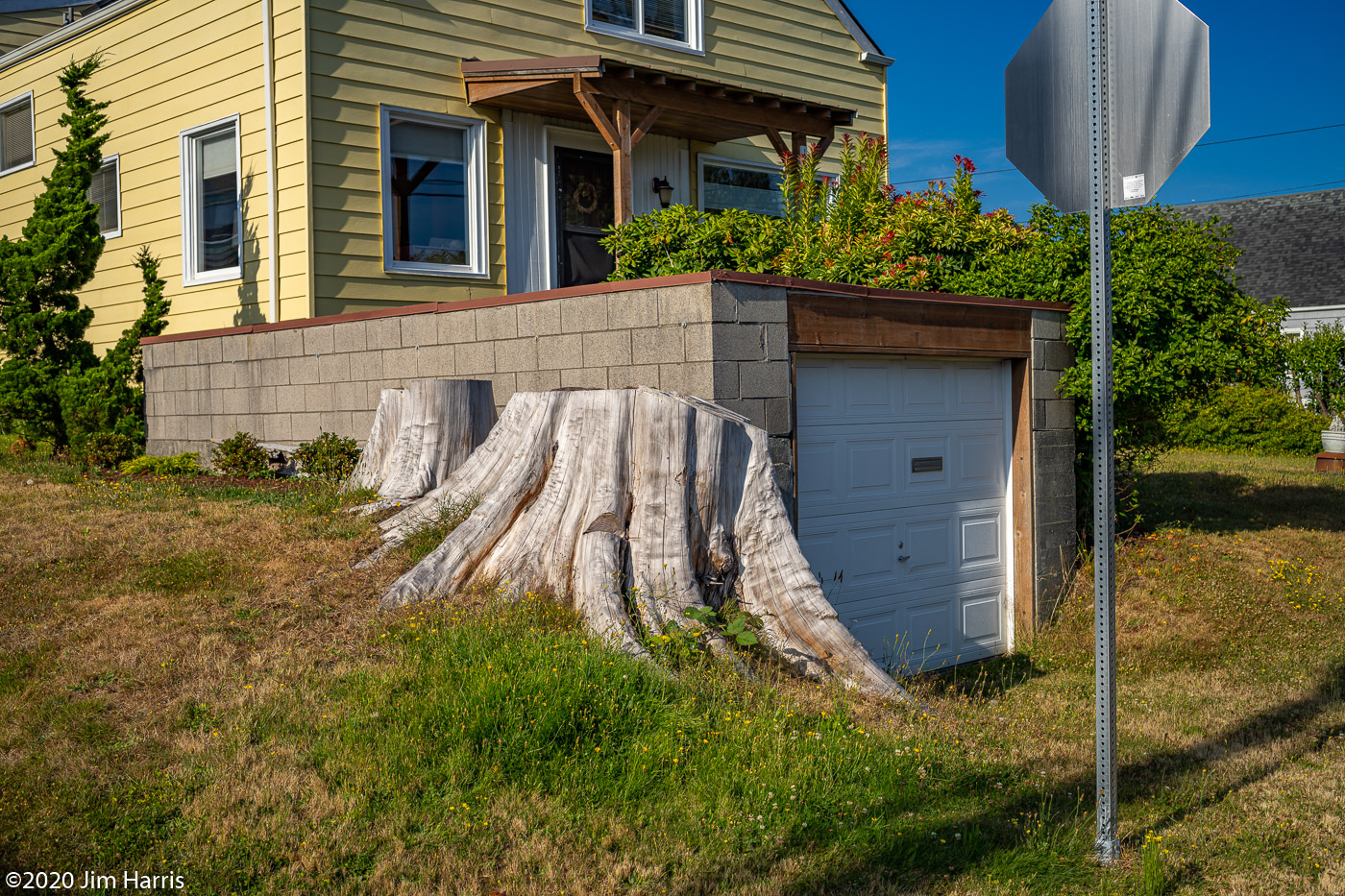
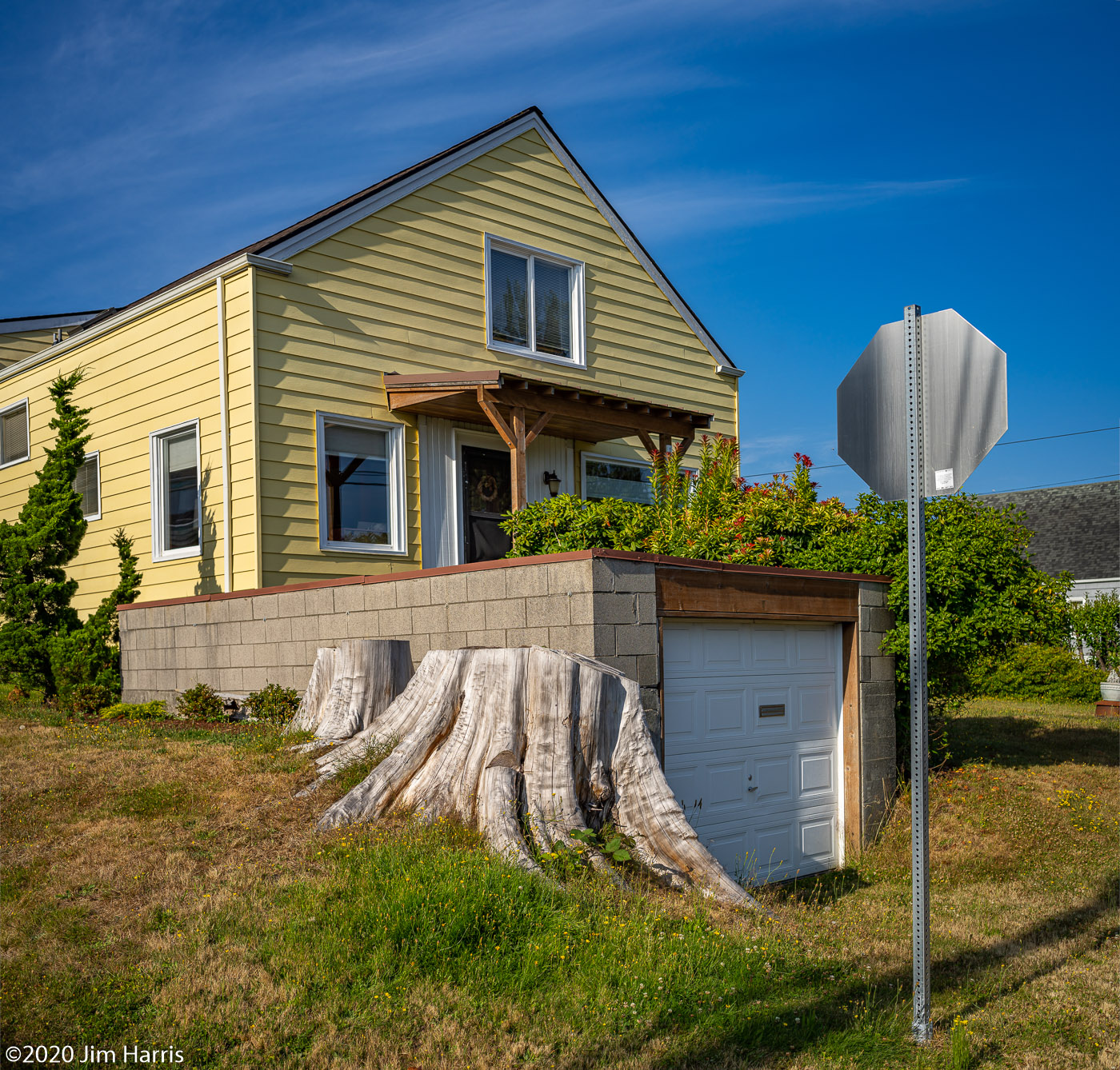
Here is an example of two original uncropped frames and how they combine in LR, using very little cropping. Shooting these original images in a way that anticipates the combined effect becomes second nature after a while. Naturally, subjects must have little or no movement of details, frame to frame.
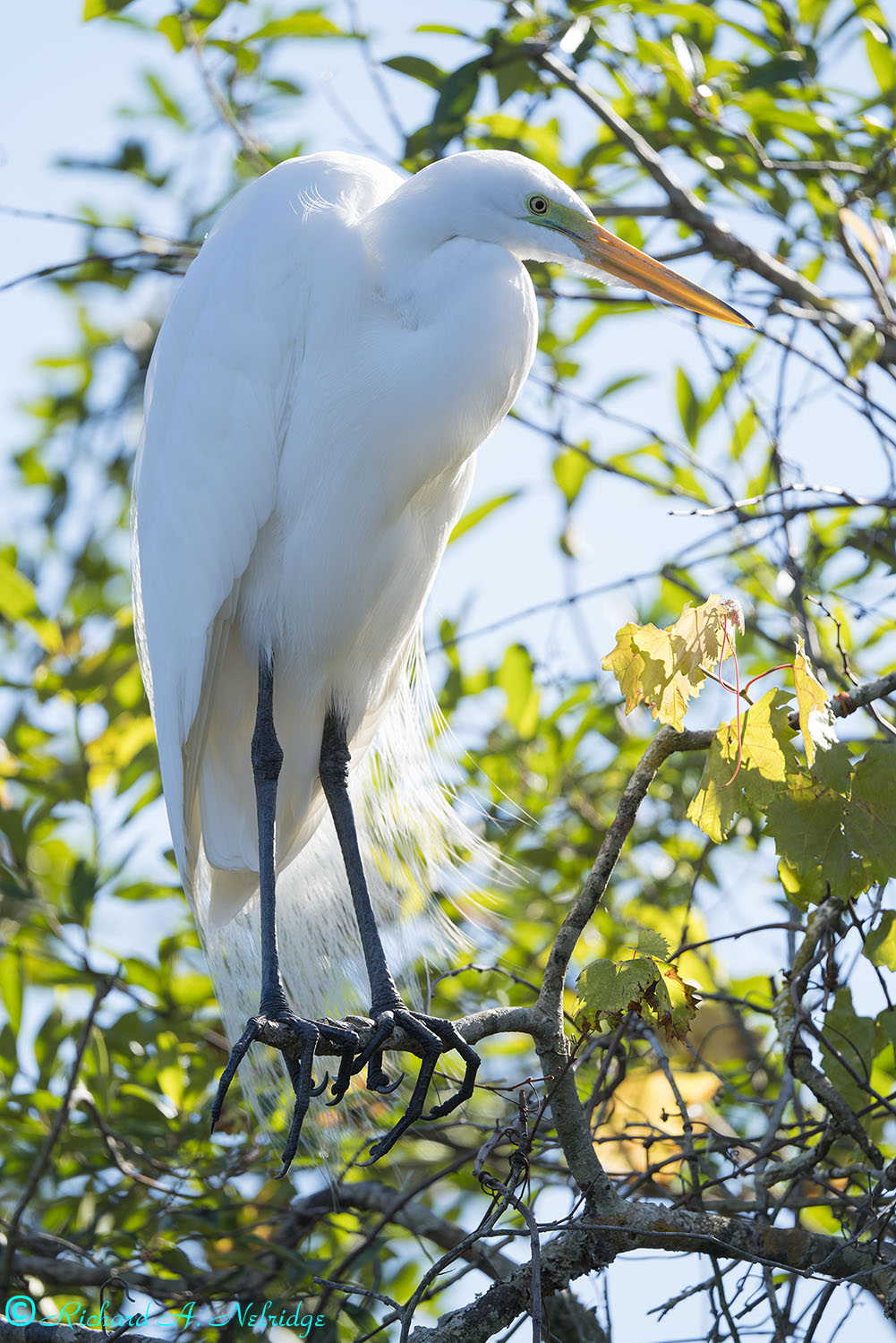
Looking at a Great Egret in breeding plumage.
Full Frame, tripod mounted 200-600mm G set to 600mm and A7rIII; silent shutter.
ISO 100, f6.3, 1/125 second.
Exposure Corrected +0.10 Stops.
January 6, 2020
At Gatorland, Orlando or Kissimmee, FL.
It was both good and scary going out for a walk yesterday in a small municipal park. Unfortunately, this was all cut short due to the number of 1) kids running rampant, and 2) less than 5% of the people there were wearing masks.
So, just about one and done for picture taking and this is it.
AGeoJO wrote:
Douglas, gorgeous images of the green herons and also the ones you previously posted are excellent! I would select the best 5-6 of them or so, clean them up (clone out some branches, for example) and post them on the Nature and Wildlife forum.
Joshua
Thank you very much, Joshua! It means a lot coming from an expert bird photographer like you, or shall I add expert in portraiture and landscape too!
I am very new to Photoshop. I am starting to learn to use the patch tool and lasso tool features to remove unwanted simple stuff from pictures, with some degree of success. But sometimes the replaced areas have that blotchy look in them, for lack of better word. I need to watch more youtube videos to learn to use PS. It's such a complicated program.
An older version of the first two shots below were posted before, with some small tree branches in the frame. For these two I used PS to remove those branched, sorry for the poor attempt
The rest of the shots were from later afternoon yesterday, same green heron chicks, but I love the light. Shot with the A7RIV+200+600. Sometimes the A7RIV makes me appreciate the 61MP's "cropability", such fine details are still visible.