I originally planned to buy the 5D3 last christmas, but somehow I bought the A7 instead. Do I have any regrets - absolutely not, the A7 makes a great travel/hiking companion. I got tired of lugging around my heavy L lenses. My travelbag now weighs at least 60% less
Picture This! wrote:
wfrank, i reluctantly sold my cv35/1.2 yesterday and you're already making me regret it with your great shots !
Thanks so much manu, really appreciate it. But I dont know why you sold it as I know you have an A7 ;-)
No seriously, I know some people not liking this lens though I myself find it hard to agree. My copy comes from Makten/Martin and he didnt like it much. At F/1.2 it can be a bit "glowy", some dislike the bokeh and it isnt the smallest lens either. But I really like the feel and versatility. And IQ too for that matter. Given it is F/1.2 my biggest complaint is about the A7/r as I find high ISO RAWs rougher than on the Canon 5D2. But maybe there's a learning curve both for me and Adobe there..
Have had A7r for about a week and a half and still trying to figure out how to bring out the colors in the photos in LR. This is very different from my Fuji X line, where the photos pop up right away. So far with A7r the photos of people ooc RAW the skin colors look like dead people. On the other hand, I know there are good ways to process these, as I've seen examples, including on Sony official site, where the people look alive
Here my starting point was a VSCO preset....
I'd appreciate owners thought about how to process A7r files to get the most colors out of that great sensor. Not sure it is a proper thread though.
Just received my A7 in the mail a few days ago. These are some of the first shots iv taken this weekend using the kit lens only. Plan on getting the 35mm 2.8 next
absolutic wrote:
Have had A7r for about a week and a half and still trying to figure out how to bring out the colors in the photos in LR. This is very different from my Fuji X line, where the photos pop up right away. So far with A7r the photos of people ooc RAW the skin colors look like dead people. On the other hand, I know there are good ways to process these, as I've seen examples, including on Sony official site, where the people look alive
...
I'd appreciate owners thought about how to process A7r files to get the most colors out of that great sensor. Not sure it is a proper thread though....Show more →
I agree about skin tones with the Sony. I'd love to know how others are doing it. For me, I use Lightroom and if I use any of the Sony camera profiles, I go with neutral and increase saturation at least 10%. But to get really good skin tones I'd had to be more creative. I've found using the dcptool software I can decompile camera profiles for other cameras, edit them to show for the A7, then recompile and put in the right folder. I've done with the Nikon D610 and Olympus E-M1 and other profiles. I get very good skin colors with the Nikon profiles on the A7, but I've despaired of getting anything usable with the native Sony profiles.
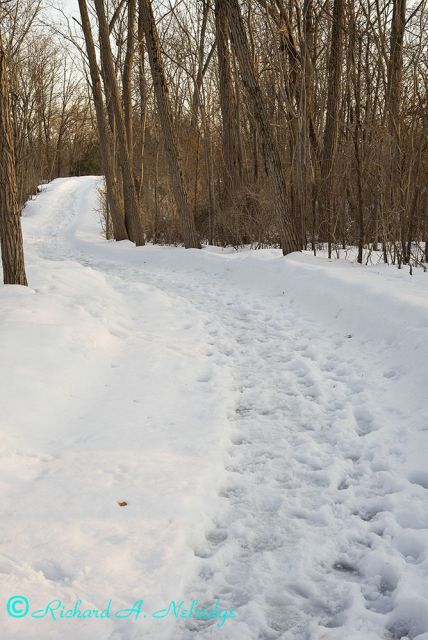
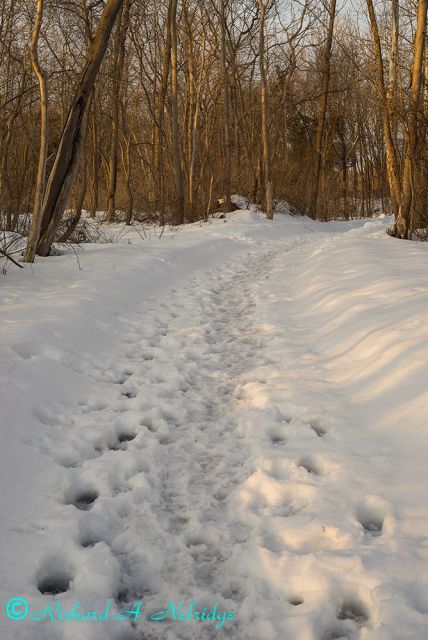
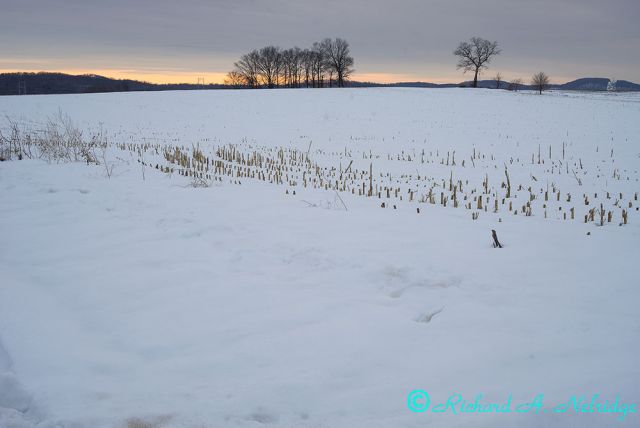
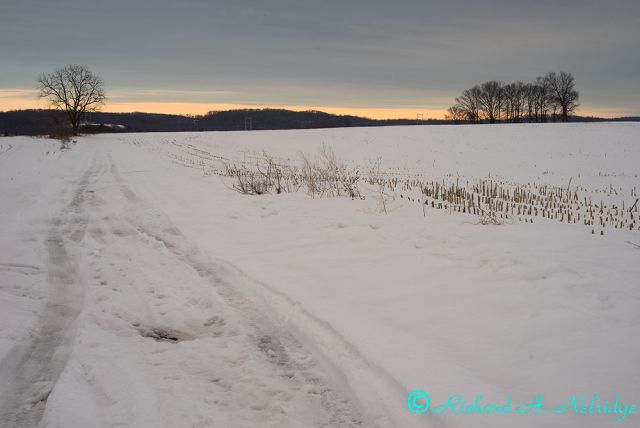
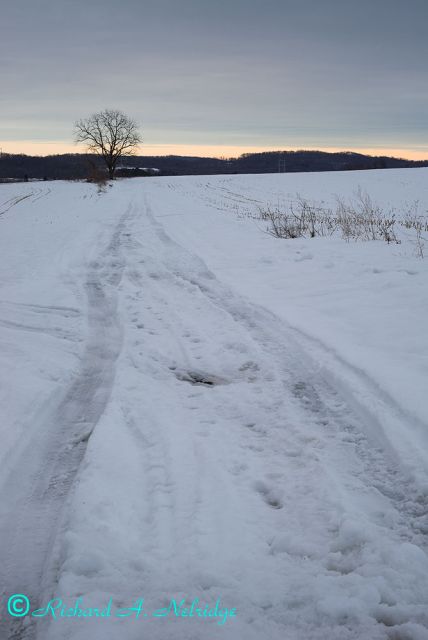
Here are some images taken last evening an hour before to just about sunset at Lock Ridge Park, Alburtis, PA, and at the end of the snow removed Ruth Road in Upper Macungie, PA. All images taken with my tripod mounted A7r and my Leica R 50mm f2 Summicron lens and processed in LR5.3.
Still takes a bit of work to get skin tones as nice as Fuji's, though.
profiles may be a good way to go but let me talk about another camera briefly.
I heard a lot about how bad M240 skin profiles were, and in fact I was given a raw file shot under flash where there was a definite red tinge to all the skin. I put it in LAB mode and took out some red and the overall color balance was easily better than anything I've seen straight out of a dSLR.
I mean, is that then camera's fault? Or the raw converters fault? Or maybe the end user for not being willing to go the extra mile to make it right?
I dont have a ton of digital shots on my flickr but the one thing I do actually get frequent compliments on is color. And that probably has something to do with the fact that I haven't posted a single one that has not involved MAJOR color shenanigans, though for me that generally means moving away from reality.
Anyway, if someone has a challenging A7 or A7r raw file wrt color they would share with me so that I can see if I can give it a go, please let me know, as I would greatly appreciate it.