p.220 #6 · Sony RX1, RX1R, RX1R II and RX1R III Image Thread
philber wrote:
Despite my strong wish to be a contrarian, I have to vote for n°2.
thanks guys!
i like the colors, contrast, and darkness of the 2nd one much better, but the mist just doesn't look as thick as it did and the trees don't seem to disappear into it properly.
i will have to see what i can do with local adjustments...
p.220 #9 · Sony RX1, RX1R, RX1R II and RX1R III Image Thread
But per your intent "one that captures the fog and rain but also the vibrant colors", I think you have gone too far. Fog appears more to be smoke, and trees at water seem unnaturally bright. I would back up to more grey on the fog and knock down the tree brightness some.
p.220 #10 · Sony RX1, RX1R, RX1R II and RX1R III Image Thread
carlitos wrote:
But per your intent "one that captures the fog and rain but also the vibrant colors", I think you have gone too far. Fog appears more to be smoke, and trees at water seem unnaturally bright. I would back up to more grey on the fog and knock down the tree brightness some.
Just my opinion.
yeah, that was my feeling about the fog as well. the trees by the water are the only thing that actually looks right to me though. i can make it look right in monochrome easily enough...
anyway, i'll play with it some more.
here's another bridge shot, this time stopped down:
p.220 #13 · Sony RX1, RX1R, RX1R II and RX1R III Image Thread
Derek, I slightly prefer first one, I have found many images can be processed different way and many times there is really no right or wrong. This is the case as well.
Ronny, I prefer #11 to the HDR one you posted here, though both looks great.
Great images, guys.
Here are a few from Point Lobos, a few weeks ago,
p.220 #15 · Sony RX1, RX1R, RX1R II and RX1R III Image Thread
To Sebboh
Selective color is my go to PS adjustment, mainly for printing. Many times too much black in red, so sometimes I reduce the black in red to lighten the reds in certain images - too look better modeled, more natural. Many times pull black out of neutral to lighten overall image. Sometimes have to back up and do brighten/contrast first.
As for your image above with the trees on the water - you were there after all, you have the better point of view. I find for some images I upload, predicting color balance and brightness difficult. I think the image looks fine, but when it is uploaded, it has changed.
In the above image, while the fog over the hill is grey, the leaves/berries in the bushes seem too overall yellow. Could be my monitor though.
p.220 #16 · Sony RX1, RX1R, RX1R II and RX1R III Image Thread
I thought by "selective color" he was referring to an optional control point for Silver Efx B/W converter.
It's an effective tool, one I use often for B/W conversions. Done right, it can add dynamic impact to a photo without losing the lovely mono-chromatic qualities of black & white.
p.220 #17 · Sony RX1, RX1R, RX1R II and RX1R III Image Thread
i was referring to my last image on the last page when i was talking about selective color – i desaturated the all the non leaf colors to make the autumn leaves stand out and . here's the original:
in the fog picture i did darken the blues and lighten the greens a bit. color balance is one of my problems with that shot – getting the trees correct makes the sky too blue.
p.220 #18 · Sony RX1, RX1R, RX1R II and RX1R III Image Thread
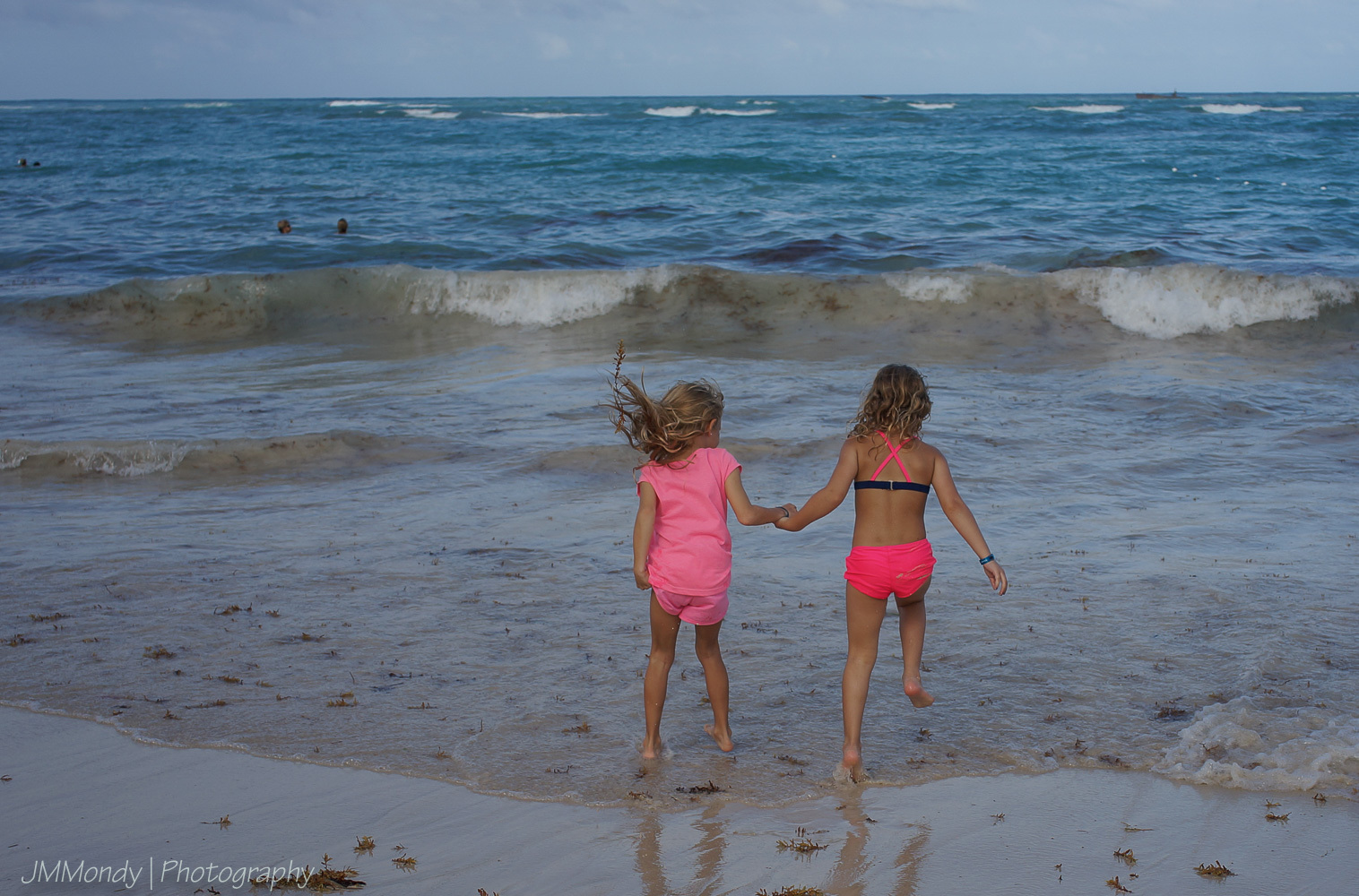
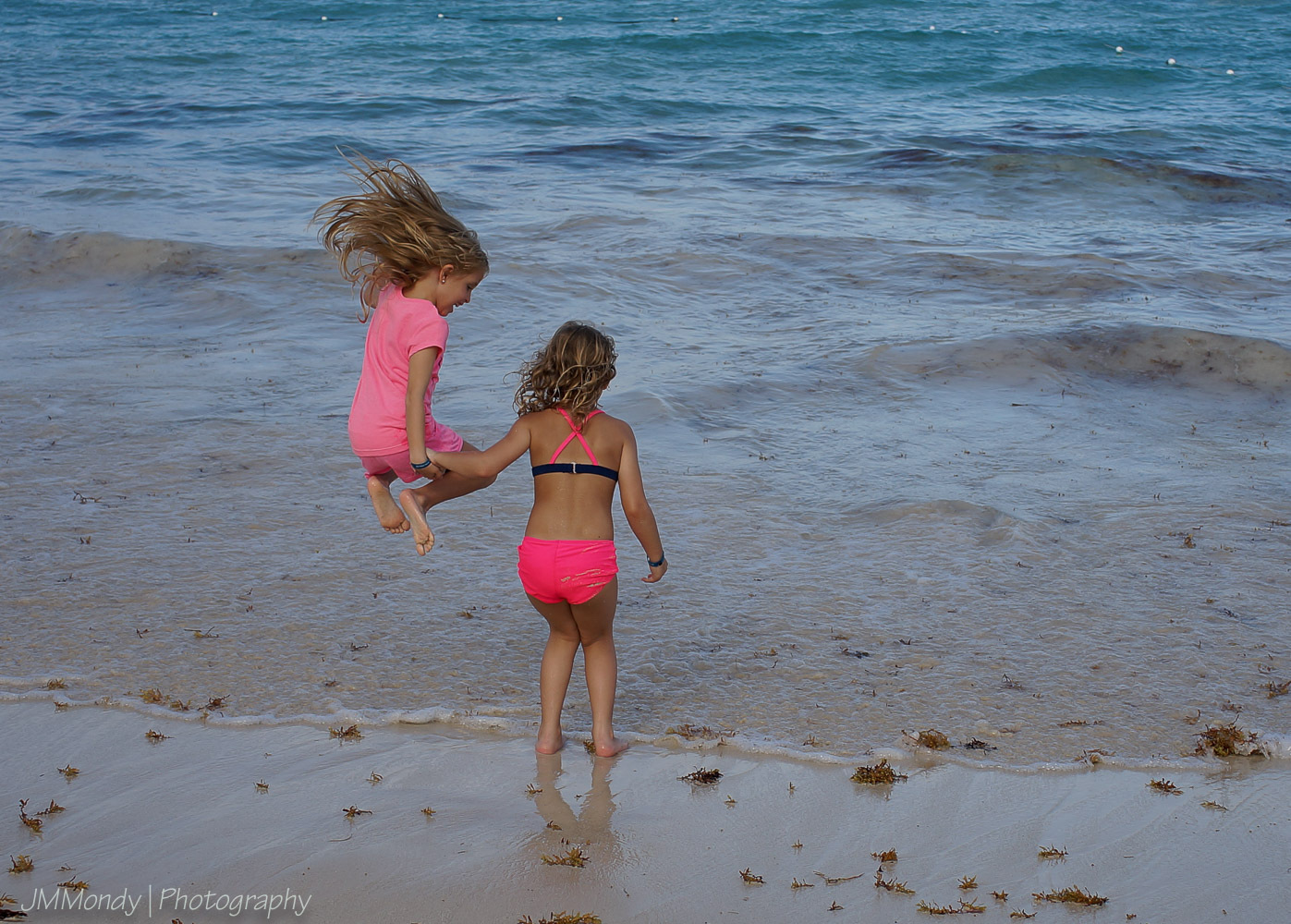
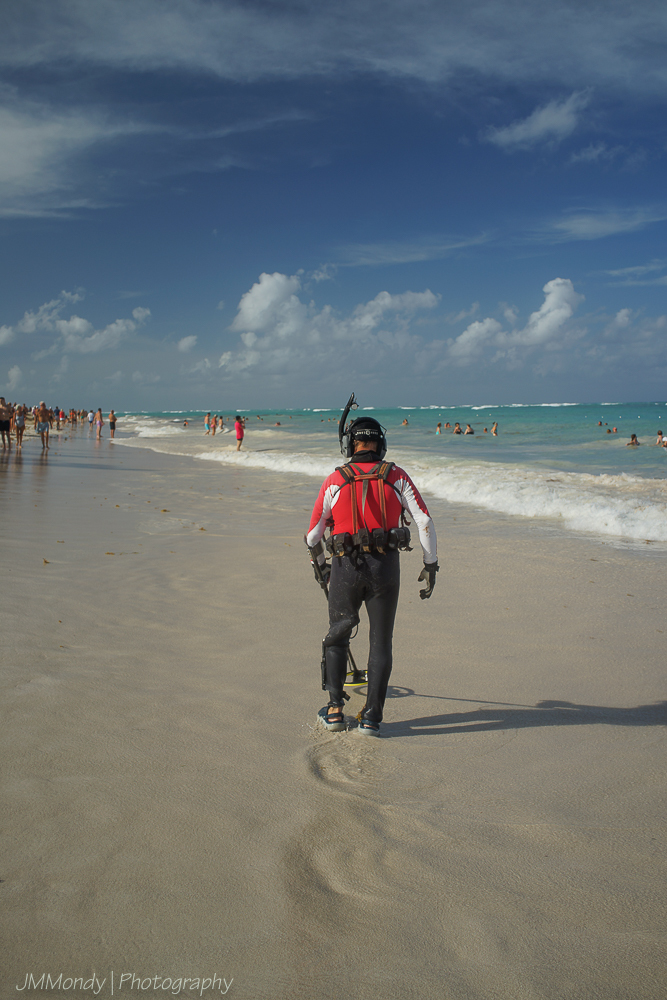
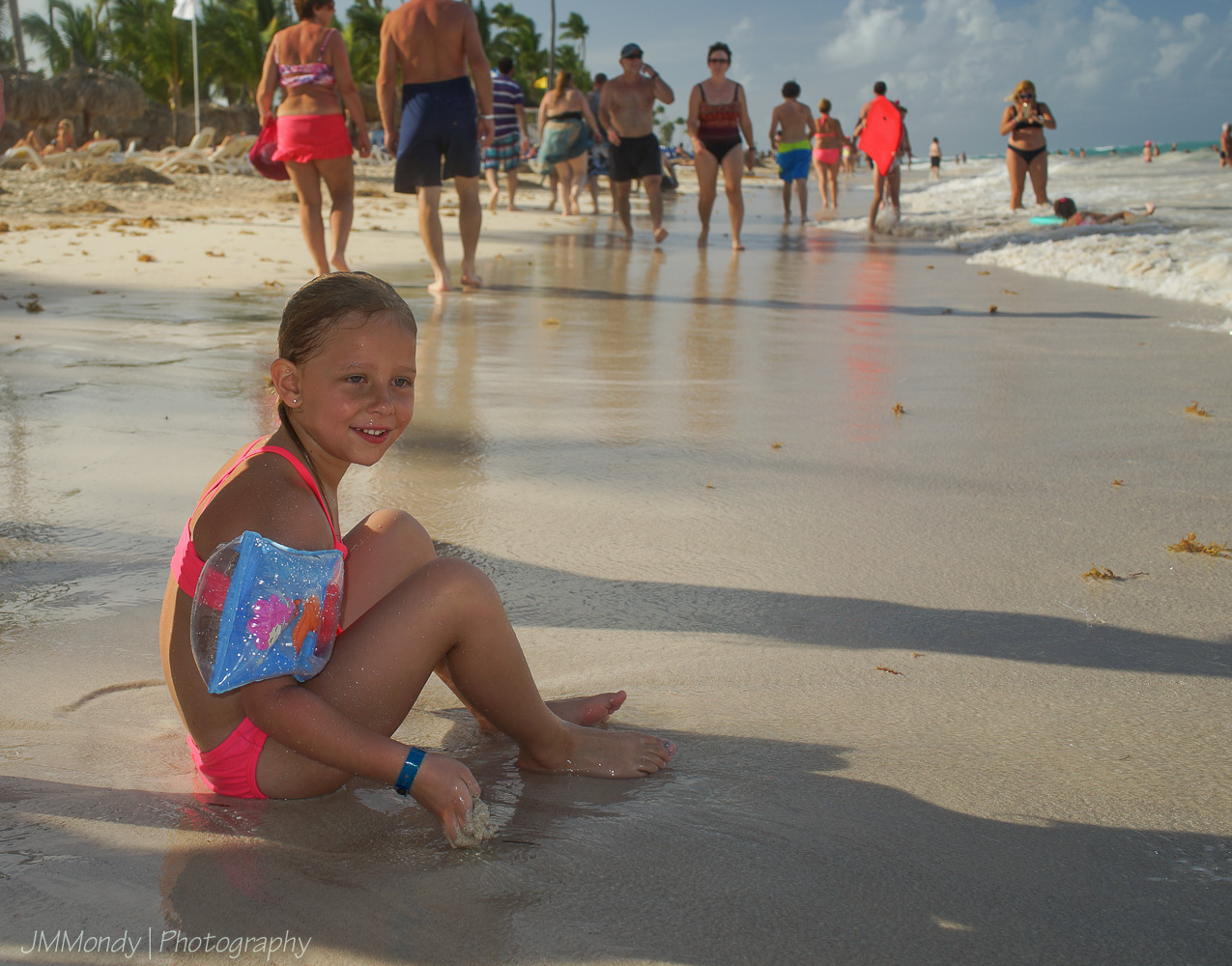
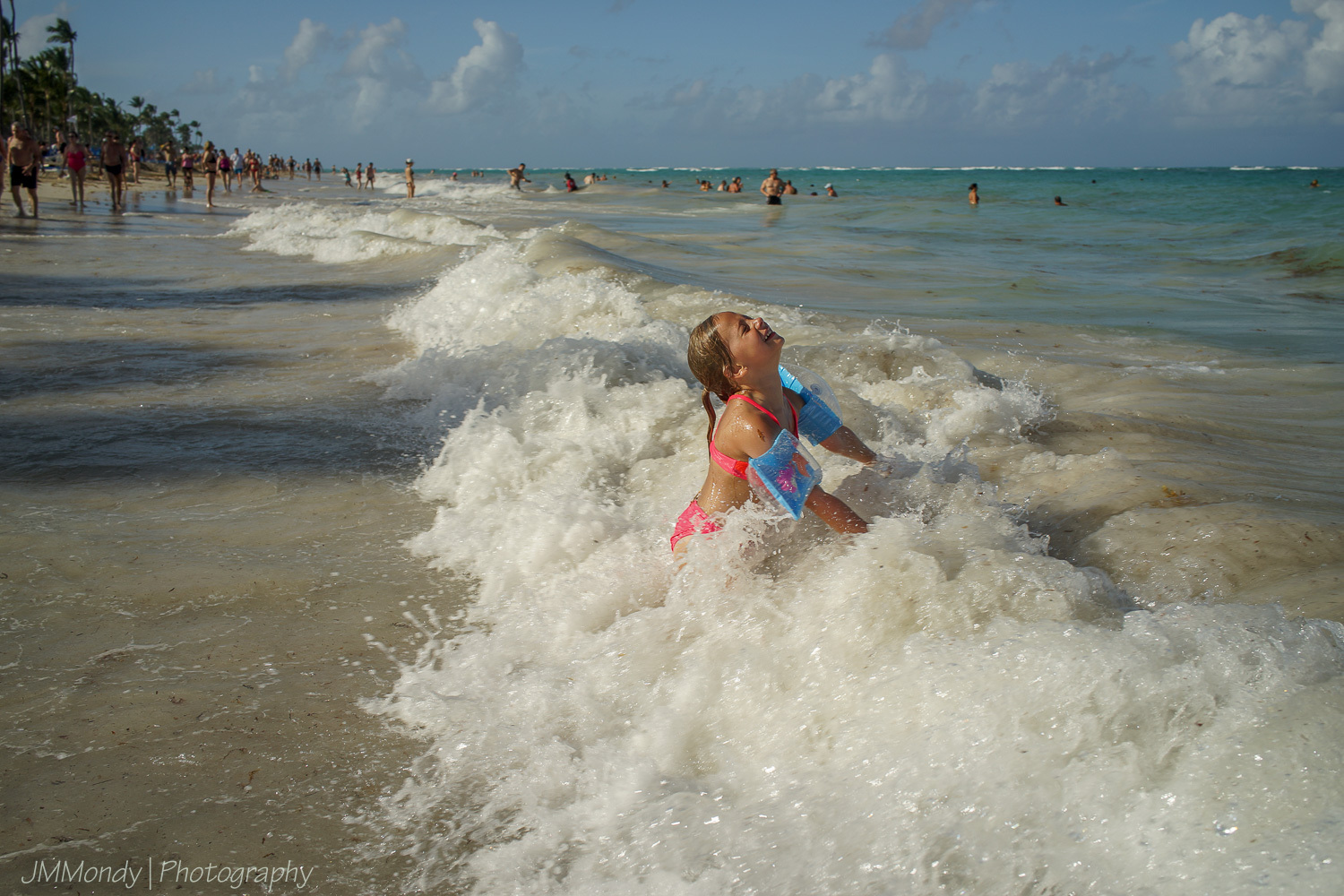
A few from a recent vacation to Punta Cana- The RX1 is a great travel camera - I have the RX1r II on order this may be the version that makes me walk away from my DSLR?
p.220 #19 · Sony RX1, RX1R, RX1R II and RX1R III Image Thread
sebboh wrote:
in the fog picture i did darken the blues and lighten the greens a bit. color balance is one of my problems with that shot – getting the trees correct makes the sky too blue.
A really nice feature of the latest version of Capture One is that it allows you to separately adjust the color balance of different tonal ranges in an image.