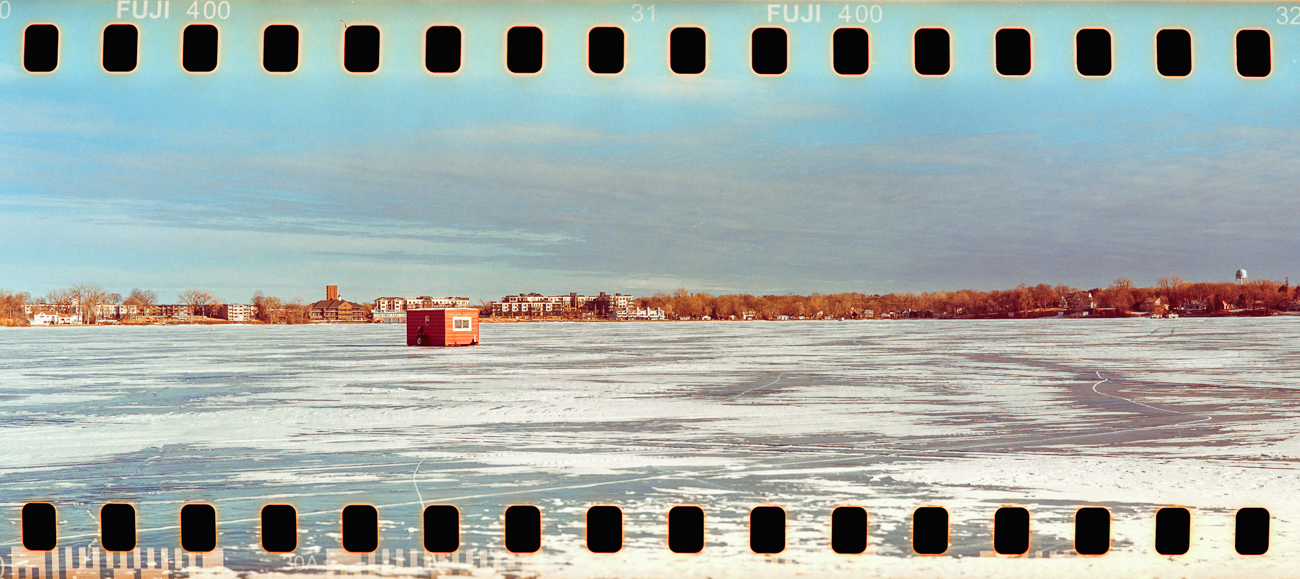
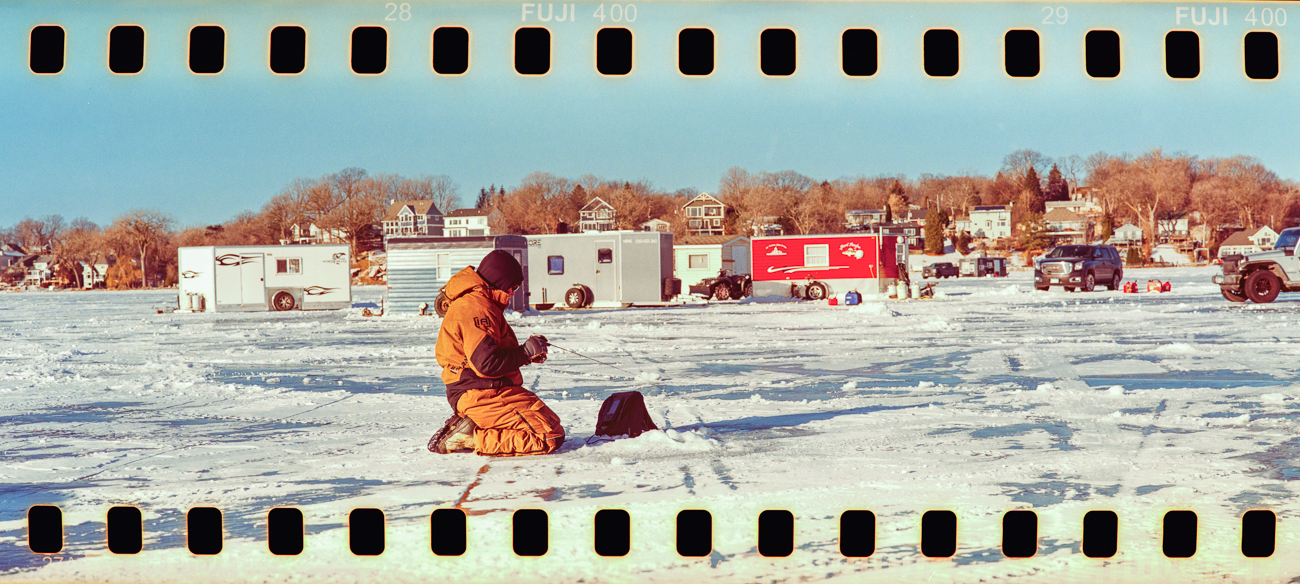
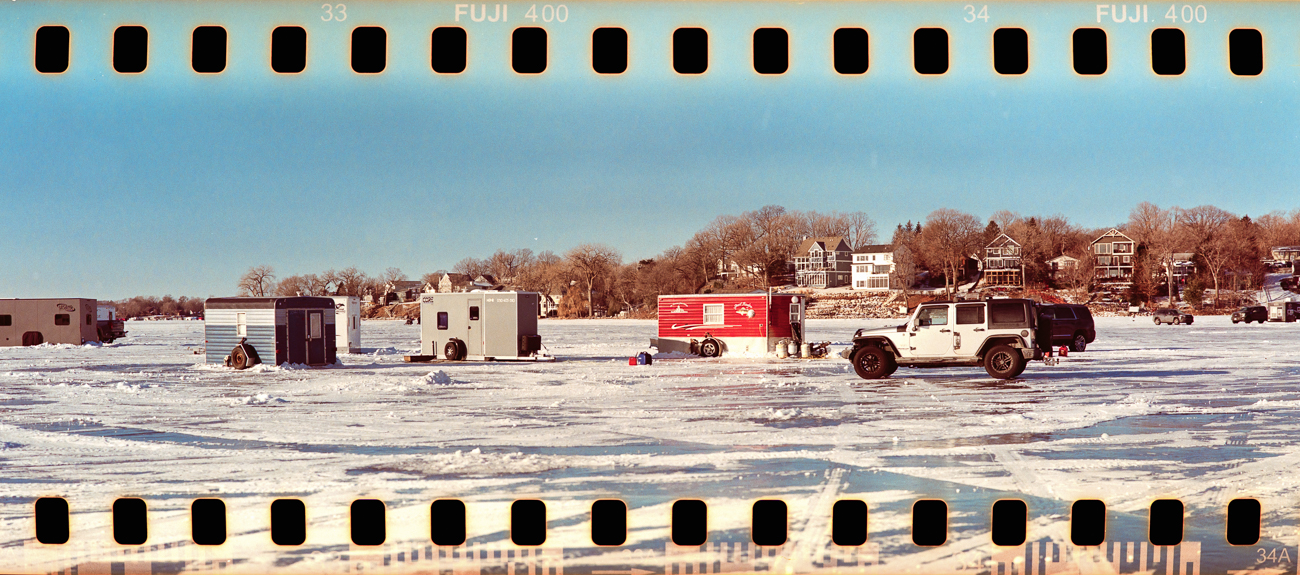
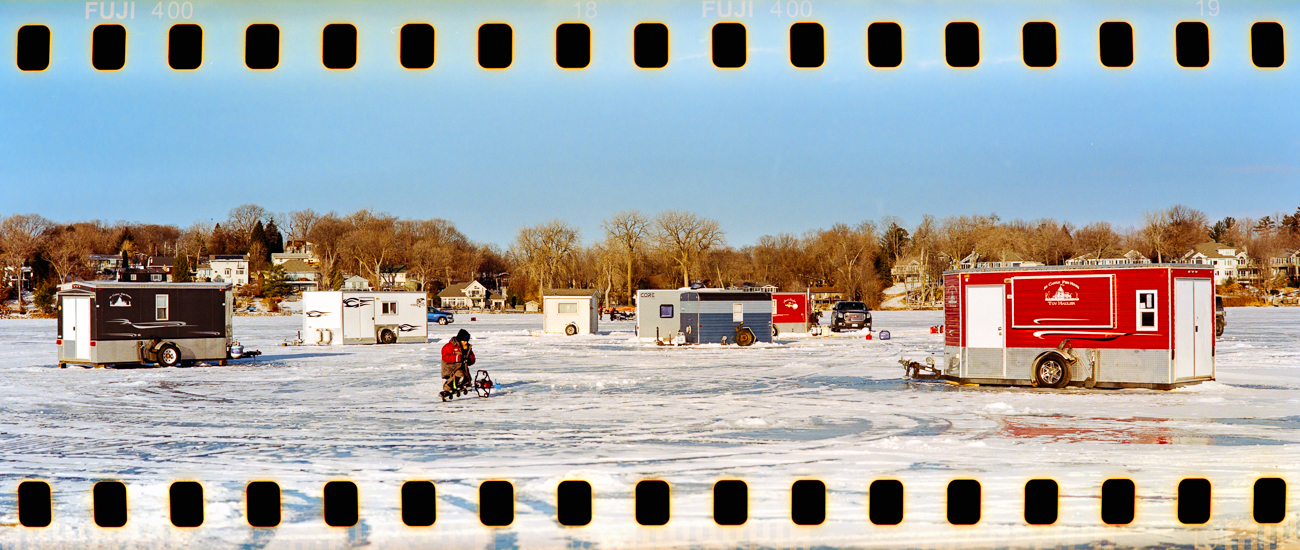
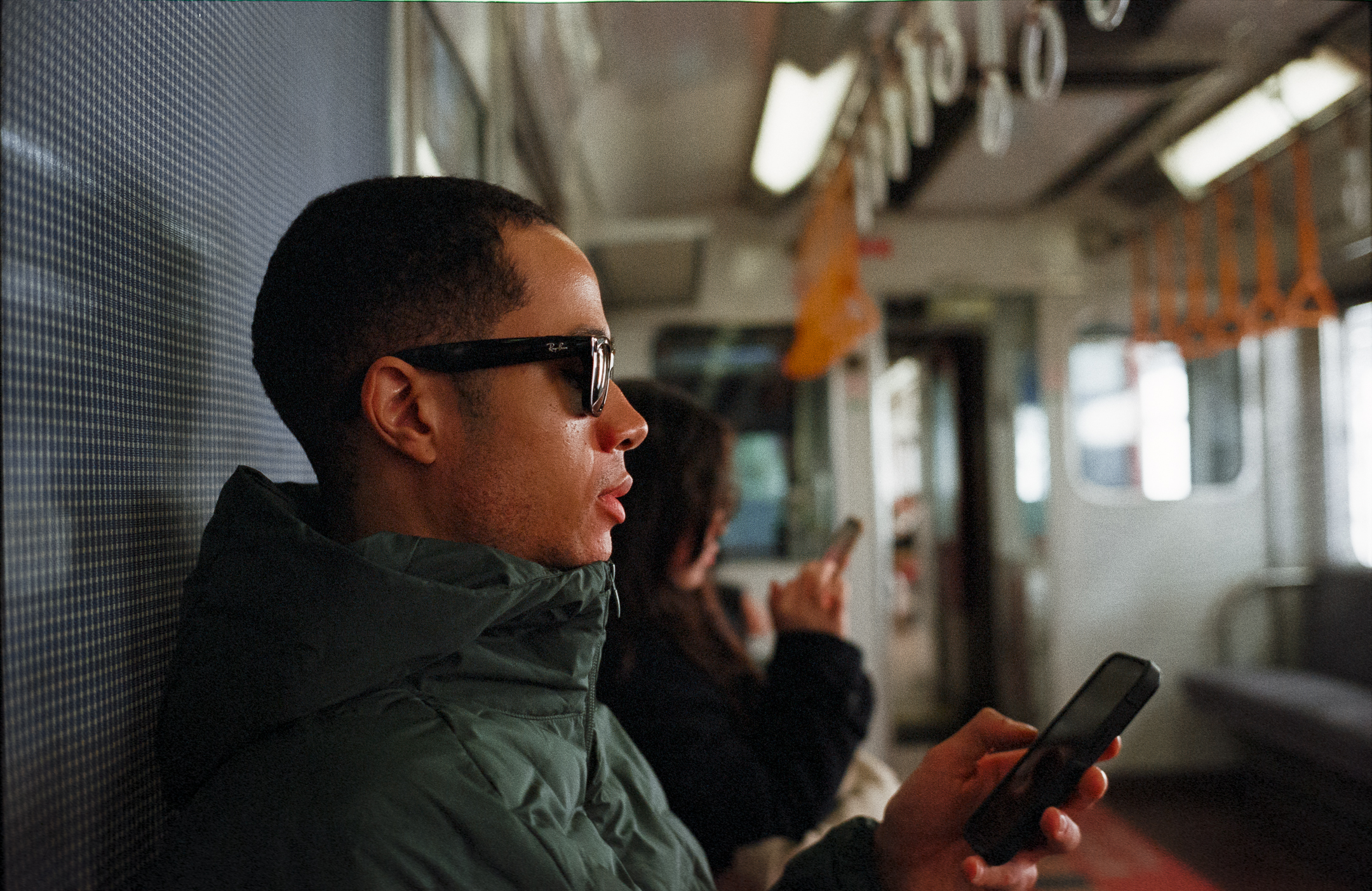
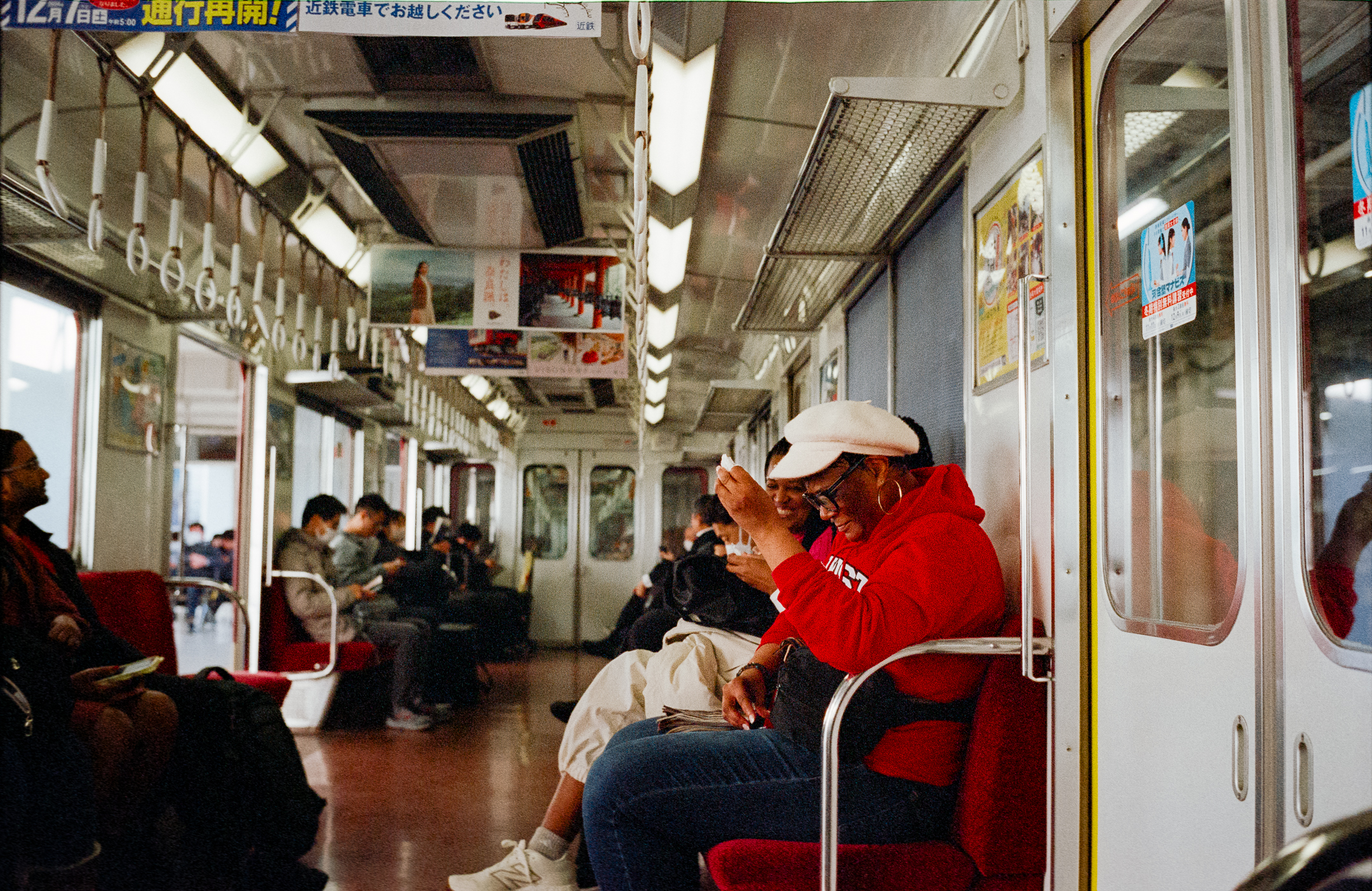
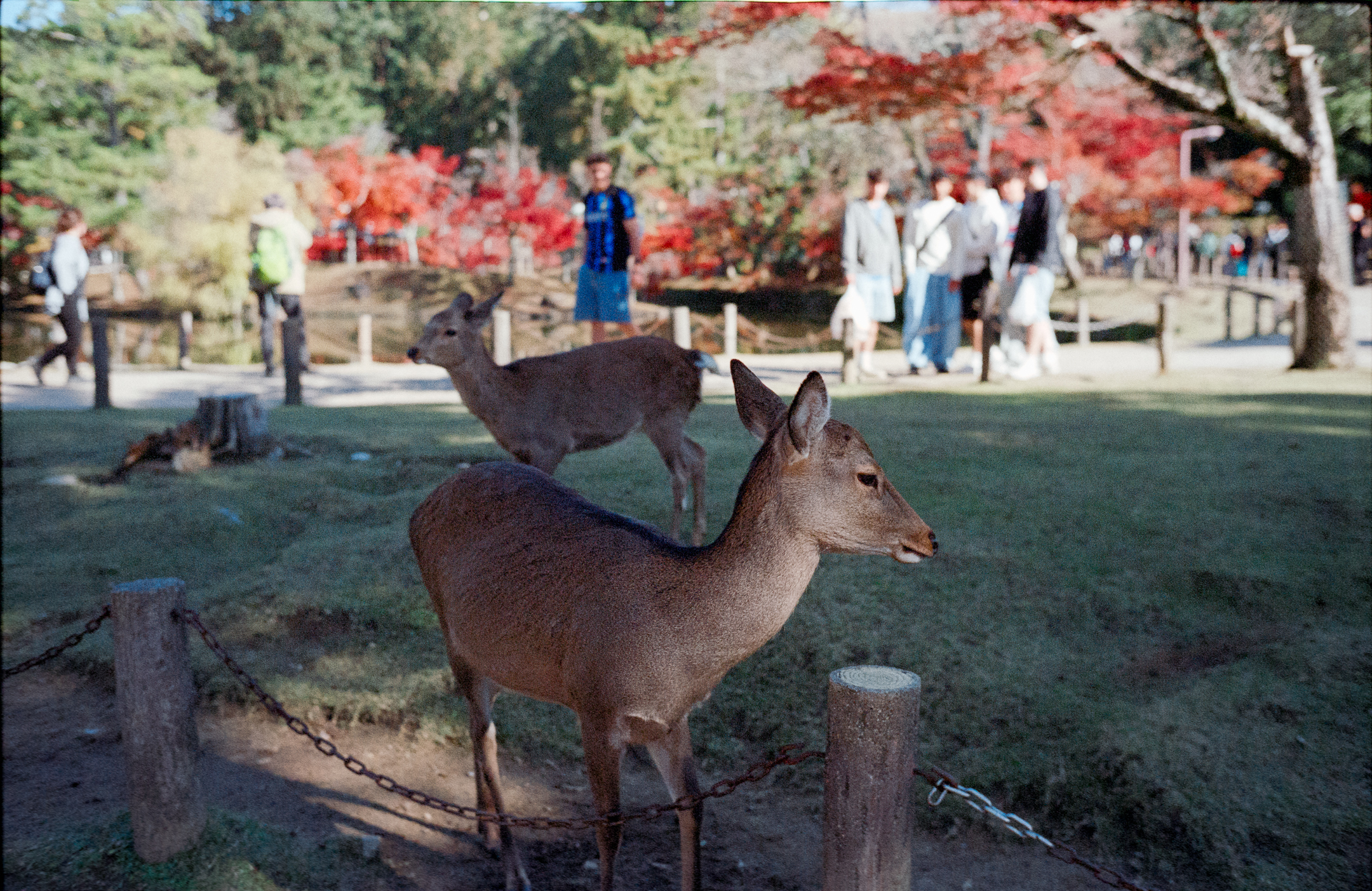
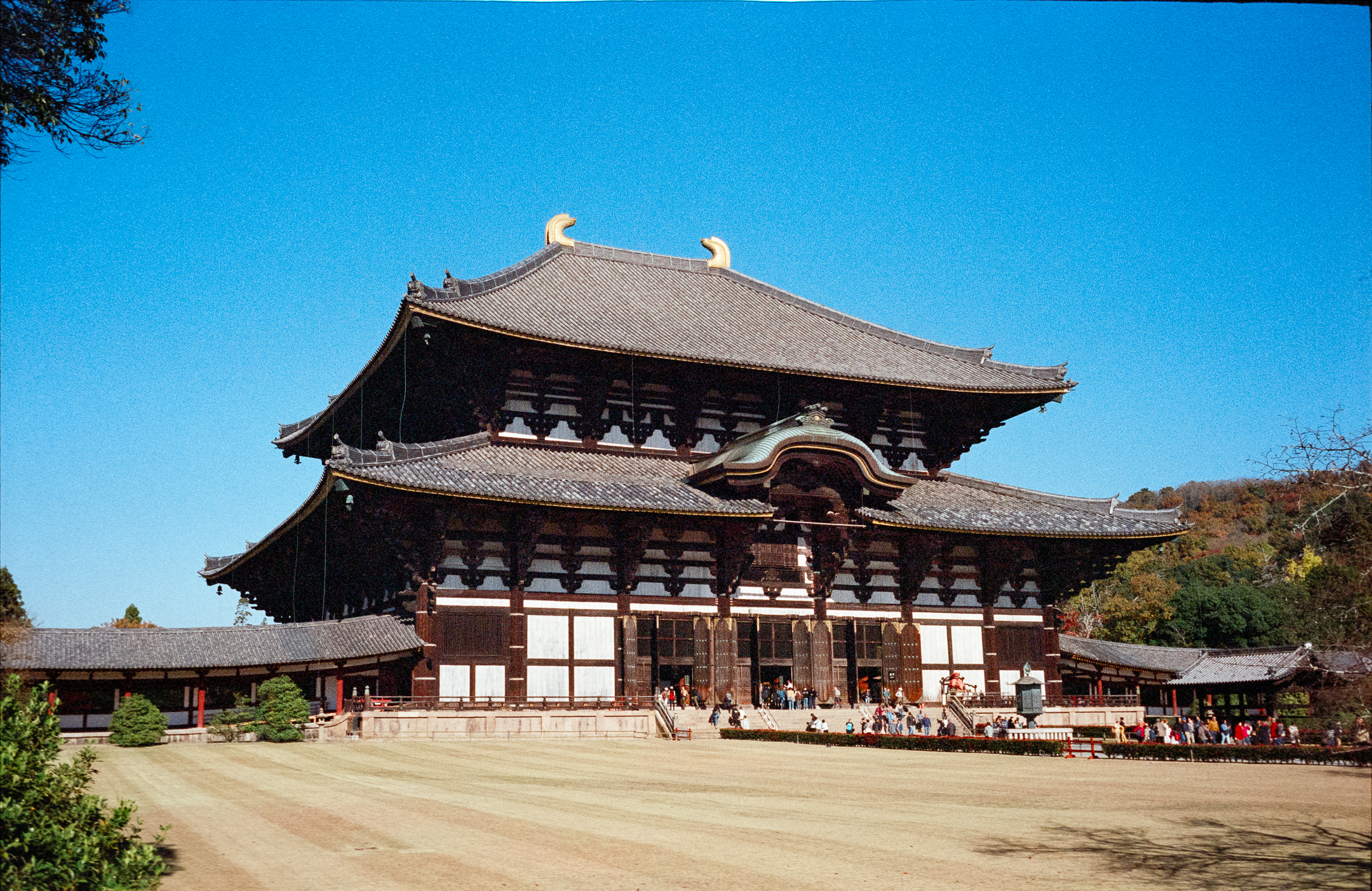
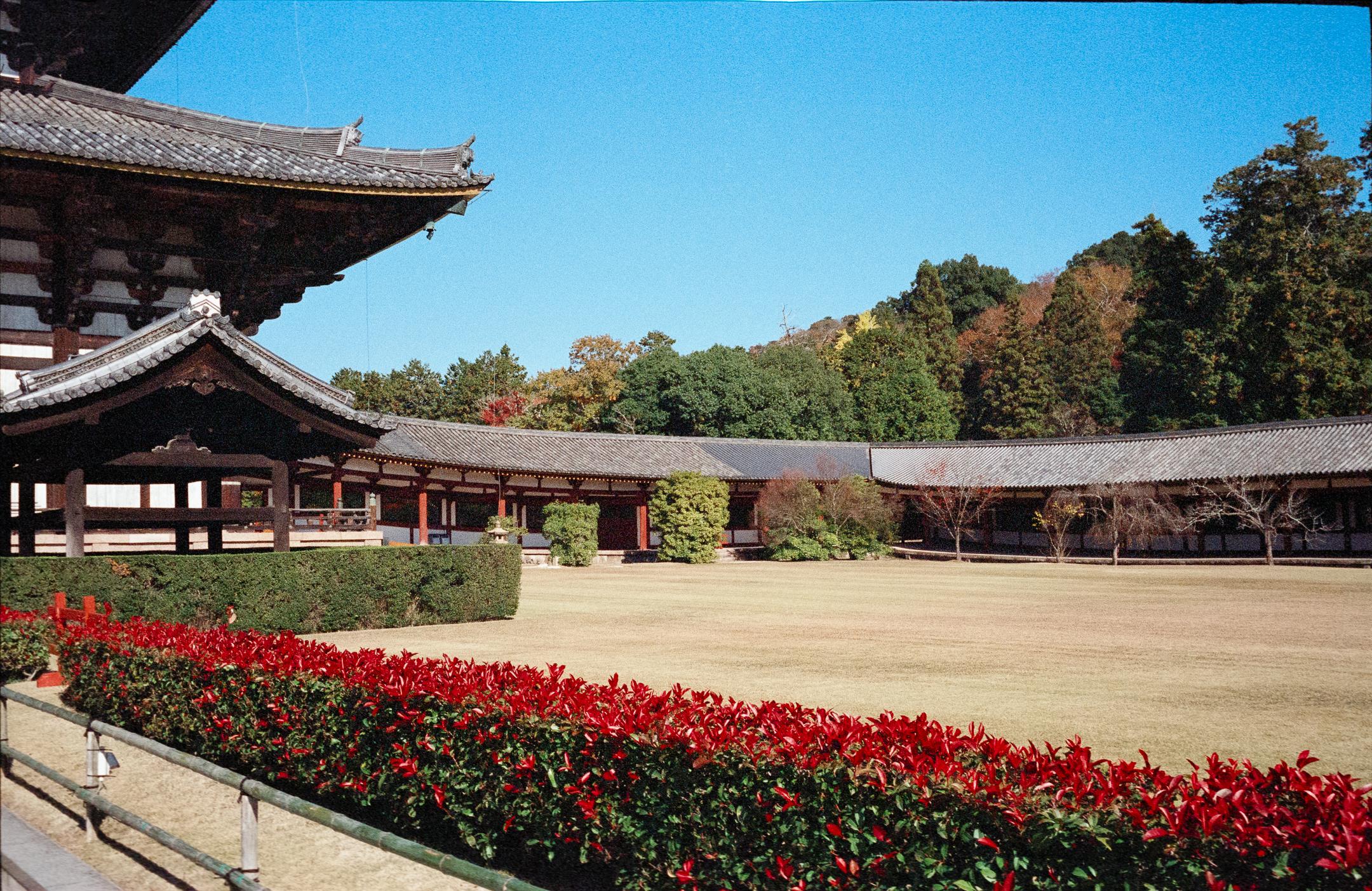
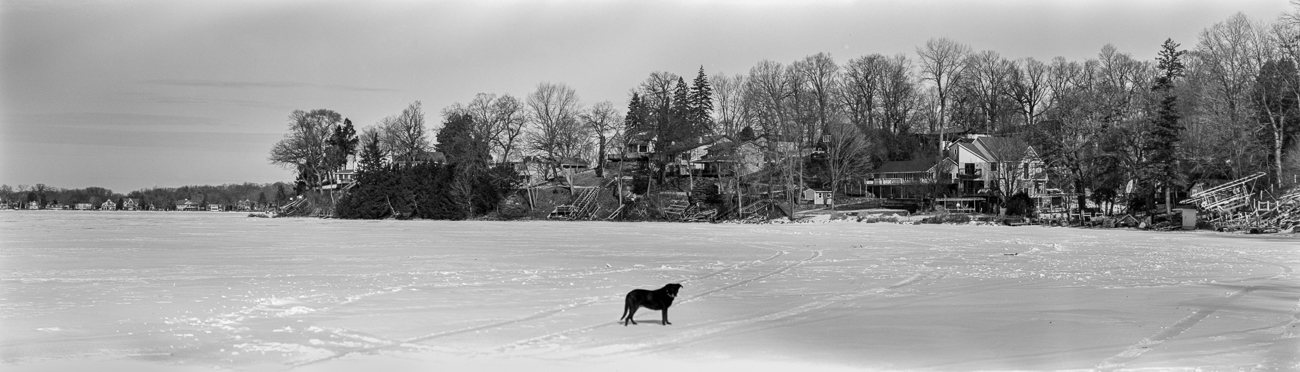
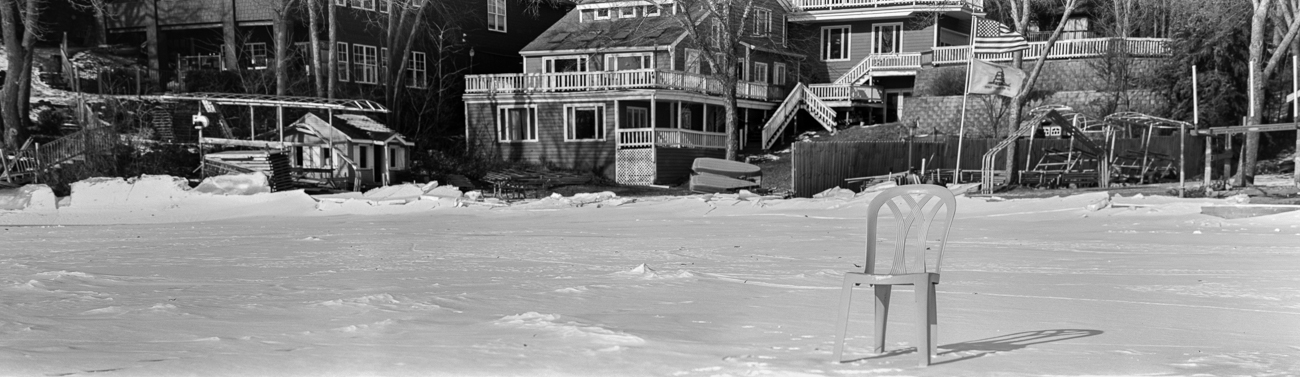
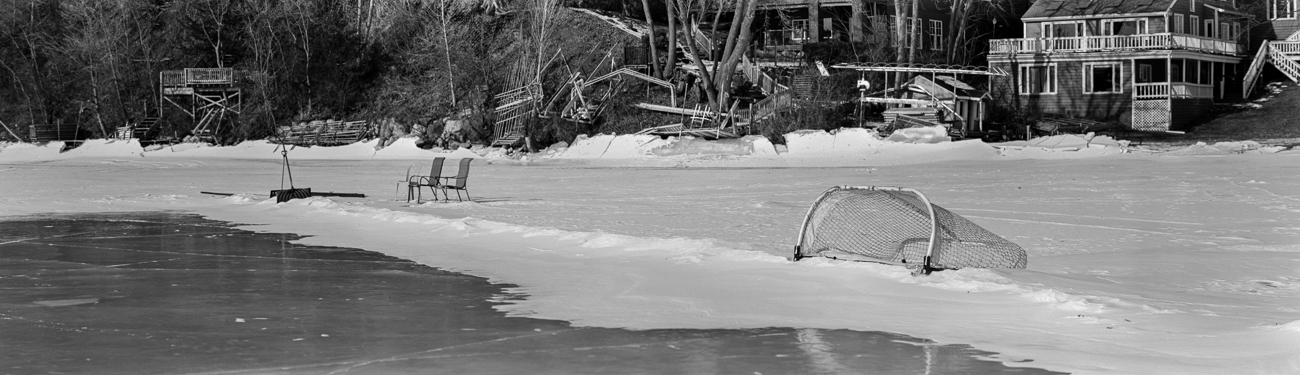
Perhaps, I just need a little more patience when including the sprocket holes. Takes a lot more work and perhaps I'll find a good workflow. These are better than what I first got after NLP conversion. Has anyone else scanned to include sprocket holes and if so, any tips to share?
rji2goleez wrote:
Perhaps, I just need a little more patience when including the sprocket holes. Takes a lot more work and perhaps I'll find a good workflow. These are better than what I first got after NLP conversion. Has anyone else scanned to include sprocket holes and if so, any tips to share?
I've scanned sprocket hole panos from my Pentax 67, but I have a 35mm mask for them (I also stitched). The NLP conversion will be better if you exclude the sprocket holes from the image analysis, i.e. more 'Border Buffer' in the Convert settings.
I had intermittent issues with film flatness near the edges and I never liked the edge barcode that most films have. Arista EDU Ultra 400 and Kentmere Pan 400 were a couple that didn't have the barcode, so I gravitated to those.
These days I much prefer the X-Pan mask for my P67. I haven't tried using the 35mm adapters on my GSW690II.
OregonSun wrote:
The NLP conversion will be better if you exclude the sprocket holes from the image analysis, i.e. more 'Border-Buffer' in the Convert settings.
Activatedfx wrote:
Holga 120N + TMax 100 developed in Df96. Scanned with Sony A7II + vintage Tamron SP 90mm f/2.5 Macro (52BB) using a Lomo "DigitaLiza" film holder and light box.
I'm not super happy with how everything came out, but will chalk it up to 1st roll learning/growing pains! I converted the negatives by opening the RAW scan in Photoshop, invert using the inverted curve slider method, crop and hit "Auto Levels". Teeny bit of dust removal, but there wasn't much. That's it. (I wanted to show the images with no extra PP.)
My main question is why I'm getting a "reversed" vignette?? It's lighter, not darker. Light leaks overtaking the vignetting?
The missed focus is because, well, sometimes I forgot to set focus. I mean, you gotta take the lens cap off. Choose sunny or cloudy exposure. Set a focus guesstimate. Frame through a finder that is no better than a coke bottle. Gently push the shutter. Then remember to wind to the next frame... So much to think about!!! haha
madNbad wrote:
Not wanting to disappoint Huss, I headed over to Multnomah Village and asked passing dog owners if they would mind if I took a picture of their pooch. I could have easily done the same thing by just stepping out the front door since most days there is a parade of dog walkers headed to the parks that's a block away.
Yeah. That makes sense. The negatives were pretty thin. I think maybe shooting 100 ASA is too slow for the Holga, even in fairly bright sun. Seems like you shoot 200 with the 'Olga. Might need to try a faster film.
Desmolicious wrote:
I get that reverse vignette if my negs are too thin i.e. underexposed a scene significantly.
Activatedfx wrote:
Yeah. That makes sense. The negatives were pretty thin. I think maybe shooting 100 ASA is too slow for the Holga, even in fairly bright sun. Seems like you shoot 200 with the 'Olga. Might need to try a faster film.
My recent b&w shots from the ‘Olga were on Arista 200 which is basically an iso 100 film. So with it unless the sun is blazing I use the f8 setting.
Do you think that perhaps you may have underdeveloped the film? DF96 is all about the right temp/time combo.