zi464 wrote:
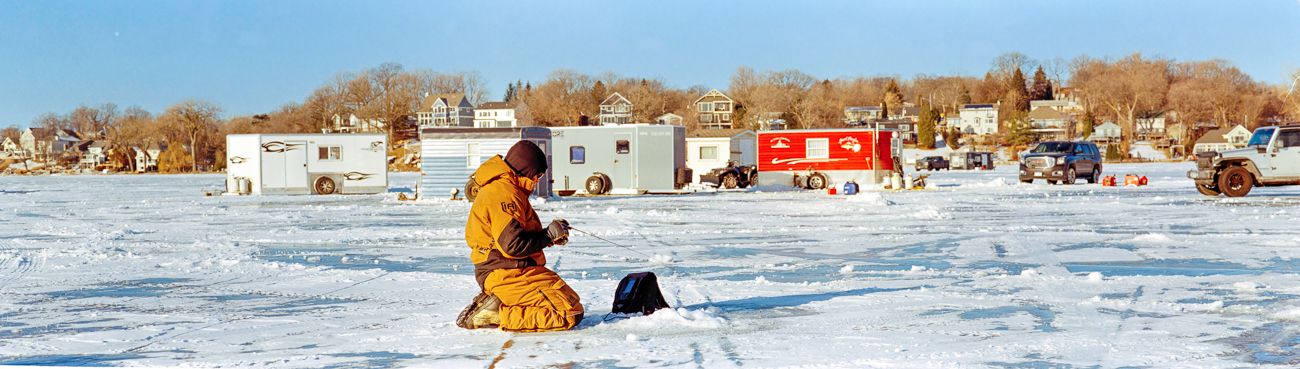
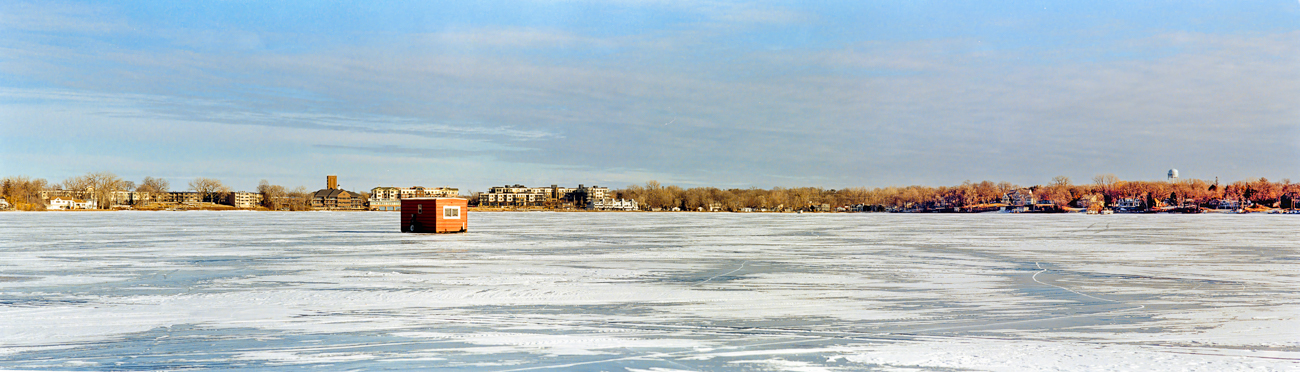
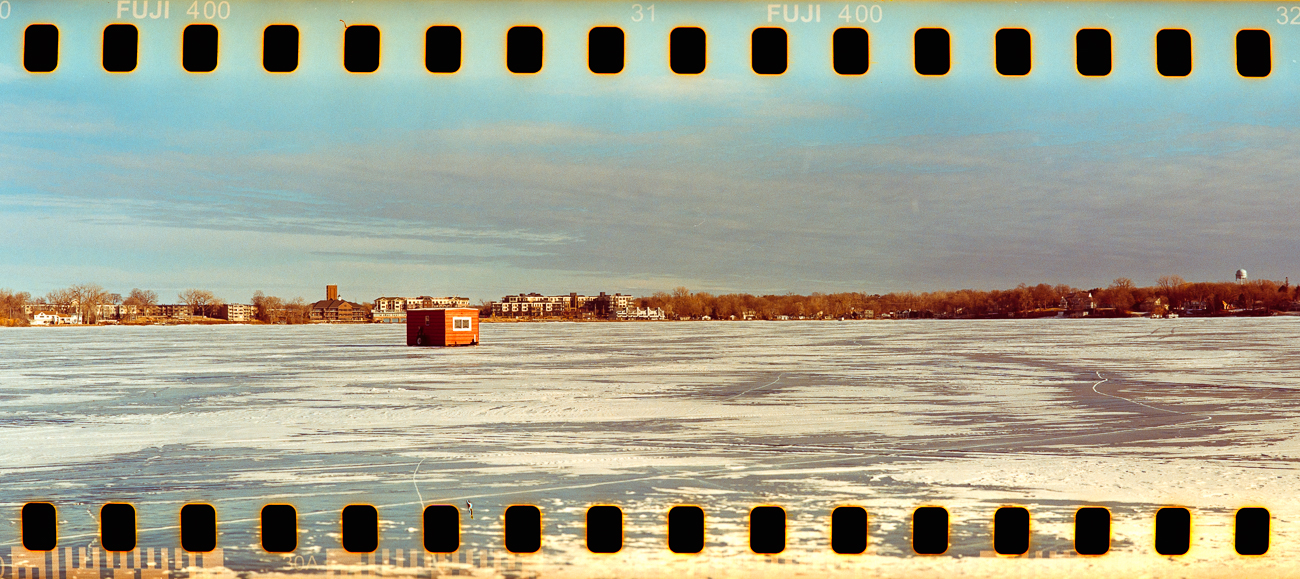
Does anyone know what is going on?
Did I load the film improperly?
What camera are you using? Looks like an issue with film transport mechanism; it's not fully advancing to the next frame so you're getting partially overlapping exposures. Happens to me sometimes on my Canon P when the film rewind lever pops out and gets stuck against my light meter.
bjhurley wrote:
What camera are you using? Looks like an issue with film transport mechanism; it's not fully advancing to the next frame so you're getting partially overlapping exposures. Happens to me sometimes on my Canon P when the film rewind lever pops out and gets stuck against my light meter.
Not wanting to disappoint Huss, I headed over to Multnomah Village and asked passing dog owners if they would mind if I took a picture of their pooch. I could have easily done the same thing by just stepping out the front door since most days there is a parade of dog walkers headed to the parks that's a block away.
madNbad wrote:
Not wanting to disappoint Huss, I headed over to Multnomah Village and asked passing dog owners if they would mind if I took a picture of their pooch. I could have easily done the same thing by just stepping out the front door since most days there is a parade of dog walkers headed to the parks that's a block away.
This was the first roll from Multnomah Village. I had a couple of rolls of TMax 100 from our Paris trip and wanted to try developing it using Rodinal. I used a 1:50 dilution for twelve minutes at 20C in a stainless steel tank. Thirty seconds of gentle agitation to start followed by three gentle inversions every minute.
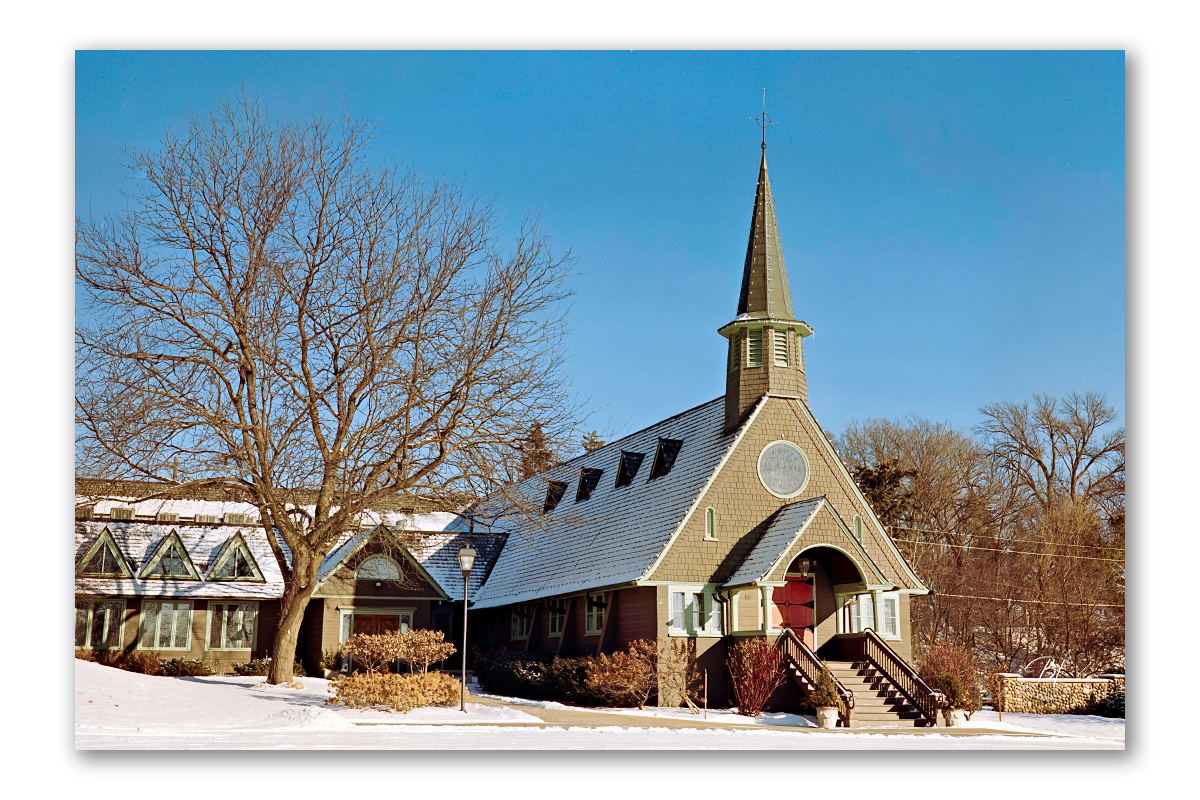
I ran this image through Topaz Photo AI. On applying sharpening, the image sharpened quite well but the tip on top of the steeple was not as resolved as the rest of the image. I decided to check out 'super focus beta' and sampled the top of the steeple. While the process is computer intensive and took 10 minutes to complete, it did a remarkable job.
Holga 120N + TMax 100 developed in Df96. Scanned with Sony A7II + vintage Tamron SP 90mm f/2.5 Macro (52BB) using a Lomo "DigitaLiza" film holder and light box.
I'm not super happy with how everything came out, but will chalk it up to 1st roll learning/growing pains! I converted the negatives by opening the RAW scan in Photoshop, invert using the inverted curve slider method, crop and hit "Auto Levels". Teeny bit of dust removal, but there wasn't much. That's it. (I wanted to show the images with no extra PP.)
My main question is why I'm getting a "reversed" vignette?? It's lighter, not darker. Light leaks overtaking the vignetting?
The missed focus is because, well, sometimes I forgot to set focus. I mean, you gotta take the lens cap off. Choose sunny or cloudy exposure. Set a focus guesstimate. Frame through a finder that is no better than a coke bottle. Gently push the shutter. Then remember to wind to the next frame... So much to think about!!! haha
Activatedfx wrote:
Oh, man. I’m gonna have to try this with my 690. Super cool.
Thanks and yes, very cool. To scan these, I have to do a 3-image pano so the files end up being huge. I'm trying to include sprocket holes but I don't have a proper mask. I tried using my 6x9 mask but the extra light on top and bottom wreaks havoc on the exposure, white balance and colors. I'm hoping to get a proper mask.
3-image pano scanned with a 35mm mask
Scanned with a 6x9 mask and cropped top and bottom extra light.