p.25 #5 · Z9 and Z8 ! : A thread for Z9/Z8 images and *discussion*
arbitrage wrote:
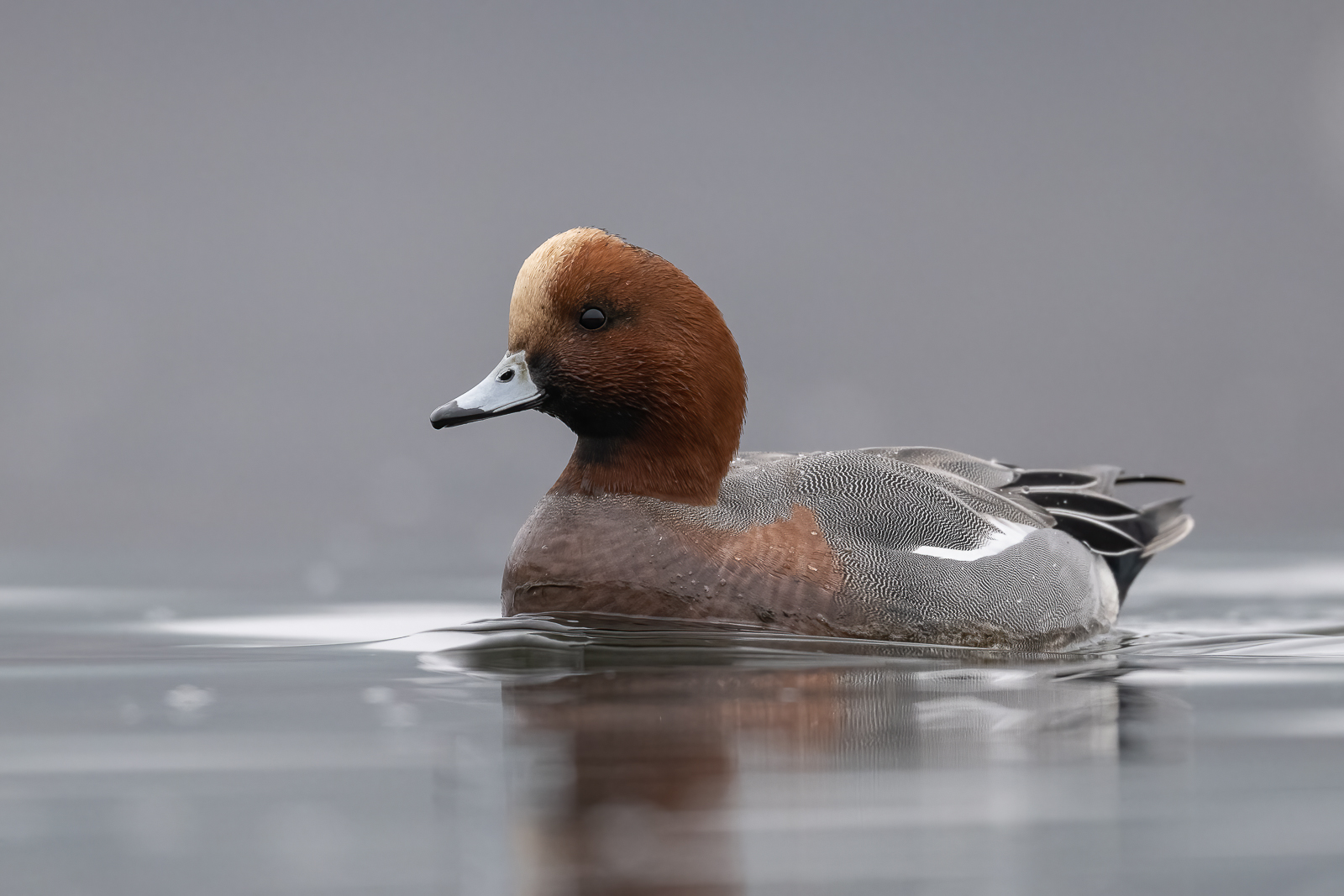
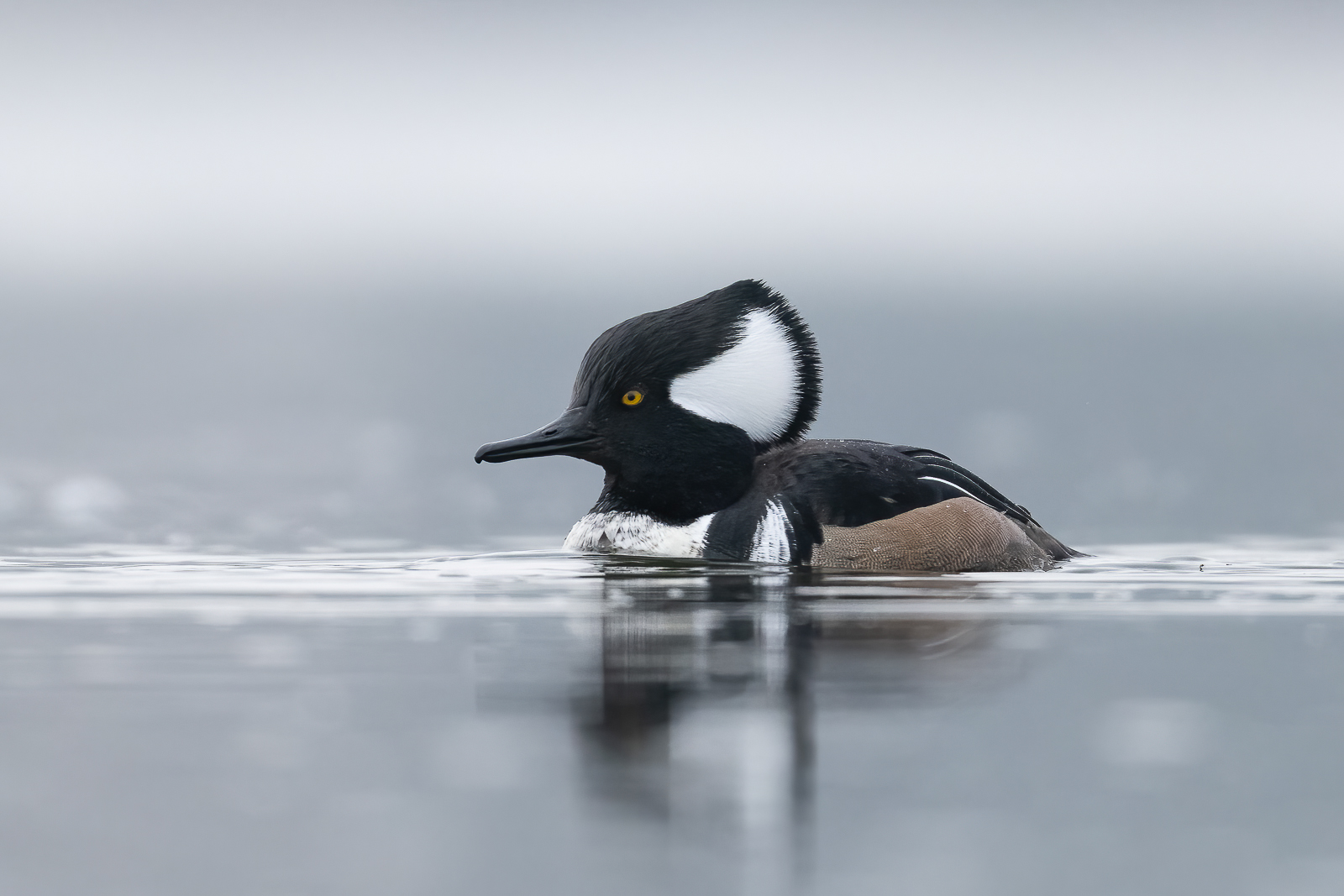
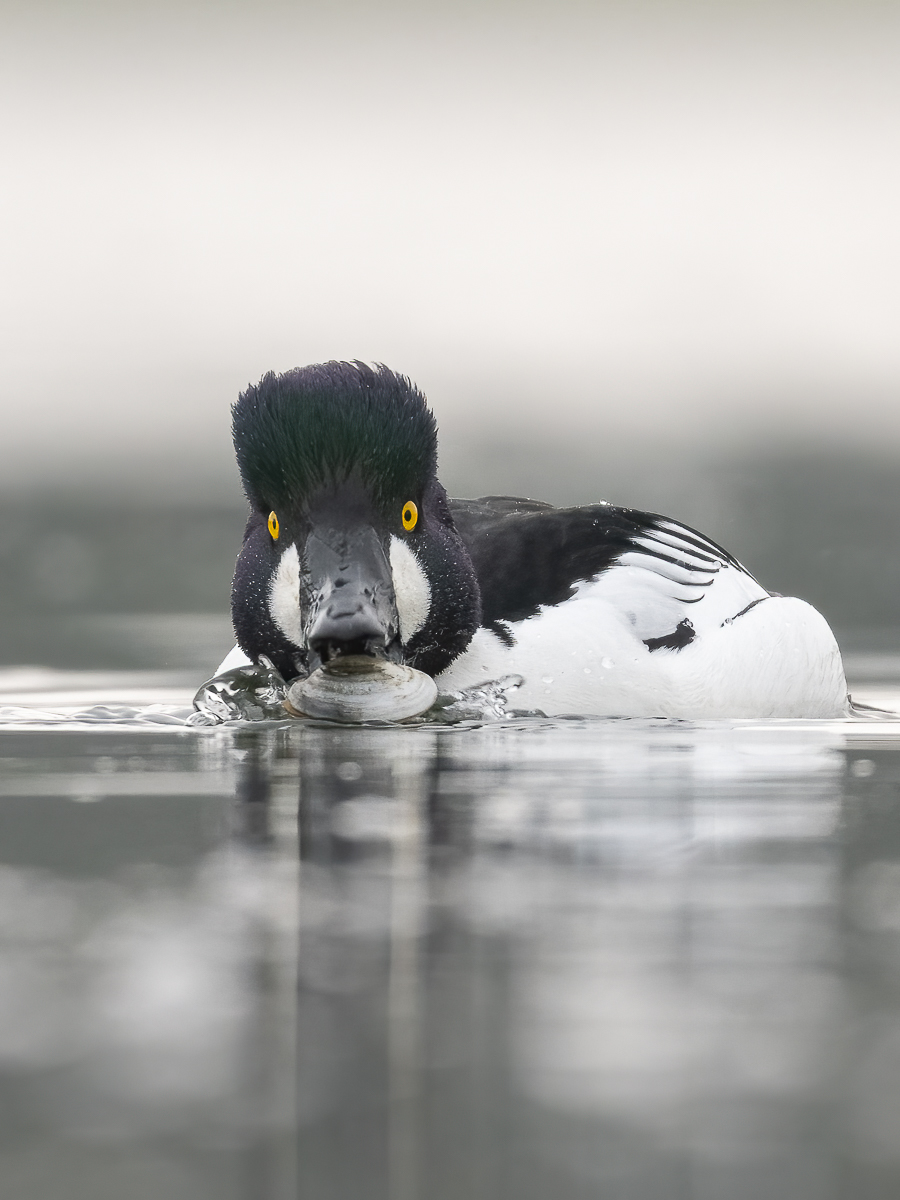
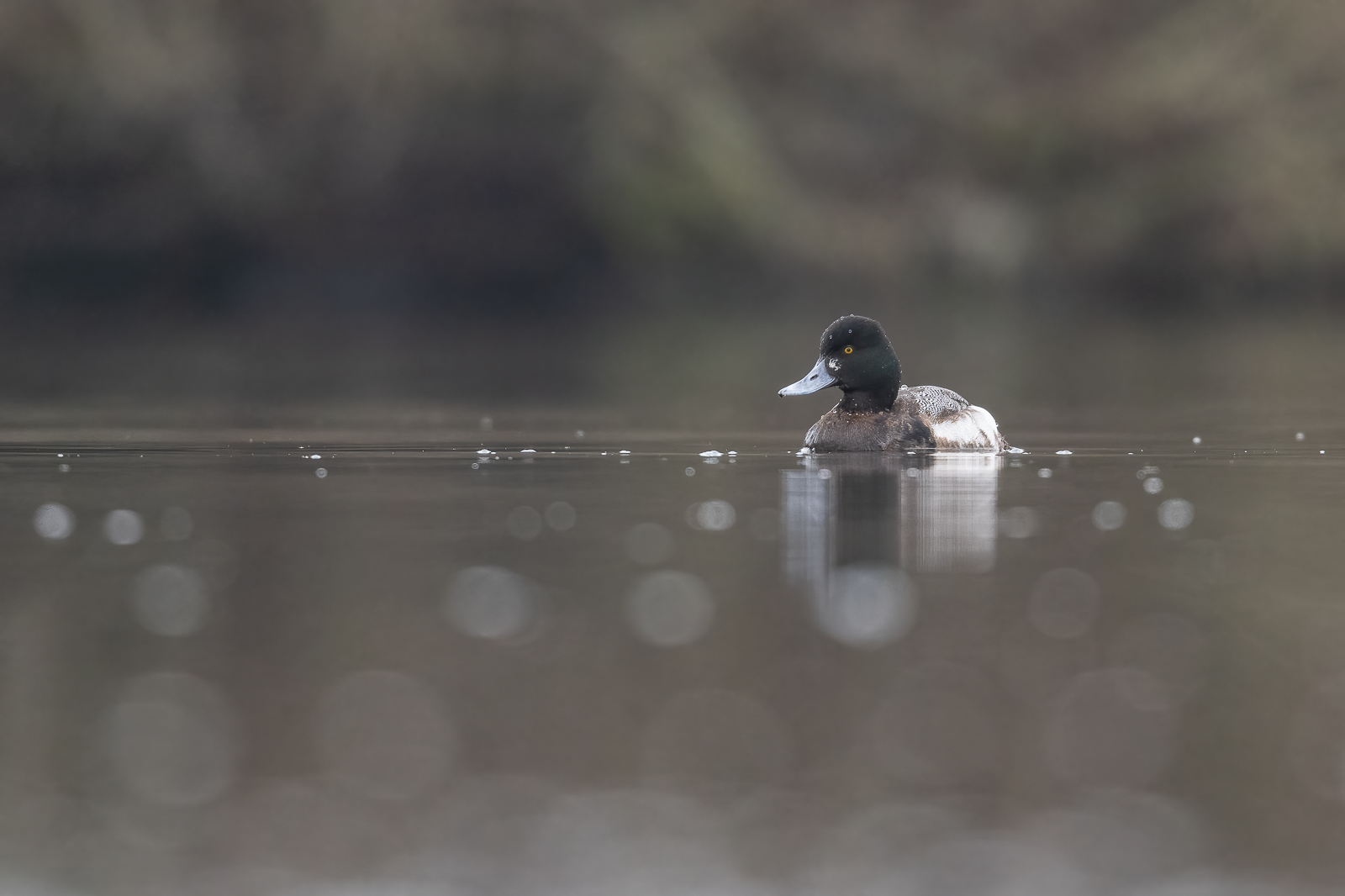
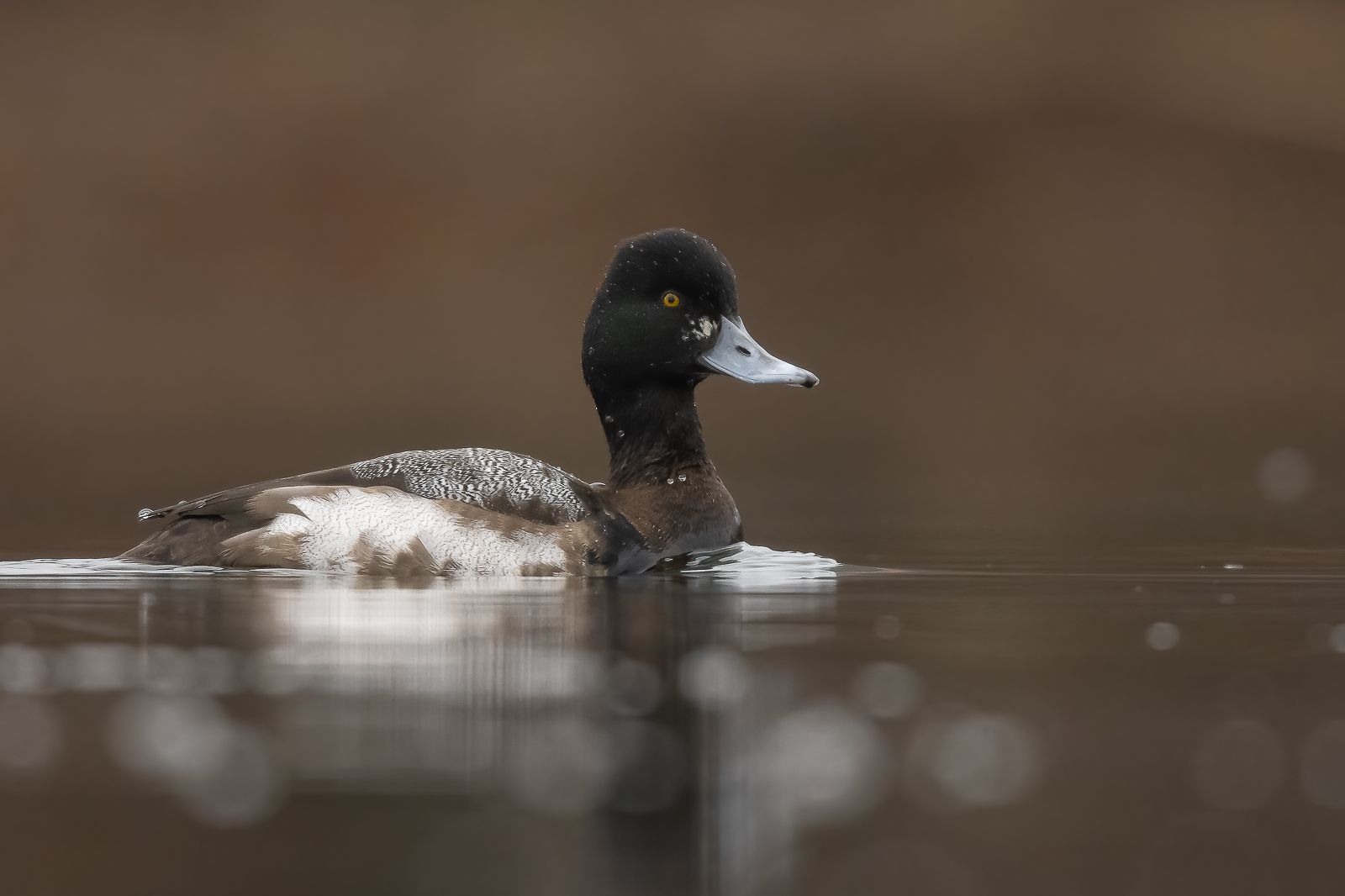
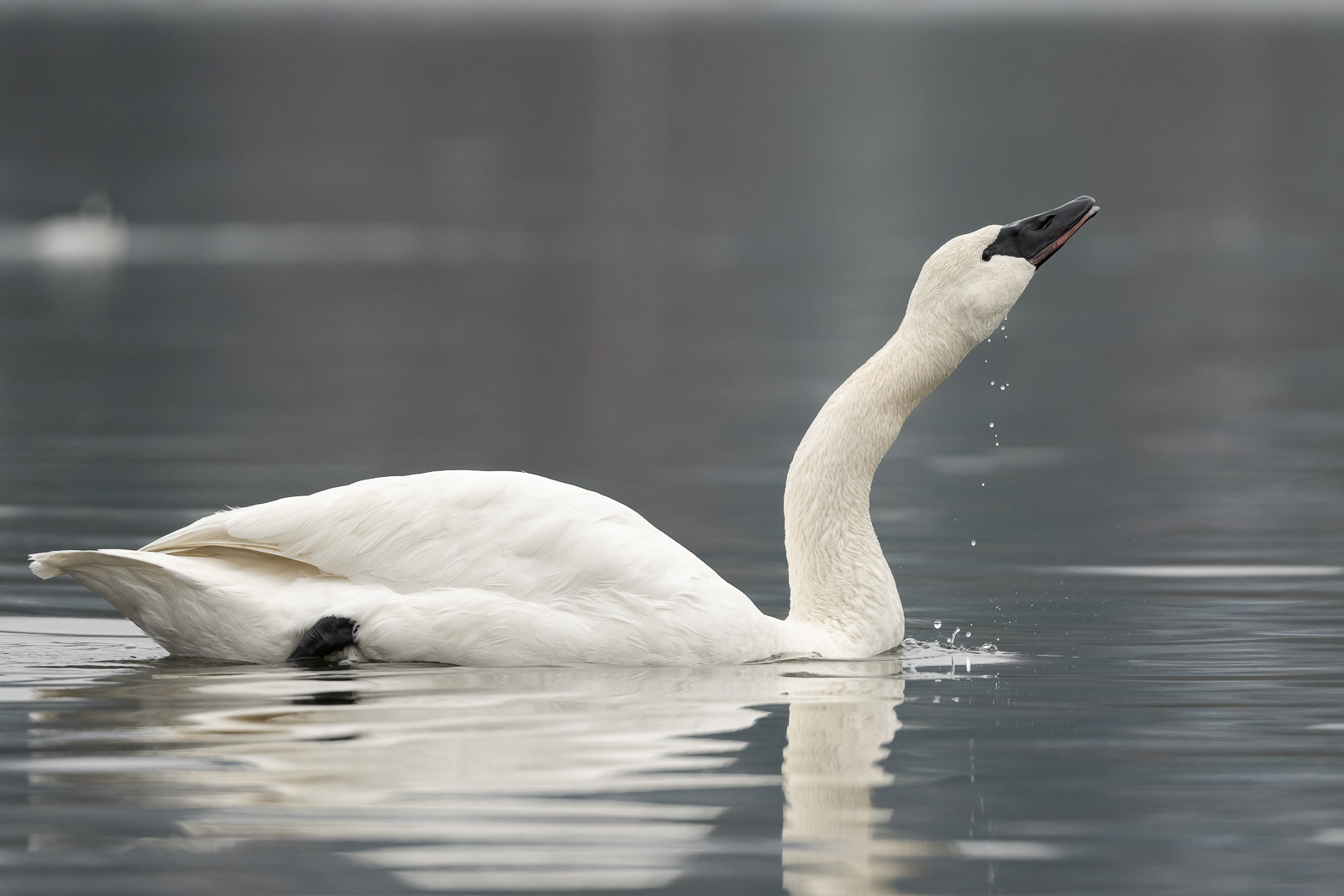
A few mundane shots from my dreary day. Nice to finally have a Nikon with decent AF via the tilt screen for my ground level shooting!!
Are these your test shots in less than ideal weather?
p.25 #6 · Z9 and Z8 ! : A thread for Z9/Z8 images and *discussion*
Jemini wrote:
Are these your test shots in less than ideal weather?
What's your initial thought on AF compared to A1?
I will reserve my thoughts till I have more time with the camera. Normally I wouldn't even shoot on a day like this and if I did I'd normally have f/4 which helps a lot. Just look at some of those SS/ISO ratios....terrible....thank Topaz for making these even somewhat presentable.
p.25 #7 · Z9 and Z8 ! : A thread for Z9/Z8 images and *discussion*
arbitrage wrote:
I'm wanting to see if anyone can solve my problem in setting up a Recall Shooting Function (RSF).
Here is what I would like the camera to do:
My main shooting is done in full M. I typically have my settings set to more BIF so faster SS, wide-open aperture and an ISO to get me my exposure (typically high).
Then I want to set a button to RSF that makes the following changes:
SS: 1/320
ISO: Auto
AF-Area: Single
FPS: Low:10FPS
Everything else ideally can remain unselected and just match what I'm using regularly.
I know how to set all that in the RSF list. The problem I'm running into is that what I want to happen is that when I hold down the RSF, I want the camera to use Auto-ISO but base the exposure off of whatever my main camera's EC value is.
When not using RSF I obviously don't use the EC as I'm in full M. But I was hoping that the camera would use whatever EC value is set because I've selected Auto-ISO in my RSF list. I can't get it to do this. It just uses a zeroed value for EC. I can select EC in the RSF list but then that fixes EC at whatever value is selected in the RSF list.
I turned Easy EC On just to see if that helps (as I don't use that in normal M mode obviously). Didn't seem to change the behaviour.
Basically what I'm trying to do is use RSF to shoot perched birds, dropping my SS to 1/320 and letting Auto-ISO take over so I don't have to adjust ISO. But of course this only works if the camera uses the EC like it normally would in M+Auto-ISO. Right now the RSF is not useful for how I want it set. My only workaround is to shoot in M+Auto-ISO as my main setting also but I don't want to do that.
Is there anything I'm missing here? Ironically this was my #1 bug I found on my A1....I call it a bug for the A1 because all previous Sony bodies recognized EC when I used this exact same method. Sony finally fixed this in the latest A1 FW and made my shooting experience 100x better with the A1. Now I seem to be running into this problem with the Z9 and I won't call it a bug as it may very well be as intended....Show more →
Geoff,
See if setting your RSF to shutter priority AND using Easy EC works the way you'd like.
With that setup, while holding RSF button, I'm able to scroll front command dial to adjust EC in auto-iso, back command dial to adjust SS. Easy EC reverts back to zero if you release the RSF button; hopefully RSF becomes toggle button in the near future.
p.25 #8 · Z9 and Z8 ! : A thread for Z9/Z8 images and *discussion*
I understand. Thank you.
arbitrage wrote:
I will reserve my thoughts till I have more time with the camera. Normally I wouldn't even shoot on a day like this and if I did I'd normally have f/4 which helps a lot. Just look at some of those SS/ISO ratios....terrible....thank Topaz for making these even somewhat presentable.
p.25 #9 · Z9 and Z8 ! : A thread for Z9/Z8 images and *discussion*
I just checked this RSF setting and it works just fine. I set my default camera settings to full manual and then set an RSF override for a slow shooting as you listed in your post and with the RSF set to auto ISO, the camera does consider the EC setting that I set as default. Am I reading your requirements incorrectly?
Here are the RSF settings i selected:
1. Shooting mode checked to M
2. Shutter speed checked to 1/320
3. ISO sensitivity settings checked AND Auto ISO sensitivity control kept ON within that sub menu
4.AF area mode set to single point
5. AF-ON checked
I kept my default camera to full manual and dialed in and EC of -1 and when i press my RSF override, i can see the camera apply all the RSF values like 1/320, single point focus, auto iso and keep the EC to -1.
arbitrage wrote:
I'm wanting to see if anyone can solve my problem in setting up a Recall Shooting Function (RSF).
Here is what I would like the camera to do:
My main shooting is done in full M. I typically have my settings set to more BIF so faster SS, wide-open aperture and an ISO to get me my exposure (typically high).
Then I want to set a button to RSF that makes the following changes:
SS: 1/320
ISO: Auto
AF-Area: Single
FPS: Low:10FPS
Everything else ideally can remain unselected and just match what I'm using regularly.
I know how to set all that in the RSF list. The problem I'm running into is that what I want to happen is that when I hold down the RSF, I want the camera to use Auto-ISO but base the exposure off of whatever my main camera's EC value is.
When not using RSF I obviously don't use the EC as I'm in full M. But I was hoping that the camera would use whatever EC value is set because I've selected Auto-ISO in my RSF list. I can't get it to do this. It just uses a zeroed value for EC. I can select EC in the RSF list but then that fixes EC at whatever value is selected in the RSF list.
I turned Easy EC On just to see if that helps (as I don't use that in normal M mode obviously). Didn't seem to change the behaviour.
Basically what I'm trying to do is use RSF to shoot perched birds, dropping my SS to 1/320 and letting Auto-ISO take over so I don't have to adjust ISO. But of course this only works if the camera uses the EC like it normally would in M+Auto-ISO. Right now the RSF is not useful for how I want it set. My only workaround is to shoot in M+Auto-ISO as my main setting also but I don't want to do that.
Is there anything I'm missing here? Ironically this was my #1 bug I found on my A1....I call it a bug for the A1 because all previous Sony bodies recognized EC when I used this exact same method. Sony finally fixed this in the latest A1 FW and made my shooting experience 100x better with the A1. Now I seem to be running into this problem with the Z9 and I won't call it a bug as it may very well be as intended....Show more →
p.25 #10 · Z9 and Z8 ! : A thread for Z9/Z8 images and *discussion*
gannis wrote:
I just checked this RSF setting and it works just fine. I set my default camera settings to full manual and then set an RSF override for a slow shooting as you listed in your post and with the RSF set to auto ISO, the camera does consider the EC setting that I set as default. Am I reading your requirements incorrectly?
Here are the RSF settings i selected:
1. Shooting mode checked to M
2. Shutter speed checked to 1/320
3. ISO sensitivity settings checked AND Auto ISO sensitivity control kept ON within that sub menu
4.AF area mode set to single point
5. AF-ON checked
I kept my default camera to full manual and dialed in and EC of -1 and when i press my RSF override, i can see the camera apply all the RSF values like 1/320, single point focus, auto iso and keep the EC to -1.
I got it working by updating to 1.1 FW....who'd have thunk it
Although I'm not 100% certain it was the FW that made it start working....I felt on my first attempt after the FW it still wasn't working but I think it was probably because my EC was only set to +1 so I couldn't really tell if it had worked. But once I cranked the EC to -5 I could confirm it was working. One confusing thing to me was that the EC scale stays at zero when holding in the RSF even though it is using the set EC. I'm about 95% sure that despite the EC scale zeroing out that it still wasn't working before the FW....that extra 5% is reserved for me just being totally stupid in all my testing yesterday and this morning before I updated FW.
p.25 #11 · Z9 and Z8 ! : A thread for Z9/Z8 images and *discussion*
Two words come to mind with the Z9......very capable. This is with the 400E. I can't imagine the 400S being better. I shot some with the 2X TC on the 400E and got some nice results..... much much better than the 2xTC on the 600E. I will post a few of those (400E with the 2x) when I get a chance.
Normally I dont post this large but with the subject this thin I felt it needed to be larger for a better viewing experience.
p.25 #14 · Z9 and Z8 ! : A thread for Z9/Z8 images and *discussion*
Here's one more thing I noticed this morning. I reported before that RSF override for subject detection works only for shutter AF. Today I noticed a strange (though good) behavior. It really appears it depends on which button one presses first. If i press my AF-ON or Joystick or Fn1/2 to which i assigned another AF-ON + AF area mode, and then try to override those modes with lens fn, it doesn't turn off subject detection whereas if i pressed the ln fn button to first turn off subject detection and then press the AF-ON or other buttons, it seems to turn off subject detection. I just noticed this and was in the field so couldn't test further
arbitrage wrote:
I got it working by updating to 1.1 FW....who'd have thunk it
Although I'm not 100% certain it was the FW that made it start working....I felt on my first attempt after the FW it still wasn't working but I think it was probably because my EC was only set to +1 so I couldn't really tell if it had worked. But once I cranked the EC to -5 I could confirm it was working. One confusing thing to me was that the EC scale stays at zero when holding in the RSF even though it is using the set EC. I'm about 95% sure that despite the EC scale zeroing out that it still wasn't working before the FW....that extra 5% is reserved for me just being totally stupid in all my testing yesterday and this morning before I updated FW....Show more →
p.25 #15 · Z9 and Z8 ! : A thread for Z9/Z8 images and *discussion*
arbitrage wrote:
I got it working by updating to 1.1 FW....who'd have thunk it
Although I'm not 100% certain it was the FW that made it start working....I felt on my first attempt after the FW it still wasn't working but I think it was probably because my EC was only set to +1 so I couldn't really tell if it had worked. But once I cranked the EC to -5 I could confirm it was working. One confusing thing to me was that the EC scale stays at zero when holding in the RSF even though it is using the set EC. I'm about 95% sure that despite the EC scale zeroing out that it still wasn't working before the FW....that extra 5% is reserved for me just being totally stupid in all my testing yesterday and this morning before I updated FW....Show more →
It's just that Nikons have a different logic for the exposure scale in manual and automatic modes. In A / S / P the EC is not factored in the meter reading and the scale shows the EC as offset from meter reading. In manual mode the EC is factored into the meter reading and in Auto ISO if the camera is able to achieve the EC corrected exposure, it shows zero on the scale as the dialed EC corrected exposure was met. If it is not possible to achieve the EC corrected meter reading by adjusting ISO automatically, the scale will show how far the realized exposure is from the requested one. In manual mode you can see the dialed EC value in the scale by depressing the EC button.
p.25 #16 · Z9 and Z8 ! : A thread for Z9/Z8 images and *discussion*
One thing confused me yesterday and I want to see if anyone knows if I was imagining things or if there is a way to do this....
I have my EVF/LCD settings limited to the Auto Switch and the VF Priority modes. I like to use the VF Priority but then I have no way to switch on my LCD when I do low level shooting. In VF Priority it only switches on for Menu and Playback. So that is why I've left the Auto Switch option selectable and I hit that selection button to get out of VF Priority and into Auto when I want to shoot via the LCD.
Now the first time I pulled out my LCD yesterday I swear I was in VF Priority and by pulling out the LCD it came on. I was pretty excited about that as then I wouldn't have to use that difficult to push (when handholding a big lens) switching button. But I couldn't get it to do that again on subsequent tries.
So I don't know...maybe I actually was in Auto at the time and the LCD had gone to sleep on my 10min timer and I just happened to tap a button and wake it as I was pulling out the tilt-screen?
Or is there a way that it should wake to the LCD when pulled out when in VF Priority mode? I wish there was but I must have done something else to wake it in that instance.
p.25 #17 · Z9 and Z8 ! : A thread for Z9/Z8 images and *discussion*
I am still trying to figure that out too Geoff. I was shooting with a friend a couple of days ago and he helped me. The one thing that I wasnt doing was pressing the "Disp" button beside the "af on" button.
Not sure if I can duplicate it but I will press on until I can use this option. Here is an image I got using the back screen flipped out.
p.25 #18 · Z9 and Z8 ! : A thread for Z9/Z8 images and *discussion*
I am afraid some forum cop might come by to frown on discussions in an image thread, but had to post that you guys are making such beautiful use of the z9. Great images so far! 😲
Rimpson wrote:
I am still trying to figure that out too Geoff. I was shooting with a friend a couple of days ago and he helped me. The one thing that I wasnt doing was pressing the "Disp" button beside the "af on" button.
Not sure if I can duplicate it but I will press on until I can use this option. Here is an image I got using the back screen flipped out.
p.25 #19 · Z9 and Z8 ! : A thread for Z9/Z8 images and *discussion*
saaketham wrote:
I am afraid some forum cop might come by to frown on discussions in an image thread, but had to post that you guys are making such beautiful use of the z9. Great images so far! 😲
Hmmm...maybe not the forum police but maybe the thread title police....I mean the thread title says "and discussion"