One thing I do wonder about though is how much you're really gaining since you can no longer ETTR, which via your method gives you an extra 2 stops in the shadows.
That is to say in order to preserve the highlights using SR you now have to expose 2 stops less than you would using your typical ETTR method (expose to the zebras, then bump up EC by 2 stops higher). So even though you're gaining 3 stops in shadow noise with the stacking, you're losing 2 stops in your starting exposure. So aren't you really only gaining about 1 stop of shadow noise in the end to preserve the same highlights as you would have with ETTR?...Show more →
Yes, but you would lose the ND effect which is the main benefit of SR. Some ultra wide lenses don't even allow filters (like the CV 12/5.6) so, it's a tremendous help.
I personally use both methods (SR and Zebra ETTR) as I don't think they replace each other. It's all image and application dependent.
Well, this is my 2nd time out with the app, the 1st time I used the app defaults Wasn't thrilled with the results and didn't shoot in RAW... Today I made sure to shoot RAW and did the custom settings. I just did 16 shots per click today.
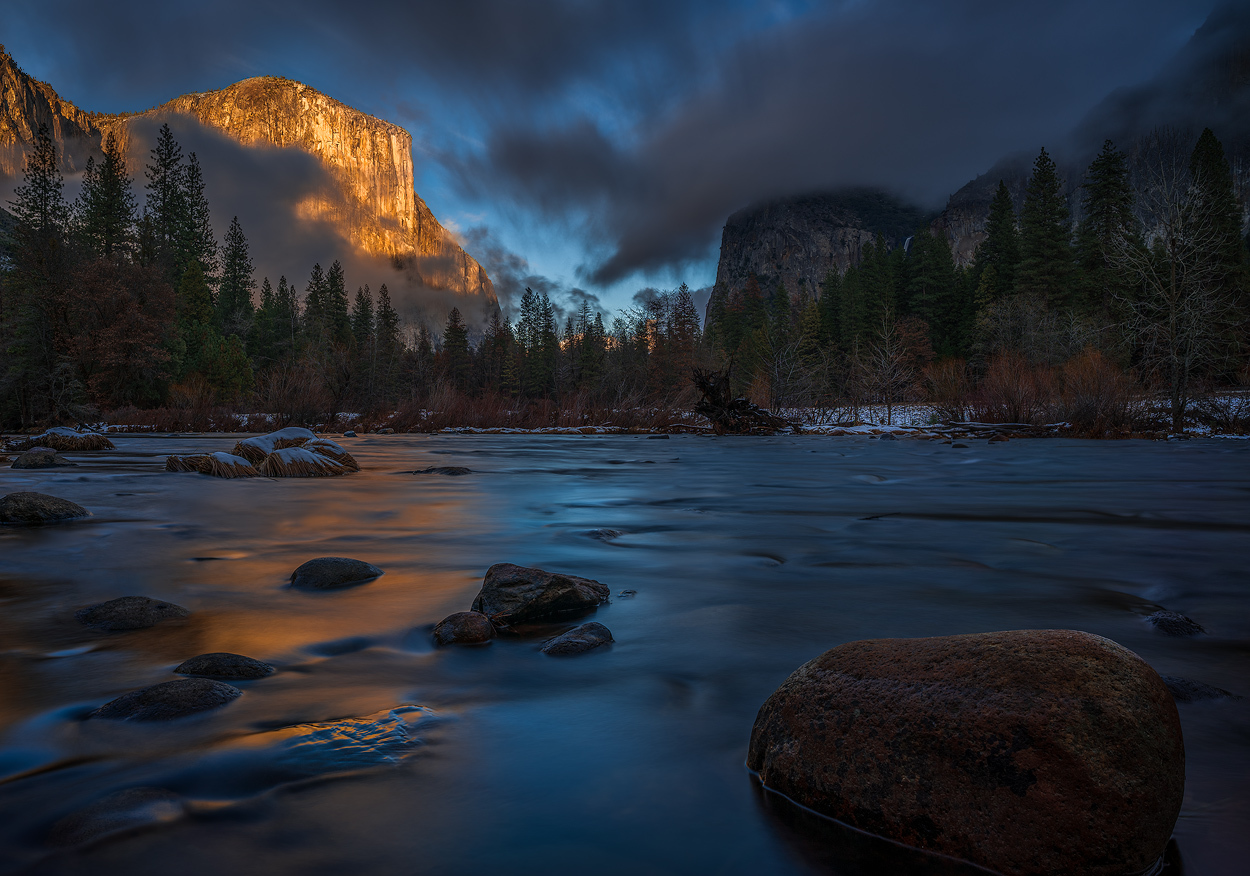
I went out and took a few shots with these apps last week. Smooth Reflection was very helpful--I had a new lens that I was testing out (Voigtlander 15mm) and no ND filters to fit. With SR, I was able to smooth out the waves and clouds nicely in this shot (32 images at 3.2s):
I also took a few shots with Sky HDR, but ended up deciding to use the land shots only for all of my processing. The light wasn't such that I needed the additional dynamic range, and the mismatched exposure made the cloud movement and water movement look odd in the combined shots. It was nice that the app created the 3 separate RAWs (Sky, Land, Combined) so that I could pick the best look in Lightroom afterwards.
On a side note, I really need to write down the controls for Sky HDR because it was really confusing to me while I was shooting.
I was on a little trip through some german forests and had the portable a6000 with me. Because it lacks the dynamic range of a full frame sensor I decided to give the smooth reflection app a try. In direct comparison with 64 pictures, there is definitely a big improvement. on the other hand side, I feel like some of the directly compared images lacked a little brilliance, hard to describe but sometimes I liked the normal picture better.
I eventually arrived at a small waterfall and so I could test the water smoothing. In most cases, it worked pretty well, but I had some shots there it looked a little artificial.
with 64 images and 1/4 of a second, the water looked pretty good:
DSC06825 3 by marco köhler, auf Flickr
(Shot with the 12mm F2 Samyang, forgot to put in the exif)
Dynamic range was also better than expected from the a6000. The sky was not blown out completely due to a 1 stop under exposure and still there was plenty of detail even under the rocks that were completely in the shadows:
here it does a really nice job whitening out the smooth water with 64 1/6s shots but still struggles a little bit around the rocks. but I didnt have a ND filter with me, so no direct comparison.
Hi I have some questions
-Any news when silent shutter enabled or uncompressed RAW?
-Can I save all exposures to manually do the blending later?
-Many photos posted here show no movement in tree leaves, like this one from fred: https://www.fredmiranda.com/forum/ufiles/04/1238604.jpg, what is up with this? Is the app doing some sort of magic?
-Going to the Italian Alps in a few weeks and thinking in bringing only a polarizer (which already has some light loss) and a 3-stop ND. Sufficient?
Great info everyone. Would also be nice to see any new photos with the app?
- No idea on when they'll add silent shutter. Seems like an important feature if you're taking 50+ images to blend to a single shot!
- As for Fred's image, I don't think there's any magic going on--maybe there's just no wind. Is this a Sky HDR or SR image? Sky HDR could take an blended image where one part is static (e.g. trees) and the other has motion blur (e.g. water) and combine them like this. The SR app will definitely show motion for anything moving in the wind like trees.
- I don't know if there's a way for this app to save all images, but I don't think so. When I used it last time, it only saved my final image. If you want to blend manually, you could use an intervalometer. I think also the timelapse app will do that (although I'm not sure if you can set the interval to 0 seconds?).
- Yeah, a CPL and 3-stop ND are great to have alongside this app. Nice way to save yourself some shutter clicks with a moderate ND, and I think the results are better when you can get down to around a 1 sec exposure before the blending.
BTW, I suggest practice with the app a few times beforehand to make sure you know how to navigate and change settings. They're not super intuitive...
I have to admit. Navigating the app is horrible. I dont loaded it during a shoot. Didnt know what to do. Need to spend some time following a manual or tutorial of some sort. I do like the other app for Reflections....
I only use the 'custom setting' and my default is 16 shots. I never use this app with fast shutter speeds as the 'smoothing' tends to be choppier. So, my rule of thumb is to keep a minimal of 1/50s shutter speed. If that's not possible, I use real ND filters in combination with SR.
Very important: Expose your image to the highlights!! Even though the resulting image is RAW, it does not have the same highlight latitude as a regular RAW. Since SR will improve SNR and random noise tremendously, this is never an issue. Use Zebra 100+ as your reference. If you see the Zebra pattern in areas of your image, lower exposure until it's gone.
Do not use the ETTR Zebra technique with SR. It will ruin your shots.
If I have to underexposed the image considerably (like 2 or 3 stops) I use more images like 32, 48 or even 64.
I try avoiding 64 or 256 images unless drastically underexposing my images because the shadows will be so clean, it may create posterization in solid areas. Adding a little noise in post to dither takes care of that though. You may think I'm crazy underexposing my images 3+ stops....Well, it's not a problem with SR as it will give you super clean shadows when recovered in post. It's actually quite amazing.
Fred
Here are a few examples. Pay attention to the Shutter speed and Exposure compensation:...Show more →
Great info thanks Fred, whats your PP method for bring up the shadows for those -3EV shots?
Are we talking shadow slider here or something more complex?
This issue I had was I had 2 different log-ins. One is for my PS3 and the other was for Playmemories. When I log into the play memories to download software you have to create a log in. On the main screen when you log in, it was warning me that account needed update, I thought it was an address or credit card issue. It was the fact that I had to create a new username. As soon as I did that. I was able to buy the software. Maybe this will work for you and someone else.
Maybe this is not your problem and you need more assistance
Frogfish wrote:
If it's the GFC then you can't access the site at all. I am however using a VPN (on my iMac) so everything is accessible, though of course I can't use it on the camera
AHPZuazua wrote:
This issue I had was I had 2 different log-ins. One is for my PS3 and the other was for Playmemories. When I log into the play memories to download software you have to create a log in. On the main screen when you log in, it was warning me that account needed update, I thought it was an address or credit card issue. It was the fact that I had to create a new username. As soon as I did that. I was able to buy the software. Maybe this will work for you and someone else.
Maybe this is not your problem and you need more assistance
...Show more →
Thanks. However I have no issue now. I buy credit online on the Sony Playstation site and can then sign in with the same name on the camera and use that credit to buy apps directly from the camera.
My GND is broken, and to buy new one seems a lot of money.
I wonder, can I use sky hdr app + physical ND filter to balance the sky and get longer exposure? Can I get same result as when I use physical GND + ND filter?
My GND is broken, and to buy new one seems a lot of money.
I wonder, can I use sky hdr app + physical ND filter to balance the sky and get longer exposure? Can I get same result as when I use physical GND + ND filter?
Any example shot(s) when using this method?
Thanks
A quick reply, but with no example, sorry - I use this occasionally for landscape photos when I'm not carrying my GND filters, and in general, I've had surprisingly good results, except when there are moving objects in the scene, when results can get a bit funky. And of course you need a tripod...
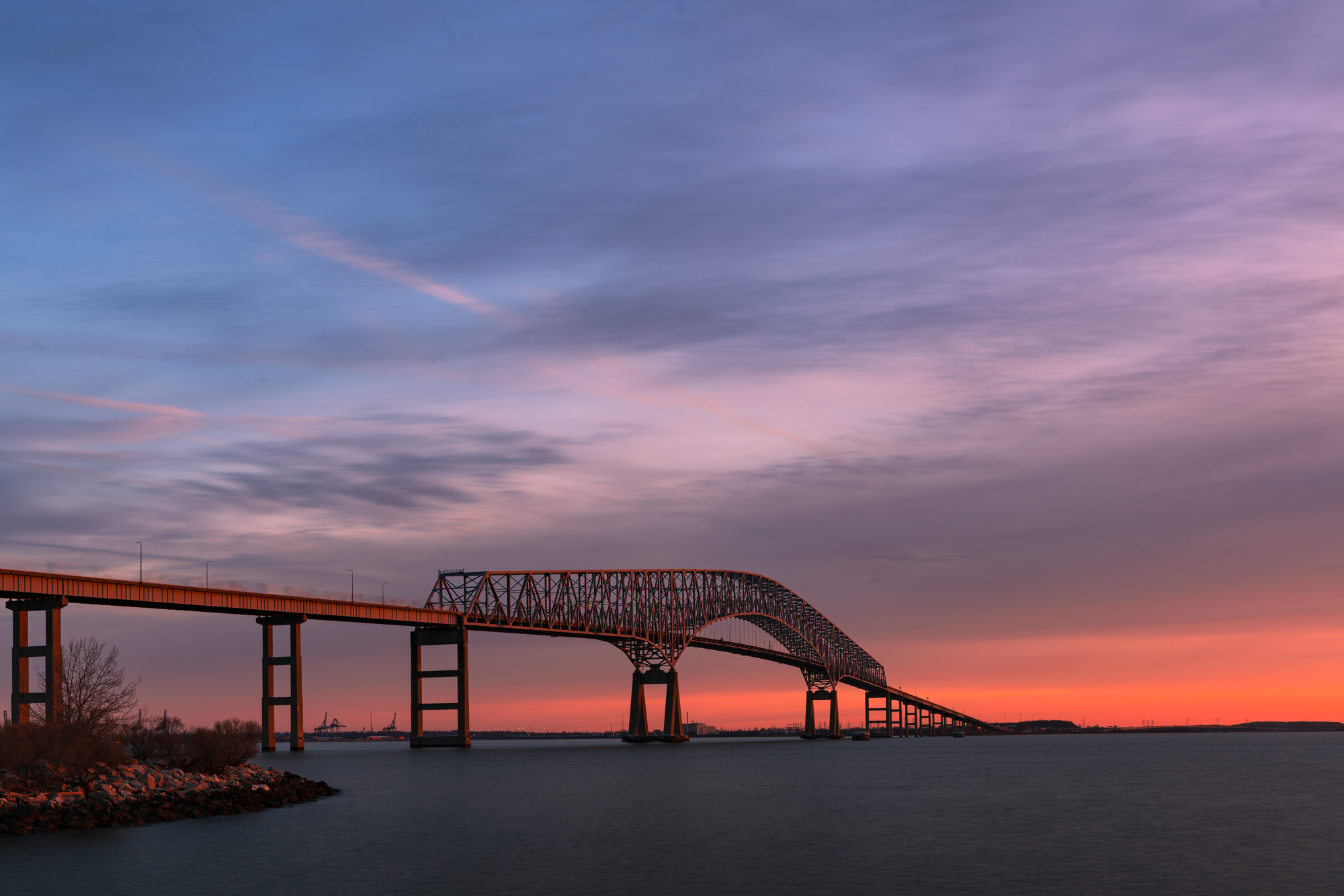
Here is one from two days ago. If you look carefully at the left part of the bridge, you can see the ghost of a truck driving one the bridge. 16 shots.
navmannz wrote:
A quick reply, but with no example, sorry - I use this occasionally for landscape photos when I'm not carrying my GND filters, and in general, I've had surprisingly good results, except when there are moving objects in the scene, when results can get a bit funky. And of course you need a tripod...
-John
Hi, John
Thank you for your quick reply. Would care enough for me to post some of your good and funky result? I would like to see it, when you're available, of course.