Bespoked wrote:
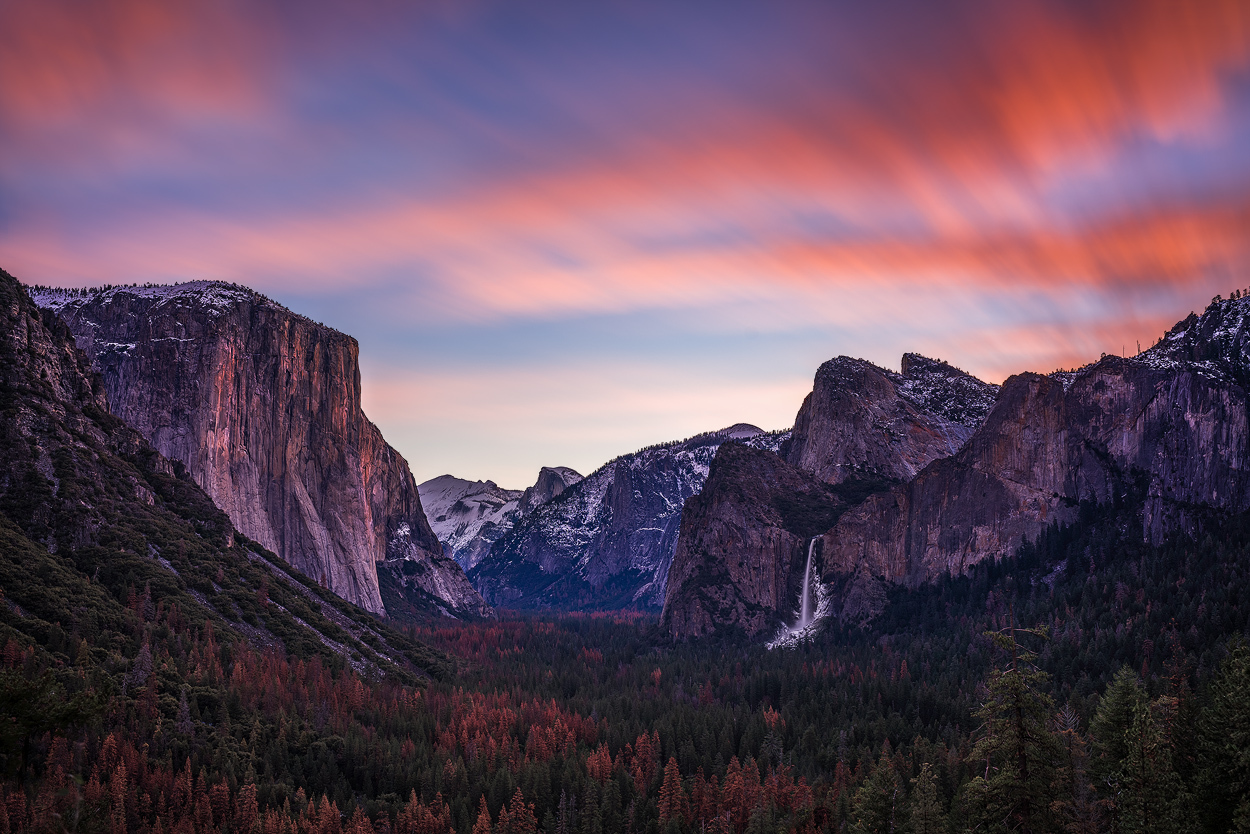
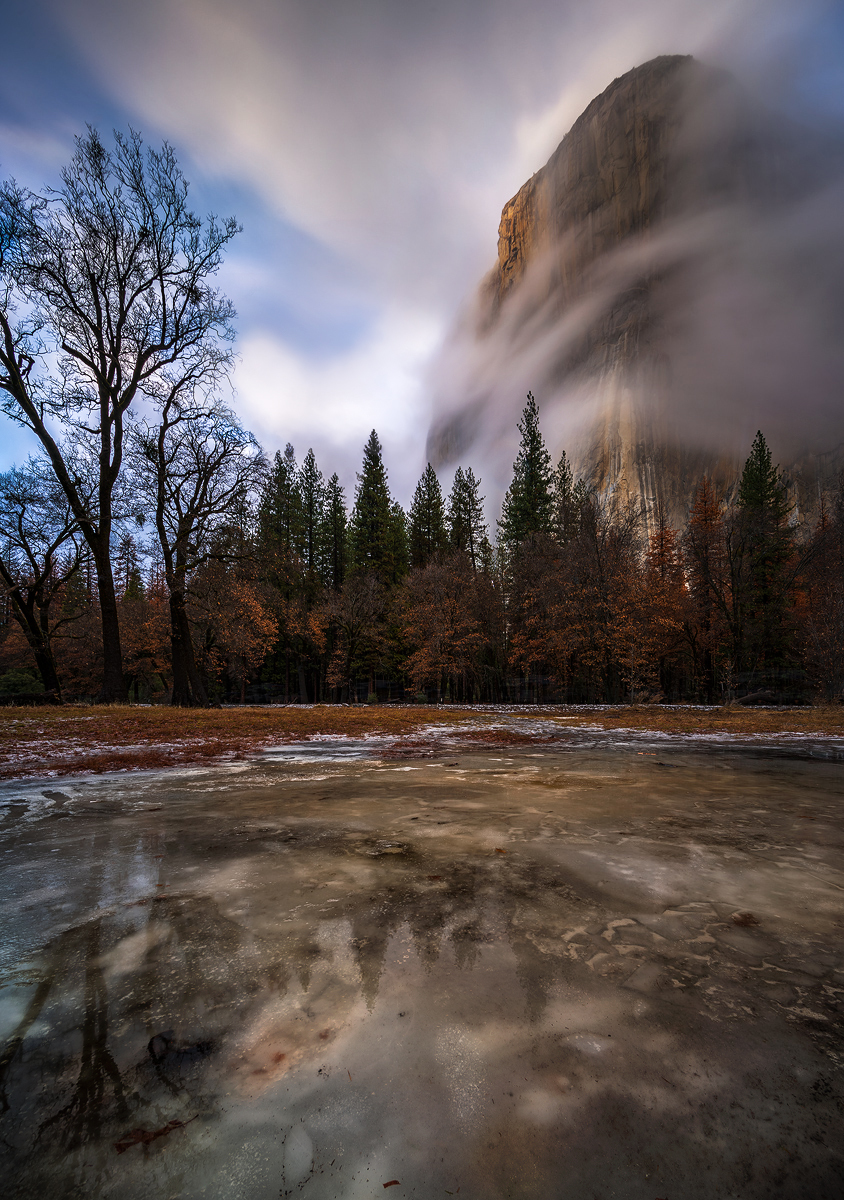
Is that banding in the sky on the first shot Luvwine?
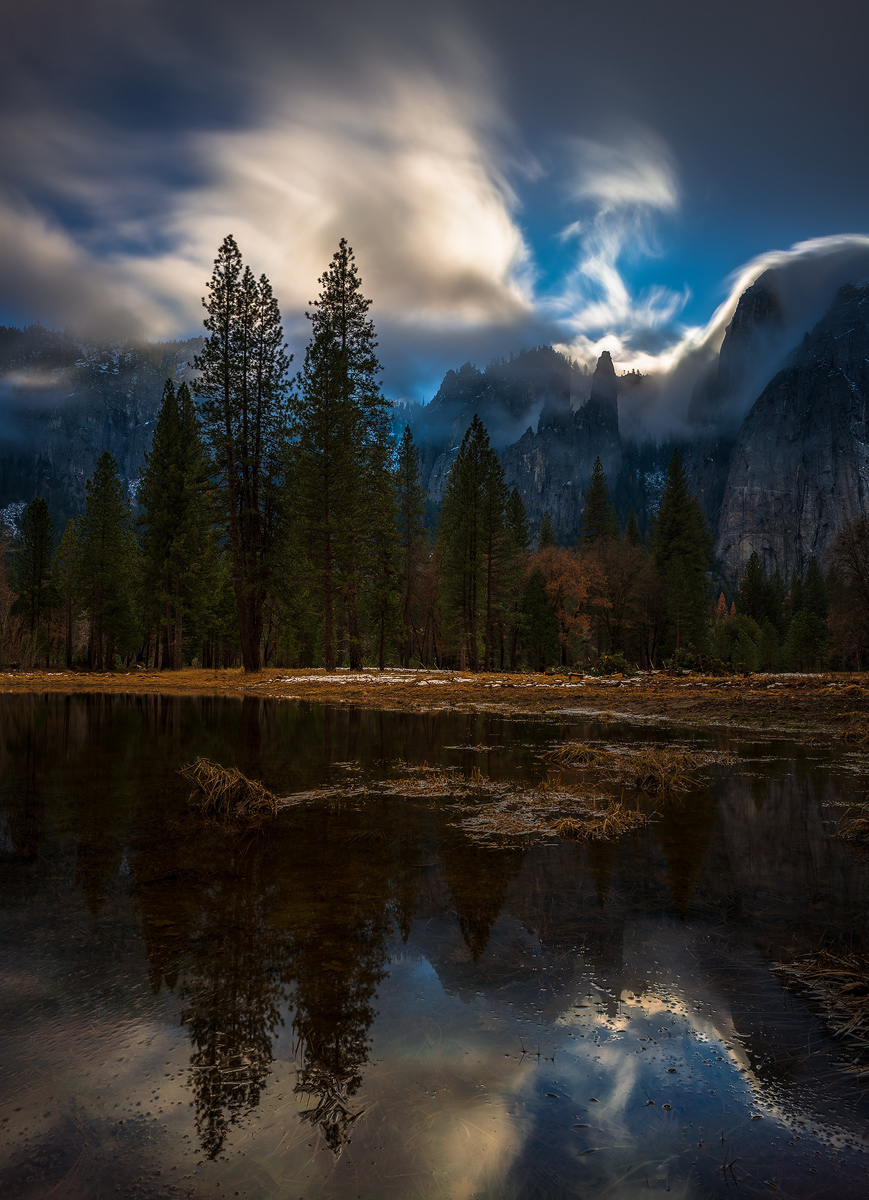
Good call. There are certainly some artifacts at 100% in the sky. I don't have much experience yet with the app, but I have noted that when I try to push the limits too much--lot's of long exposures, I have been less happy than when doing say 16 images or 32 shorter images. This one was 32 or 64 4 second images. Perhaps Fred or others with more experience can say when issues are more likely to arise.
I also think that I am going to give up using this app on light trails. The best uses I have found so far are for bodies of water and for other still subjects on a tripod--landscape and the like--so long as the wind is not blowing. Have not yet had a chance to try waterfalls.
I really like the greater clarity, especially in the shadows, improved color in certain instances, and thus think that the good results make up for the occasional failure.
I wander if this might be a good app for shooting lightning? Instead of a 30sec + exposure, 16 x 2 sec exposures. Noise would be better but not sure how thunder clouds would render using this method.
Luvwine, I've not found a good use for this app, but seeing as though some can get great results with it, I'm going to push on, I'm finding the issues you have plus more, banding, weird pattern noise in shadows and washed out colours that are very difficult to pull back in post.
Parts of your image with the app look better, but on the whole the one shot without the app is a better picture.
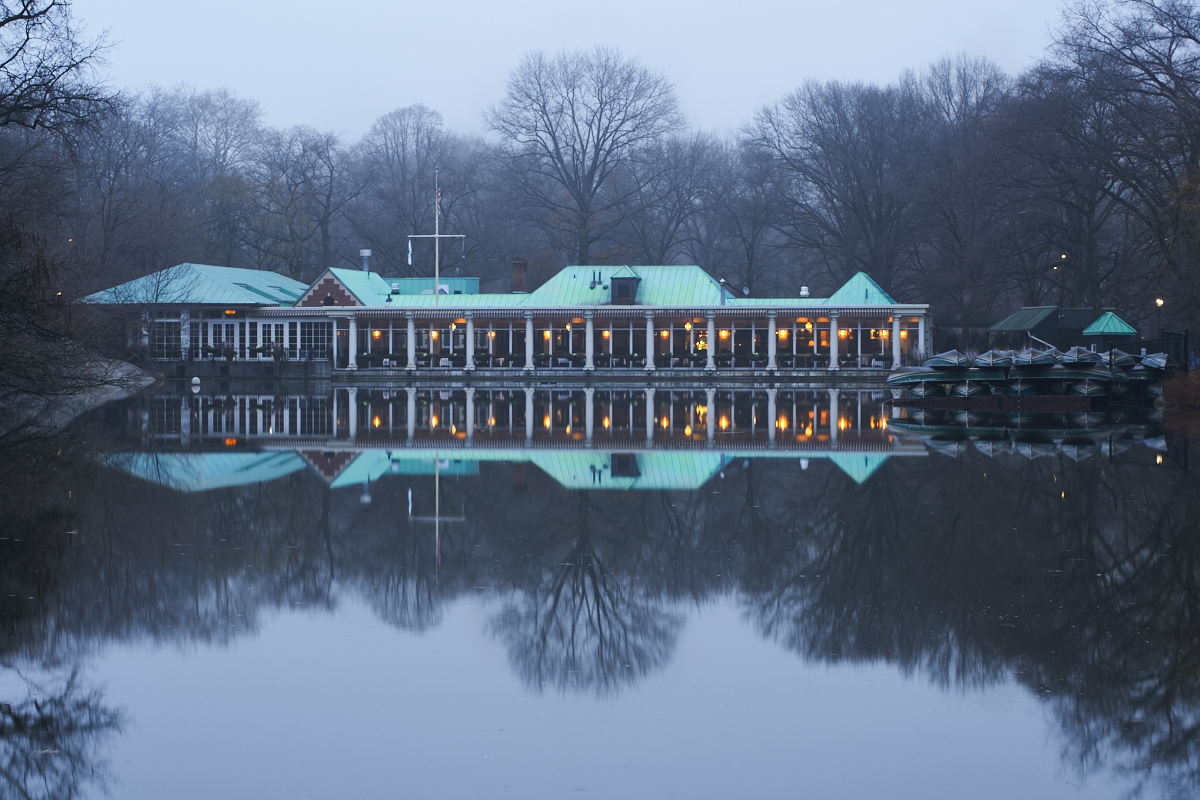
I really enjoy the smooth reflection app. It let's you take less gear and in calm conditions really allows for incredible shots. Below is one of the Central Park Boathouse one foggy morning. It was 16 shots for 4 times less noise.
I'm having issues. I get an error reads. An internal error has occurred.
So then I lo I to Sony PlayMemories account and add my PayPal... Still have errors... I add a different Credit Card and I get a notification from American Ex that PSN Charged me $1, so then I try and add funds and there is an error saying my credit card information is not valid... Bills hit
Apparently the way to make the app purchase is to buy a sony prepaid card on amazon and use that. It worked and ended a long period of frustration for me trying to use my CC
Show me which Sony prepaid card to buy please. I'm pretty sure that many people haven't bought the cards but made it work anyway. I will try
mike reid wrote:
Apparently the way to make the app purchase is to buy a sony prepaid card on amazon and use that. It worked and ended a long period of frustration for me trying to use my CC
I tried 32 shots and the 256 looked much better, not only was the water the right amount of smooth, but the overall quality was better.
Still not loving the app, it's OK, but the use of an ND is delivering better results for me.
I'm not sure how you guys are getting increased IQ as a result as I'm yielding significantly decreased IQ.
Is it settings used?
Tried some waterfall pics today with the SR app. Most of the time I used 8 or 16 images. Seems like for me less is more or at least less likely to deliver funky results.....
AHPZuazua wrote:
Show me which Sony prepaid card to buy please. I'm pretty sure that many people haven't bought the cards but made it work anyway. I will try
I had the same issues where it would not let me buy the app no matter what I did. Such a screwy system. I bought the $10 card in the link below. When you redeem the card it puts $10 in your Sony Wallet. Then when you go to buy the app it deducts the price of the app from your wallet, not your credit card. Very frustrating process!
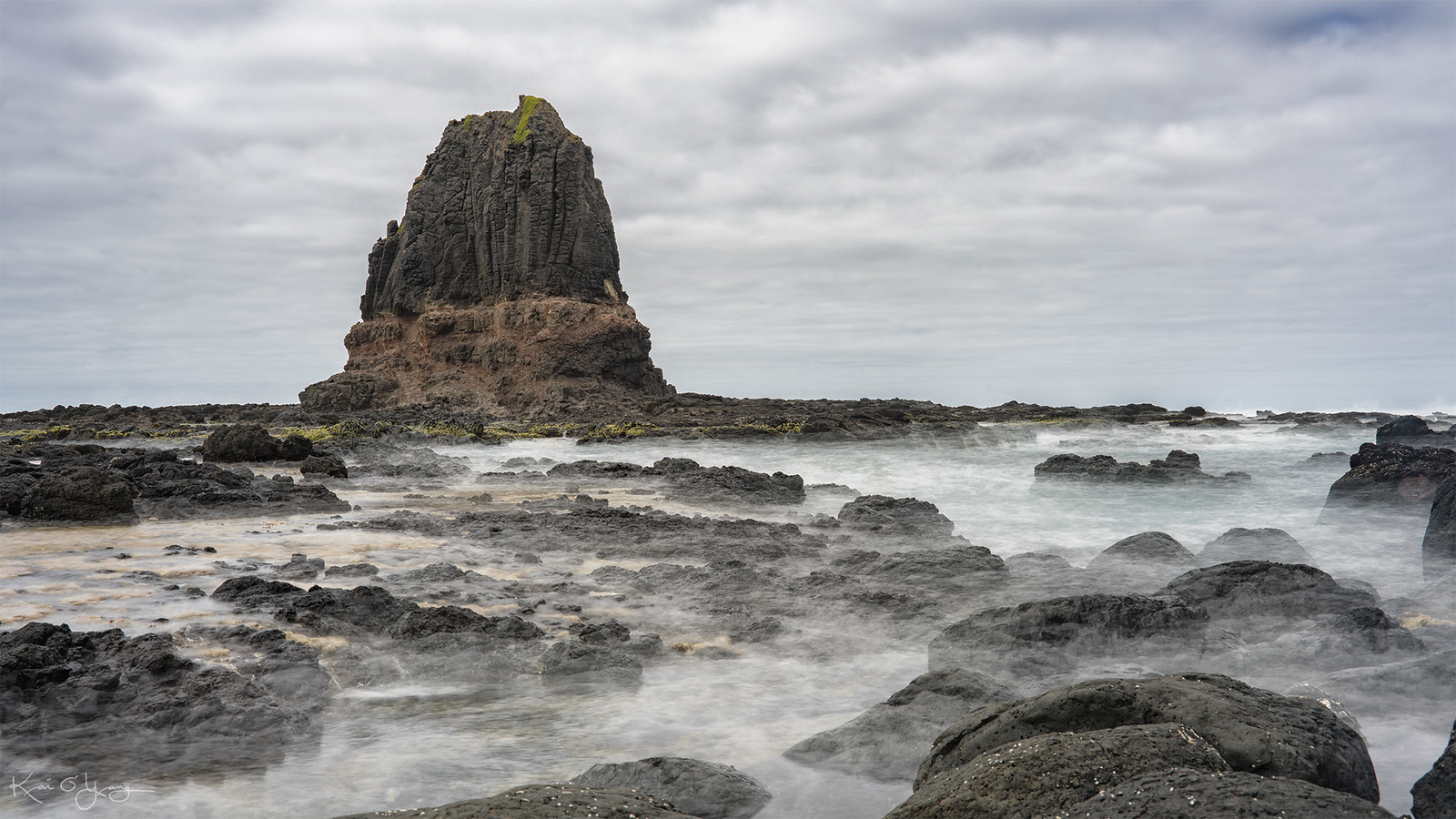
Tried SR over the weekend. Loving it. This one is a 32 exposure shot. A7R2, Contax 35-70mm F/3.4, 1/160s, F/11, ISO 100, at 50mm. _DSC9128-1 copy by Kai O'Yang, on Flickr
Thanks for all the info everyone...It wouldn't take my Paypal or CC so I just bought a card on amazon as Jim (above) recommended...Finally took it once I deleted my PayPal as the default payment method...keep the images coming, pretty remarkable really...
johnahill wrote:
also note the lights on passing boat are dashed, so there's some time between shots thats causing this.
A7r processing time?
Would this be better with the a7rII
I did some quick tests from our window. Great for sunsets and still with cars moving on the road. I see the exact same issue you mention. Light-streaks are weird. No issues with the sky.
prashant wrote:
Fred - any guidelines from your experience in using this app?
I only use the 'custom setting' and my default is 16 shots. I never use this app with fast shutter speeds as the 'smoothing' tends to be choppier. So, my rule of thumb is to keep a minimal of 1/50s shutter speed. If that's not possible, I use real ND filters in combination with SR.
Very important: Expose your image to the highlights!! Even though the resulting image is RAW, it does not have the same highlight latitude as a regular RAW. Since SR will improve SNR and random noise tremendously, this is never an issue. Use Zebra 100+ as your reference. If you see the Zebra pattern in areas of your image, lower exposure until it's gone.
Do not use the ETTR Zebra technique with SR. It will ruin your shots.
If I have to underexposed the image considerably (like 2 or 3 stops) I use more images like 32, 48 or even 64.
I try avoiding 64 or 256 images unless drastically underexposing my images because the shadows will be so clean, it may create posterization in solid areas. Adding a little noise in post to dither takes care of that though. You may think I'm crazy underexposing my images 3+ stops....Well, it's not a problem with SR as it will give you super clean shadows when recovered in post. It's actually quite amazing.
Fred
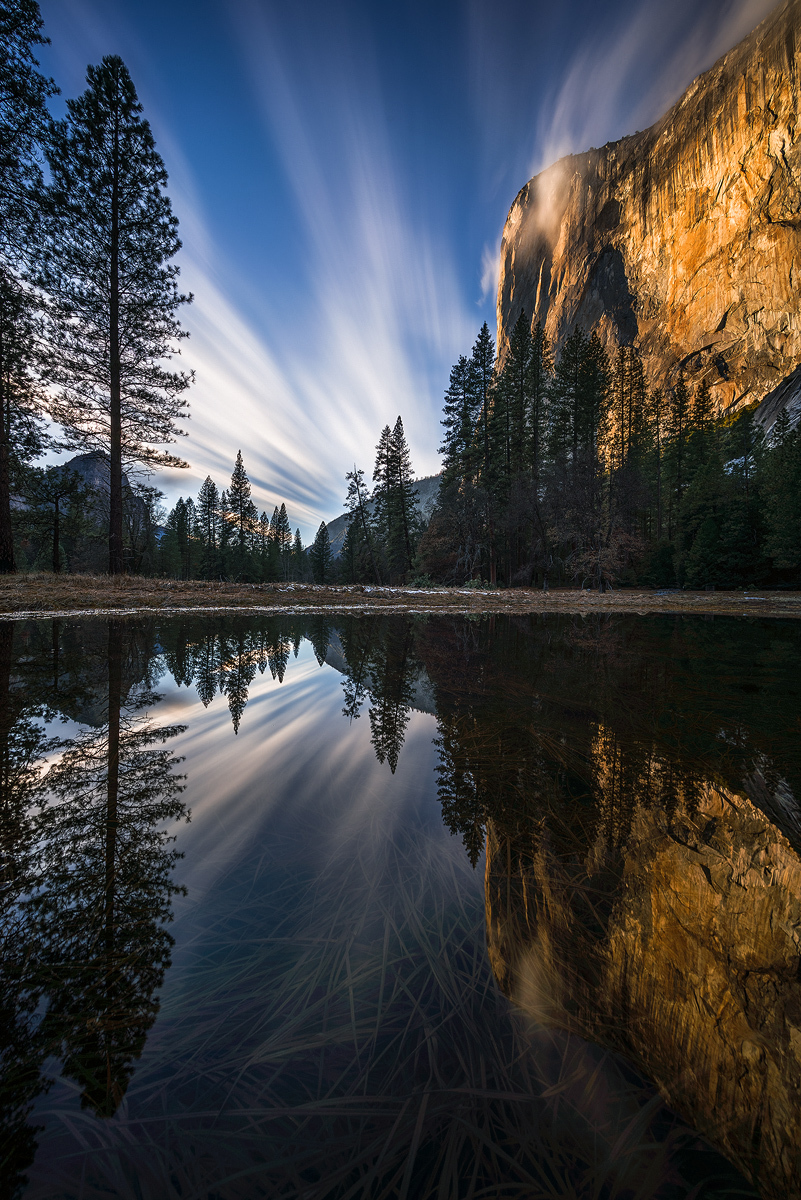
Here are a few examples. Pay attention to the Shutter speed and Exposure compensation:
BTW: As you can see, many of the images above were underexposed 3+ stops!! When recovering the shadows, they look just as clean as my "shadow bracketed" exposures (not using SR).
It's quite remarkable what SR can do for landscape photography as long as you know its strengths and deficiencies.
At ideal conditions, you can get rid of ND filters AND bracketing!
One thing I do wonder about though is how much you're really gaining since you can no longer ETTR, which via your method gives you an extra 2 stops in the shadows.
That is to say in order to preserve the highlights using SR you now have to expose 2 stops less than you would using your typical ETTR method (expose to the zebras, then bump up EC by 2 stops higher). So even though you're gaining 3 stops in shadow noise with the stacking, you're losing 2 stops in your starting exposure. So aren't you really only gaining about 1 stop of shadow noise in the end to preserve the same highlights as you would have with ETTR?