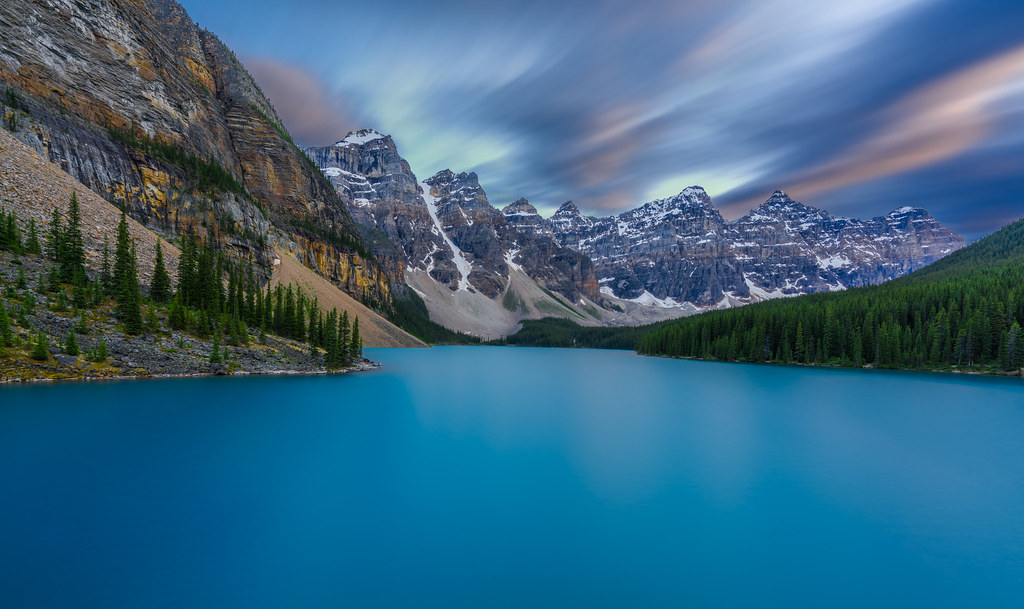
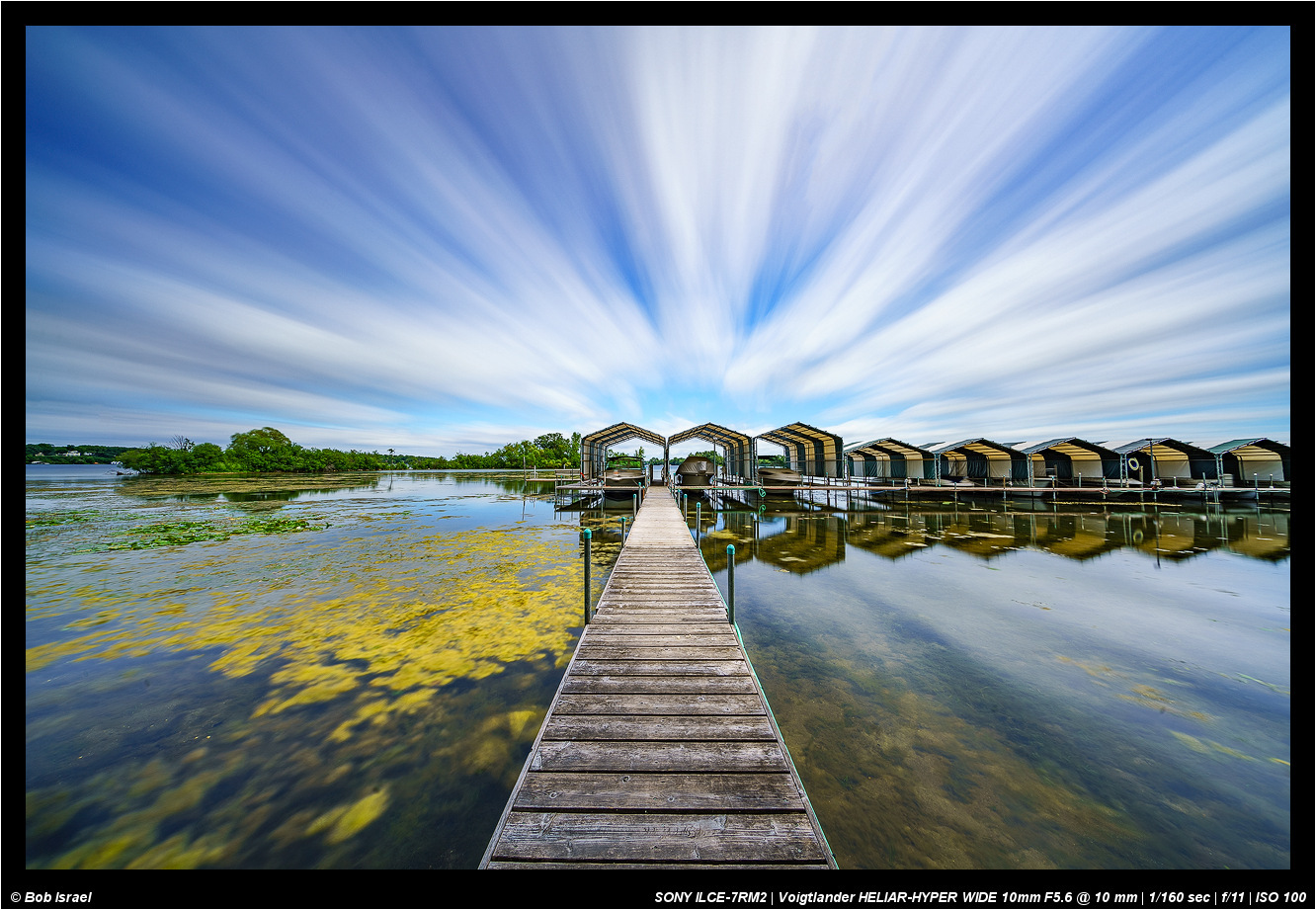
Downloaded the app to my camera and it runs I think
I launch the app and have the settings RAW + JPG
When I take a picture and enter the settings so nothing happens .. I can not see the picture on the memory after the shot .. and it does not seem like it's working at all .. I can see that the app is running when I will take the picture
What am I doing wrong ?
I have A7R II and firmware version 2.00
Thanks
Ronny //
Hi Ronnie,
You will probably need the latest FW 3.20 for the app to work ...? The app should open separately in the Application list and select your preferences. Once you start the sequence it will take the required shots and present a shot briefly. Of course you will need to exit the app before turning the camera off, otherwise it will still be there.
Charles,
I know you have experimented with the app quite a bit. Maybe you can explain the following for me or us:
1.There are several fixed (dummy) settings in the app's menu. I assume that each setting will just initiate varying number of exposures. Is that correct?
2.The Custom Mode lets you select the number of exposures. But too many exposures may result in "fake" (for lack of a better word, right now) looking image, or something that doesn't occur naturally. Based on your experience, what do you think will be the number of exposures that strikes a nice balance, please?
AGeoJO wrote:
Charles,
I know you have experimented with the app quite a bit. Maybe you can explain the following for me or us:
1.There are several fixed (dummy) settings in the app's menu. I assume that each setting will just initiate varying number of exposures. Is that correct?
2.The Custom Mode lets you select the number of exposures. But too many exposures may result in "fake" (for lack of a better word, right now) looking image, or something that doesn't occur naturally. Based on your experience, what do you think will be the number of exposures that strikes a nice balance, please?
Thanks,
Joshua
Hi Joshua,
With beach scenes I rarely use time exposure, as I really like the shape and character of the waves. I agree there are shots that can look plastic. Generally for waves I like about 1/2 to 1 sec but still maintaining the look
With the SR app, in custom mode, I think I prefer it for more static low lighting shots as it brings out the colors.
I have not tried the fixed settings just the custom one.
I would think maybe 8 to 16 shots would be better for landscapes without making the scene too smooth or flat.
AGeoJO wrote:
Charles,
I know you have experimented with the app quite a bit. Maybe you can explain the following for me or us:
1.There are several fixed (dummy) settings in the app's menu. I assume that each setting will just initiate varying number of exposures. Is that correct?
2.The Custom Mode lets you select the number of exposures. But too many exposures may result in "fake" (for lack of a better word, right now) looking image, or something that doesn't occur naturally. Based on your experience, what do you think will be the number of exposures that strikes a nice balance, please?
Thanks,
Joshua
On 1), the app presets set the number of exposures but you can still choose from 'low', 'mid', or 'high'. The preset also sets the aperture/shutter speed based on available light. The Custom mode is the one you want. You control exposure (aperture/shutter speed) and also the exact number of exposure you want.
Regarding question 2), I have used 256 images without any issues. The resulting image won't look fake. The only issue is that the image will be practicably noiseless and therefore you may see some banding. There will be no noise to dither the transition zones and that may result in posterization. It's not a big issue but something to be aware of. Make sure to use the RAW output as with JPEG, this will be very obvious. (Well, the app only let's you choose RAW + JPEG, so later on, just throw away the JPEG files)
Another tip is to expose to the highlights. The resulting RAW from this app does not have the same latitude for the highlights are a regular RAW does. It's never an issue as in post, you can push the shadows several stops without any noticeable noise increase.
Fred Miranda wrote:
On 1), the app presets set the number of exposures but you can still choose from 'low', 'mid', or 'high'. The preset also sets the aperture/shutter speed based on available light. The Custom mode is the one you want. You control exposure (aperture/shutter speed) and also the exact number of exposure you want.
Regarding question 2), I have used 256 images without any issues. The resulting image won't look fake. The only issue is that the image will be practicably noiseless and therefore you may see some banding. There will be no noise to dither the transition zones and that may result in posterization. It's not a big issue but something to be aware of. Make sure to use the RAW output as with JPEG, this will be very obvious. (Well, the app only let's you choose RAW + JPEG, so later on, just throw away the JPEG files)
Another tip is to expose to the highlights. The resulting RAW from this app does not have the same latitude for the highlights are a regular RAW does. It's never an issue as in post, you can push the shadows several stops without any noticeable noise increase....Show more →
Thank you very much, Fred! I have used this app in a limited way. For sure, I will be doing more in the Eastern Sierras next week. Yes, I will also use the Sky HDR app and I will leave all physical filters at home. After this trip, I will be selling them .
AGeoJO wrote:
Thank you very much, Fred! I have used this app in a limited way. For sure, I will be doing more in the Eastern Sierras next week. Yes, I will also use the Sky HDR app and I will leave all physical filters at home. After this trip, I will be selling them .
It's too bad we can't combine apps like we stack filters.
Practice using the Sky HDR before you go. I much prefer bracketing than using the Sky HDR app though. What's interesting about the sky HDR is that it lets you choose different apertures for the exposures. (something not possible with physical GND filters)
Fred Miranda wrote:
It's too bad we can't combine apps like we stack filters.
Practice using the Sky HDR before you go. I much prefer bracketing than using the Sky HDR app though. What's interesting about the sky HDR is that it lets you choose different apertures for the exposures. (something not possible with physical GND filters)
Thanks again, Fred. I will be using both, I guess and see what works better. I may still bring the graduated ND, too for the last hooray .
AGeoJO wrote:
Thanks again, Fred. I will be using both, I guess and see what works better. I may still bring the graduated ND, too for the last hooray .
charles.K wrote:
Hi Ronnie,
You will probably need the latest FW 3.20 for the app to work ...? The app should open separately in the Application list and select your preferences. Once you start the sequence it will take the required shots and present a shot briefly. Of course you will need to exit the app before turning the camera off, otherwise it will still be there.
Thanks Charles.. I have now updated to 3.20 and will test the app later
I loaded SR into my A7rII this week and took it out for a spin at a local river. Very nice to have a ND filter for the lenses I don't have a physical one to fit!
That's roughly correct. I also notice that even with the shutter speed firing there is a delay between shots. In fact, when there are quick shutter times, the A6300 will complete the shots much faster than the A7rII at the same shutter speed. The delay between shots seems to be much less. I haven't tested this very rigorously but its been an observation.


 .
.