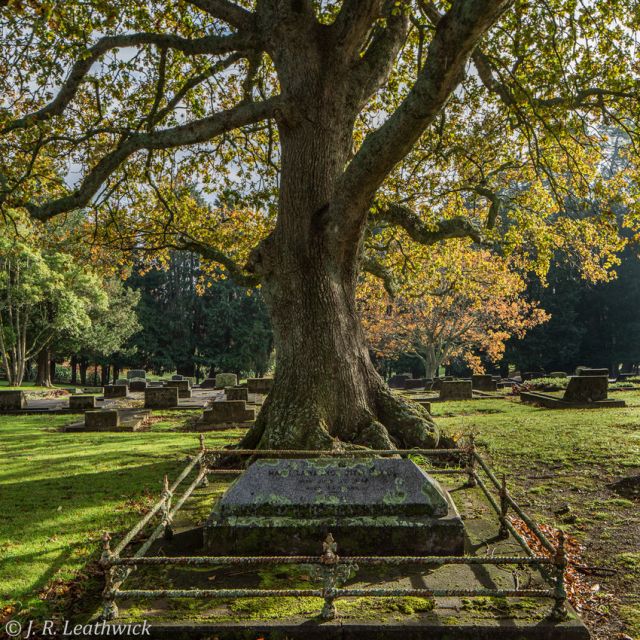
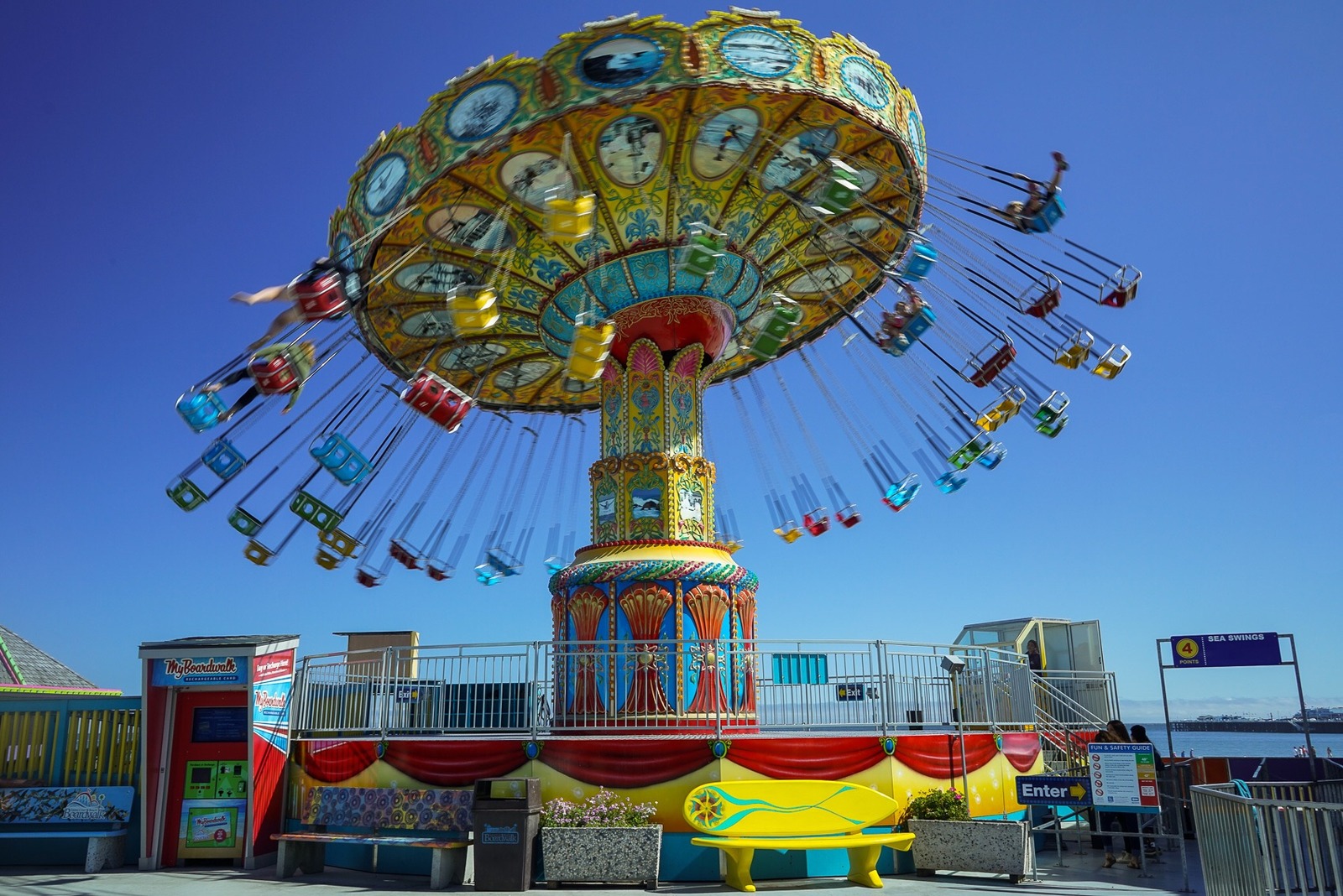
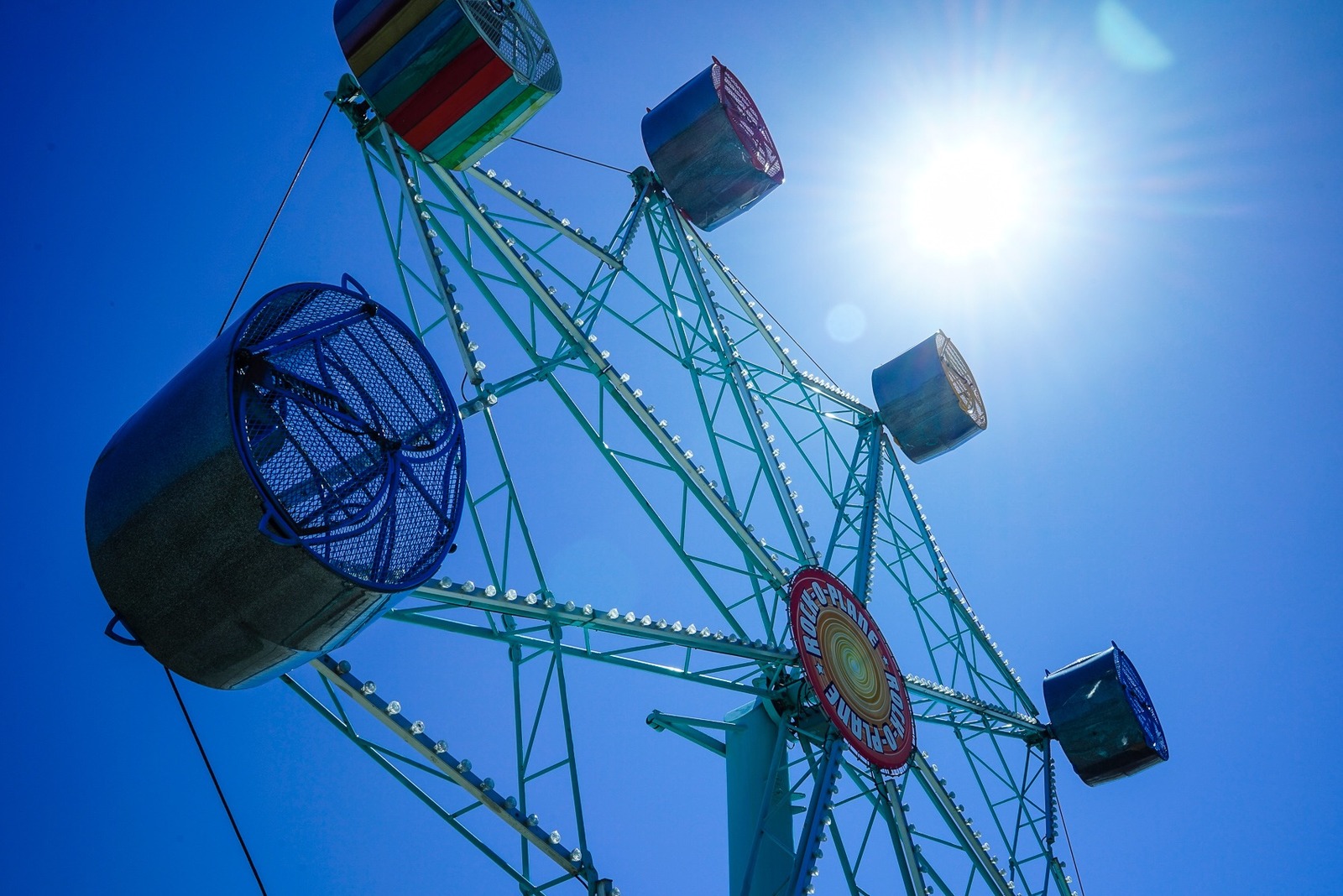
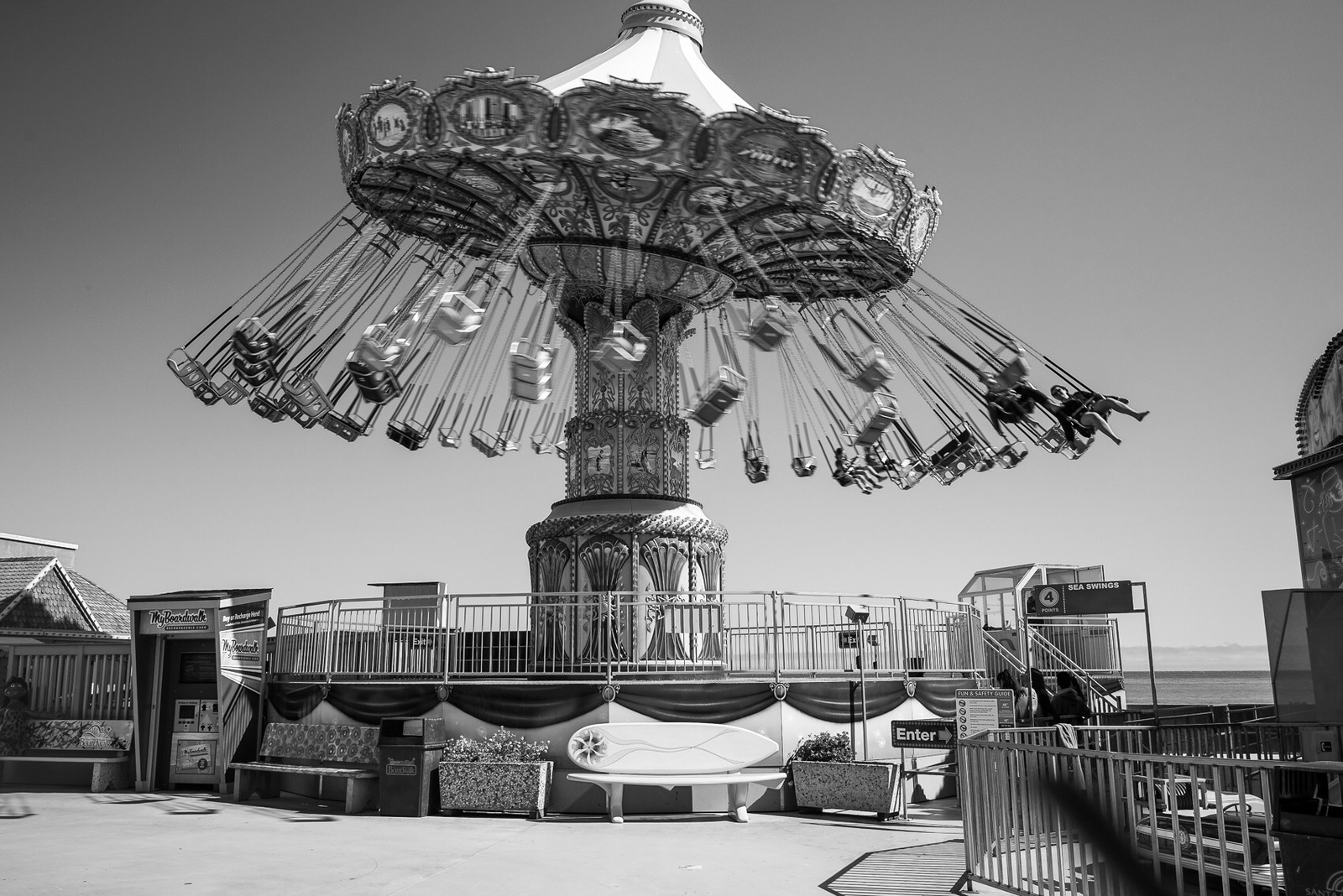
I have upsized, downsized, resized my photographs but they still appear tiny on this thread. I have read the FAQ's. How do I make them appear large like so many images here.
Michael Everet wrote:
I have upsized, downsized, resized my photographs but they still appear tiny on this thread. I have read the FAQ's. How do I make them appear large like so many images here.
Thanks,
Michael
Example below:
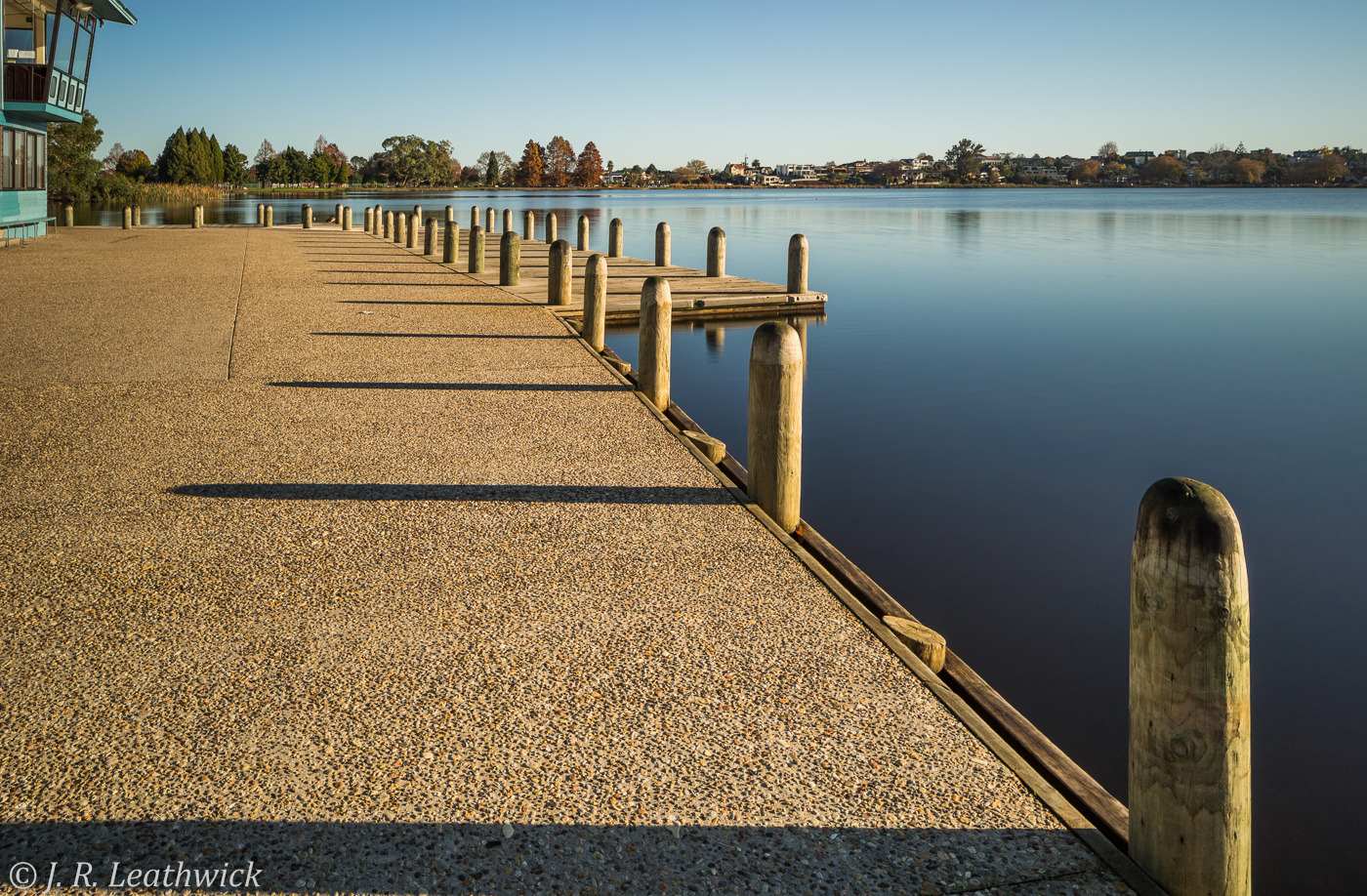
Oddly enough, Michael, you might be making them too large! I had just this experience and now generally upload them with the maximum dimension on the long side of 1200 or 1400 pixels - the image of mine three posts up is 1400 by 918. Based on my experience, my guess is that uploading too big an image results in the site software doing a 50% downscale, although I might be wrong on that. John
navmannz wrote:
Oddly enough, Michael, you might be making them too large! I had just this experience and now generally upload them with the maximum dimension on the long side of 1200 or 1400 pixels - the image of mine three posts up is 1400 by 918. Based on my experience, my guess is that uploading too big an image results in the site software doing a 50% downscale, although I might be wrong on that. John
I try and stay under 1mb in size or my files a reduced in size by the site. I'm not sure where it kicks in.
Membler wrote:
I try and stay under 1mb in size or my files a reduced in size by the site. I'm not sure where it kicks in.
My understanding if you wish to directly upload you have to keep the file size to 350 KB and no larger. Downsize the image to 1500 x 1150 with max file size 350 KB and this will load correctly. If the file size is any larger it will be automatically resized and be smaller that what you intend. Better still link your images from a website/host and will generally better in rendering and IQ for web viewing.
balga wrote:
tried to play with the curve as you said, came up nice, but have to spend more time with it... to make a preset that could potentially work with most images...
it's a lot more powerful than lightroom for sure!
it's hard to make small adjustments with the mouse, why didn't they put some arrows
as I said, now I'm just playing with colors:
Sweet, glad it seems to work all right, at least so far
I'm still to make a profile as well, need to edit more photos and different ones, like you say, try and come up with something that works for all/most photos from portraits to landscape to still life.
Yes the mouse is difficult to make exact adjustments with but use your arrow keys instead
Simply create a point on the curve then just release your mouse button and use your arrow keys on the keyboard to make single step adjustments. All keys work, up/down for higher/lower settings and left/right to move the point towards shadows or highlights
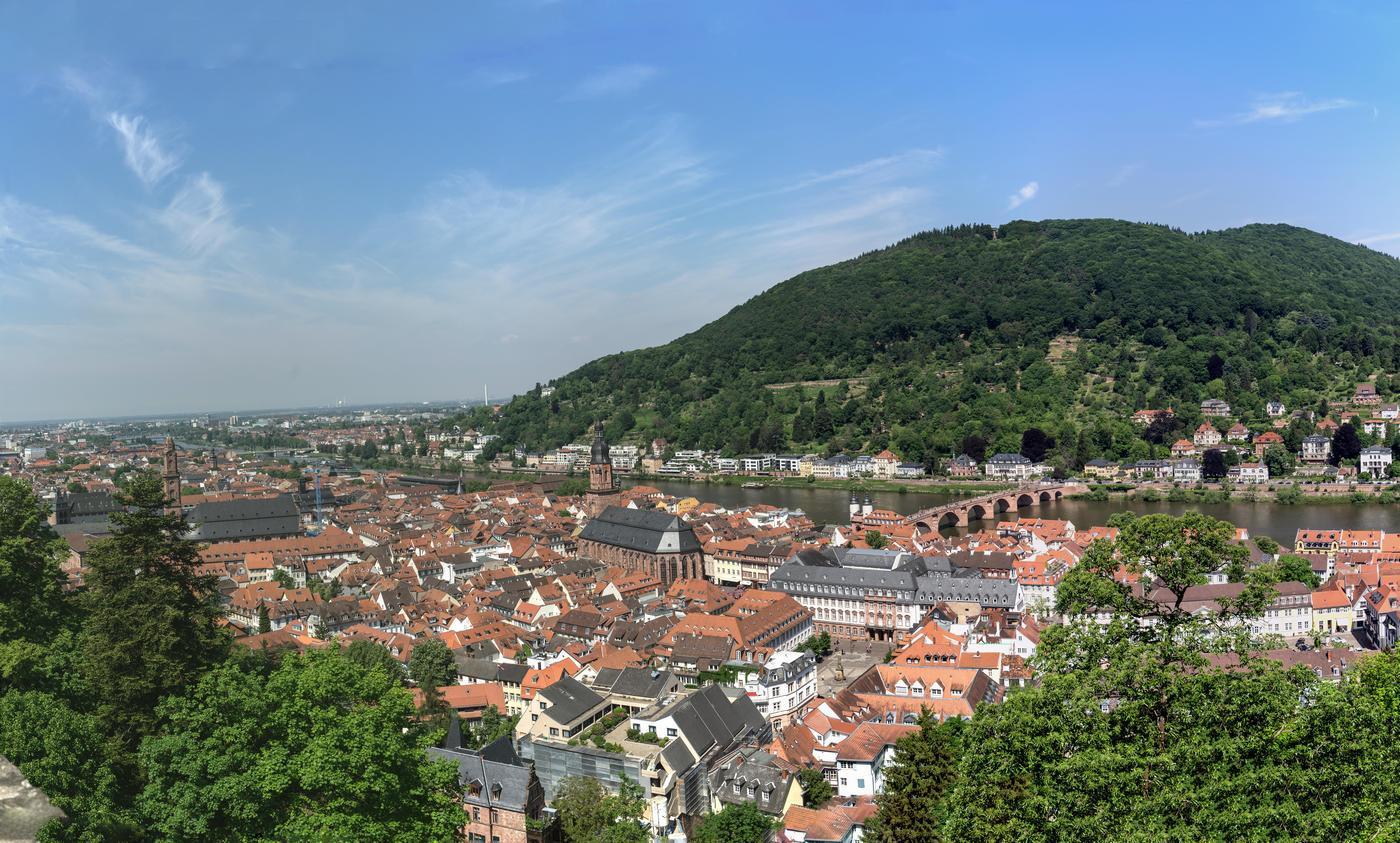
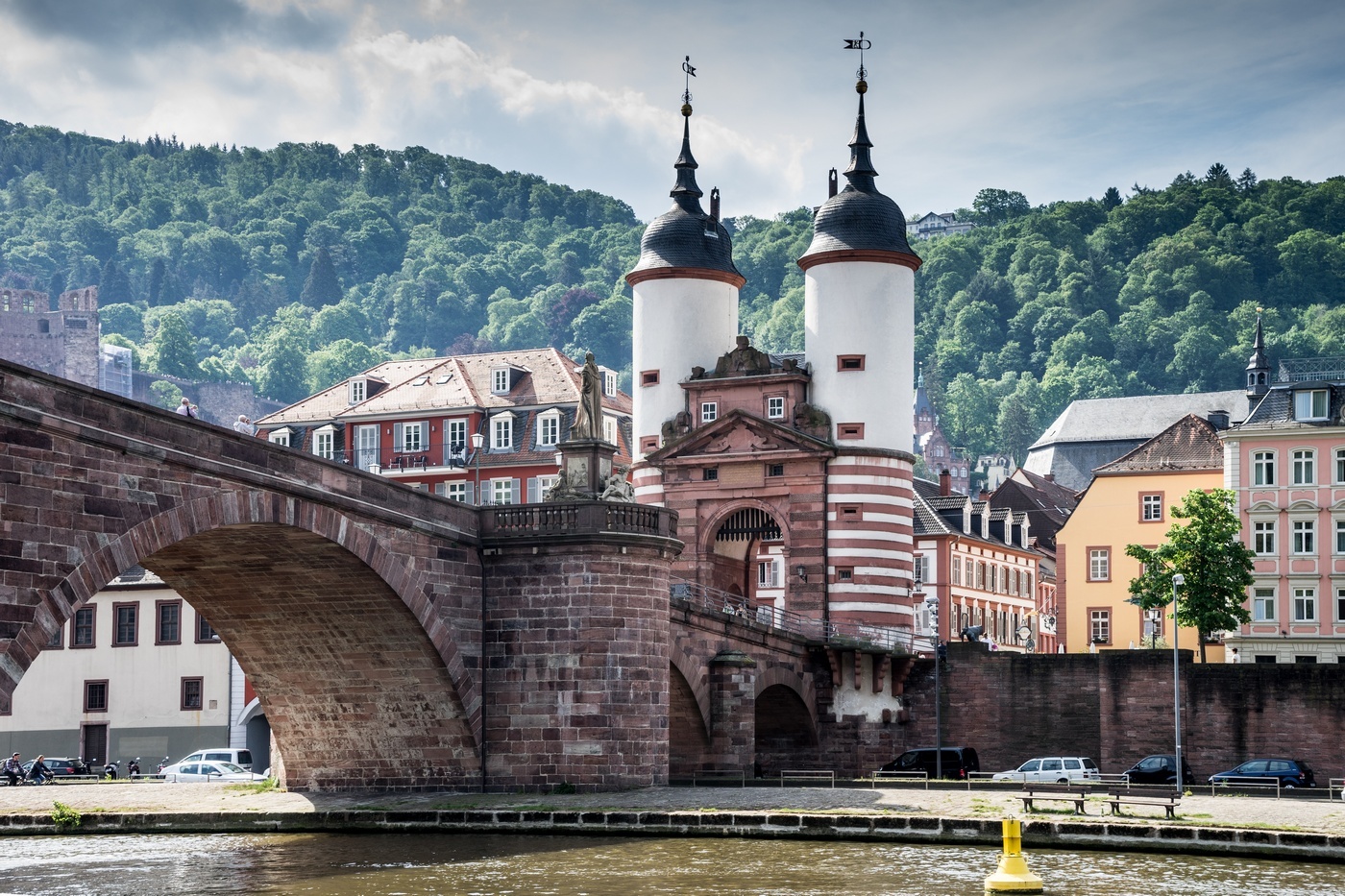
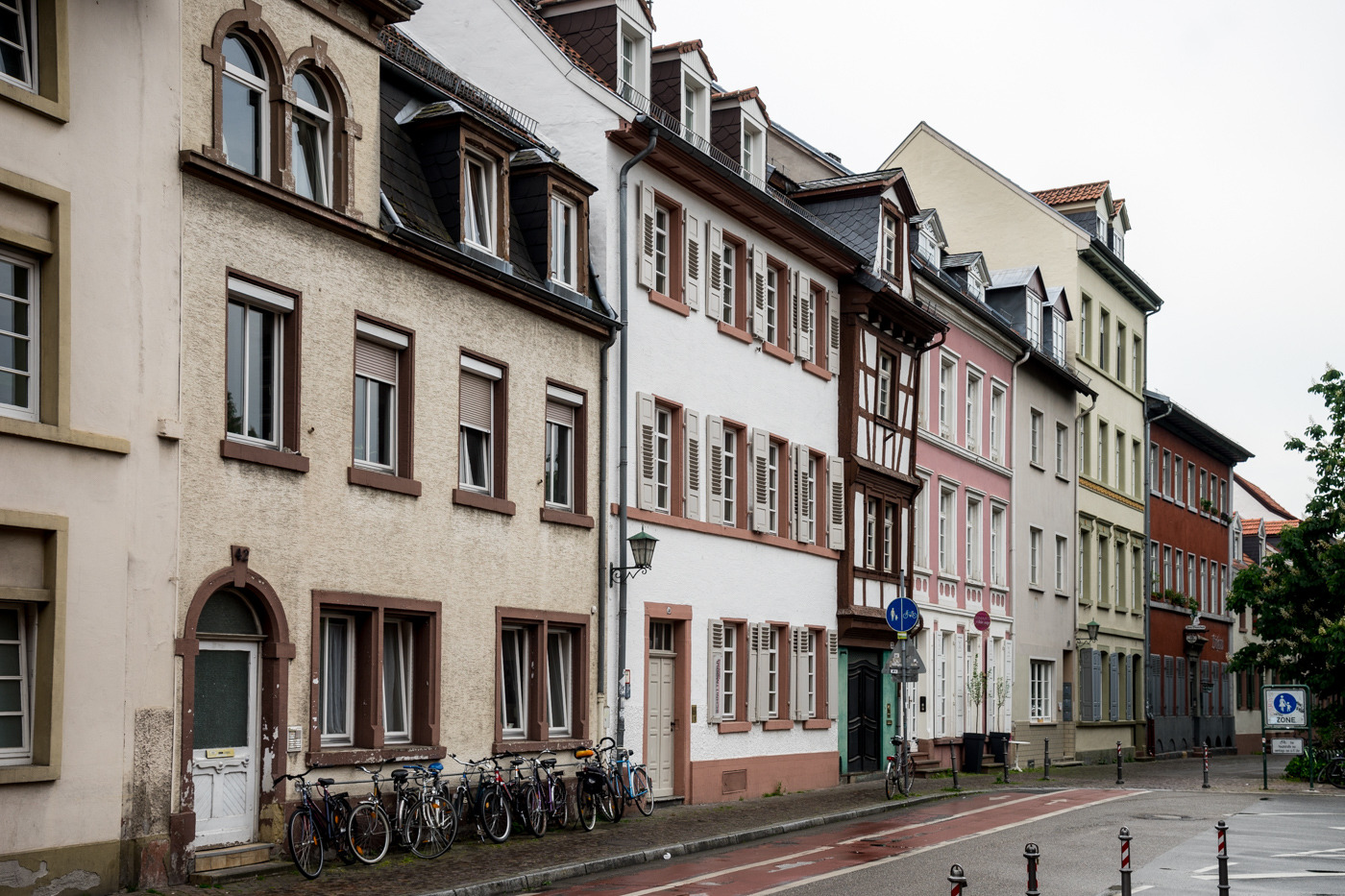
Thank you mavmannz and Membler for the suggestions about sizing. Here goes:
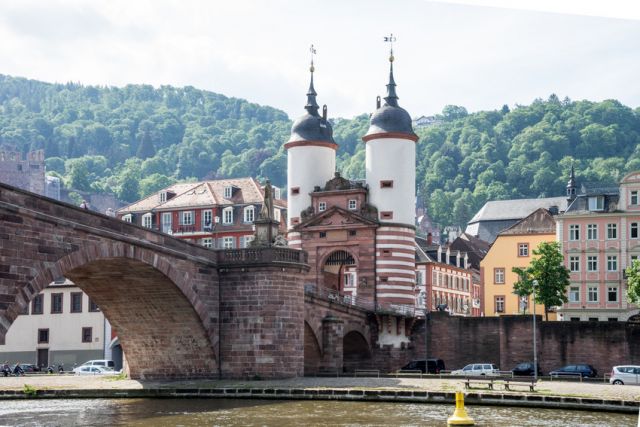
These images were taken on our recent visit to Heidelberg, a city my wife and I fell in love with.
More at Flickr: https://www.flickr.com/photos/mikeael_everett/albums