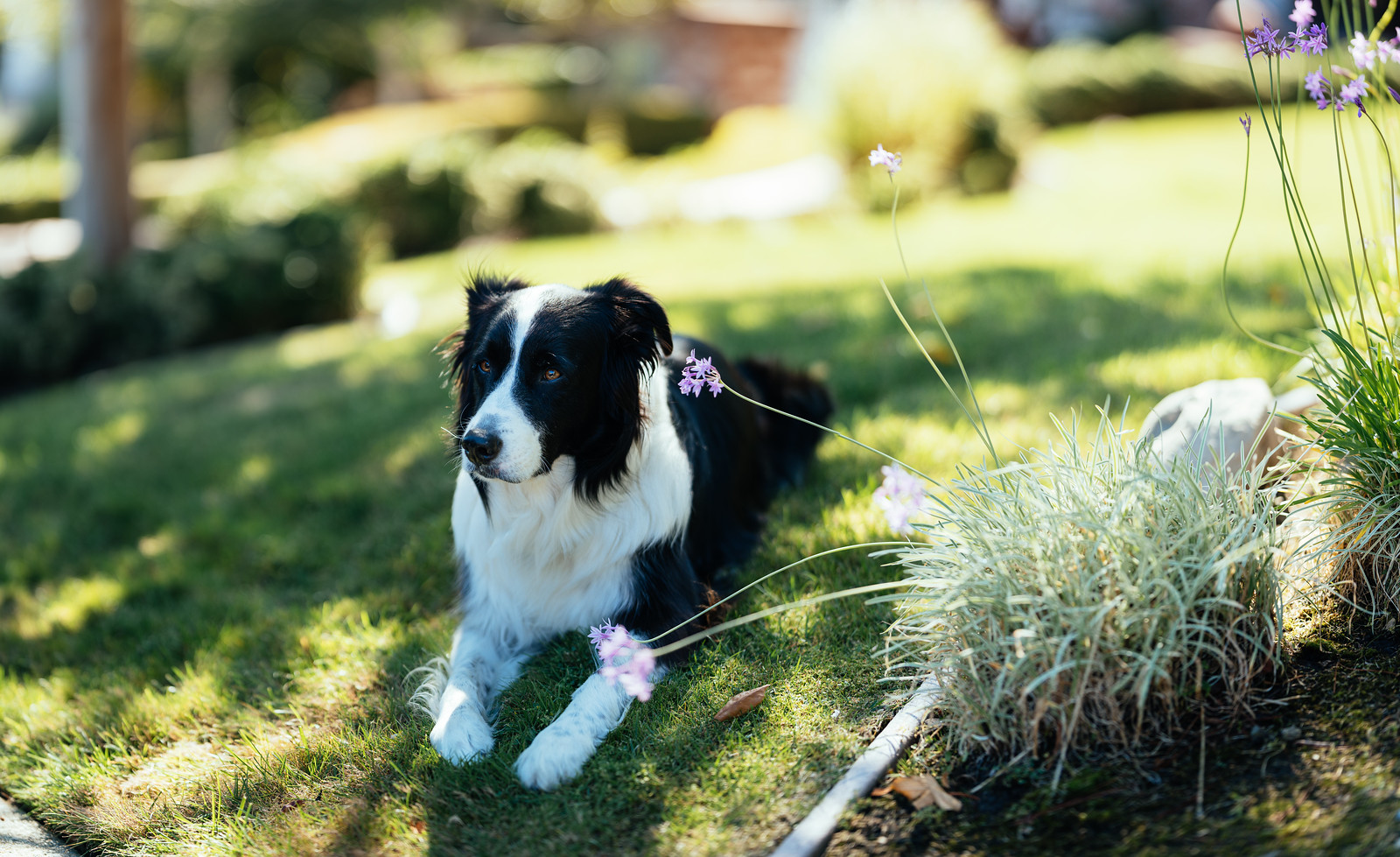
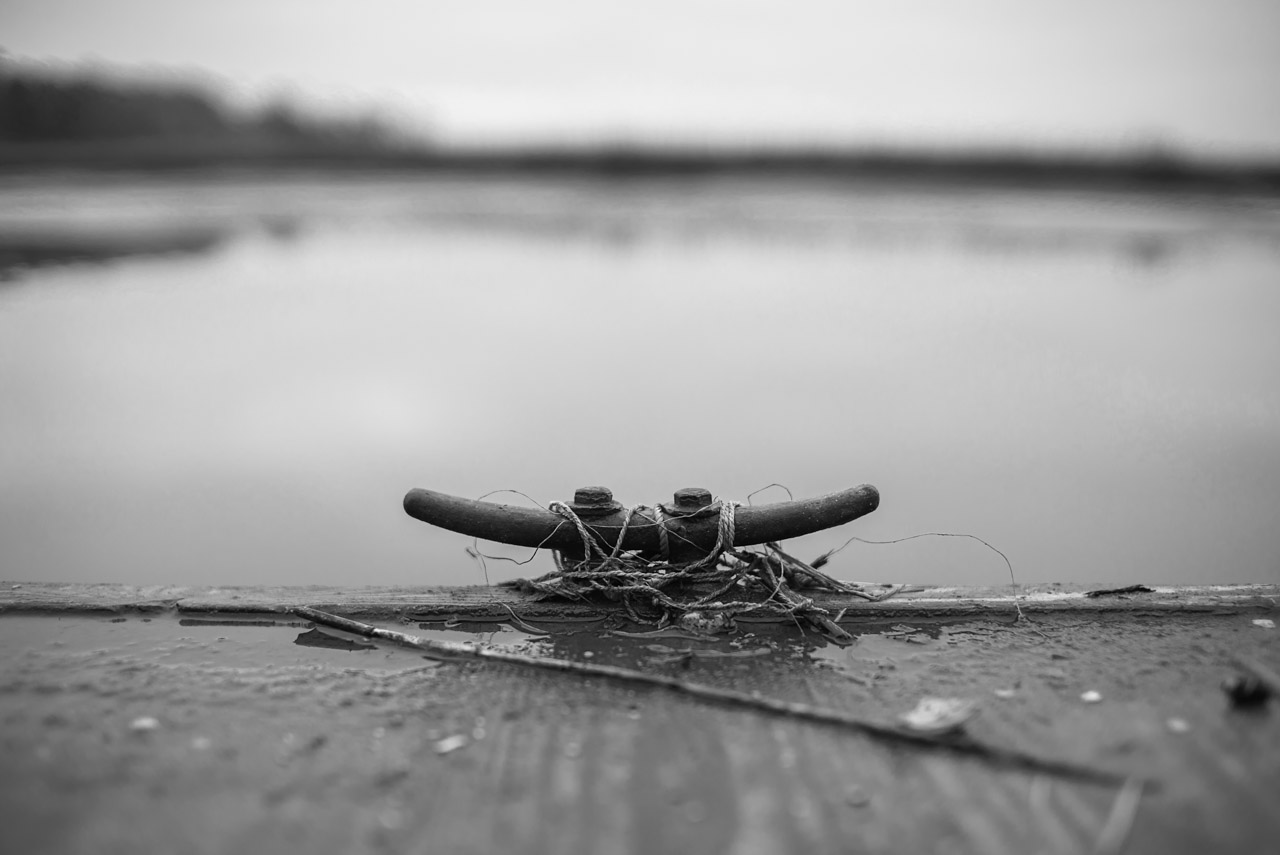
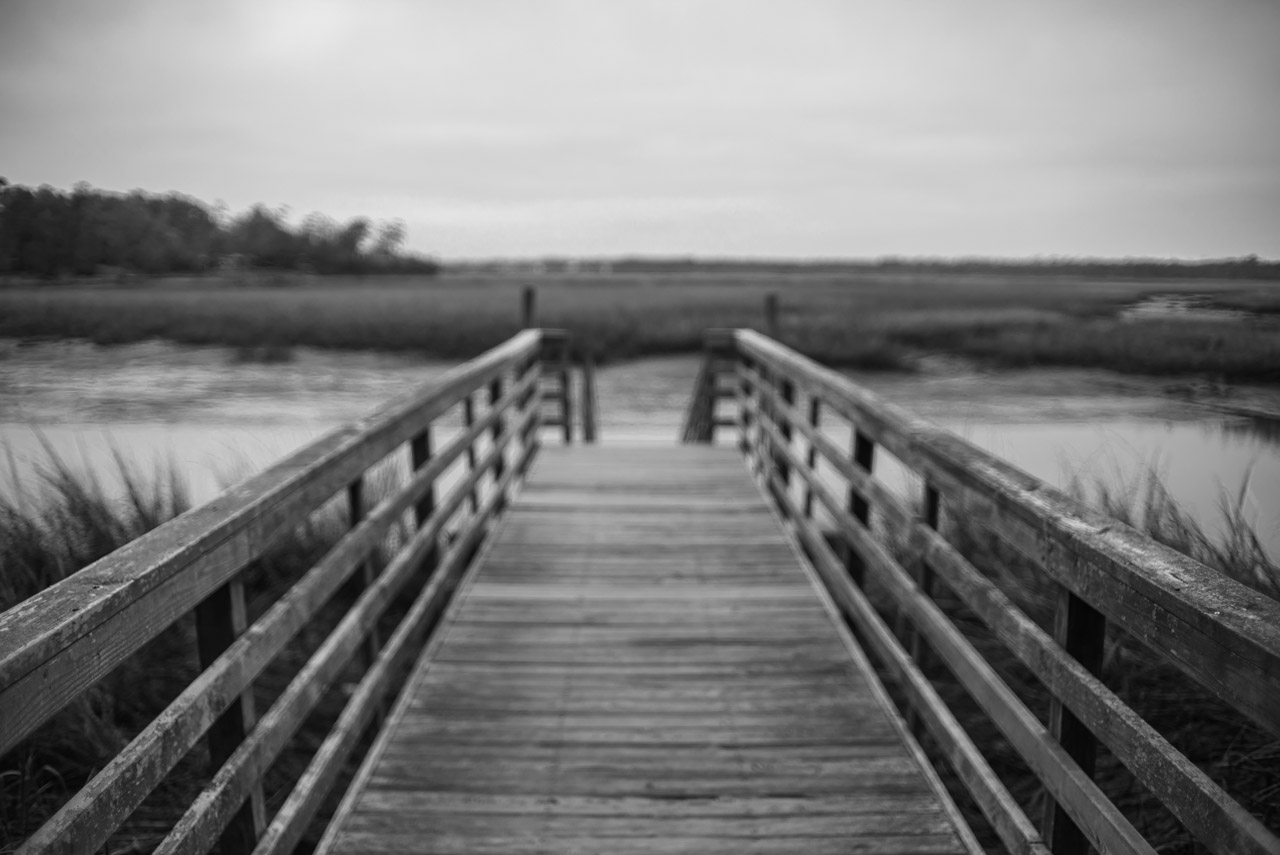
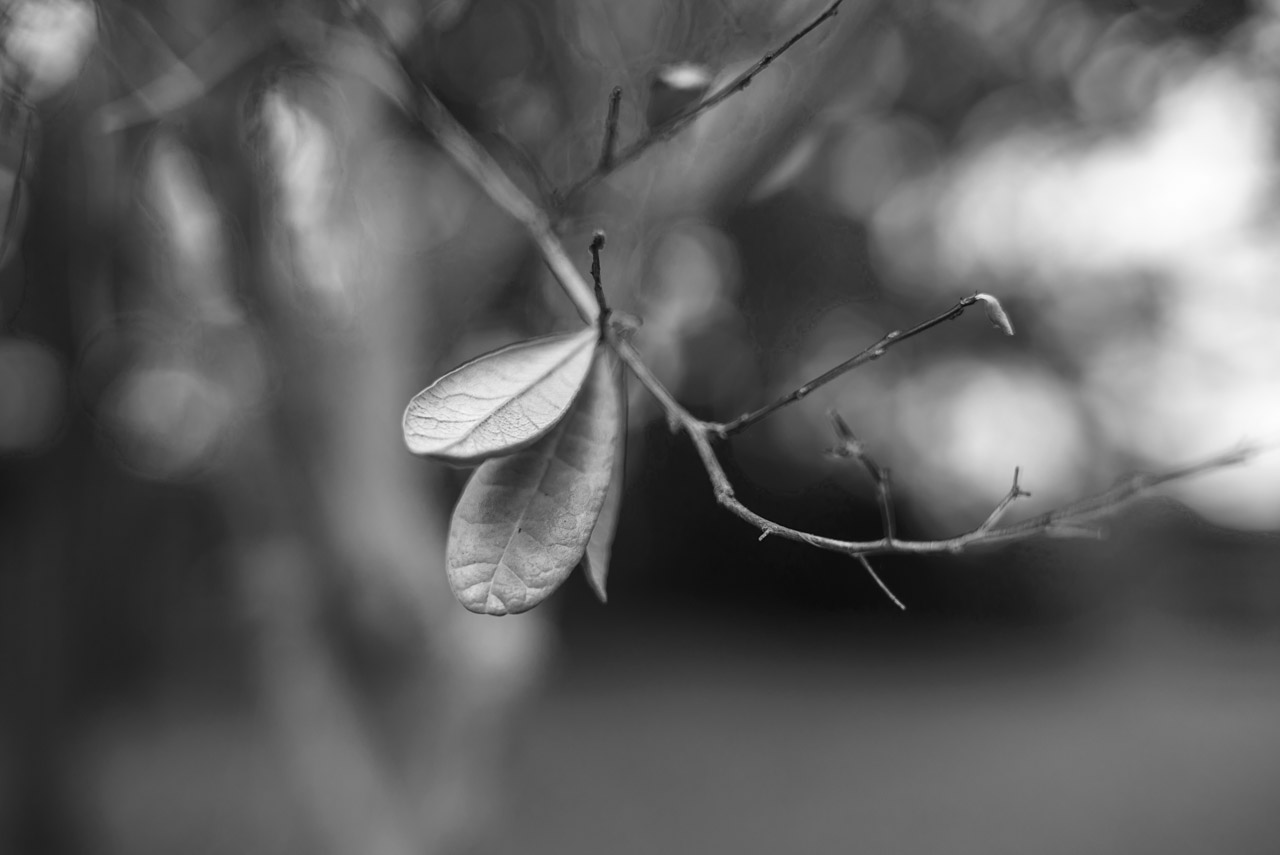
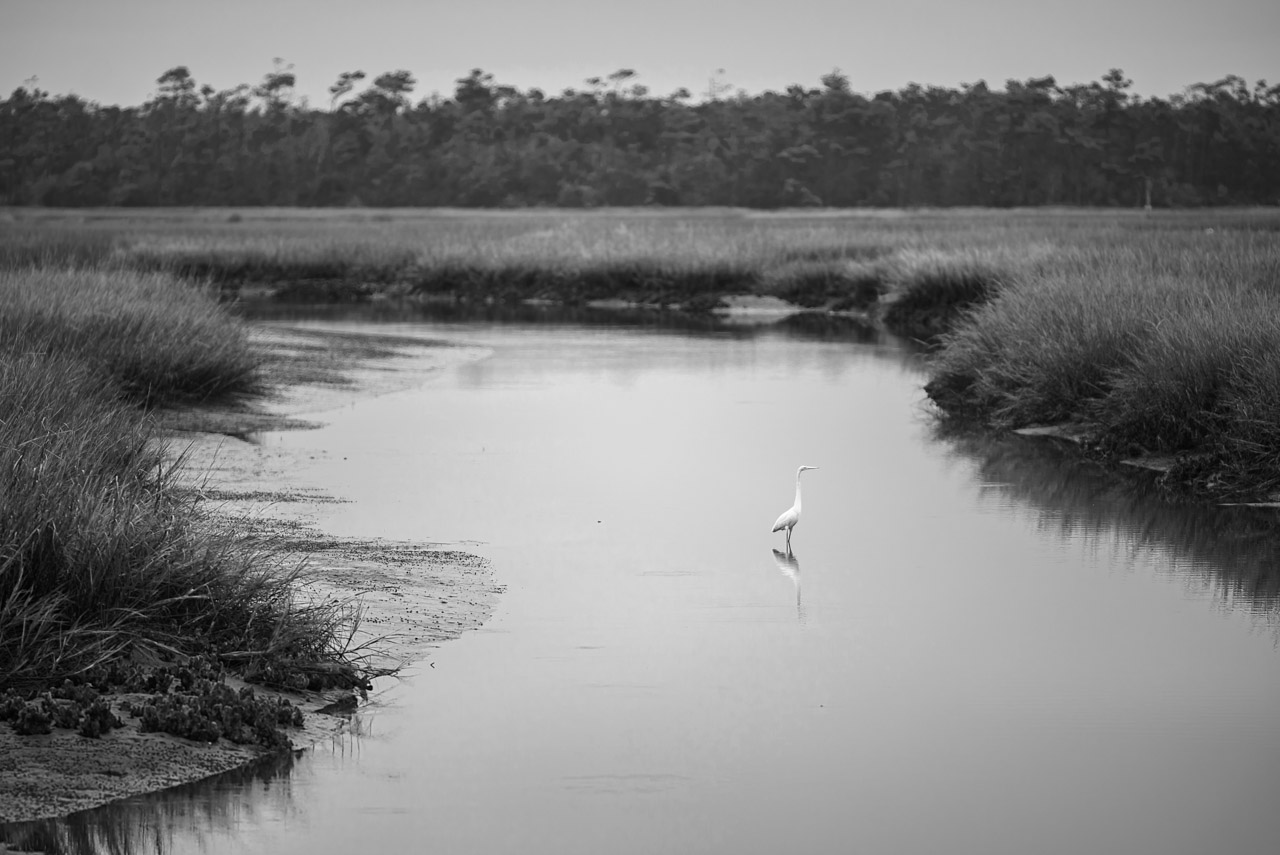
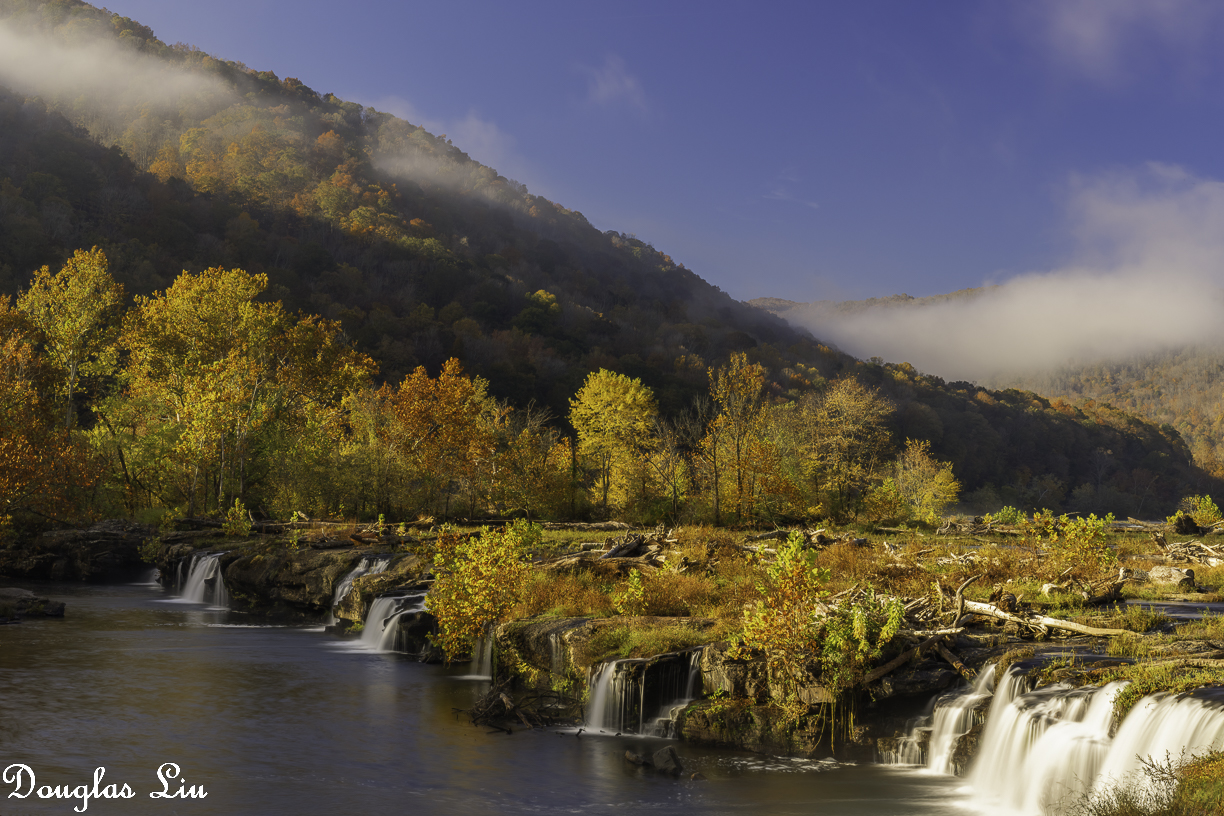
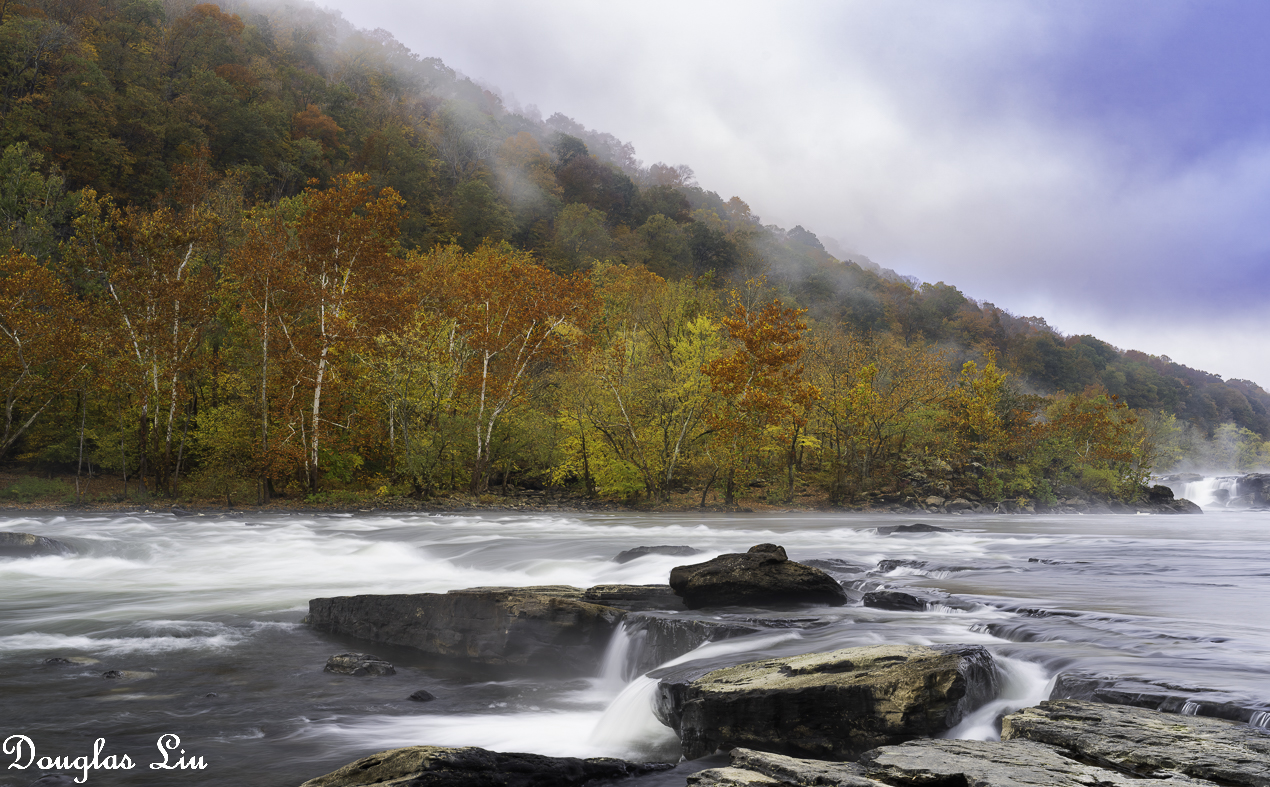
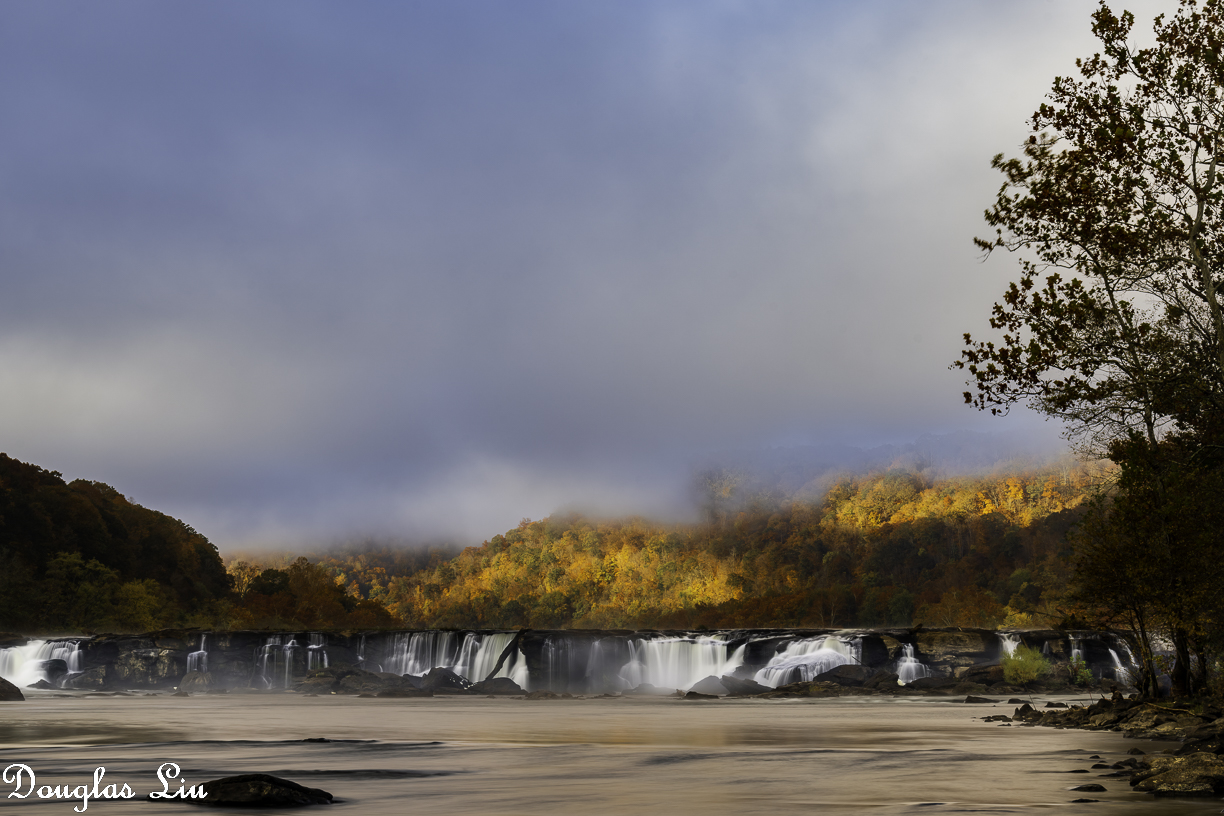
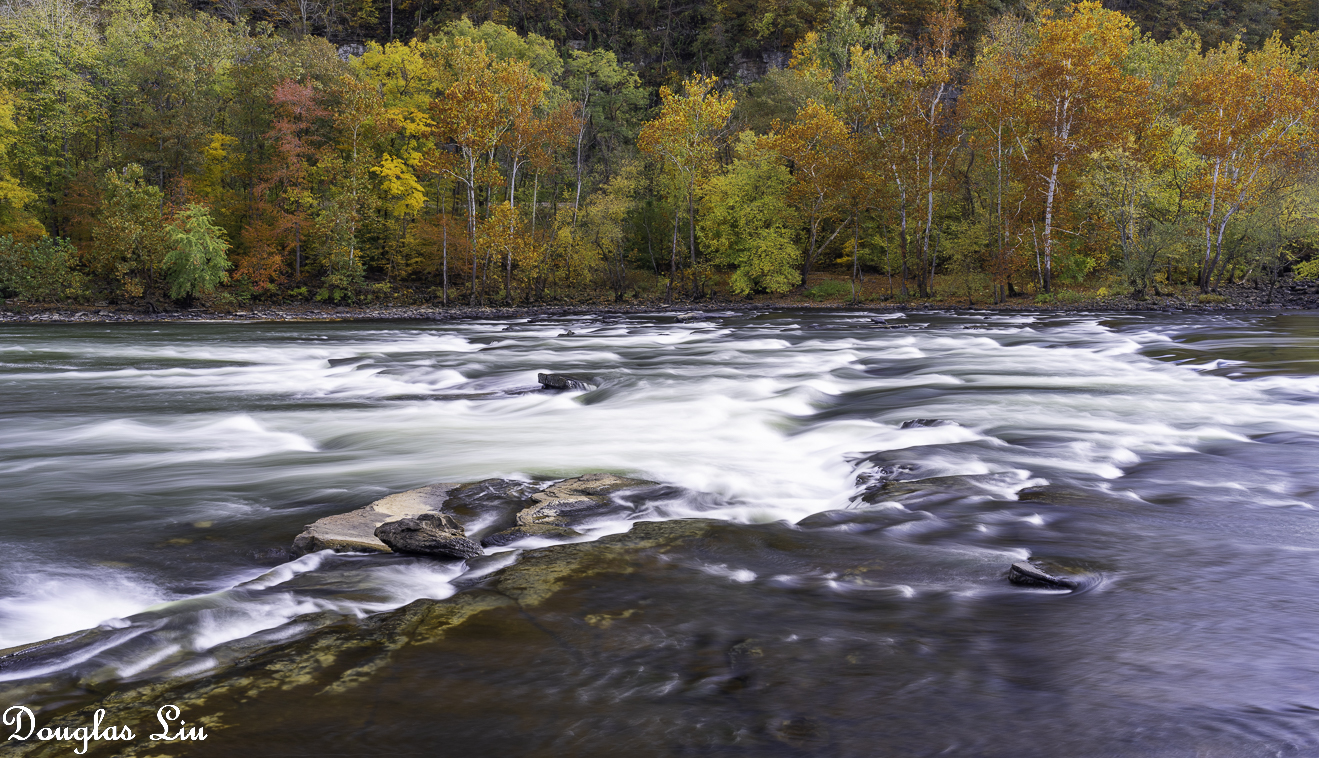
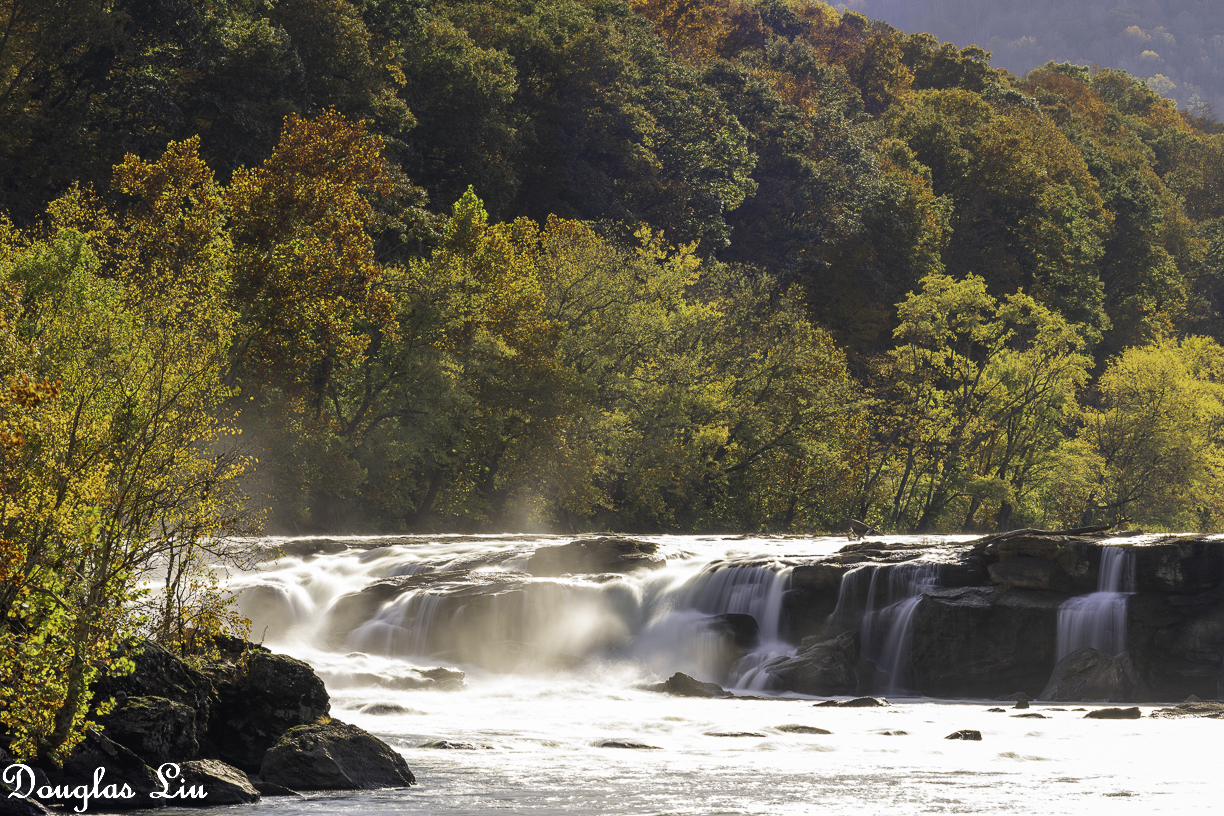
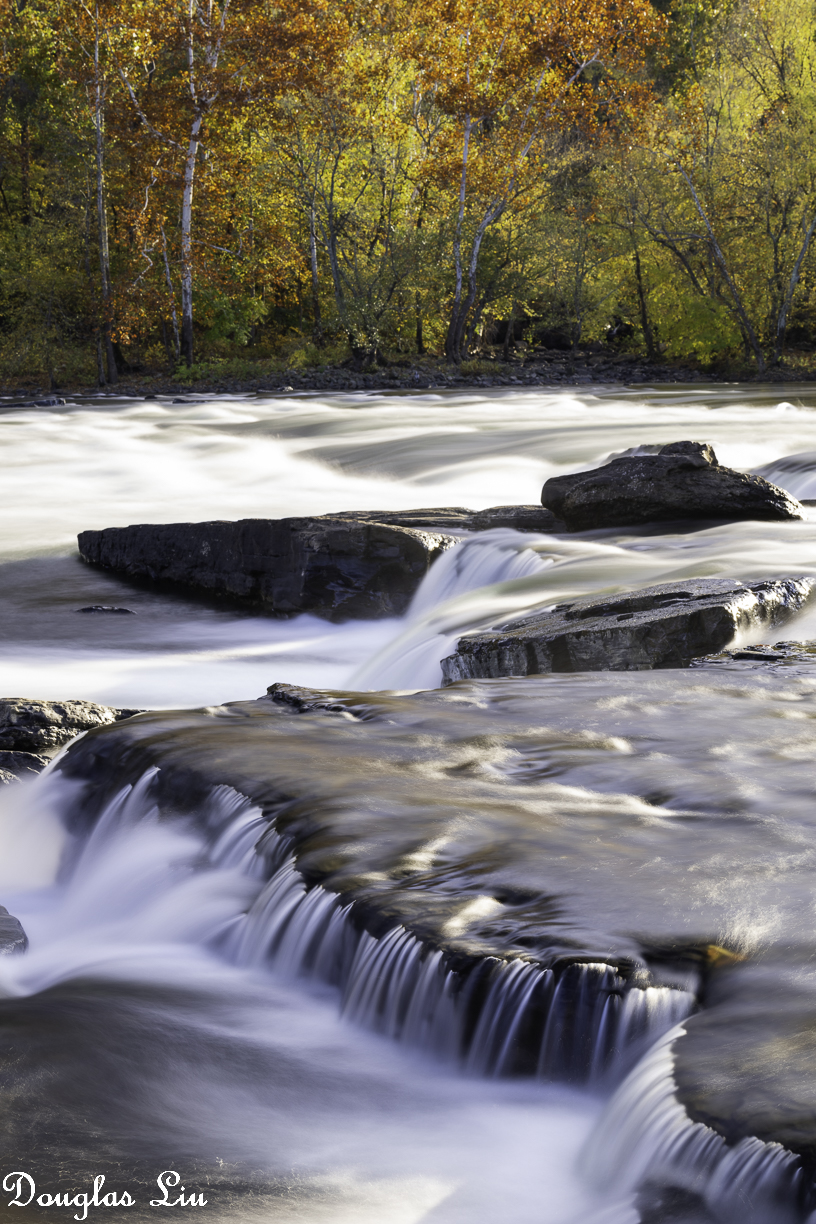
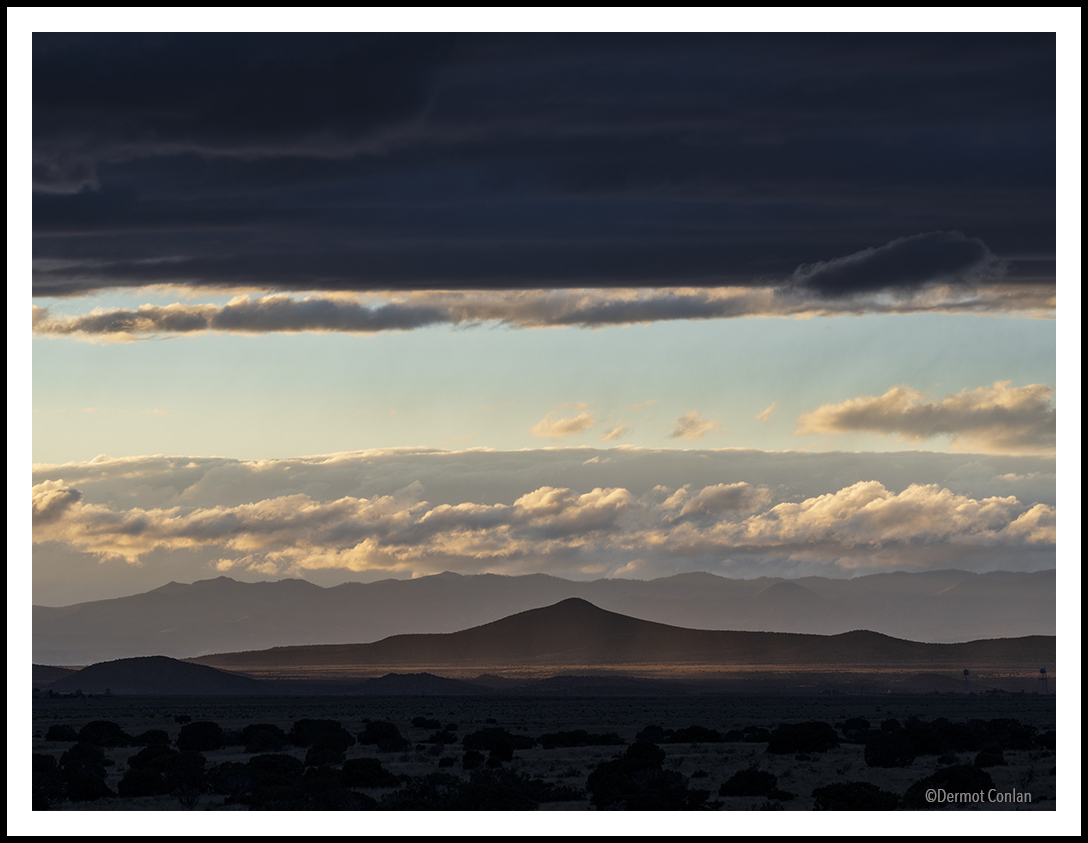
After a long hiatus from Sony I finally found a good deal on a clean old A7S. Happy to get back into it, though the weather and light could have been better today...
Reminder for me of how I generate gif animation files.
I use DxO PureRAW 2 and Capture One 22 to create quarter size jpgs from the A1 raw images.
I open then all jpgs intended for animation in Adobe Photoshop 2023.
My guess is the files open in an ACR window.
I then select all files and click "Open" to have them show up in Photoshop proper.
Next click on "File/Scripts/Load Files into Stack..."
Click "Add open Files"
Select all open Files, then click on "Sort by Name"
Click "OK"
In the new window ensure "Window/Timeline" has a checkmark.
Click "Create Frame Animation" at the bottom panel of the window.
This same bottom panel also has "3 short parallel lines" in its upper right hand corner.
Clicking on the "3 short parallel lines" symbol reveals a bunch a new commands.
Click on "Make Frames from Layers".
All the jpgs can now be animated as a video.
If necessary in the same command panel click on "Reverse Frames" to play the video forwards or backwards.
One now can play with the animation and change various settings, like delay between frames, etc.
It's worth exploring the options presented.
Finally one has to save the animation as a gif file.
Click on "File/Export/Save for Web (Legacy)..."
It may take awhile (bouncing beachball) for the next window to appear.
At the right side of this window are various options that control how the animation looks like.
I get best results with GIF, Adaptive, Pattern, No Transparency Dither, Use Document Profile, Colors: 256, Convert to sRGB.
Click "Save..." and one has a gif animation.
I open the gif file in Safari to watch the animation before uploading it to smugmug.com.
Typically it takes a long time processing before the animation becomes available.
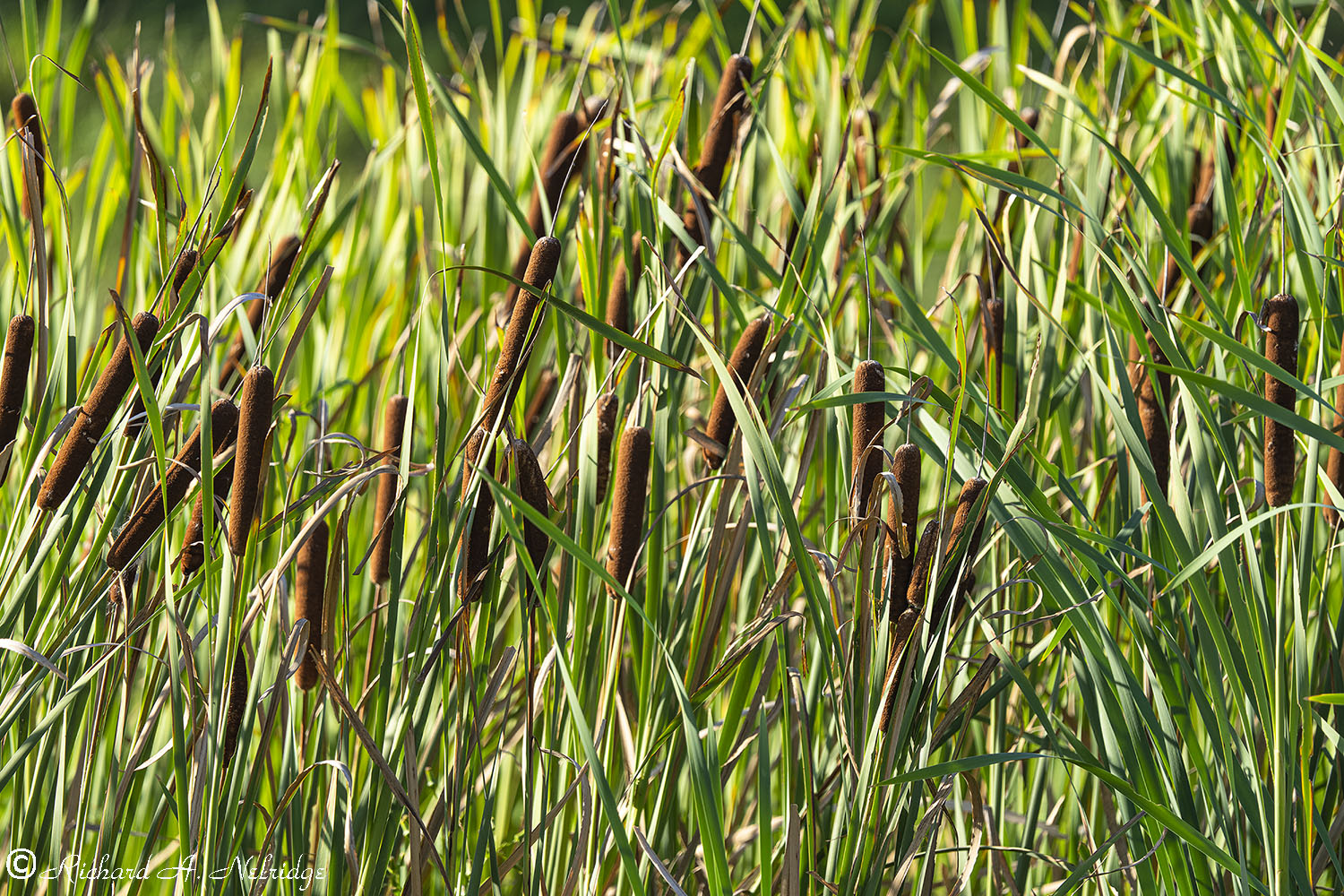
Looking at Cattails in late afternoon light in the Retention Pond behind my home.
Tripod mounted using Fotopro E-6H Gimbal Head 200-600mm G set to 600mm and A1; silent shutter.
ISO 100, f6.3, 1/160 second.
Exposure Corrected -0.26 Stops.
September 8, 2022
At the rear of my home, Breinigsville, PA.
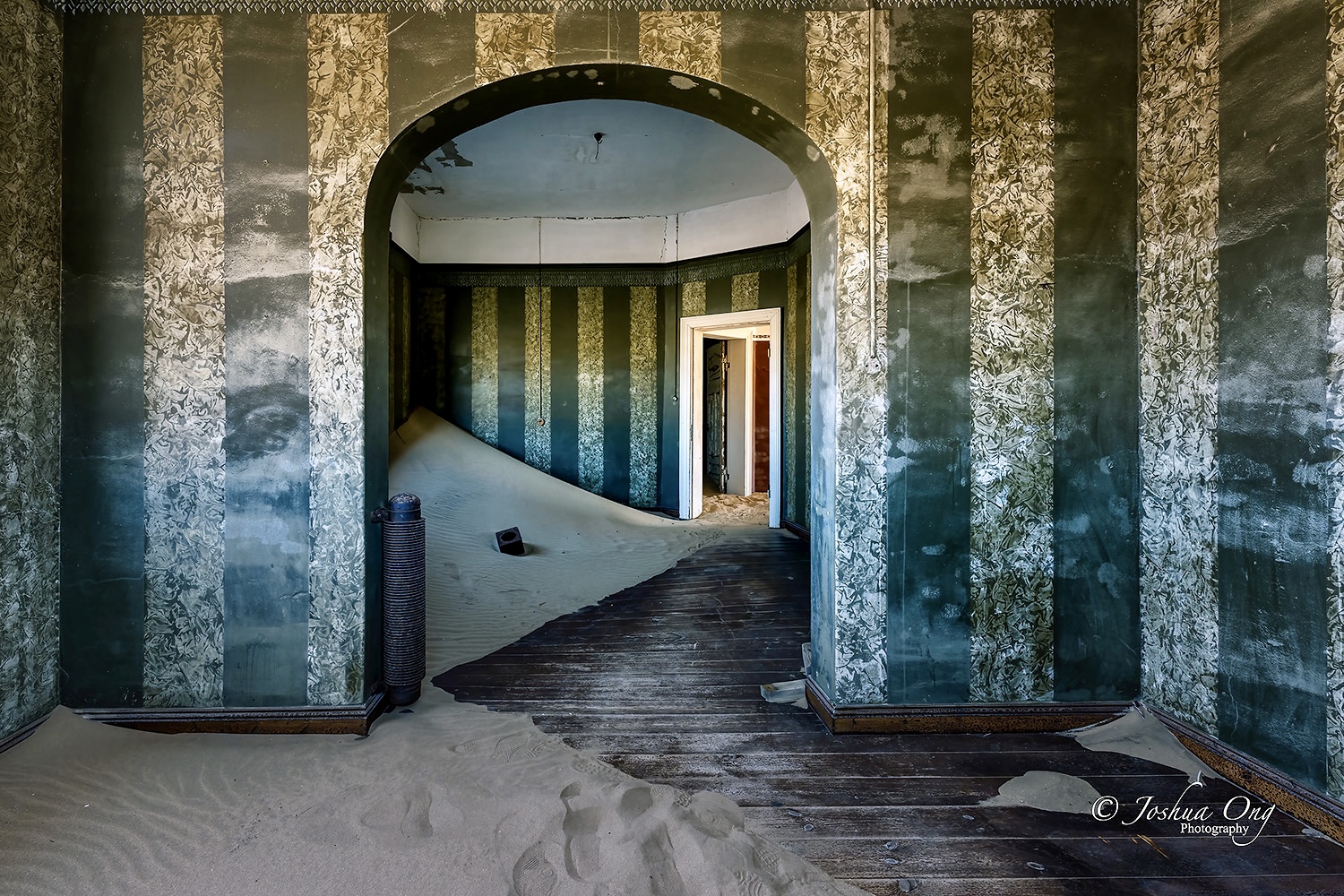
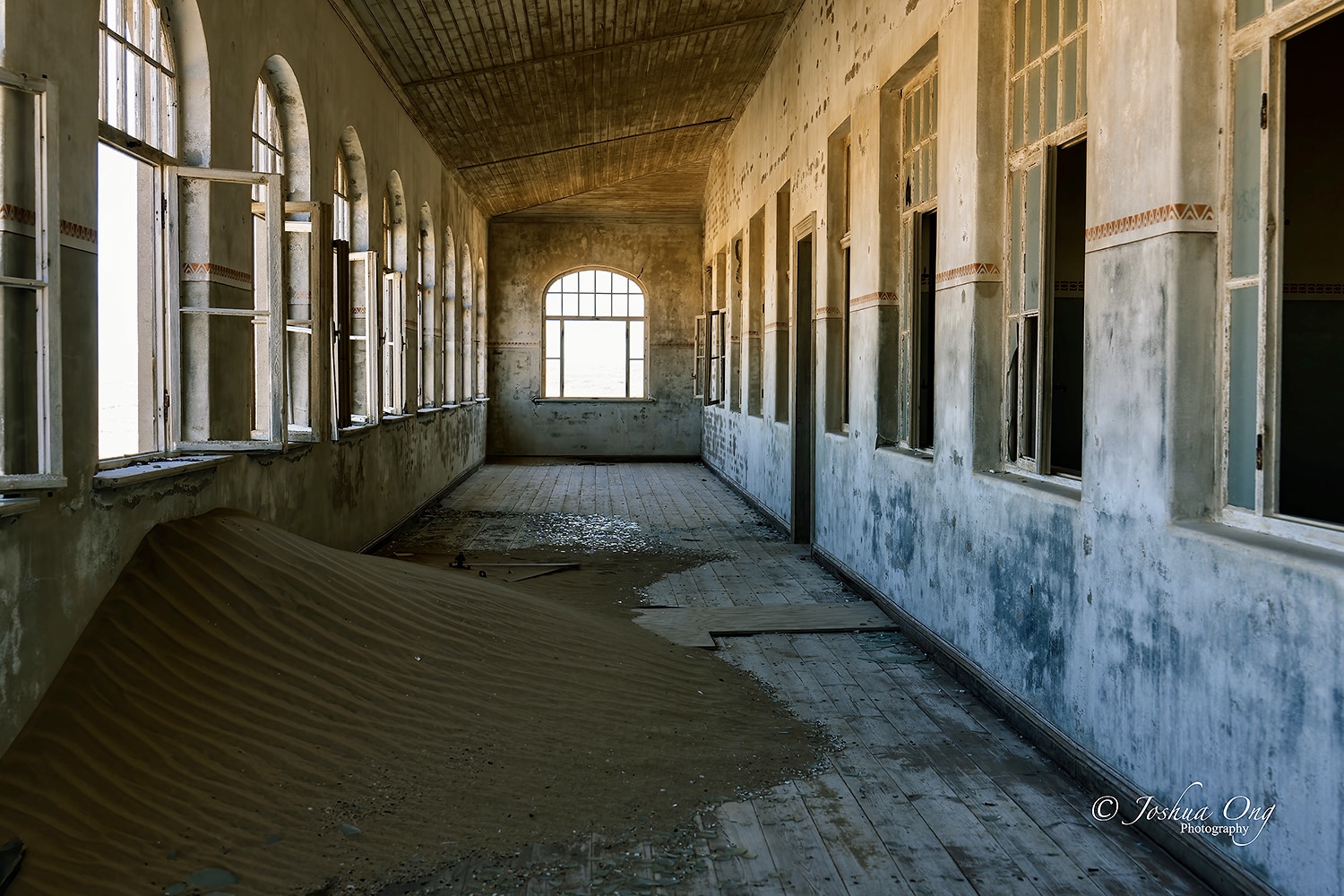
Kolmanskop sprung out of nowhere in the middle of the desert after diamond was discovered in the early 1900’s. Namibia was a German colony and as such, the architecture of the structures, as well as the names was distinctively German. The splendor of the town didn’t last long after diamond mines became depleted in the 1920’s. But not when rich diamond deposits were discovered some 200km away to the south when the population made an exodus away from Kolmanskop. It was completely abandoned in the 1950’s. Slowly but surely the desert claims its territory back since the structures were left dilapidated, leaving a ghost town behind.