k-h.a.w wrote:
Thank you Joshua, much appreciated.
I am now using Photoshop 2023 for that.
Had to get used to their new user interface.
In particular as I had not made gifs for a while.
But I got back into it pretty quickly.
I am enjoying a lot all your Namibia and other African images.
What a fantastic experience you must have had on that trip.
Truly stunning images you created. Thanks.
Cheers, K-H.
Thank you for your kind words of my Namibia/African images, K-H.! Also for the tip to create GIF files using PS. We learn something everyday, even at our age .
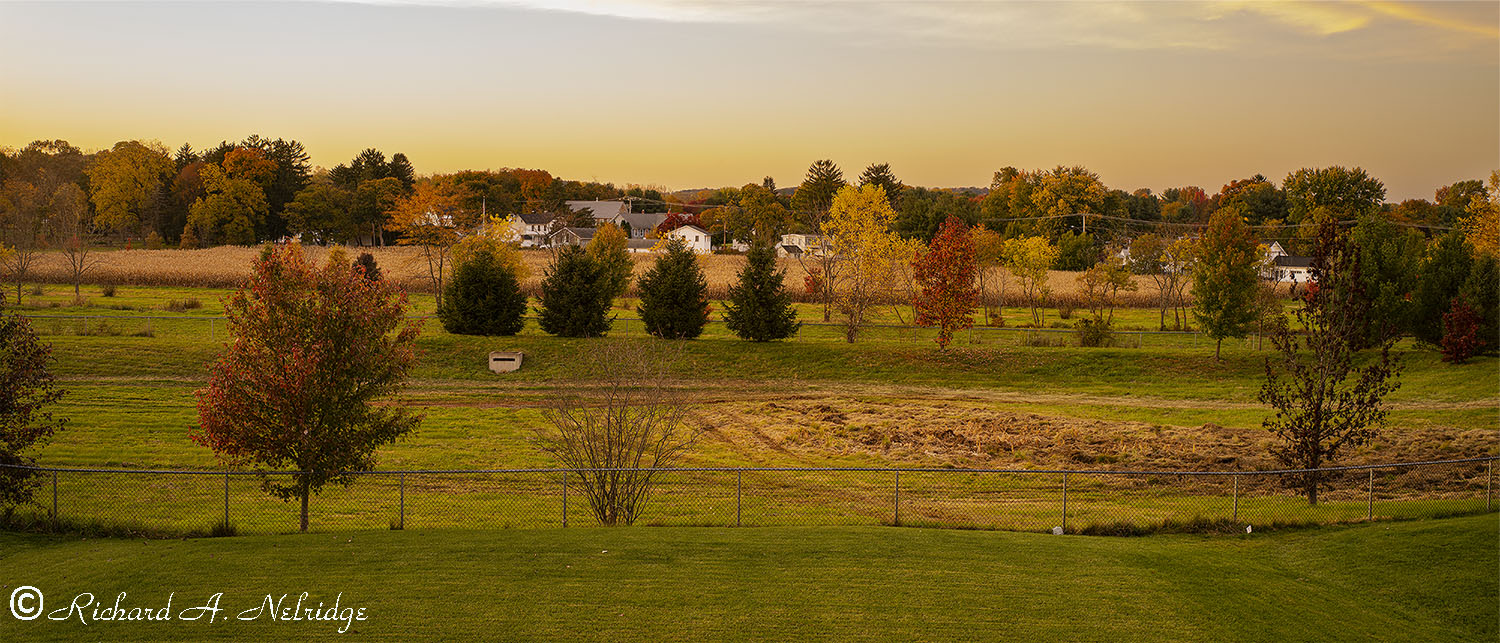
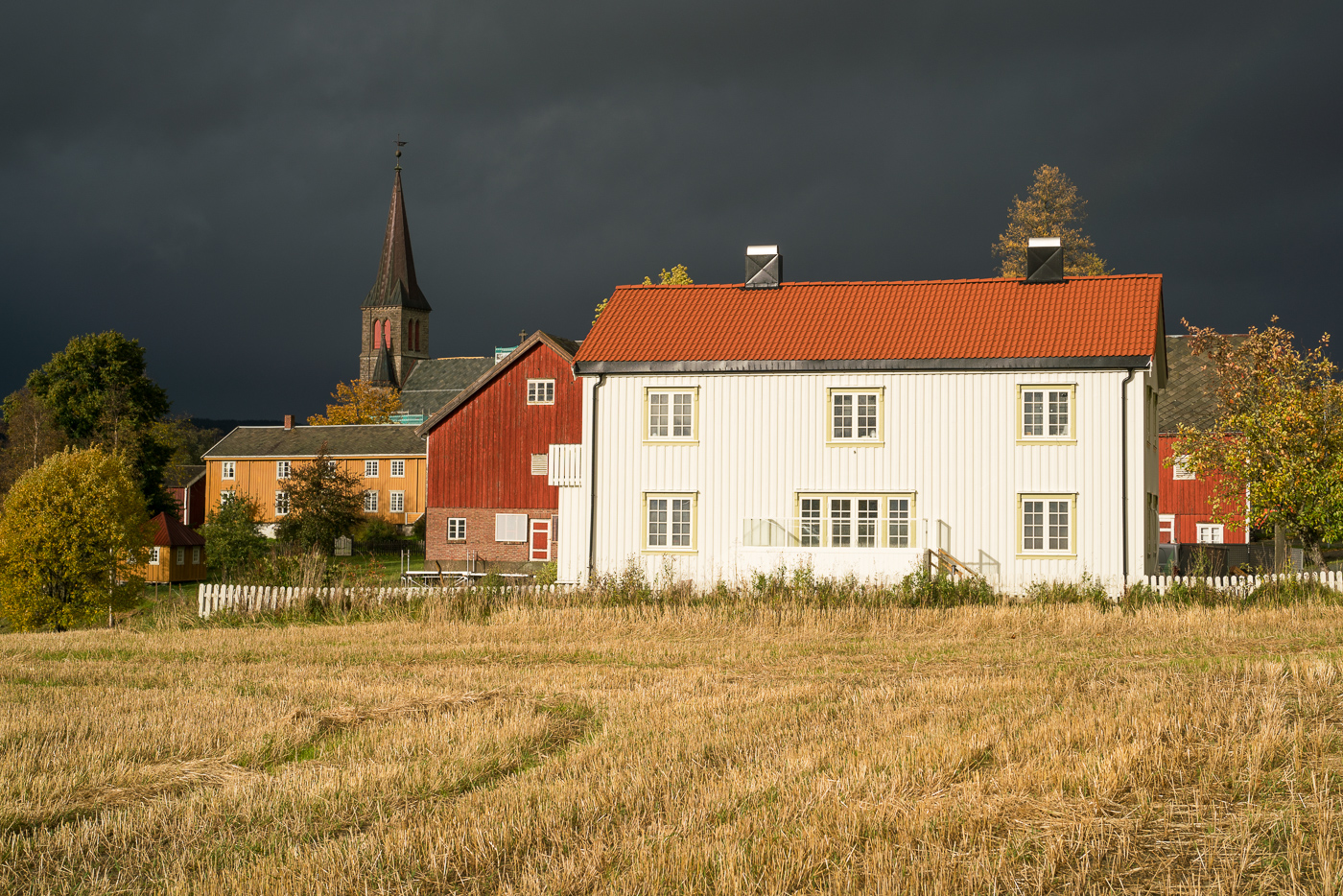
Photo taken yesterday between 6:18 and 6:19 PM, 7-8 minutes after Sunset.
Looking out past my backyard, across the retention ponds, across the farmers cornfield at homes, Post Office and Trees in Autumn Color. Heavy Equipment has been run through the retention ponds which can be seen and the damage can be seen and the Cattails have been removed again.
This consists of 3 images taken using left and right shift of the Cambo Actus Mini Camera which were flat stitched in Photoshop, using Tripod Mounted Cambo Actus Mini B camera with A1 used as Digital Back and Rodenstock 55mm f4.5 Apo Sironar Digital lens; silent shutter.
ISO 100, f11, for 3 1 Second Exposures.
October 22, 2022
Looking out my Kitchen sliding door, across my backyard, retention ponds, farmers corn field at the trees in autumn color homes and Post Office.
One of the trials with the Elmarit-M 28mm V3, A7rII and B+W polarizer, walking around in the village of Obergrombach, Germany. The lens is not the sharpest, but I am liking a lot to use it so far. Stay all well!
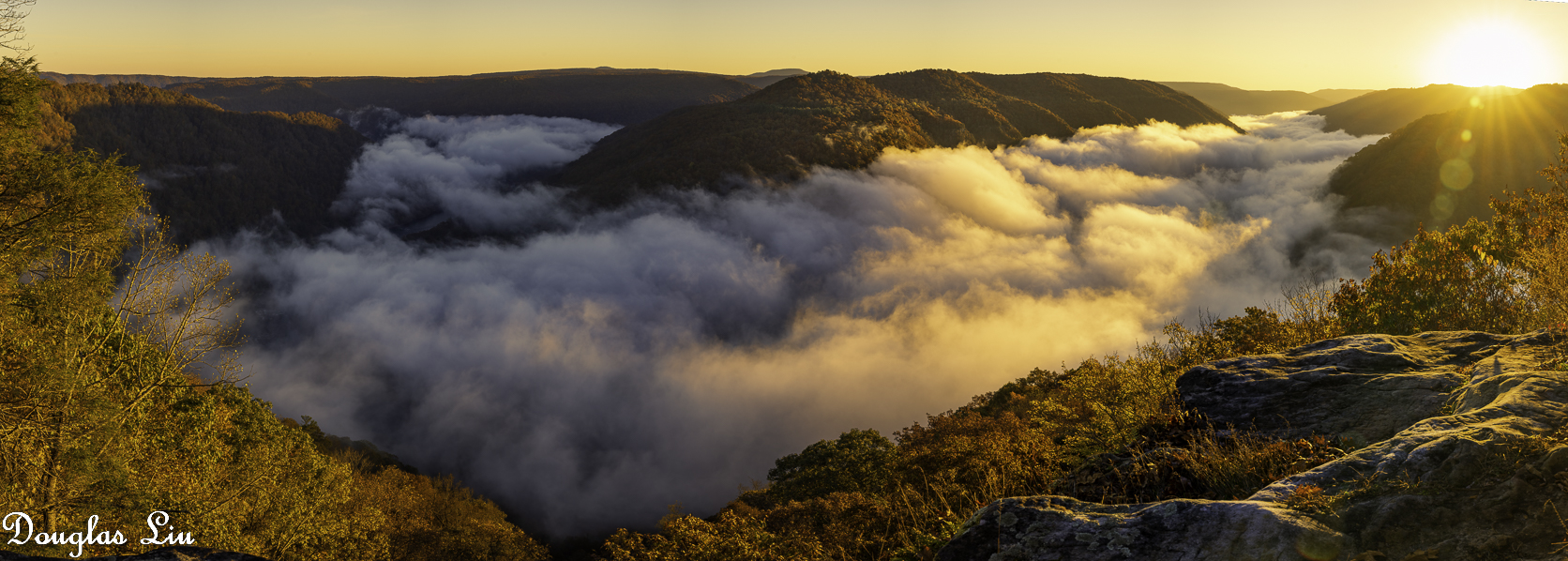
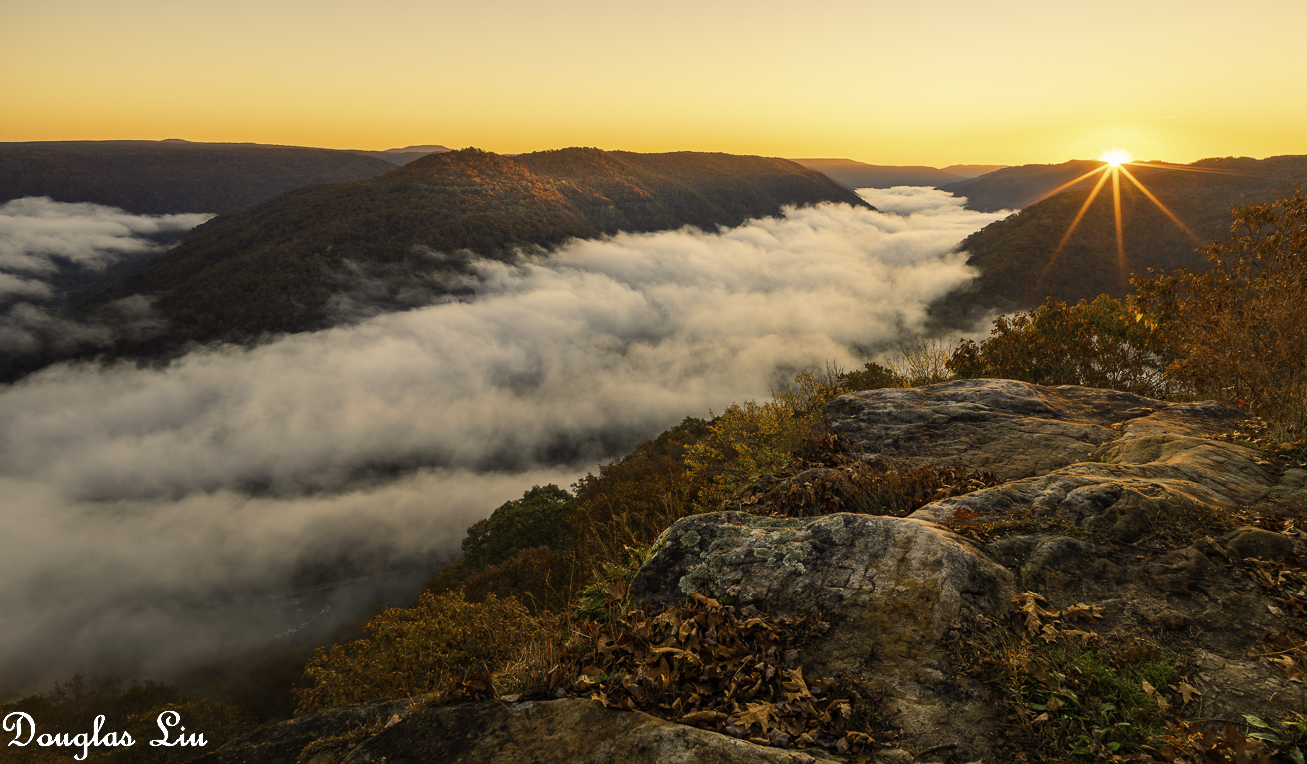
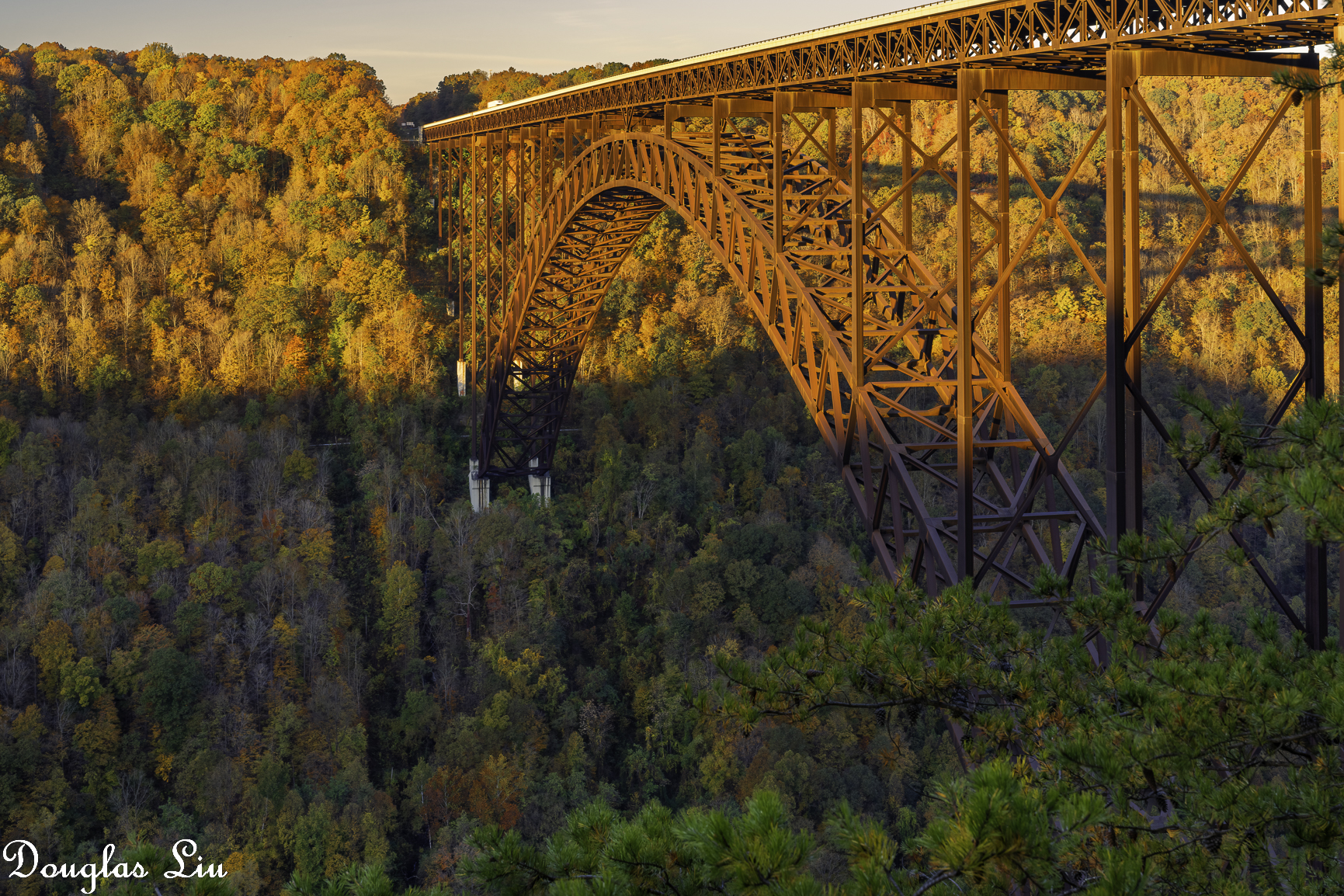
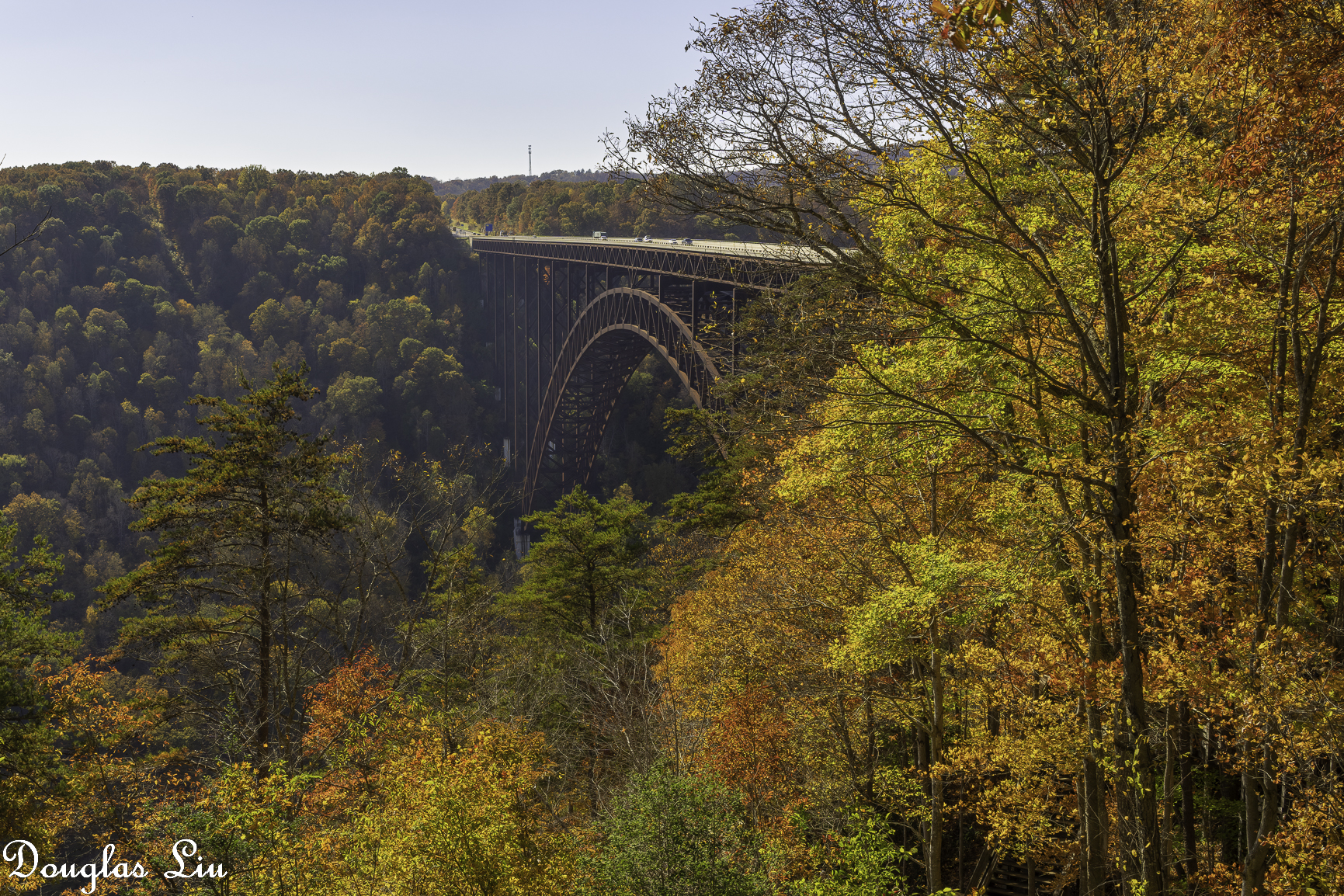
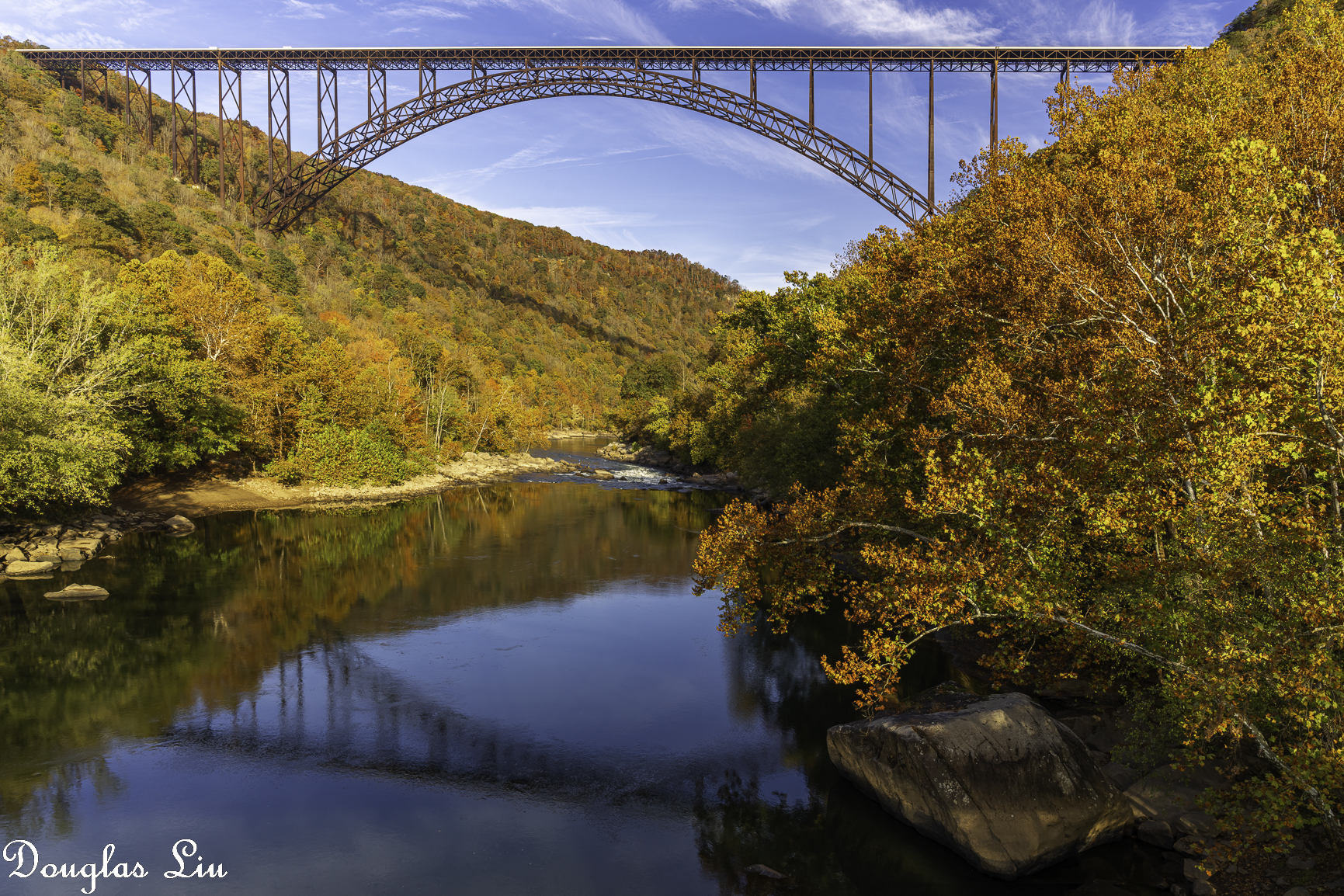
Very cool computer work, K-H! I don't even know how to take pano with my iPhone:. Bought an RRS pano head few months ago and got to try it out at the Grandview Overlook in West Virginia yesterday morning. The first picture is a 5-shot pano. Since I knew I was going to shoot sunrise, I brought my little CV 15mm with me even though I also brought the Sony PZ 16-35. We went to this overlook on Thursday morning for sunrise but it was nothing but fog, couldn't see anything 20' away.
Below the cloud is the New River.
ILCE-1FE 24-70mm F2.8 GM II lens43mmf/13.01/15s100 ISO0.0 EV
ILCE-1Voigtlander SUPER WIDE-HELIAR 15mm F4.5 III lens15mmf/9.01/30s100 ISO0.0 EV
AGeoJO wrote:
Thank you for your kind words of my Namibia/African images, K-H.! Also for the tip to create GIF files using PS. We learn something everyday, even at our age .
Douglas L wrote:
Very cool computer work, K-H! I don't even know how to take pano with my iPhone:. Bought an RRS pano head few months ago and got to try it out at the Grandview Overlook in West Virginia yesterday morning. The first picture is a 5-shot pano. Since I knew I was going to shoot sunrise, I brought my little CV 15mm with me even though I also brought the Sony PZ 16-35. We went to this overlook on Thursday morning for sunrise but it was nothing but fog, couldn't see anything 20' away.
Below the cloud is the New River.
Thank you Joshua and Douglas, great images.
Reminder for me of how I generate gif animation files.
I use DxO PureRAW 2 and Capture One 22 to create quarter size jpgs from the A1 raw images.
I open then all jpgs intended for animation in Adobe Photoshop 2023.
My guess is the files open in an ACR window.
I then select all files and click "Open" to have them show up in Photoshop proper.
Next click on "File/Scripts/Load Files into Stack..."
Click "Add open Files"
Select all open Files, then click on "Sort by Name"
Click "OK"
In the new window ensure "Window/Timeline" has a checkmark.
Click "Create Frame Animation" at the bottom panel of the window.
This same bottom panel also has "3 short parallel lines" in its upper right hand corner.
Clicking on the "3 short parallel lines" symbol reveals a bunch a new commands.
Click on "Make Frames from Layers".
All the jpgs can now be animated as a video.
If necessary in the same command panel click on "Reverse Frames" to play the video forwards or backwards.
One now can play with the animation and change various settings, like delay between frames, etc.
It's worth exploring the options presented.
Finally one has to save the animation as a gif file.
Click on "File/Export/Save for Web (Legacy)..."
It may take awhile (bouncing beachball) for the next window to appear.
At the right side of this window are various options that control how the animation looks like.
I get best results with GIF, Adaptive, Pattern, No Transparency Dither, Use Document Profile, Colors: 256, Convert to sRGB.
Click "Save..." and one has a gif animation.
I open the gif file in Safari to watch the animation before uploading it to smugmug.com.
Typically it takes a long time processing before the animation becomes available.
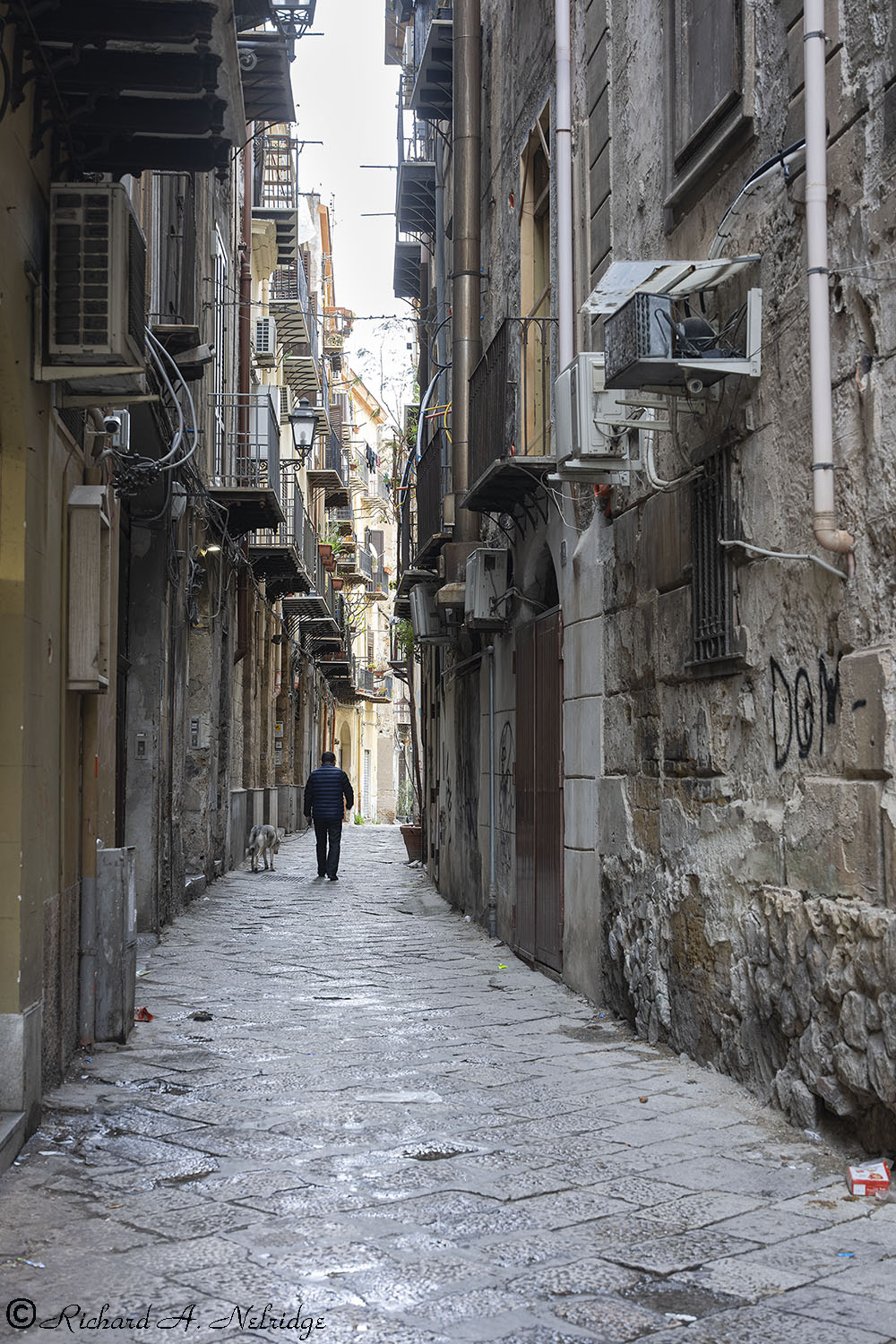
Looking down a narrow street.
Hand Held relying on Camera IBIS, A1 and Voigtlander 50mm f2 Apo-Lanthar Asph, FE mount lens; silent shutter.
ISO 200, F5.6, 1/25 Second.
Exposure Corrected -0.18 Stops.


 .
. 



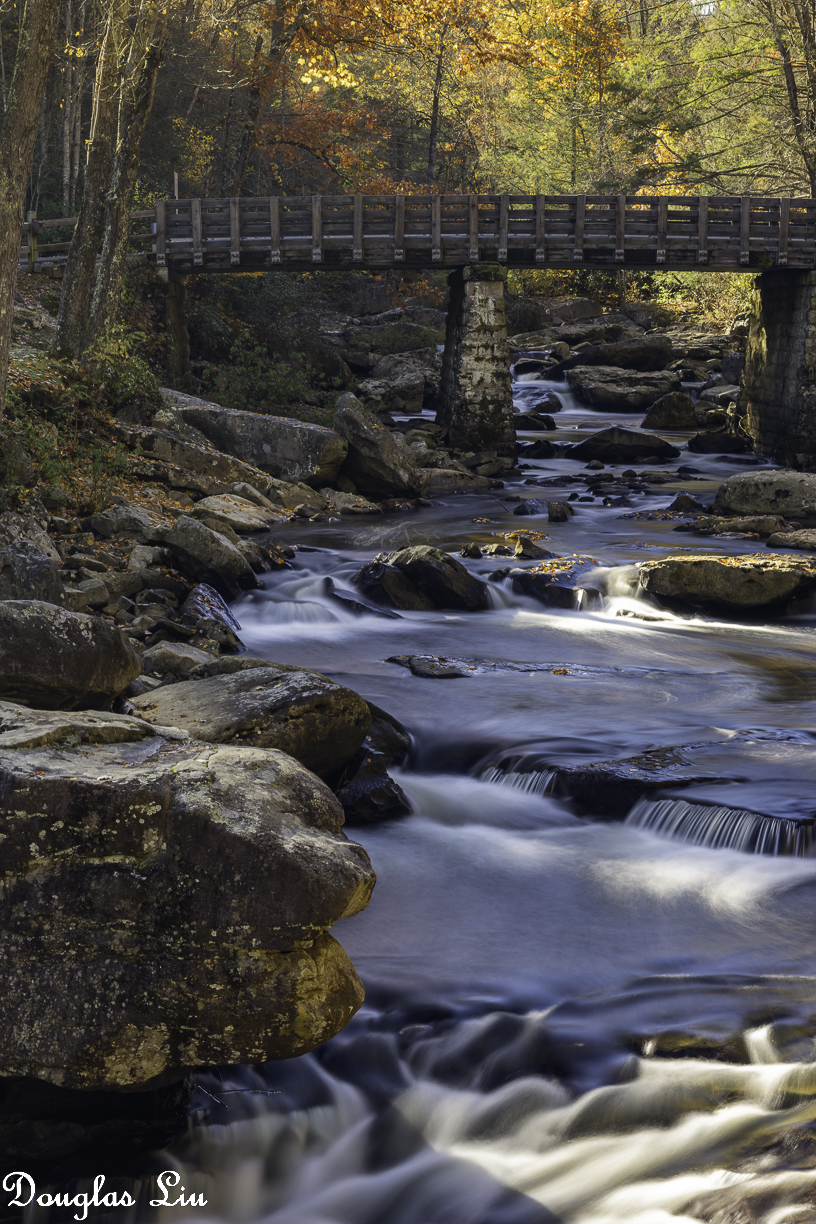


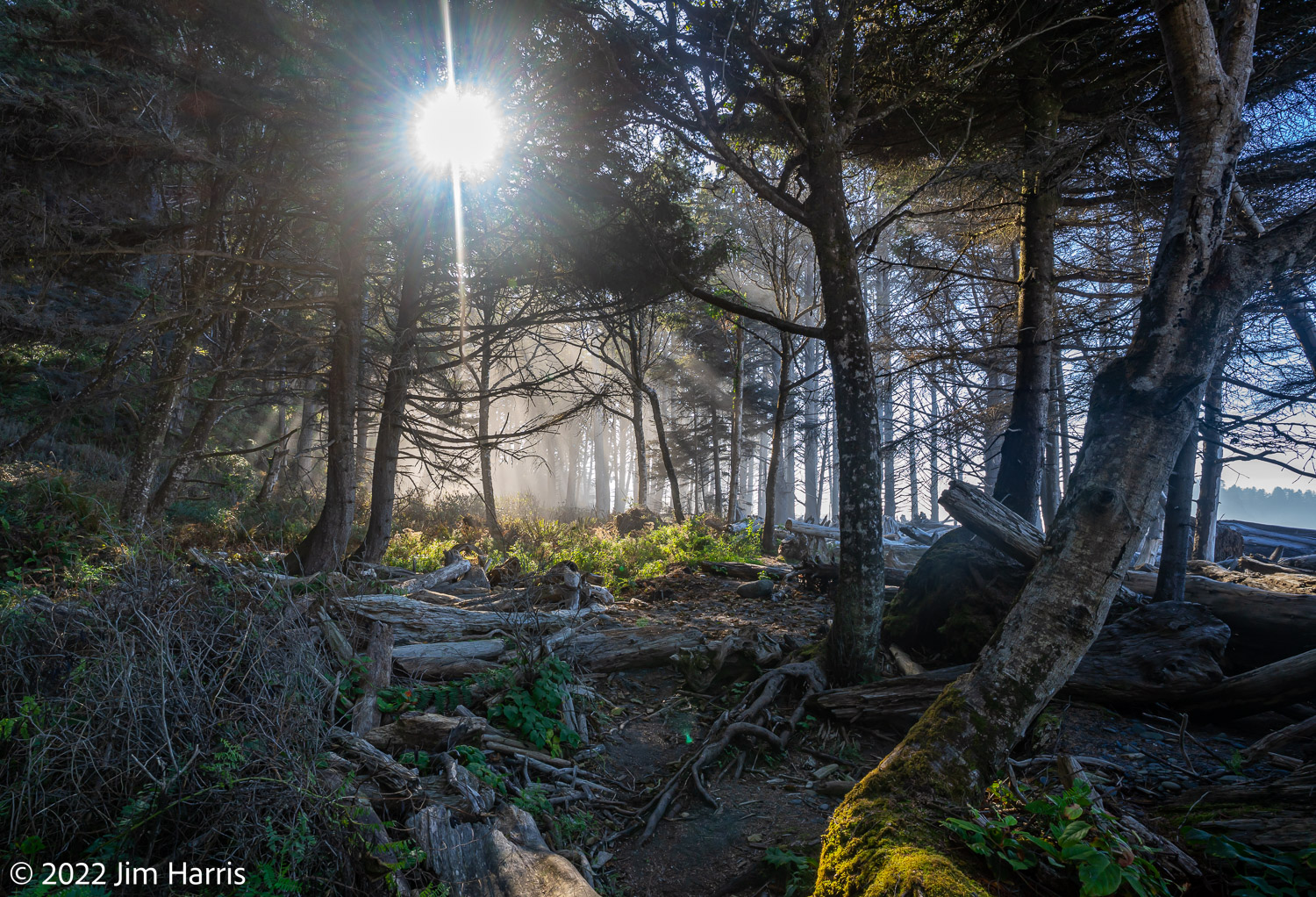
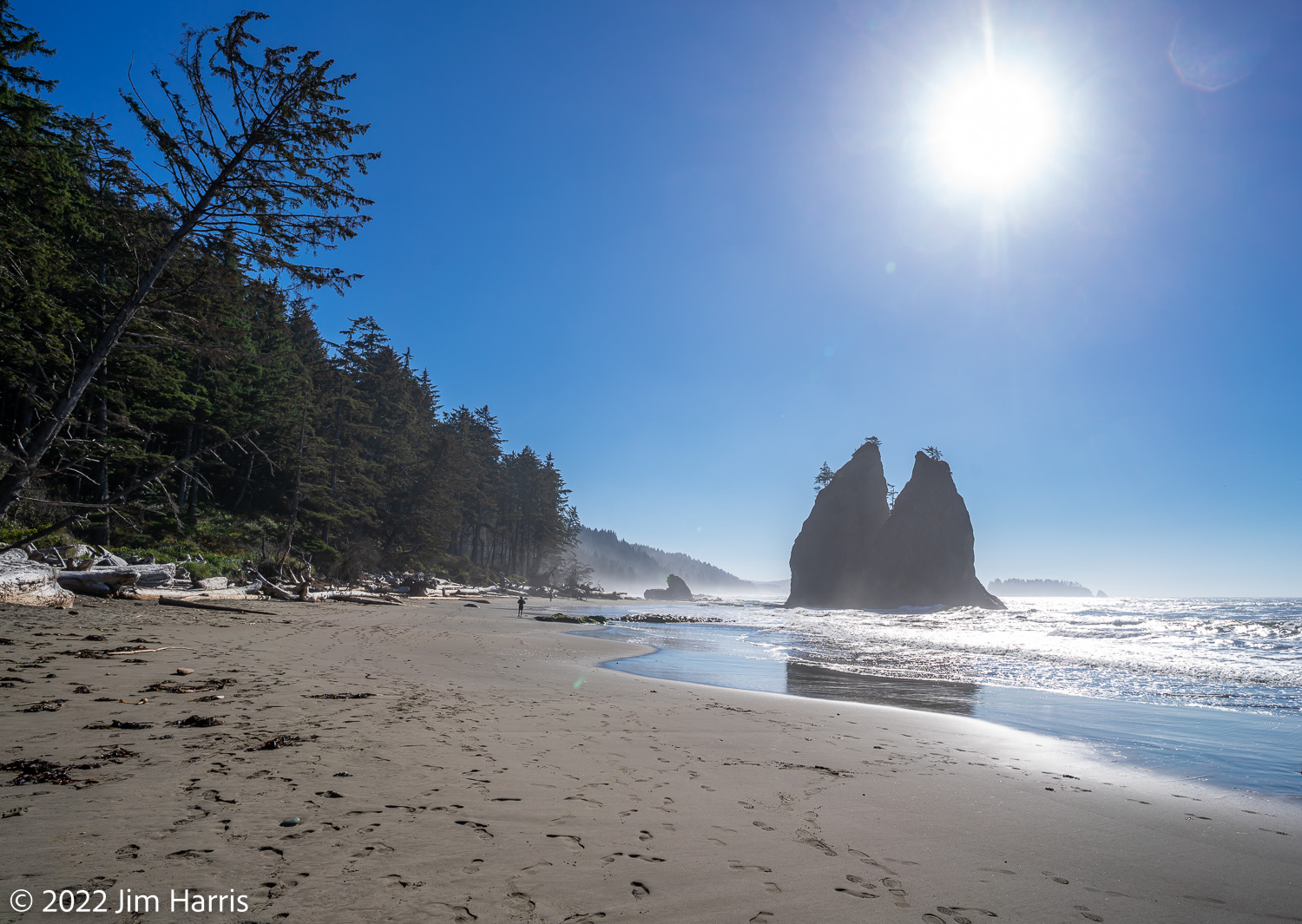


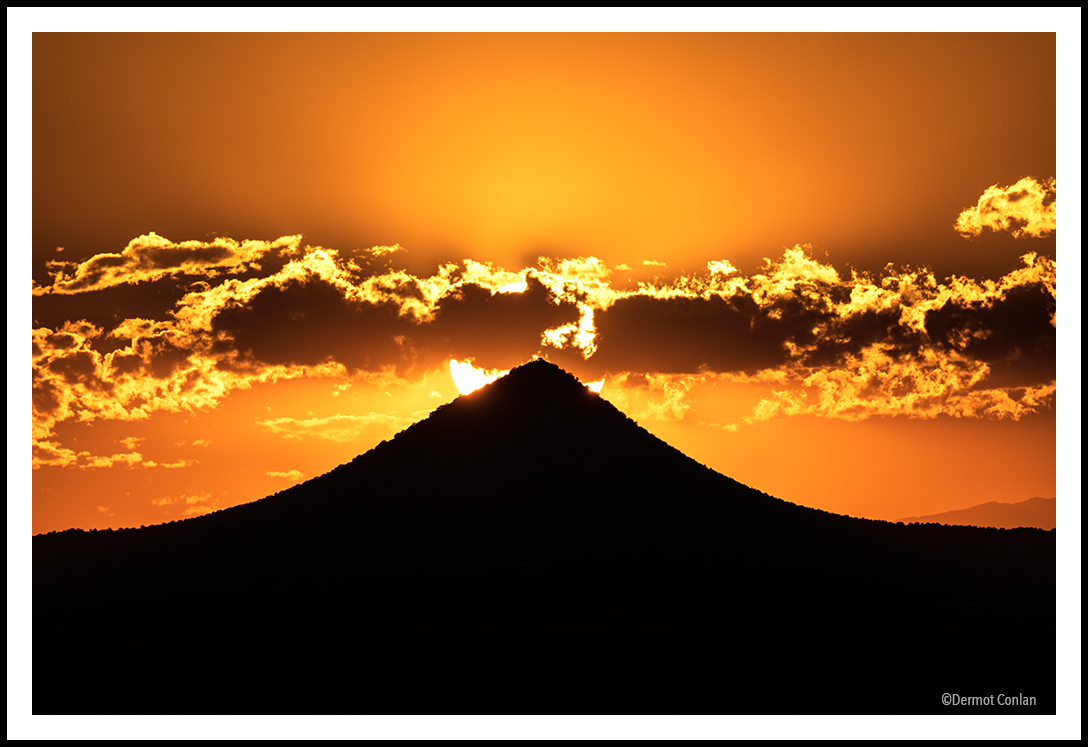
 :. Bought an RRS pano head few months ago and got to try it out at the Grandview Overlook in West Virginia yesterday morning. The first picture is a 5-shot pano. Since I knew I was going to shoot sunrise, I brought my little CV 15mm with me even though I also brought the Sony PZ 16-35. We went to this overlook on Thursday morning for sunrise but it was nothing but fog, couldn't see anything 20' away.