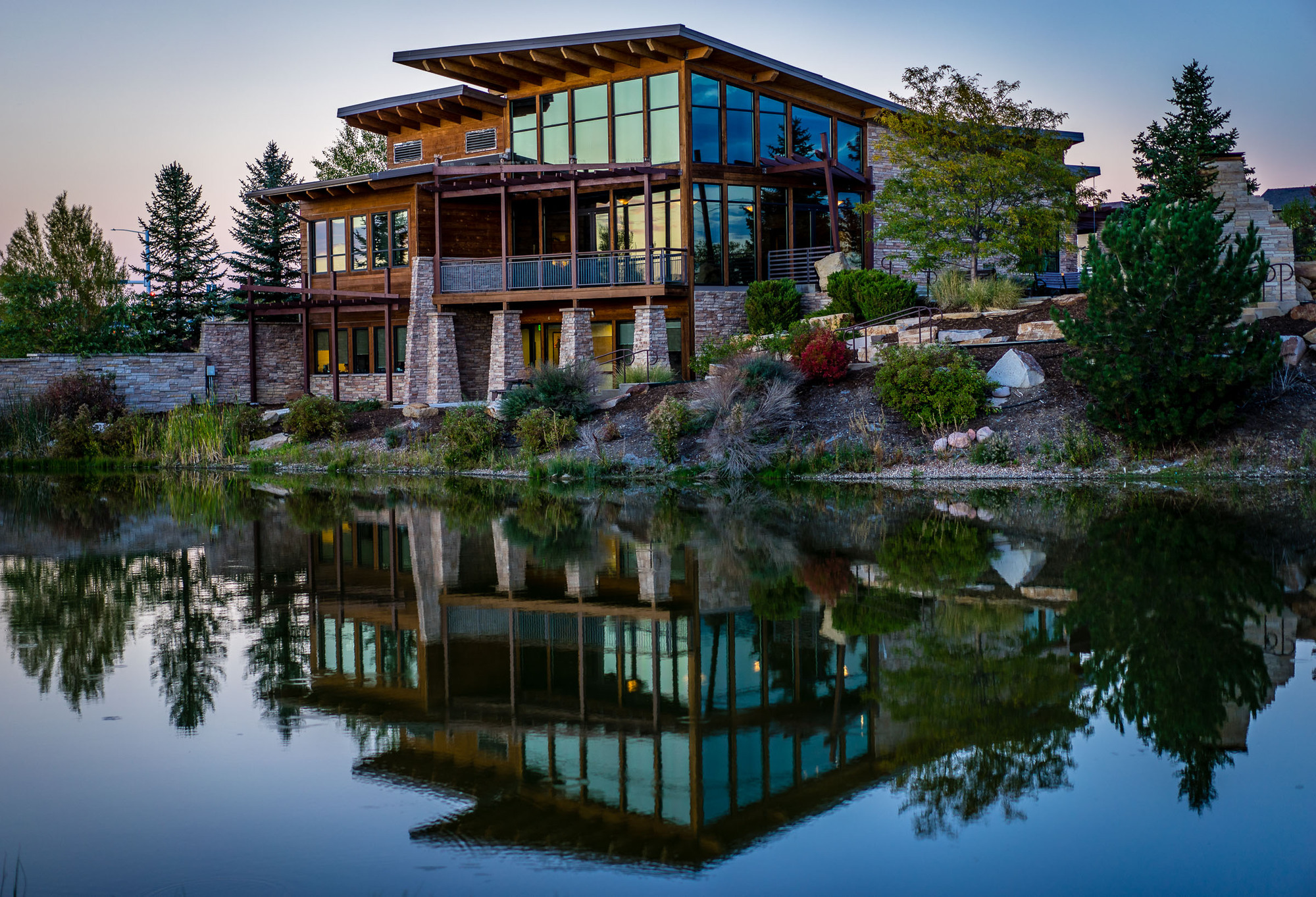
Fantastic to see so many autumn photos coming up in this thread. I love autumn - so colourful, so fresh.
Spent the weekend at Jotunheimen again, this time for walking up Besseggen. LOTS of people, and I had a challenge in finding good views without having anyone pop in with a colourful hiking outfit. Weather conditions were perfect, around 10 degrees, sunny and a light breeze that cooled med down when walking uphill.
Will publish more later, but the first shot is from the most common scene, from the top of Besseggen and looking out at Gjende to the left and Bessvattnet to the right. I love how these two lakes contrast each other.
kdrk888 wrote:
More smooth reflection app (except the 3rd one)... I hope Sony will come out with a focus stacking app.
I agree Douglas. You seem to have the Smooth Reflection app down. I also saw a Program where you can take multiple pictures and the software will then eliminate the objects in the frame that are moving. (People, cars etc) It would be nice if it could be done in camera with multiple exposures.
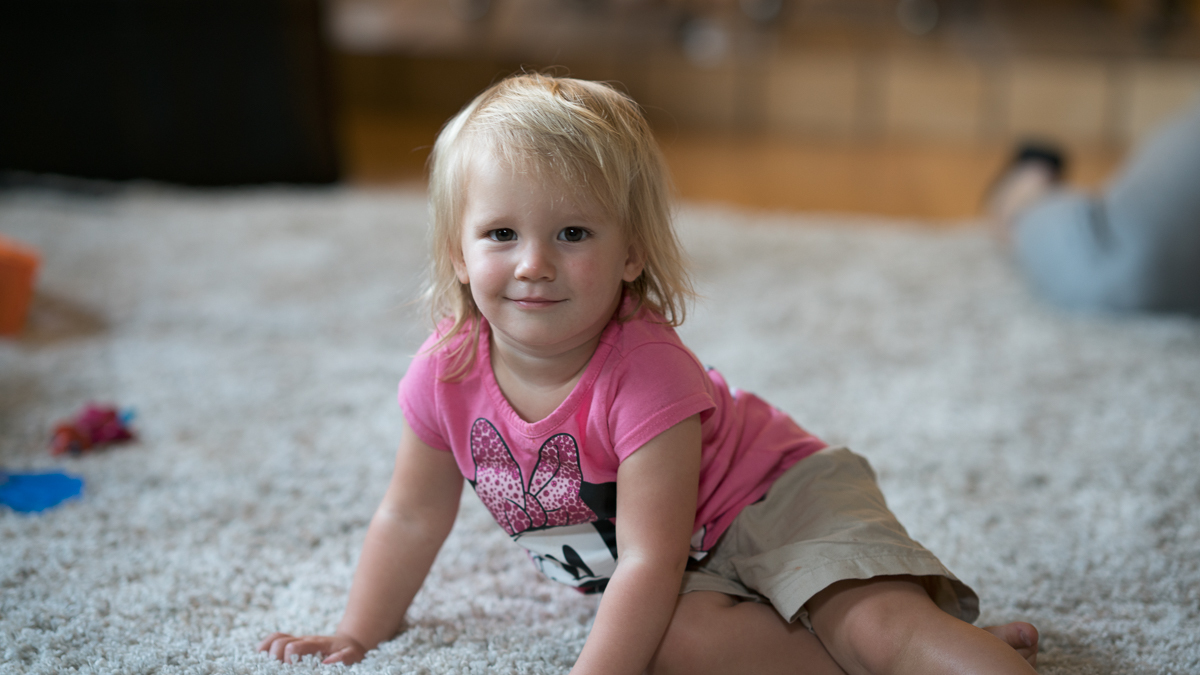
With everyone posting such great shots of their little ones I grabbed a couple of one of my grandkids. I'm not sure modeling is in her future.....
bowens wrote:
I agree Douglas. You seem to have the Smooth Reflection app down. I also saw a Program where you can take multiple pictures and the software will then eliminate the objects in the frame that are moving. (People, cars etc) It would be nice if it could be done in camera with multiple exposures.
With everyone posting such great shots of their little ones I grabbed a couple of one of my grandkids. I'm not sure modeling is in her future.....
A7rII and 85 1.4 GM 1.4-1.7 I believe
Thank you Butch and Joshua. I tried the smooth reflection app in some busy streets and squares in Prague in May, as long as people are moving instead of just sitting/standing in the frame, they are not "visibly visible" in the final file.
I have yet to use the HDR app successfully, not that intuitive to use.
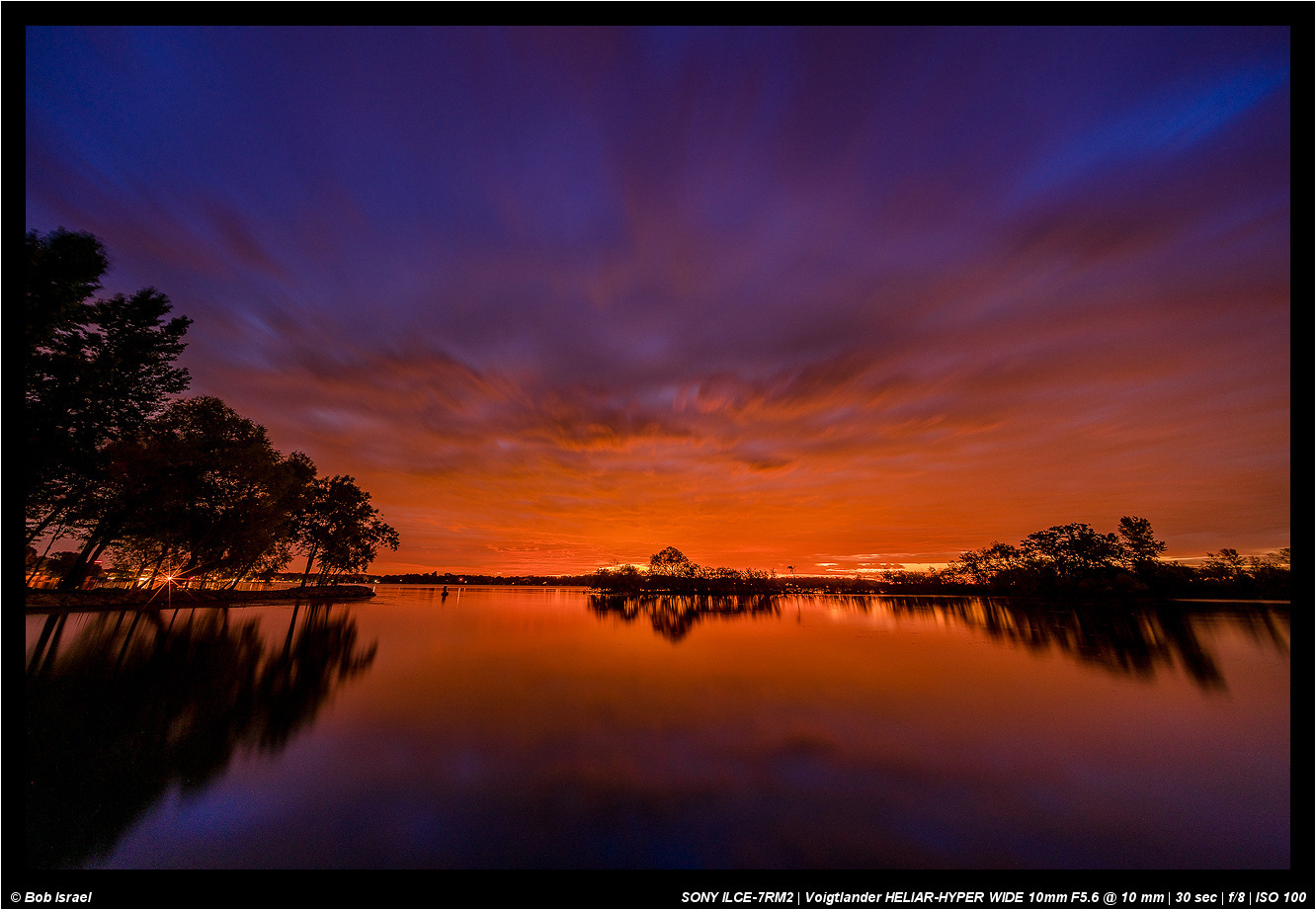
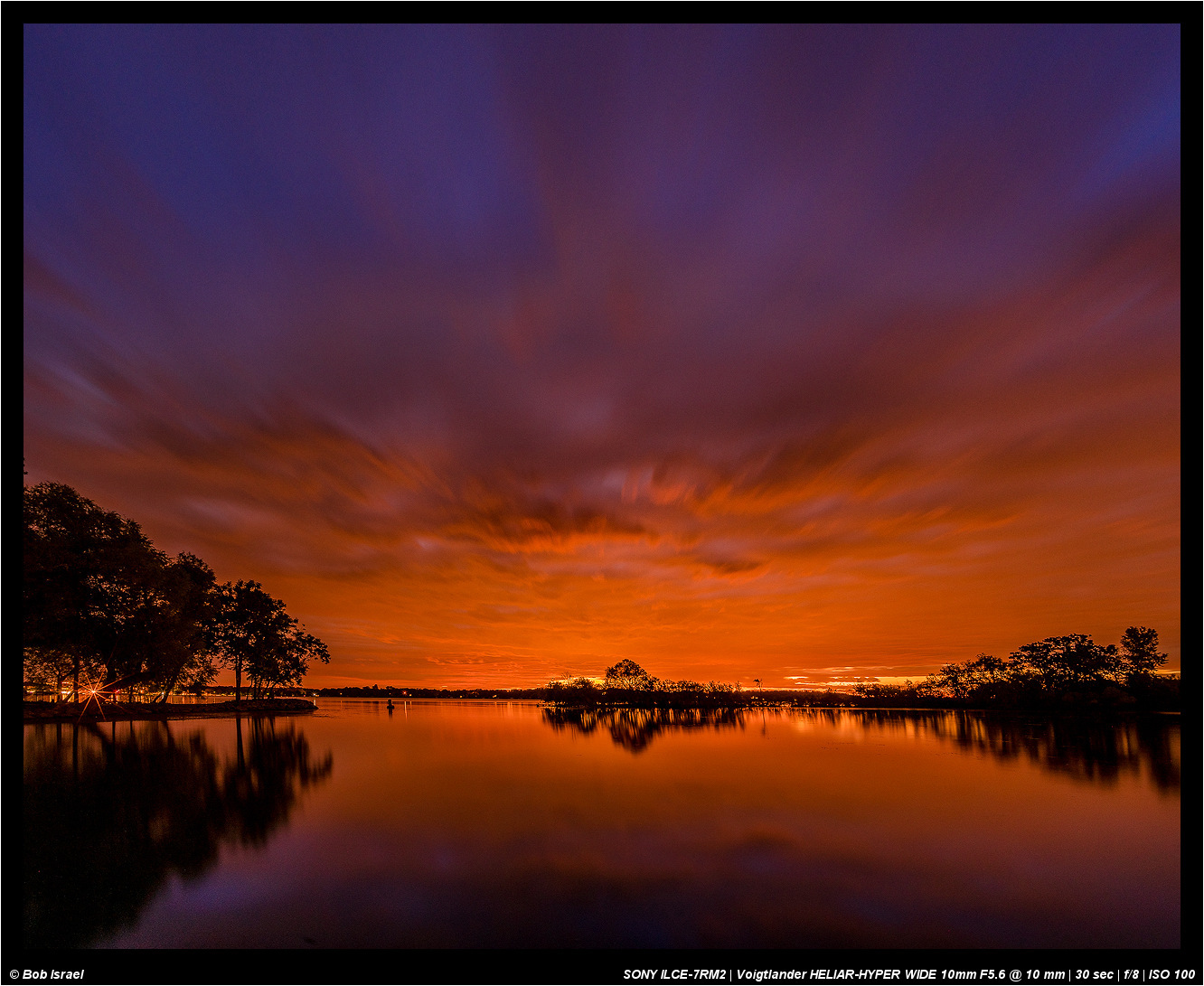
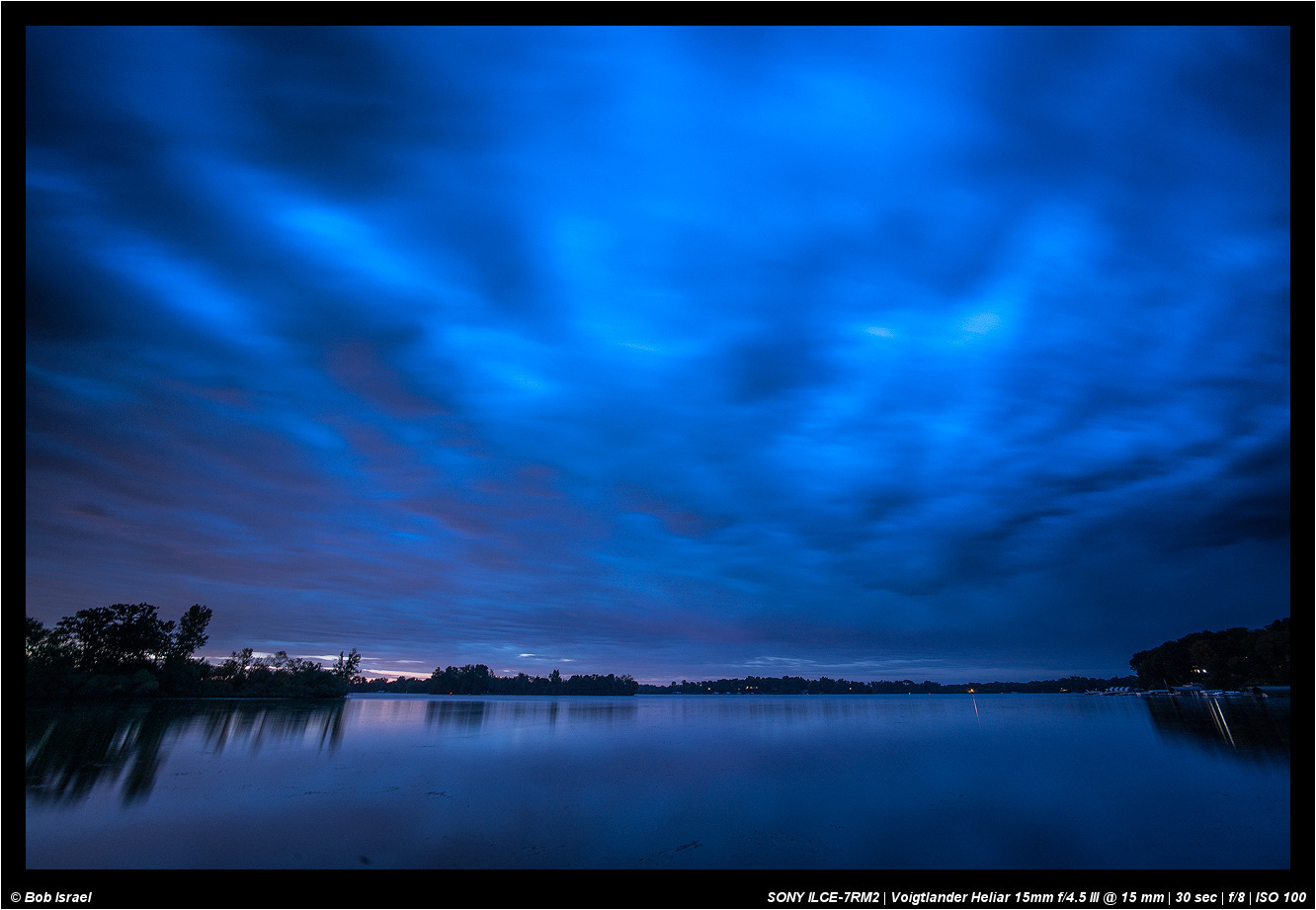
This morning's sunrise was like an explosion in the sky. The first two are from the same frame with the CV10/5.6. The first is uncorrected for perspective and second is corrected and cropped. Would love to hear your thoughts on which of the two you like.
Little Einstein, with a Minolta 50mm F3.5 macro.
(Focus was either on the (his) right eyebrow, or center of mustache - I don't recall.)
It's pretty amazing that, even at ISO 12800, the A7RII can turn out very usable images.
rji2goleez wrote:
This morning's sunrise was like an explosion in the sky. The first two are from the same frame with the CV10/5.6. The first is uncorrected for perspective and second is corrected and cropped. Would love to hear your thoughts on which of the two you like.
Bob,
Super colors that morning! If I had to pick one I prefer the second one but they are both nice.
Chuck
rji2goleez wrote:
This morning's sunrise was like an explosion in the sky. The first two are from the same frame with the CV10/5.6. The first is uncorrected for perspective and second is corrected and cropped. Would love to hear your thoughts on which of the two you like.
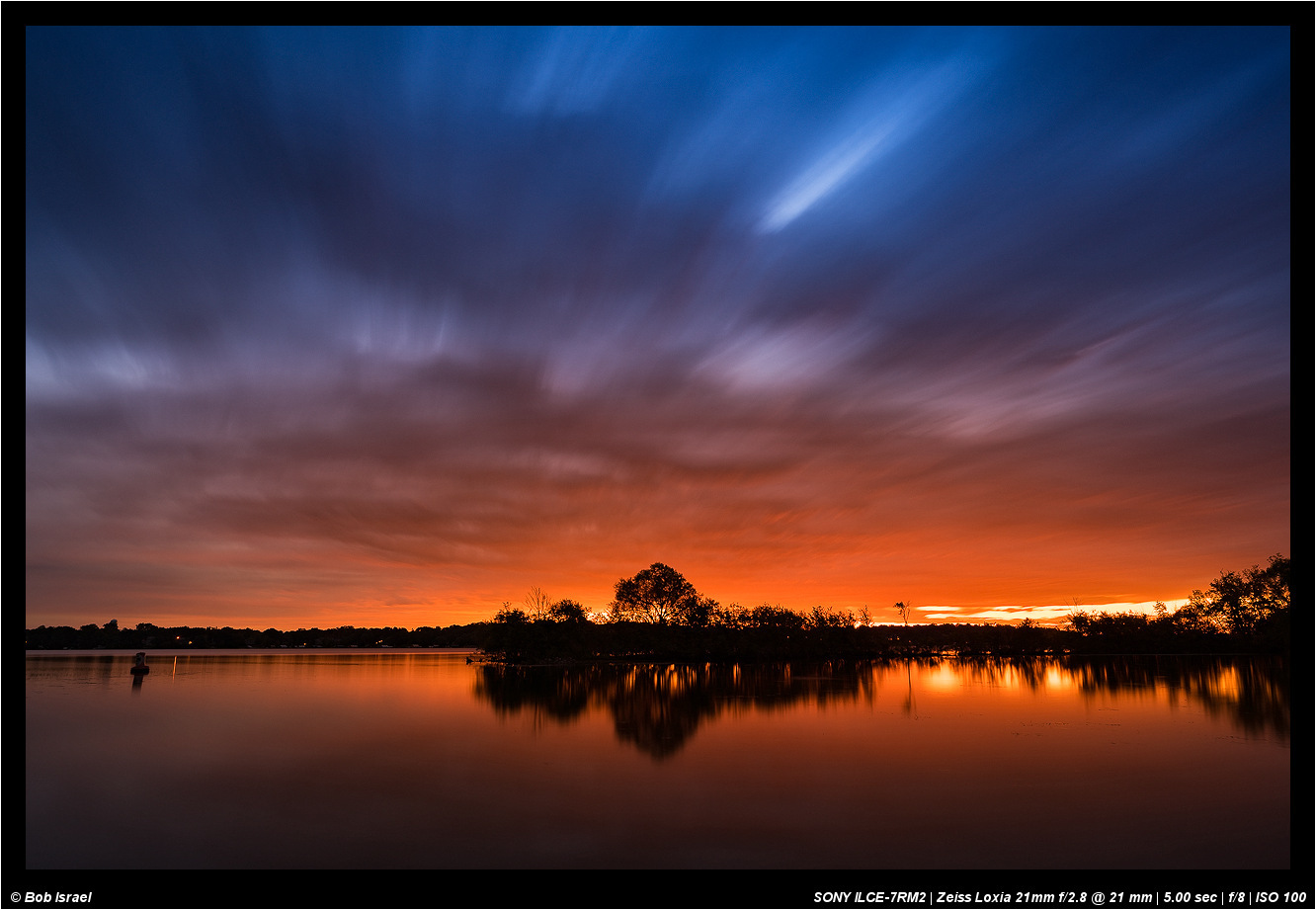
Bob, to round it up, we had a crazy sunset this evening after a day's rain. The color went from purple to red, then to dark red 15 minutes after the sunset. I am never tired of looking at sunrises and sunsets.
rji2goleez wrote:
Thank Chuck. On the one hand, I like the corrected perspective but I also feel likes it takes something away from the original.
I definitely prefer the corrected perspective on the bottom 2/3's of the image, Bob, but I think if you added some vignetting to the top 1/3, you could bring back some of the richer blue tones that frame the uncorrected version so nicely. If you're using NIK tools, Color 4 has a handy lens vignetting filter and you can put the center point lower in the frame so the top is effected while the bottom isn't. I use it a lot when I'm perspective correcting the Loxia 21 on big sky shots like this.
freaklikeme wrote:
I definitely prefer the corrected perspective on the bottom 2/3's of the image, Bob, but I think if you added some vignetting to the top 1/3, you could bring back some of the richer blue tones that frame the uncorrected version so nicely. If you're using NIK tools, Color 4 has a handy lens vignetting filter and you can put the center point lower in the frame so the top is effected while the bottom isn't. I use it a lot when I'm perspective correcting the Loxia 21 on big sky shots like this.
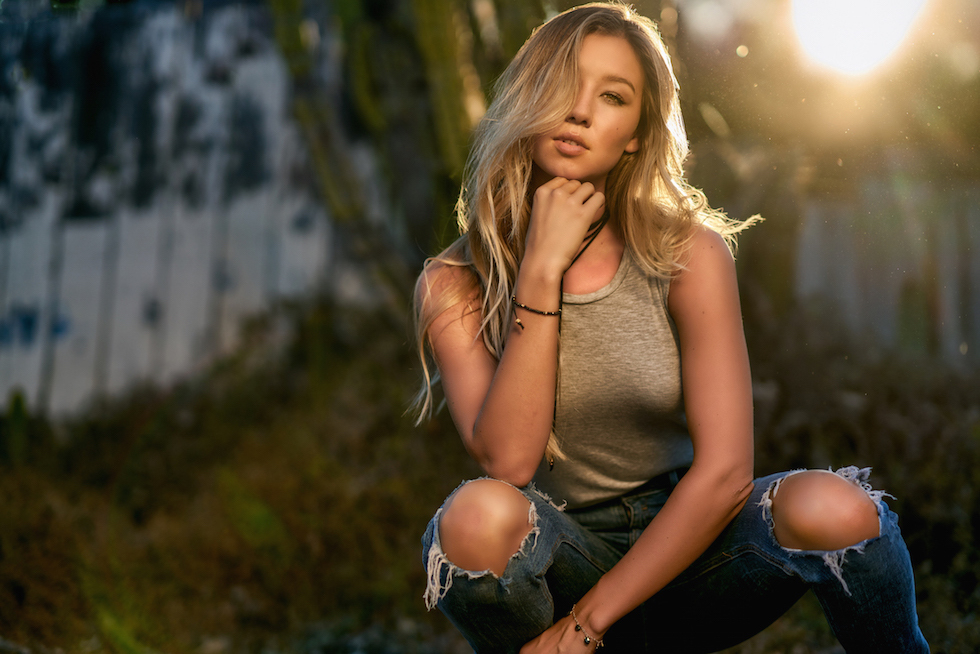
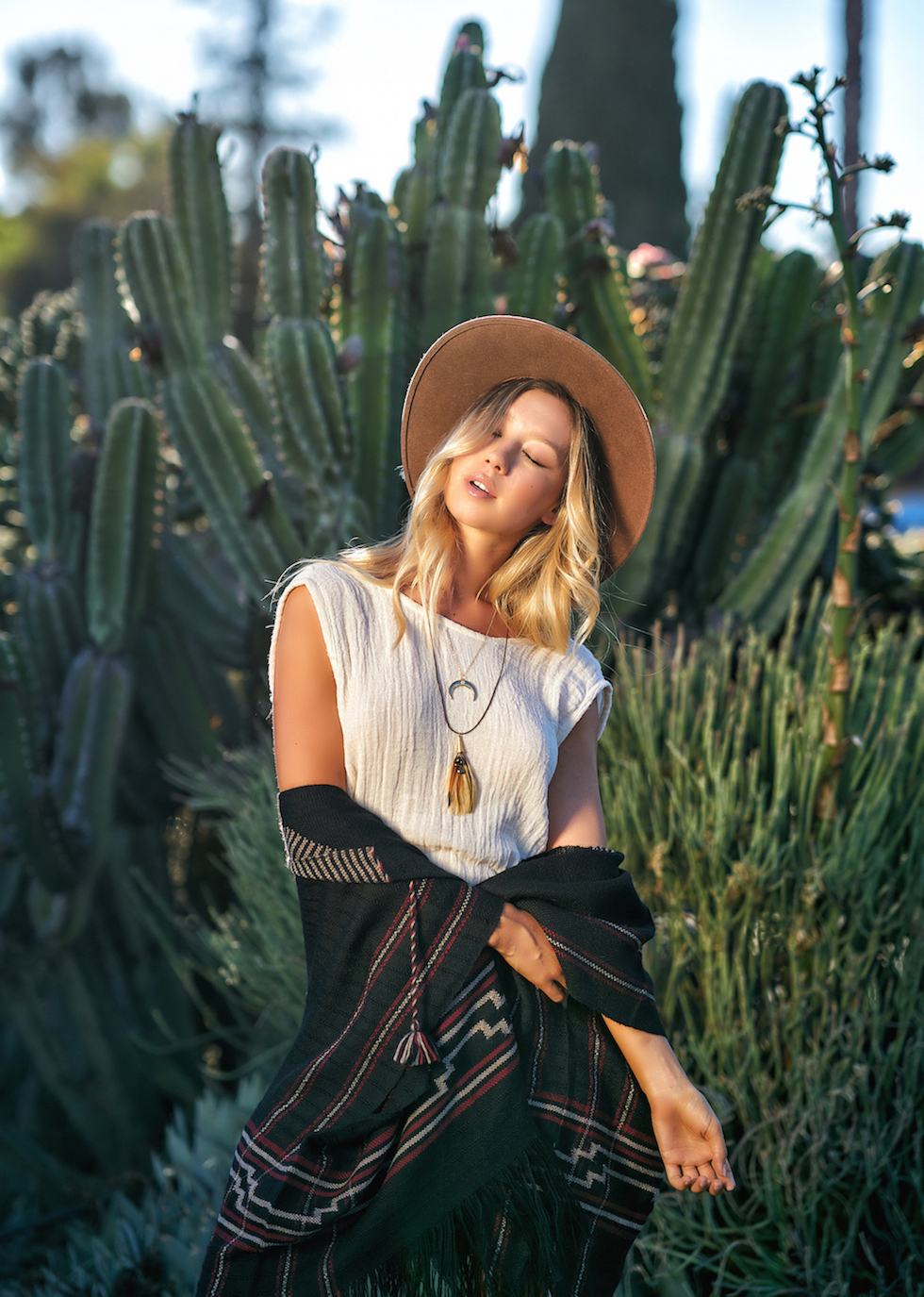
Sorry, last ones from this shoot. I left the dust in the air on the right side of image #1 because, I think it helps to create more of a grungy outdoors feel AND it would be a bit of work to remove it all
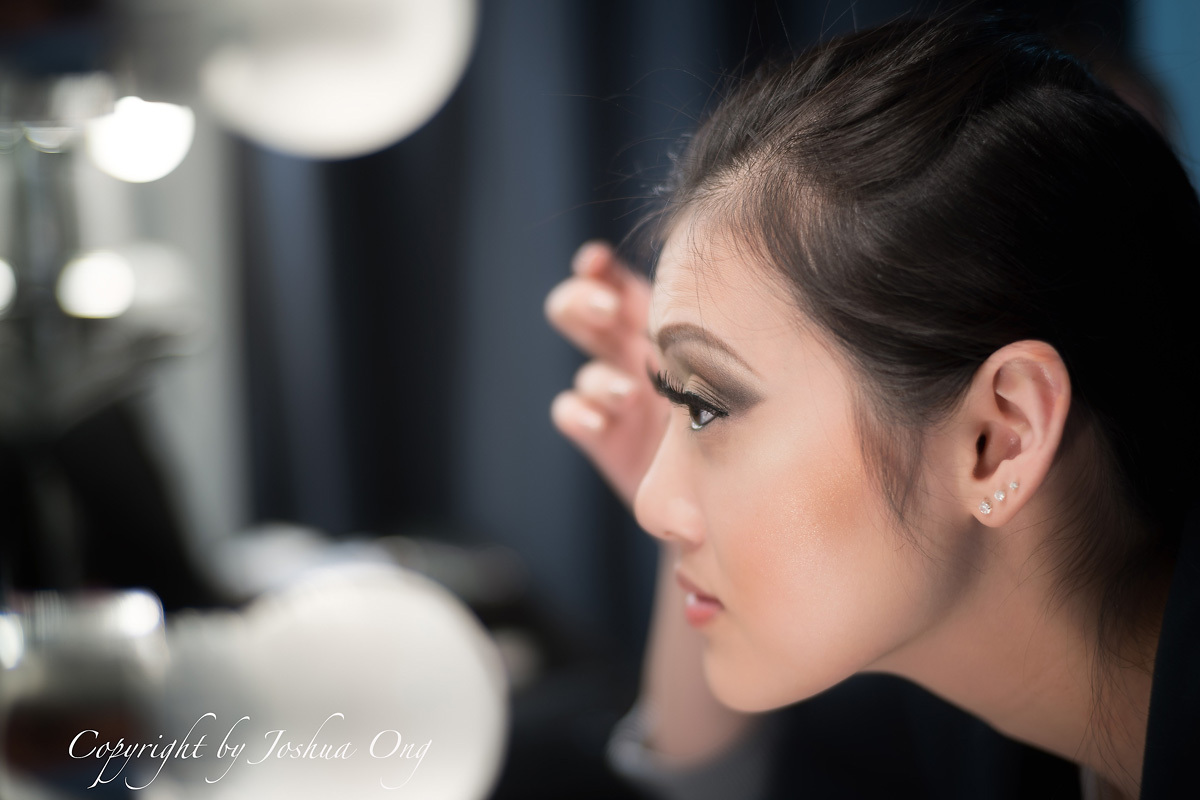
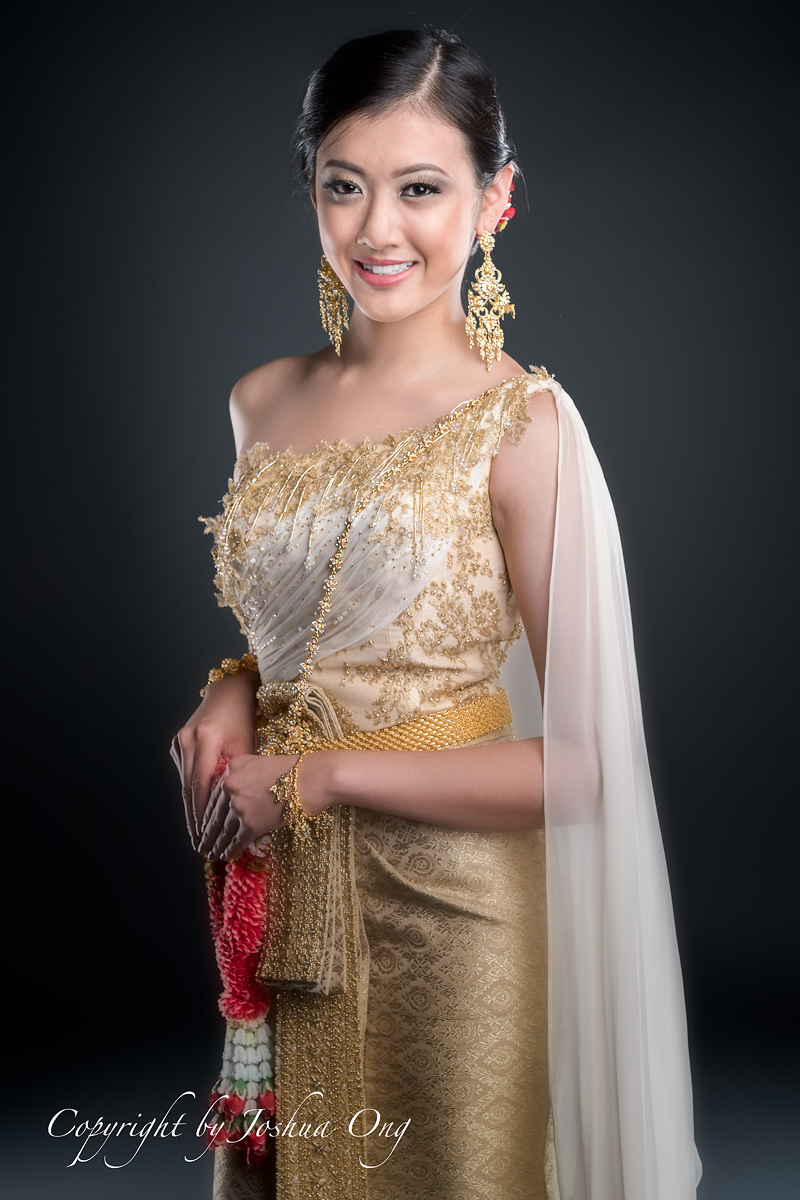
A few days ago I did a photoshoot in a local studio. Prior to the session I took a few behind the scene shots of the models. The first image is of a model during the makeup session, taken using C-Sonnar 50mm at f/1.7 using TAP under available light (cross post in the C-Sonnar thread). I really love the rendition of this lens. And the second image is of the same model from the session.