Sony FE Images Thread
p.1186 #1Sony FE Images Thread
Really nice shot on this page
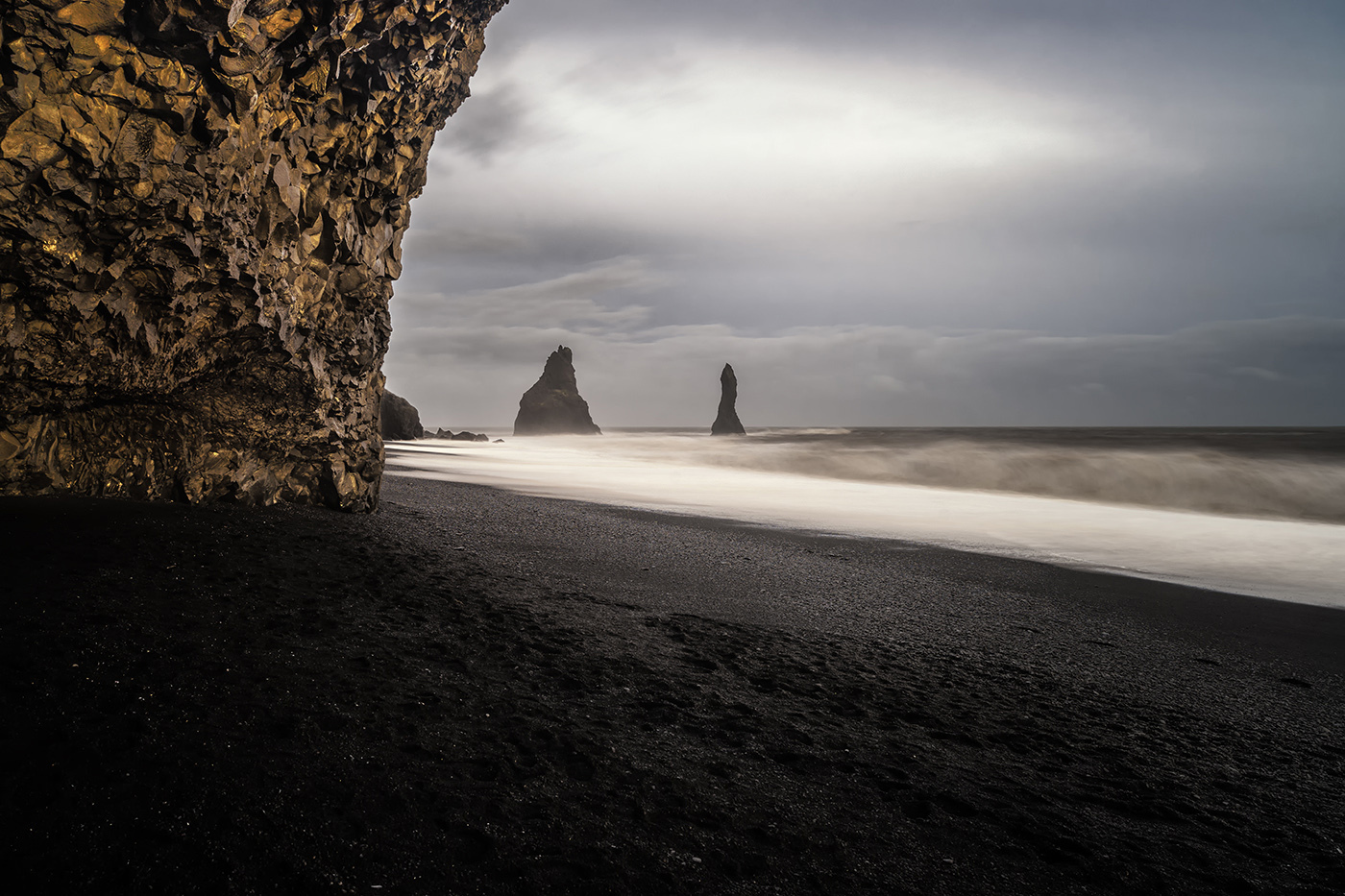
Vik Iceland Zeiss 21
 |
||
 © Ronny_Olsson 2015 |
||
|
Vik Iceland Zeiss 21
Oct 17, 2015 at 03:16 PM
p.1186 #2Sony FE Images Thread
cputeq wrote:
BobRetina is a double-edged sword. Depending on your resolution, etc. it can really make a photo appear amazing, or it can rescale photos and make them look worse than they really are (for you).
As long as you maintain your output resolution, your photos will look fine to most people (they look great on my 1920x1200 Dell).
Couple of tips I use:
When I edit on my 15" MBPr, I actually use the app SwitchResX to get to native 2880x1800 resolution on the monitor when in Lightroom. That way, I get a clear 1:1 pixel representation of the image (controls are tiny at this resolution, but the 1:1 pixel mapping means I'm actually seeing the real image).
When viewing FM, though, I'm usually using the "1920" equivalent resolution, which is a strange scaled resolution with regards to many web images.
To counter this, I CMD "-" to zoom out two levels in Safari -- everything of course gets a little smaller, but that downrez counters the scaling going on with the 1920 resolution and images look great (I also use this trick in the 1440 mode)
Some images from me "one-handing" it while walking -- not easy!Hi, unless I'm missing something, you no longer need to use SwitchResX for LR on retina displays. LR has native support for HiDPI inside the Library and Develop modules. This means that in default mode, all of the controls are scaled up to normal size, but the images are shown at native resolution.
It's a bit confusing. My Retina iMac is set at "default for display", which is 2560x1440 mode on the 5180x2880 display. Everything is scaled nicely on the display, and each native pixel is mapped to four. But...when you open LR with its HiDPI support, the control areas follow this mode, and display four pixels as one, and the controls look normal. However, the image area is now displayed at full native resolution (5180x2880) in the Library and Develop modules. For example, my 16MP Ricoh GR images don't zoom much at all when going from "fit on screen" to "1:1" since my display is almost 15MP! I normally need 2:1 or 3:1 view to pixel peep on this thing...Interesting and thanks for the information. Does this also work on Safari and what version of LR are you using?
I knew on LR 5.7 I was unable to zoom very far because of scaling, yet 1:1 would let me scale (and view the images) normally. I need to recheck this. I do know I would run into it with Safari all the time, though - depending on resolution, images can look very mushy unless I zoom out twice.
I'm using LR CC now, but it definitely worked the same way in LR 5. I actually don't use Safari, so I'm not sure there. Chrome does not show images at native resolution. I suspect Safari doesn't either because most web page photos would be tiny if displayed natively.
shelt wrote
cputeq wrote
rji2goleez wrote
BTW - How do the images in my post above look to folks here with regard to sharpness? On my Retina display, these images are bitingly sharp but in this forum, they appear a bit muddy to my eye. I admit, all I do is use Lightroom to export the images to a 1100x1100px at 72dpi with a maximum file size of 750kb. I've been posting here via this method for a long time. How do these appear to you? Thoughts, suggestions much appreciated.Bob
As long as you maintain your output resolution, your photos will look fine to most people (they look great on my 1920x1200 Dell).
Couple of tips I use:
When I edit on my 15" MBPr, I actually use the app SwitchResX to get to native 2880x1800 resolution on the monitor when in Lightroom. That way, I get a clear 1:1 pixel representation of the image (controls are tiny at this resolution, but the 1:1 pixel mapping means I'm actually seeing the real image).
When viewing FM, though, I'm usually using the "1920" equivalent resolution, which is a strange scaled resolution with regards to many web images.
To counter this, I CMD "-" to zoom out two levels in Safari -- everything of course gets a little smaller, but that downrez counters the scaling going on with the 1920 resolution and images look great (I also use this trick in the 1440 mode)
Some images from me "one-handing" it while walking -- not easy!
It's a bit confusing. My Retina iMac is set at "default for display", which is 2560x1440 mode on the 5180x2880 display. Everything is scaled nicely on the display, and each native pixel is mapped to four. But...when you open LR with its HiDPI support, the control areas follow this mode, and display four pixels as one, and the controls look normal. However, the image area is now displayed at full native resolution (5180x2880) in the Library and Develop modules. For example, my 16MP Ricoh GR images don't zoom much at all when going from "fit on screen" to "1:1" since my display is almost 15MP! I normally need 2:1 or 3:1 view to pixel peep on this thing...
I knew on LR 5.7 I was unable to zoom very far because of scaling, yet 1:1 would let me scale (and view the images) normally. I need to recheck this. I do know I would run into it with Safari all the time, though - depending on resolution, images can look very mushy unless I zoom out twice.
I'm using LR CC now, but it definitely worked the same way in LR 5. I actually don't use Safari, so I'm not sure there. Chrome does not show images at native resolution. I suspect Safari doesn't either because most web page photos would be tiny if displayed natively.
Oct 17, 2015 at 03:22 PM
p.1186 #3Sony FE Images Thread
Great work guys!
I didn't put my name on a waiting list for the 25 Batis, but I couldn't resist getting it when I saw that my store had one in stock this week. First impressions are positive, it seems to be a good lens. Light too.
A7S + FE 35/1.4:
 Lonesome child by Jochen Bongaerts, on Flickr
I didn't put my name on a waiting list for the 25 Batis, but I couldn't resist getting it when I saw that my store had one in stock this week. First impressions are positive, it seems to be a good lens. Light too.
A7S + FE 35/1.4:
Lonesome child by Jochen Bongaerts, on FlickrOct 17, 2015 at 04:00 PM

p.1186 #4Sony FE Images Thread
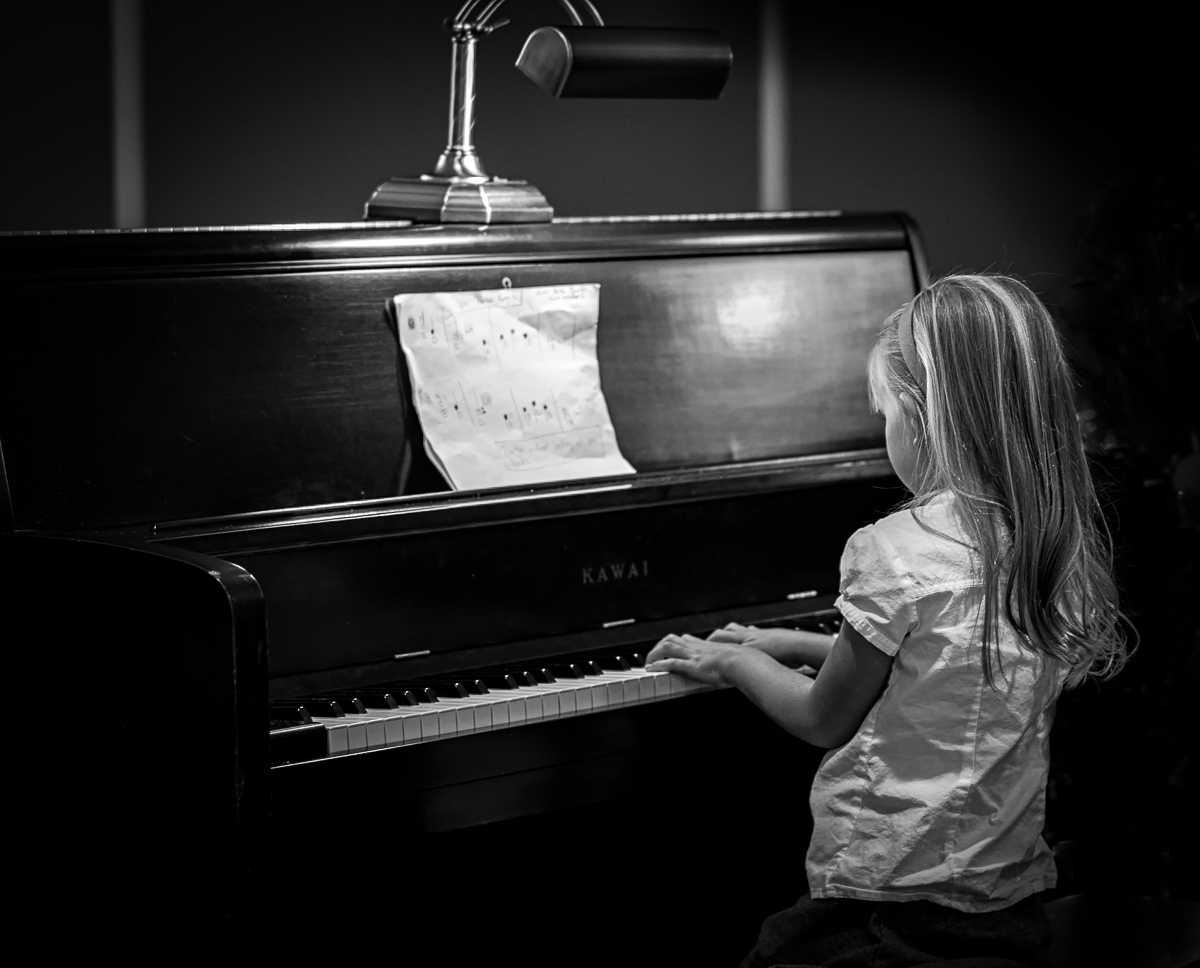
Today at my daughter's friend's recital. A7ii and the 55 with a very large crop.
The Recital
|
||
 |
||
|
The Recital
Oct 17, 2015 at 04:01 PM
p.1186 #6Sony FE Images Thread
Playing with the new-to-me FE 90. This is one SHARP lens.
Backyard succulent.

DSC03076.jpg by Puckman2012, on Flickr
Backyard succulent.
DSC03076.jpg by Puckman2012, on Flickr
Oct 17, 2015 at 04:22 PM
p.1186 #7Sony FE Images Thread
JaKo wrote:
Sunrise across Vancouver Harbour
http://www.kozera.ca/photos/images/20151017_0006_1600.jpg
VERY nice, Jako!
Sunrise across Vancouver Harbour
http://www.kozera.ca/photos/images/20151017_0006_1600.jpg
VERY nice, Jako!
Oct 17, 2015 at 04:25 PM
p.1186 #8Sony FE Images Thread
A couple of photos from last night at the Aurora Exhibition in Dallas. Shot at ISO 10,000! 24-105 f4L
 _DSC1886.jpg by rcarlton1, on Flickr
 |
||
 _DSC1866.jpg by rcarlton1, on Flickr |
||
|
_DSC1886.jpg by rcarlton1, on FlickrOct 17, 2015 at 04:49 PM
p.1186 #9Sony FE Images Thread
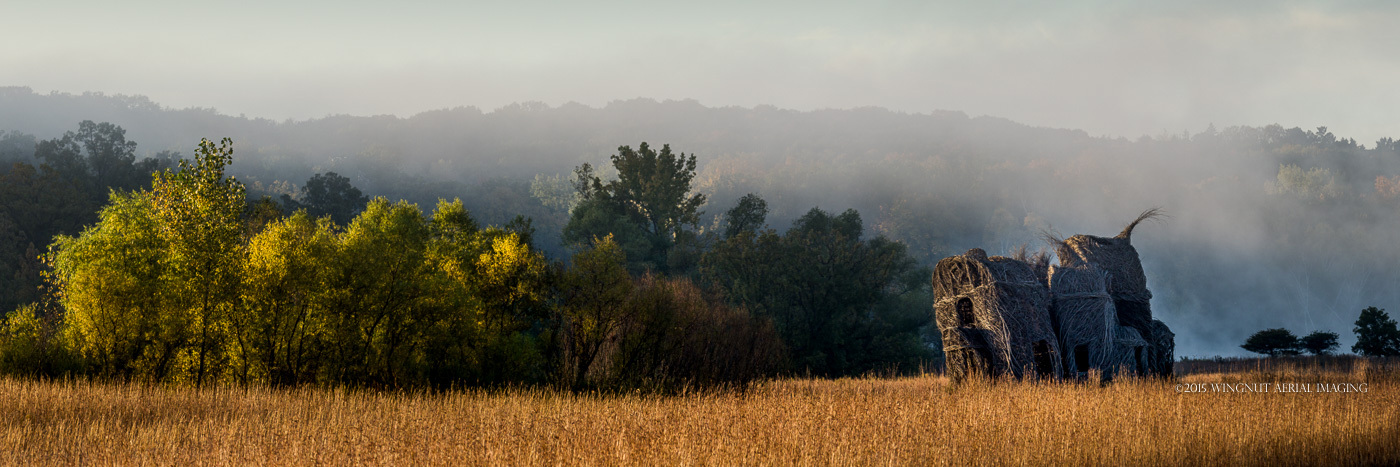
A house made of sticks art project in the morning light. I liked how the house and the trees both seemed to be leaning in.
A four shot pano taken about 30 feet up with my uAS (drone). A7r, Sony 35.2,8
A four shot pano taken about 30 feet up with my uAS (drone). A7r, Sony 35.2,8
Oct 17, 2015 at 05:17 PM
p.1186 #10Sony FE Images Thread
Well, today was a sad day. I sold my 35 1.4, but I think my neck is going to thank me.
I ended up getting the Loxia 50mm and the FE 28mm. I was originally going to get the 50 ZM instead, but a deal I had fell through.
Some test shots with the Loxia:
 DSC01567 by Terry W, on Flickr
 DSC01558 by Terry W, on Flickr
I ended up getting the Loxia 50mm and the FE 28mm. I was originally going to get the 50 ZM instead, but a deal I had fell through.
Some test shots with the Loxia:
DSC01567 by Terry W, on FlickrDSC01558 by Terry W, on FlickrOct 17, 2015 at 05:27 PM
|
p.1186 #11Sony FE Images Thread
A few more images from Bryce Canyon with the A7RII and Sony FE 24-240mm. This place offers so many photo opportunities, This is my first visit with the A7RII. The dynamic range coupled with the huge image file is fantastic for those who really enjoy post processing.


Oct 17, 2015 at 05:52 PM
p.1186 #12Sony FE Images Thread
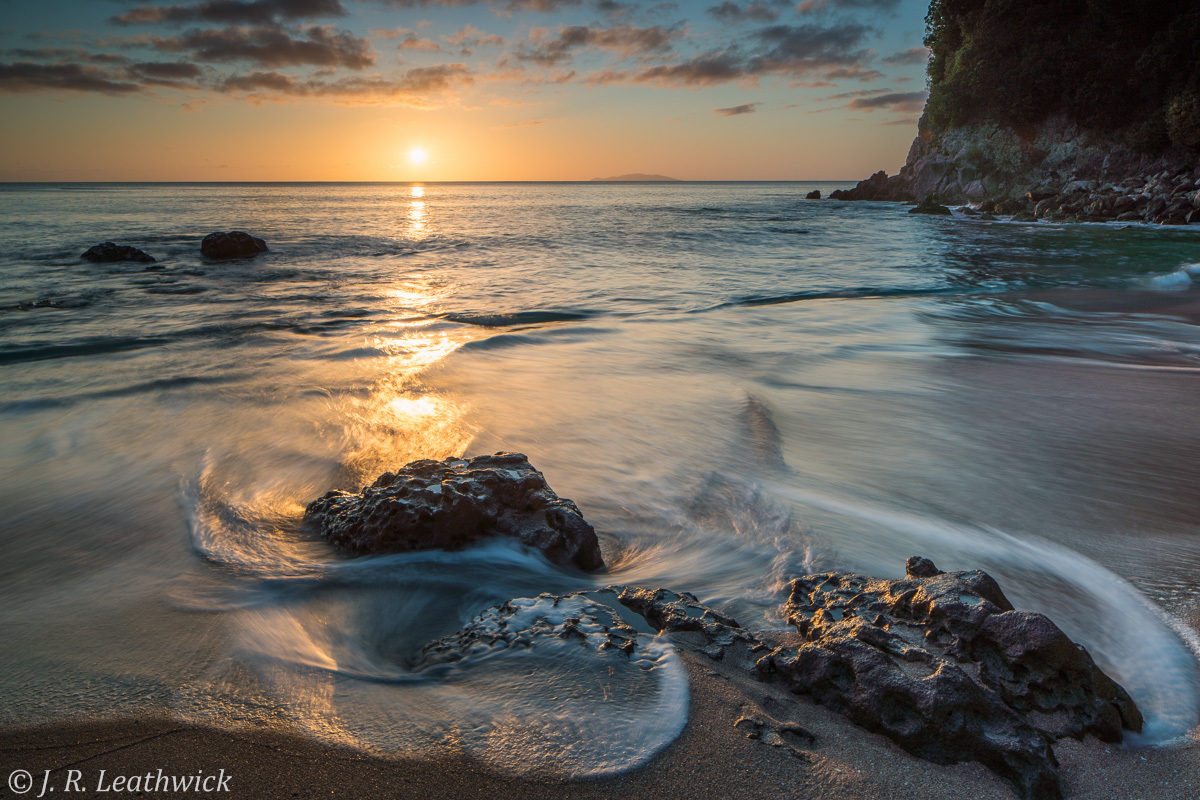
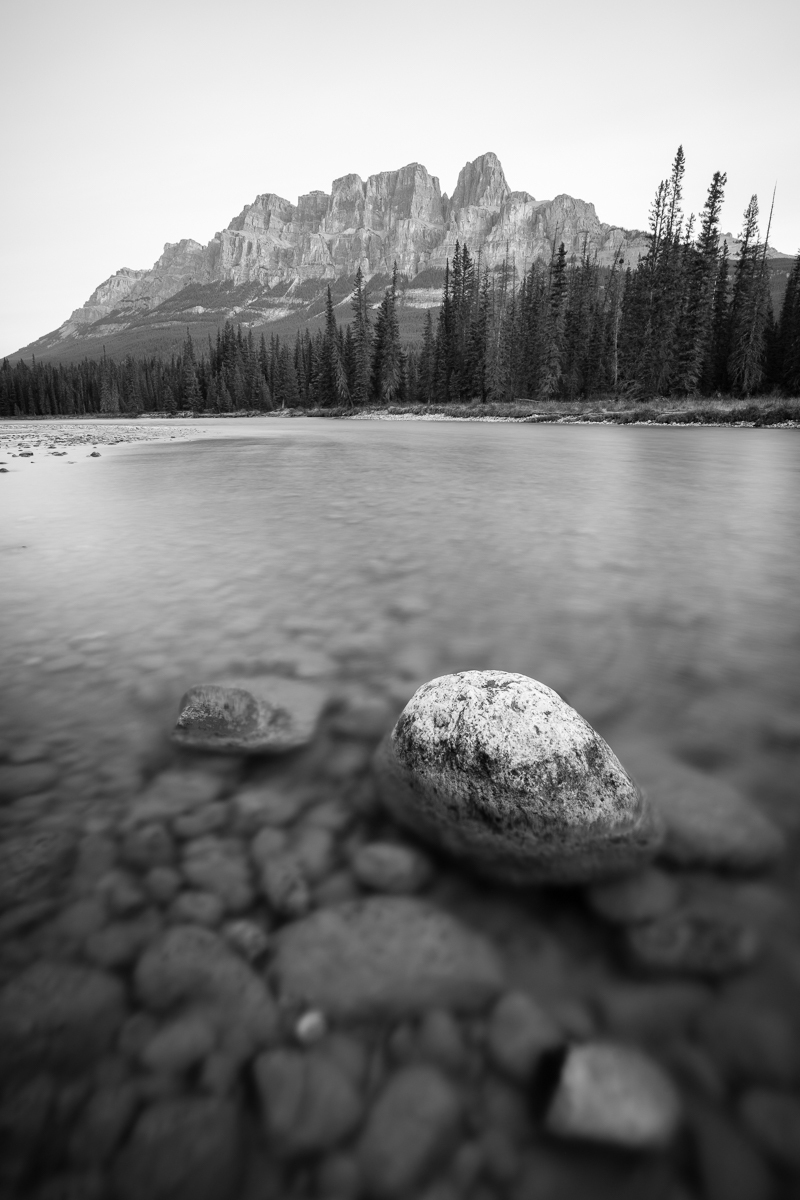
Two more early morning beach shots from the weekend - both with Canon TS-E 24
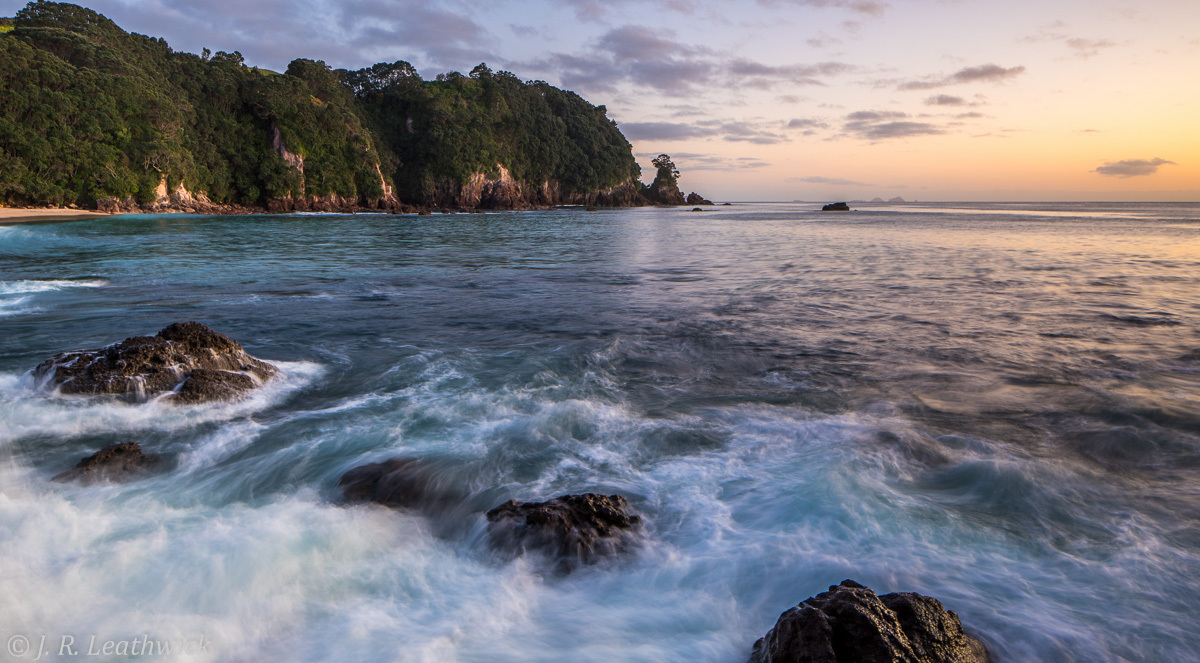
Before sunrise...
After sunrise...
Before sunrise...
After sunrise...
Oct 17, 2015 at 05:57 PM
p.1186 #14Sony FE Images Thread
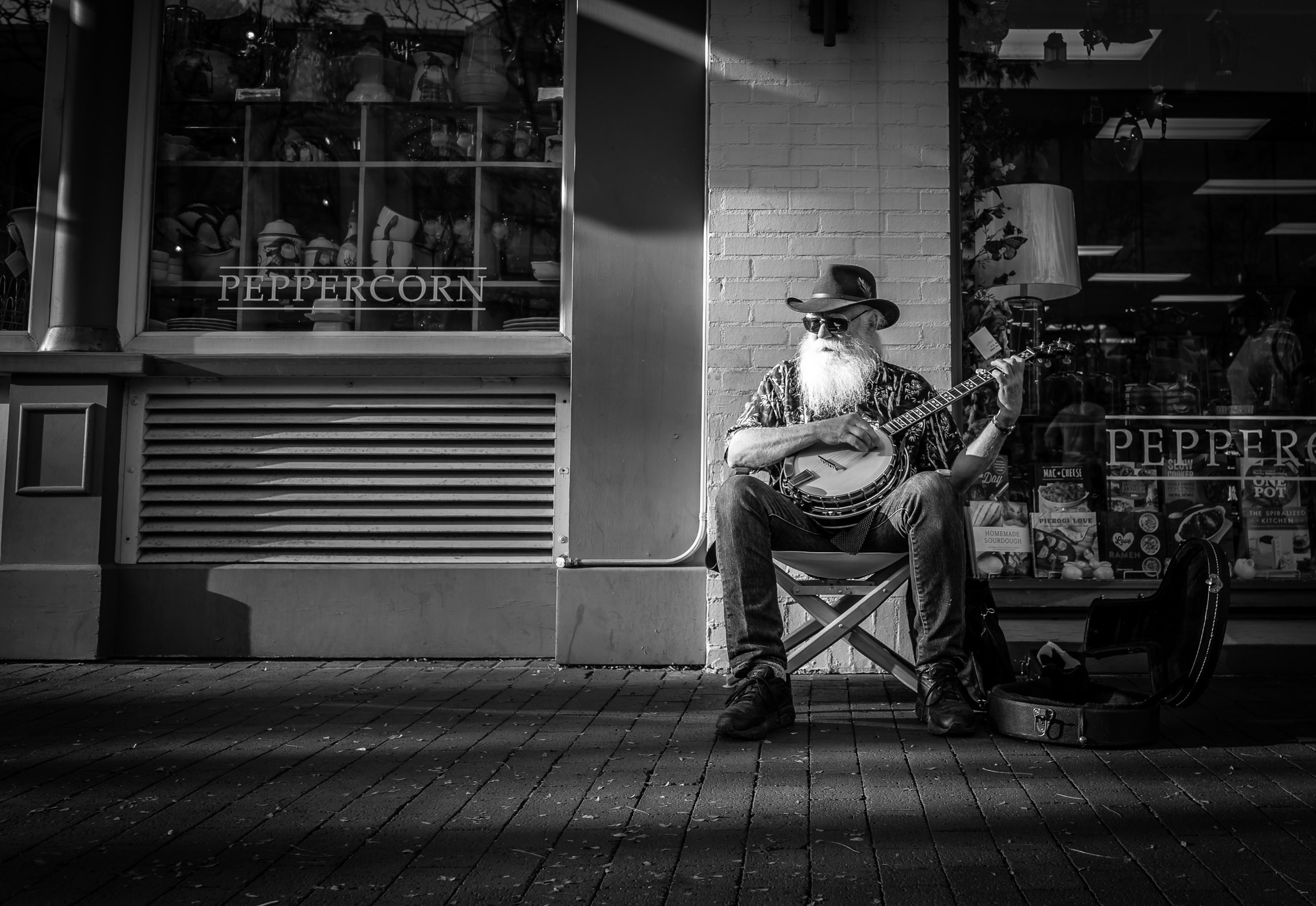
A& with FE24/2. Pearl Street in Boulder Colorado.
Oct 17, 2015 at 07:30 PM


p.1186 #17Sony FE Images Thread
Portraits of my newest family members!  A7r + Rokkor 58mm f/1.2.
Dave
A7r + Rokkor 58mm f/1.2.Dave
 |
||
 |
||
|
|
||
 |
||
|
Oct 17, 2015 at 10:08 PM
p.1186 #18Sony FE Images Thread
Galata Tower, Istanbul
Maiden Tower, Istanbul
|
||
 |
||
|
Maiden Tower, Istanbul
|
||
 |
||
|
Oct 17, 2015 at 11:45 PM
p.1186 #19Sony FE Images Thread

Fernsehturm Mannheim by Werner Utsch, on Flickr
" Entrance Hall Of The Tower"
Pano 4 shots, HH

Fernsehturm Mannheim Eingang by Werner Utsch, on Flickr
Oct 18, 2015 at 01:24 AM
p.1186 #20Sony FE Images Thread
Something about the body language, postures, story struck me as I saw this go by:
A7r2 + FE 28mm

A7r2 + FE 28mm
Oct 18, 2015 at 01:31 AM