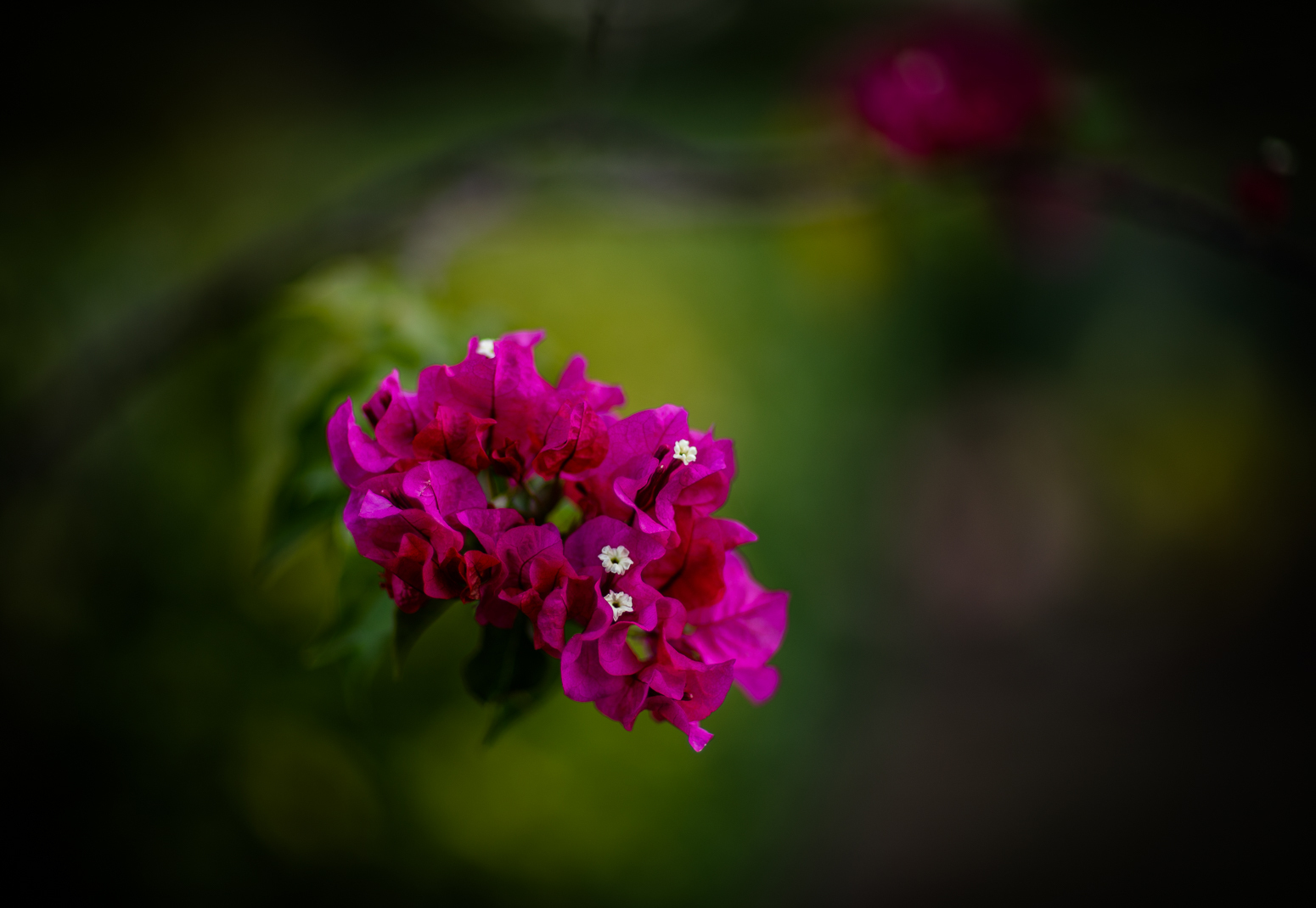
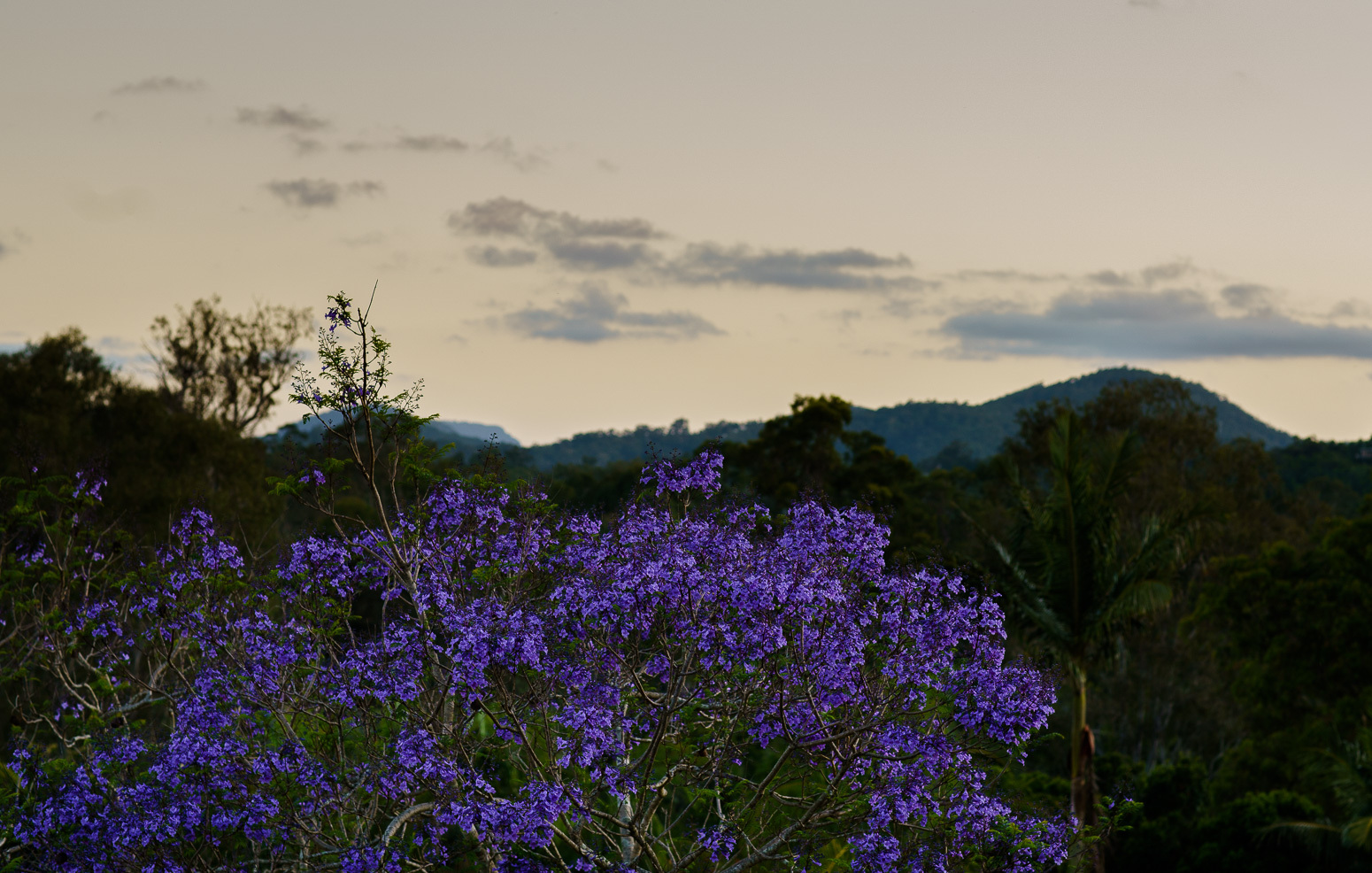
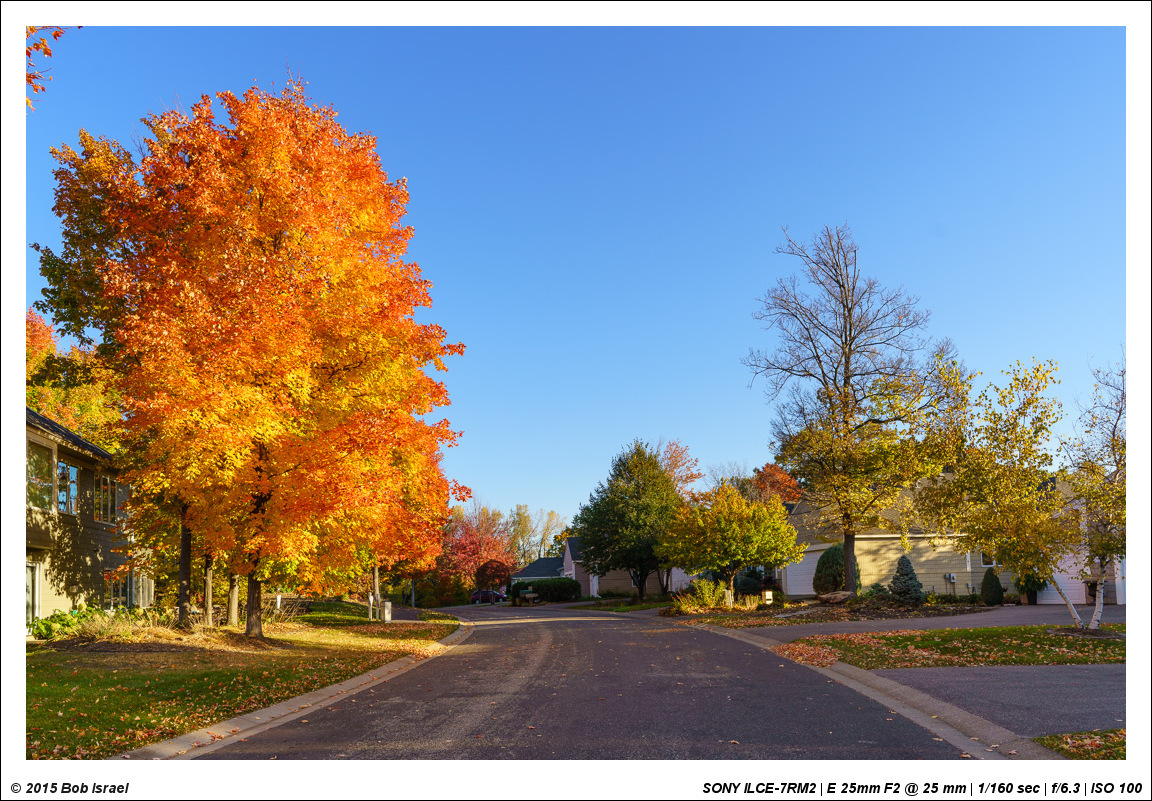
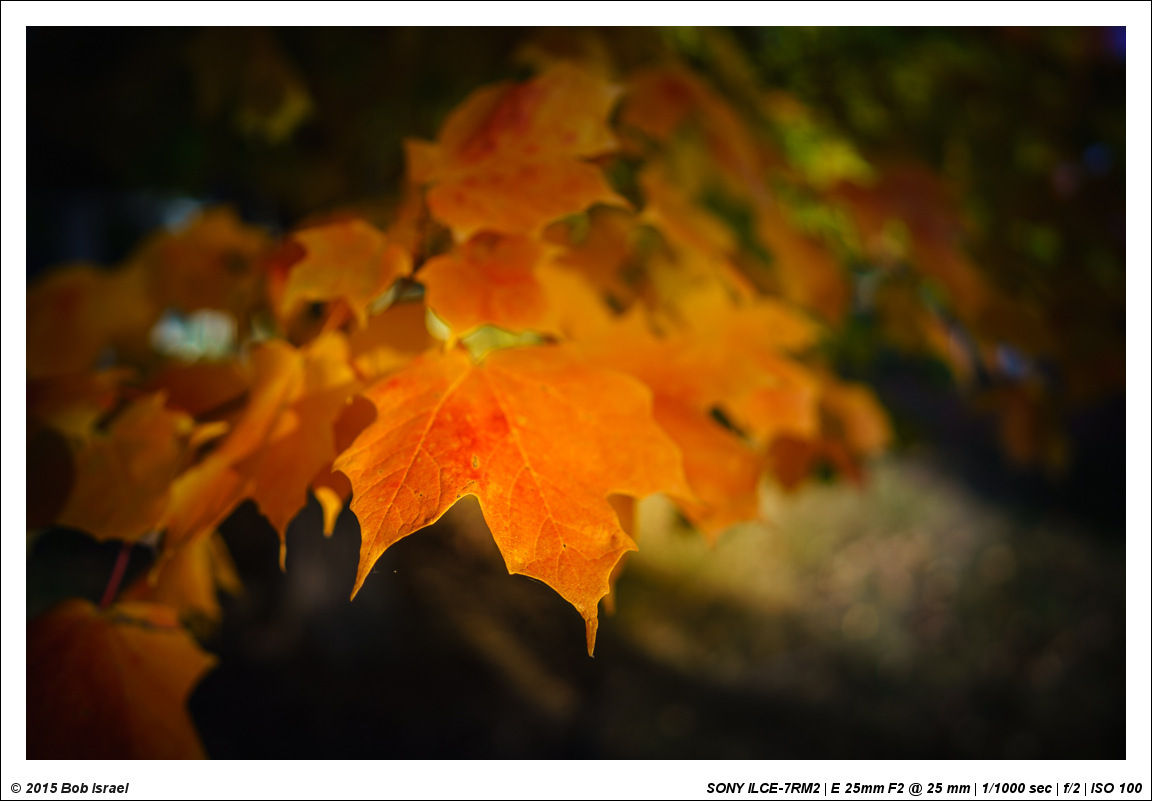
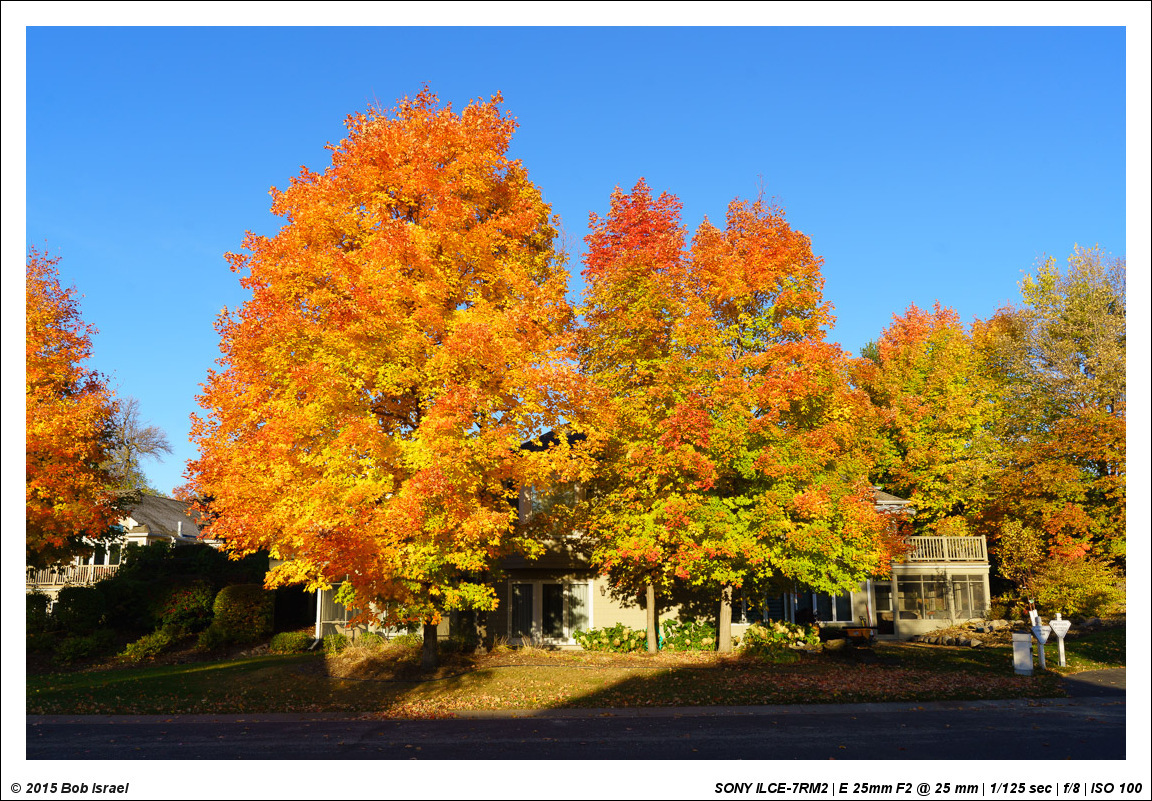
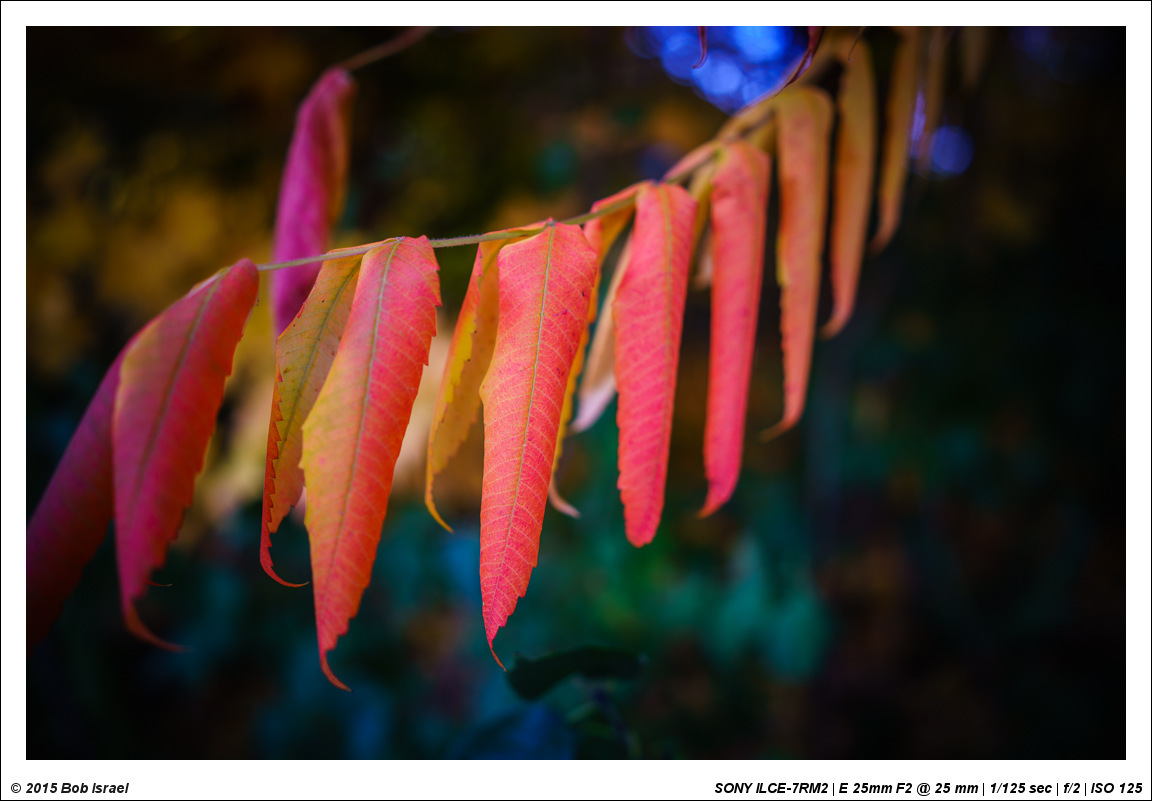
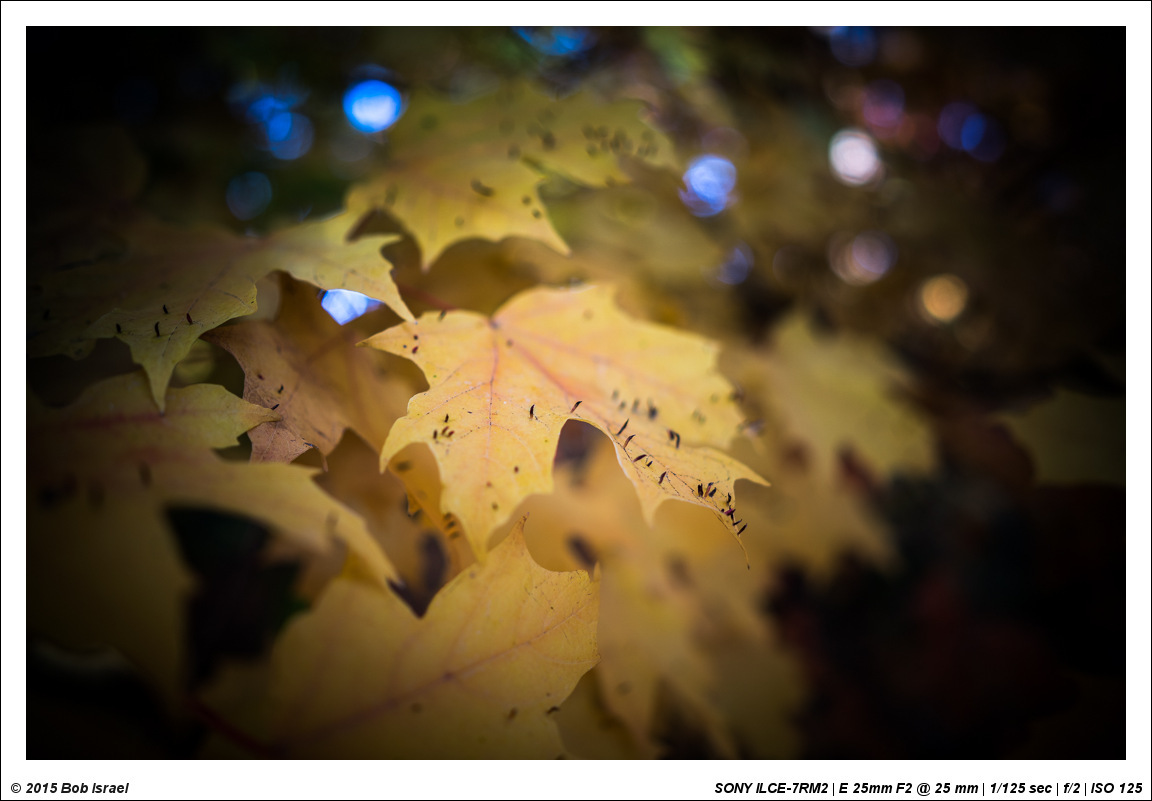
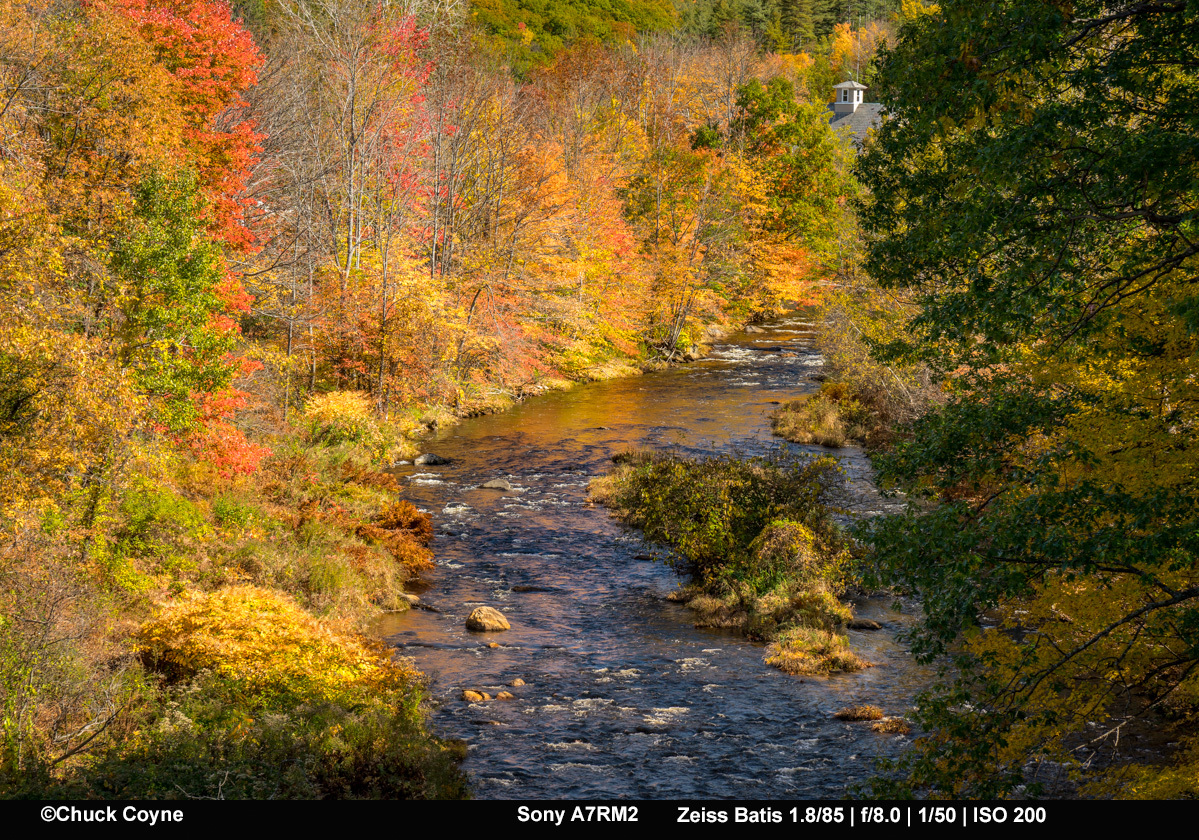
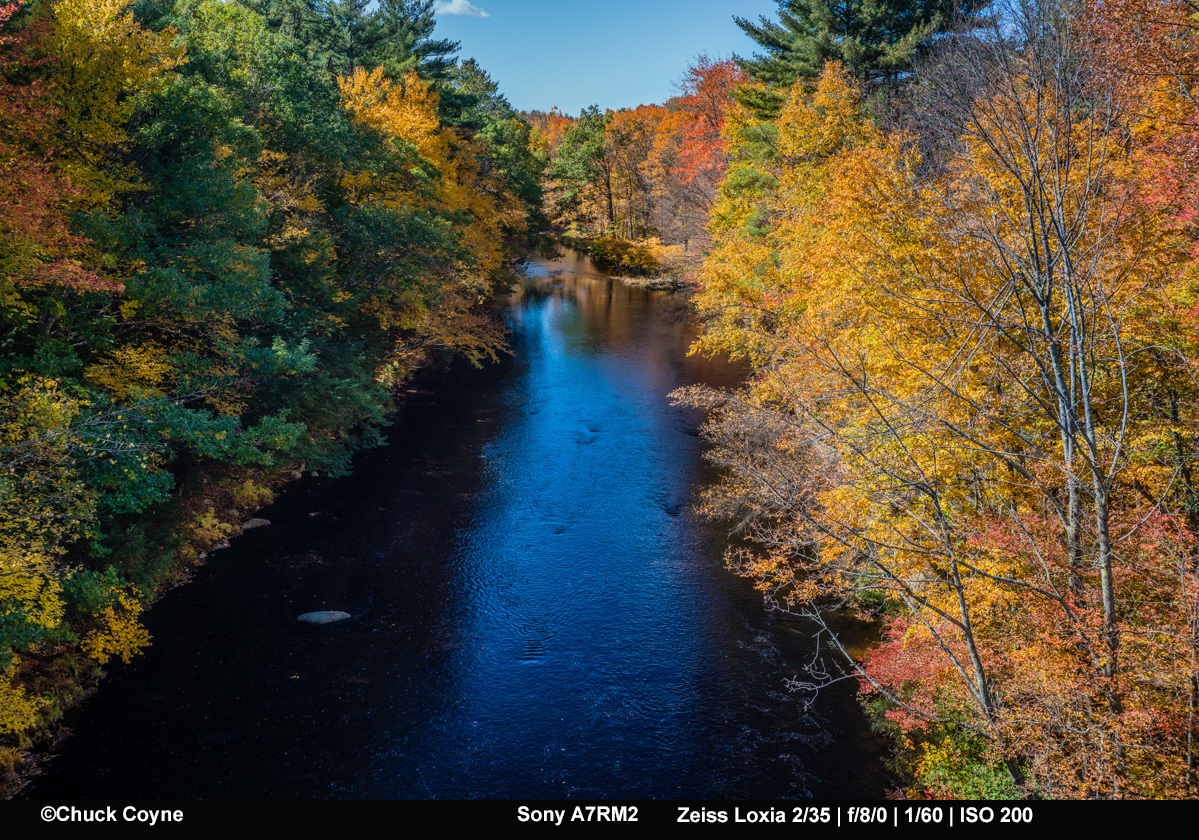
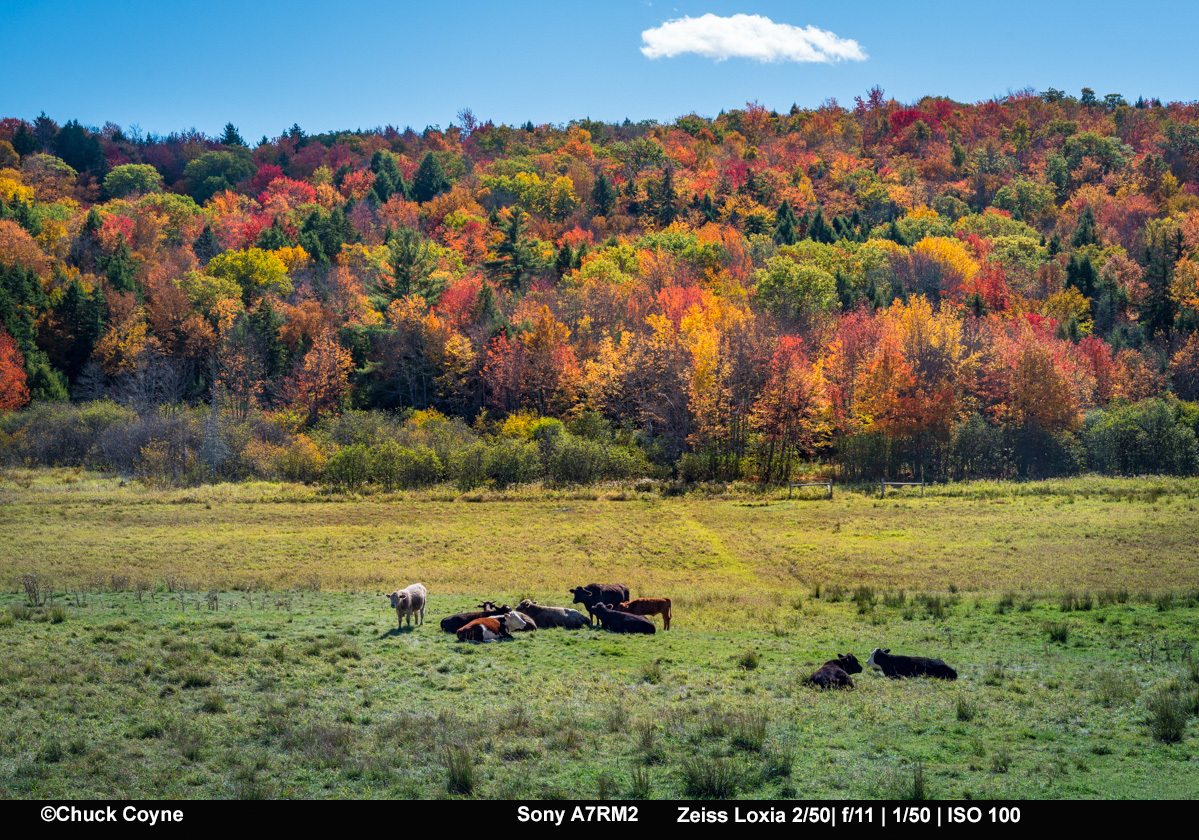
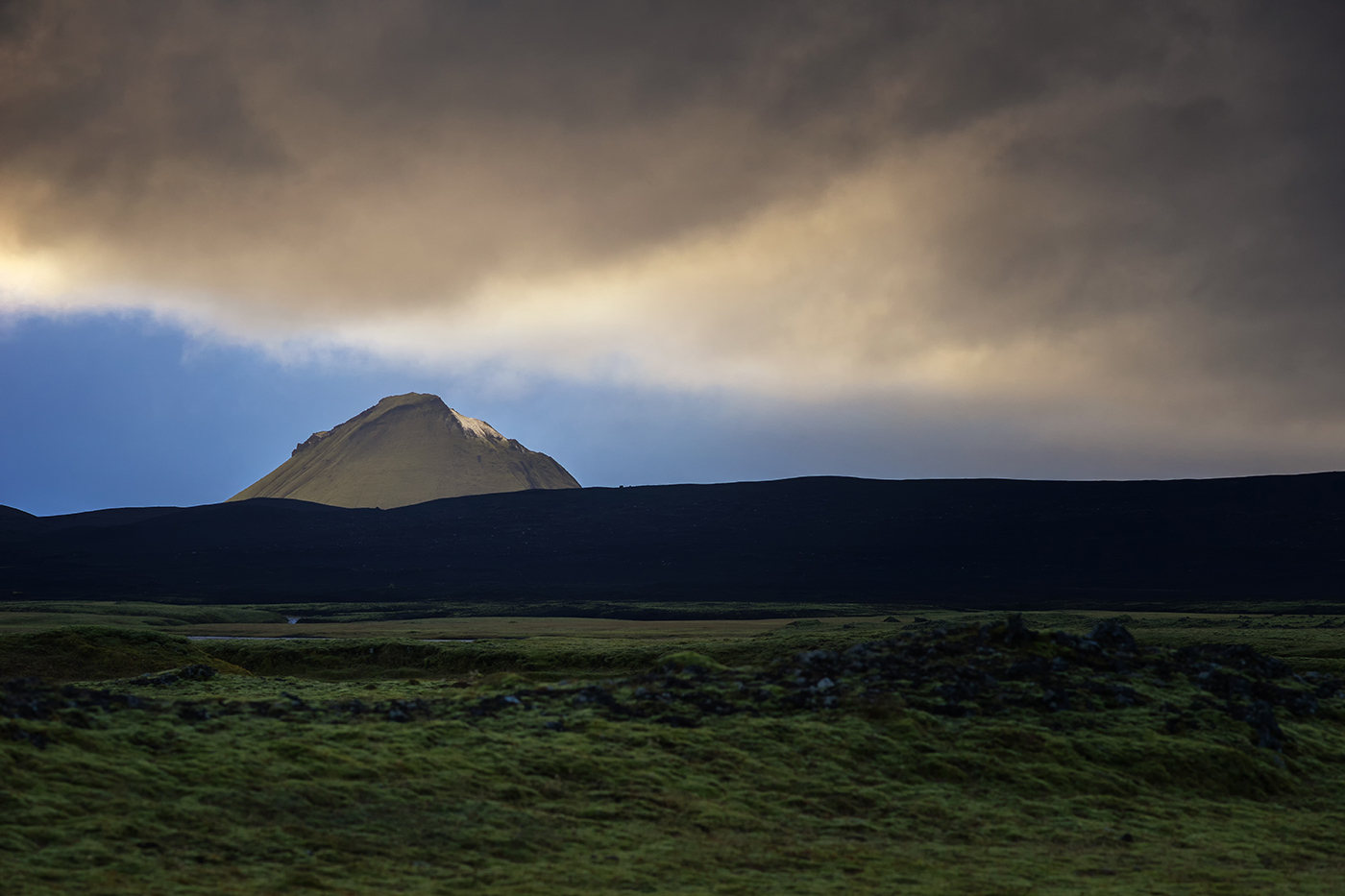
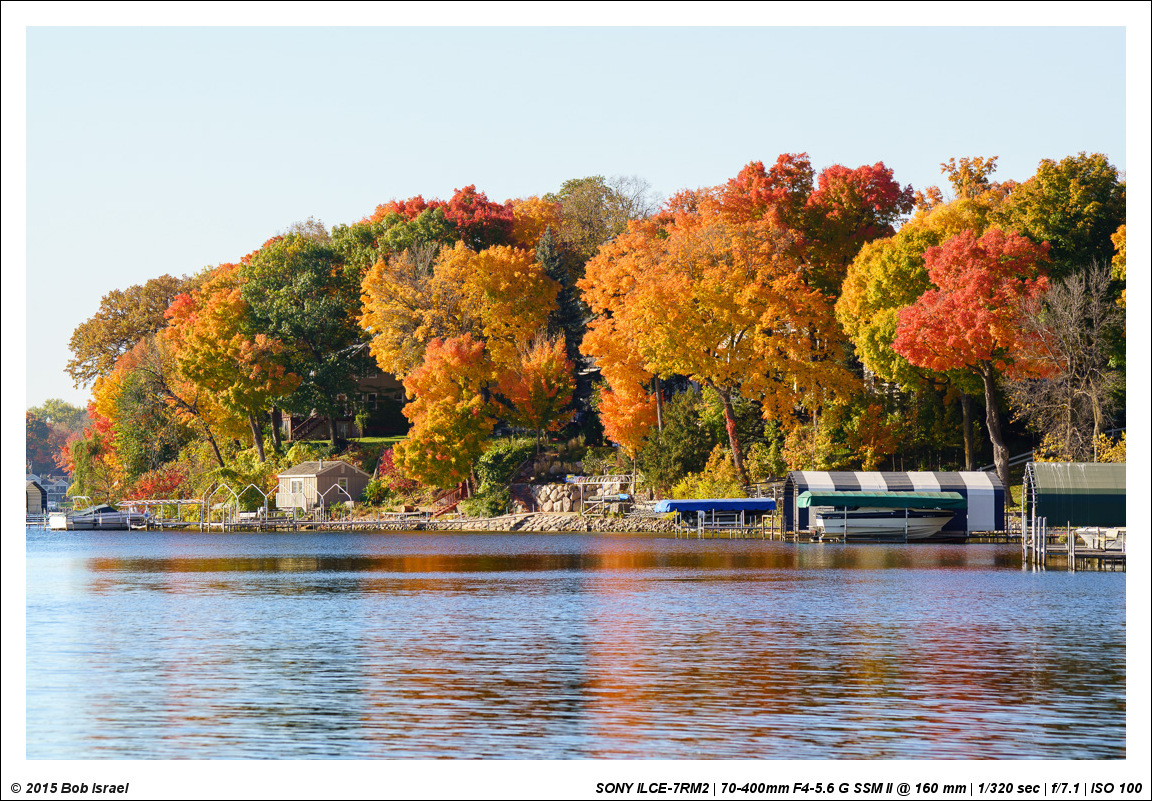
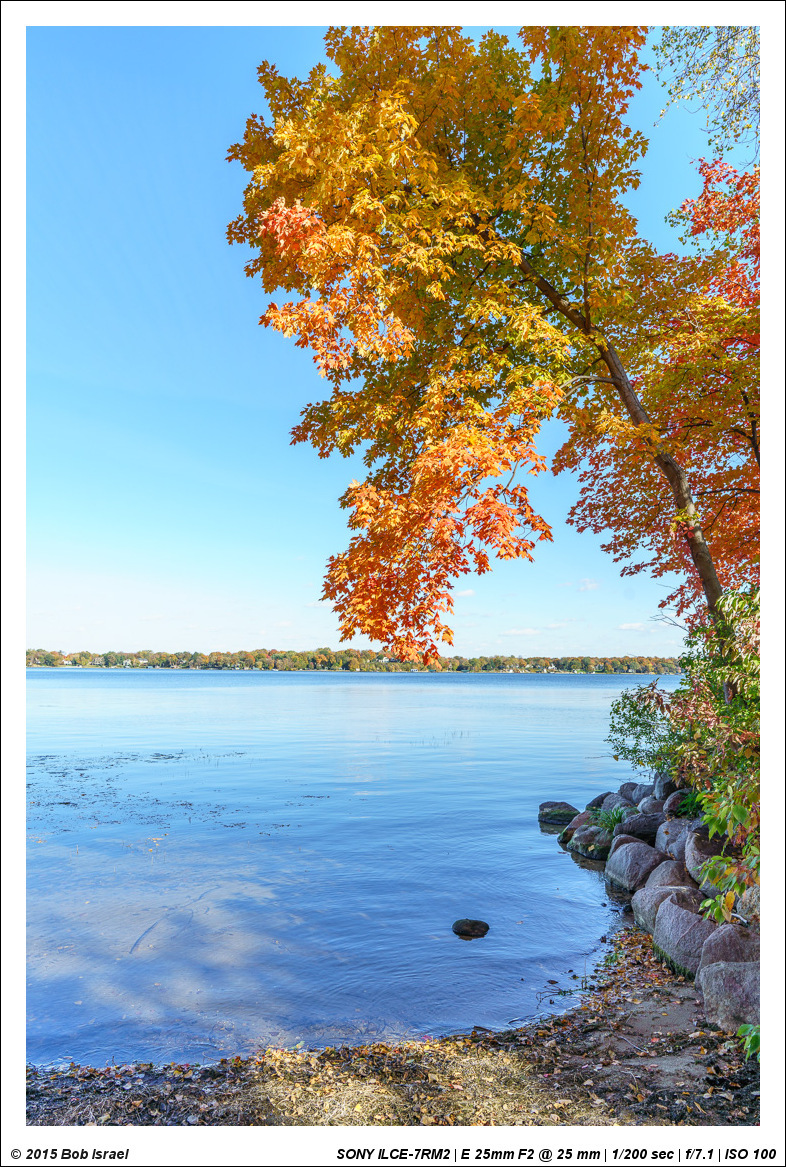
Well, temperatures dropped to below freezing last night but the sky and colors in my neighborhood were too brilliant to pass up! All with the Batis 25/2
cputeq wrote:
Retina is a double-edged sword. Depending on your resolution, etc. it can really make a photo appear amazing, or it can rescale photos and make them look worse than they really are (for you).
As long as you maintain your output resolution, your photos will look fine to most people (they look great on my 1920x1200 Dell).
Couple of tips I use:
When I edit on my 15" MBPr, I actually use the app SwitchResX to get to native 2880x1800 resolution on the monitor when in Lightroom. That way, I get a clear 1:1 pixel representation of the image (controls are tiny at this resolution, but the 1:1 pixel mapping means I'm actually seeing the real image).
When viewing FM, though, I'm usually using the "1920" equivalent resolution, which is a strange scaled resolution with regards to many web images.
To counter this, I CMD "-" to zoom out two levels in Safari -- everything of course gets a little smaller, but that downrez counters the scaling going on with the 1920 resolution and images look great (I also use this trick in the 1440 mode)
Some images from me "one-handing" it while walking -- not easy!
Hi, unless I'm missing something, you no longer need to use SwitchResX for LR on retina displays. LR has native support for HiDPI inside the Library and Develop modules. This means that in default mode, all of the controls are scaled up to normal size, but the images are shown at native resolution.
It's a bit confusing. My Retina iMac is set at "default for display", which is 2560x1440 mode on the 5180x2880 display. Everything is scaled nicely on the display, and each native pixel is mapped to four. But...when you open LR with its HiDPI support, the control areas follow this mode, and display four pixels as one, and the controls look normal. However, the image area is now displayed at full native resolution (5180x2880) in the Library and Develop modules. For example, my 16MP Ricoh GR images don't zoom much at all when going from "fit on screen" to "1:1" since my display is almost 15MP! I normally need 2:1 or 3:1 view to pixel peep on this thing...
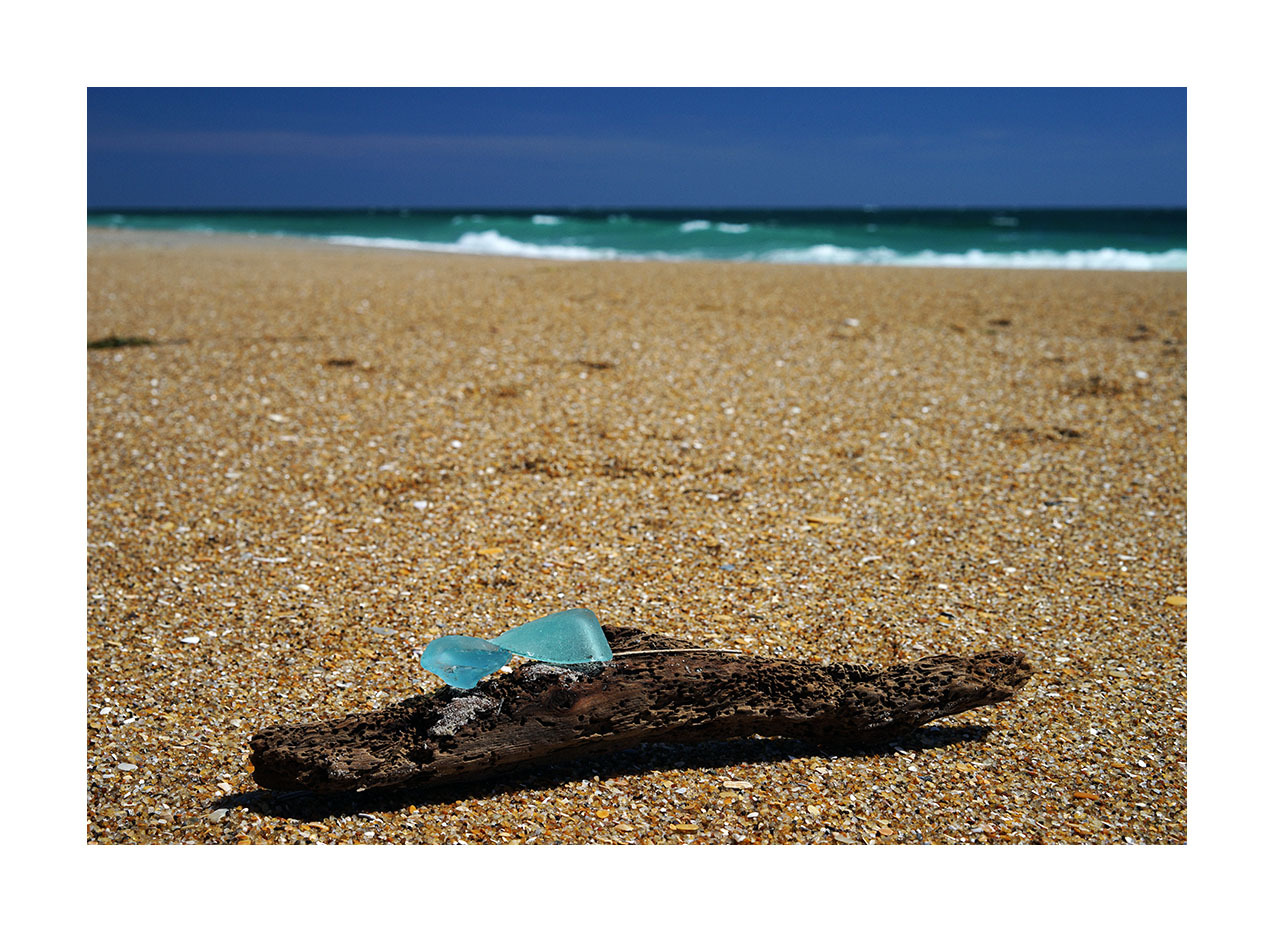
Happened upon a nice piece of driftwood, and also some sea glass (blue being the rarest find) during a walk along the beach. Obviously didn't come across one sitting on top of the other and this was actually posed for an iPhone FB photo, but figured I'd snap it with the A7ii 55/1.8 FE combo as well for a "different" look than the phone pic
shelt wrote:
Hi, unless I'm missing something, you no longer need to use SwitchResX for LR on retina displays. LR has native support for HiDPI inside the Library and Develop modules. This means that in default mode, all of the controls are scaled up to normal size, but the images are shown at native resolution.
It's a bit confusing. My Retina iMac is set at "default for display", which is 2560x1440 mode on the 5180x2880 display. Everything is scaled nicely on the display, and each native pixel is mapped to four. But...when you open LR with its HiDPI support, the control areas follow this mode, and display four pixels as one, and the controls look normal. However, the image area is now displayed at full native resolution (5180x2880) in the Library and Develop modules. For example, my 16MP Ricoh GR images don't zoom much at all when going from "fit on screen" to "1:1" since my display is almost 15MP! I normally need 2:1 or 3:1 view to pixel peep on this thing...
Interesting and thanks for the information. Does this also work on Safari and what version of LR are you using?
I knew on LR 5.7 I was unable to zoom very far because of scaling, yet 1:1 would let me scale (and view the images) normally. I need to recheck this. I do know I would run into it with Safari all the time, though - depending on resolution, images can look very mushy unless I zoom out twice.
Lost last few pages... all in one session this evening and my eyes are so open
Thanks and compliments everyone for the incredible images I find here every time
Manuel
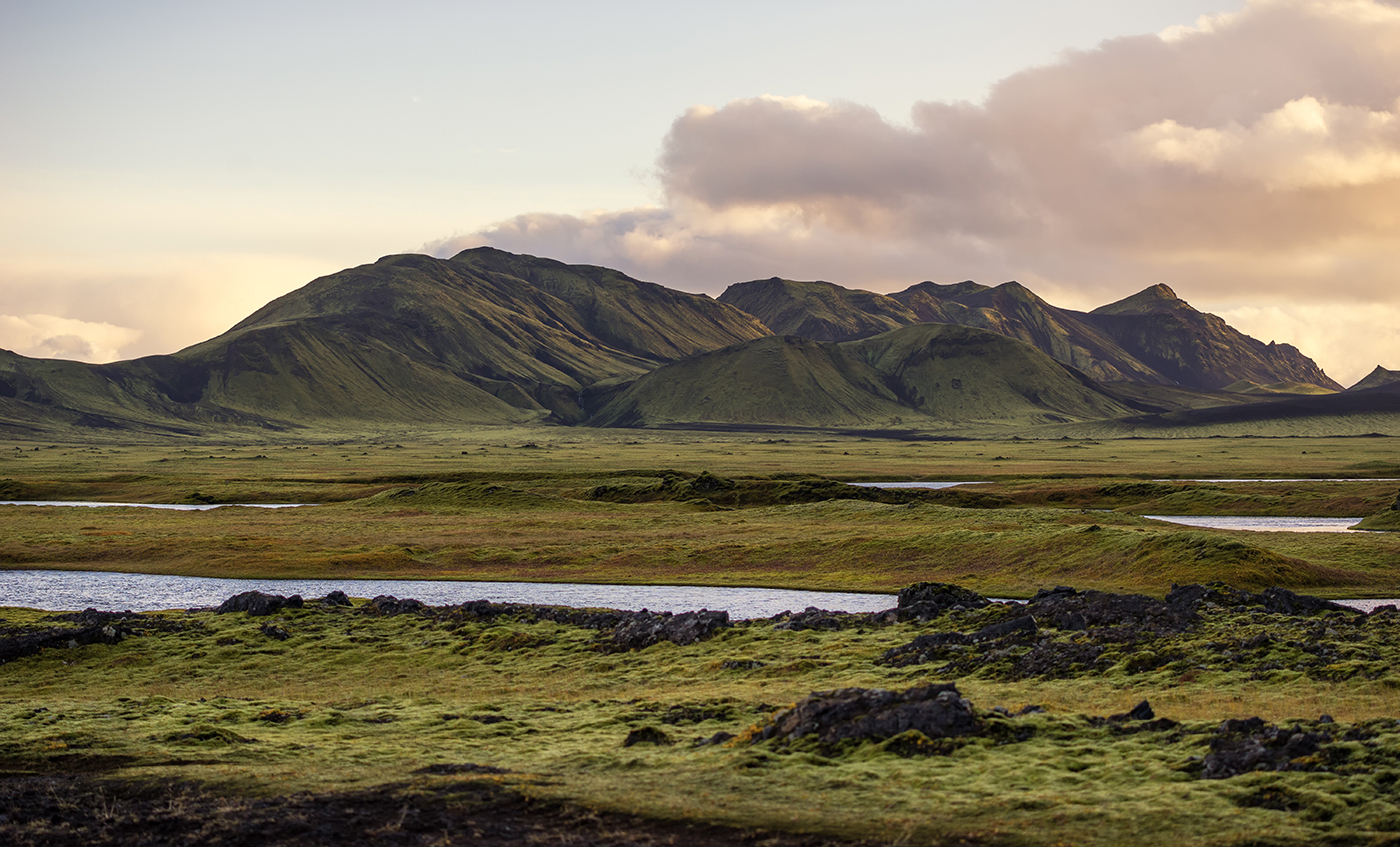
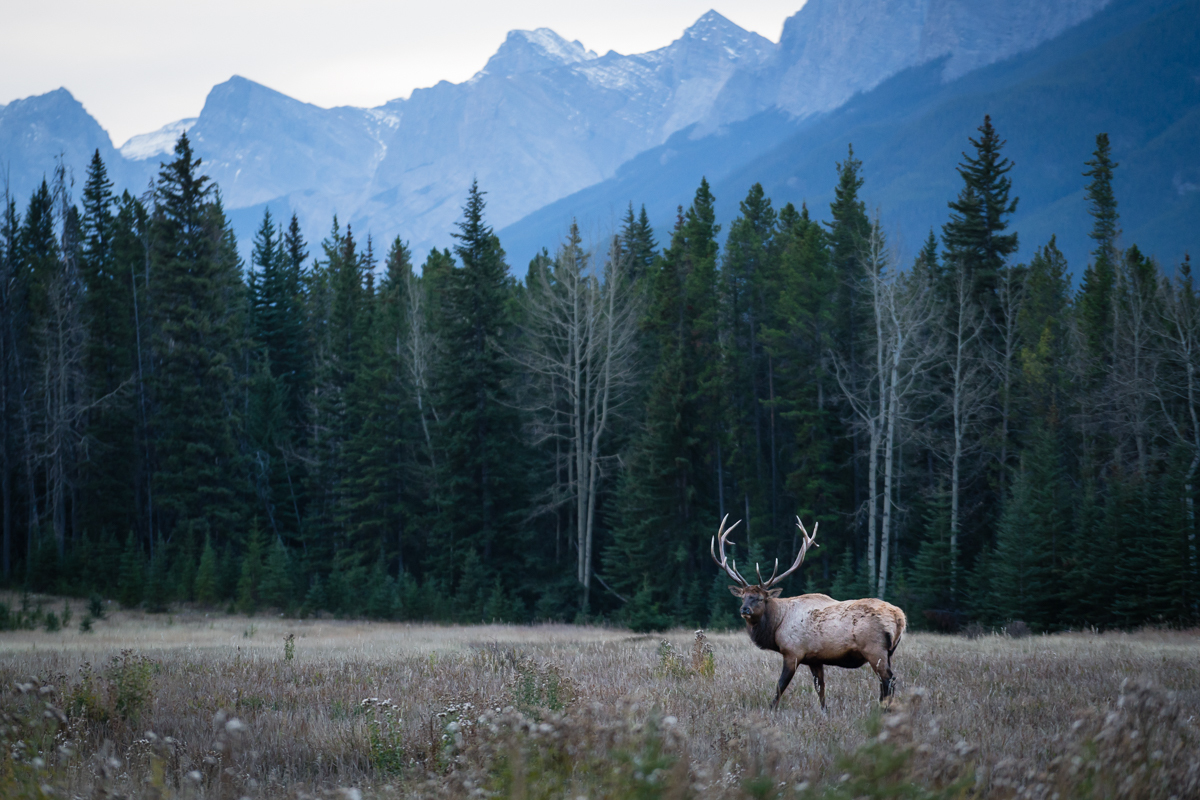
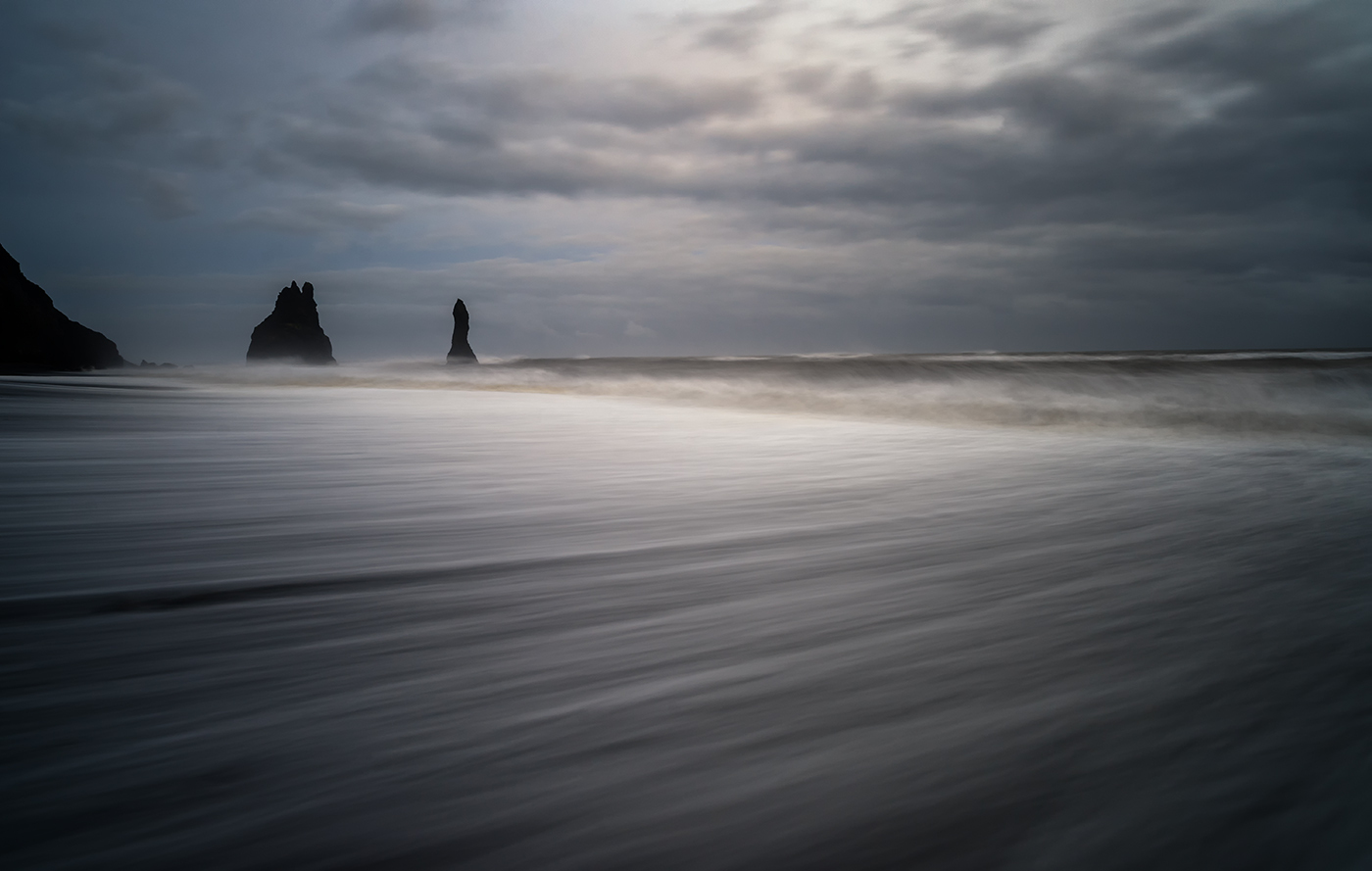
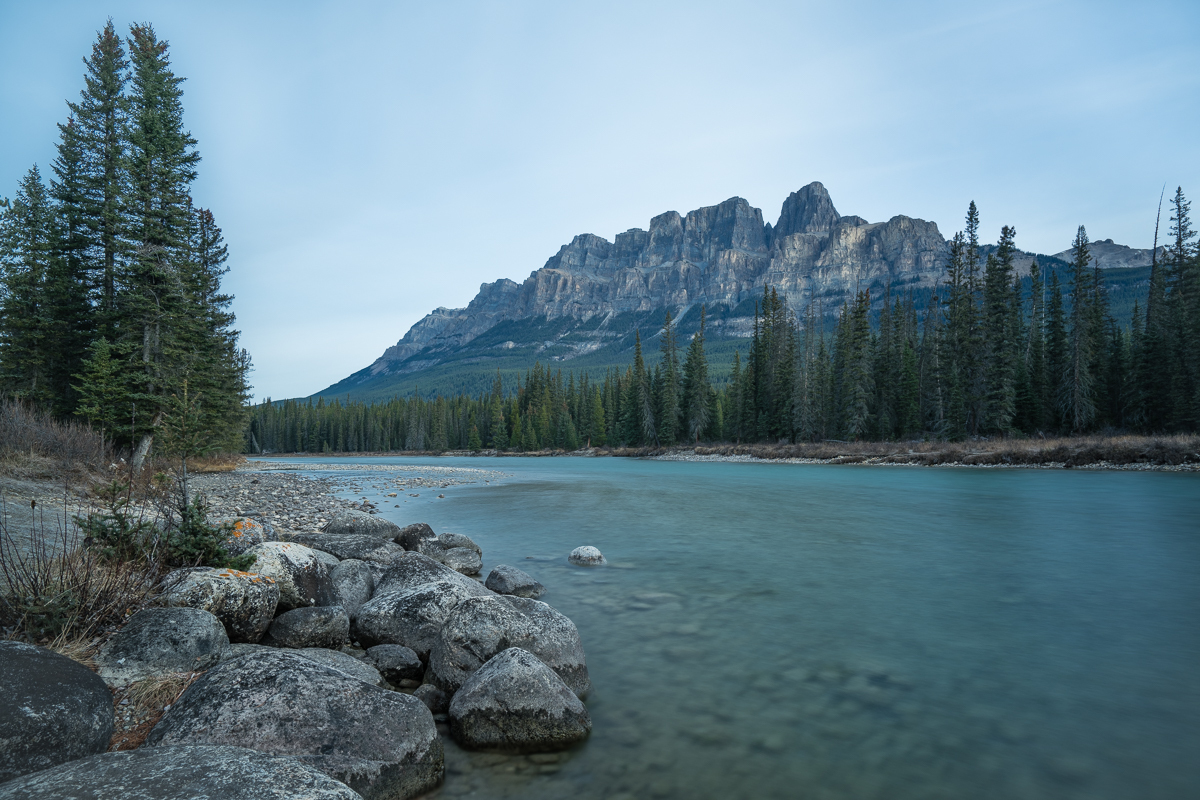
Finally got my 25 batis the other day but have only had time to take it for a very short 15 minutes test. At least I was in luck with the light.
The natural comparison is to the 25/2.8 ZM which I think has a bit more of Zeiss 'bite' - i.e higher micro contrast at certain spatial frequencies (although this may be an M9 vs ARII thing as well, hard to tell - have not tried the ZM on the A7RII). The Batis on the other hand has much nicer bokeh, is f/2 and AF. From my admittedly very short test it does look like a really good lens. Still waiting for the 85 Batis to arrive and to get some time to go out and do some proper photography..