p.16 #2 · The how-would-you-process-my-image thread
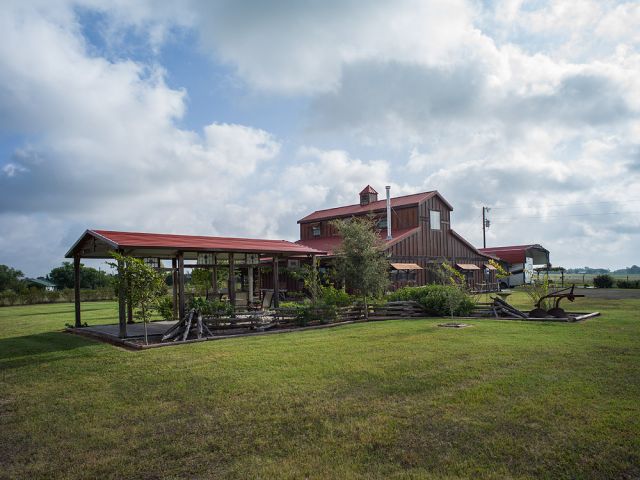
KatieInTexas - I just cropped it a little, and added some contrast. The WB to me was a little blue, and definitely needed some darks and whites in ACR.
p.16 #4 · The how-would-you-process-my-image thread
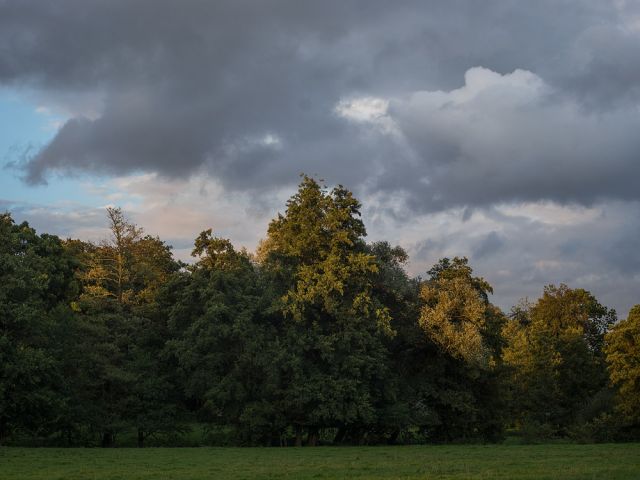
@Phillip Reeve - I just use ACR and set the exposure correctly. I look to see that the whites and darks are not clipped. I then do some minor luminosity masks in photoshop to get the lighting the way it should looks. Now that I look at it on my calibrated monitor, it looks a little darker than I would have liked, but the details are still retained. Let me know if you want anymore specifics.
p.16 #7 · The how-would-you-process-my-image thread
wfrank wrote in [url=https://www.fredmiranda.com/forum/topic/1255248/823#12971409]Sony Alpha 7/7r/7s Images Thread[url]:
Samuli, what kind of HDR software are you using? Last shot - from my humble opinion - would from a normal single shot be able to produce a lot more presence (and sharpness FWIW) given the dynamics of the Sony FF sensor.
Link to zipped ARW-files:
- dark, 1/1250s
- normal, 1/320s
- bright, 1/80s
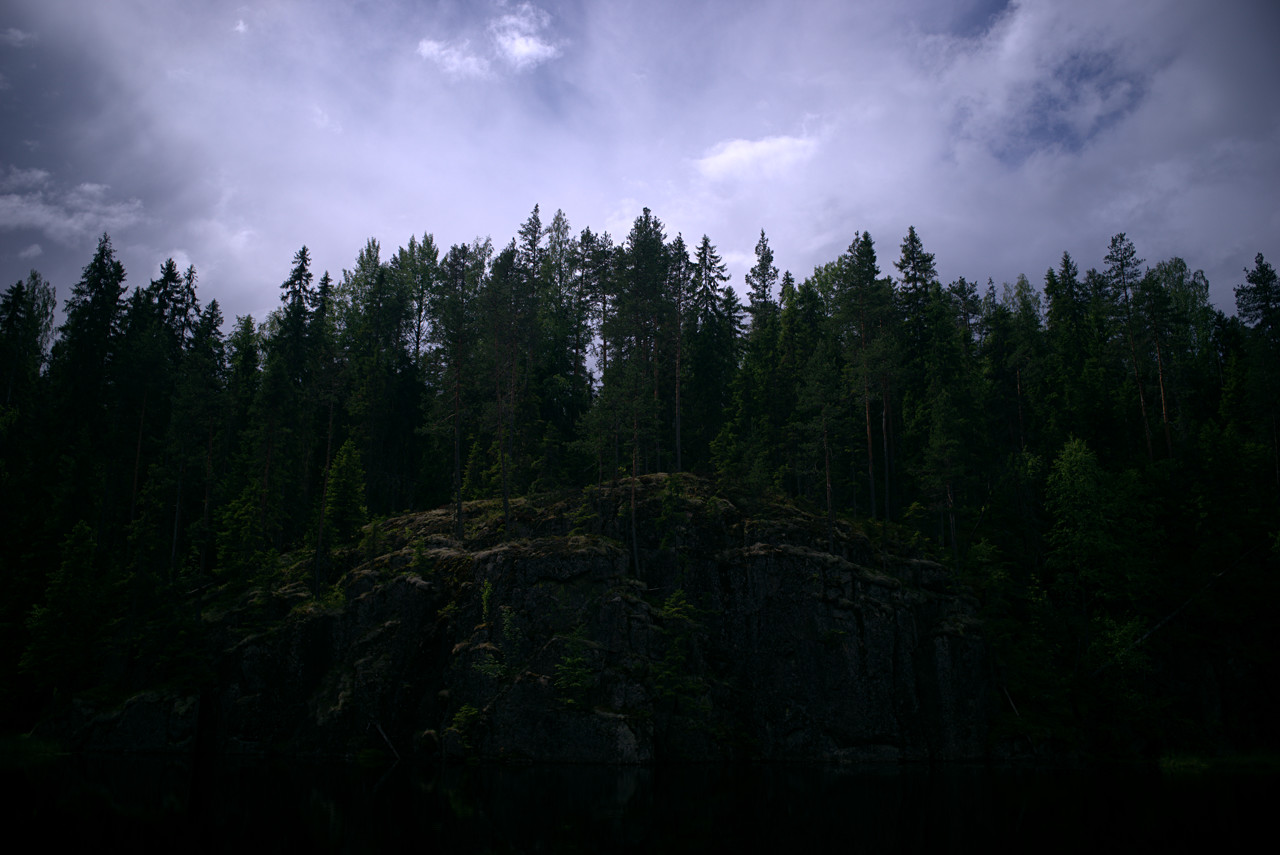
I played with this image on PhotoMatix Pro, but to me it seemed that there is no way to get this one realistic looking (hard to remember what exactly was problematic, it was already few months ago when I processed it). On this kind of scenes A7(r) bracketing doesn't really help (it's missing 1 1/3 stop and 1 2/3 stop settings, you have to bracket 2 full stops). From the version I processed it's obvious that there is not enough microcontrast in foreground rocks and trees:
The dark image is only one, which doesn't have completely blown sky and it looks like this without any special work to shadows:
Interested to see what wfrank etc. gurus can extract from one image.
p.16 #11 · The how-would-you-process-my-image thread
Samuli Vahonen wrote:
On this kind of scenes A7(r) bracketing doesn't really help (it's missing 1 1/3 stop and 1 2/3 stop settings, you have to bracket 2 full stops).
Samuli
When I have this problem I bracket (say 3 at +/- 1 ev), but then quickly adjust the +/- dial by 1/3 stops and bracket 2 or 4 times more to fill in the rest.
p.16 #12 · The how-would-you-process-my-image thread
mcbroomf wrote:
Using the new LR HDR with the dark and middle exposures, some clarity brushing in the sky and shadow brushing in the trees
Mike
Thanks for this pretty good version Mike!
However I just can't stand the hue errors LR causes (and has always caused) to greens with Sony cameras (A7, A7r and a850 - don't know others as I only have these). Without green hue issues, and having slightly more local contrast and microcontrast this would be very close to what I would like to achieve from this photo.
Did you use "Adobe Standard" camera profile for this version? Asking because if you did, then it has improved in version upgrade, there were only those stupid hue shifts which happen when same green has higher brightness it turns yellow, but lacking the LR older version issue of certain greens having too much blue. The crappy greens and weird hue shifts in greens actually made me ditch LR and move to dcraw.c-based workflow.
Hmmmm, maybe I need to try the v6 as I anyways have the CC-license due to PhotoShop. I could convert photos with some other RAW-converter, which doesn't cause issues to green stuff and then use LR's other functions (e.g. HDR and brushing), which are currently available in my Linux based simplified workflow.
p.16 #13 · The how-would-you-process-my-image thread
Samuli Vahonen wrote:
Thanks for this pretty good version Mike!
However I just can't stand the hue errors LR causes (and has always caused) to greens with Sony cameras (A7, A7r and a850 - don't know others as I only have these). Without green hue issues, and having slightly more local contrast and microcontrast this would be very close to what I would like to achieve from this photo.
Did you use "Adobe Standard" camera profile for this version? Asking because if you did, then it has improved in version upgrade, there were only those stupid hue shifts which happen when same green has higher brightness it turns yellow, but lacking the LR older version issue of certain greens having too much blue. The crappy greens and weird hue shifts in greens actually made me ditch LR and move to dcraw.c-based workflow.
Hmmmm, maybe I need to try the v6 as I anyways have the CC-license due to PhotoShop. I could convert photos with some other RAW-converter, which doesn't cause issues to green stuff and then use LR's other functions (e.g. HDR and brushing), which are currently available in my Linux based simplified workflow.
Samuli...Show more →
Yes, I was using Adobe Std (2012 Current) and made no Hue changes to the colours (I did tweak some colour saturation individually a little) . I sometimes do that (make Hue tweaks) depending on what I want the output to be, or what I remember (if I'm trying to match it). The change (improvement?) may be due to the HDR process within the new LR ... not sure.
This is the 1st time I've used LR CC (I didn't use LR6), up until now I used stand alone LR5 even though I had the PS/LR CC version, so I installed LR CC for the 1st time.
I'll see what else LR can do with your sunlit greens but I think a trip to PS may be needed, or a good camera calibration (which I've never done).
p.16 #14 · The how-would-you-process-my-image thread
Samuli, I checked the LR settings I'd used and saw that I'd tweaked the yellow saturation up a little as well as yellow luminance. I recall doing that because I wanted to preserve (or increase) the sense of sunlight falling on some of the pines. In any case I backed them off (back to 0, default), this is the new rev.
p.16 #15 · The how-would-you-process-my-image thread
mcbroomf wrote:
Yes, I was using Adobe Std (2012 Current) and made no Hue changes to the colours (I did tweak some colour saturation individually a little) . I sometimes do that (make Hue tweaks) depending on what I want the output to be, or what I remember (if I'm trying to match it). The change (improvement?) may be due to the HDR process within the new LR ... not sure.
It's nothing you did, i did recognize it from your photo in first glance "oh, damn the LR hue shift again".
mcbroomf wrote:
I'll see what else LR can do with your sunlit greens but I think a trip to PS may be needed, or a good camera calibration (which I've never done).
Color Checker calibration didn't help (I'm not sure how calibration made by so few color patches can do any good thou...) - even I created the camera profile under same light I did shoot the actual forest scene the hue shift still happened (brighter same hue green is much more yellow than same green as darker). As my scenes are 80% green I had not other option than to ditch the LR and use other RAW-converters, which didn't try to do anything "clever" to my photos like Adobe.
So there might be laborous way of fixing hue shift, but it should not be caused in first place. Luckily we are not locked to one software and there is plenty of other software available.
EDIT: quoted the other post as well: mcbroomf wrote:
Samuli, I checked the LR settings I'd used and saw that I'd tweaked the yellow saturation up a little as well as yellow luminance. I recall doing that because I wanted to preserve (or increase) the sense of sunlight falling on some of the pines. In any case I backed them off (back to 0, default), this is the new rev.
Thanks again for new version - problem is not the pines, but the backlight spruces, their light part turn to yellow and there is nothing yellow or yellowish anywhere on those spruces in real life. Last summer I had exactly same issue with this photo's invidual frames (didn't process and create HDR back then, just browsing photos) on whatever was LR's most recent version in CC at last summer.
p.16 #17 · The how-would-you-process-my-image thread
I do recall you mentioning in a thread some time ago that you had started to use dcraw. I'd forgotten it was due to greens.
Here's a screenshot of both versions .. my bad on calling the foreground trees pines .. I didn't look close enough, but they are the ones I meant. Looking at it though (these are 100% captures from exported TIFF from the DNG you get after the HDR function) I see that the change just backed off the brightness of the sunlit branches, so probably not much help.
p.16 #18 · The how-would-you-process-my-image thread
Toothwalker wrote:
That is a difficult image. The trees near the center are affected by glare, and are not going to sparkle. Here is my variation on the theme:
Thanks Paul, very balanced version and best cliffs&rocks. This was shoot with Leica Elmarit-R 28mm v2, and having this hard light and so big brightness difference between sky & forest this would have been better if shot with either ZE- or C/Y-series 28mm (or 25mm), which are better in high contrast backlight situations. Also A7's "coma from hell" may contribute negatively on this image and A7r most likely would have given better result.
mcbroomf wrote:
I do recall you mentioning in a thread some time ago that you had started to use dcraw. I'd forgotten it was due to greens.
Hate of sliders (lots of them in LR...) and the annoying tweaking with them was the reason. I would prefer something similar to shooting slides: take photo, get it developed and use it on projector. But at same time I would prefer some flexibility...I know it's impossible.
Dcraw is nice in that sense that it has only WB (multipliers for R, G, B, G channels in bayer matrix camera), blackpoint, whitepoint, brightness, gamma (power&toe slope), setting how clipping highlights are handled and what demosaic algorithm.is used And all those are given as numeric values from command line - for some weird reason I like this more than the slider tweaking, which seems more desirable for majority of people. However the more I have used it, the more I have found limitations on scenes, in which I would use either highlights or shadows slider (or both) in LR - I don't think I can use only dcraw on long run.
mcbroomf wrote:
Here's a screenshot of both versions....For the hell of it I used PS to select the sunlit branches (from the 1st ie top version) then did a hue adjustment on them (bottom screenshot). I'm not sure it's PP that you want to get into but it may be possible to get what you want.
Looks pretty good when yellow from those highlights is removed. PP is something I would like to get rid off, not more of it...
mcbroomf wrote:
I'm not sure how much enlarging an edit like this will hold up to though if you print large ...
Paper is much more forgiving material than screen and our pixel peeping. I don't think this image would print well; we struggle here to get it on screen and on paper the dynamic range is even smaller than in our screens.
p.16 #20 · The how-would-you-process-my-image thread
Samuli Vahonen wrote:
Thanks Paul, very balanced version and best cliffs&rocks. This was shoot with Leica Elmarit-R 28mm v2, and having this hard light and so big brightness difference between sky & forest this would have been better if shot with either ZE- or C/Y-series 28mm (or 25mm), which are better in high contrast backlight situations. Also A7's "coma from hell" may contribute negatively on this image and A7r most likely would have given better result.
Lens flare and "coma from hell" are among the usual suspects, as are filter flare and diffraction.
alundeb wrote:
Another variation. Processed from one raw file, the "normal" exposure. CaptureOne, CS5,1 + NIK Viveza.
That is not bad for a single raw file. Not bad at all.