p.2 #4 · The how-would-you-process-my-image thread
Im feeling bit like butcher..
Ok, I think I overshot saturation in first case..
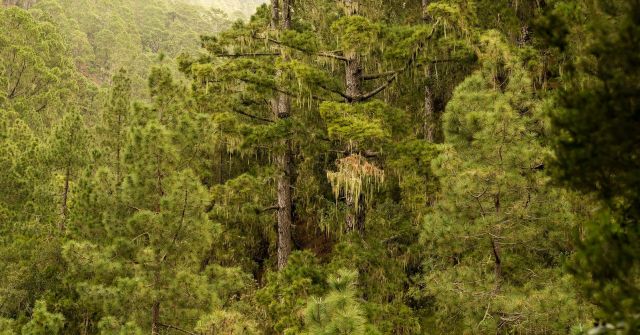
How it was done. Ehm.. not simply.
Both are RAW Therapee outputs (not possible to make screenshot, its few tabs). And I dont think anyone uses that so, not much point. Color profiles were from Capture One 7.
After output into PS in 1st case:
+20 Dynamic Contrast (Color Efex 4 plugin)
Velvia 50 simulation + bit vignetting (Alien Skin)
+3 Perceptual saturation (Color Efex 4)
+3 Skylight filter (Color Efex 4)
convert to sRGB (Im using ProPhoto RGB)
+5 LAB saturation (apparently could work without that )
convert to 8bit
+3 Perceptual saturation (seemed bit bleak after 16 to 8 bit)
downsized and JPEGed using XnConvert (I think maybe I oversharpened it a bit)
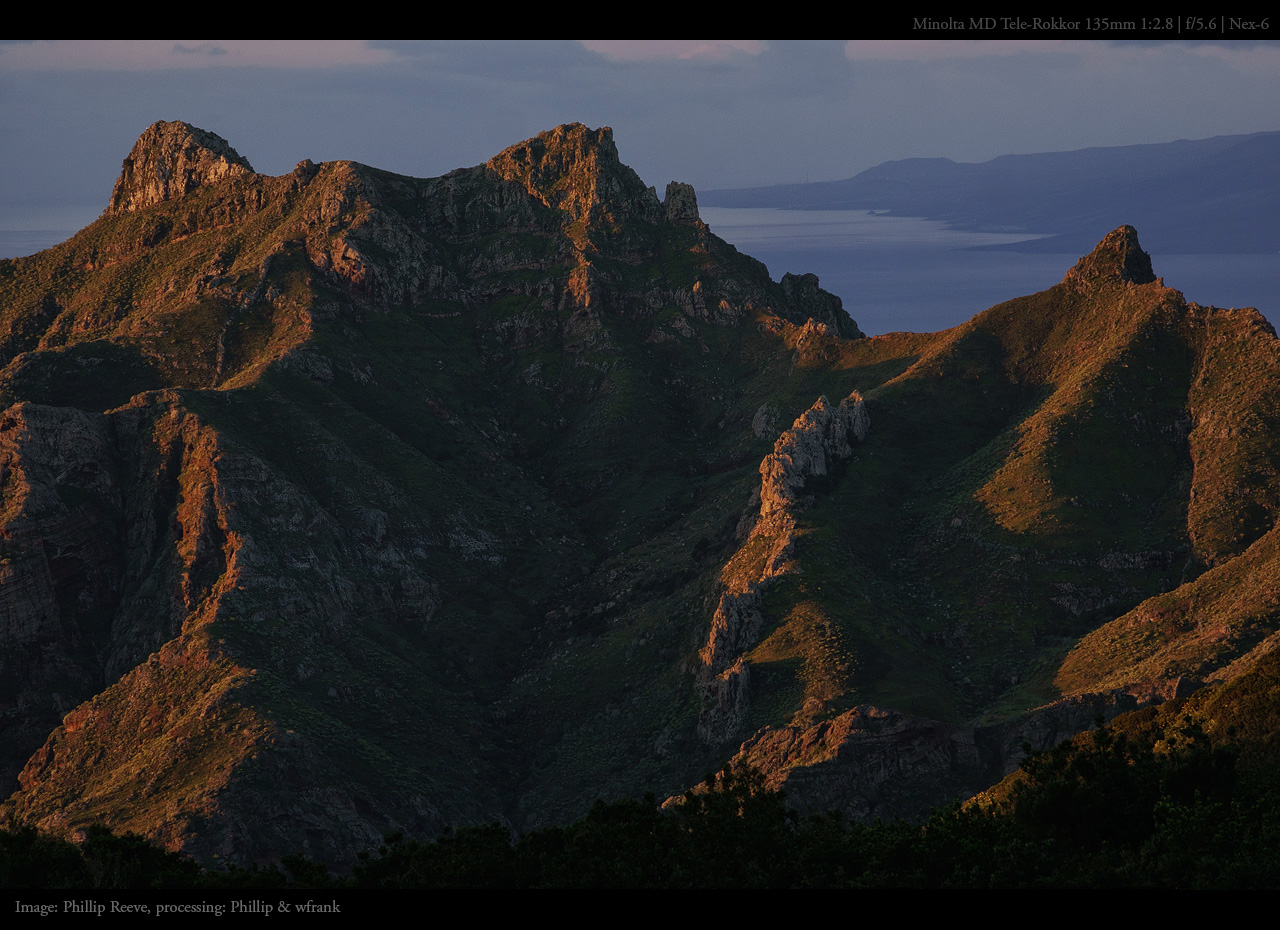
2nd pic:
Its a sunrise I think, so I tried to work based on that..
Velvia 50 simulation
+5 Dynamic contrast
+10 Skylight filter
+5 Perceptual saturation
convert to sRGB
+10 LAB saturation
light denoise of foreground blended with original (25% fill) (Topaz)
medium denoise of sky (75% fill)
convert to 8bit and downsize + JPEG
Took me about 3 hours of experimenting, not easy photos (especially that second one). But its fun and NEX-6 produces pretty good files.
p.2 #5 · The how-would-you-process-my-image thread
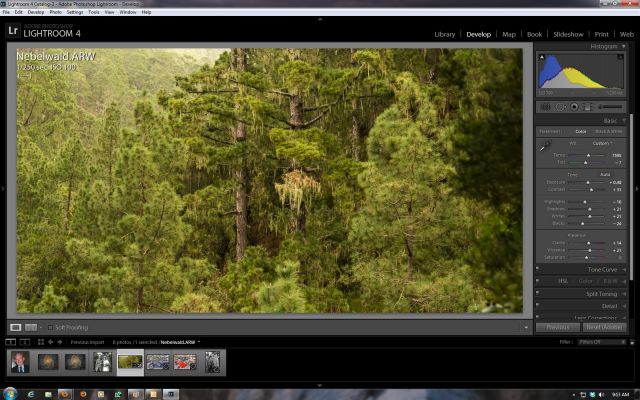
Phillip thanks for posting this and thanks for posting some interesting threads, including the HD one and the one on web sharpening. You have some great images. Here is my take on the forest. Included below is the processing screen cap, minus the input sharpening, then it was edited in Photoshop and then step resized and sharpened. Be interesting to hear your views on these versions. Alan.
p.2 #9 · The how-would-you-process-my-image thread
Nice idea Phillip. I think people here are inspired by your PP more than the opposite but ok. First image doesnt give me much but the second is one I wish I had taken myself, obviously need to do some traveling. Like how the green plays with the blues. I'd never move the histogram to do daylightish things on that sunrise(/sundown?) shot. My randomized PP consists of various local contrast enhancements, noise reduction of the sky and some pushing and fainting of colors to suit my liking.
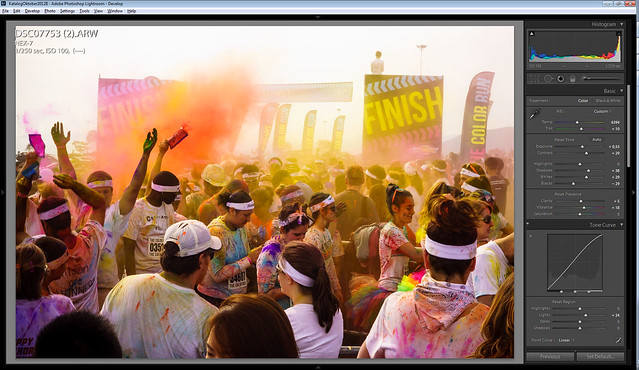
saturation boosts with a little selective color meddling to keep skin-tones somewhat in check; heavy dodge/burn adding fake directional light "sun rays"
p.2 #13 · The how-would-you-process-my-image thread
sebboh wrote:
are the NEX-7 raws not well supported?
i'll see what i can do.
Probably, but I am sticking to PS/ACR anno 2011 til Canon produces a FF sensor with Sony-like properties (or when some other miracle takes place). Did update to 5N though, but thereafter nil.
p.2 #14 · The how-would-you-process-my-image thread
wfrank wrote:
Probably, but I am sticking to PS/ACR anno 2011 til Canon produces a FF sensor with Sony-like properties (or when some other miracle takes place). Did update to 5N though, but thereafter nil.
p.2 #15 · The how-would-you-process-my-image thread
Fun image to play with so I decided to whip one up quick.
Slight bit of tonal contrast with ColorEfex.
Curves layer to bring blues down a lot in highlights (blue channel).
Color balance layer to add a bit more yellow and red to highlights and a slight bit of blue to shadows.
Curves layer to greatly increase contrast.
Vibrance layer to lower saturation.
Curves layer with lifted mid-tones and highlights - masked and used a soft brush very large with a dab or two in the bright middle.
Selective color layer adding yellow to red and magenta to yellow
Duplicated original layer and put it on top set to blend mode of luminosity with blend if keeping only the highlights showing through to bring a bit of subtle tonality back to the sky.
I did minor adjustments in Lightroom - increased clarity and vibrance, then opened in Photoshop. I then created light rays from the top left by duplicating the layer, isolating the highlights and then doing a radial blur to create the rays, blend mode Screen, duplicated and reblurred again. Minor brightness and hue adjustments on the rays. I then flattened that and brought the image into Color Efex Pro, where I added some Tonal Contrast, mostly in the mid-tones (and negative on the shadows), then graduated fog on the left side, and finally a little Glamour Glow to give it a more ethereal feel.
@wfrank i think you did a great job with the textures, saturation is a bit too far decreased in my eyes. what do you think about 60% Phillip and 40% wfrank:
Thank you. I found myself unable to handle the colors so with BW and crop I tried to bring out some of the people to get some of that special downtown Calcutta feel. Local and global contrast enhancements and a yellow filter in the BW conversion.
Edit: interesting combo there Phillip. Will evaluate but now I need to sleep for work tomorrow :-)


 )
)