p.3 #6 · The how-would-you-process-my-image thread
Phillip,
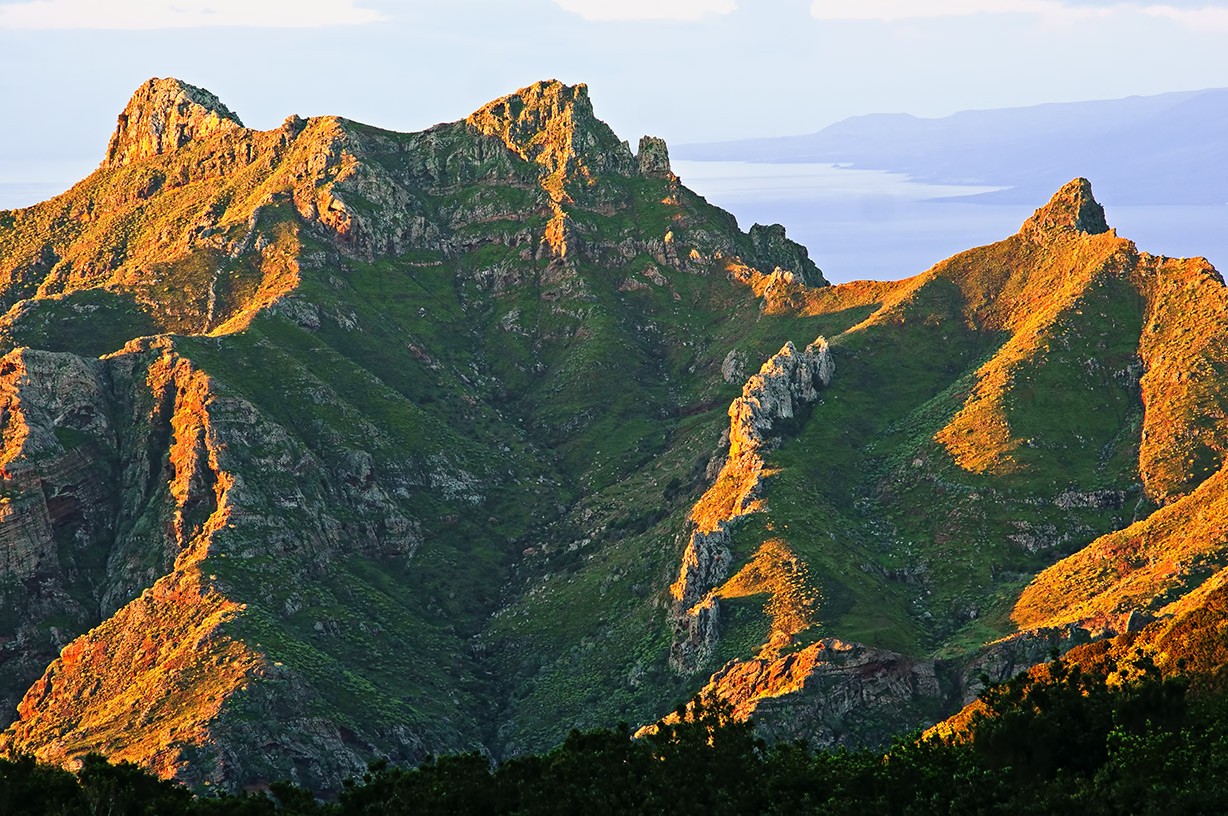
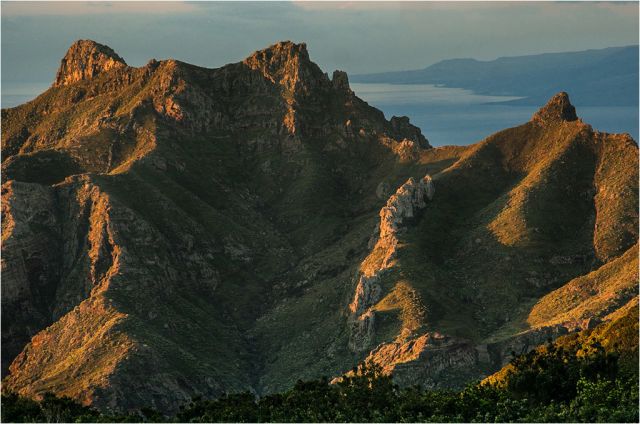
You mentioned that the first picture was hand held. Does that mean that you usually use a tripod for your landscapes? What is the lowest shutter speed you feel ok with for hand held?
p.3 #7 · The how-would-you-process-my-image thread
Phillip Reeve wrote:
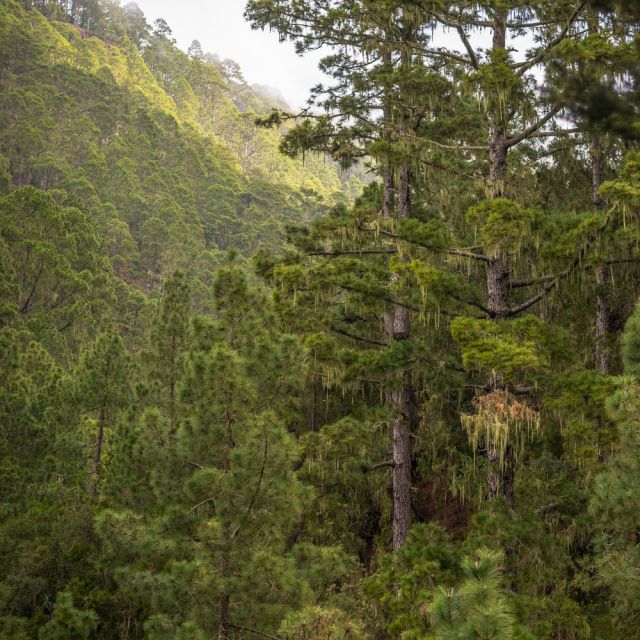
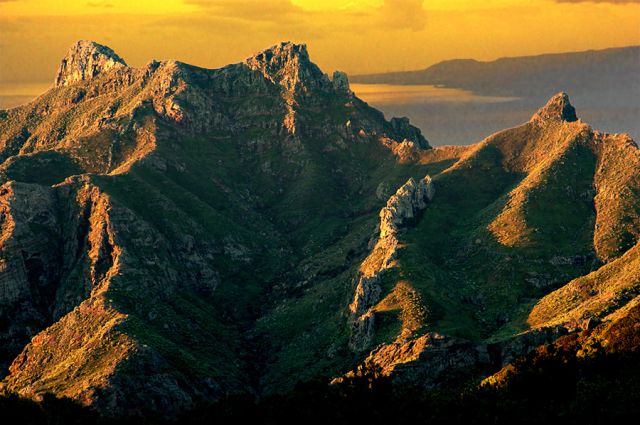
@wfrank i think you did a great job with the textures, saturation is a bit too far decreased in my eyes. what do you think about 60% Phillip and 40% wfrank:
Thanks. My vote goes either way, not in between. You were there. I usually try to enforce what the eyes saw, and your image is much warmer than mine. Mine is cold, probably influenced by freezing mornings here at -10 Celsius and that may not be transferable to some islands outside the African coast... :-)
p.3 #12 · The how-would-you-process-my-image thread
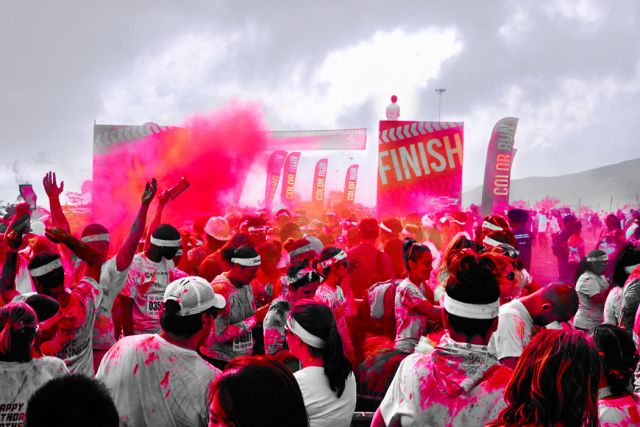
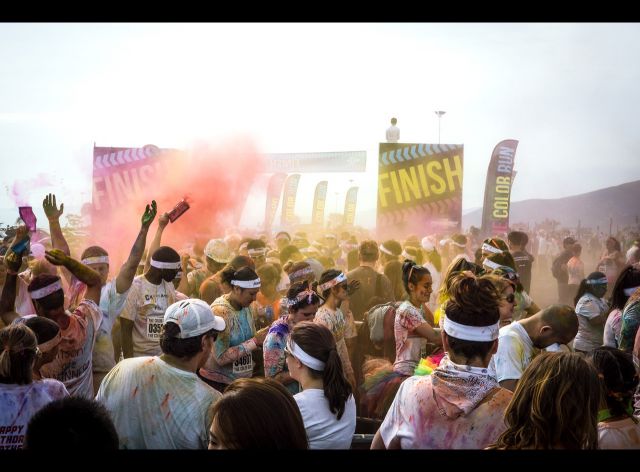
Here's my version of The Color Run, click for larger:
I always use Camera Neutral as a starting point, if such a calibration is available.
- +Exposure 1.2
- Whites up a bit
- Blacks down -22
- Added Gradient filter for sky area, with Contrast turned way down, clarity up some, highlights down, and Temp -45 to bring back some of the blue I suspect was really there. This exposed a dust spot which I left (sorry).
- Clarity +10; Vibrance I restrained myself - my standard with Camera neutral is +10, increased to +29
- A little vignetting
- And last... I used the Adjustment Brush to paint in some +Clarity adjustment in the forground figures as I wanted to keep the misty background intact but jazz up the figures and colour nearby.
p.3 #16 · The how-would-you-process-my-image thread
A great thread idea Phillip!
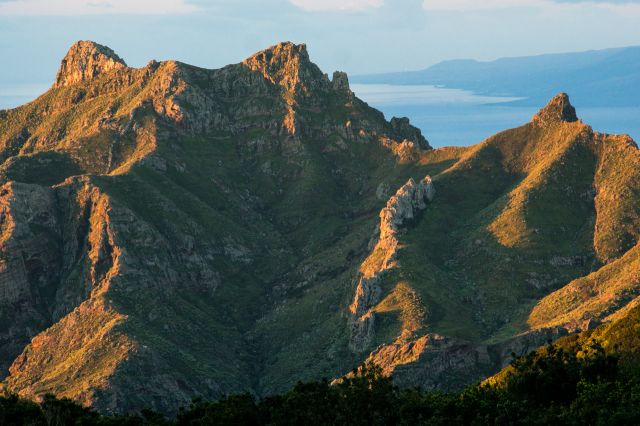
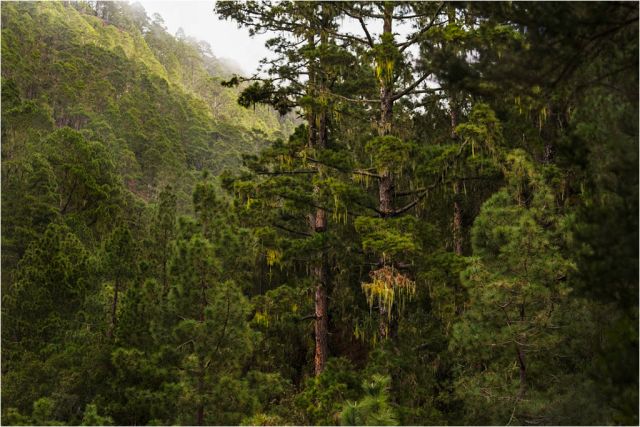
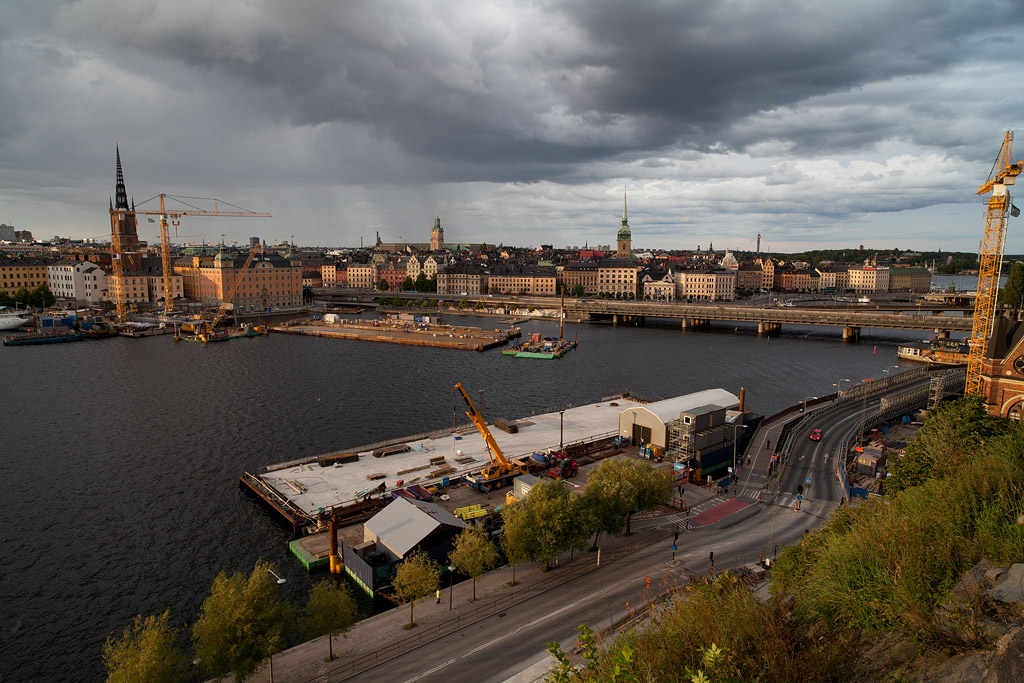
I processed both images in my standard RAW converter - Capture One Pro 7. I don't claim particular skill in PP, far from it in fact. I also prefer less rather than more sharpening, in landscapes at any rate.
I increase the C1Pro sharpening setting from 160 (the input file's value) to 250 which is my standard value. Canon CR2 files have a value of 180, for say the camera's Landscape setting RAW file.
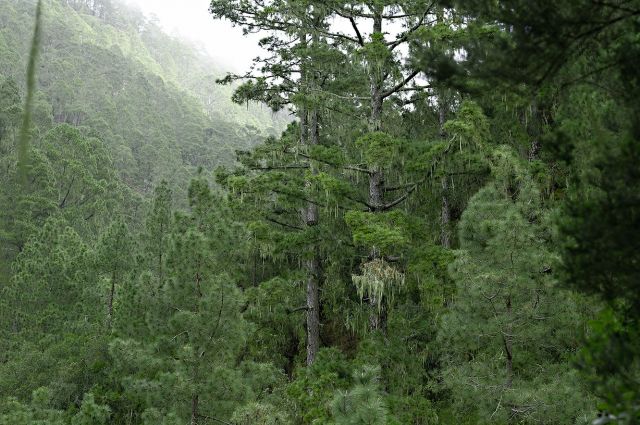
Similar settings were used for both images, although for Tenerife I added an extra layer and tried separating exposure for the hills and for the sky/sea beyond, as shown in the screen grabs (one for this extra layer and one for the main layer, (where I increased the 'Punch' clarity significantly and raised shadow detail).
Once an 8 bit TIF had been produced from C1Pro, I used GIMP to selectively reduce the size through 3000...2000...1024 pixels. I used a slight variation of Denoir's sharpen script.
Denoir in turn acknowledges Samuli Verhonen for the original approach.
My variations simply substitute the standard Gimp (PS) Sharpen command in place of the Smart Sharpen step. (With a threshold of 10 for each of the 3 sharpen steps).
A final export from GIMP to jpeg uses a 90% quality value.
p.3 #19 · The how-would-you-process-my-image thread
I like the idea so I'll stick one in. I have taken about 3 images this winter so here's one from fall. Canon 5DII and ZE 21/2.8. Format is CR2. Would be interesting to see what others do with this.
Here's the RAW and here it how it looks SOOC (straight out of cam):
EDIT: Or this one which may have a more appealing composition. RAW
p.3 #20 · The how-would-you-process-my-image thread
wfrank wrote:
I like the idea so I'll stick one in. I have taken about 3 images this winter so here's one from fall. Canon 5DII and ZE 21/2.8. Format is CR2. Would be interesting to see what others do with this.
tough one! i fiddled with it for 5 minutes and the result was worse than the unchanged image