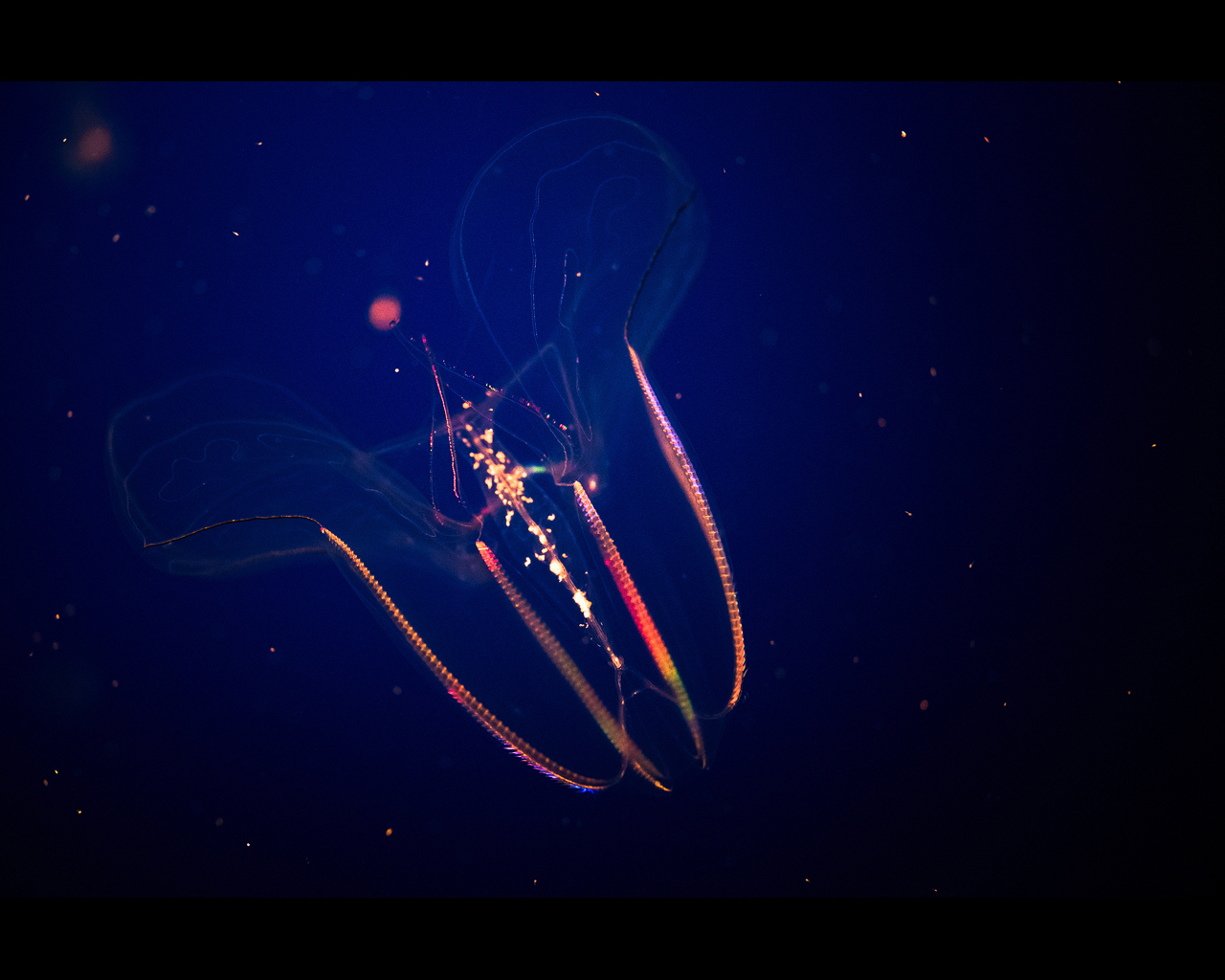
p.100 #4 · Sony RX1, RX1R, RX1R II and RX1R III Image Thread
rsolti13 wrote:
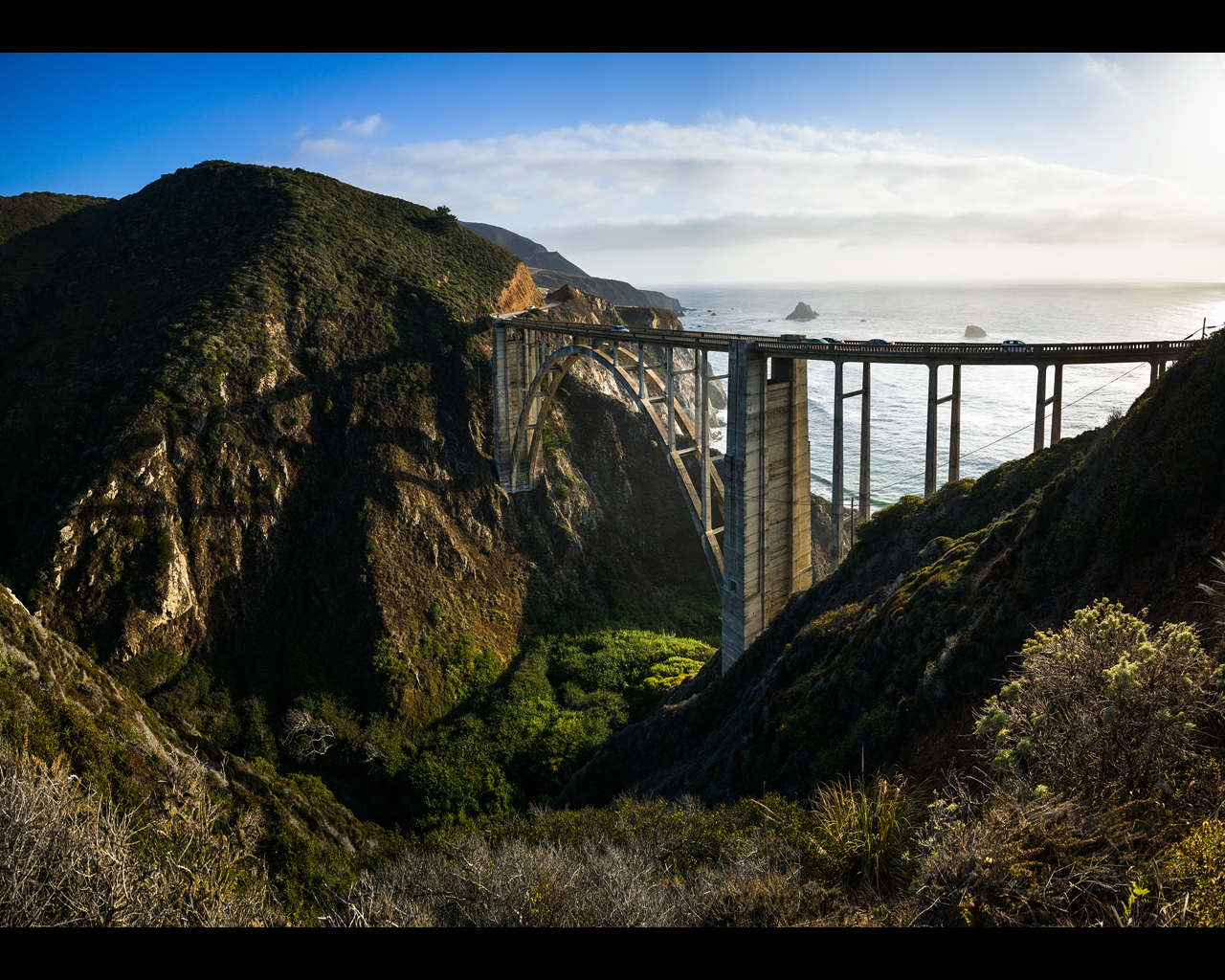
I'm seeing the same thing on three different computers. Looks pixilated
hmmm so it's not only me, I am not bashing RX1's image quality but from these series of pics they don't look like taken by a full frame sensor camera and the Zeiss character is gone.
looks like pics are oversharpened beyond its limit...not really sure if this is the correct description.
but i am sure they don't look like the default the RX1-Zeiss IQ.
p.100 #5 · Sony RX1, RX1R, RX1R II and RX1R III Image Thread
serhan_ wrote:
I balance the dynamic range (very dark shadow area and light background in raw image) and resized 1050x700 pixels... I don't know it might be my pp as I don't see it on my laptop screen. I resized with sharpening again w/o changing the contrast, if it might change anything:
How does the image look in your editing software? I am no expert on this but it looks to me like your problem is introduced when you resize. It also looks like it might be related to your compression settings.One final thought. Is your hosting service performing their own compression?
p.100 #9 · Sony RX1, RX1R, RX1R II and RX1R III Image Thread
I usually use ps elements 7 to resize, but last time it was w/ CS 6 using bicubic sharper resize option and saved as good quality.. No other sharpening was done. I did it w/ resize auto option and still I don't see the problem on my 1080p screens. I am still using pbase and I don't know if they are using any compression. When I increase the size of the photo on my screen, yes it pixalates as it is 1050x700 pixels...
ebookman wrote:
How does the image look in your editing software? I am no expert on this but it looks to me like your problem is introduced when you resize. It also looks like it might be related to your compression settings.One final thought. Is your hosting service performing their own compression?
p.100 #11 · Sony RX1, RX1R, RX1R II and RX1R III Image Thread
serhan_ wrote:
I usually use ps elements 7 to resize, but last time it was w/ CS 6 using bicubic sharper resize option and saved as good quality.. No other sharpening was done. I don't see it on my 1080p screens but maybe that caused it. I am still using pbase and I don't know if they are using any compression.
ah, the sharper resize often destroys fine details in many cases. also, for that particular image it seems like you did a lot of dynamic range compression (shadow lifting/highlight preserving) that could take aways some of the pop from the image.
p.100 #12 · Sony RX1, RX1R, RX1R II and RX1R III Image Thread
OK, good to hear...
How does the camera handle 10-20 min exposures at night, at base ISO? With 2-3 stops pushing? The Nikon D800 had lots of white noise, but think it was fixed in later firmware, but what about Sony (and fewer pixels)
p.100 #13 · Sony RX1, RX1R, RX1R II and RX1R III Image Thread
Thanks. I saved it again w/o auto resize w/o sharpening... Yes, it was in the middle of the day so it may not show the Zeiss pop esp w/ resizing, but at least it shows the dynamic range of the sensor...
sebboh wrote:
ah, the sharper resize often destroys fine details in many cases. also, for that particular image it seems like you did a lot of dynamic range compression (shadow lifting/highlight preserving) that could take aways some of the pop from the image.