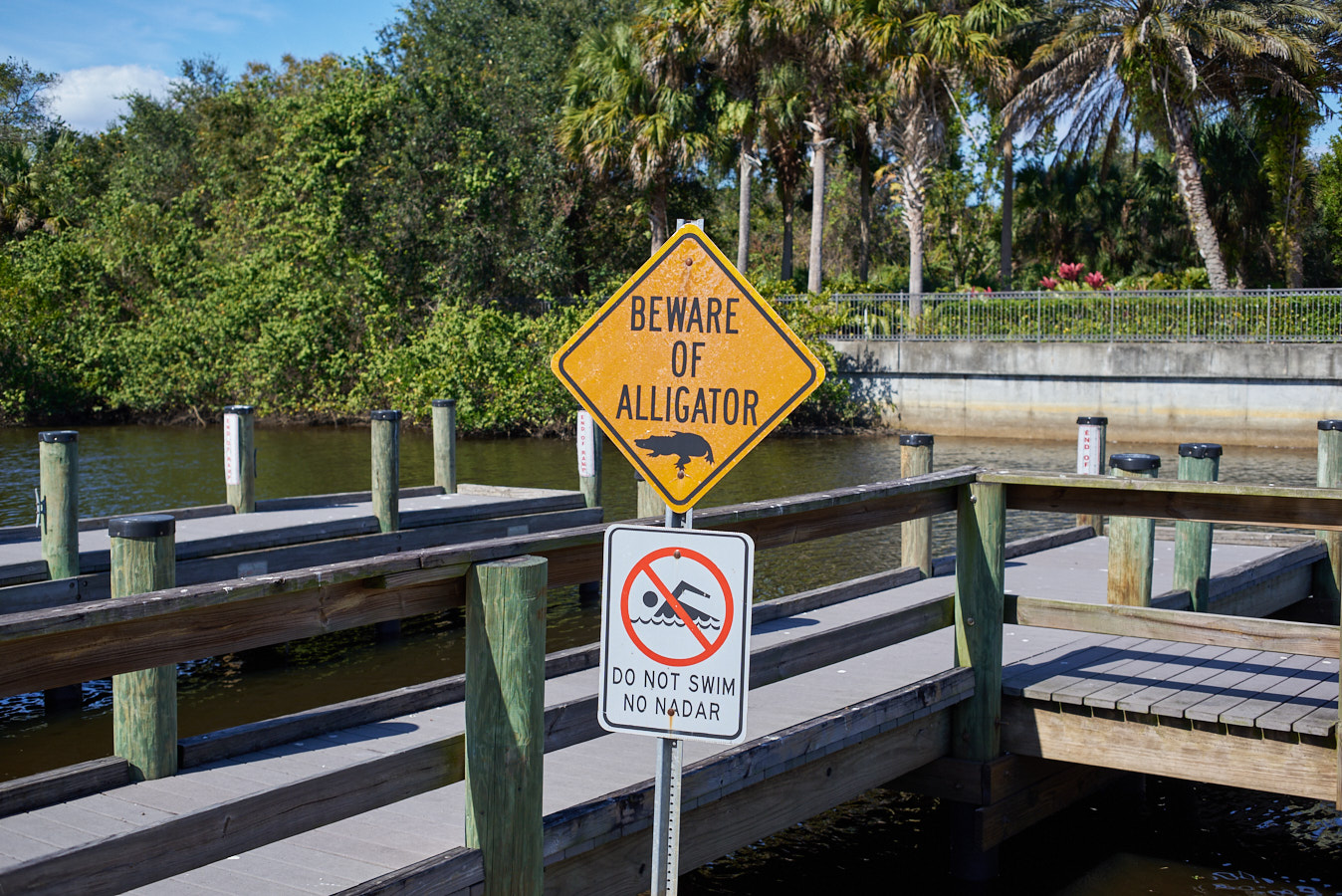
Love that color. Nice ! By the way, I am also evaluating Capture One Pro 21, and believe it or not, LR/PS. I really do not like subscription, but Capture One Pro 21 is more expensive when all things considered, so I have not decided which way to go. But, I really really do not like subscription, but LR/PS seems cheaper if I keep decent cycle of updates...... I have now 11 days left on Capture One trial to decide.
Luka
I am using Cap One Express for Nikon and Express for Fuji they are free
they don't have all the features the pro version has but there is no time limit for using them
I just went through the same dilemma. I have been a longtime user of C1, but had the Fuji only version. I recently bought a Nikon and had to decide whether to pay the upgrade price to the full version of C1, or to switch to LR. As much as I like C1, the last two updates have offered very little. I made the decision to switch to LR. I, too, hate the subscription model, but I was paying more for C1 by upgrading every new release. The way they are changing their pricing structure, it looks to me like C1 is trying to push everyone to their subscription model. The thing that makes their subscription model even worse than Adobe's is that they require you to pay a year at a time. You can't go month to month like with Adobe.
The good thing is that no matter which way you decide to go, you are getting some darn good software....Show more →
I don't think you have to upgrade with Cap1 and everything will still work
if you quit your Adode subscription you can only access the Library but no adjustments even on you old photos
Reagan wrote:
I don't think you have to upgrade with Cap1 and everything will still work
if you quit your Adode subscription you can only access the Library but no adjustments even on you old photos
R
Reagan, you are absolutely correct. I still have C1 on my computer and can use it to edit/modify my Fuji files. Should I ever decide to leave LR and go back to C1, I can (in theory) import my Lightroom catalog into C1 and not lose my edits. I don't know how well that works and I'm sure it's not 100%, though.
I am going to try and keep LR6 for years 2006-2020
(hardly anything in 2020)
and start C1 with year 2021
(I should just buy an old D700 and stay with LR6
Reagan wrote:
^^^^
I could do that but I would have to sell Amazon stock to be able to do all of that
I received my first vaccine shot today and get the second one on 2/11
Aruba here I come!
My wife is a year to young to get hers
R
Good to hear about the vaccine Reagan.
Heading off on your own then?
Although the vaccination roll-out is going well in the UK a number of new moons will pass before I get the call up.
I just went through the same dilemma. I have been a longtime user of C1, but had the Fuji only version. I recently bought a Nikon and had to decide whether to pay the upgrade price to the full version of C1, or to switch to LR. As much as I like C1, the last two updates have offered very little. I made the decision to switch to LR. I, too, hate the subscription model, but I was paying more for C1 by upgrading every new release. The way they are changing their pricing structure, it looks to me like C1 is trying to push everyone to their subscription model. The thing that makes their subscription model even worse than Adobe's is that they require you to pay a year at a time. You can't go month to month like with Adobe.
The good thing is that no matter which way you decide to go, you are getting some darn good software....Show more →
I am from the opposite side. I am very used to LR6/PS workflow, I held onto LR6 as long as I could. ( It still works ), but won't work with Z6 raw file. I feel ok with LR but what I really like is PS actions. For Capture One I am considering is the full version, no styles, so $299 one time until I get update ( if it seems worth it ) or, $10/mo until I decide to quit. To think I will not update C1 for 30 months, feels like a bit of a stretch, but it may just come down to that. I agree, that I smell C1 is trying to push people to subscription model, and one day, they may just un-plug the perpetual license, which would be very annoying. For now, though, it makes sense to go with which work flow I like... I may be down to 9 days to think about it...
akul wrote:
I am from the opposite side. I am very used to LR6/PS workflow, I held onto LR6 as long as I could. ( It still works ), but won't work with Z6 raw file. I feel ok with LR but what I really like is PS actions. For Capture One I am considering is the full version, no styles, so $299 one time until I get update ( if it seems worth it ) or, $10/mo until I decide to quit. To think I will not update C1 for 30 months, feels like a bit of a stretch, but it may just come down to that. I agree, that I smell C1 is trying to push people to subscription model, and one day, they may just un-plug the perpetual license, which would be very annoying. For now, though, it makes sense to go with which work flow I like... I may be down to 9 days to think about it...
One thing about the C1 perpetual license is that you can only skip one upgrade and still be eligible for the upgrade price the next year. For instance, if you purchase in v21, you must upgrade when either v22 or v23 come out. If you wait to upgrade when v24 comes out, you can't because you are no longer eligible for the upgrade price. You have to pay the full price for the software. This way, they almost force you to upgrade at least every two years.
spoupard wrote:
One thing about the C1 perpetual license is that you can only skip one upgrade and still be eligible for the upgrade price the next year. For instance, if you purchase in v21, you must upgrade when either v22 or v23 come out. If you wait to upgrade when v24 comes out, you can't because you are no longer eligible for the upgrade price. You have to pay the full price for the software. This way, they almost force you to upgrade at least every two years.
Reagan wrote:
^^^^^
I still convert my Z raw files to "Dng" to get them to work in Lightroom6
one extra step that I can avoid with C1
R
My old Mac Pro ( Early 2008 ) still runs El Capitan, and can not take any newer OS X that can run DNG converter supporting Z- files unless I do some firmware hack, which is not something I want to do. So, the new iMac gets the new software, old Mac Pro stays for FCP, LR6 and old PS, AI, AE.
Good morning from sunny South Africa - no pics just take my word for it.
On the software front I really like DxO photolab 4 - it integrates very well with the Nik collection (including the free download from Google that I have) and I export converted files to PS Elements 12.
Edited files can be exported to disc or to your flickr account. The noise removal software is fantastic.
akul wrote:
My old Mac Pro ( Early 2008 ) still runs El Capitan, and can not take any newer OS X that can run DNG converter supporting Z- files unless I do some firmware hack, which is not something I want to do. So, the new iMac gets the new software, old Mac Pro stays for FCP, LR6 and old PS, AI, AE.
Luka
I am using "Mohave"on a 2015 Imac and I have no trouble using the Adobe Dng converter on the
Z6 and now on the Z5
Also it converts my XT3 files