I have thought that I've settled the problem of Adobe standard vs. embedded camera profiles, having chosen embedded as Leica's own enterpretation of how the colors should look like. But lately I discovered Adobe standard gives bluer skies, but more yellowish skin tones, and somewhat screws up the purple color making it bluish. I am bit hesitant now, as I usually like to adopt one profile, as I don't like too many choices. Here's an example of bluish sky and yellowish skin. What do you think guys?
Ryan, nice car shots!
Jabberwockt, nice graffiti shot.
Edward, nice portrait. I prefer the skin tones on #1, 2nd one seems a little reddish and towards magenta especially on the face? As for the sky, I perfer the shade on#2, more filmlike tone to it
This thread has really moved fast in the last couple of days!
Thanks for the comments guys.
From p 623 and onward:
Jonas, great way to capture the cold.
Edward, I like the (yellow) set with the ZM 18/4. I also prefer the colors in the first portrait
Ash, I like the last one from the desert.
Ryan, great capture (p623) and also very nice set with the Ferrari.
Charles, nice portrait
Douglas, interesting rendering with the 50 cron. Makes me want to try out some old lenses myself.
Ryan, I like your street set.
wstam, I like the first one from the restaurant in Melbourne
Michael, great mood in the b&w photo (Kite)
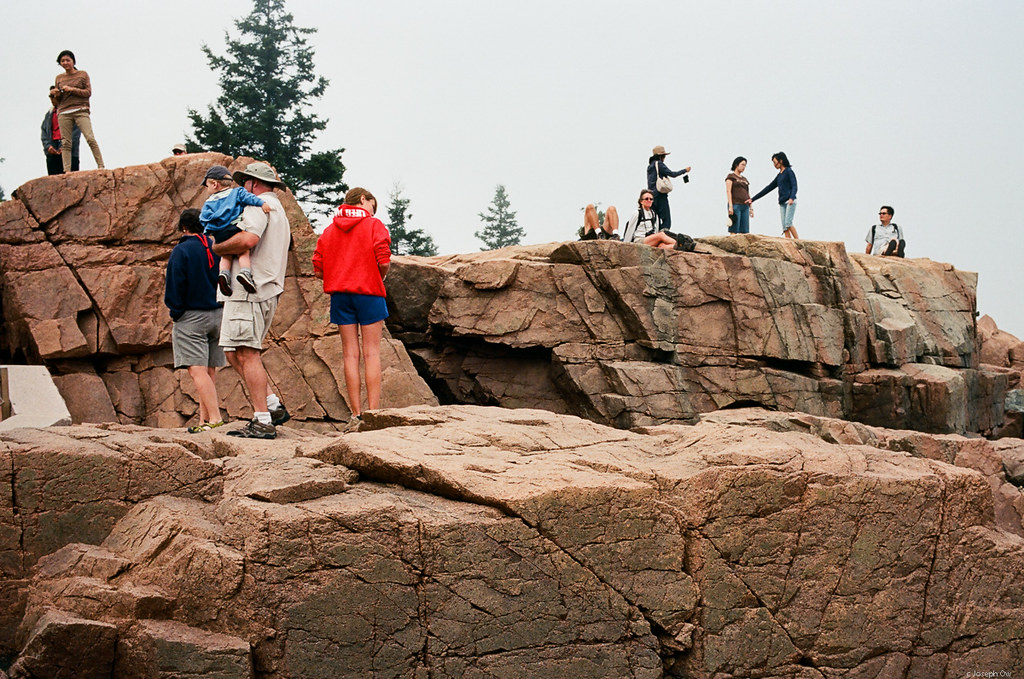
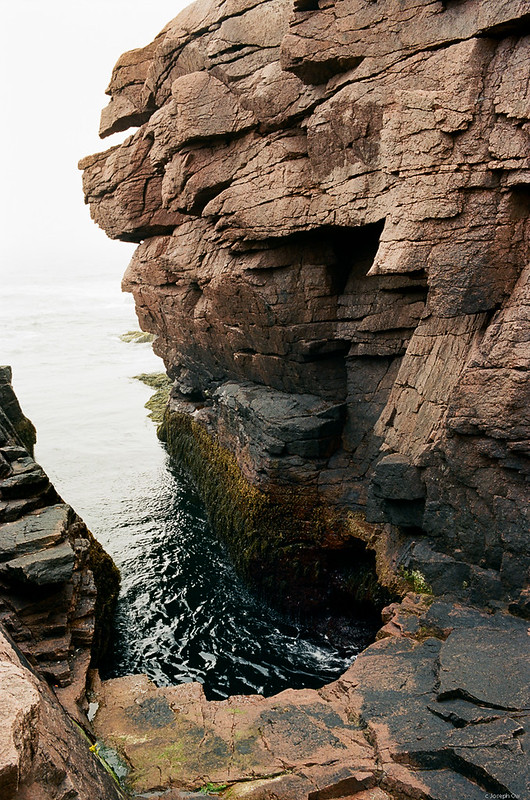
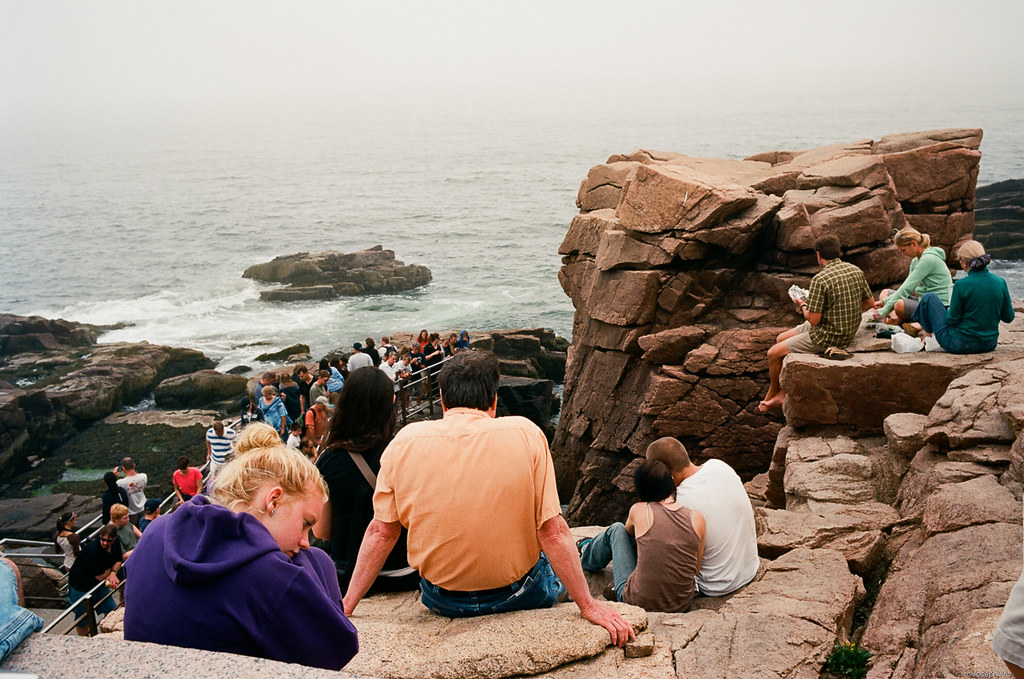
Joe, very nice film photos. The last one in the last set is my favorite
Edwin, great set with the 75 Lux.
edwardkaraa wrote:
I have thought that I've settled the problem of Adobe standard vs. embedded camera profiles, having chosen embedded as Leica's own enterpretation of how the colors should look like. But lately I discovered Adobe standard gives bluer skies, but more yellowish skin tones, and somewhat screws up the purple color making it bluish. I am bit hesitant now, as I usually like to adopt one profile, as I don't like too many choices. Here's an example of bluish sky and yellowish skin. What do you think guys?
Edward, I usually use a profile I download from corner fix website. I got that link from Overggard review of M9. I feel it almost like embedded one with slightly tweak on orange/red hue.
I have complain about Leica color for a while. sometime it is great, sometime it is not. it is not as stable as canikon Color dealing with difficult lighting condition. Simple WB correction won't make it. The problem is a simple profile won't make as well. The color spectrume/hue change with exposure and lighting. It has a lot more impact than Canikon system.
If you just try to deal with sky, that is easy, you can simply turn down lumi of blue and turn up/down saturation at LR4 as your will. Skin tone is difficult, you need play with Yellow, Orange, Red, saturation and Luminance, and some time hue as well.
So, That is why I feel hesitate to recommend M to any people who asking me which system should get even those with cash. I think Luka mentioned that at the beginning he got the camera. I had to PM Ron complain about it when I first got it. He might be able to give you some suggestion on this.
I just have to learn to deal with it since I like the system so much.
zhangyue wrote:
Edward, I usually use a profile I download from corner fix website. I got that link from Overggard review of M9. I feel it almost like embedded one with slightly tweak on orange/red hue.
I have complain about Leica color for a while. sometime it is great, sometime it is not. it is not as stable as canikon Color dealing with difficult lighting condition. Simple WB correction won't make it. The problem is a simple profile won't make as well. The color spectrume/hue change with exposure and lighting. It has a lot more impact than Canikon system.
If you just try to deal with sky, that is easy, you can simply turn down lumi of blue and turn up/down saturation at LR4 as your will. Skin tone is difficult, you need play with Yellow, Orange, Red, saturation and Luminance, and some time hue as well.
So, That is why I feel hesitate to recommend M to any people who asking me which system should get even those with cash. I think Luka mentioned that at the beginning he got the camera. I had to PM Ron complain about it when I first got it. He might be able to give you some suggestion on this.
I just have to learn to deal with it since I like the system so much.
I've found a group of color settings (used with the Adobe Standard Profile) that I like, but I'm still getting used to the blotchiness that can show up, especially in skin tones under artificial light. Adjusting WB is super important with this camera, in that case, because sometimes even just a little tweak makes the blotches go away. This camera is interesting in how it handles color.
Thanks Joakim
Jabberwockt, cool graffiti shot!
Edward, nice portrait shot! I prefer skin tone in #1, but #2 is more rich in film like color. Depending whether the accent is with portraits or scenery, I do tend to adjust the colors both in WB and the color profile tab. I have always found the WB with the M9 to be somewhat off, so it really depends on the feel you wish to portray.
Joe, excellent film set again!
Joakim, wonderful misty shots!
Nice atmospheric shots of the boat. The film shots also are quite interesting .
I'm still struggling a bit with the M9's colors but as an additional data point, I've found that the colors when processed through Lightroom using both the Embedded and the Adobe Standard profile to be a slight bit different than what a custom profile built with a Colorchecker would produce. I tried making an animated GIF but failed, but if you open each in a separate tab in your browser and flip through these, you can see the colors change slightly, even after having been converted to sRGB.
Jabberwockt, initially I had made profiles for the M9, for different lighting scenarios with the X-Rite, and even then found the skin tones did not look natural with the X Rite profiles. In the end, I chose the profiles that suited my style and how I felt the perceived image should look. Maybe the Adobe standard for portraits, tweaked, or landscapes the embedded maybe better. This is very subjective of course, and depends whether you like the film like look, or prefer a more muted, pastel color and with higher contrast. There is no correct profile, except the one that emulates the look you wish to present.
Charles, that's really informative, but that probably means back to square one for me I was really hoping this would solve my color peeves. At this rate i may start carrying the colorchecker with me.
Jabberwockt, not really back to square one, but just have a consistent color managed workflow. Your style of profile may have a unique look, and something you then maintain that look for most of your work. Sometimes the correct profile, is not the most appealing I still keep a color checker in my bag where the lighting is difficult and mixed.
charles.K wrote:
In the end, I chose the profiles that suited my style and how I felt the perceived image should look.
+1, there is no right color or wrong color. Just how you want it to be. Unless we are talking about in studio, everything under control. I don't think ultimate fidelity is the goal and don't feel Canikon will be more accurate but might be more pleasing sometime, especially for skin tone. Leica M9's file is most film like I feel compare to any other Digital file in the market.
So, Andy, I won't worry absolute accuracy as a must. But consistence is difficult to achieve as M9's color can be all over the place, which require your attention.
Sometime, I feel I just so used to my D700's clean, pleasing file, which is not necessary better but with some expectation for M9 in my mind. Anyhow, I feel Leica's DNG require a lot work than my Nikon to get what I want.
Joe, your film set is wonderful. I love those color. I need start shoot my M3 again
Joakim, very nice set. I especially like the first one.





 I was really hoping this would solve my color peeves.
  At this rate i may start carrying the colorchecker with me.
