1bwana1 wrote:
I will also try your new suggestions as much as Lightroom allows. I am not processing in Photoshop.
Lightroom equivalent
Start with:
* Clarity: +15 to +30
* Texture: 0 to +10 (optional, depending on subject)
* Sharpening Amount: Leave at your normal sharpening settings (40–60 is typical), as this is doing something different.
If the Photoshop effect is your reference, Clarity around +20 is surprisingly close.
If you want an even closer match
Use the Masking panel instead of Sharpening:
* Texture: +5 to +10
* Clarity: +15 to +25
* Dehaze: 0 (or +2 at most)
Or:
Parametric Curve
A subtle S-curve enhances local contrast without the characteristic Clarity look.
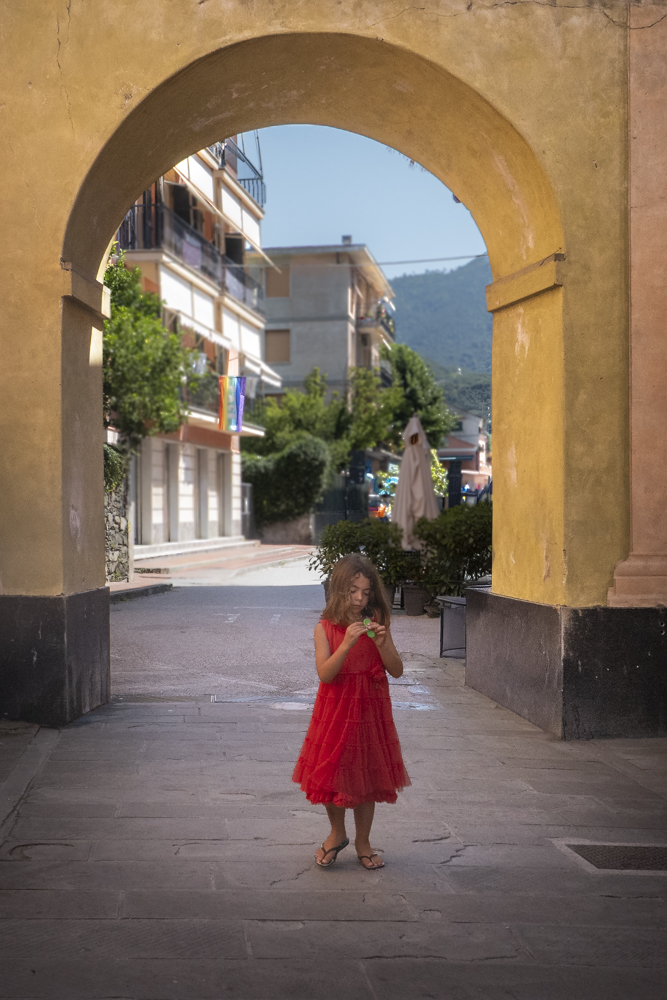
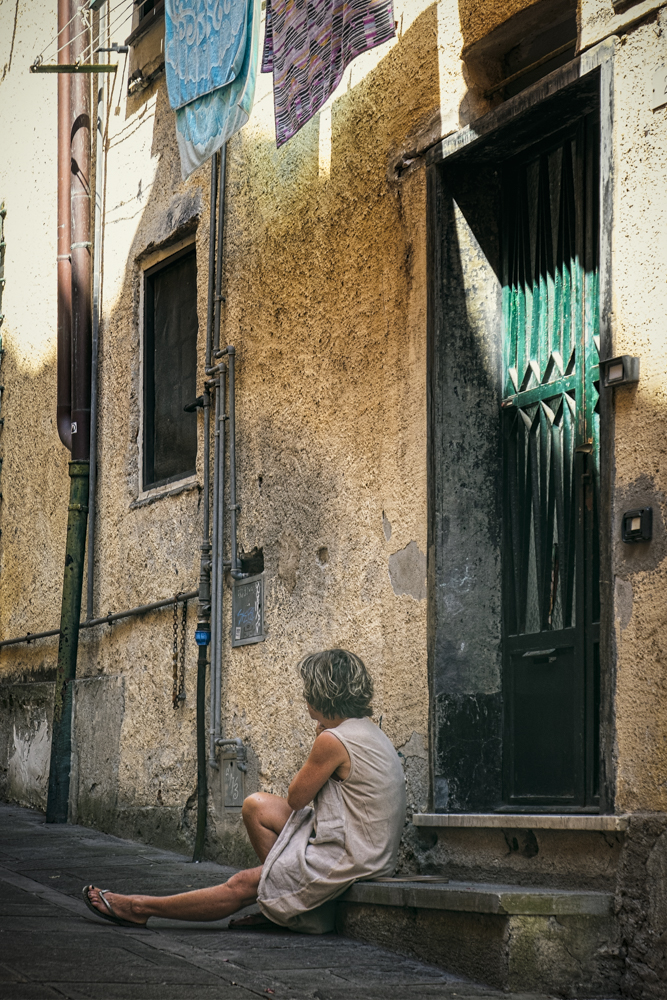
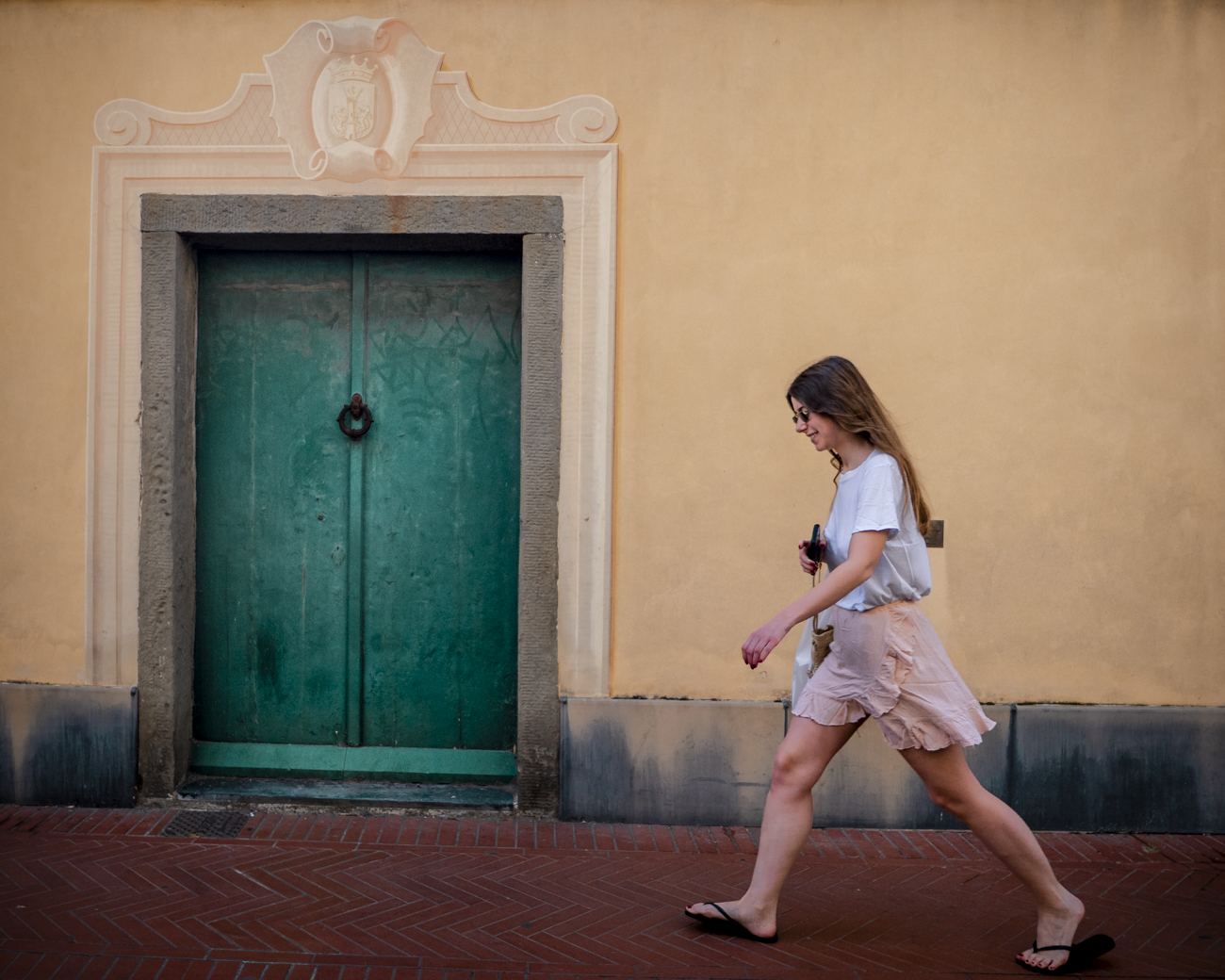
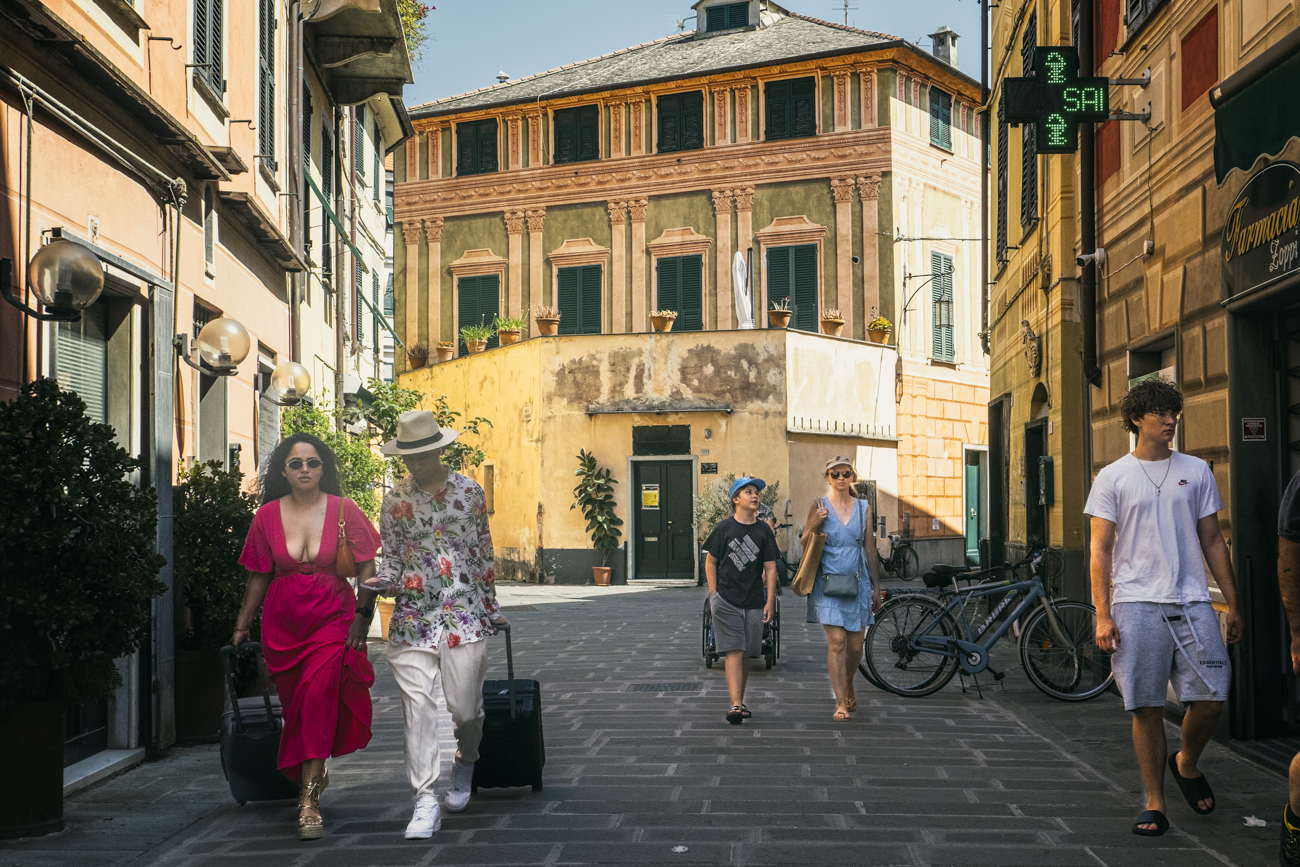
Of course Summer on the Italian Riviera is all about color. But this trip was about vacation with family so I didn't want to bring too much gear. The color role wa filled by my humble D-Lux 8. It did a great job. Here are just a few of the street scenes I captured with it.
Having sold my 35 Summilux, my local store had a 35/2 Summicron (11879) in great condition so I picked it up. So tiny! Some initial test shots on the M11
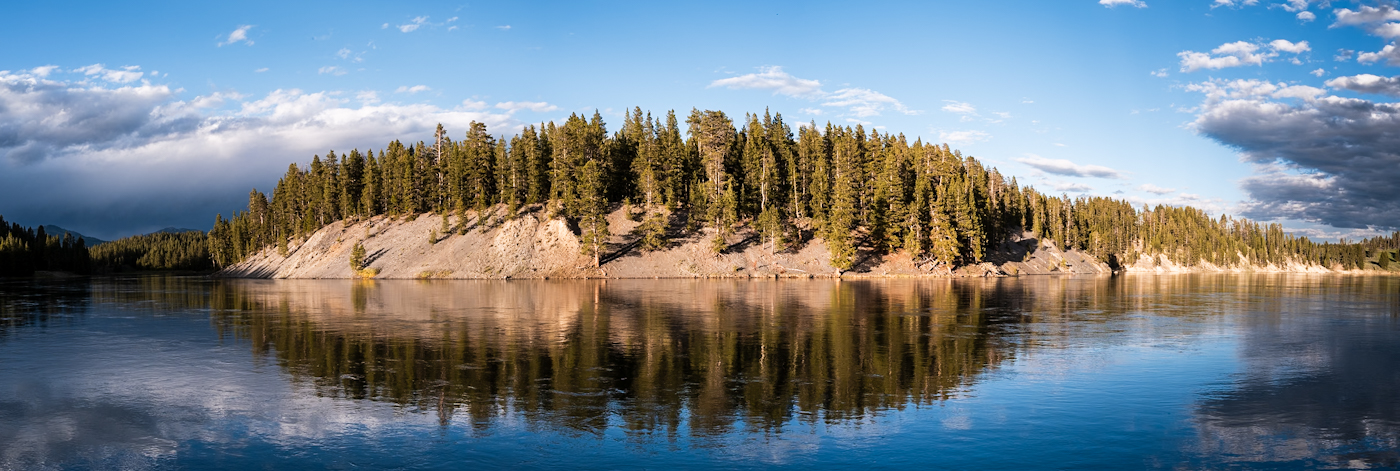
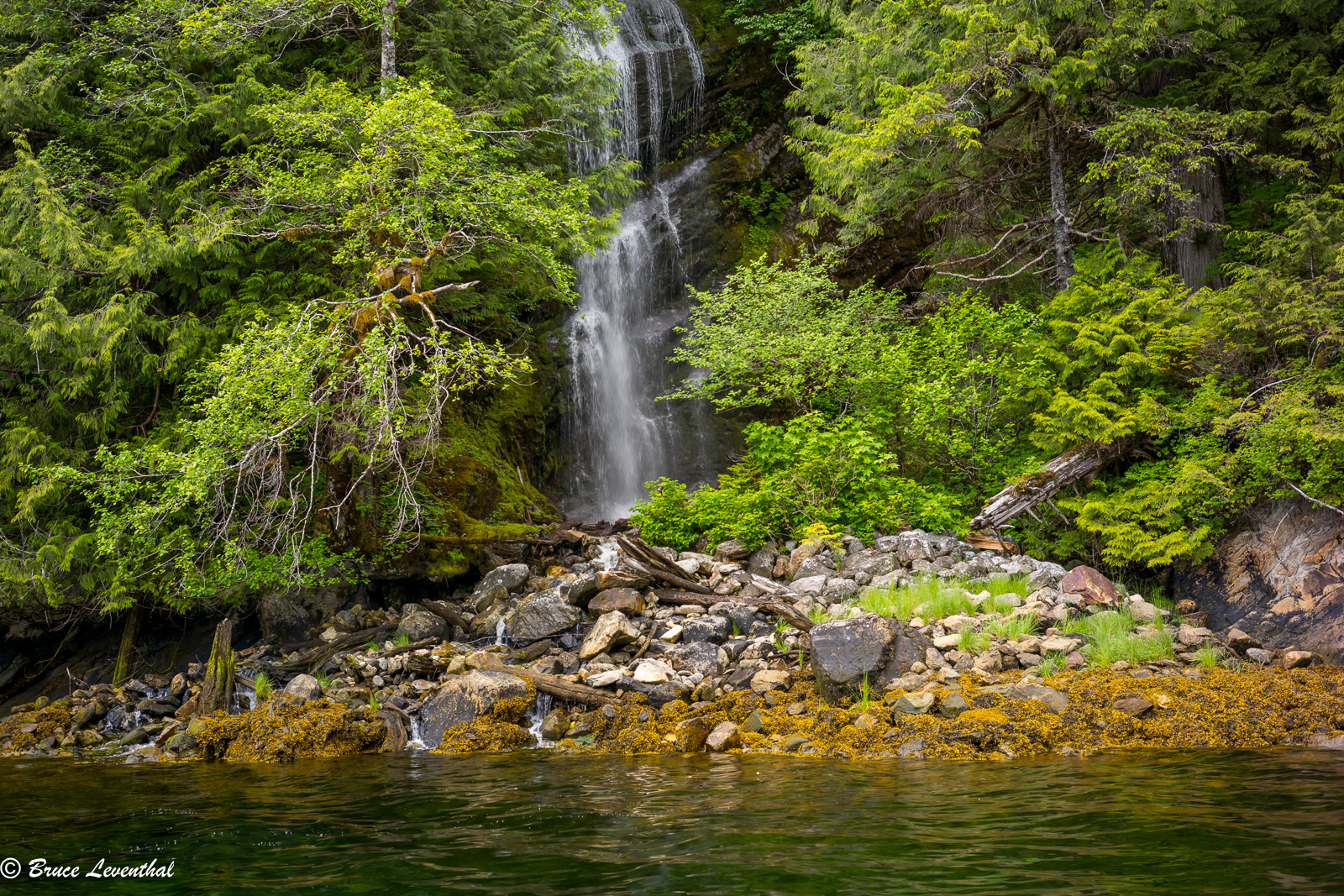
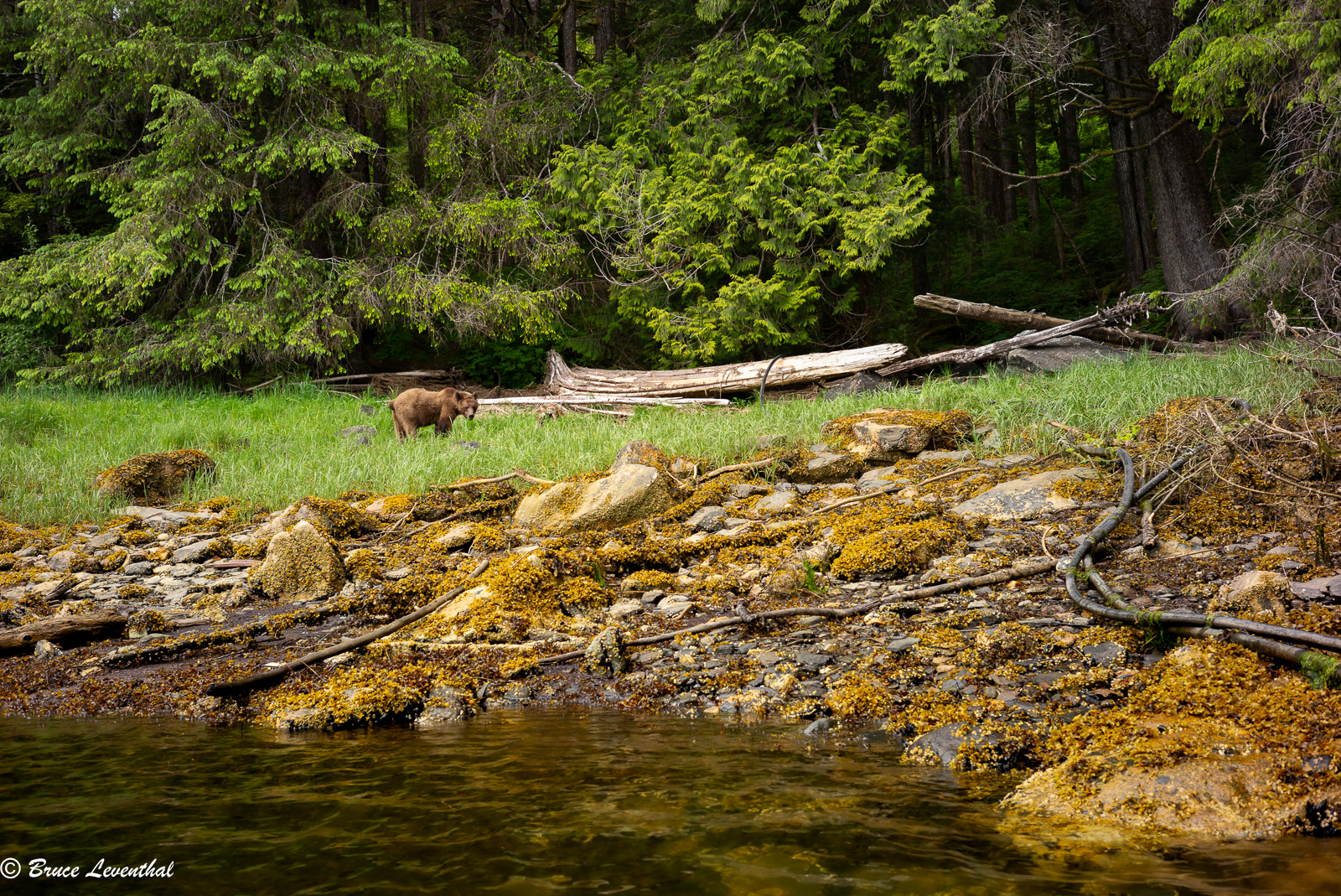
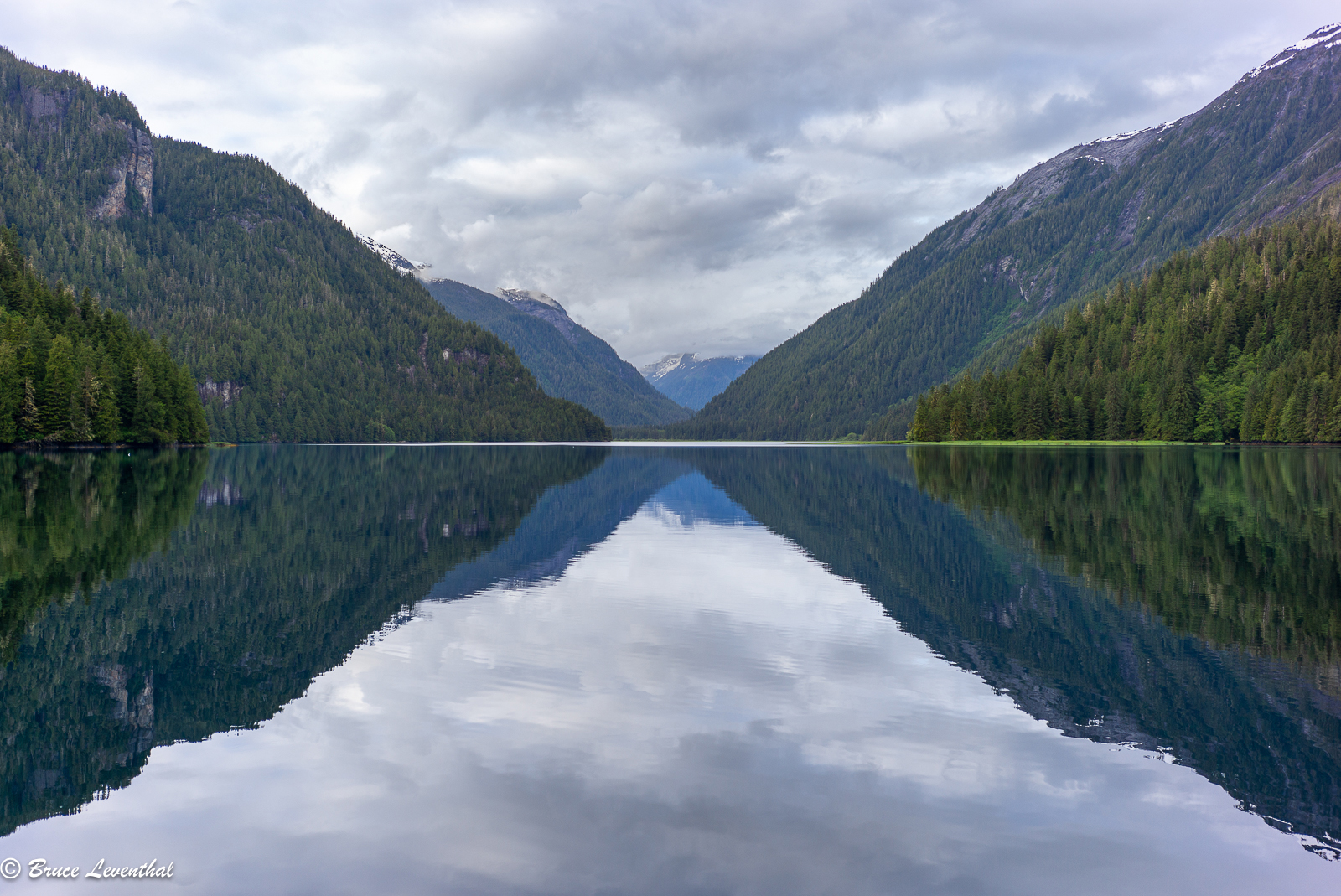
It's been a while since I've posted images on this thread. I'm still using my M 240 for street photography in San Francisco, but I decided to bring it w/ my wildlife kit to my return trip to the Khutzeymateen in the northwest corner of BC. I only have one lens for my M 240 now... a Voigt 35 f2.5 CS P2. The lens is super compact, but I'm questioning the choice, as I am seeing magenta corners when the sky is present. If anyone's got a sub $1000 suggestion for a lens that will not have color issues in the whites and maybe a bit of character, I'm all ears.
Anyway, this was a trip to photograph grizzly bears and all of it is done from the water on a Zodiac. While 99% of my images were made with Nikon Z9/Z8s, Z 70-200 f2.8S, and Z 400mm f2.8TC, I kept the Leica handy for when I wanted something quick and wide. Other than the magenta corners, the camera performed as it should and it was quite a bit of fun to pull out a rangefinder in this situation.
cheers,
bruce
LEICA M (Typ 240)not selected lensf/6.81/60s200 ISO-0.7 EV
LEICA M (Typ 240)not selected lensf/6.81/125s200 ISO-0.7 EV
LEICA M (Typ 240)not selected lensf/4.01/180s200 ISO+1.0 EV
rji2goleez wrote:
Having sold my 35 Summilux, my local store had a 35/2 Summicron (11879) in great condition so I picked it up. So tiny! Some initial test shots on the M11
OwlsEyes wrote:
It's been a while since I've posted images on this thread. I'm still using my M 240 for street photography in San Francisco, but I decided to bring it w/ my wildlife kit to my return trip to the Khutzeymateen in the northwest corner of BC. I only have one lens for my M 240 now... a Voigt 35 f2.5 CS P2. The lens is super compact, but I'm questioning the choice, as I am seeing magenta corners when the sky is present. If anyone's got a sub $1000 suggestion for a lens that will not have color issues in the whites and maybe a bit of character, I'm all ears.
Anyway, this was a trip to photograph grizzly bears and all of it is done from the water on a Zodiac. While 99% of my images were made with Nikon Z9/Z8s, Z 70-200 f2.8S, and Z 400mm f2.8TC, I kept the Leica handy for when I wanted something quick and wide. Other than the magenta corners, the camera performed as it should and it was quite a bit of fun to pull out a rangefinder in this situation.
The Voigtlander APO-LANTHAR M lenses 35mm and 50mm would solve for color and be priced in your range. But they are a bit large and a bit sterile in character.
1bwana1 wrote:
The Voigtlander APO-LANTHAR M lenses 35mm and 50mm would solve for color and be priced in your range. But they are a bit large and a bit sterile in character.
Thanks for the suggestion,... to be honest, I'm a bit bummed about the corner issues, because if you look at the pictures I posted, you'll see that I am getting great color from the color-skopar and M 240. Unfortunately, the magenta corners in the white sky are a real issue and hard to correct without altering the rest of the sky.
I'm wondering if the Leica Summarit 35mm f2.5 / 2.4 might be a solution that could be resolved for about $1500. Obviously, these lenses can only be had used, but I've heard that they are really close in performance as the Summicron Asph lenses.
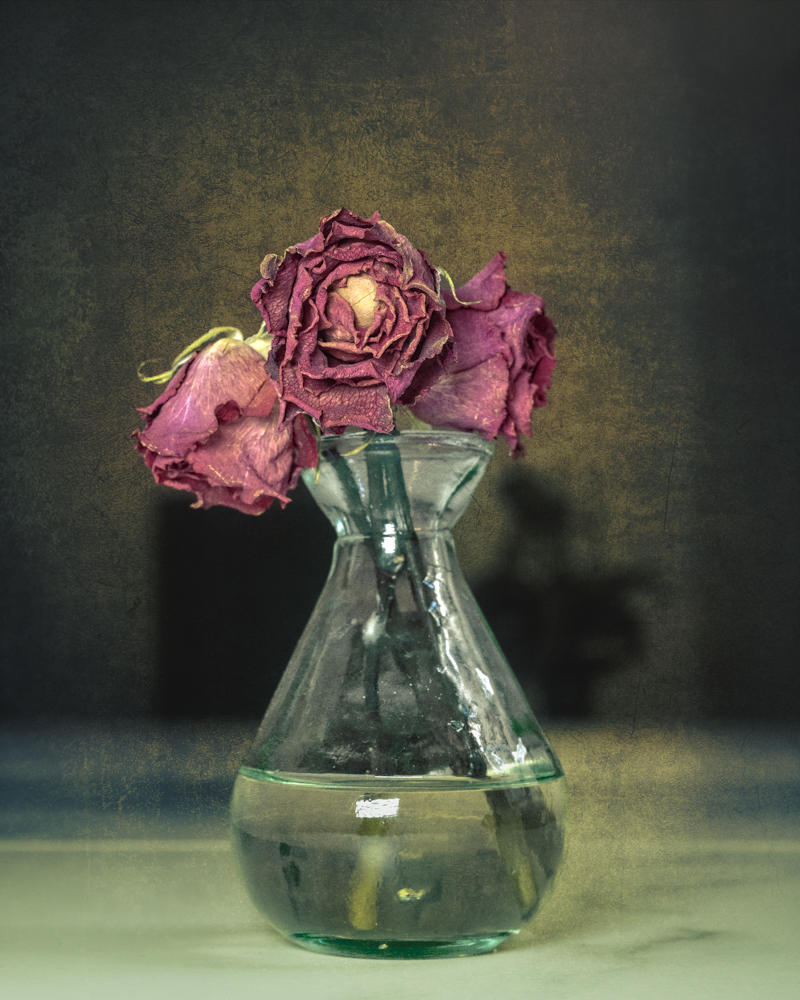
We are currently suffering an oppressive heat wave here in Italy. I saw this small vase of my Wife's flowers and they became self dried and preserved. Since I don't want to go outside, I decide to make an image out of them.
Leica SL3,
50mm APO-SL Summicron,
texture added during editing.
M9 Thypoch Simera 28mm
So the legend is back, no matter how I chase for a profile that mimic that classic CCD look, the real deal offer much more than that...both SOOC (first have geometry tweak and EV bump).
1bwana1 wrote:
We are currently suffering an oppressive heat wave here in Italy. I saw this small vase of my Wife's flowers and they became self dried and preserved. Since I don't want to go outside, I decide to make an image out of them.
Leica SL3,
50mm APO-SL Summicron,
texture added during editing.
Love it, looks like it should be printed on canvas and hung in a nice gilded wood frame.
Take care in the heat wave, I’ve heard it is crazy from others. And most of Europe does not have AC.
1bwana1 wrote:
I saw this small vase of my Wife's flowers and they became self dried and preserved. Since I don't want to go outside, I decide to make an image out of them.
Desmolicious wrote:
Love it, looks like it should be printed on canvas and hung in a nice gilded wood frame.
Take care in the heat wave, I’ve heard it is crazy from others. And most of Europe does not have AC.
We do have AC but not the greatest and very expensive to run so we usually only cool one room during the day, and the bedroom at night. No one is going outside. Town is empty except for a few tourists. Boring being locked in all day and night.
M9 Thypoch Simera 28mm
I guess this is about as close as one can get to the original CCD rendering. Whatever magic Leica put into that body, I hope they'll bring it back...
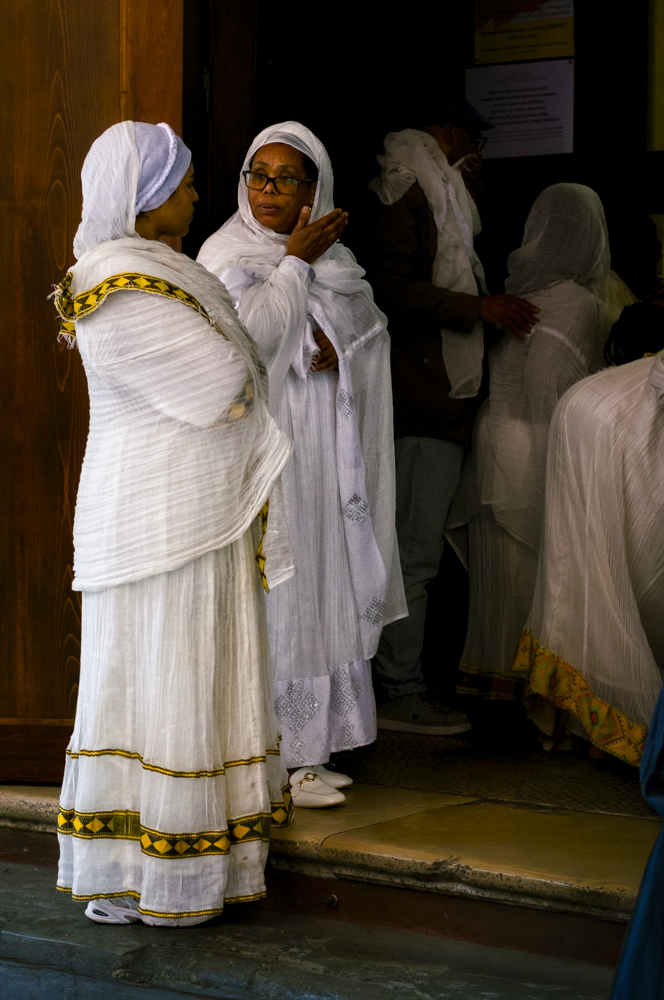
On a recent trip to Bologna to pick up my serviced 21mm SEM the Ethiopian community was celebration a religious holiday in the Church next to the Leica Store Bologna. I stopped to take some pictures. They were very open and kind. They invited me to have a wonderful traditional Ethiopian feast with them. A special time.