Thanks Edward. Agreed, definitely will be different depending on location and equipment.
Very beautiful Duane. I'm more partial to past-peak fall foliage. What mile marker range is your favorite on the parkway? Unfortunately we didn't see anything south of Asheville due to the hurricane. The NPS closed the parkway as a result. I was looking forward to that section...
M240 & 90AA
Oh, not sure if you guys have heard that Leica opened an outlet store in Wetzlar. Apparently in-person purchases only... Anyone been there yet, or plan to go? Werner?
Of all the times to stuff up, I managed yesterday at my stepdaughter's wedding, to leave my M9 with lens recognition set at Manual. This resulted in all of my Summarit 50f2.5 and 90f2.5 lens shots being coded with Summicron 35f2 (11310/11311).
Is this a bad issue, and do I just have to live with it?
rscheffler wrote:
Thanks Edward. Agreed, definitely will be different depending on location and equipment.
Very beautiful Duane. I'm more partial to past-peak fall foliage. What mile marker range is your favorite on the parkway? Unfortunately we didn't see anything south of Asheville due to the hurricane. The NPS closed the parkway as a result. I was looking forward to that section...
Thanks Ron! Below are the places south of Asheville along the Parkway to photograph.
Sunrise
Pounding Mill BRP Mile Post 413.2 (when there's fog in the valley) if not drive to the East Fork Overlook BRP Mile Post 418.3 or Black Balsam Mile Post 420.2
Sunset
Cowee Mountain Overlook - BRP Mile Post 430.7
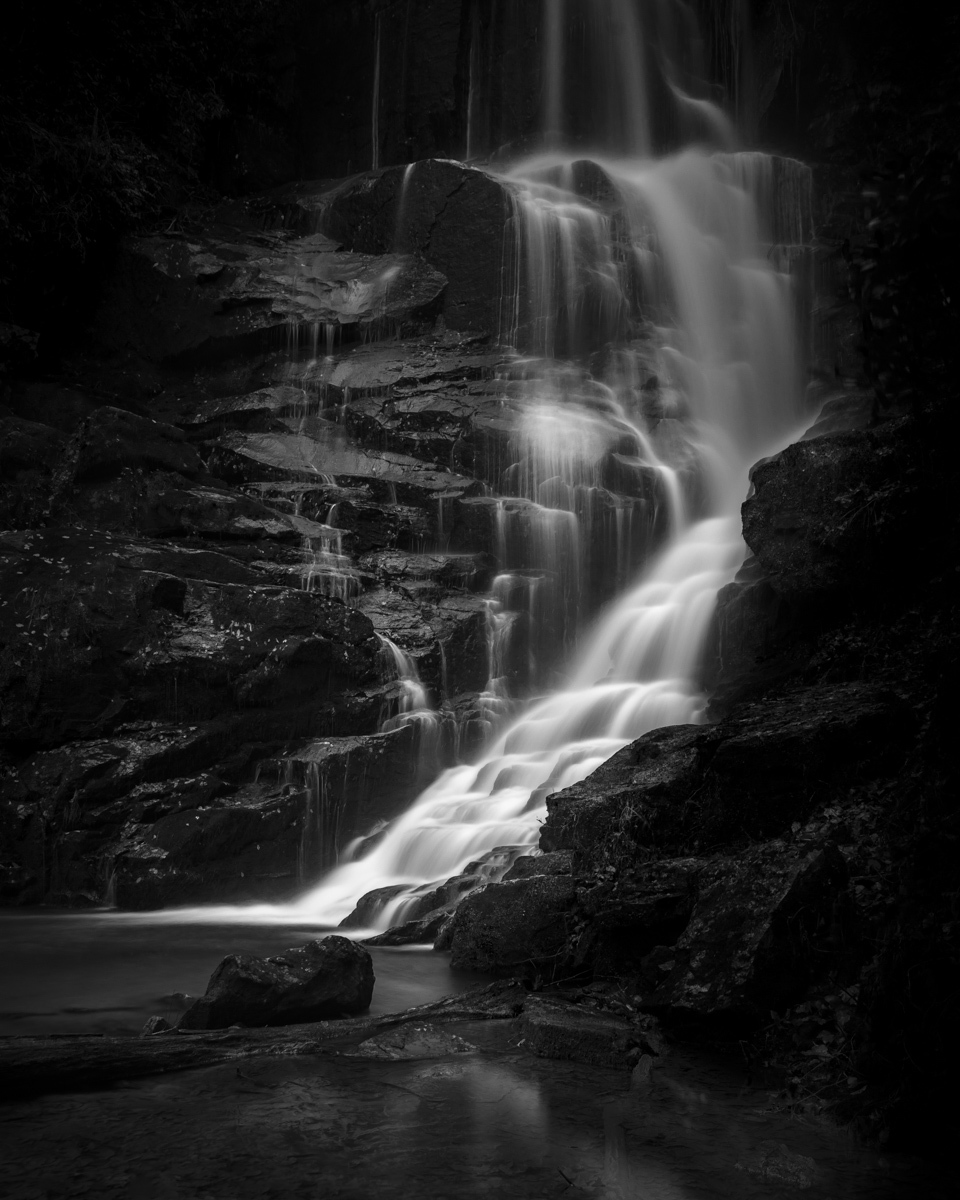
And then there are over 300 waterfalls in my county:
Man, you guys are rockin' it lately! So much good (and diverse) material here...
Ron - great set(s)! As always, your processing (colors especially) are second to none. That 90AA is looking very sweet.
Spyro - congrats on the camera! Looking forward to your images.
Edward - glad you posted the ZM50 shot. I forgot how good of a lens this is...
Duane - very nice pics! I really like the dark feel to the waterfall shot.
Charlie - that little yellow trailer look pretty cool.
Of all the times to stuff up, I managed yesterday at my stepdaughter's wedding, to leave my M9 with lens recognition set at Manual. This resulted in all of my Summarit 50f2.5 and 90f2.5 lens shots being coded with Summicron 35f2 (11310/11311).
Is this a bad issue, and do I just have to live with it?
Processing in C1 pro 8 by preference.
TIA
David
Not too serious, David. You might not notice it on most photos, And on others, a slight cropping helps to remove the over corrected borders.
Thanks Edward. I appreciate your advice ( as always )!
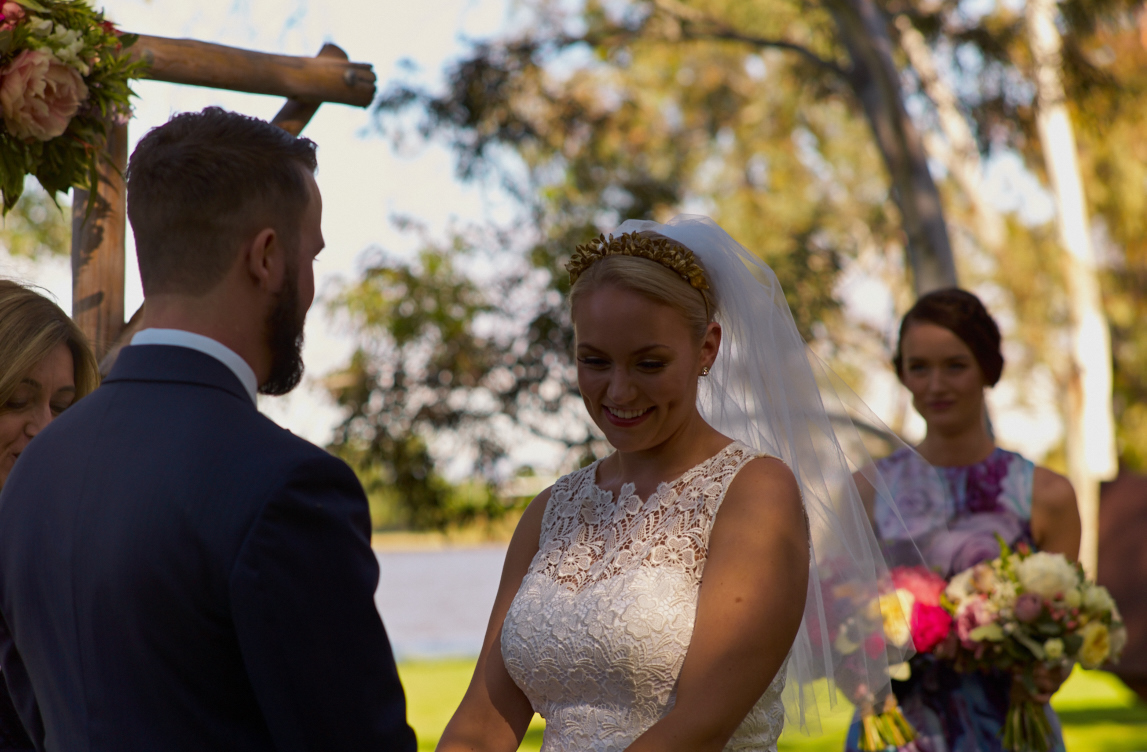
The ceremony had difficult lighting - dappled shade with strong highlights behind, however the shots seem to have come out reasonably. I haven't cropped them all yet, just a quick jpg for the web from each with some basic corrections otherwise. A sample from the 90f2.5 attached (on M9). This one has had a tiny crop on top.
rscheffler wrote:
I briefly tested a ZM28 on the M9 and never experienced that kind of glow. It seemed to be a fairly punchy lens, at least in comparison to the 28/2 Ultron I was trying alongside it (that lens had some slight glow and lower contrast at wider apertures). Maybe try some more backlit situations to determine if it's a persistent problem? Curious, what aperture was that image?
about f4
here's what the glow looks like
crop
it's inconsistent and random, I'll clean my sensor later today and see if that makes a difference.
Another question for you, do you sharpen after you export smaller jpegs for internet viewing? Those images of your friend's kid look very very sharp
it's inconsistent and random, I'll clean my sensor later today and see if that makes a difference.
Another question for you, do you sharpen after you export smaller jpegs for internet viewing? Those images of your friend's kid look very very sharp
Something is wrong with your lens or sensor. The only thing I can think of is that you either have haze, or the previous owner had the lens cleaned by not Zeiss. And the person who cleaned it, cleaned off one of the coatings on one of the elements.
I see a very slight bit of this wide open in the bokeh, but nothing like what you're seeing. So something isn't right with your lens basically.
rscheffler wrote:
I briefly tested a ZM28 on the M9 and never experienced that kind of glow. It seemed to be a fairly punchy lens, at least in comparison to the 28/2 Ultron I was trying alongside it (that lens had some slight glow and lower contrast at wider apertures). Maybe try some more backlit situations to determine if it's a persistent problem? Curious, what aperture was that image?
Spyro P. wrote:
about f4
here's what the glow look like...
it's inconsistent and random, I'll clean my sensor later today and see if that makes a difference.
Another question for you, do you sharpen after you export smaller jpegs for internet viewing? Those images of your friend's kid look very very sharp
I agree with Adam, something isn't right, probably with the lens, if there isn't anything on the sensor. The ZM28 I tried was very sharp and high micro contrast in the centre of the frame.
As for my output procedure: yes, I do apply sharpening for web resize, but I am lazy and use my favourite image handling application - Photo Mechanic - for this. Unfortunately it has only one output sharpening option: on or off. Sometime the sharpening can be a bit too much, depending on the lens and/or scene. But I thought these recent ones were OK? The CV35/1.7 is already quite sharp from wide open.
Thanks guys for the comments! Gary, I do like what I'm seeing with how the 90AA rendered these.
David - wow, as a part time wedding photographer, that kind of light at an outdoor wedding always gives me a headache and is a huge challenge. Sometimes I wish the photographer would be consulted about location choices in respect to ideal lighting...
As Edward already stated, you should be fine with the miscoded images. It could have been worse with the lens code being for a 28 or 21 instead. I have done that (though not on a job) and the result was corners that were too bright and shifting cyan-green. It is possible to fix in post, for example, you could make a color shift lens profile to counteract this, either in Corner Fix or with Adobe's flat field plugin for LR.
Edward - thank you for your comments on the photo I posted.
Ron - many thanks for your advice, again, always respected and my gratitude. I will try that reverse corner-fix approach if I can hack it! I have the flat field plugin however unless I am using my P645D I do prefer to PP with C1 Pro. I could kick myself re my error, a factor I think, in that I had a Sony A7R taking video, the M9 for stills and a last-minute decision to carry a Ricoh GXR with its 28mm equiv A12 module (and its flash) in place of the Summicron 35 Type 1.
As for the venue lighting, I agree. I was worried that my stepdaughter and future son-in-law were skimping on a photographer, a work colleague of the groom. I've seen 8 initial shots from him and they are superb. He came equipped with what looked like $10k worth of Canon gear and worked for about 12 hours. I've no doubt that the couple will be suitably happy with his output.
Pandorf - that waterfall image is exceptional and very filmic it looks like it would look even better if it was printed
Spyro P - something is not right with that lens - have you checked it by shinning a torch through it to see if it has too much dust or fungus growing in it?
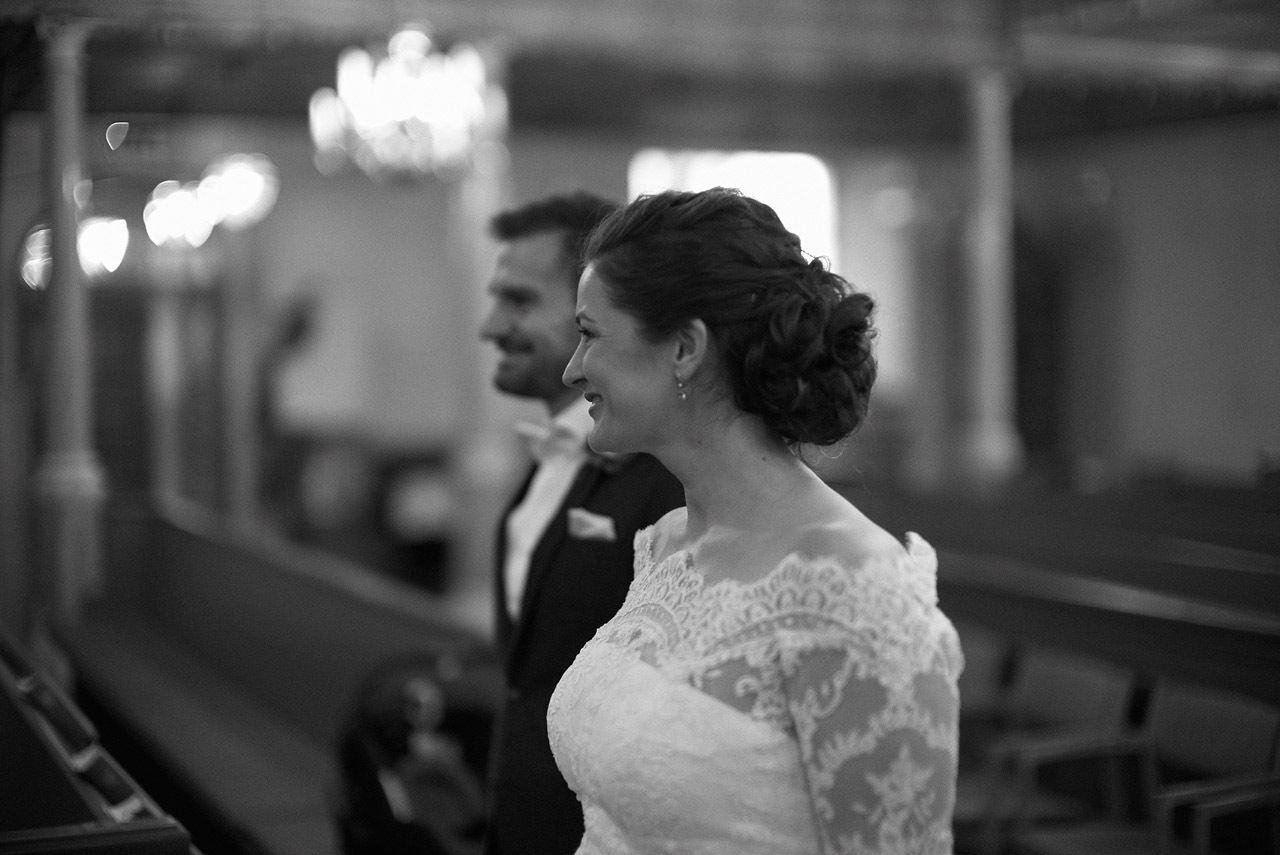
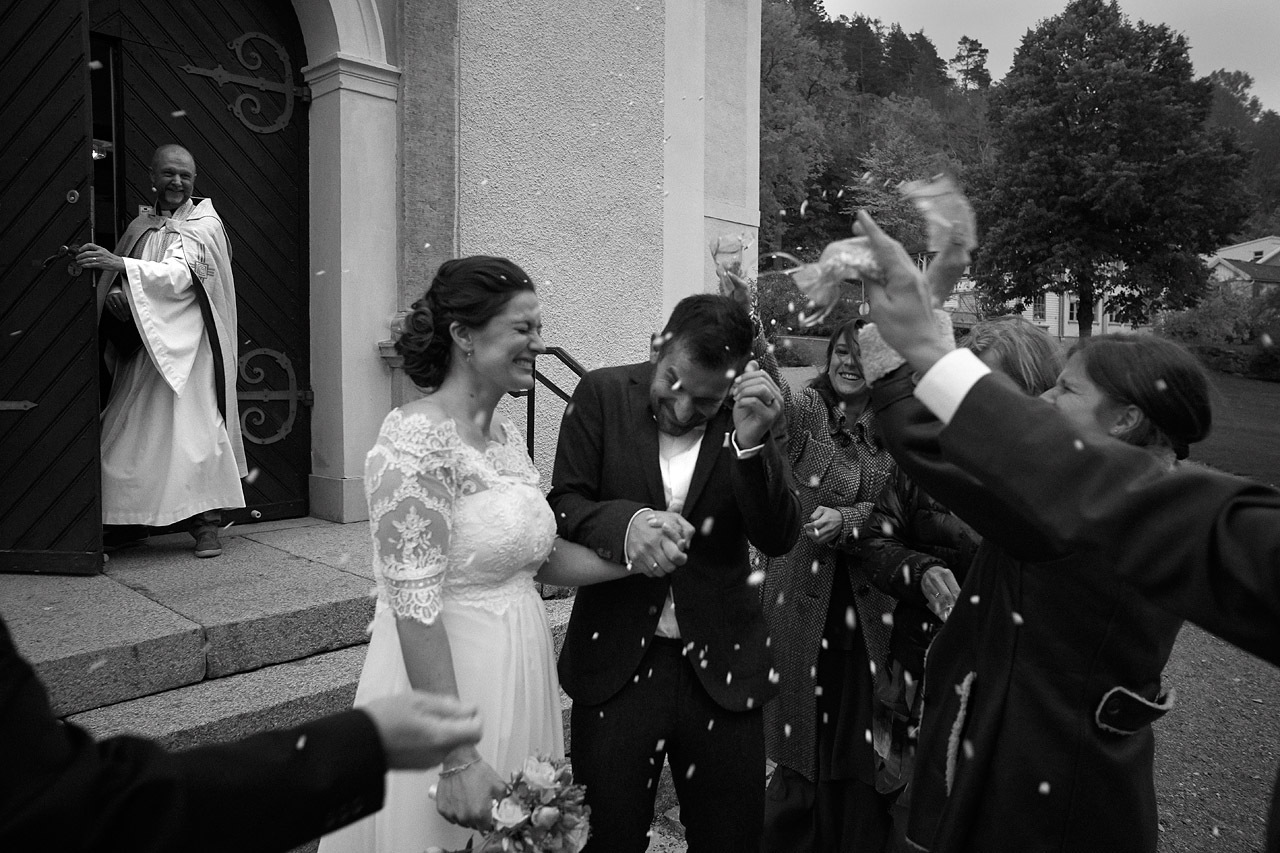
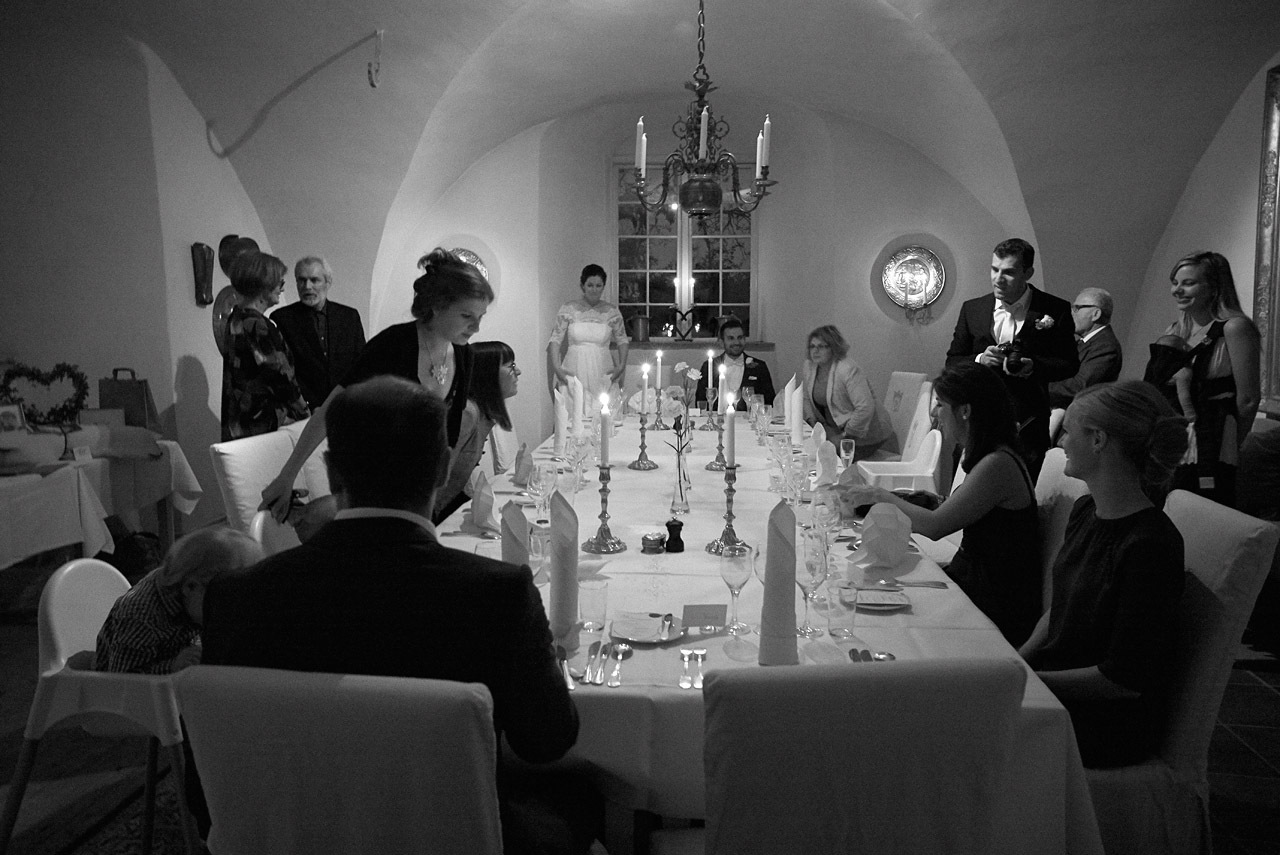
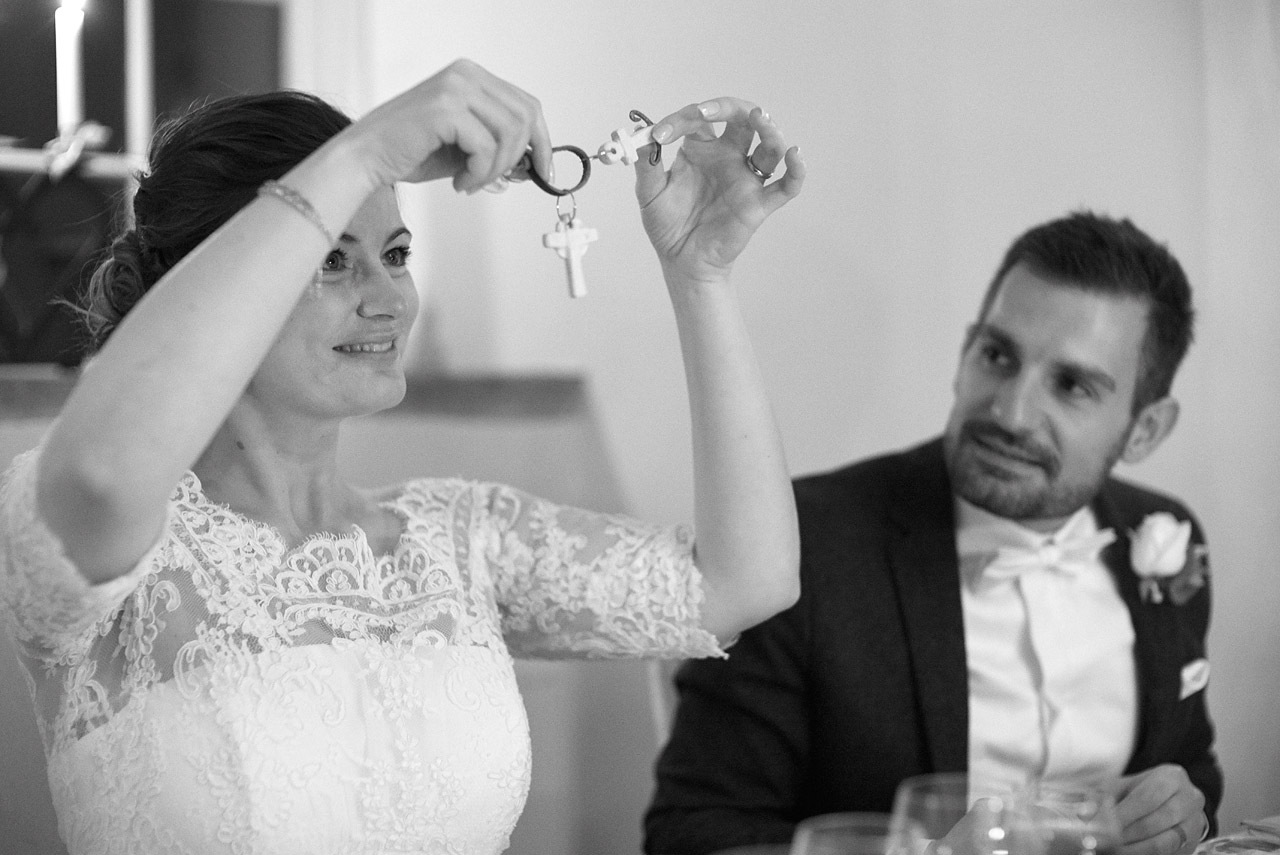
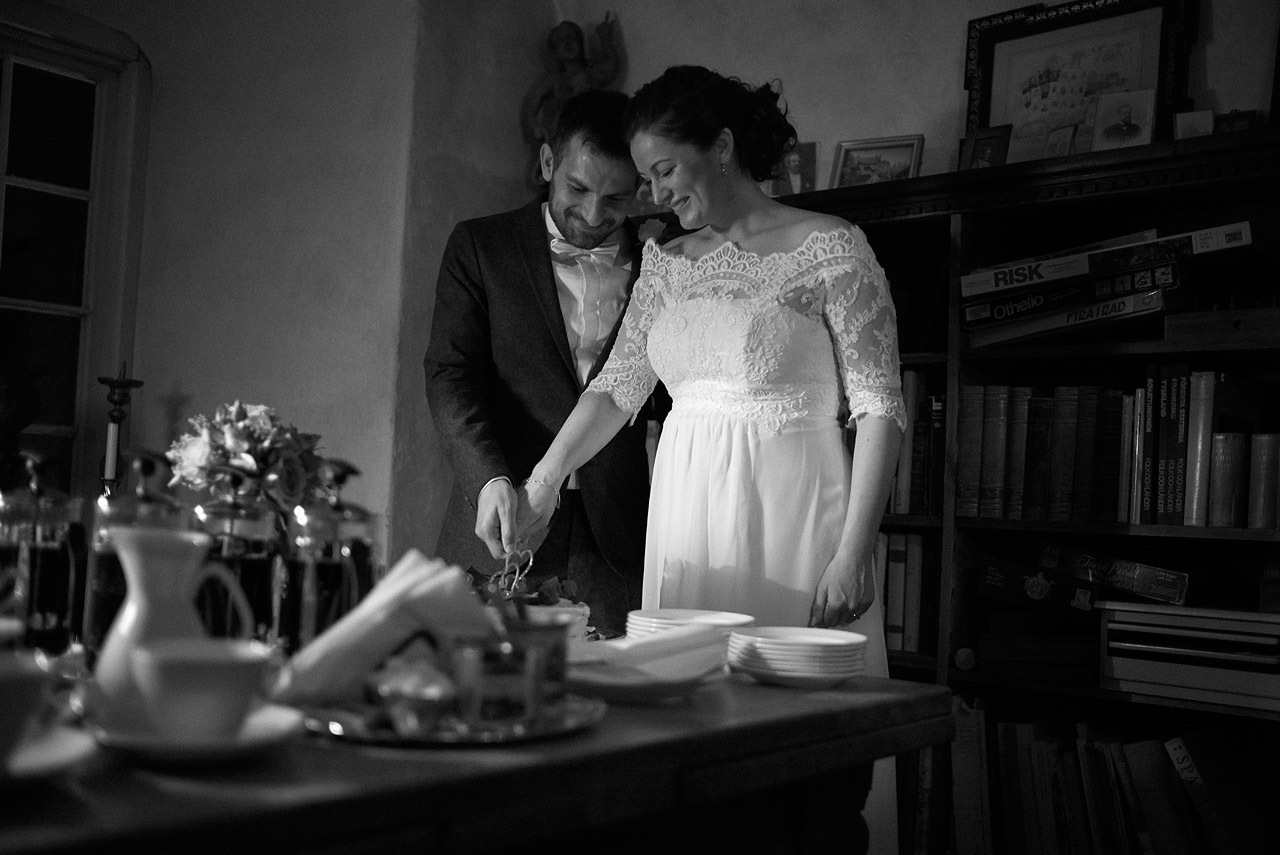
Joakim - very atmospheric wedding images - love the b&w treatment
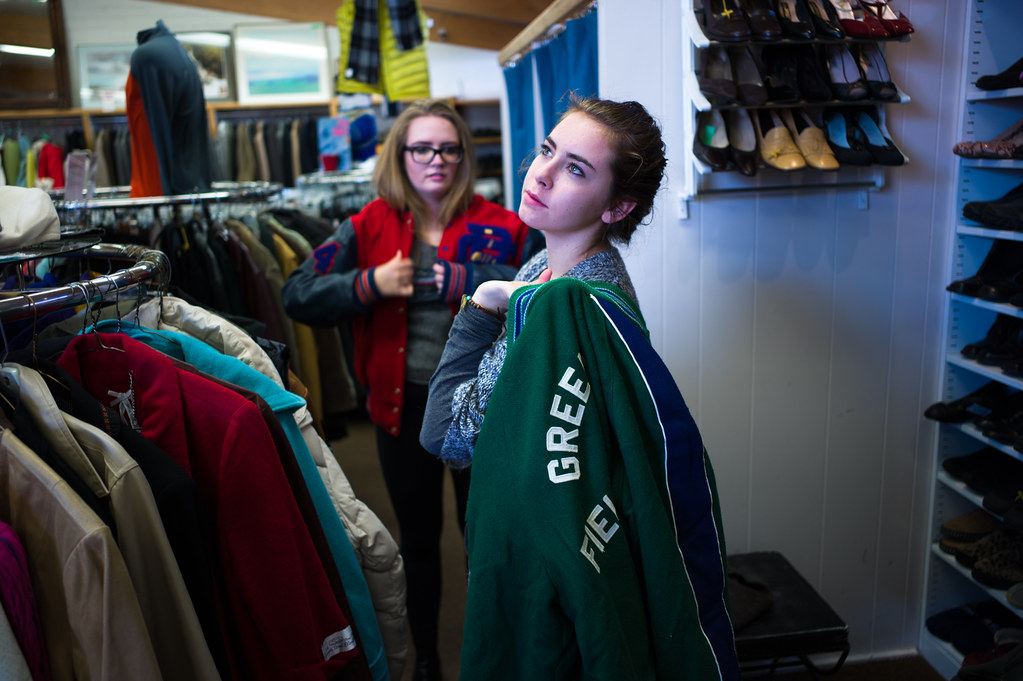
Zeiss C Biogon 35/2.8 - Leica M240 at the Columbia Road market in London