Wow! Great condition too! Price is about right for the condition. Highly recommended to anyone who is interested in probably the sharpest lens ever made in the M mount.
Unfortuneatly I spent all my ZM 35/1.4 money on a 5k retina iMac ---which i really love.
Imagine opening an image in LR, and being able to instantly see the sharpness and noise levels from the full view--it's something else. Lens character is suddenly very apparent. Really can't overstate how clean and sharp an M9 image looks on the thing
Congrats on the 5k I was very tempted to get one, but unfortunately it wouldn't work for me. I'm a PC user and there seems to be some compatibility issues with windows and I need significantly more storage space than the max available. Still very tempting though.
Instead I got a Samsung UD970, 32" 4k (3840x2160). I'm exceptionally happy with it - like you say, it's really something to view an M9 image at 100%. The colors are also unbelievably good (100% sRGB, 99.5% Adobe RGB). For somebody weighing between a new lens or a high end monitor, go with the monitor - the difference between my previous setup (dual mid range 1920x1200) is just mindblowing. At half the price of a typical Leica lens, it's a steal.
That's the good part. Now for the bad.
First of all what I am having difficulties with though is well, this site. All browsers insist to resize the images together with the text and it well.. looks like crap. If you zoom out so that the images are the correct size, the text is too small to read...
Has anybody found a good way to look at this site on an UHD monitor? Generally speaking it seems to me that the hardware is a step ahead of software when it comes to high resolution monitors and DPI scaling.
A second problem is that my standard sized images 1200px width + border are now tiny! They look great in terms of resolution, but it's like looking at a photo on your mobile. I'm used to (after scaling) to see my actual pixels and often manually do adjustments with sharpening etc. This is now impossible as, well, the pixels are too small. At the same time most people viewing the images will do so on older, lower resolution monitors and see the pixels that I don't see. So it may look really nice on my monitor, but crappy on one where you see the pixels better - I'm stuck with a small high res image while most regular users will see a large low res image...
I don't really have a solution for that. When people look at the same image with different PPIs, the experience will be very different. It makes issues such as color difference between monitors to be trivial. Things like the sharpness of a lens become irrelevant and the overall character becomes different. From a photographer's point of view this is very frustrating. Usually you want to have creative control over your photos and tailor the viewer experience to your artistic wishes. Now with monitors having vastly varying PPI (from ~70-400ppi) we have a new important dimension that we have no control over.. and I think it is really a problem. Zooming in on the image does not by the way help as the scaling algorithms are very destructive when it comes to IQ.
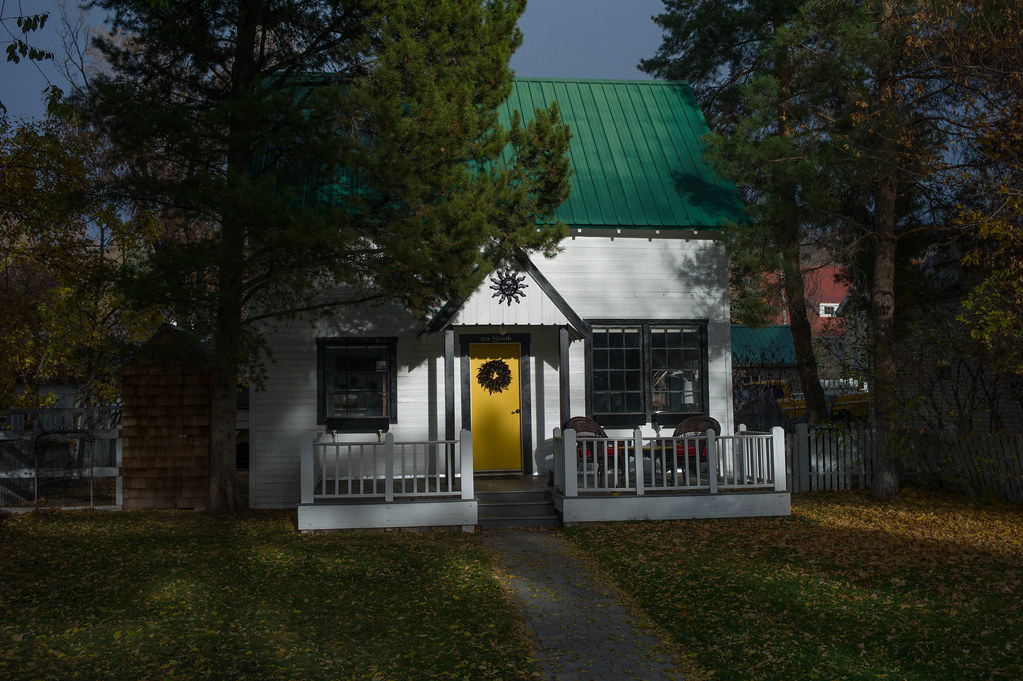
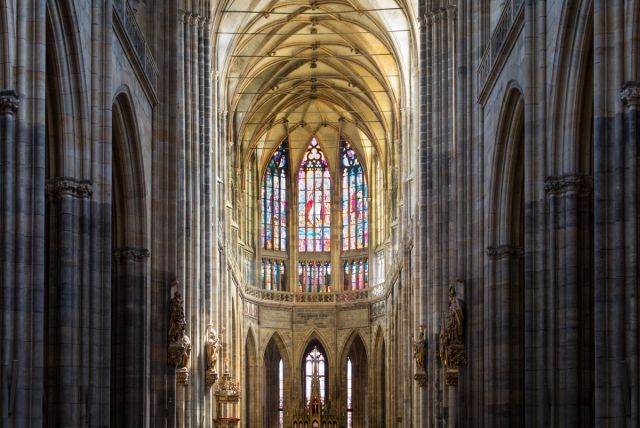
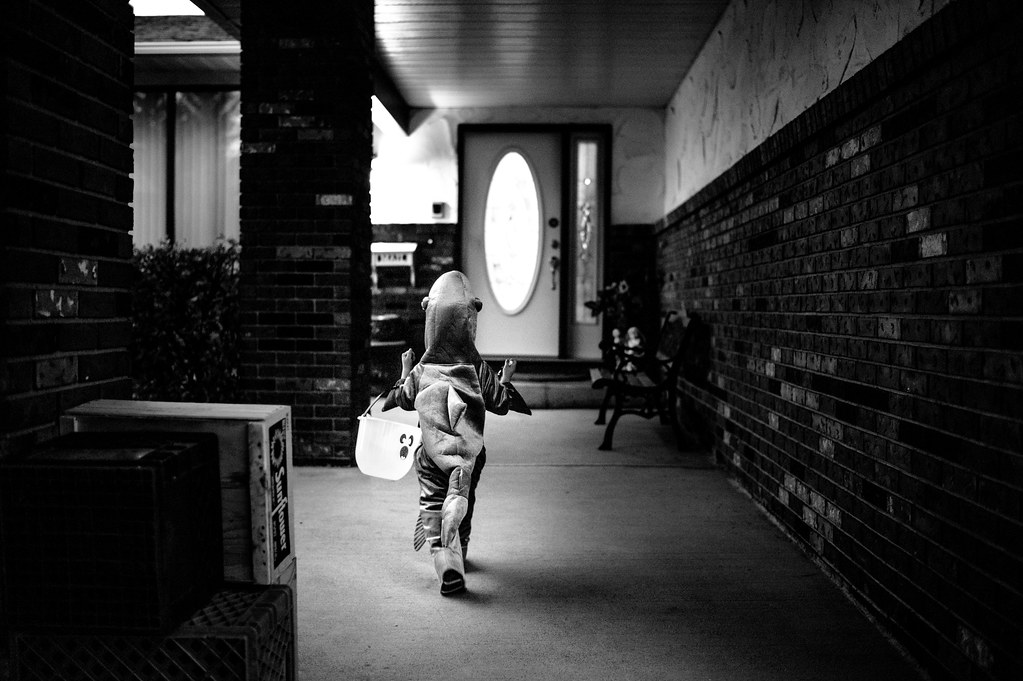
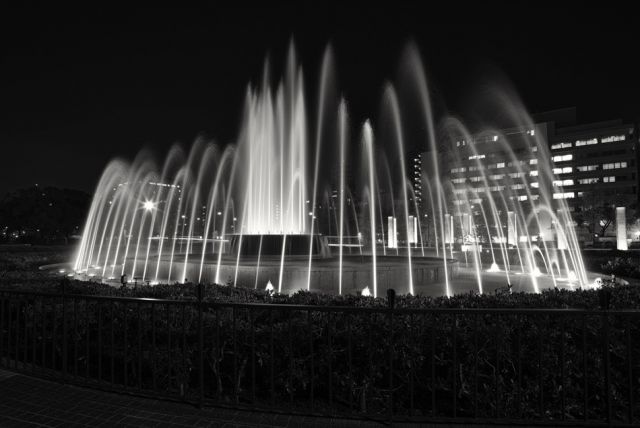
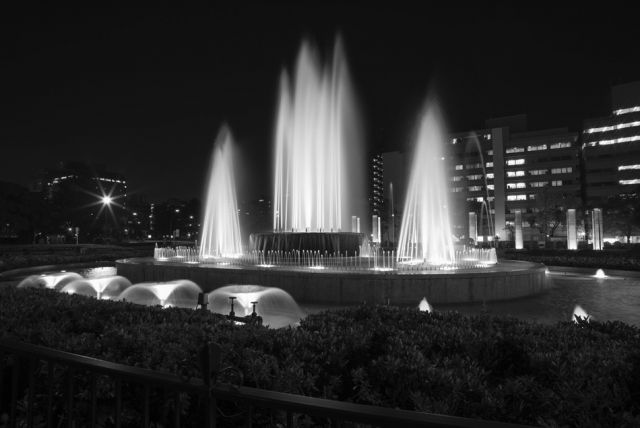
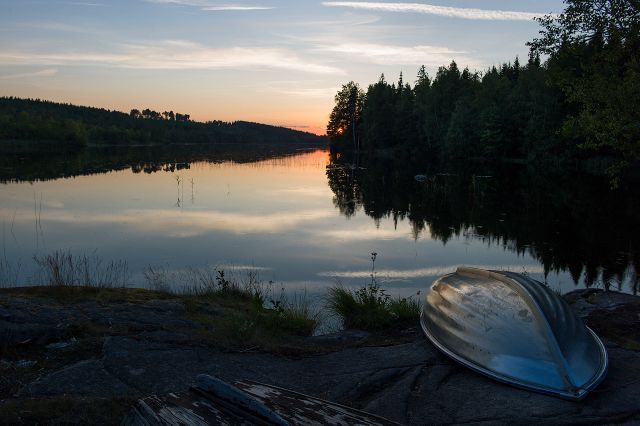
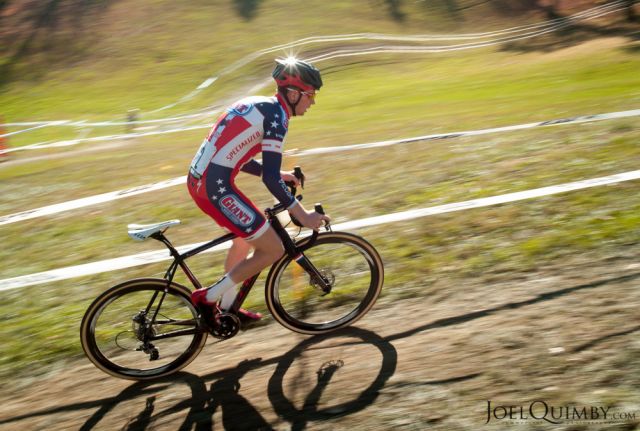
Anyway, to end this off, a couple of fall photos from Stockholm. If you are on a calibrated monitor, I know you'll see the colors correctly as for the rest.. well, they're too small on my monitor for me to know
Edit: In chrome the images in this post look horrible unless I zoom out to 50%... To give you an idea of the size of things, here's a screenshot:
I use firefox and you can custom set zoom on different sites so the pictures looks evenly sized. I also find it very annoying to conquer the DPI effect of HD monitor although mine is rated much lower than yours. I don't think there's any fix to this but I've set a custom DPI on Windows to help view text a bit easier, it still hurts my eyes and I wonder if it has a negative impact on my eyesight.
denoir wrote:
Congrats on the 5k I was very tempted to get one, but unfortunately it wouldn't work for me. I'm a PC user and there seems to be some compatibility issues with windows and I need significantly more storage space than the max available. Still very tempting though.
Instead I got a Samsung UD970, 32" 4k (3840x2160). I'm exceptionally happy with it - like you say, it's really something to view an M9 image at 100%. The colors are also unbelievably good (100% sRGB, 99.5% Adobe RGB). For somebody weighing between a new lens or a high end monitor, go with the monitor - the difference between my previous setup (dual mid range 1920x1200) is just mindblowing. At half the price of a typical Leica lens, it's a steal.
First of all what I am having difficulties with though is well, this site. All browsers insist to resize the images together with the text and it well.. looks like crap. If you zoom out so that the images are the correct size, the text is too small to read...
Has anybody found a good way to look at this site on an UHD monitor? Generally speaking it seems to me that the hardware is a step ahead of software when it comes to high resolution monitors and DPI scaling.
A second problem is that my standard sized images 1200px width + border are now tiny! They look great in terms of resolution, but it's like looking at a photo on your mobile. I'm used to (after scaling) to see my actual pixels and often manually do adjustments with sharpening etc. This is now impossible as, well, the pixels are too small. At the same time most people viewing the images will do so on older, lower resolution monitors and see the pixels that I don't see. So it may look really nice on my monitor, but crappy on one where you see the pixels better - I'm stuck with a small high res image while most regular users will see a large low res image...
I don't really have a solution for that. When people look at the same image with different PPIs, the experience will be very different. It makes issues such as color difference between monitors to be trivial. Things like the sharpness of a lens become irrelevant and the overall character becomes different. From a photographer's point of view this is very frustrating. Usually you want to have creative control over your photos and tailor the viewer experience to your artistic wishes. Now with monitors having vastly varying PPI (from ~70-400ppi) we have a new important dimension that we have no control over.. and I think it is really a problem. Zooming in on the image does not by the way help as the scaling algorithms are very destructive when it comes to IQ.
Anyway, to end this off, a couple of fall photos from Stockholm. If you are on a calibrated monitor, I know you'll see the colors correctly as for the rest.. well, they're too small on my monitor for me to know
Edit: In chrome the images in this post look horrible unless I zoom out to 50%... To give you an idea of the size of things, here's a screenshot: http://peltarion.eu/img/m9-2/screendump.jpg
My main biz is helping people with their computers, so I know what you are talking about.
I was worried that would also be the case with the 5K iMac. But they have gone to alot of trouble to make it not so, running a "dual resolution", so as I write this post it's 2569x1440 in the Safari window. Yet the desktop just to the side is cycling through images at 5120x2880.
I've been going through my back images and resizing good candidates at 16x9 and 5120, and it's pretty fun
anyway to your issue, I think I would run a second monitor at lower rez for the web. Windows simply is not capable of scaling well at these UHD rezes, while Yosemite has been reworked to scale up: but even that needs some real configuration magic by them.....tyg not me
In the end your monitor will likely be better for printing and color gamut, while the Imac is sharper and better for day to day use as a single monitor.
I wish I had better advice. Please let us know how you deal with the issue
Daylight bokeh with CV 35/1.2 WO: L1024363 by unoh7, on Flickr
Luka, congrats on the new Samsung monitor I have just recently updated my NEC PA241W to a NEC PA271W, with similar issues with everything being reduced in size. I would love the Samsung UD970, but still having the PA241W (24"), and PA272W (27"), for a lot of normal work, I still prefer the 24" with the native resolution. Amazing shots !!
Charlie, I agree the idea having dual monitor setup with Windows is the best solution for now!
With the 5k get every performance option you can afford, but if you can afford only the base model, order tomorrow.
Seriously, for me, in photography I need a body, I need a lens, and I need a way to appreciate the result. How does the 5k compare to a nice 2560x1440 TB display? Like a M9 compares to a Epsom RD-1. or in my case, a Nex-5.
You never saw your shots like this before. We've been robbed all these years!!
If you are reading this thread, you would love and appreciate one of these. My new favorite keystroke is cmd + h, to hide Safari so I can see the desktop behind: I have my idaho landscapes set up to rotate. Then you cmd + tab back.
I'm seeing most of them for the first on the display, and I'm gasping at how they look
Nokton 35 1.2 wide open and straight out of the camera:
Chrome is not good with colors, mozilla is better. My problem is how to get proper printscreen... mozilla corrects all colors not just images, slight changes in calibration and chaos is everywhere. It is not easy to do color correct print screen capture,,,, I manage to get it pretty accurate, but I need to have good profile all the time.
One of your shots has blue tint instead of white, and that screen capture looks way off..






 ---which i really love.