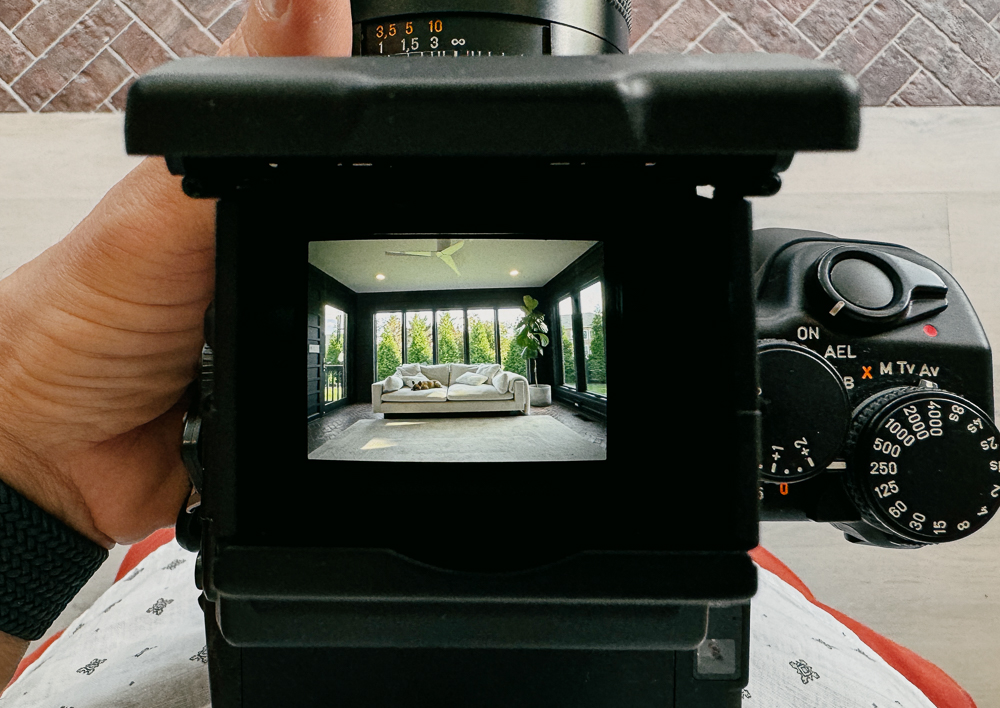
Not a film shot, but just received new screens from Bill Maxwell for my Contax 645 and Pentax 67II. I tried it out today with a WLF on the Contax. Back button autofocus + WLF is a pretty neat combo. Bill's screen makes it easy to confirm if the subject is in focus. It's also smaller and lighter without the prism. The only downside is it turns into a spot meter instead of center weighted and of course it's quite hard to use vertically.
lifeandmylens wrote:
Not a film shot, but just received new screens from Bill Maxwell for my Contax 645 and Pentax 67II. I tried it out today with a WLF on the Contax. Back button autofocus + WLF is a pretty neat combo. Bill's screen makes it easy to confirm if the subject is in focus. It's also smaller and lighter without the prism. The only downside is it turns into a spot meter instead of center weighted and of course it's quite hard to use vertically.
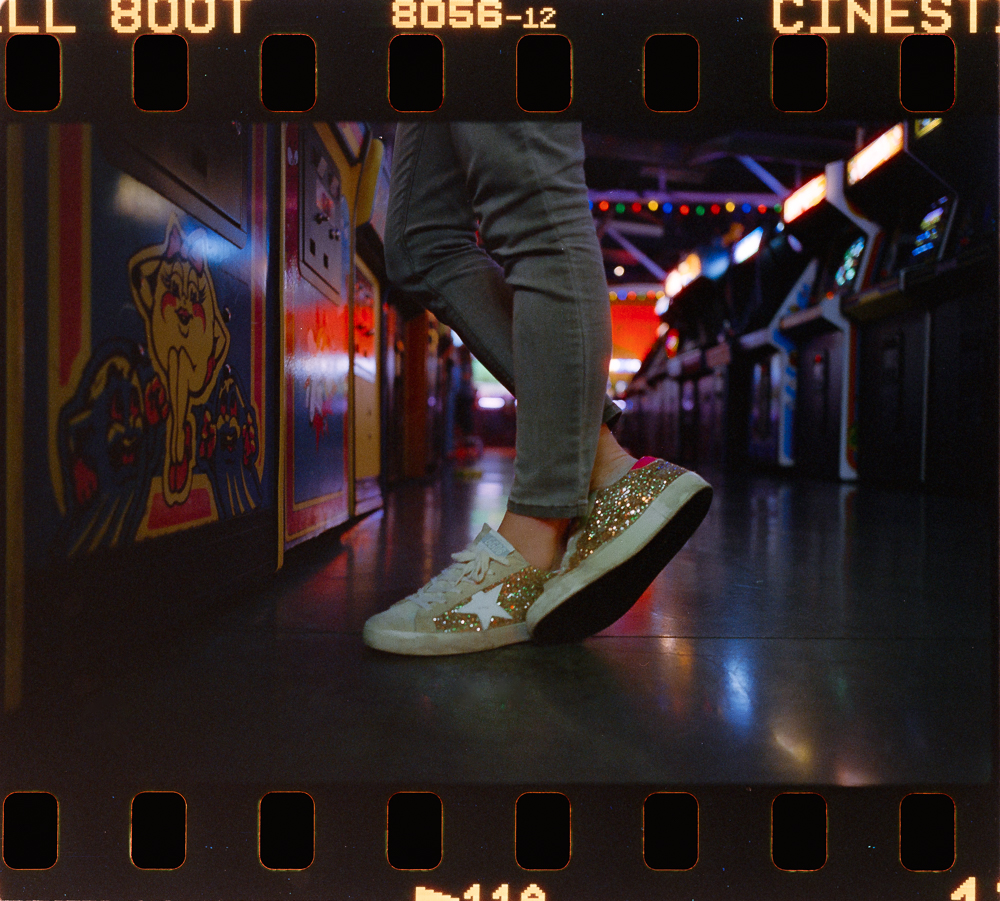
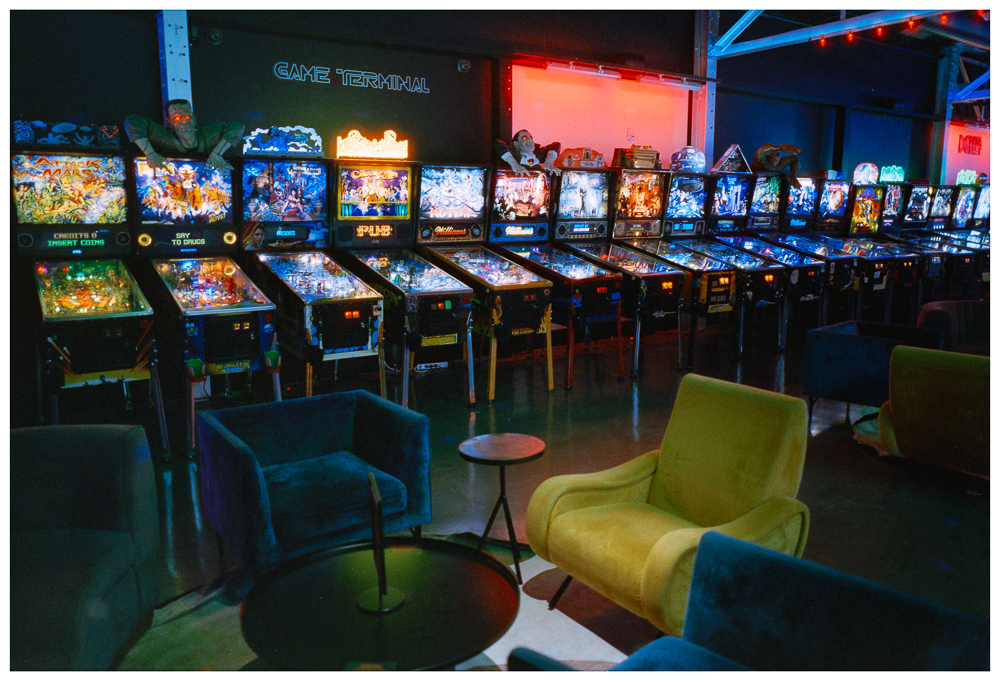
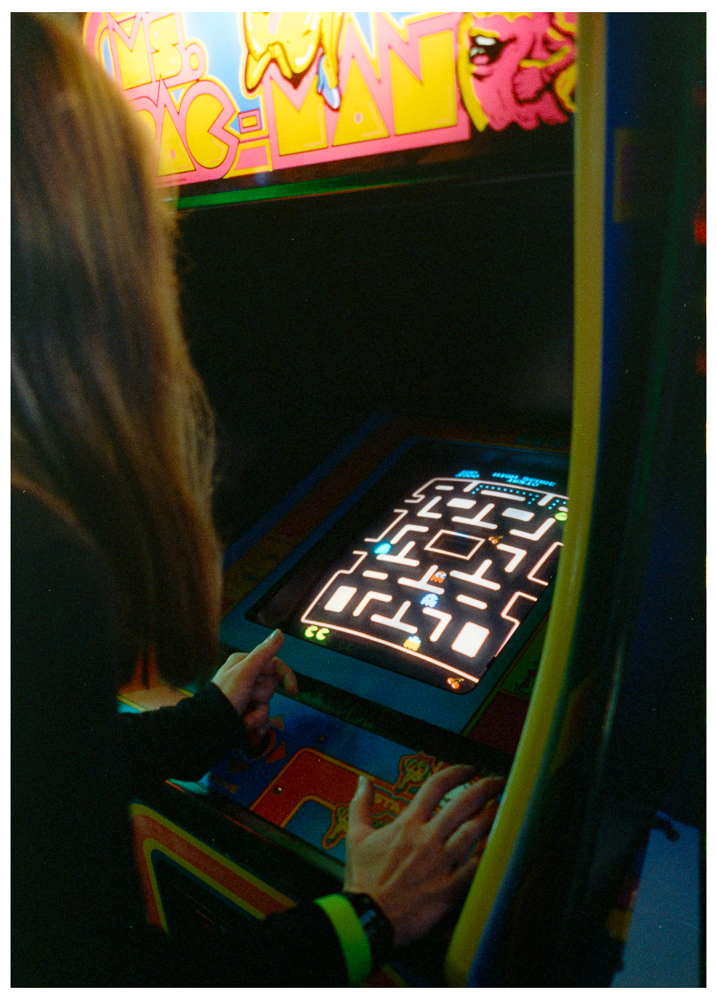
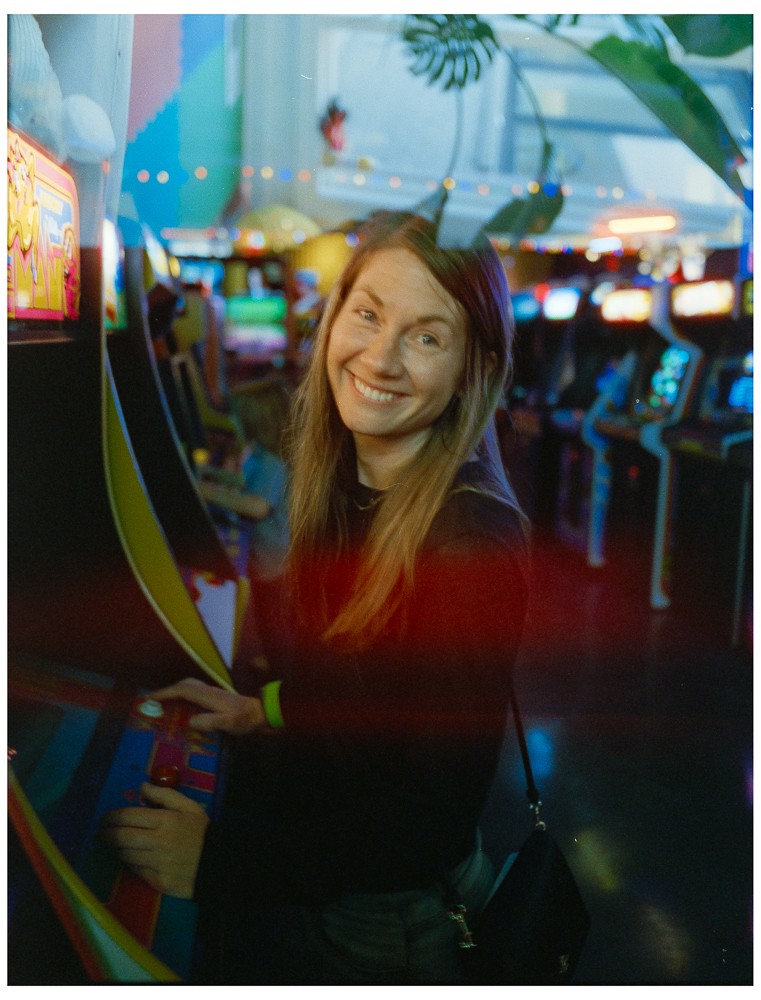
A few more from the arcade. It was much darker than I expected inside so I used a slow shutter speed and pushed a stop but still didn't think they'd turn out good. Now that I've got them developed and scanned in I would've taken more shots. I think that'll be my new motto, take more shots haha. The last one was the first shot of the roll. I take a shot after loading the film and then slightly rewind, so I guess an accidental double exposure.
What's the secret for posting images that allows them to be auto-sized in a web browser? I notice that on the last few pages of this thread that some peoples' posts contain images that are dynamically resized to fit the browser windows ( @lifeandmylens, @bestdayz ), while others aren't dynamically resized and often force me to full-screen the browser window to see the whole image ( @Desmolicious, @dourbalistar, @david6908, @bjhurley). Those images that are dynamically resized will get larger or smaller as I enlarge or shrink the window, while those that are statically sized just stay the same size irrespective of the window size, and I have to force the window to the right size to view them.
I'm just wondering if there's a secret to getting things to always fit in the browser windows. Is this a browser thing? Or do I need to change my FM user settings? Or is this due to the way that the various hosting sites pass the images depending on the BBCode that is used? I seem to remember someone once saying that if nothing but a clean URL is passed for the image, that the FM board will enable auto-sizing, but that won't work if some sort of encoded URL is used. Does anyone know? It seems like a PITB to have to be continually resizing the browser windows, especially if someone links to an extremely high res image that takes up the whole screen if it is not dynamically resized. (Common in some of the presentation fora.)
coralnut wrote:
What's the secret for posting images that allows them to be auto-sized in a web browser? I notice that on the last few pages of this thread that some peoples' posts contain images that are dynamically resized to fit the browser windows ( @lifeandmylens@, @bestdayz@ ), while others aren't dynamically resized and often force me to full-screen the browser window to see the whole image ( @Desmolicious@, @dourbalistar@, @david6908@, @bjhurley@). Those images that are dynamically resized will get larger or smaller as I enlarge or shrink the window, while those that are statically sized just stay the same size irrespective of the window size, and I have to force the window to the right size to view them.
I'm just wondering if there's a secret to getting things to always fit in the browser windows. Is this a browser thing? Or do I need to change my FM user settings? Or is this due to the way that the various hosting sites pass the images depending on the BBCode that is used? I seem to remember someone once saying that if nothing but a clean URL is passed for the image, that the FM board will enable auto-sizing, but that won't work if some sort of encoded URL is used. Does anyone know? It seems like a PITB to have to be continually resizing the browser windows, especially if someone links to an extremely high res image that takes up the whole screen if it is not dynamically resized. (Common in some of the presentation fora.)...Show more →
I just post a downsized image from flickr - usually 1000 on the long end. In my Leica vs SureShot I posted long 1200 - I normally don't do that.
lifeandmylens wrote:
A few more from the arcade. It was much darker than I expected inside so I used a slow shutter speed and pushed a stop but still didn't think they'd turn out good. Now that I've got them developed and scanned in I would've taken more shots. I think that'll be my new motto, take more shots haha. The last one was the first shot of the roll. I take a shot after loading the film and then slightly rewind, so I guess an accidental double exposure.
M7 + 28 cron + 800T @ 1600.
I'm calling this - the bowling alley - empty. The arcade - empty. Are you renting out the entire places?
Or are you the last survivors of the TN Zombie apocalypse?
Desmolicious wrote:
I'm calling this - the bowling alley - empty. The arcade - empty. Are you renting out the entire places?
Or are you the last survivors of the TN Zombie apocalypse?
Apocalypse for sure haha. We just go right when they open! The bowling alley for instance was packed when we left.