coralnut wrote:
What's the secret for posting images that allows them to be auto-sized in a web browser? I notice that on the last few pages of this thread that some peoples' posts contain images that are dynamically resized to fit the browser windows ( @lifeandmylens@, @bestdayz@ ), while others aren't dynamically resized and often force me to full-screen the browser window to see the whole image ( @Desmolicious@, @dourbalistar@, @david6908@, @bjhurley@). Those images that are dynamically resized will get larger or smaller as I enlarge or shrink the window, while those that are statically sized just stay the same size irrespective of the window size, and I have to force the window to the right size to view them.
I'm just wondering if there's a secret to getting things to always fit in the browser windows. Is this a browser thing? Or do I need to change my FM user settings? Or is this due to the way that the various hosting sites pass the images depending on the BBCode that is used? I seem to remember someone once saying that if nothing but a clean URL is passed for the image, that the FM board will enable auto-sizing, but that won't work if some sort of encoded URL is used. Does anyone know? It seems like a PITB to have to be continually resizing the browser windows, especially if someone links to an extremely high res image that takes up the whole screen if it is not dynamically resized. (Common in some of the presentation fora.)...Show more →
You can see all posted photos resized to fit if you use the FM slideshow feature. Just click on a photo in a thread to open the slideshow. You have to wait a few seconds for the top and bottom bars to disappear.
I'm going to use one of Huss' images to perform a test. Here's the image code as it appeared in Huss' original post, using the UBBCode buttons on the left:
Here is the same image using only the direct link to the flicker URL.
It seems that if you just post the url to the image, without using the UBBCode buttons on the left side as you compose your post, then the FM board and/or my browser will auto-resize the image to fit any size browser window; if you use the UBBCode it looks like it forces the image to be displayed in it's full resolution rather than being rescaled to fit the browser window. It seems that taking fewer steps to post the image and just posting the direct link helps to facilitate auto-resizing, so the image doesn't extend off-screen.
If you can't see this happening, then try resizing your browser window to see what I mean.
When you link an image from the BB Code in Flickr, choosing either the smallest “Large”or a medium size image is more than adequate for posting in the forum. You will also have to trim the link information that comes over with it. I normally delete everything after the first [url] and that removes my Flickr name from the image.
coralnut wrote:
I'm going to use one of Huss' images to perform a test. Here's the image code as it appeared in Huss' original post, using the UBBCode buttons on the left:
It seems that if you just post the url to the image, without using the UBBCode buttons on the left side as you compose your post, then the FM board and/or my browser will auto-resize the image to fit any size browser window; if you use the UBBCode it looks like it forces the image to be displayed in it's full resolution rather than being rescaled to fit the browser window. It seems that taking fewer steps to post the image and just posting the direct link helps to facilitate auto-resizing, so the image doesn't extend off-screen.
If you can't see this happening, then try resizing your browser window to see what I mean....Show more →
Another difference between these two is that only the first one works with the FM slideshow feature.
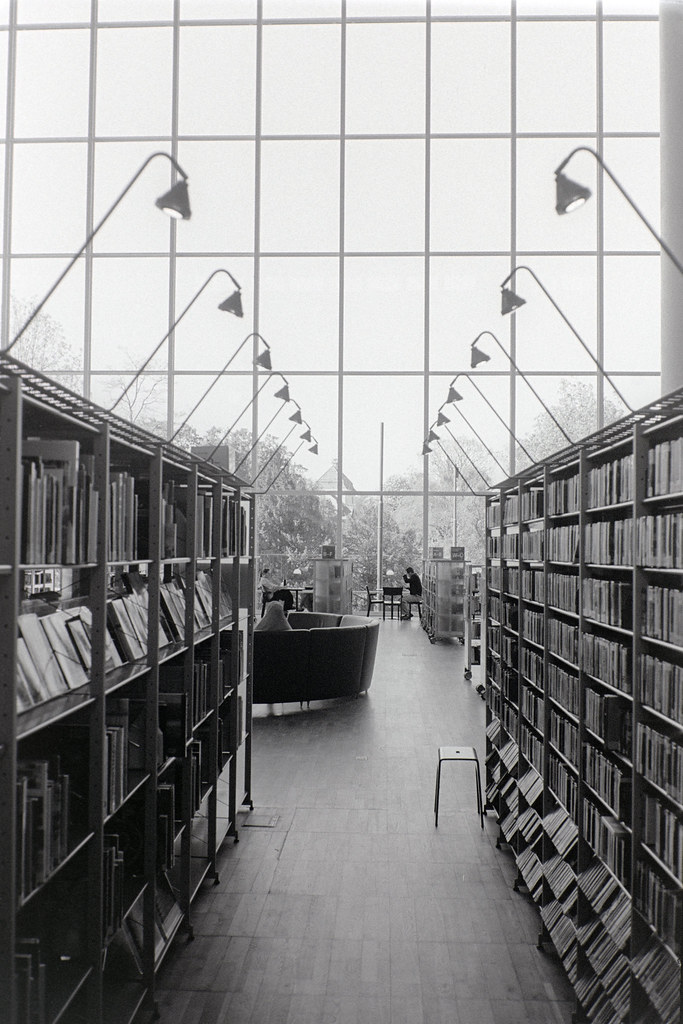
Just as I was shooting my first roll of film, the IPFO Haus der Fotografie in Switzerland had a Vivian Maier exhibit. Nikon F2 w/ the NIKKOR 28mm f/2.8 AI-s. HP5+ @ 400.
coralnut wrote:
What's the secret for posting images that allows them to be auto-sized in a web browser? I notice that on the last few pages of this thread that some peoples' posts contain images that are dynamically resized to fit the browser windows ( @lifeandmylens@, @bestdayz@ ), while others aren't dynamically resized and often force me to full-screen the browser window to see the whole image ( @Desmolicious@, @dourbalistar@, @david6908@, @bjhurley@). Those images that are dynamically resized will get larger or smaller as I enlarge or shrink the window, while those that are statically sized just stay the same size irrespective of the window size, and I have to force the window to the right size to view them.
I'm just wondering if there's a secret to getting things to always fit in the browser windows. Is this a browser thing? Or do I need to change my FM user settings? Or is this due to the way that the various hosting sites pass the images depending on the BBCode that is used? I seem to remember someone once saying that if nothing but a clean URL is passed for the image, that the FM board will enable auto-sizing, but that won't work if some sort of encoded URL is used. Does anyone know? It seems like a PITB to have to be continually resizing the browser windows, especially if someone links to an extremely high res image that takes up the whole screen if it is not dynamically resized. (Common in some of the presentation fora.)...Show more →
I also use the BBCode from Flickr, choosing the large setting that's 1024 on the long edge, since ot everyone has a gigantic wide screen display. I add a carriage return in the BBCode so that the links to the image on Flickr and my photostream are preserved below the image.
German-made Arnold Holstein still used to make Kavalan Gin. Kavalan Distillery, Yilan County.
Kavalan is mainly known for its whisky, but they also make gin using Taiwanese herbs, spices, and botanicals like kumquat, red guava, and dried star fruit.
Nikon FM2n, AI Nikkor 50mm f/1.8S, Kentmere Pan 400, developed in LegacyPro L110 at 1:31 for 5.5 minutes.
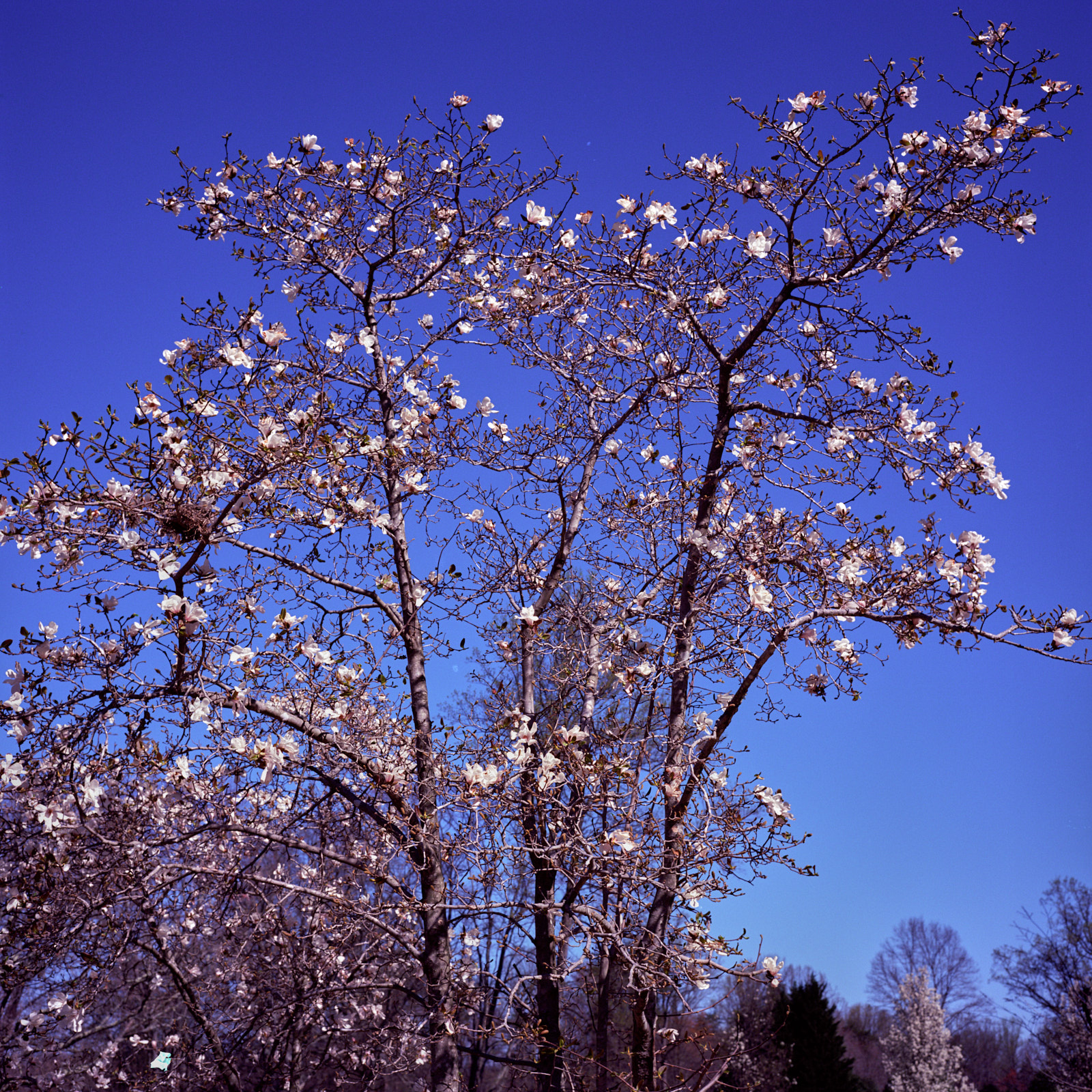
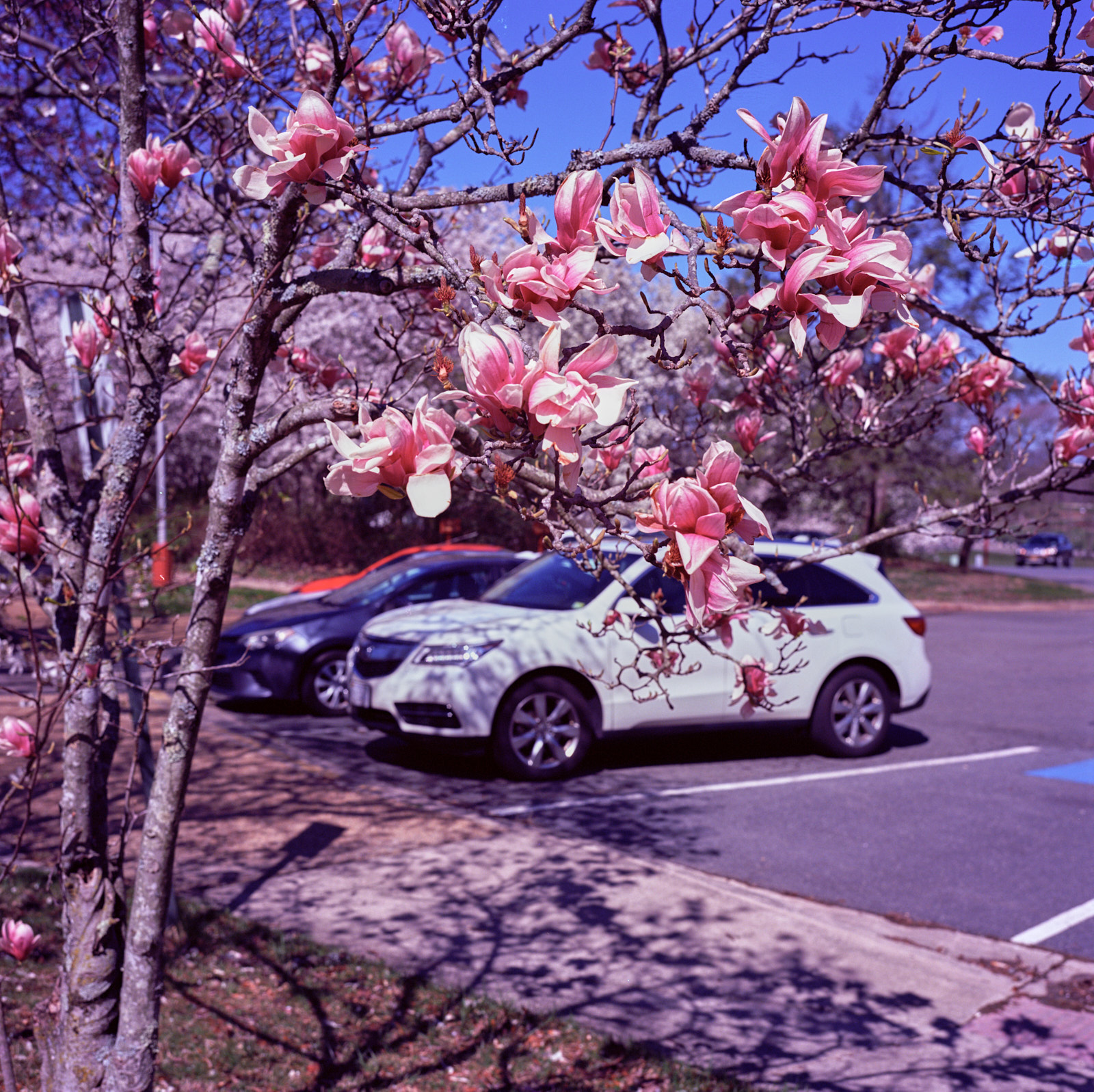
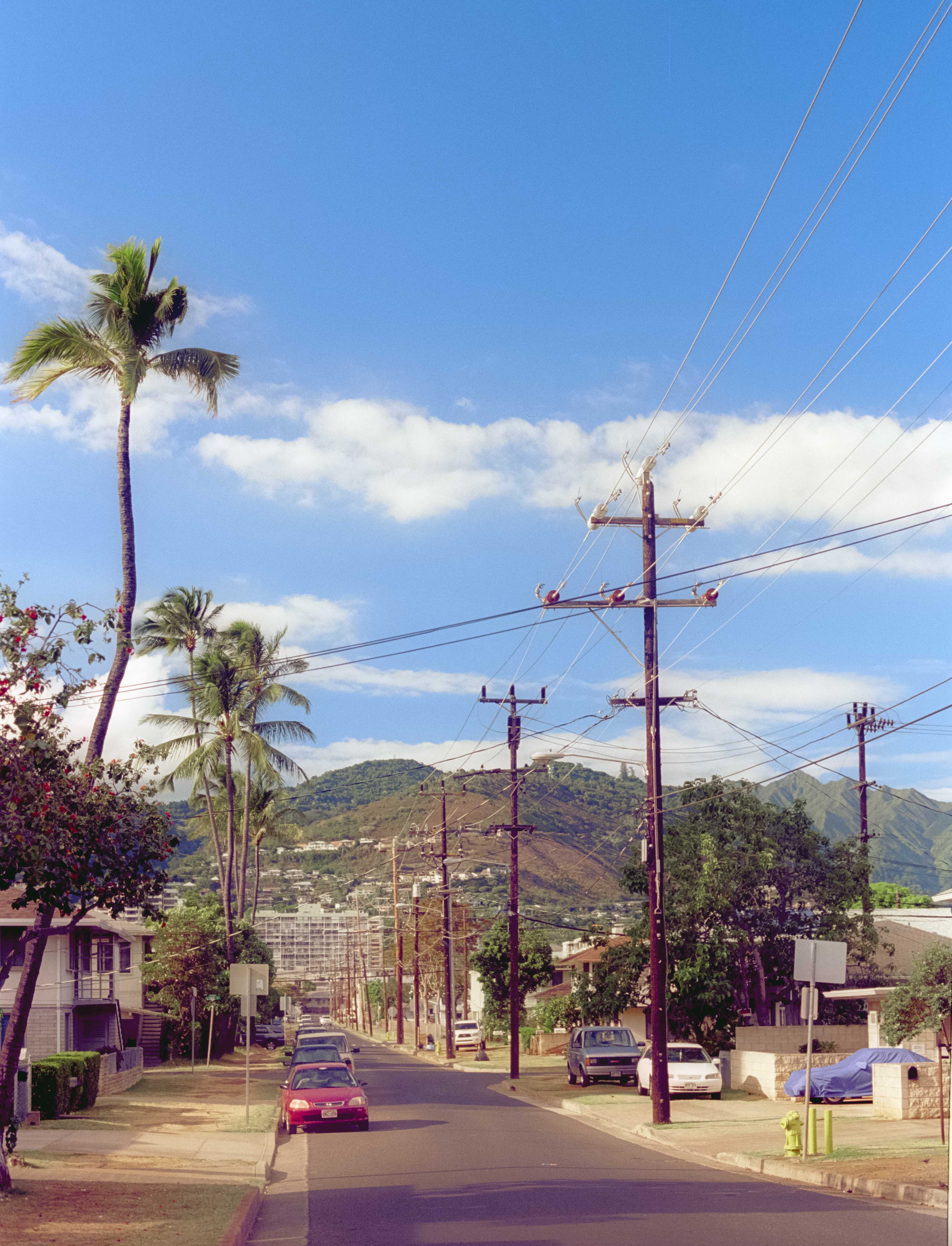
I thought that it would be worth revisiting a couple of the recent posts of images that were made using Ektar 100, as I think they do a good job of illustrating some of the color characteristics in the emulsion:
The reds are truly wonderful. There's a definite magenta bias that's visible in the dark shadows. It also comes across in the pavement, but those other areas featuring reds are oh so delicious. I can see why so many people like this film for floral images that have a lot of pinks and reds in the subjects, and for rural landscapes. I remember when Kodak first introduced this film their print ads included amazing landscape scenes from Monument Valley that had reds that were just spectacular.
Thanks to bestdayz and ocean2059 for the great images.