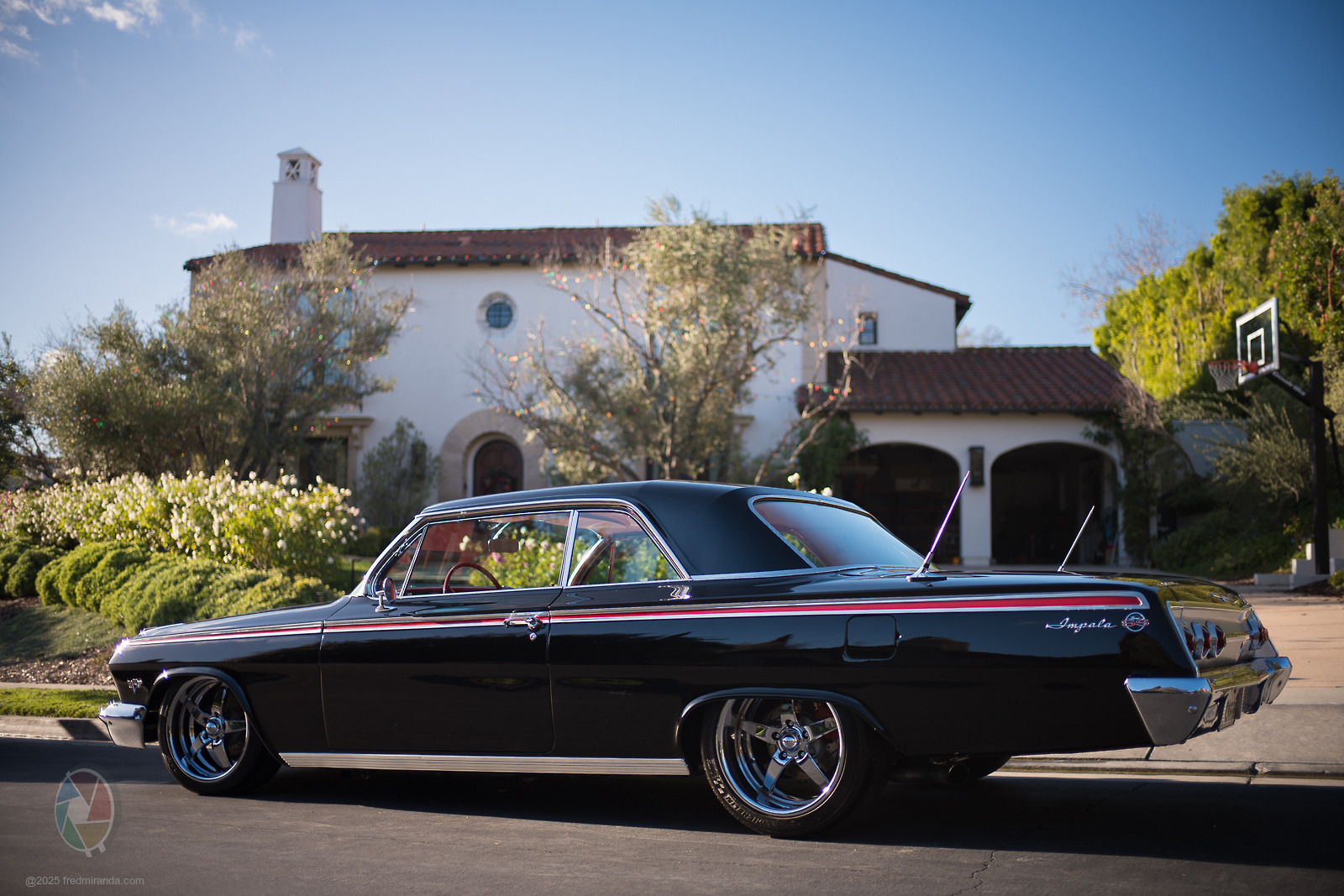
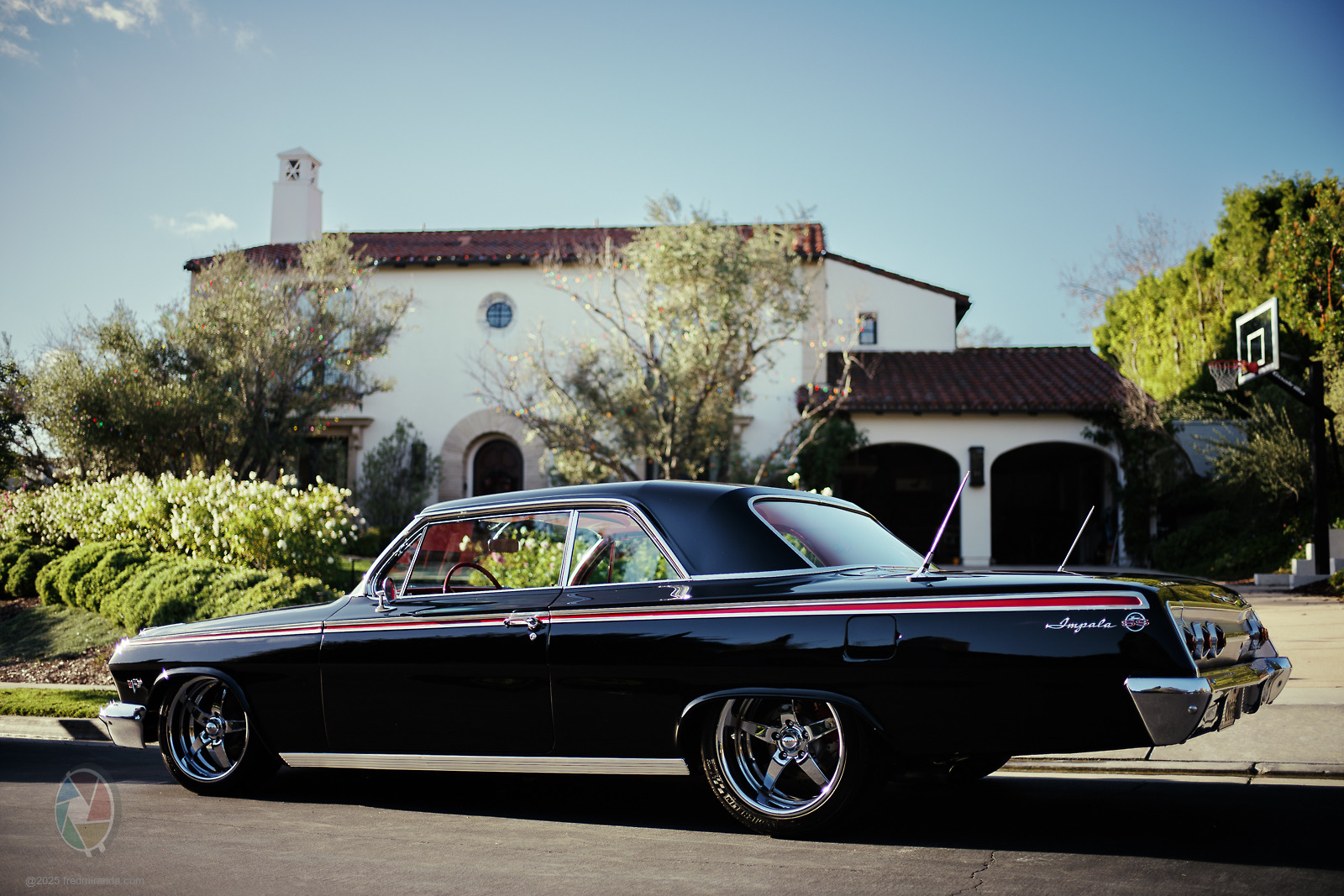
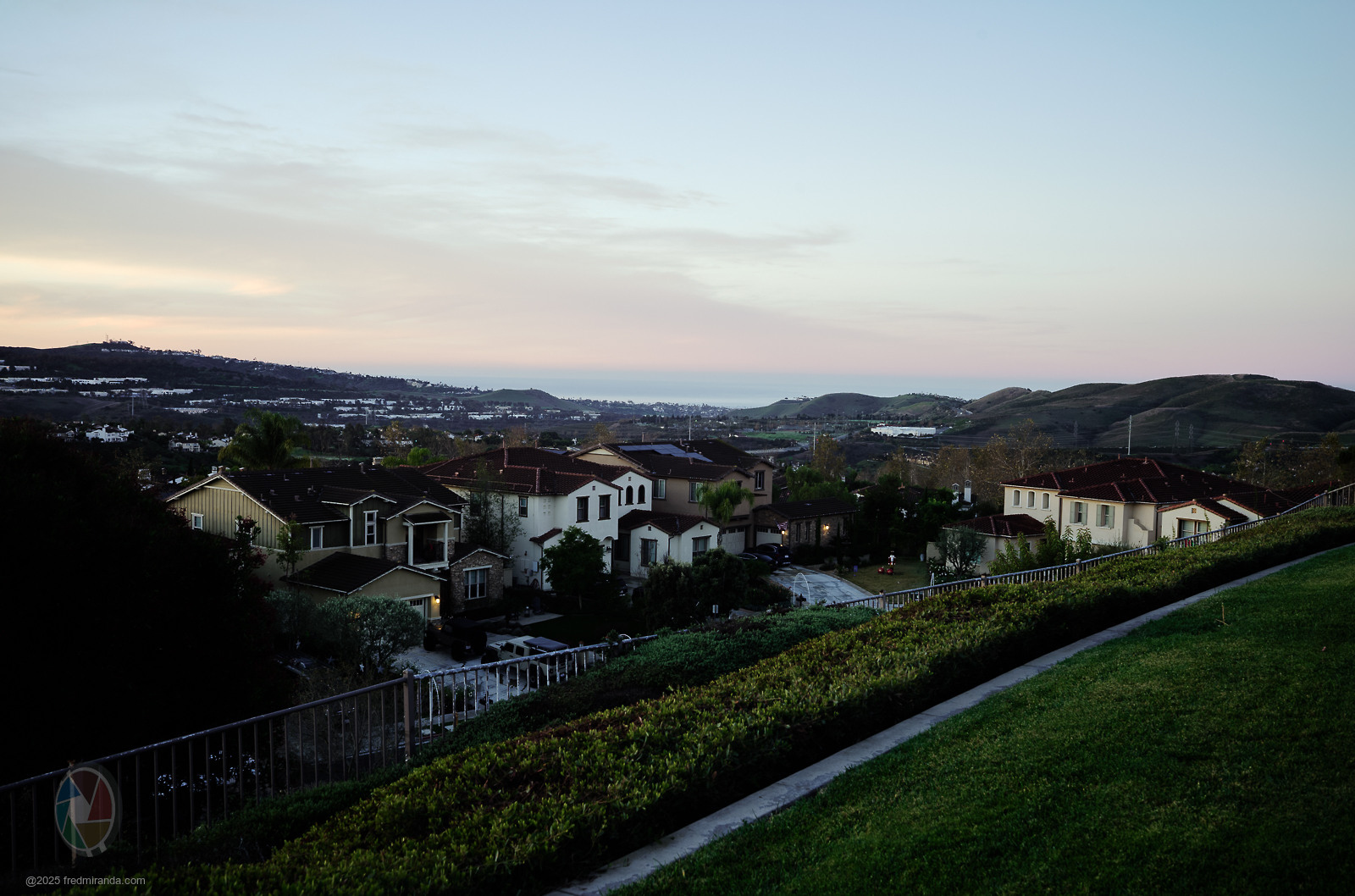
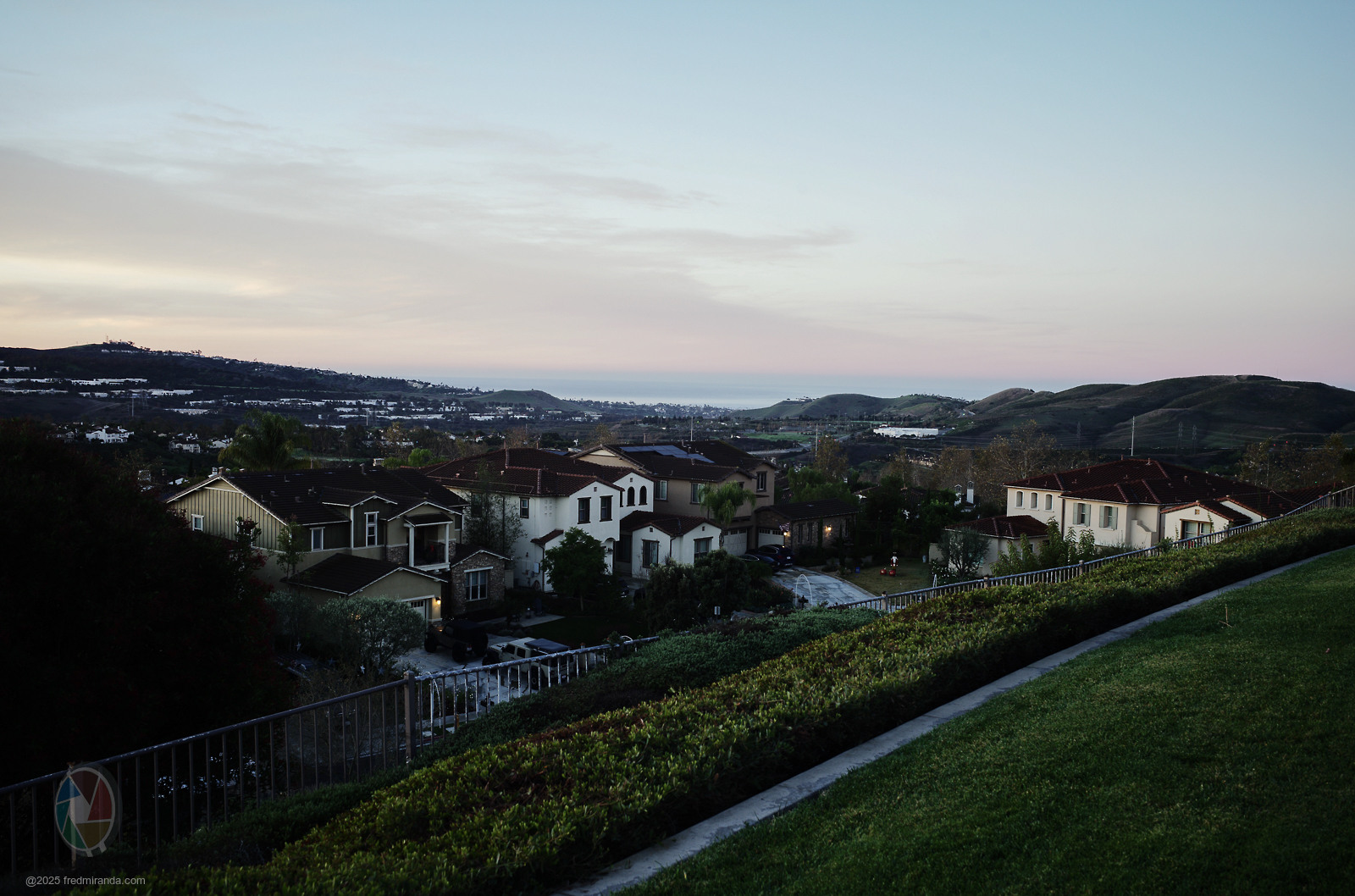
I do wish there was a "try before you buy" option on these packs since the investment is relatively large. I have a new Canon R6III and would like some less-cooked profiles (vs. Adobe Color/Standard) to use as my starting point. I'm also intrigued by the monochrom packs since I enjoy B&W as much or more than color. I had an M246 and Q2M along the way and loved the monochrom files they produced. Someday, I might suck it up and buy a Q3M or M10M if get permission from the CFO.
I had mentioned before that the Leica Looks in Fotos felt a bit too stylized for my taste. I liked using Cobalt profiles in Lightroom because the intensity slider let me dial the effect back. I just tried the latest version of Fotos, which now includes its own intensity slider, and it makes a big difference. The looks are much more usable now, especially since I can apply them with my M10 and M11.
I bought the Cobalt standard package (for the A7CII) + the "Nikon Contemporary" package. It was $100 for both with a 15% discount. I am disappointed. I prefer Adobe Color to all the Cobalt standard profiles and the Nikon profiles don't look at all like Nikon colors. The last Nikon I had was the Z5 and I can't imagine the Z9 colors would be that different. Both Nikon profiles have washed out colors, no punch or saturated greens and blues that I always see on Nikon images.
Total waste of money for me.
Perhaps the Leica profiles are better, but I'm not going to gamble on it.
Before going further, I think a few foundational points need to be clarified.
Cobalt base profiles are not just an entry point for creative emulations. They are designed first and foremost as a more appropriate starting point for cameras that typically cost $2000 or more without a lens. Compared to the default base profiles provided by most editing software, they rely on true dual or triple illuminant profiling, with significantly higher colour separation and without the compression typical of canned profiles.
Complaints about “less greens” or “less blues” after applying an emulation are often a matter of mismatched expectations. It’s comparable to buying a seven-seat station wagon and complaining that it doesn’t handle curbs like a sports car, or buying a Lamborghini and complaining about trunk space. These are different tools designed for different purposes.
The colourimetry of our emulations is not a subjective choice and it’s not something we tweak by eye. We are not moving sliders to make cameras vaguely resemble each other. The process is based on calibrated physical captures and complex mathematical modelling. This is mathematics, not taste.
In the vast majority of cases where something “doesn’t look right”, the issue comes down to expectations of a one-click solution, or to errors in white balance evaluation. In the remaining small percentage of cases, we are always happy to investigate using real files and resolve genuine issues, as we have consistently done in the past.
Different workflows have different needs, and that’s fine. These tools are built for users who want a precise, neutral and technically sound foundation, not a finished look baked in at the profile level.
Ulysseita wrote:
Before going further, I think a few foundational points need to be clarified.
Cobalt base profiles are not just an entry point for creative emulations. They are designed first and foremost as a more appropriate starting point for cameras that typically cost $2000 or more without a lens. Compared to the default base profiles provided by most editing software, they rely on true dual or triple illuminant profiling, with significantly higher colour separation and without the compression typical of canned profiles.
Complaints about “less greens” or “less blues” after applying an emulation are often a matter of mismatched expectations. It’s comparable to buying a seven-seat station wagon and complaining that it doesn’t handle curbs like a sports car, or buying a Lamborghini and complaining about trunk space. These are different tools designed for different purposes.
The colourimetry of our emulations is not a subjective choice and it’s not something we tweak by eye. We are not moving sliders to make cameras vaguely resemble each other. The process is based on calibrated physical captures and complex mathematical modelling. This is mathematics, not taste.
In the vast majority of cases where something “doesn’t look right”, the issue comes down to expectations of a one-click solution, or to errors in white balance evaluation. In the remaining small percentage of cases, we are always happy to investigate using real files and resolve genuine issues, as we have consistently done in the past.
Different workflows have different needs, and that’s fine. These tools are built for users who want a precise, neutral and technically sound foundation, not a finished look baked in at the profile level....Show more →
Could you expand on the dual / triple illuminate aspect. I mostly shoot at 6500K ... for technical reasons. Hassy is calibrated to 6500K. Much of the world goes with 5000K or 5500K as being "daylight", but that's more of a "bell curve" for a given time of day (range). How does the dual / triple illuminant factor in? Probably not asking this right, but how does it know whether it should be rendering based on dual / triple options, that are not 6500K?
Good question — and you’re actually asking it the right way.
In short: the camera doesn’t “choose” an illuminant in the creative sense. The choice happens mathematically at the profile level, based on where the scene white point falls relative to the calibrated reference illuminants.
Our current base profiles are true dual-illuminant profiles, calibrated at StdA and D65 (not single-illuminant canned profiles duplicated across the range).
If you shoot at 6500K, you’re effectively sitting right on one of the reference anchors (D65), so the profile is operating in its most accurate, least-interpolated state.
When the scene white point falls between the two calibrated illuminants, the raw processor interpolates between the two matrices. When it falls outside that span, lookup tables are used instead.
This is where non-canned profiles matter: without a real opposing illuminant, behaviour far from the calibration point can diverge significantly. Having two physically distinct references dramatically improves colour stability and separation as you move away from the anchor.
With the upcoming Spectre profiles, things go one step further. These are spectral profiles, mathematically derived from physically measured SSF curves of each camera.
They use triple illuminants, selected based on the intended use case of the profile — for example LED / D50 / D65 for a general-purpose workflow.
The benefit isn’t that the profile “switches” away from 6500K when you shoot at 6500K, but that the entire interpolation space around it is better constrained, especially under mixed, LED, or non-ideal spectral conditions.
Ulysseita wrote:
Good question — and you’re actually asking it the right way.
In short: the camera doesn’t “choose” an illuminant in the creative sense. The choice happens mathematically at the profile level, based on where the scene white point falls relative to the calibrated reference illuminants.
Our current base profiles are true dual-illuminant profiles, calibrated at StdA and D65 (not single-illuminant canned profiles duplicated across the range).
If you shoot at 6500K, you’re effectively sitting right on one of the reference anchors (D65), so the profile is operating in its most accurate, least-interpolated state.
When the scene white point falls between the two calibrated illuminants, the raw processor interpolates between the two matrices. When it falls outside that span, lookup tables are used instead.
This is where non-canned profiles matter: without a real opposing illuminant, behaviour far from the calibration point can diverge significantly. Having two physically distinct references dramatically improves colour stability and separation as you move away from the anchor.
With the upcoming Spectre profiles, things go one step further. These are spectral profiles, mathematically derived from physically measured SSF curves of each camera.
They use triple illuminants, selected based on the intended use case of the profile — for example LED / D50 / D65 for a general-purpose workflow.
The benefit isn’t that the profile “switches” away from 6500K when you shoot at 6500K, but that the entire interpolation space around it is better constrained, especially under mixed, LED, or non-ideal spectral conditions....Show more →
I just tried the Cobalt Leica SL3 "Classic" Leica Look on this leica M10-R image and don't get the lack of contrast. First WB must be adjusted and that's the result with one click of the Cobalt profie:
First image: Adobe Stardard profile
Second image: Cobalt Leica "Classic" simulation
Default Adobe Stardard profile
LEICA M10-RSummilux-M 1:1.4/35 ASPH. FLE lens35mm1/4000s100 ISO-0.7 EV
Cobalt Leica Looks - Classic simulation
LEICA M10-RSummilux-M 1:1.4/35 ASPH. FLE lens35mm1/4000s100 ISO-0.7 EV
Ulysseita wrote:
Good question — and you’re actually asking it the right way.
In short: the camera doesn’t “choose” an illuminant in the creative sense. The choice happens mathematically at the profile level, based on where the scene white point falls relative to the calibrated reference illuminants.
Our current base profiles are true dual-illuminant profiles, calibrated at StdA and D65 (not single-illuminant canned profiles duplicated across the range).
If you shoot at 6500K, you’re effectively sitting right on one of the reference anchors (D65), so the profile is operating in its most accurate, least-interpolated state.
When the scene white point falls between the two calibrated illuminants, the raw processor interpolates between the two matrices. When it falls outside that span, lookup tables are used instead.
This is where non-canned profiles matter: without a real opposing illuminant, behaviour far from the calibration point can diverge significantly. Having two physically distinct references dramatically improves colour stability and separation as you move away from the anchor.
With the upcoming Spectre profiles, things go one step further. These are spectral profiles, mathematically derived from physically measured SSF curves of each camera.
They use triple illuminants, selected based on the intended use case of the profile — for example LED / D50 / D65 for a general-purpose workflow.
The benefit isn’t that the profile “switches” away from 6500K when you shoot at 6500K, but that the entire interpolation space around it is better constrained, especially under mixed, LED, or non-ideal spectral conditions....Show more →
Why is it relevant whether you shoot at 6500K or not? Isn't that setting just a tag in the raw file? Is it more important to have 6500K in the post? Thanks!
SrMi wrote:
Why is it relevant whether you shoot at 6500K or not? Isn't that setting just a tag in the raw file? Is it more important to have 6500K in the post? Thanks!
Good question — and yes, in a strict sense the white balance setting in a RAW file is just metadata.
That said, it’s not irrelevant. While you can change WB freely in post, the camera-estimated white point is what the raw processor uses as the starting reference to decide where it sits inside (or outside) the profile’s calibrated illuminant space.
If that white point lands close to a calibrated illuminant (for example D65), the profile operates with minimal interpolation and maximum colour accuracy. If it’s far from it, the processor relies more heavily on interpolation or LUTs, where differences between canned and non-canned profiles become much more visible.
So shooting at 6500K isn’t about “baking in” a look — it’s about anchoring the colour transform near a known reference, which reduces ambiguity and improves stability, even though the WB itself remains fully adjustable in post.
In post, what matters most is not forcing 6500K per se, but ensuring the final white point is consistent with the intended viewing or calibration standard (D50, D65, etc.), depending on the workflow.
Fred Miranda wrote:
I just tried the Cobalt Leica SL3 "Classic" Leica Look on this leica M10-R image and don't get the lack of contrast. First WB must be adjusted and that's the result with one click of the Cobalt profie:
First image: Adobe Stardard profile
Second image: Cobalt Leica "Classic" simulation
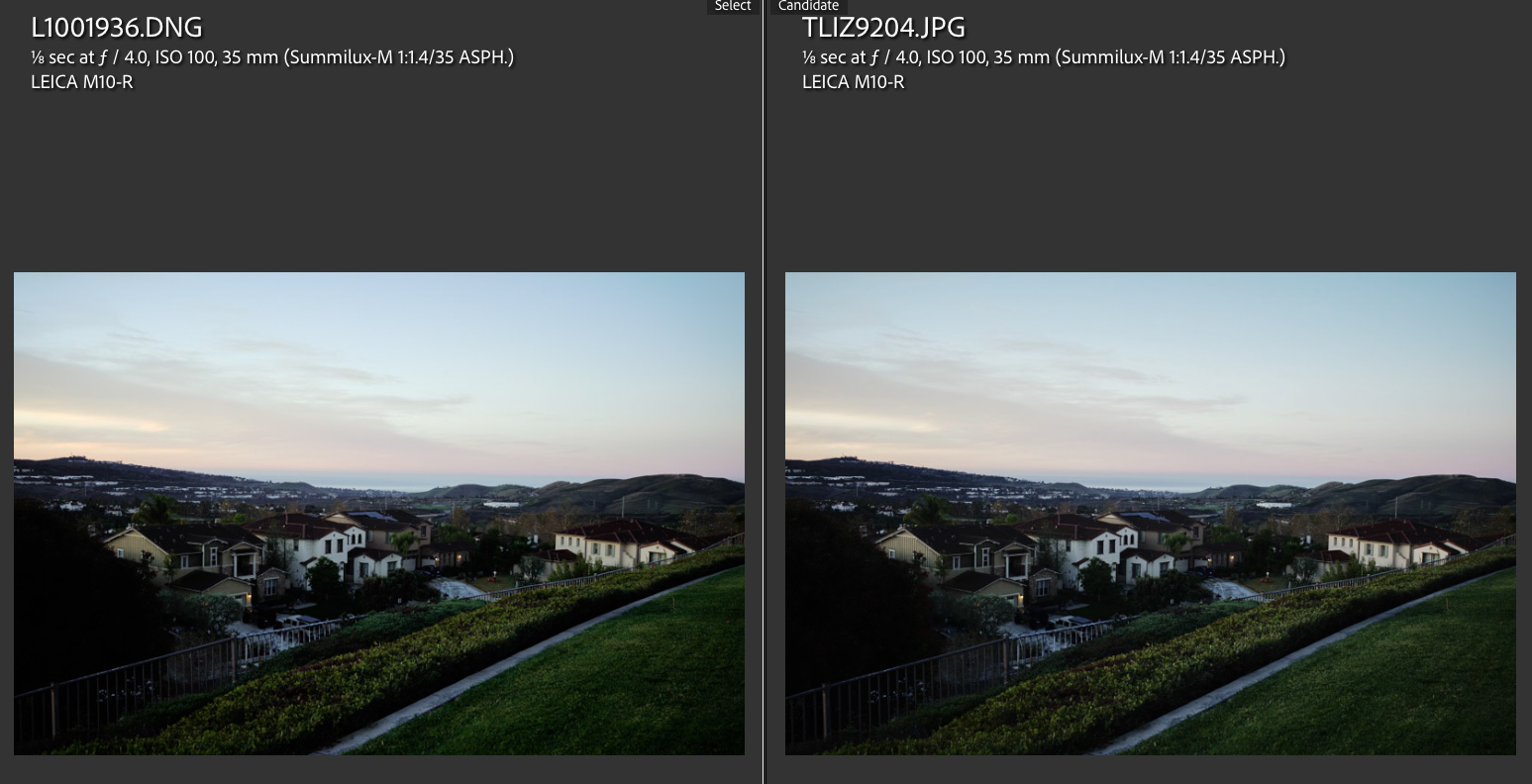
I tried this workflow today and was really happy with the results.
I shot this image in DNG + JPEG on my Leica M10-R.
I then imported the JPEG into FOTOS and applied the Leica Looks “Contemporary” profile. After that, I uploaded the resulting JPEG to Lightroom without making any adjustments.
For the DNG file in Lightroom, I applied the Cobalt Leica SL3 “Contemporary” profile, neutralized the white balance, and added a touch more contrast.
Here are the final results. Not identical but pretty close considering the profile is for the SL3 and not M10-R:
DNG processed in Lightroom with Cobalt SL3 Leica Looks Contemporary
LEICA M10-RSummilux-M 1:1.4/35 ASPH. lens35mmf/4.01/8s100 ISO0.0 EV
JPEG from FOTOS app using the Contemporary Leica Look
LEICA M10-RSummilux-M 1:1.4/35 ASPH. lens35mmf/4.01/8s100 ISO0.0 EV
In the realm of processing ... we have a variety of choices.
Adobe vs. Capture One being the base of different offerings for the Cobalt products.
Between Adobe vs. Capture One vs. DXO vs. Phocus vs. et al ... folks have a variety of reasons regarding preferences for their choices. Very much a horses for courses kind of thing. Personally, I have Adobe / C1 / Phocus available to me.
My question ... relative to Cobalt Base Pack products (Adobe vs. Capture One) ... what are (if any) differences that you see in terms of choosing a Base Pack platform for Adobe vs. C1. I realize user preference is in play, but on a technical basis.
Generally speaking I find Adobe more convenient, but I (previous use) found C1 to be a bit more "refined" in its processing ... with Adobe trying to close the gap a bit.
Just wondering if I'm going to the process of using Cobalt ... is there any advantage / difference to using it with C1 vs. Adobe. For no real reason, my mind is thinking Cobalt + C1 = closer to Hassy (technical calibration approach / 6500K mapping, etc.) than Cobalt + Adobe.
Of course, that's likely splitting hairs, but still asking the question ... in case there is something for consideration in choosing whether to get the Capture One vs. Adobe Base Pack.
I’m the creator of the Cobalt profiles, and I’ll be honest: it’s not an easy one to answer, because the two systems are built on very different architectures, each with its own strengths, weaknesses, and compromises.
Capture One uses its own interpretation of the ICC standard, which is not officially documented. Working with it is often quite challenging, but over time I’ve been able to reverse-engineer its behavior almost completely.
From a purely theoretical standpoint, Capture One’s profiling architecture is solid and capable of excellent quality — but in practice, the result depends heavily on how much effort is invested in building the profiles.
Phase One clearly puts a very different level of care into profiling their own digital backs compared to profiling a generic third-party camera. Most mainstream cameras ship only with Generic or ProStandard profiles, both of which are single-illuminant. Phase One doesn’t explicitly state the reference illuminant, but it is most likely somewhere around D50 or D55.
What’s more problematic is that many of these profiles are effectively copy-and-paste jobs from other cameras.
For example:
the Nikon Z6 III profile is essentially a copy of the Nikon Zf profile
the Sony A1 II profile is effectively a copy of the original Sony A1
So while the Capture One engine itself can be very good, the default camera profiling is often extremely weak.
Adobe, on the other hand, uses dual-illuminant profiles, which are inherently more flexible and adaptive. However, here too the quality depends on how carefully the profiles are built.
Although the DNG specification is open, Adobe itself applies arbitrary interpretations of its own standard, which complicates things.
For recent cameras, the current situation is frankly not great. Adobe has chosen a very restrictive profile architecture, which severely limits chromatic richness. As a result, the true color potential of some of the best sensors on the market is heavily compromised by design.
So to answer your question directly:
There is no absolute winner between Adobe and Capture One.
Very often, what really makes the difference is simply whether you’re lucky enough to be given a profile that isn’t a disaster to begin with.
That’s exactly the gap Cobalt is meant to fill — regardless of platform.
Thom wrote:
Fred, just so I understand .. you applied the M10-R Base Pack first, then the SL3 Contemporary from the Leica M Pack?
Yes, as @SrMi mentioned, if you don't have the base pack for your camera installed, you won't see the SL3 Leica Looks profiles. For that image, I just adjusted the white balance (tint towards green) and added +15 to white tone. That's all I did. I also created a LR preset with these changes so I know how to match the FOTOS look more consistently.
In PP of my Q3 43 images there is no match between the SOOC Vivid jpg and the DNG with the Cobalt Leica SL3 Vivid profile and no other modifications, see below. To my eye the Fuji Vivid profile suits much better in color and gradation.