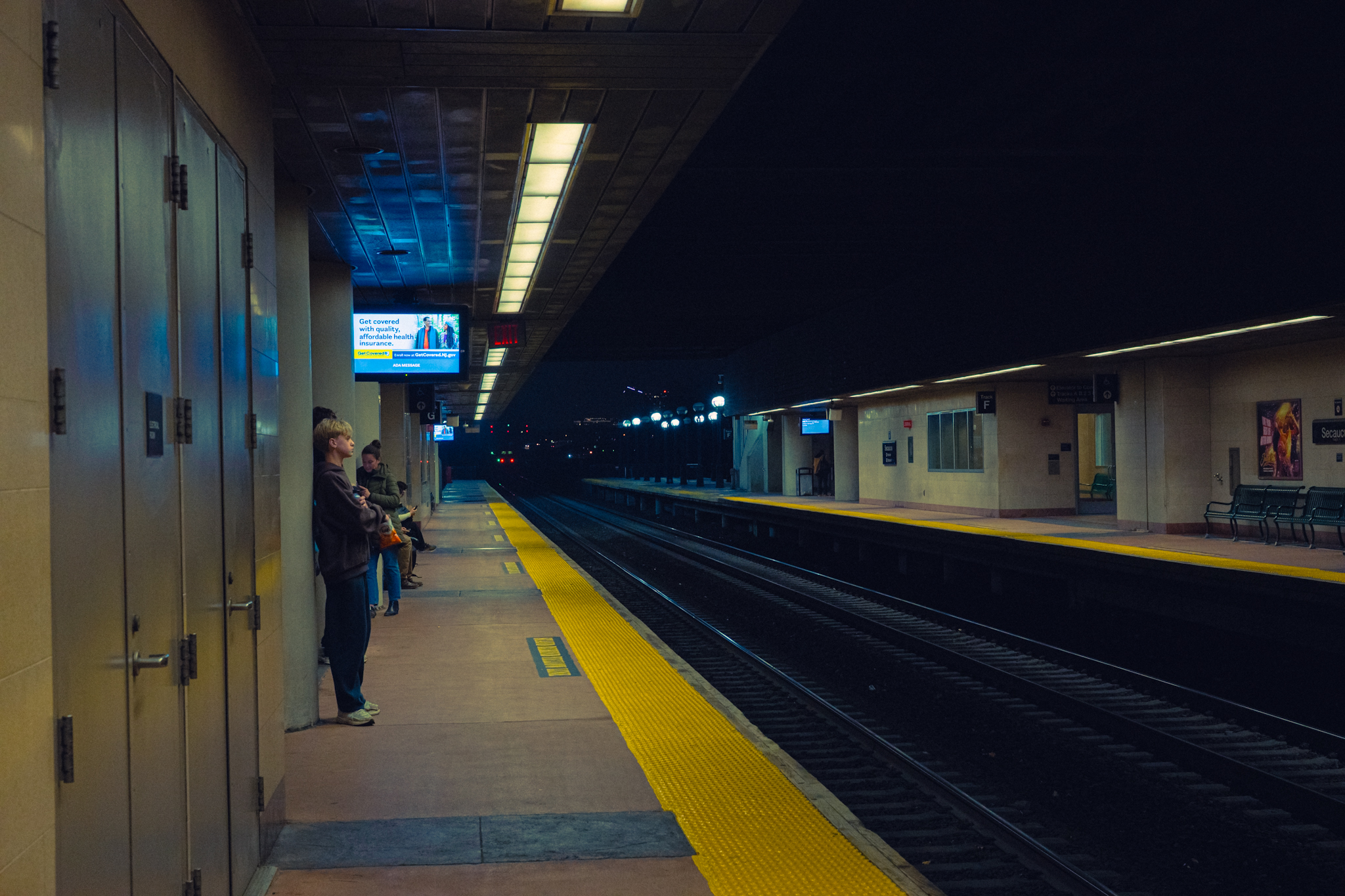
Not straight images or footage per-se but a screen capture of me working with some ZR R3D footage in Resolve. A bit rambly but hopefully somewhat informative:
p.1 #12 · Nikon Zr - Official Video & Image Thread
Mine just came in today. Still figuring out how to use it as a still camera. Much of the settings are buried in the menu. The screen is so big that my thumb would accidentally touch the edge and forcing the AF to move to the side. I think you can shoot sports with this at 15fps.
p.1 #13 · Nikon Zr - Official Video & Image Thread
hsiunghsiung wrote:
Can anyone confirm if there is any form of auto-shutter speed (Like aperture Priority mode) for R3d Raw?
I honestly haven’t tried it, since I’ve been exclusively shooting R3D in manual - but I believe it should be possible.
I’m not anywhere near mine right now to confirm but could check sometime later.
RustyRus wrote:
Auto Shutter Speed?
Why would you want that changing? That is the one variable I don't want to every mode automatically- ISO and Aperture as well for that matter
What is your use case?
I don’t do this personally but know some people who will use aperture priority in video mode for run and gun, in cases where they want to stay in the base ISOs, don’t want to sacrifice aperture/DOF for exposure, and instead are willing to take a hit on shutter speed for the sake of keeping things somewhat automated.
I personally prefer to keep ISO, shutter, and aperture set, then adjust exposure via a VND but I understand that’s just full manual and would be more steps than someone may want to deal with in a run and gun situation.
p.1 #14 · Nikon Zr - Official Video & Image Thread
Yeah, my use case is run & gun family videos in 4k+ 60p where aperture is static, ISO is usually set on one of the base ISOs, and then shutter speed on auto. I know it breaks the 180 degree rule, but it allows me to focus on taking videos of kids running around indoor/outdoor and following after them. No time for controlled lighting changes. There's definitely other cameras for this use case, but was just wondering if r3d raw was a viable option too for that.
p.1 #15 · Nikon Zr - Official Video & Image Thread
According to the manual, the ZR only supports M mode for exposure when the codec is R3D NE. Aperture priority (which allows you to select the aperture manually, and the camera chooses both shutter speed and ISO automatically) is available in other video codecs. The reason for no aperture priority mode in R3D NE mode is probably as the camera does not support auto ISO in R3D NE mode and Nikon probably think that automatic exposure afforded by varying shutter speed alone (given the restrictions on shutter speed due to video recording) gives insufficient range. If you use one of the other raw formats, such as N-RAW, aperture priority (coupled with auto ISO) is available.
hsiunghsiung wrote:
Yeah, my use case is run & gun family videos in 4k+ 60p where aperture is static, ISO is usually set on one of the base ISOs, and then shutter speed on auto. I know it breaks the 180 degree rule, but it allows me to focus on taking videos of kids running around indoor/outdoor and following after them. No time for controlled lighting changes. There's definitely other cameras for this use case, but was just wondering if r3d raw was a viable option too for that.
Cautions: Recording R3D video
In addition to the restrictions shared with RAW video, the following restrictions exist when the [R3D NE 12-bit (R3D)] setting is selected.
Shooting mode is fixed at M mode.
Exposure compensation cannot be performed.