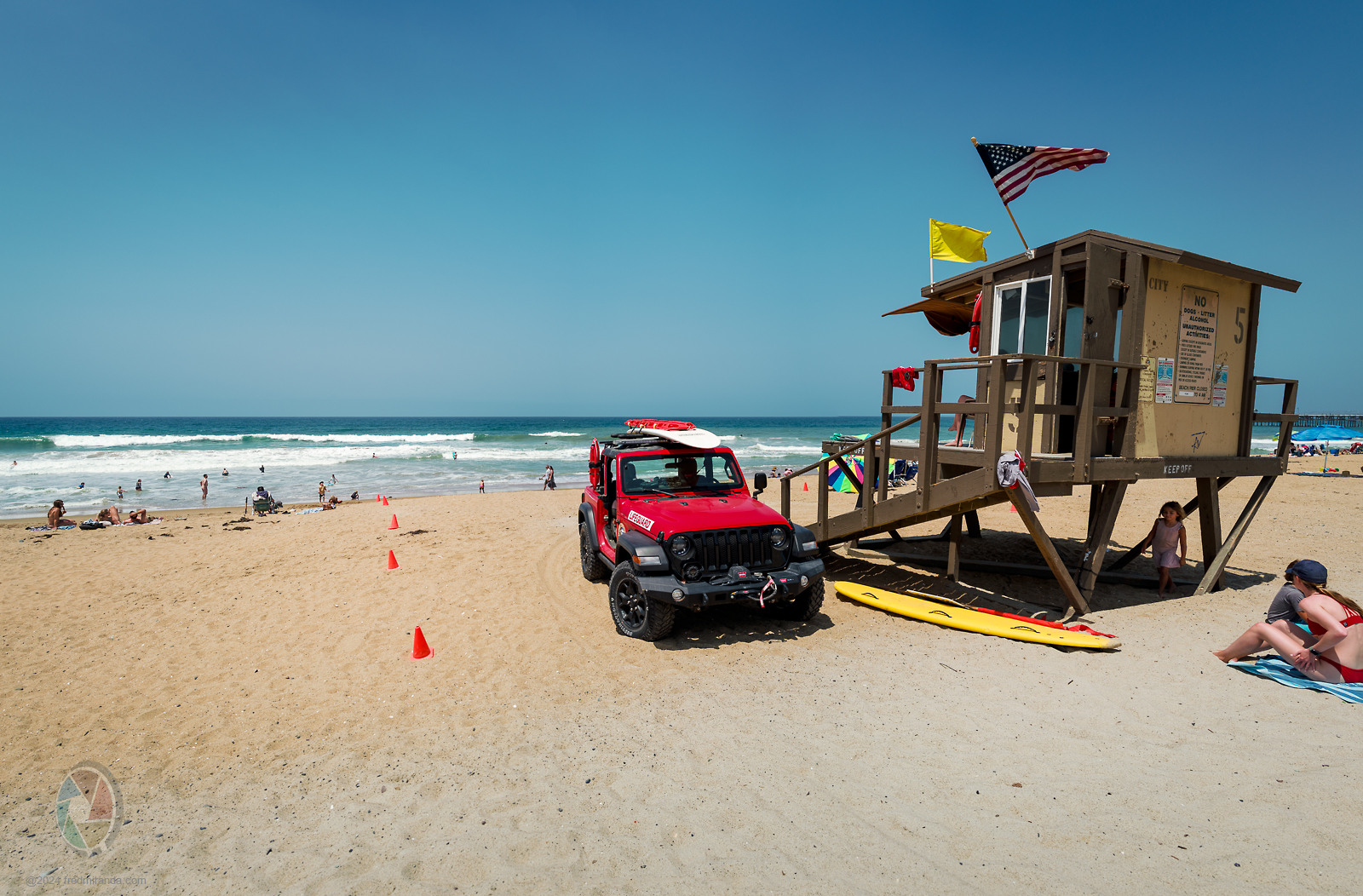
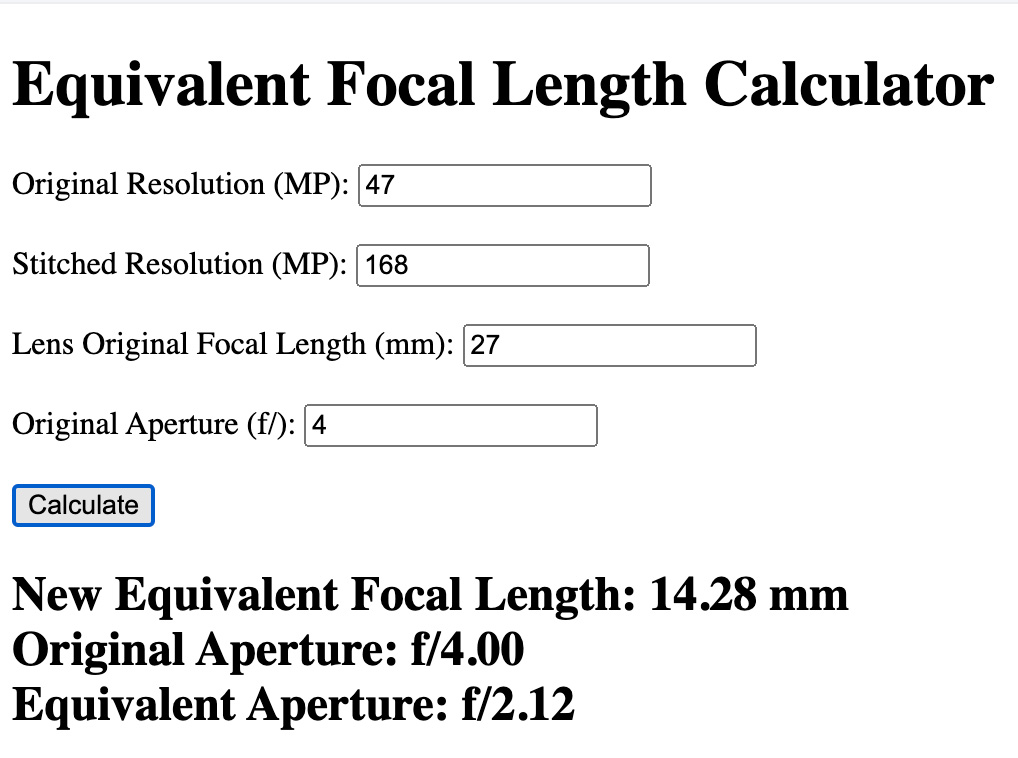
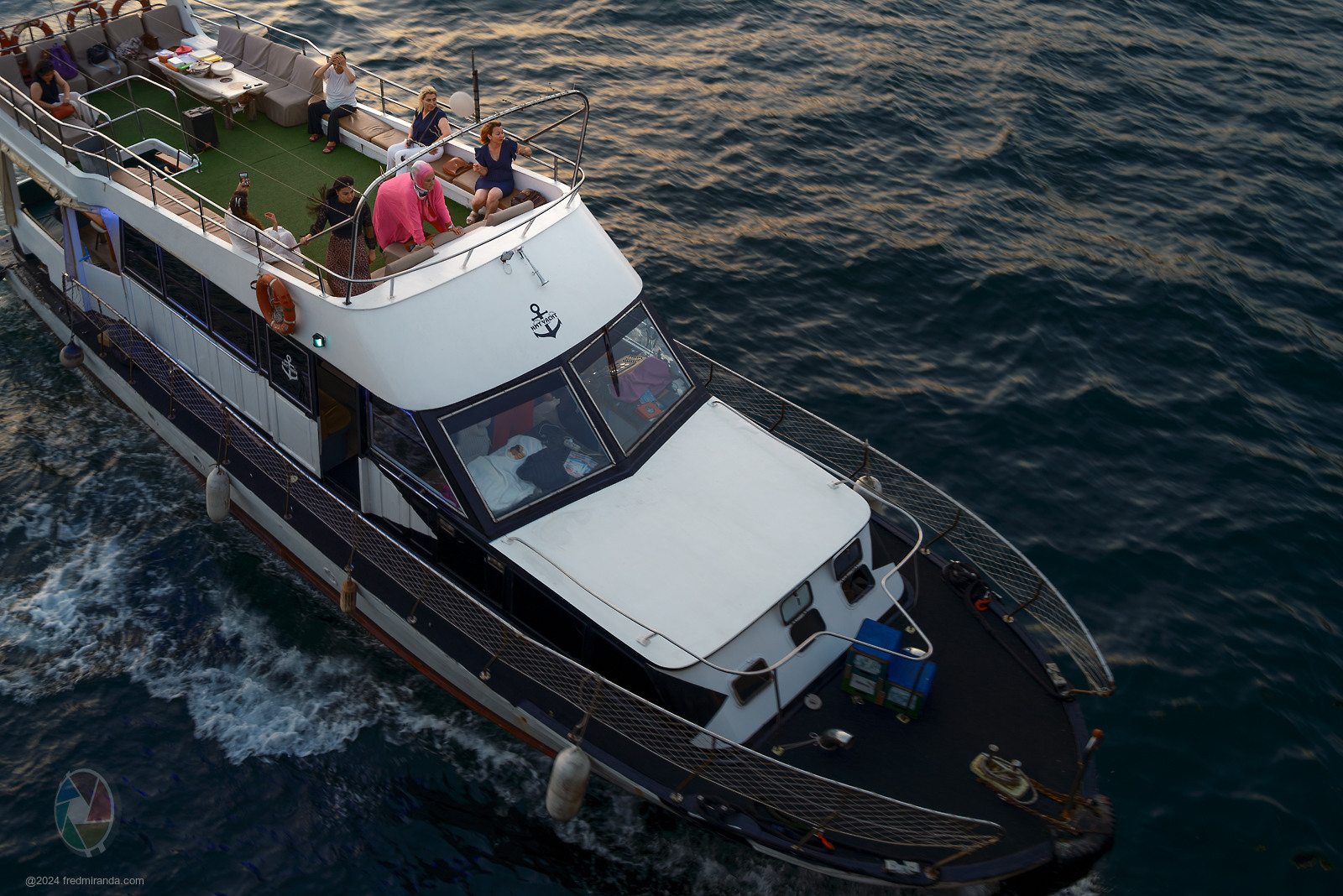
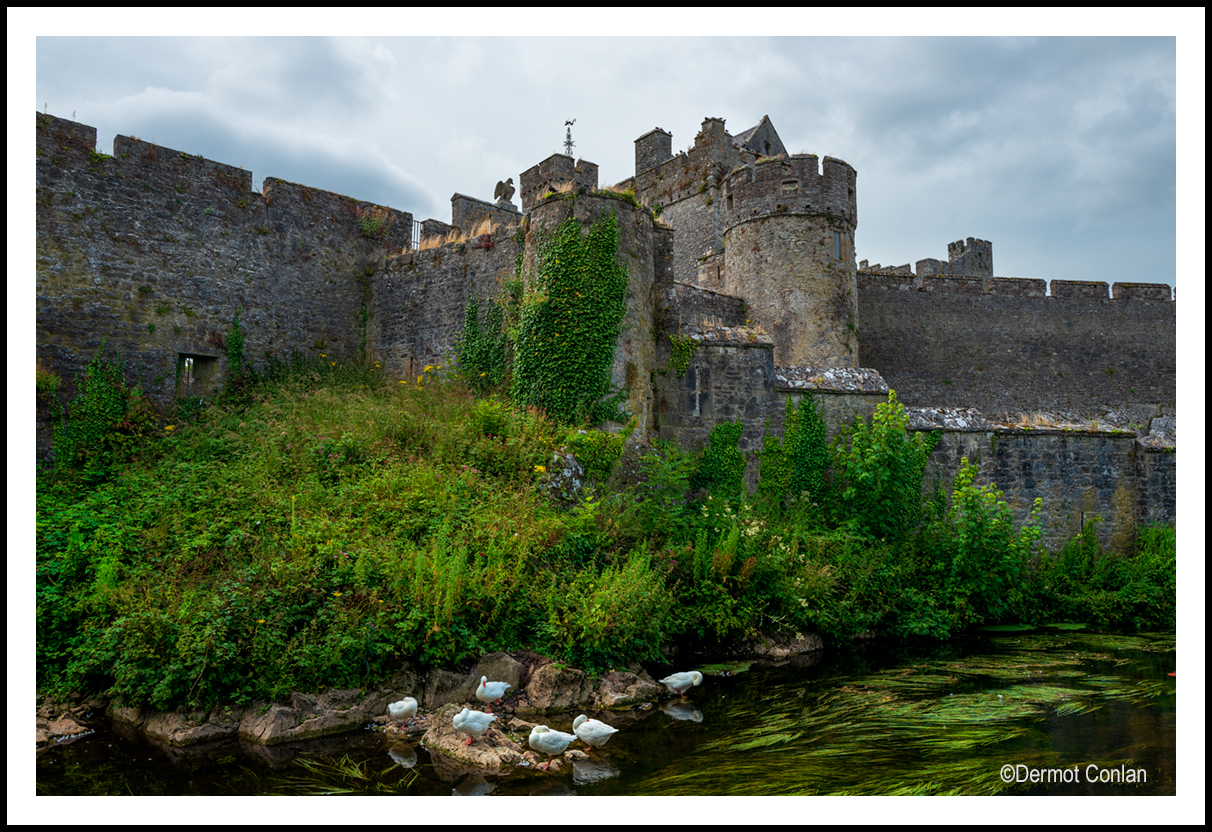
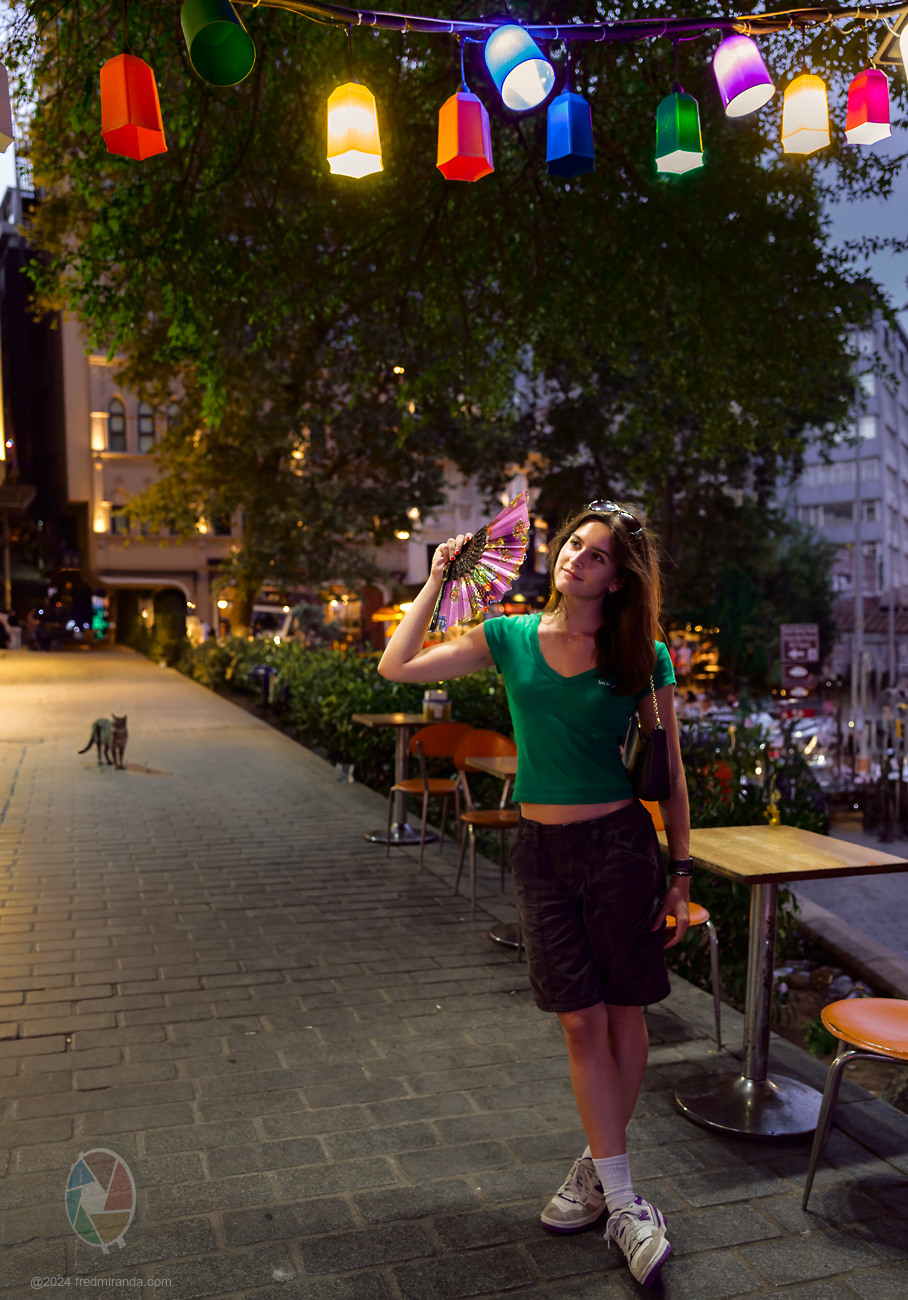
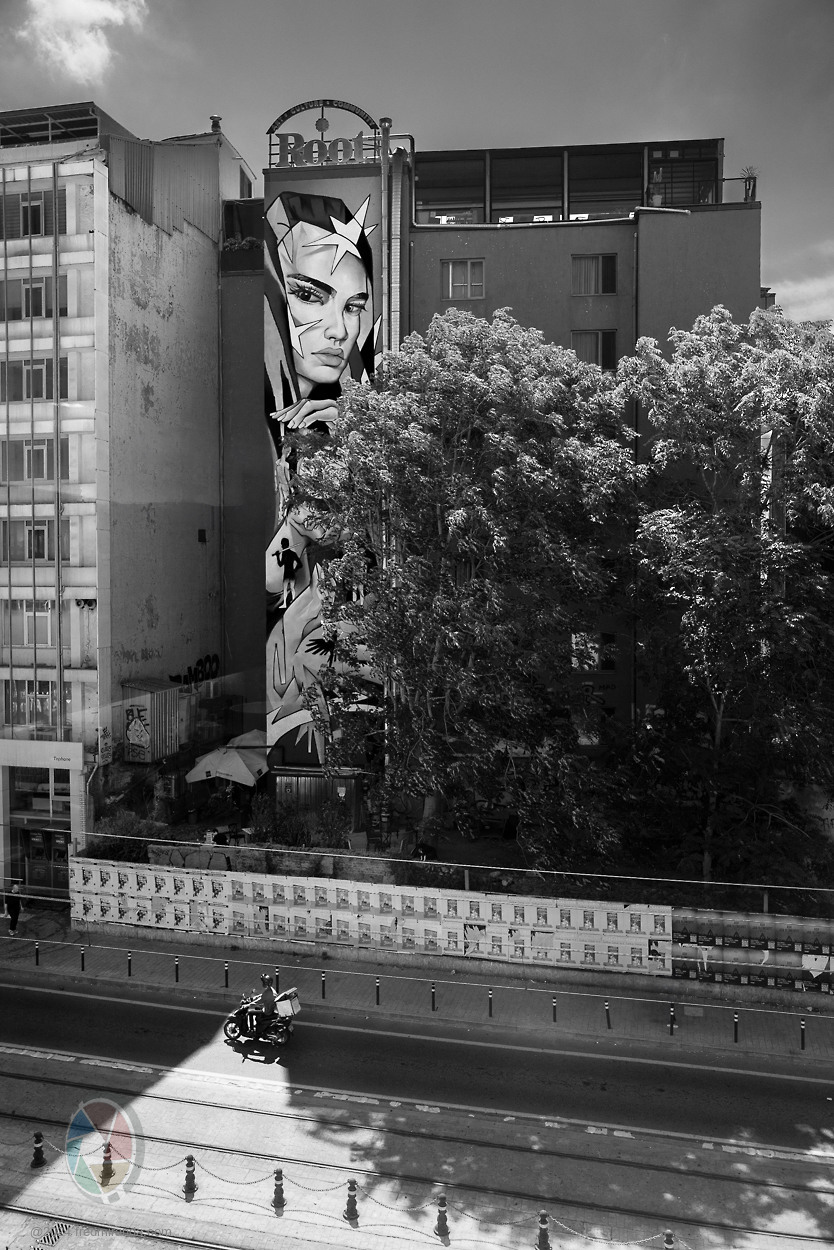
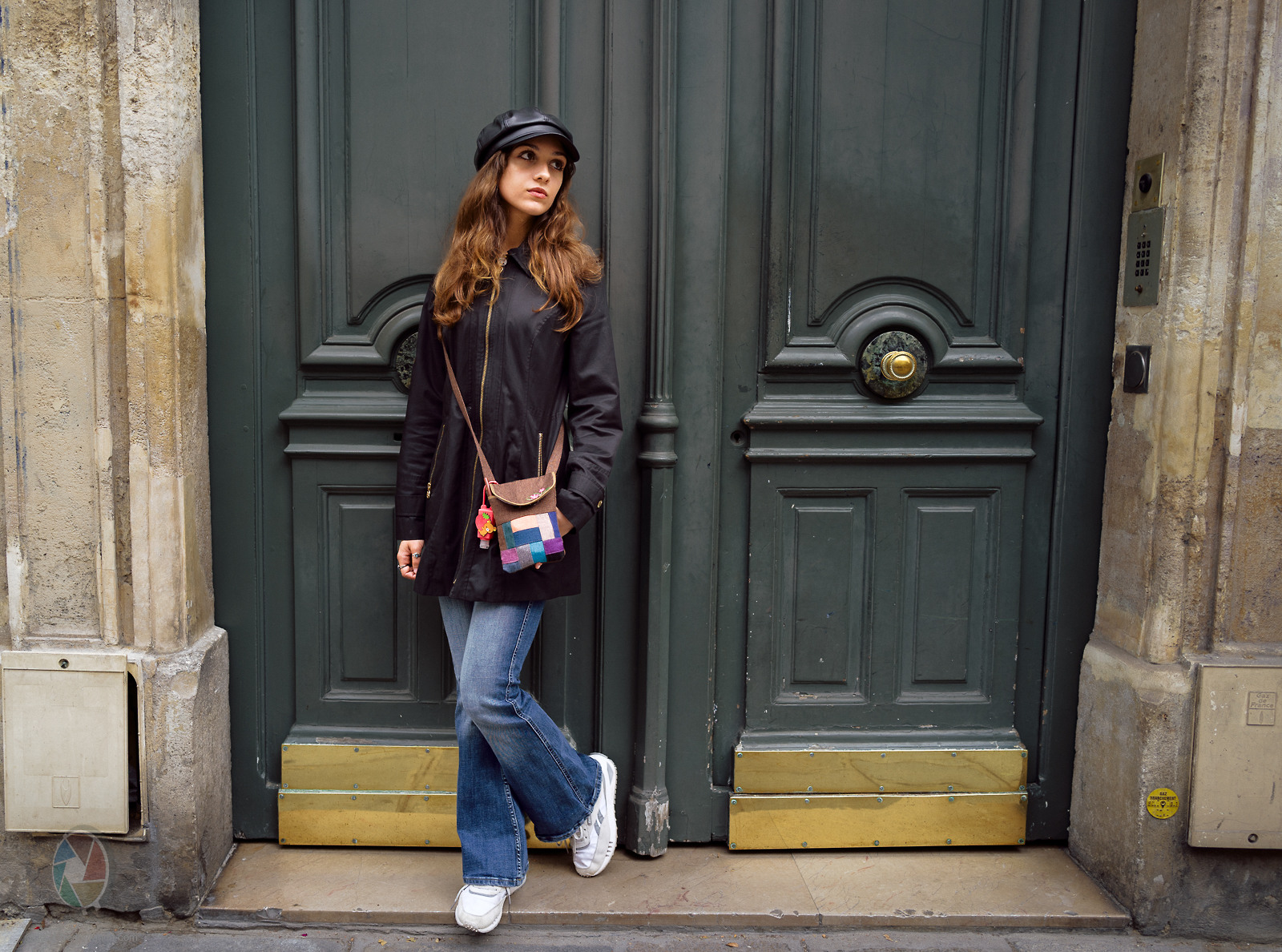
This is just a test shot, but it demonstrates how the Q2 lens can achieve a 14mm focal length equivalent by stitching three vertical shots into a panorama. The key is to use the "Perspective" option in Lightroom's panorama feature. If you use the "Spherical" option, you'll get a 21mm focal length equivalent. I also used the "Fill Edges" feature, which worked great for this image. The resulting image is 168MP. This technique is perfect for traveling with just the Q series camera. The three vertical shots were taken handheld with all manual controls on the camera.
So, with the Q2 and some technique, you can achieve focal lengths of 14mm, 21mm, and 28mm, as well as use in-camera crops like 35mm, 50mm, and 75mm. The 14mm option provides 168MP of high detail. The 21mm option provides 81MP.
LEICA Q2SUMMILUX 1:1.7/28 ASPH. lens28mmf/4.01/1000s50 ISO+1.0 EV
Fred Miranda wrote:
This is just a test shot, but it demonstrates how the Q2 lens can achieve a 14mm focal length equivalent by stitching three vertical shots into a panorama. The key is to use the "Perspective" option in Lightroom's panorama feature. If you use the "Spherical" option, you'll get a 21mm focal length equivalent. I also used the "Fill Edges" feature, which worked great for this image. The resulting image is 168MP. This technique is perfect for traveling with just the Q series camera. The three vertical shots were taken handheld with all manual controls on the camera.
So, with the Q2 and some technique, you can achieve focal lengths of 14mm, 21mm, and 28mm, as well as use in-camera crops like 35mm, 50mm, and 75mm. The 14mm option provides 168MP of high detail. The 21mm option provides 81MP. ...Show more →
Excellent idea, thanks. I will need to try that. The Q2 is a special camera and 100% deserves a spot in the bag WITH an M, there is a different look to the Q images that I can't get out of my Ms
rsolti13 wrote:
Excellent idea, thanks. I will need to try that. The Q2 is a special camera and 100% deserves a spot in the bag WITH an M, there is a different look to the Q images that I can't get out of my Ms
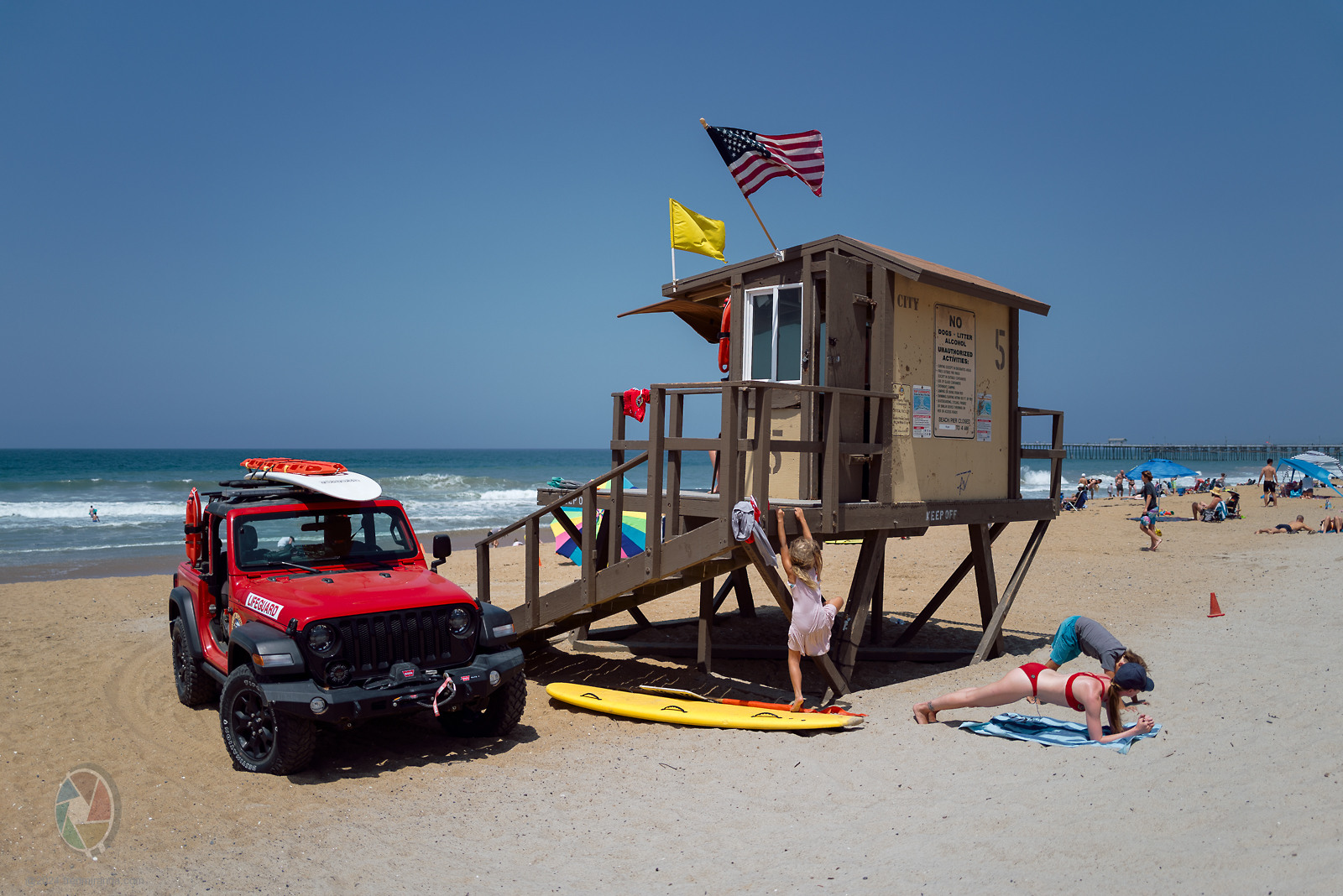
What makes this specific lens great for wider equiv. focal length panoramas is the absence of vignetting, which ensures seamless stitching. The DNG file presented has distortion and vignetting corrections already applied. Additionally, the DNG file is flexible, allowing you to create a higher-distortion 25mm image by removing the opt codes from the RAW file.
This image was taken with the Q2 after I removed the "opt codes" from the DNG file. By doing this, I eliminated the default settings from Leica that automatically correct lens distortion and vignetting.
This is the pure RAW file shot with the lens at 25mm. I applied a preset to address the hard vignetting but left the distortion uncorrected.
To remove the opt codes, just duplicate the original DNG file (so you can run this on a backup) and execute the below code using exiftool: