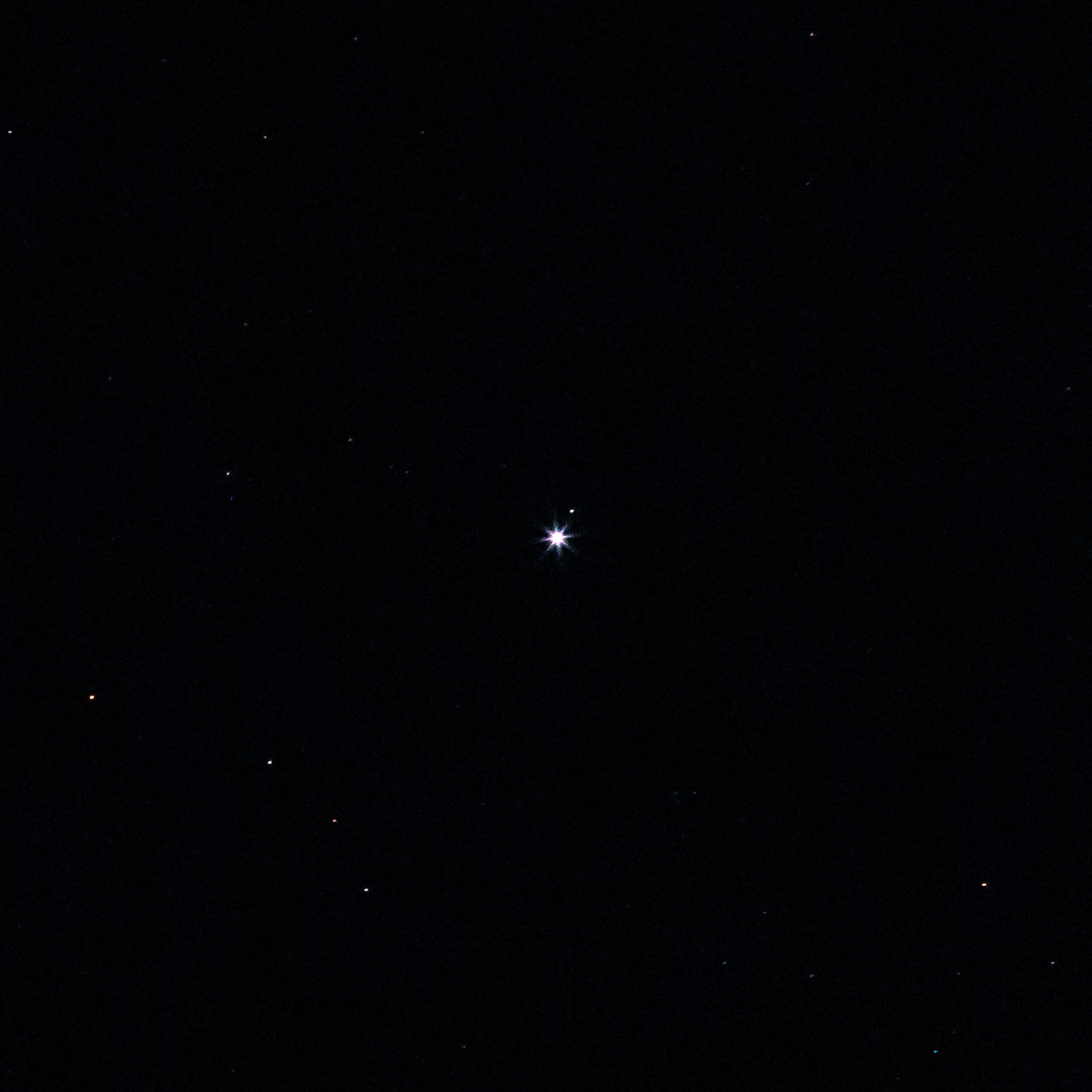
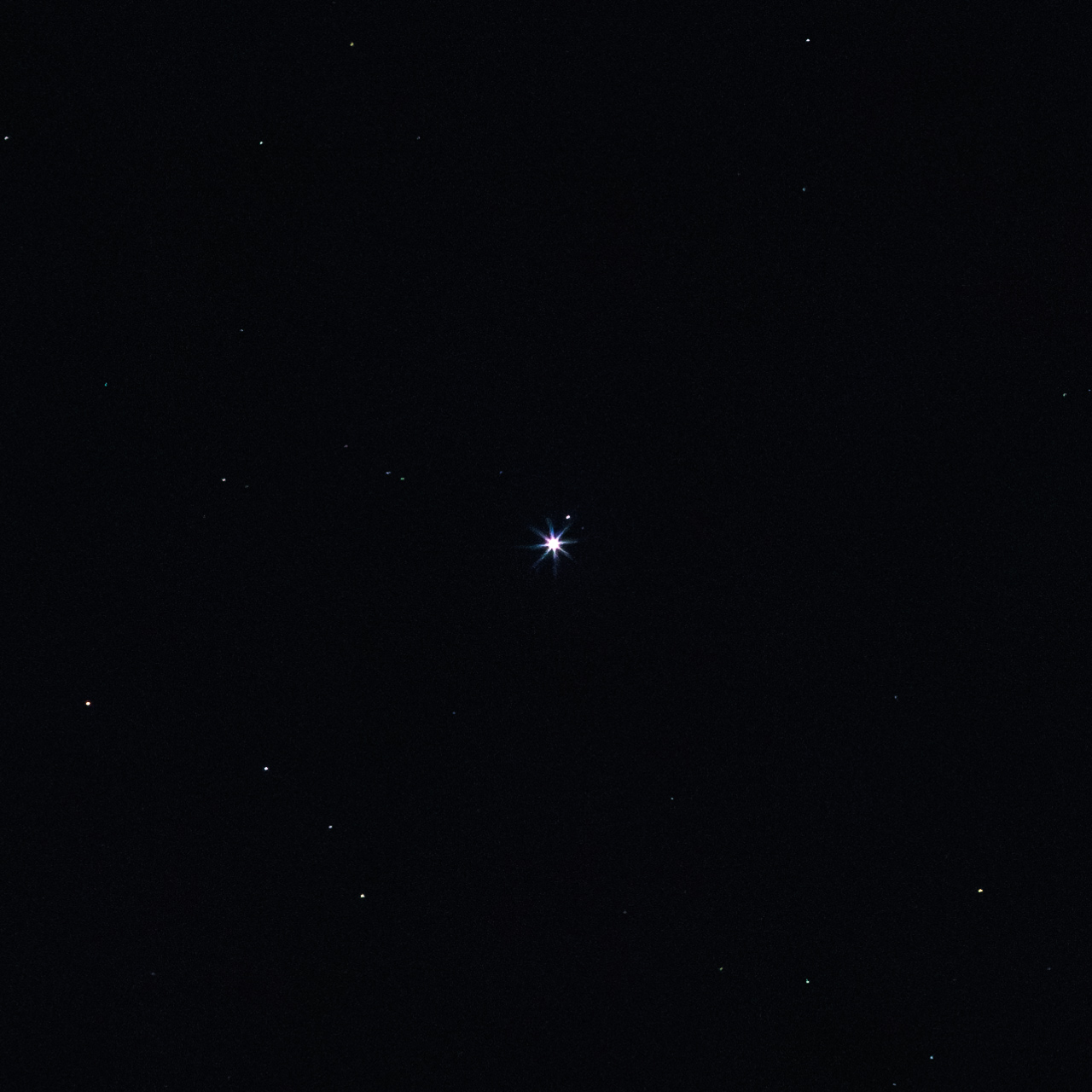
Kind of a quick comparison, but 2 files, one dealt with in the traditional noise reduction method, using the sliders in LR, and the other using the new method.
I know I could have worked things over a lot more in the "traditional" method image, which is the first image. But I really just wanted to see what this new feature could do. It shows promise.
These are 100% crops from exposures at a random part of the dark sky. I had a couple of images of Pleiades, but it wasn't quite dark enough and I am needing to get some early sleep tonight.
Anyway, here they are...
Traditional NR method, minimal processing
Canon EOS R7EF135mm f/2L USM lens135mmf/4.01/2s12800 ISO0.0 EV
AI Noise Reduction, minimal processing otherwise
Canon EOS R7EF135mm f/2L USM lens135mmf/4.01/2s12800 ISO0.0 EV
I'm getting this weird thing where the processed images are dark and seem to lack some color information. Almost like the denoise is eliminating the red channel? Does anyone else have this happen? Does not seem to matter what RAW files I use. It's the same for Nikon and olympus Raw images. I thought it might be the GPU and enabled CPU only under preferences. The problem remains
Images look perfect for 45 MP files from Nikon Z7 II, processing takes little under 2 min on my 4.5 years old laptop (Windows 10).
I print my images, so have never before needed anything else than the traditional NR in ACR. Will probably start to use the Sensei AI now. Seldom use anything above ISO 3200.
Don't think there aren't too many happy people in the Topaz offices today. ON1 and especially DXO should be OK as they are full blown apps, have dedicated people and are good apps. Some will never subscribe either.
"We’d like to support additional file formats and combine Denoise with Super Resolution. We’re even looking into ways to speed up the workflow by not needing to make a new DNG file."
Eric Chan is a really brilliant guy. If you read all the work he published online about his personal use of the Epson 3800 printer after it was released between 2007 - 2009 you will be impressed, he may have been attending MIT at the time. I learned a lot from these papers, but still 15 years later don't understand it all.
I am no fan of Topaz I have always seen the blotchy areas and funny patterns on some of my images.
I also agree with RoamingScott you have to consider the time it takes to start another application and then come back to Lightroom in your speed calculations.
As far as file size of the DNG's, I almost always make DNG's when I'm using PureRaw or Topaz Denoise to stay in a raw workflow. Those files are also pretty big, but Adobe may be bigger still if it is saving all the details associated with masking? I have not tried to prove this possibility yet.
dhlewis wrote:
Eric Chan is a really brilliant guy. If you read all the work he published online about his personal use of the Epson 3800 printer after it was released between 2007 - 2009 you will be impressed, he may have been attending MIT at the time. I learned a lot from these papers, but still 15 years later don't understand it all.
I am no fan of Topaz I have always seen the blotchy areas and funny patterns on some of my images.
I also agree with RoamingScott you have to consider the time it takes to start another application and then come back to Lightroom in your speed calculations.
As far as file size of the DNG's, I almost always make DNG's when I'm using PureRaw or Topaz Denoise to stay in a raw workflow. Those files are also pretty big, but Adobe may be bigger still if it is saving all the details associated with masking? I have not tried to prove this possibility yet.
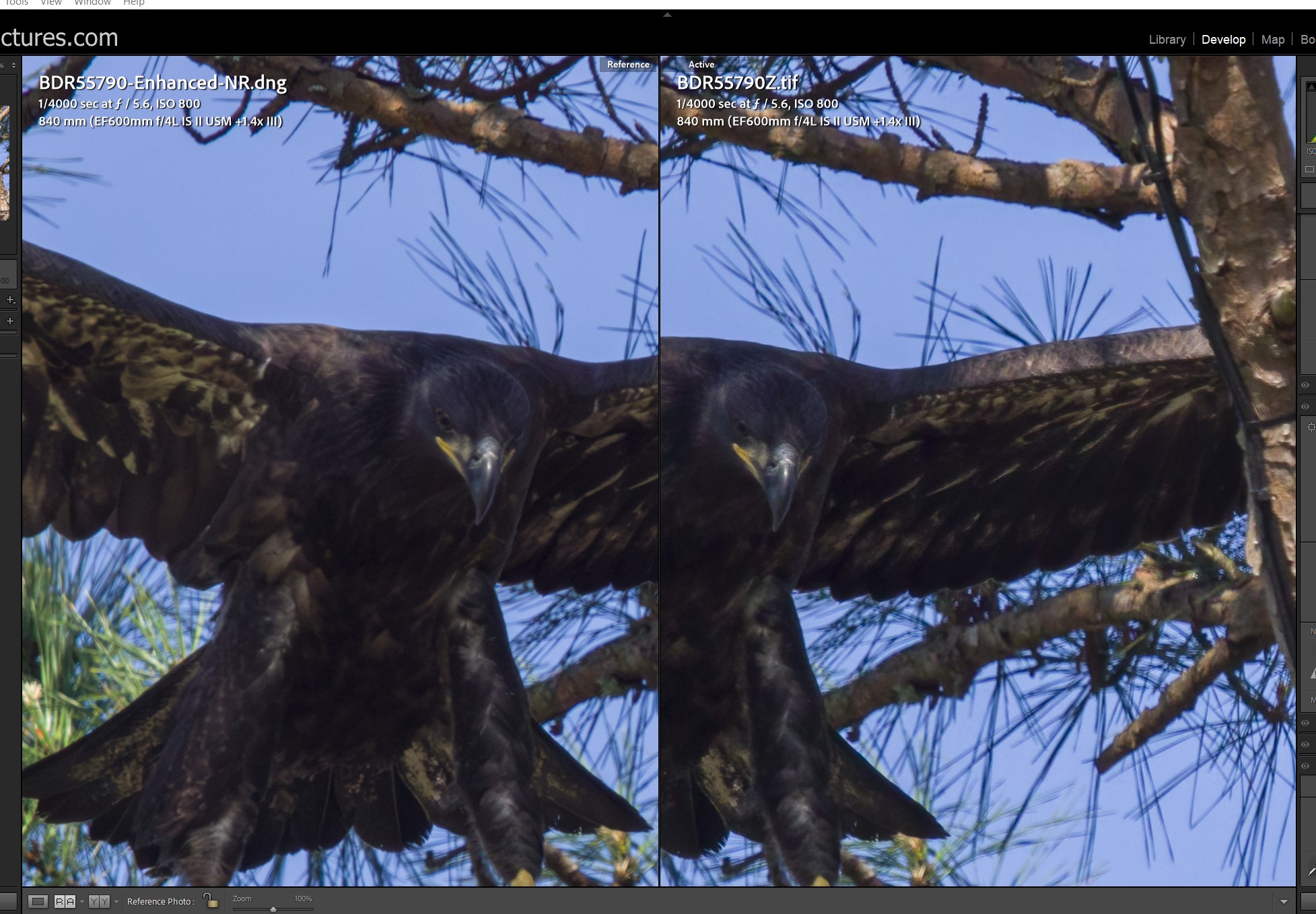
What am I doing wrong... I don't get it. LR AI took 28 mnts on my super-fast machine and Topaz took.. I dunno.. 2 mnts or less? Comparing a lightened dark juvinile eagle loaded with noise including color purple crud... well I don't think LR is any better that Topaz DeNoise AI.
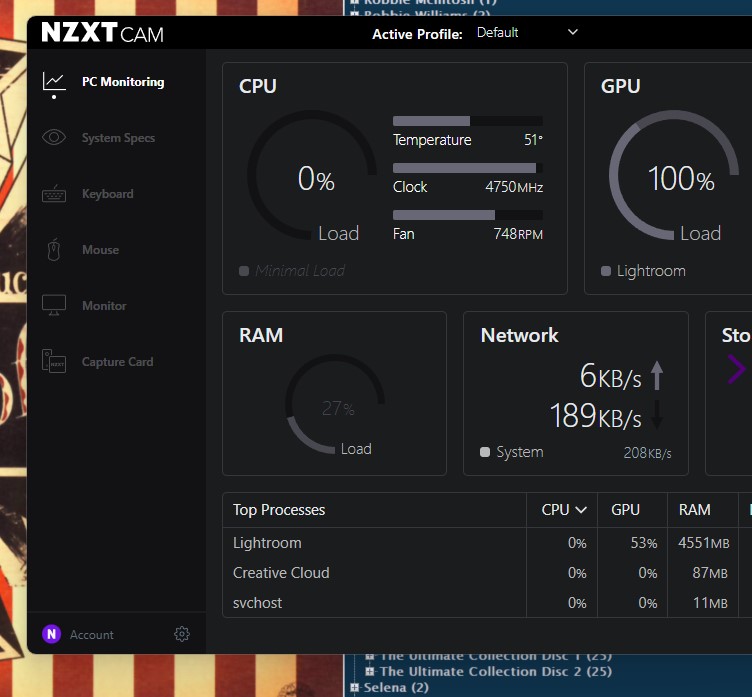
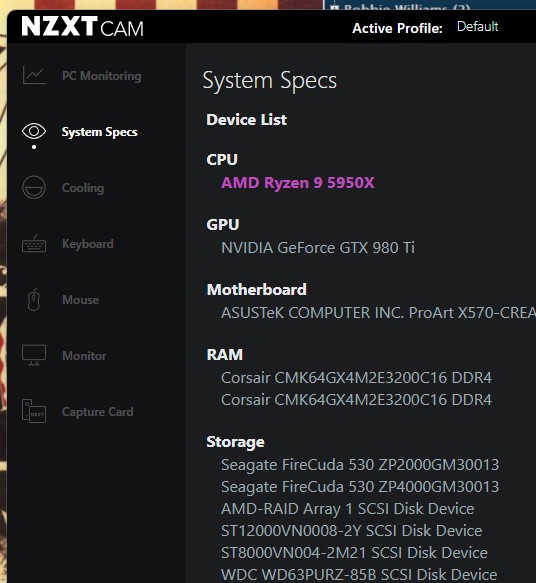
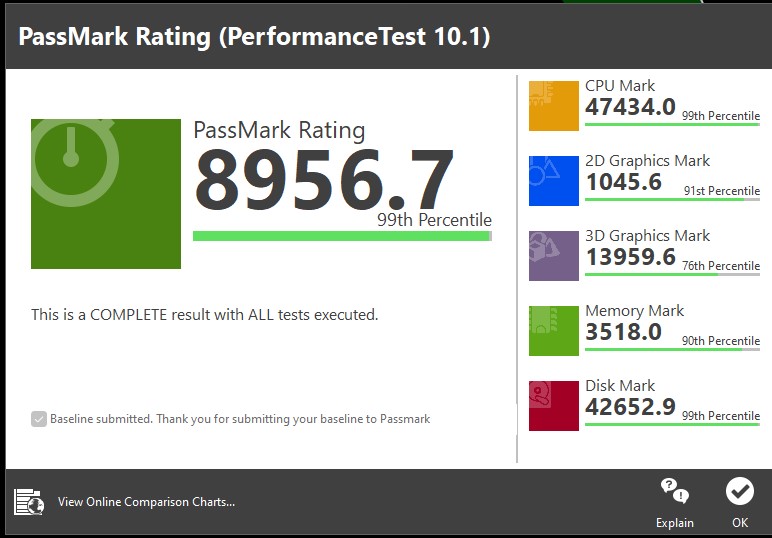
I can tell you that LR and Topaz slam my GPU while my CPU sits silent... my GPU is not the latest generation but it is still a very good card. As of last month, Passmark benchmark puts my machine in their 99 or 98 percentile for overall performance, all tests run.
FWIW, I am not dropping Topaz... for what? What appears to me to be similar results and LR takes forever to run. LR will improve this but boy, they have a long way to go.
Or... what am I doing wrong?
Peace
Bruce in Philly
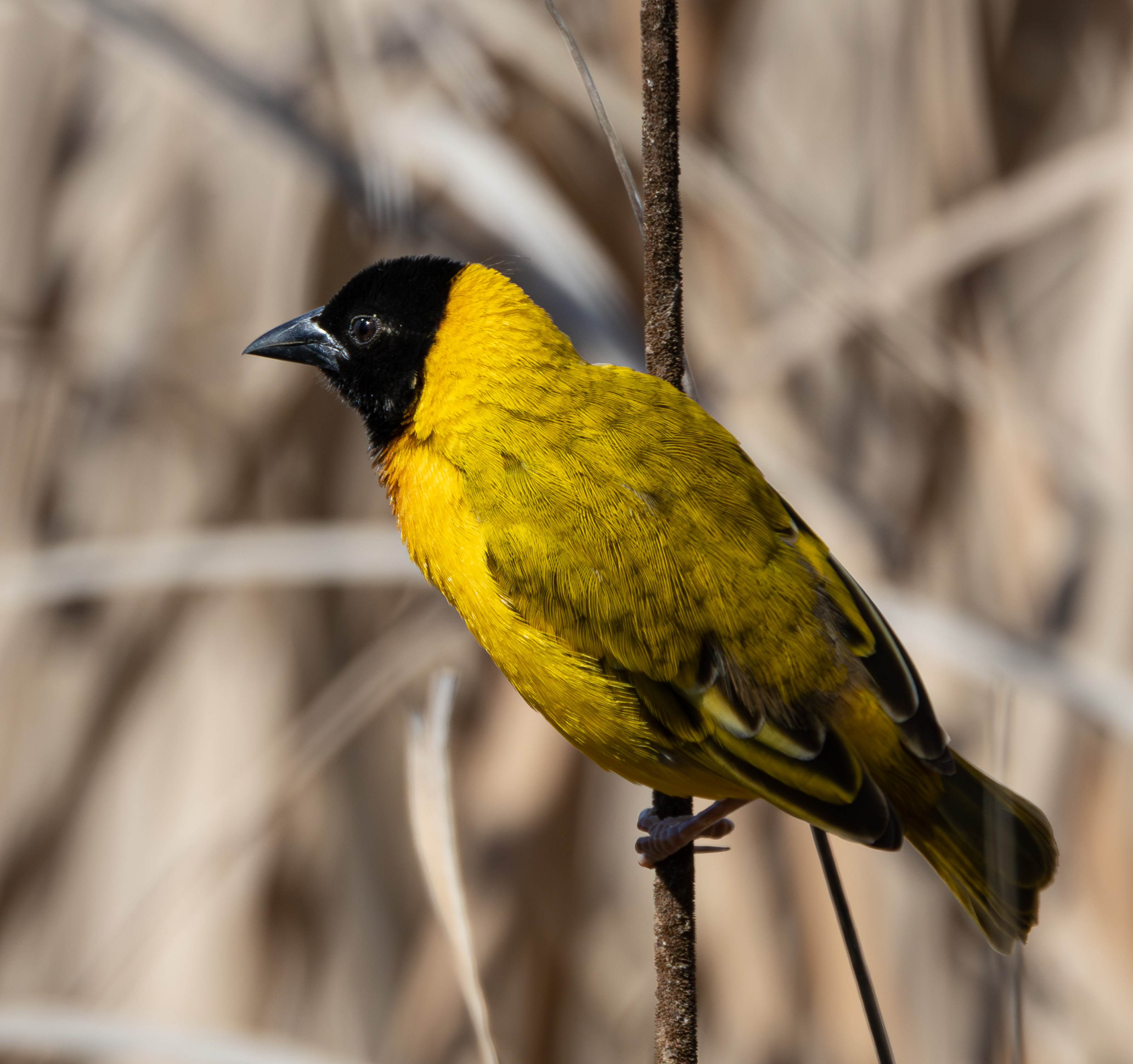
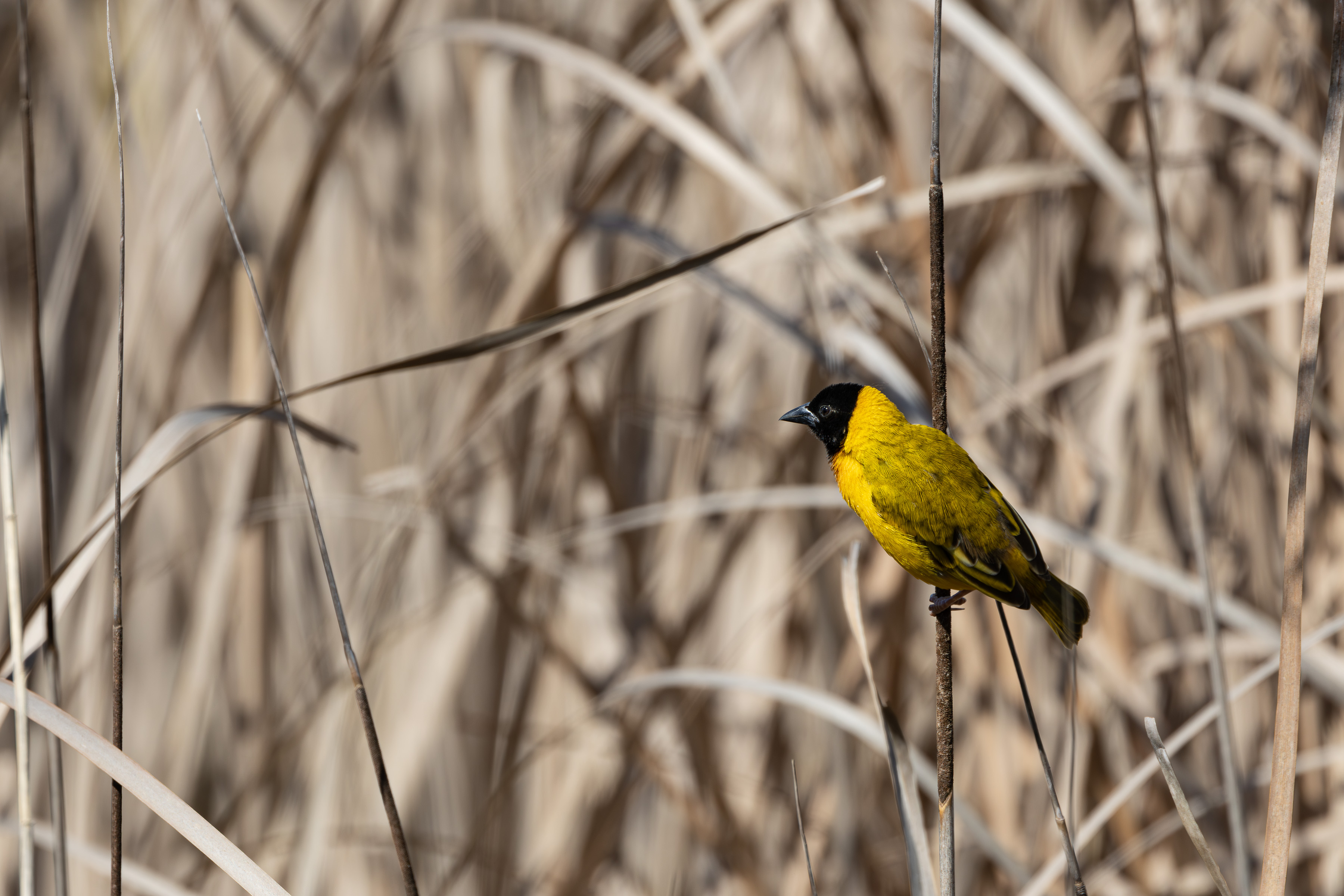
LR left more eye detail, but Topaz left more beak detail... kinda tossup to me... BTW, no sharpening applied.
It’s your hardware, very clearly. Your GPU is very underspec’d for modern editing. Your times are the dead giveaway. Modern machines are cranking files in 15-30 seconds.
That’s a 8 year old GPU and 3 year old CPU.
Bruce n Philly wrote:
Canon R5
What am I doing wrong... I don't get it. LR AI took 28 mnts on my super-fast machine and Topaz took.. I dunno.. 2 mnts or less? Comparing a lightened dark juvinile eagle loaded with noise including color purple crud... well I don't think LR is any better that Topaz DeNoise AI.
I can tell you that LR and Topaz slam my GPU while my CPU sits silent... my GPU is not the latest generation but it is still a very good card. As of last month, Passmark benchmark puts my machine in their 99 or 98 percentile for overall performance, all tests run.
FWIW, I am not dropping Topaz... for what? What appears to me to be similar results and LR takes forever to run. LR will improve this but boy, they have a long way to go.
What am I doing wrong... I don't get it. LR AI took 28 mnts on my super-fast machine and Topaz took.. I dunno.. 2 mnts or less? Comparing a lightened dark juvinile eagle loaded with noise including color purple crud... well I don't think LR is any better that Topaz DeNoise AI.
I can tell you that LR and Topaz slam my GPU while my CPU sits silent... my GPU is not the latest generation but it is still a very good card. As of last month, Passmark benchmark puts my machine in their 99 or 98 percentile for overall performance, all tests run.
FWIW, I am not dropping Topaz... for what? What appears to me to be similar results and LR takes forever to run. LR will improve this but boy, they have a long way to go.
Or... what am I doing wrong?
Peace
Bruce in Philly
LR left more eye detail, but Topaz left more beak detail... kinda tossup to me... BTW, no sharpening applied.
So here is my experience from the last few days - results look good BUT long way to go!!! This is what I posted on Reddit:
(for reference this is with Canon R7 raw files)
So I posted the other day about the new Denoise feature, and that it was taking 3-4 min on my system.
My system is not the most top notch system out there but it has worked very well and adding the graphics card helped a bunch with Topaz Denoise, which takes on average 30 sec to do a file from Lightroom.
Specs are Intel I7-10700 with 32 gb ram, and a GTX 1050 Ti graphics card with 4 gb ram.
While I had no real issue with the LP Denoise it did "flash" while doing the denoise. If I went to LR and turned off the Graphics card it took less time with no flashing. Usually about a minute less than if using the card. I did update the drivers right after getting the LR update.
So I decided to contact Adobe via chat about this to see what they would say. The 1st person hung up on me and was obviously doing something else and not responding most of the time. The second person was more helpful and much more attentive. I let the tech take control and even though I had updated the day before, there were new drivers for the card. We installed those which did NOT help the flashing at all. The tech took some time to ask around and they decided there is a problem with my card and I would need to contact them.
I told them that as I had no issue with anything else I would continue to use Topaz and just wait for them to correct some things with the LR Denoise feature.
After ending the chat I did a re-install of the drivers but this time doing a "clean" install of the drivers. I let it do the optimization for LR and Topaz. Topaz seems unaffected and works as before, BUT, now LR will not do a denoise in under 25 min and still has the flashing.
So I am sticking with my usual Topaz from LR workflow until they get this more refined. The encouraging thing is that at least the results look pretty good. I have a Topaz sub until the end of the year anyway so we will see what happens by that time. I am only writing this in case any others are seeing issues, you are not alone!
Mine flashed too. All latest drivers/firmware... 25 minutes vs 2 is no comparison. I am not going to work on my machine to "get it to work"... this is silly given Topaz works so darn well.
What gets me, is Adobe would release this ... sorry, IMO... this mess. I built my machine about 1 year ago using the highest performing parts available except for the graphics card (due to stupid prices and availability issues). Below is my PassMark computer benchmark of about a month ago. The comparison is to PassMark's global computer performance database. My computer is compared to others... not within a group, but all computers. Note the numbers show a weakness in my graphics card... but still, it is a high performing card.
I can't imagine all LR users have super PCs.
BTW, you can download their software and run the benchmark on your computer for free.
Interesting that we both have GTX card that flash! My system is a bit older but as I said it took 3 min before updating the drivers. I might revert back to the previous version of the driver to see if that works better (3 min). I will try to ,put my passmark in but who knows if it will work! Total score was 5527 - so not very good these days. Maybe try letting Adobe know, the more of us that tell them the more likely they are to look into it! Maybe!
I will be watching this thread and will give LR more tries... but not until THEY fix this. I am not wasting my time. It appears that Adobe has really poor testing and accepting processes.
Cheers for competition... at least Adobe is trying... poorly, but trying.
For me, it zips through files (~15 secs for 5 files at a time) from my R3 and colors look great as well. IMO, it produces a better bokeh than Topaz and it's pretty close to PureRaw3. If I process a single image, it takes about 3 secs. I'm using a tweaked 13900K and 3090ti graphics card with 64GB of RAM/