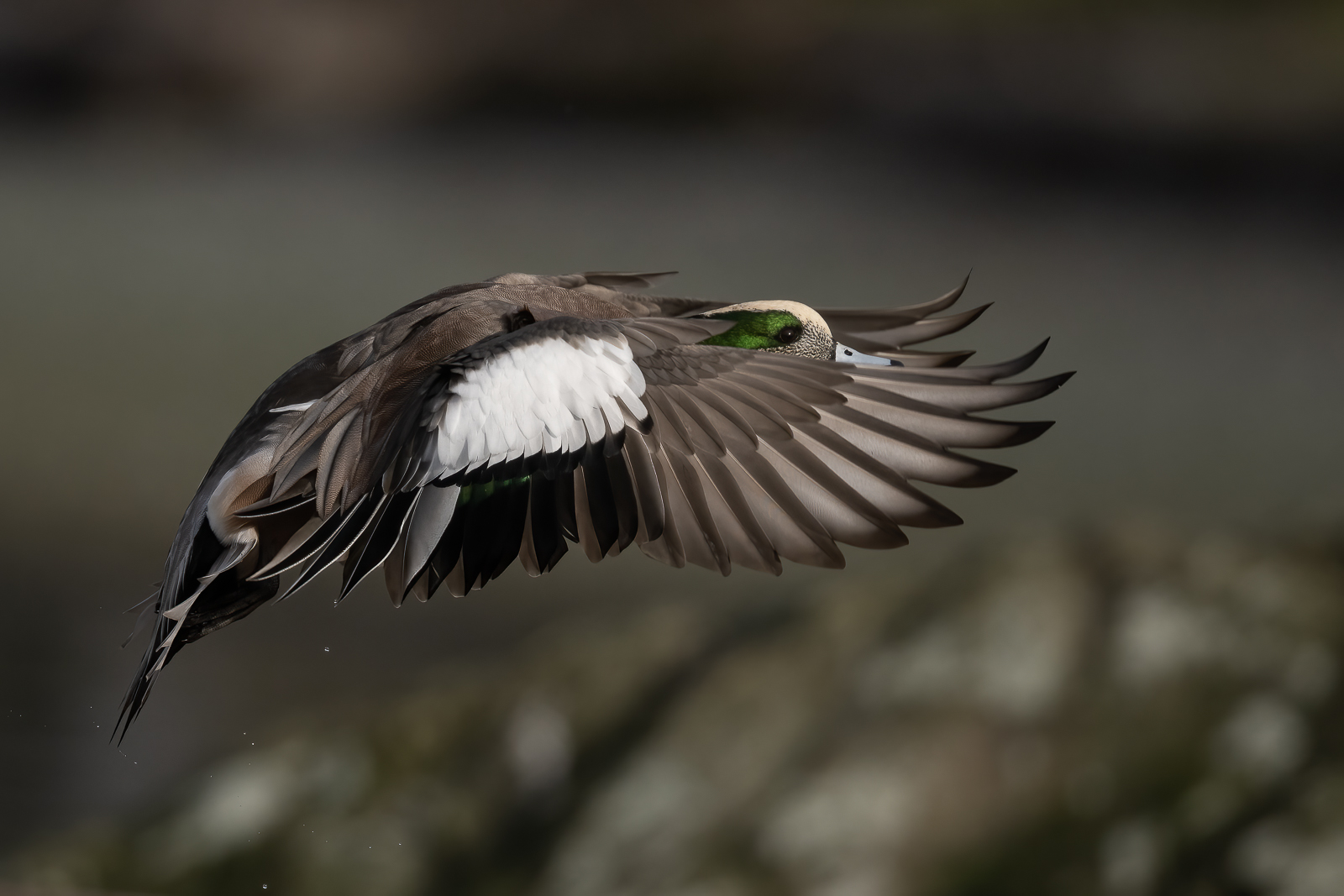
p.33 #1 · Z9 and Z8 ! : A thread for Z9/Z8 images and *discussion*
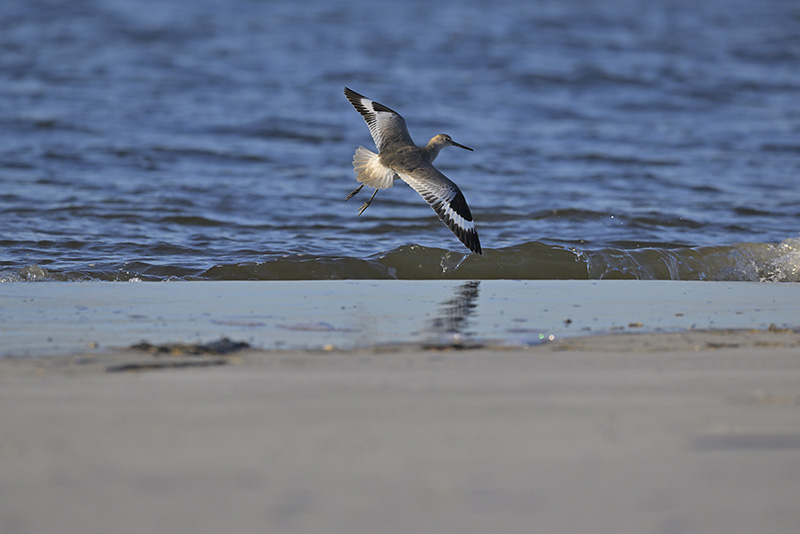
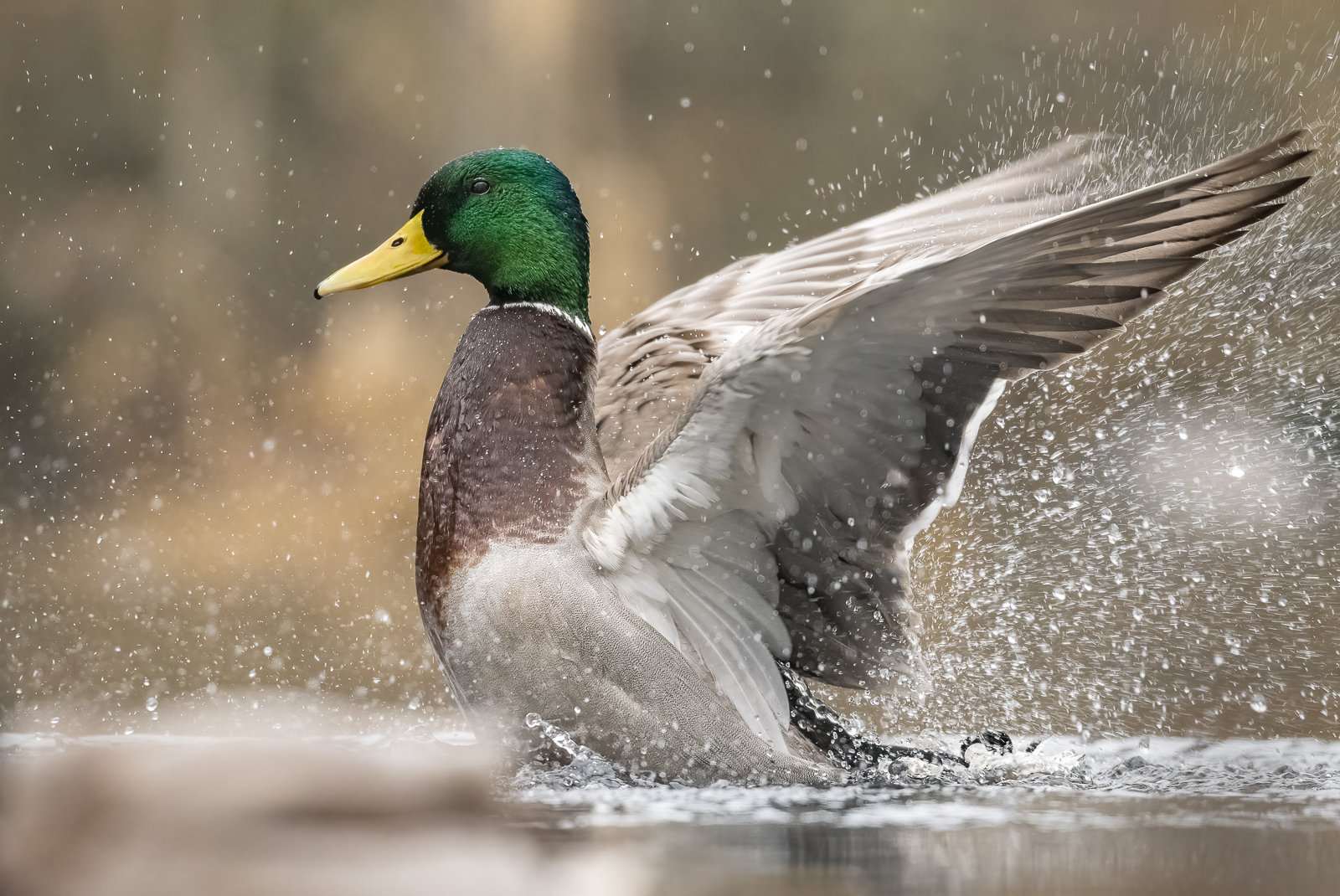
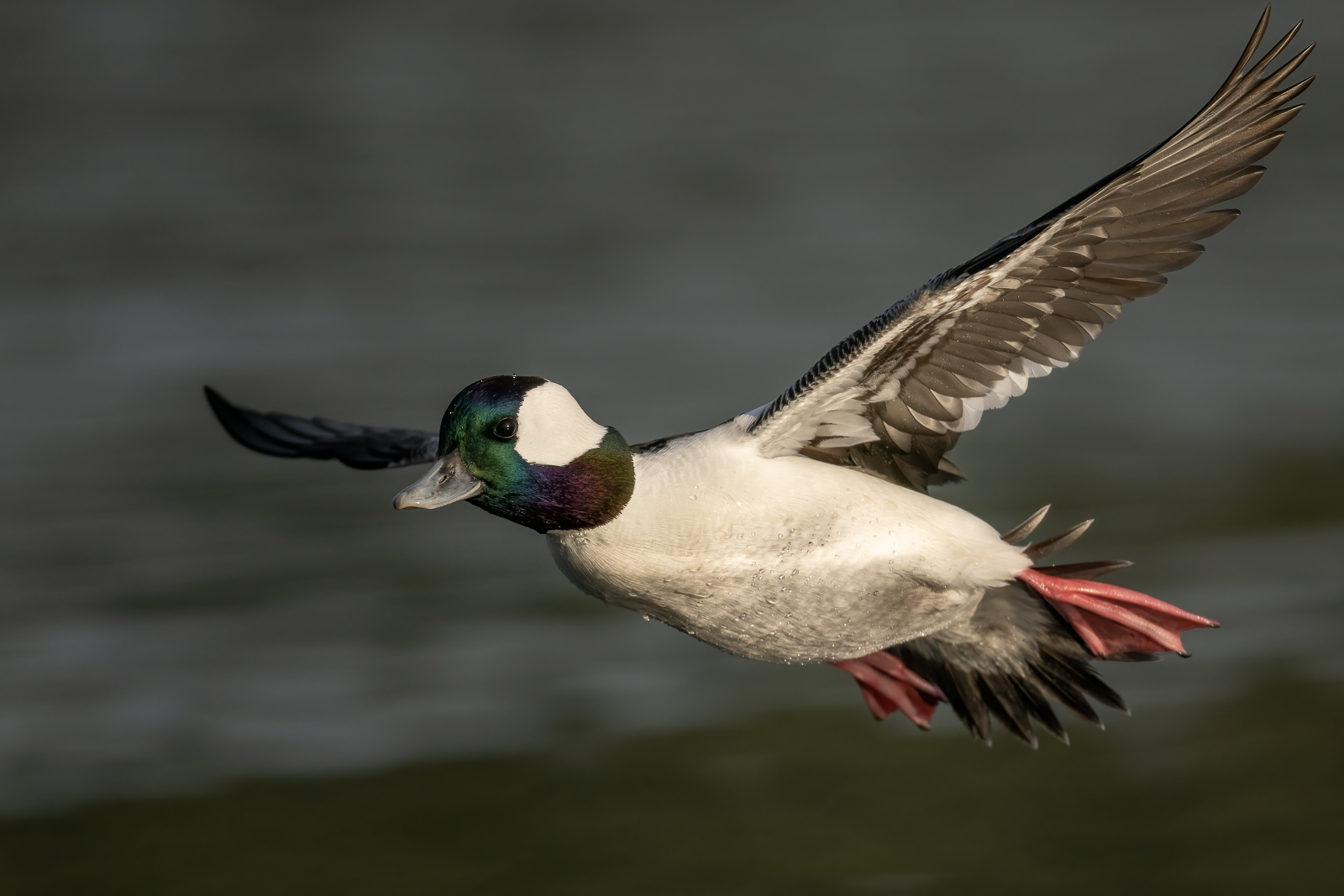
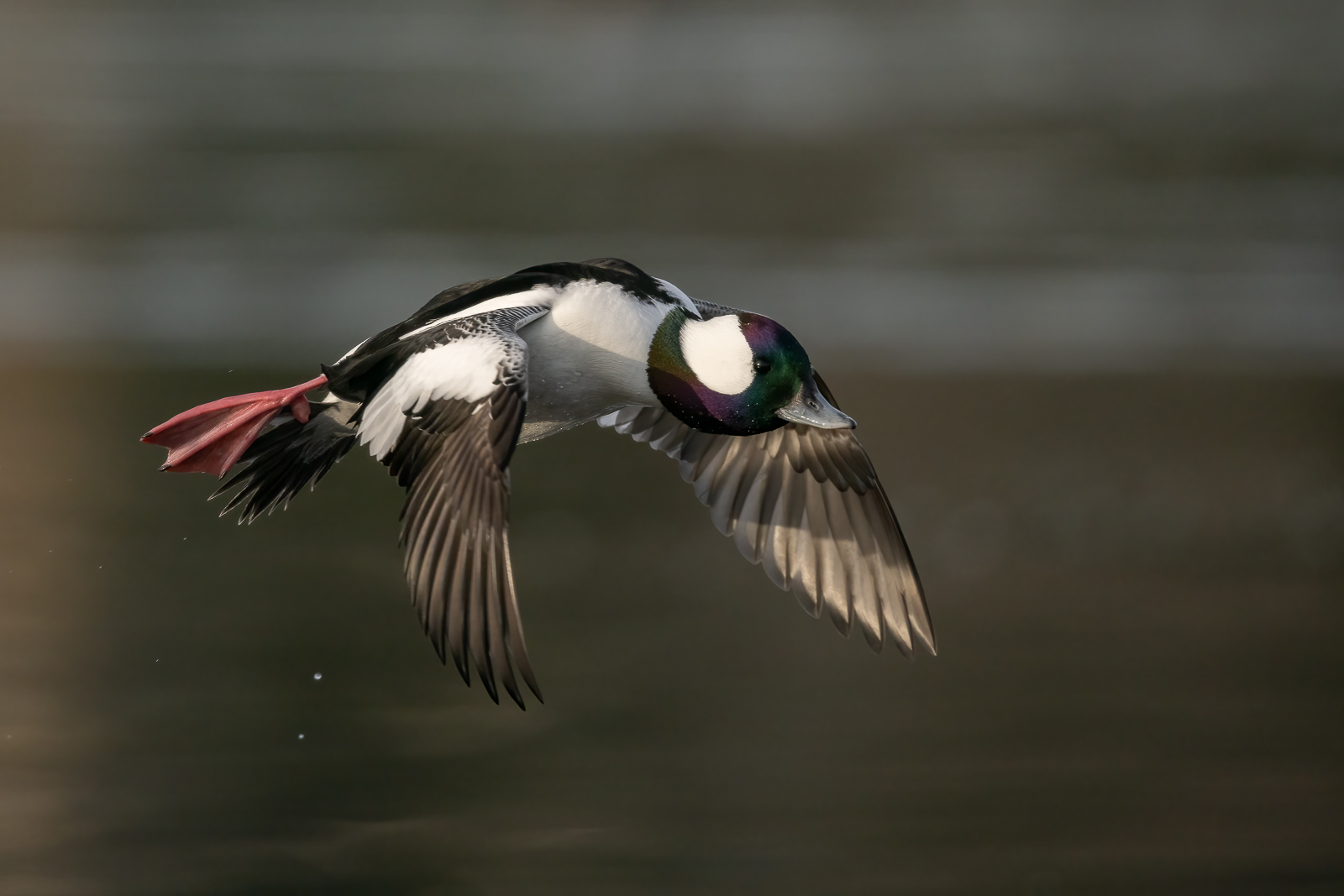
FX mode Gary. I rarely use DX mode and crop in post. These guys are hard enough to get in the full frame for me
Actually a bigger crop than I remembered....a testament to the Z9 files. And I probably would not have cropped as much if it hadnt been for the funky colored waters edge. It seemed the water edge was a logical place to crop.
p.33 #2 · Z9 and Z8 ! : A thread for Z9/Z8 images and *discussion*
The reason I was asking is that looking at the fine details on it, I seldom get that kind of detail on a D5 even when it's a FF shot. Just too few pixels and yes I know on the Interweb things aren't the same as the actual capture, but with these higher resolution cameras there seems to be more pop to them, like yours.
I guess I will find out soon enough. That's for the reply!
Holy Smoly, I didn't see that original prior to my reply.
p.33 #4 · Z9 and Z8 ! : A thread for Z9/Z8 images and *discussion*
arbitrage wrote:
Not saying my setup is the be all, end all but here it is for what it's worth...
I shoot in full M changing my SS, aperture and ISO as needed and watching the histogram and live EVF preview.
AF-C, Release Priority, Blocked Shot : 5, Erratic. Eye-AF set to Animal
AF modes limited to Single, Wide-Area (S, L), Auto, 3D
AF limited to AF-C
Shutter button AF usually set to Wide-Area L or Wide-Area S
AF-ON set to Auto AF via the "AF Area" option
Joystick: Recall Shooting Function for my perched birds set to change SS: 1/320, ISO: Auto-ISO, AF Area: Single pt (I may change this to Wide-Area AF (S)), Blocked shot response 3, Steady
REC: Switch DX/FX
Fn1: Change AF Area modes
Fn2: SHOOT
Fn3: Go to top item My Menu (set to Battery but may set this to Subject detection settings)
OK: centers AF point
L-Fn: AF Area Mode changes to 3D
A few thoughts:
* I've been having some difficulty pushing the joystick straight in to bring up my RSF, if I don't concentrate I move AF point. So I tried setting my main AF mode on shutter to Auto and having the AF-ON do the Wide-Area. Set like that there is no AF point to move. However, the issue I ran into with that setup is there is no way to move my Single AF point when pushing in the joystick to bring up my RSF. If I leave Wide-Area on shutter and move the point off center then the Single point brought up by RSF goes to that position. So I think I'm going to have to just concentrate more on pushing the joystick straight in.
* Vertical shooting I have it save a different AF-Area mode and position. I have it on Wide-Area L positioned up in the frame as the only time I shoot vertical I'm shooting something like a close up heron where the head will be on the top 1/3 of the frame.
* So far I'm not really a fan of 3D. I prefer Auto. But I will give 3D a bit more testing time to see how it behaves. I found it jumping off even a straightforward perched subject with distant, grossly OOF background. It still may be okay to run instead of Auto for a BIF after initiation with Wide-Area....Show more →
Agree with all your observations. I have been training myself to push the joystick straight in and am definitely getting better at it. Not sure that would be the case with gloves……
p.33 #5 · Z9 and Z8 ! : A thread for Z9/Z8 images and *discussion*
Rimpson wrote:
FX mode Gary. I rarely use DX mode and crop in post. These guys are hard enough to get in the full frame for me
Actually a bigger crop than I remembered....a testament to the Z9 files. And I probably would not have cropped as much if it hadnt been for the funky colored waters edge. It seemed the water edge was a logical place to crop.
Thanks
Wow, seeing how deeply you cropped, your first cropped image you posted is pretty amazing! Sharp and detailed.
p.33 #8 · Z9 and Z8 ! : A thread for Z9/Z8 images and *discussion*
ilkka_nissila wrote:
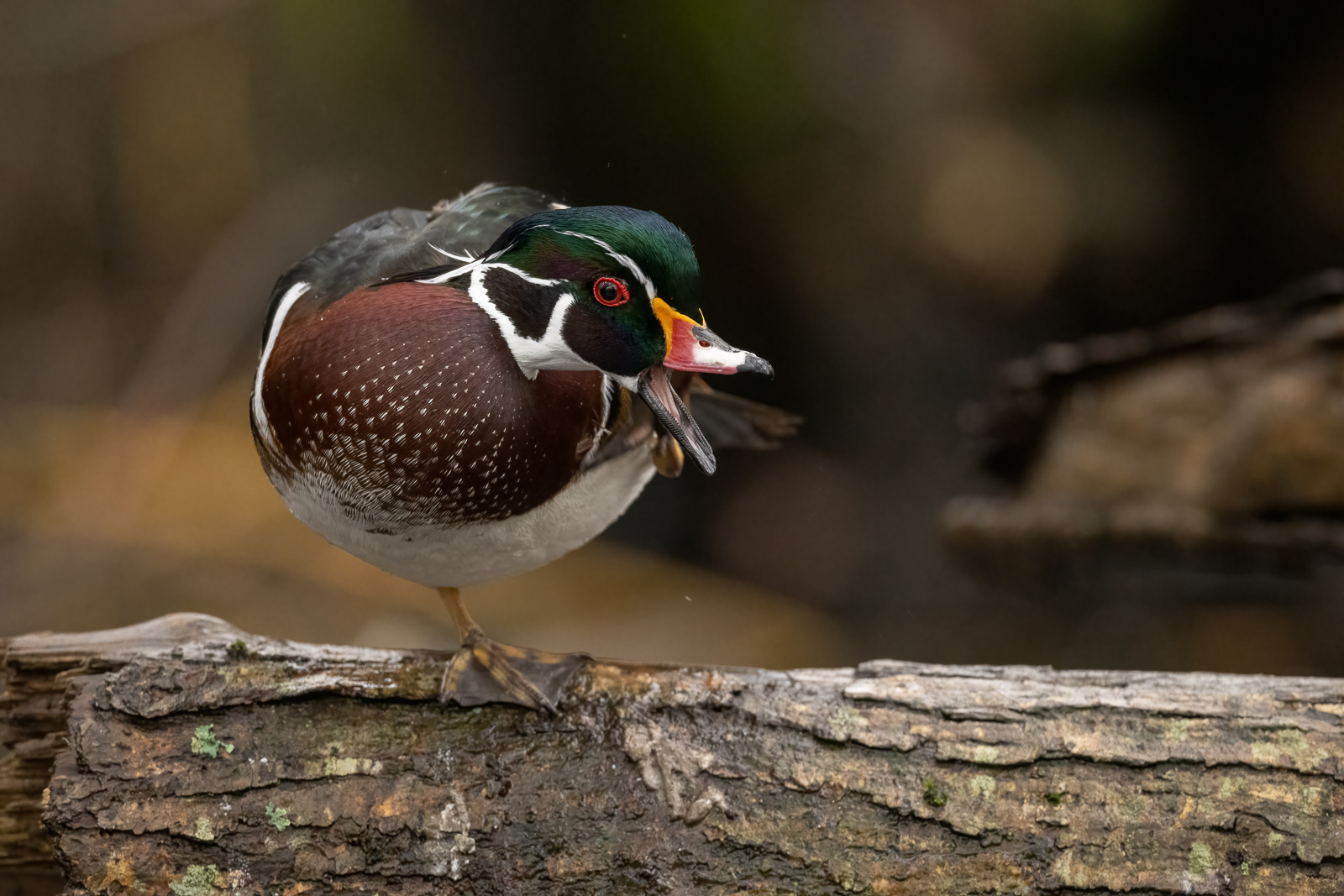
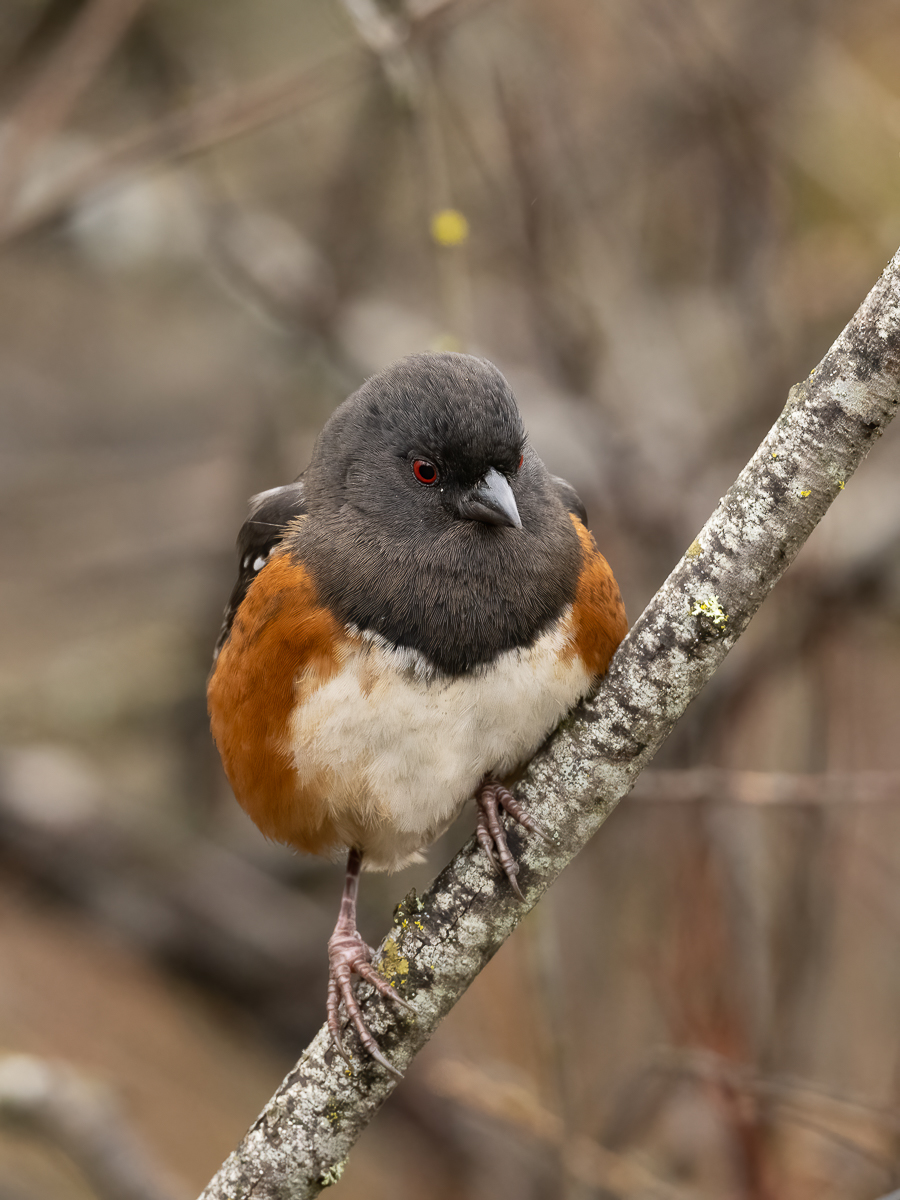
Amazing bokeh from an f/5.6 zoom in a demanding environment.
I think this is a major strength of 100-400S. It is very sharp but I think very similar to 100-400GM, not quite sure which one is sharper yet but with busy background, my 100-400S beats my 100-400GM easily in term of bokeh.
p.33 #10 · Z9 and Z8 ! : A thread for Z9/Z8 images and *discussion*
jorjacman wrote:
@mholdef@ out of curiosity, what is your Sony A1 "Finder Frame Rate" setting configured as - standard, high, or higher? that could impact the smoothness
Good question - not sure - I just played with both bodies at my dealer, so not extensive testing.
p.33 #11 · Z9 and Z8 ! : A thread for Z9/Z8 images and *discussion*
mholdef wrote:
Good question - not sure - I just played with both bodies at my dealer, so not extensive testing.
I think more time with both bodies outside of "in-store" lighting and getting a better understanding of the settings that can affect things like VF smoothness would be valuable before making conclusions about the relative performance between them.
p.33 #12 · Z9 and Z8 ! : A thread for Z9/Z8 images and *discussion*
Has anyone heard if DXO has announced a date for PureRaw Z9 support? I really miss using PureRaw for images ISO 3200+. I find it noticeably outperforms Topaz DeNoise at those higher ISOs with my A1 and I'm seeing the same issues with the Z9 so really would like to get PureRaw Z9 support sometime soon.
p.33 #13 · Z9 and Z8 ! : A thread for Z9/Z8 images and *discussion*
arbitrage wrote:
Has anyone heard if DXO has announced a date for PureRaw Z9 support? I really miss using PureRaw for images ISO 3200+. I find it noticeably outperforms Topaz DeNoise at those higher ISOs with my A1 and I'm seeing the same issues with the Z9 so really would like to get PureRaw Z9 support sometime soon.
p.33 #16 · Z9 and Z8 ! : A thread for Z9/Z8 images and *discussion*
suteetat wrote:
Don't know about PureRaw but Photolab 5.1 was updated a few weeks ago with R3 support. I hope Z9 support will come soon.
Yeah, Photolab always gets the support first...I think it was a couple months after Photolab got A1 support that PureRaw finally got support. I don't understand that as isn't Photolab using the same deep prime algorithms in the NR panel as the PureRaw is using??
p.33 #17 · Z9 and Z8 ! : A thread for Z9/Z8 images and *discussion*
arbitrage wrote:
Yeah, Photolab always gets the support first...I think it was a couple months after Photolab got A1 support that PureRaw finally got support. I don't understand that as isn't Photolab using the same deep prime algorithms in the NR panel as the PureRaw is using??
I have Photolab elite edition which supposedly has all the features of PureRaw in it. No idea what is going on there. I want to use deep prime for Z9 as well.
p.33 #18 · Z9 and Z8 ! : A thread for Z9/Z8 images and *discussion*
Absolutely
arbitrage wrote:
I think more time with both bodies outside of "in-store" lighting and getting a better understanding of the settings that can affect things like VF smoothness would be valuable before making conclusions about the relative performance between them.