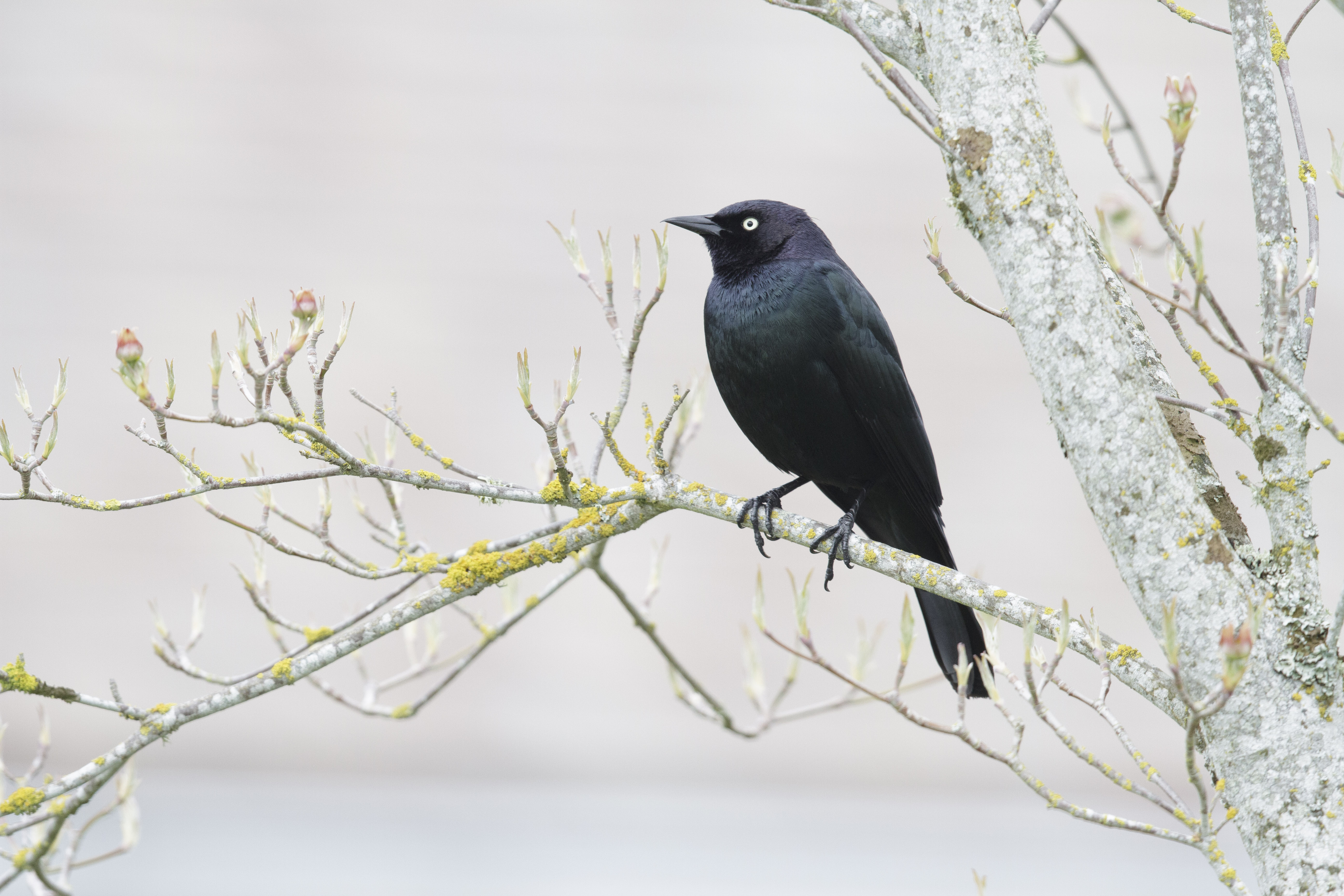
Ronny, have you changed your upload sizing? I'm on a 27-inch monitor, and several of your most recent (gorgeous) images are too big for my browser window.
Jack Kelley wrote:
Ronny, have you changed your upload sizing? I'm on a 27-inch monitor, and several of your most recent (gorgeous) images are too big for my browser window.
Jack you can also click on the image and it will resize to your screen. Then use right or left arrow sometimes to scroll through some of the images. Patrick
no, I haven't changed the resolution
either I have a maximum of 2048 in width
or a maximum of 1600 in height
I'm sitting on a 32 inch myself
but I think it looks strange sometimes
I have to research the problem
I'm linking the pictures from flickr
so maybe that is the problem
but the last few months it doesn't look quite right even on my bigger screen, don't know if it's something with the page on Fm? if it has changed here also?
no, I haven't changed the resolution
either I have a maximum of 2048 in width
or a maximum of 1600 in height
I'm sitting on a 32 inch myself
but I think it looks strange sometimes
I have to research the problem
I'm linking the pictures from flickr
so maybe that is the problem
but the last few months it doesn't look quite right even on my bigger screen, don't know if it's something with the page on Fm? if it has changed here also?
Ronny
Ronny, I looked at one of the latest jpgs, and in the properties it shows the DPI size as 192 x 192. I am not an expert in this, but I wonder if reducing the DPI size to 72 might help. Can you change the DPI size when resizing photos? Might be worth a try.
ruthenium wrote:
Ronny, I looked at one of the latest jpgs, and in the properties it shows the DPI size as 192 x 192. I am not an expert in this, but I wonder if reducing the DPI size to 72 might help. Can you change the DPI size when resizing photos? Might be worth a try.
I'm fairly sure that the DPI/PPI is irrelevant. An image size is determined purely by the size in pixels (1920x1080 for example).
I mostly always link the images from flickr in these threads 2048 wide and in Nature & Wildlife 1600 wide
and I understand that sometimes 2048 can probably be too big for those who have 24-27 inch screens, then I don't know if the different browser can make a difference also one you use ?
2048x 1365 pixlar
OM Digital Solutions OM-1 + OLYMPUS M.150-400mm F4.5 by Ronny Olsson, on Flickr
1600x 1066 pixlar
OM Digital Solutions OM-1 + OLYMPUS M.150-400mm F4.5 by Ronny Olsson, on Flickr
so what do you say?
2048 in width is it too big for most people ?
Ronny, Perhaps this isn't caused by anything you're doing. Maybe it's an issue with my browser (Safari) or FM. Your pics show up on my iPhone 16 ProMax exactly as framed. Has anyone else said they're having a problem? It's just odd that I'm seeing it only with your photos. In any case, I can easily do as Patrick suggests, and simply click on your images. I hope this hasn't too greatly distracted you from shooting, processing, and posting.
ruthenium wrote:
Ronny, I looked at one of the latest jpgs, and in the properties it shows the DPI size as 192 x 192. I am not an expert in this, but I wonder if reducing the DPI size to 72 might help. Can you change the DPI size when resizing photos? Might be worth a try.
DPI Explained: Why Dots Per Inch doesn't mean what you think it means!
Imagemaster wrote:
DPI Explained: Why Dots Per Inch doesn't mean what you think it means!
?si=19yZoKmqpHu0P3U1
Thank you, this is useful. I knew that number of pixels divided by DPI tells the print size in inches.
What is less clear is whether DPI has the same effect on the displayed size of an image. For example, is this correct that a 2000 pixel on the long side image should be 10 inches long on a display, at DPI 200? Should this shrink to 5 inches at DPI 400?
Another question: I am a paying member of this forum. When uploading photos from my computer to FM using the members upload tool, it seems to me that the photos are displayed at the same size (larger than the my 27 inch monitor) regardless of the pixel size, be it 24MP or 4MP. Am I missing something, or confused about something?
Imagemaster wrote:
Unless you are making prints, forget about DPI. Your monitor is displaying in Pixels Per Inch, not Dots Per Inch.
MY Apple 27” iMac has a 27” diagonal Retina 5K display with an overall resolution of 5120pixels x 2880pixels.
The first image below is 1600 pixels wide.
The second one is 5184 pixels wide.
And these look the same, in terms of their dimensions, on my 3840x2160 BenQ SW271C monitor.
The 5184 pixel photo covers the same width as the 1600 pixel photo.
(my browser is Safari, macOS Sequoia v 15.1)
ruthenium wrote:
And these look the same, in terms of their dimensions, on my 3840x2160 BenQ SW271C monitor.
The 5184 pixel photo covers the same width as the 1600 pixel photo.
(my browser is Safari, macOS Sequoia v 15.1)
is strange
My Dell 32" UltraSharp UP3216Q in chrome and 3840x2160 shows Tony's image much wider
Yours is huge on my screen, going far over the right edge. The two photos from Tony are of the same size (while using two different browsers: Safari, on Mac and Opera on a Windows laptop), and these extend exactly to the right edge of the browser window.
Tony hasn't mentioned this, but my guess is that his photos were uploaded from his computer via the upload method available to paying members of FM, rather than from Flickr.
ruthenium wrote:
Tony hasn't mentioned this, but my guess is that his photos were uploaded from his computer via the upload method available to paying members of FM, rather than from Flickr.
That is correct. However, if the website that displays your images downsizes them to a maximum size, there is not much point uploading images larger than that size, is there?
Imagemaster wrote:
That is correct. However, if the website that displays your images downsizes them to a maximum size, there is not much point uploading images larger than that size, is there?
This is a valid question. I am not sure the website actually "downsizes" (that is, irretrievably changes) the images. I believe the images stored on FM can be downloaded from FM in their original size.
I can think of one reason in favor of resizing images - to prevent theft, which isn't my concern. Anyone is welcome to steal my photos; I doubt image thieves should enrich themselves by selling my poor pictures😩!
One reason for not downsizing photos is rather simple: why bother if the resulting smaller images should be displayed the same size as the full-sized ones. From this point of view, resizing is a waste of time.