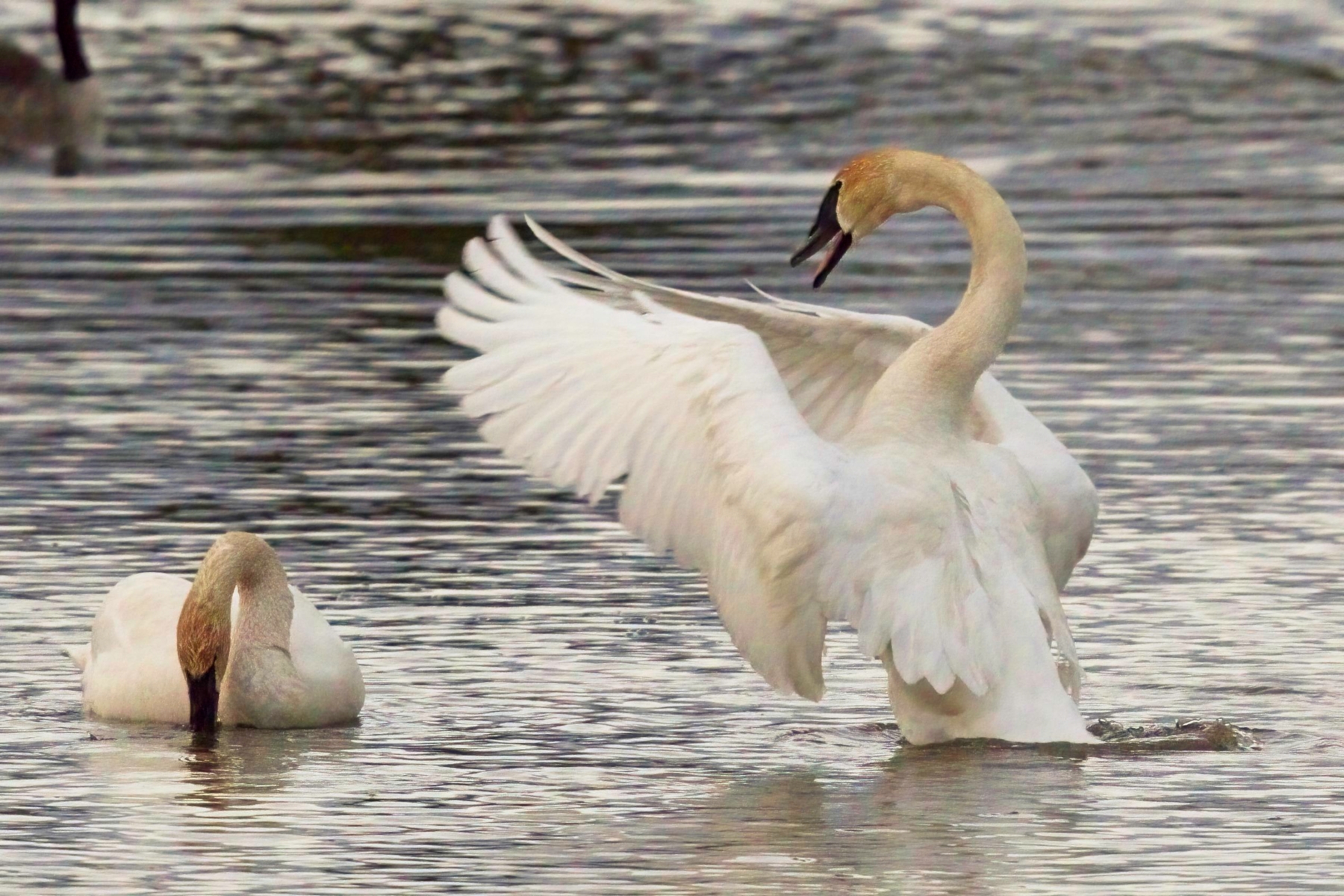
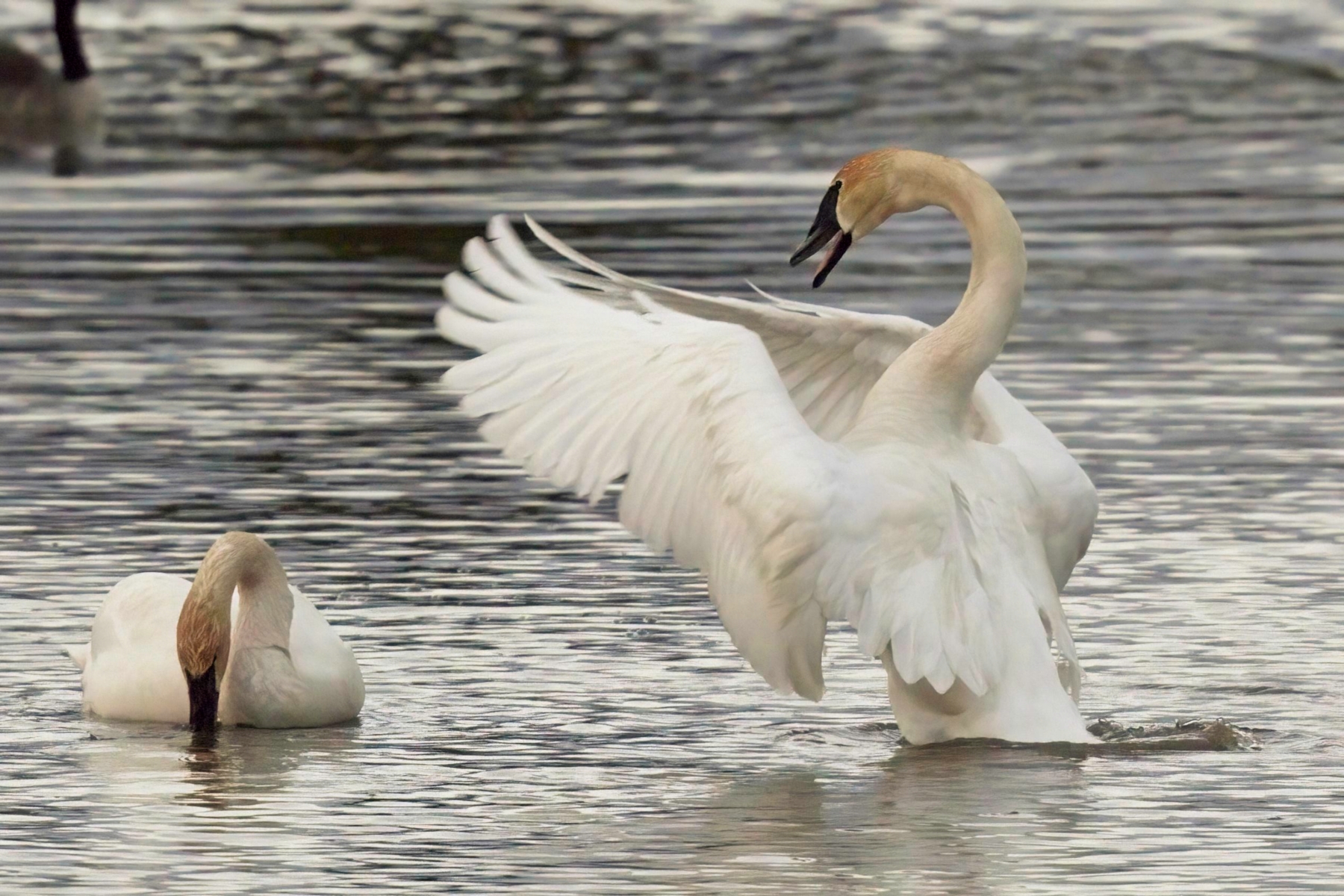
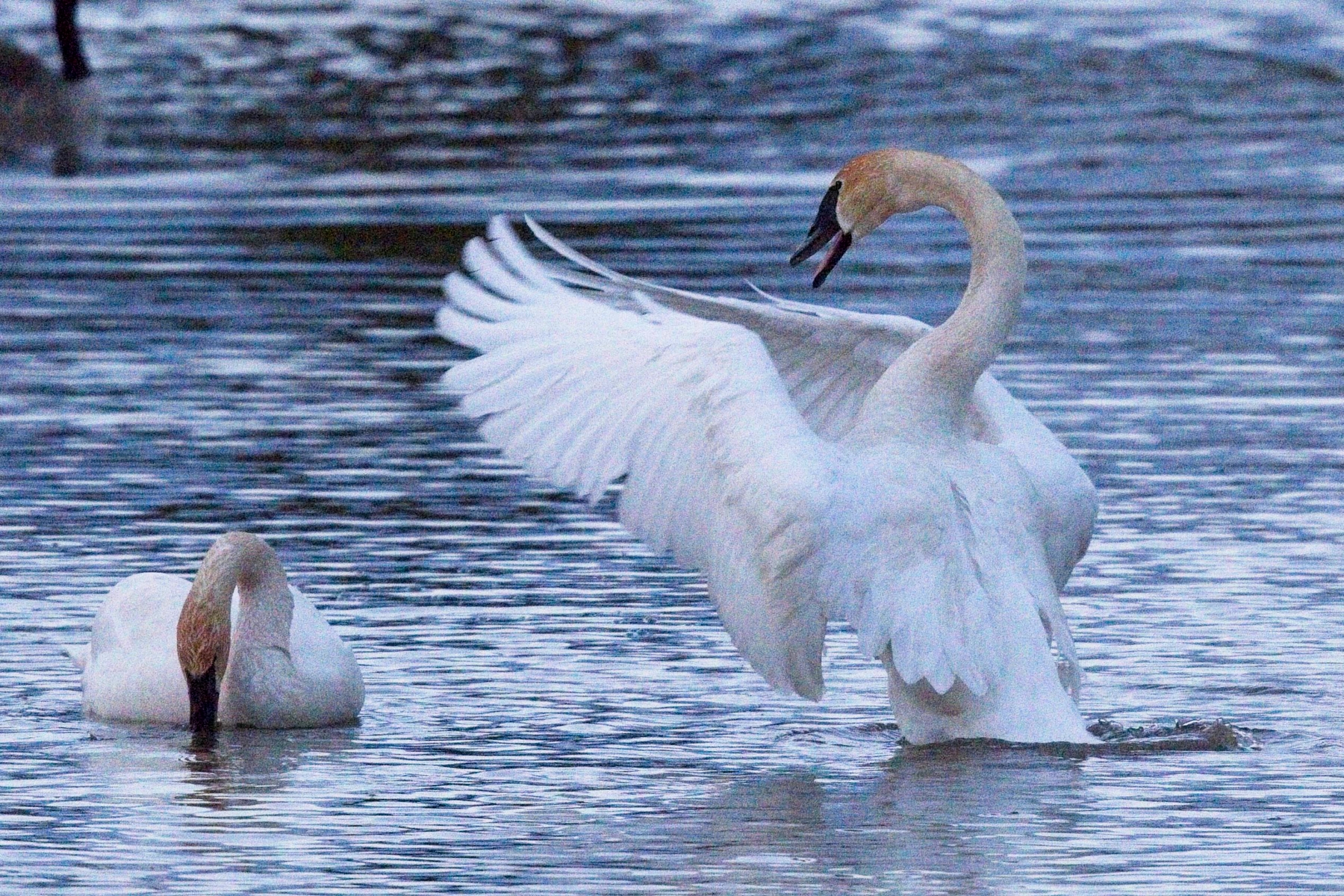
Both are pretty decent. I picked up NoNoise and will play around with both. I’ll see want I want to do when the subscription comes up for DeNoise in Oct.
As an experienced user of On1 as well as Topaz, I've been keeping up on the developments and have been watching carefully the videos, samples, and other information. This morning, I downloaded a 14-day trial of NoNoise and compared it against Topaz on one sample image. It's important to realize that these are the results of a single image and depending on an individual's proficiency and experience, mileage may vary.
Initial impressions:
First, I was operating in the On1 environment for comparisons in an effort to keep the variables consistent. Photo RAW (PR) has difficulty managing files back and forth through Denoise AI so I ran the program separately, creating a DNG from the original RAW file in the stand alone program and then later opened the images in PR for comparison. For the NoNoise DNG, I sent the RAW file to NoNoise and after processing saved the DNG and compared the two images in PR.
From a speed and usability standpoint, the edge goes to NoNoise. Both programs take about the same amount of time to initially render the image though after that, NoNoise is significantly faster and provides real time updates. Obviously, Topaz offers 4 different algorithms to NoNoise's one so there may be an advantage to Topaz with particular images. Saving the image is much quicker in NoNoise too versus the need to apply and save in Topaz.
The rendered DNG's are significantly different in the respective programs and .jpg copies are presented below. I tried to make them as similar as possible adjusting the relative sharpness and noise reductions using the sliders in each program.
The Topaz image appears to have a relatively aggressive curve applied to the image and the DNG was a bit more than 1/2 stop brighter than the base image. In contrast, the NoNoise DNG was around 1/3 stop underexposed and had less contrast. Either way, one has to work on the images in post and I have to say I preferred the NoNoise DNG because it better preserved the highlights and the shadows seemed a bit cleaner. Additionally, the Topaz Denoise program introduced a strange artifact in across the center of the image which appeared when I tried to raise the shadows. This did not occur when I sent the image in .tiff format to Denoise AI so I am wondering if it still has some issues with the Canon cRAW files? Both programs did a reasonable job on the noise and while I slightly preferred one over the other, I'll leave that for the user to decide. If folks want the original DNG's and RAW image to look at, I'll happily add a link. For the price and power (namely masking, layers, and tools), NoNoise is tough to beat!
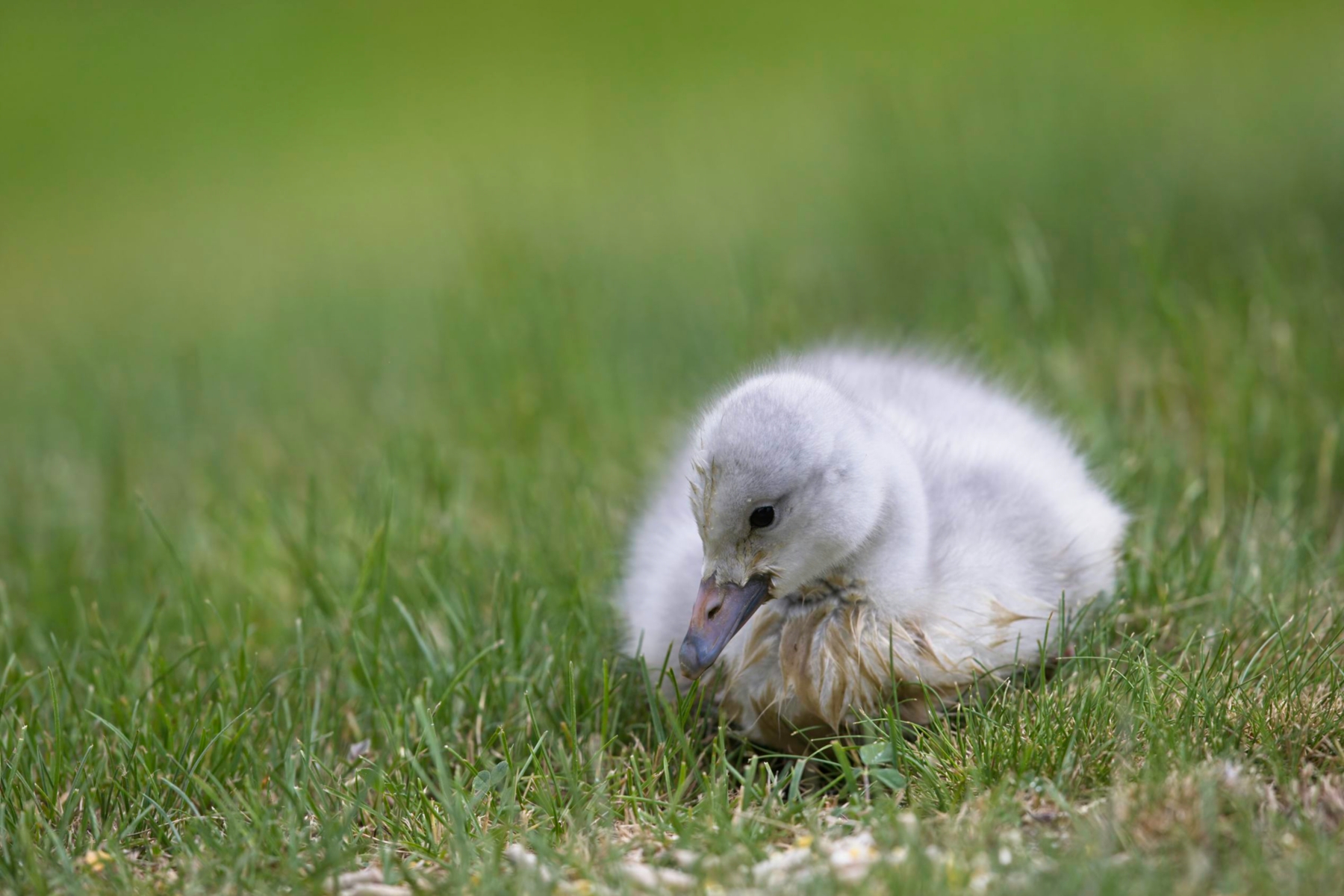
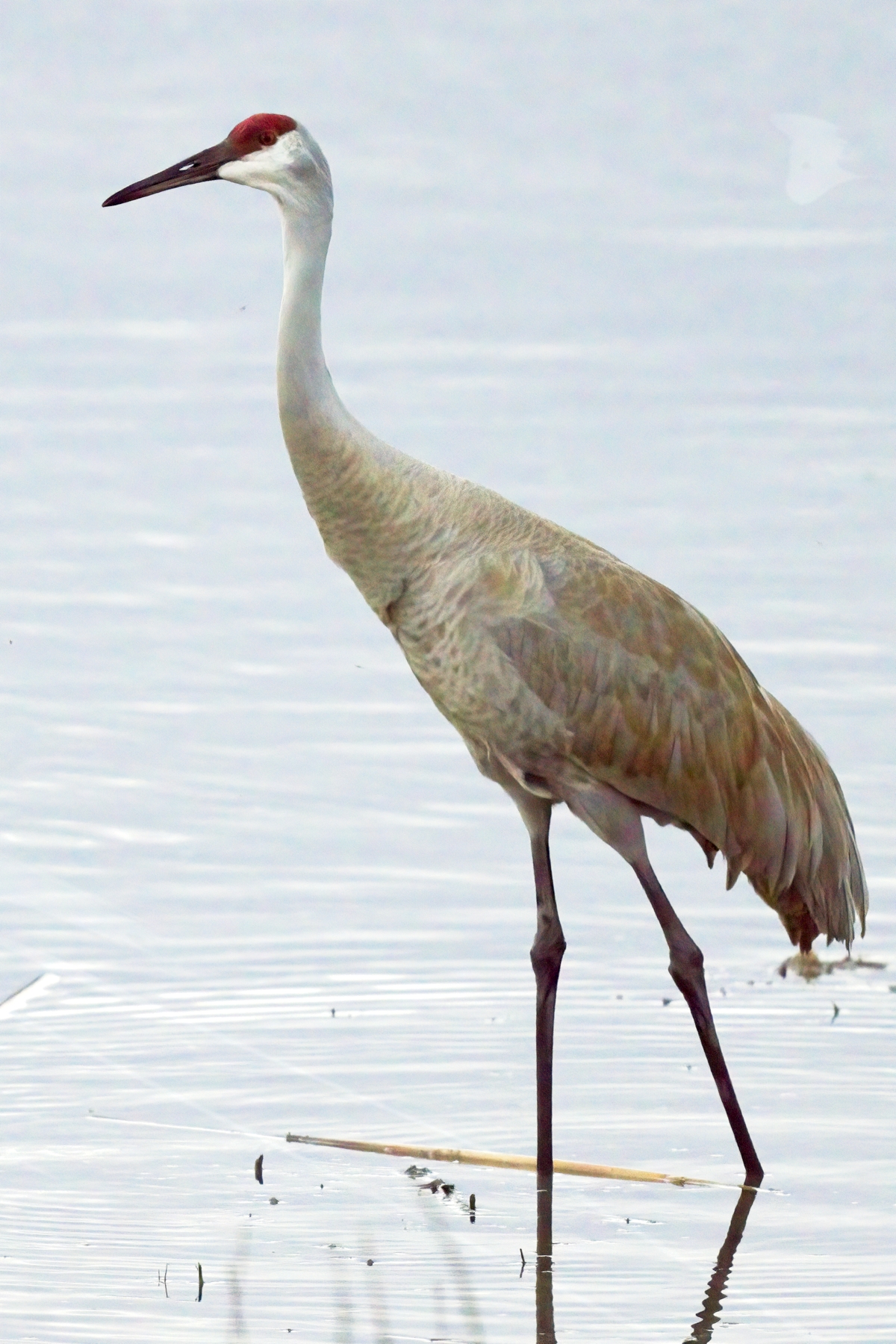
.jpg of the original RAW file
Topaz Denoise AI rendered DNG converted to .jpg
On1 NoNoise AI rendered DNG converted .jpg
Topaz Denoise DNG PP'ed and converted to .jpg
NoNoise DNG PP'ed and converted to .jpg
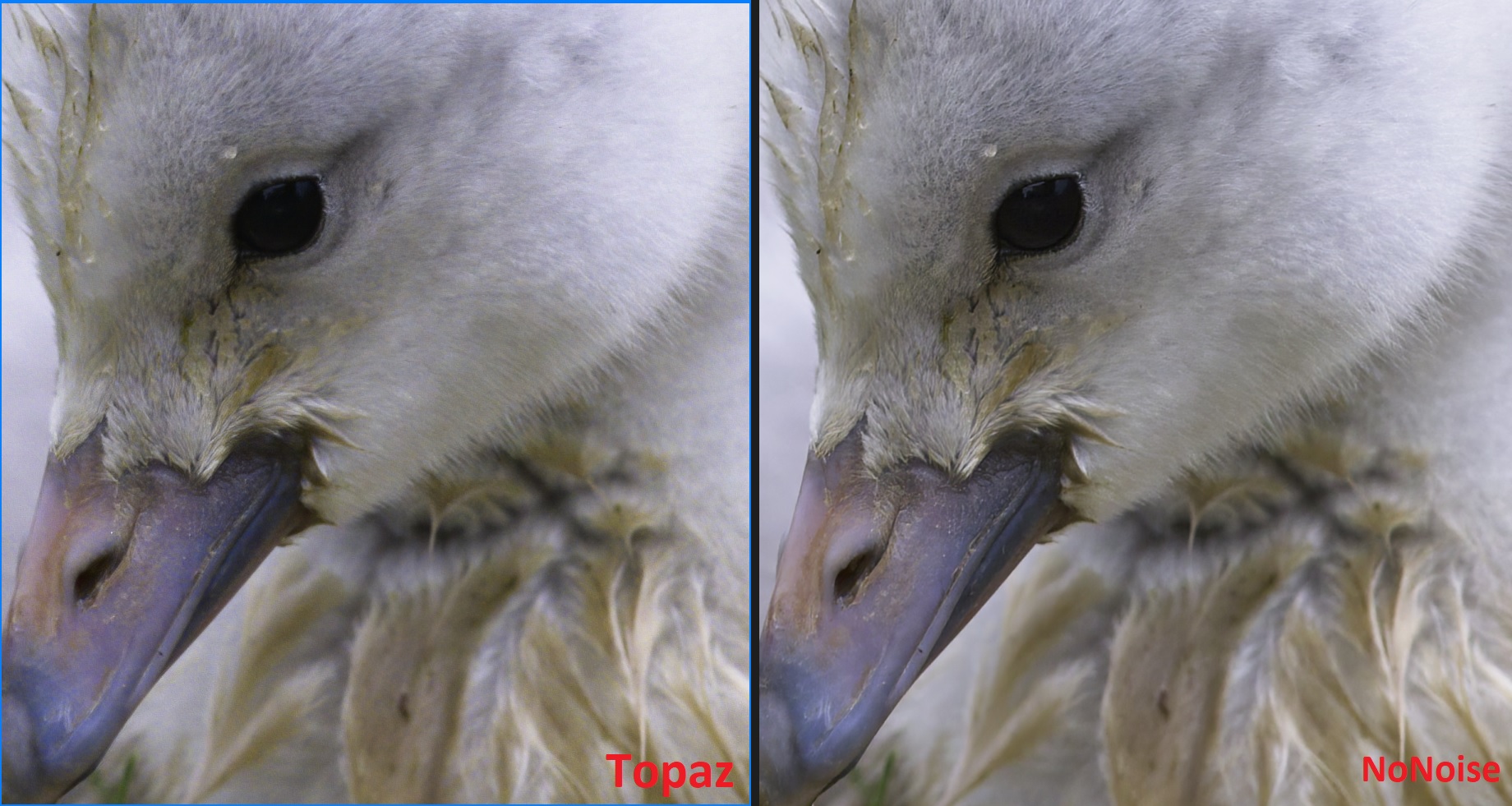
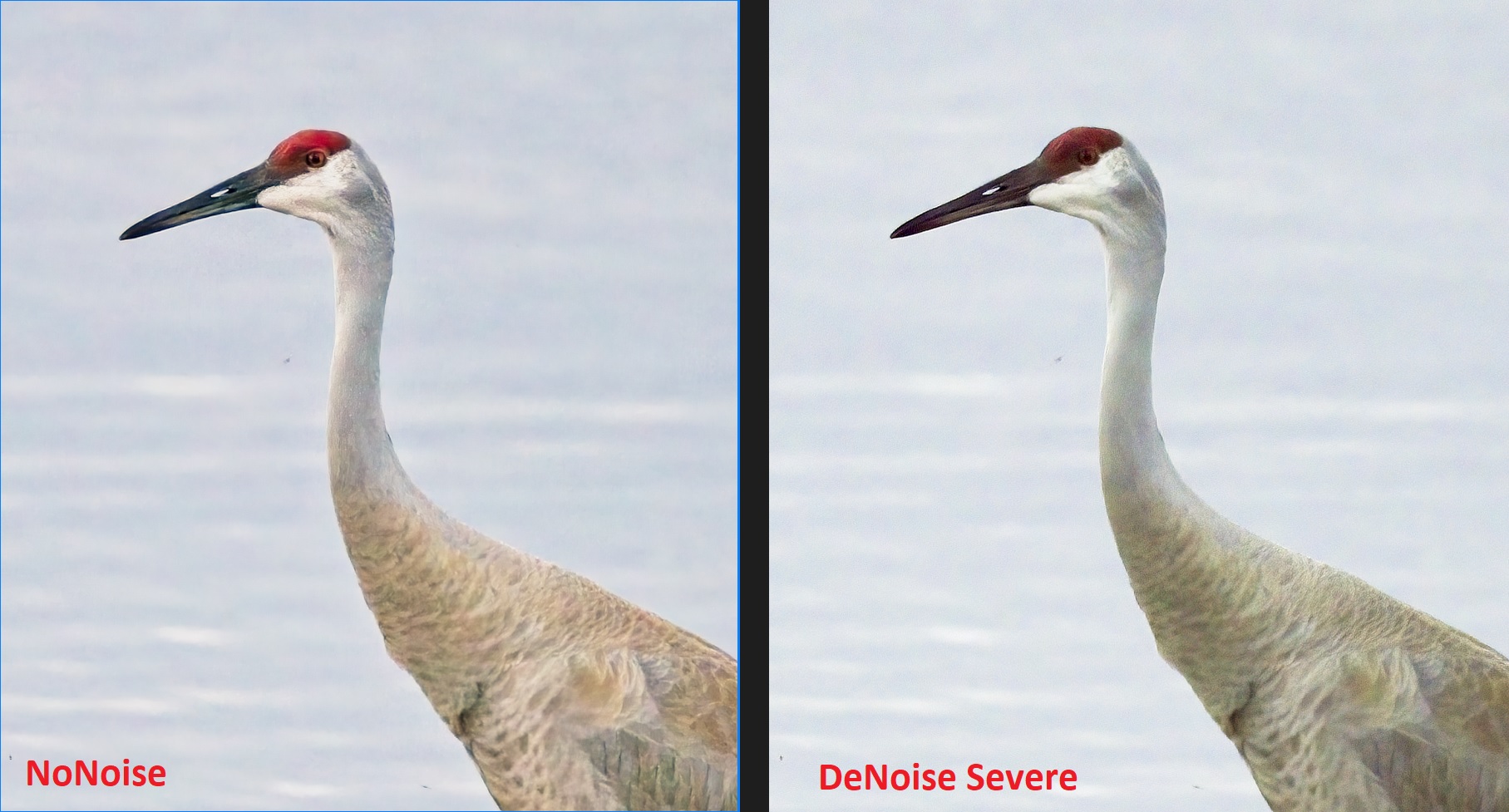
Screenshot of .jpg at 100% comparing PP'ed images side by side
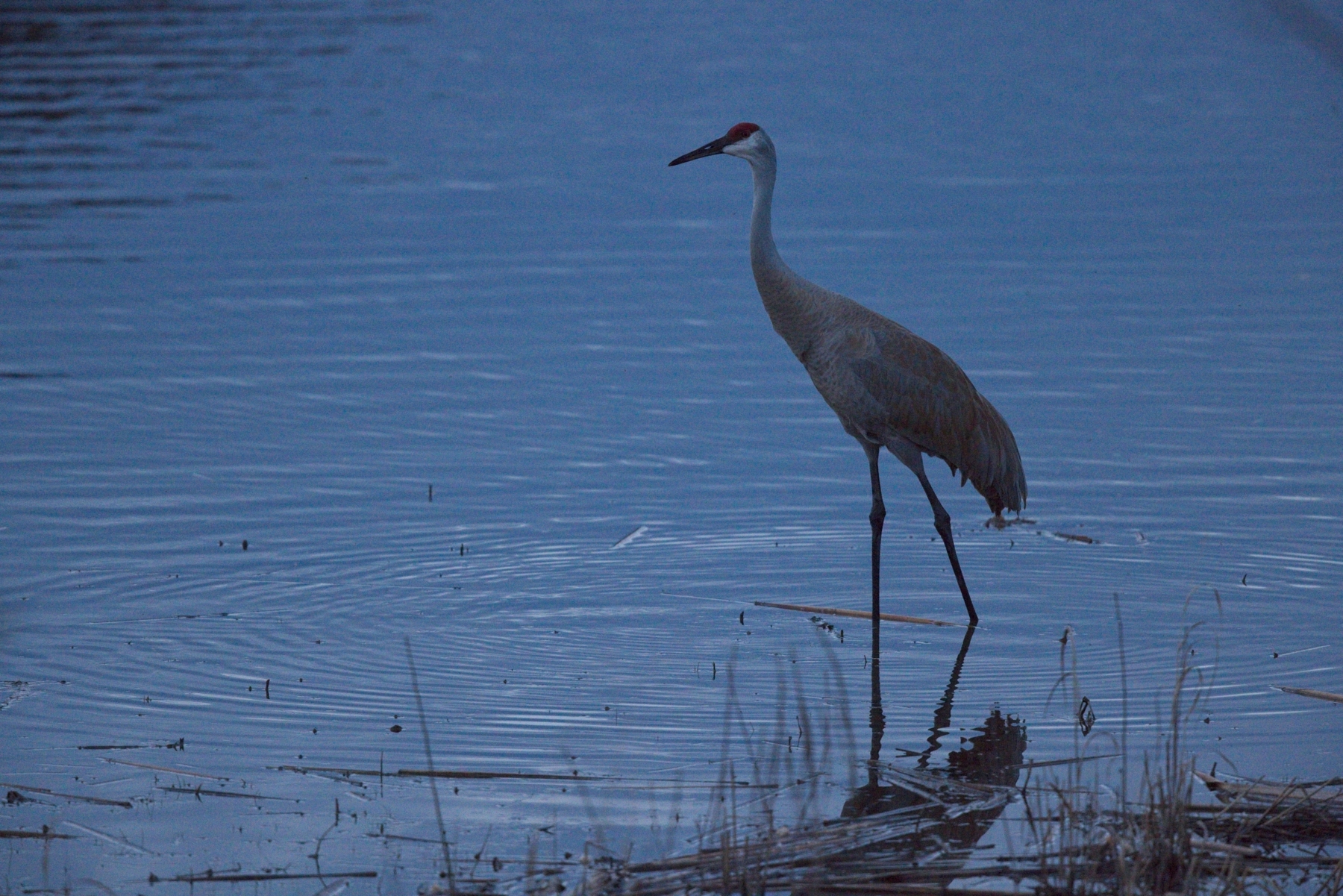
Another example this time with a underexposed image shot at 12,800 in Canon cRAW (yes, it's bad).
First I exported the cRAW to Topaz DeNoise AI and tried all four algorithms. Only the "severe noise" was able to sufficiently manage the noise with any success and in doing so created the plastic, Barbie look. Trying to pull back the NR or add details was not successful. After reaching a "reasonable" compromise, the .dng was exported. Next, the cRAW was sent to On1 NoNoise. After tweaking the details slider and leaving the NR at 100% for both color and luminance, the file was exported as .dng. Both images were opened in On1 Photo Raw (PR) and attempts made to create similar color and tonal balance. Again, the Topaz .dng appears to have a strong curve applied and exhibited strange artifacts when trying to increase the shadows so that was abandoned and only blacks, white, contrast, highlights, and exposure were able to be modified. The NoNoise .dng required significant exposure adjustment but allowed for all tonal adjustments including shadows, midtones, etc.
.jpg of original cRAW file before adjustments ISO 12,800
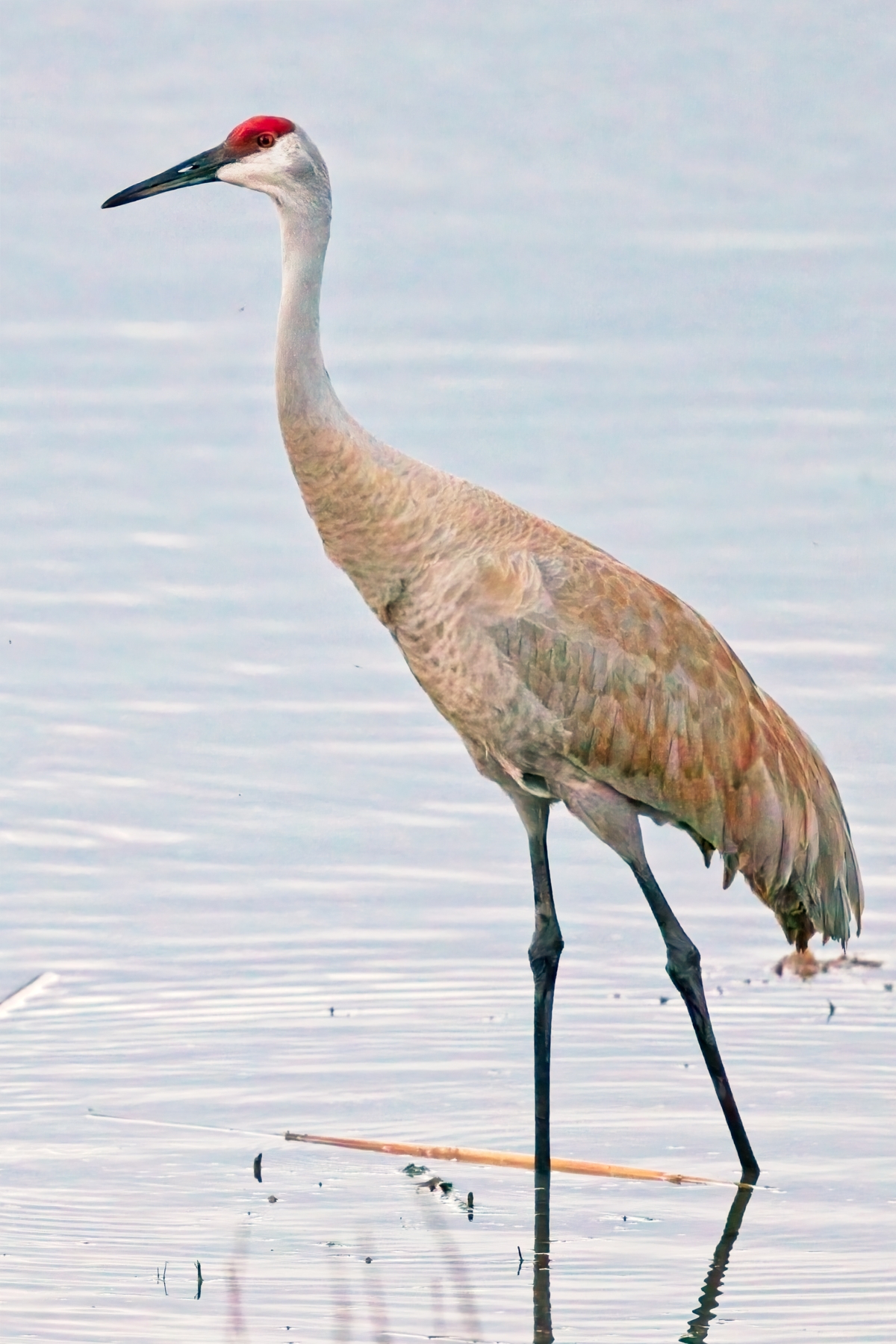
.jpg of NoNoise .dng after adjustments tone/color
.jpg of DeNoise AI "severe" after adjustments tone/color
My preferred noise mitigation tool at the moment is DxO Photolab 4, in particular its DeepPrime technology (also available in DxOPureRaw). I usually the export the dng file out of DxO Photolab to Photoshop ACR without any sharpening and instead use FocusMagic deconvolution sharpening after processing in ACR.
I haven't checked myself but my sense from reading comparisons across the web is that ON1 NoNoise and DxO do very well in most situations. Topaz seems to be falling behind.
What I discovered from doing a deeper dive in the process is that the color and exposure differences are the result of how the respective programs render .dng files. If one is working in the PS workspace then the NR can be managed as layers and the exposure differences and artifacts don't appear. Alternatively, if one is managing outside of the PS environment, one can save the images in NoNoise as .psd files though that is not possible for Topaz Denoise AI. Moreover, I suspect that the strange artifacts in the Topaz Denoise AI .dngs are in fact related to the program utilizing some form of "layers" internally which are somehow affecting the processing of the .dng. I can duplicate similar behavior in NoNoise if I use layers targeting different areas of the image with unique NR and saving the image as a .psd. That layered workflow can result in artifacting in subsequent global adjustments.
Did a few more tests. NoNoise (NN) comes back to LR a little flat.
NOTE: The What to Edit options are only applicable when sending PSD, TIFF or JPG files to NoNoise from Lightroom. When sending DNGs to NoNoise, no Lightroom edits are incorporated, regardless of the options selected. [/I]
As suggested by NN.
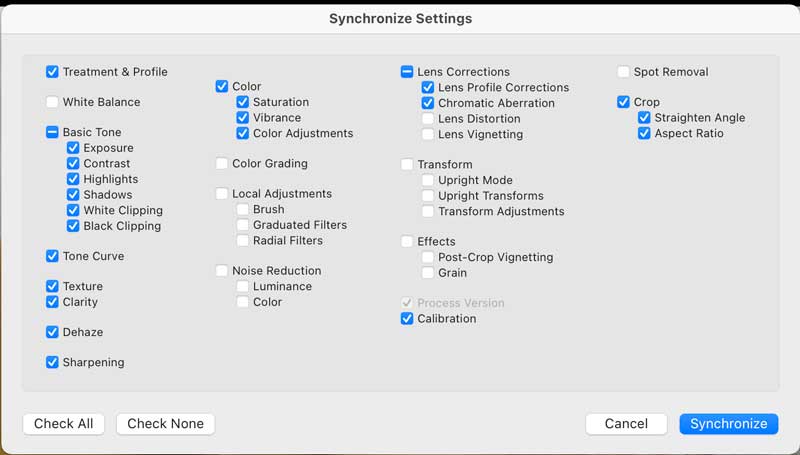
You can use Lightroom’s Copy and Paste Settings options or Sync settings to apply the edited image’s settings to the NoNoise-processed DNG.
[/I]
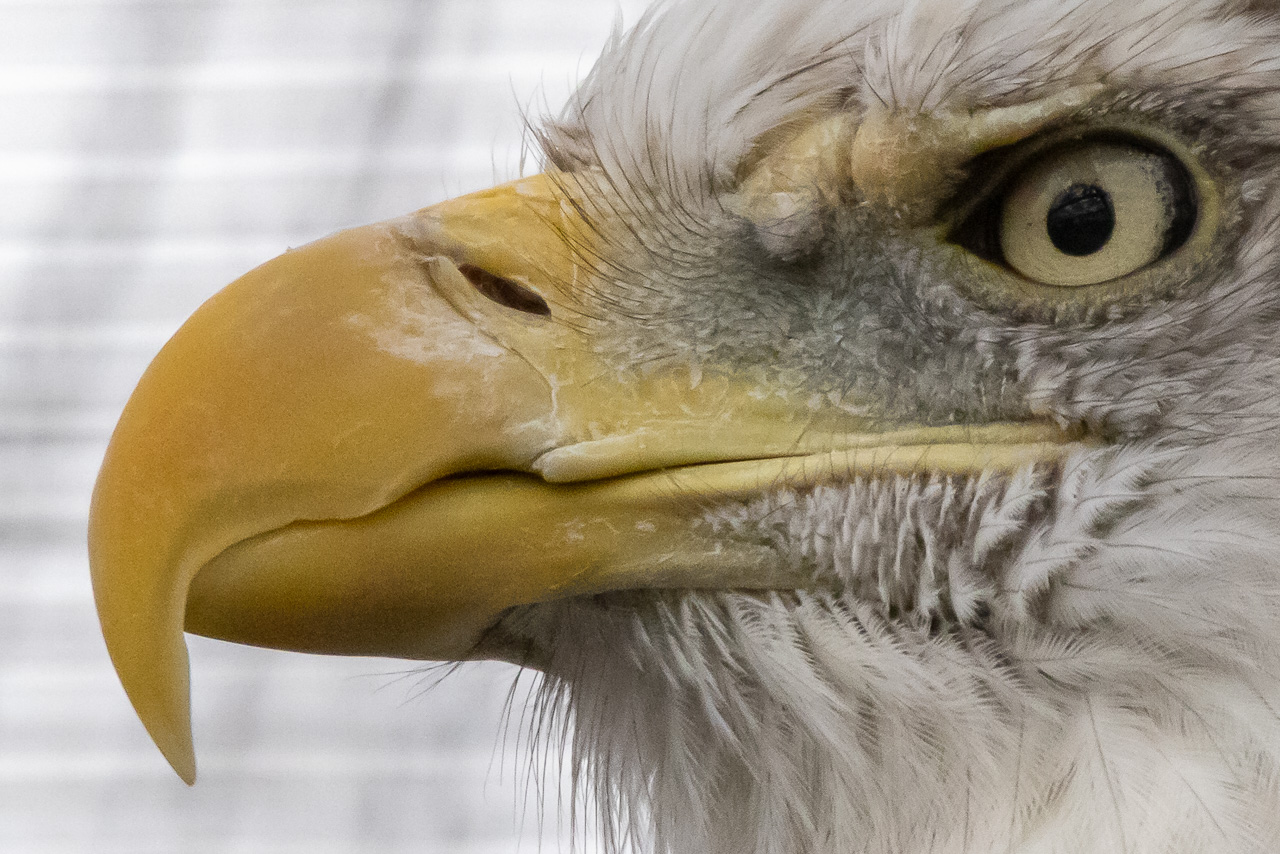
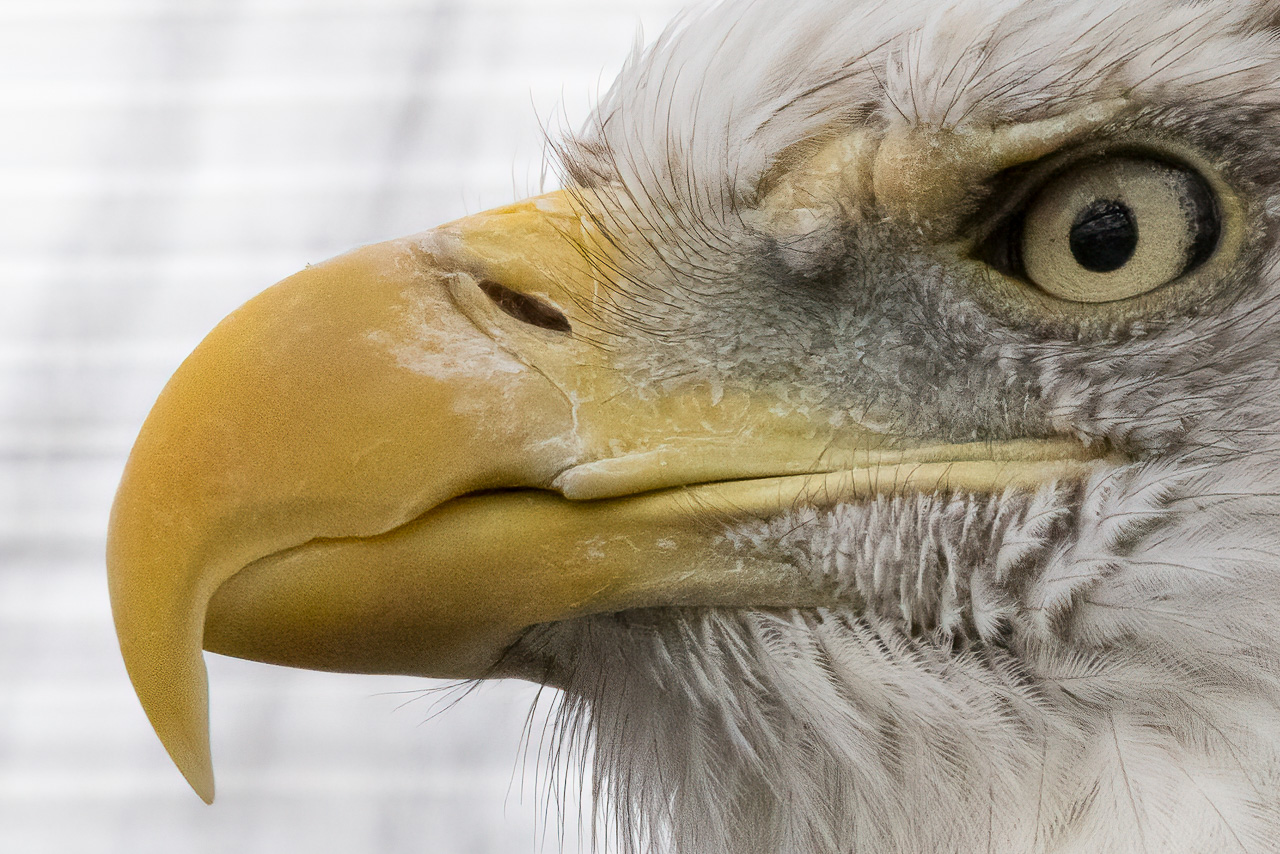
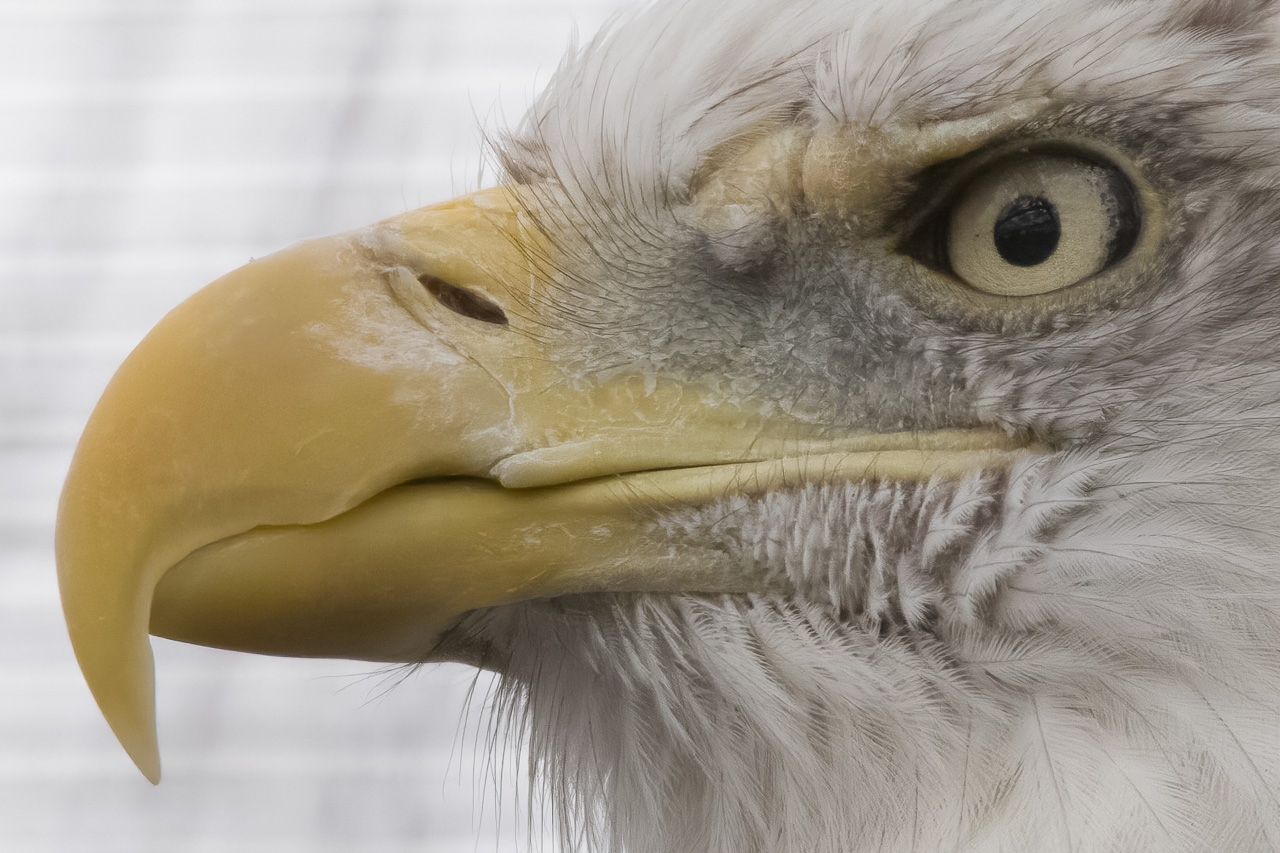
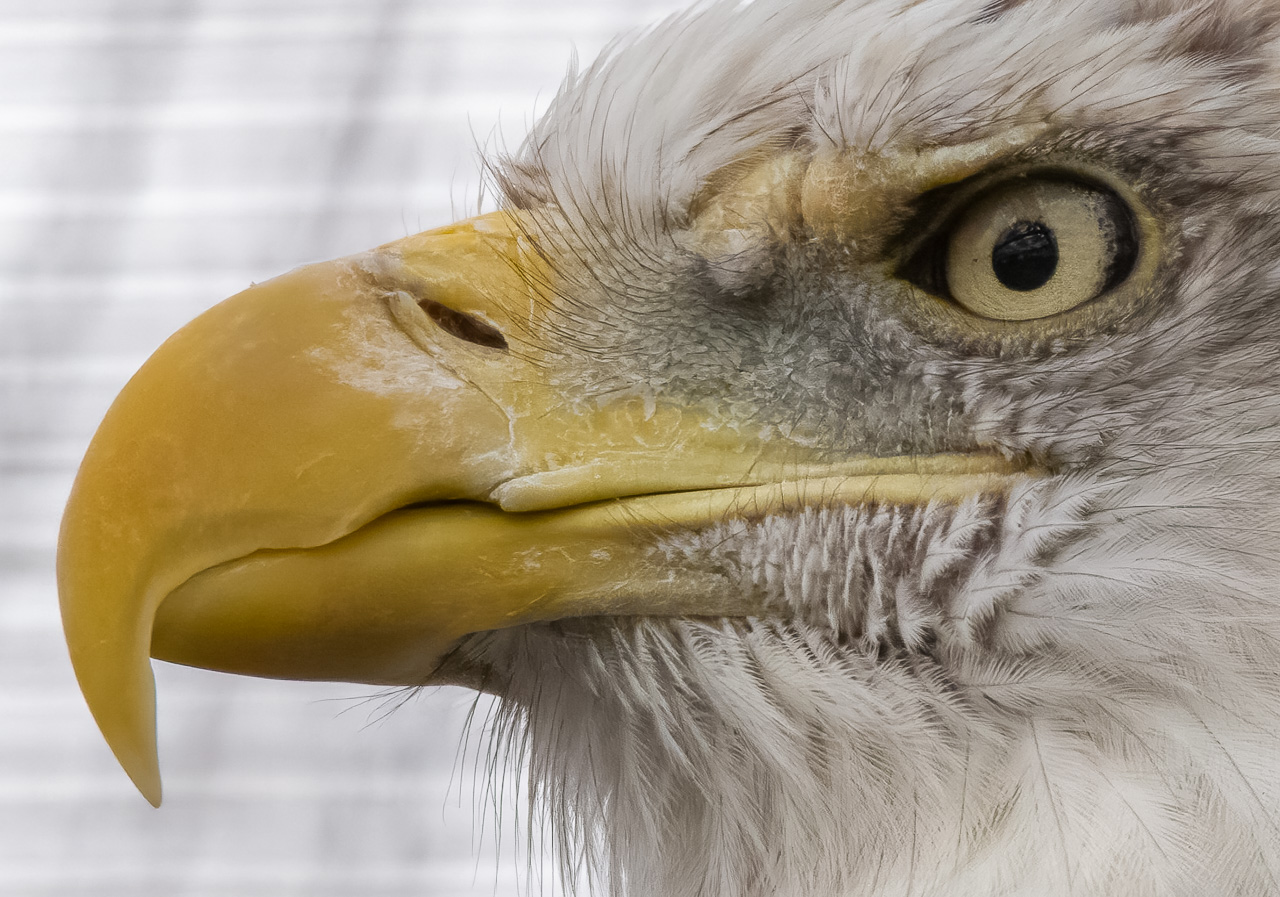
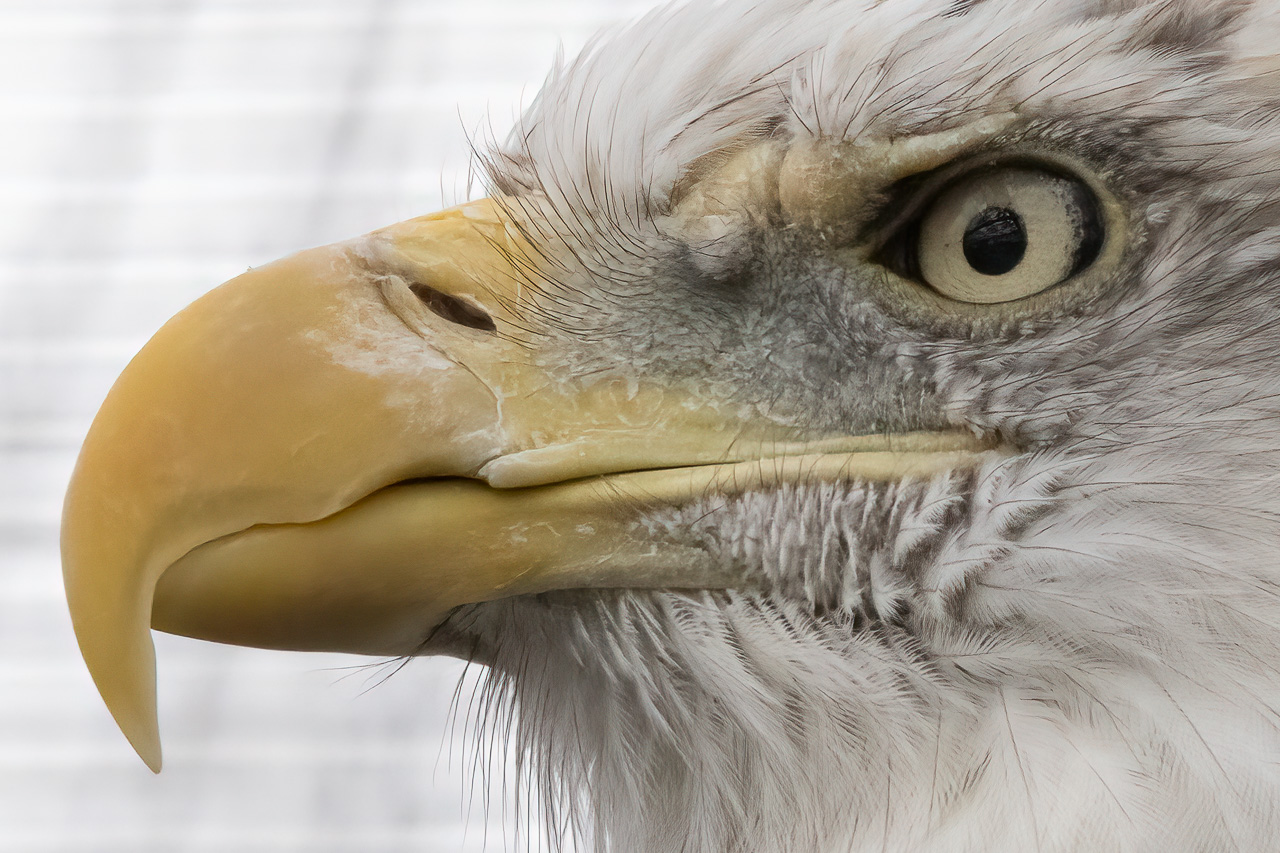
This is a 200% crop. First image is the LR version that I did not touch. Texture, Clarity, Dehaze, Sharpening, Detail, Masking and NR auto applied at import via Iso Adaptive preset. Lens corrections and CA also applies at import.
Note: I turned off sharpening and NR before sending the file to both Denoise and NN. I just left colour noise at 25.
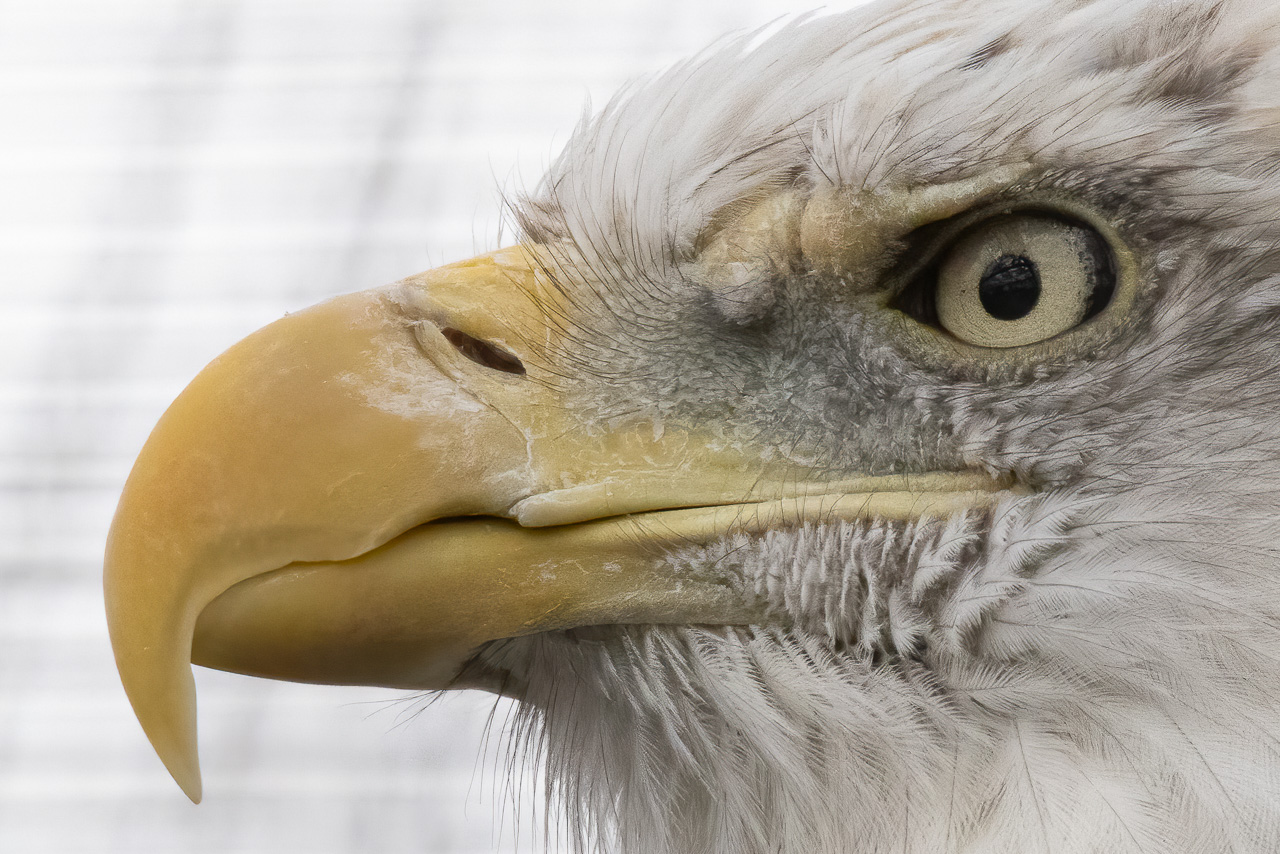
Topaz AI Clear. It did a better job than Std
NN after it came back to LR
NN after syncing with the original CR3 file. Details in the next image
Rajan Parrikar wrote:
Your first example of Topaz seems to be introducing false texture (most seen in the beak). It is not seen in the second example of Topaz.
The first one was using Clear in Auto and ti selected Medium for Luminance. I sent the second one to high. It appears NN is more aggressive in Auto mode. It may be too much but I'm not an expert in NR. NN seems to get closer to the mark in Auto and is faster. Both are very capable. Having to Sync a NN file to get a colour profile match is a bit of a pain.
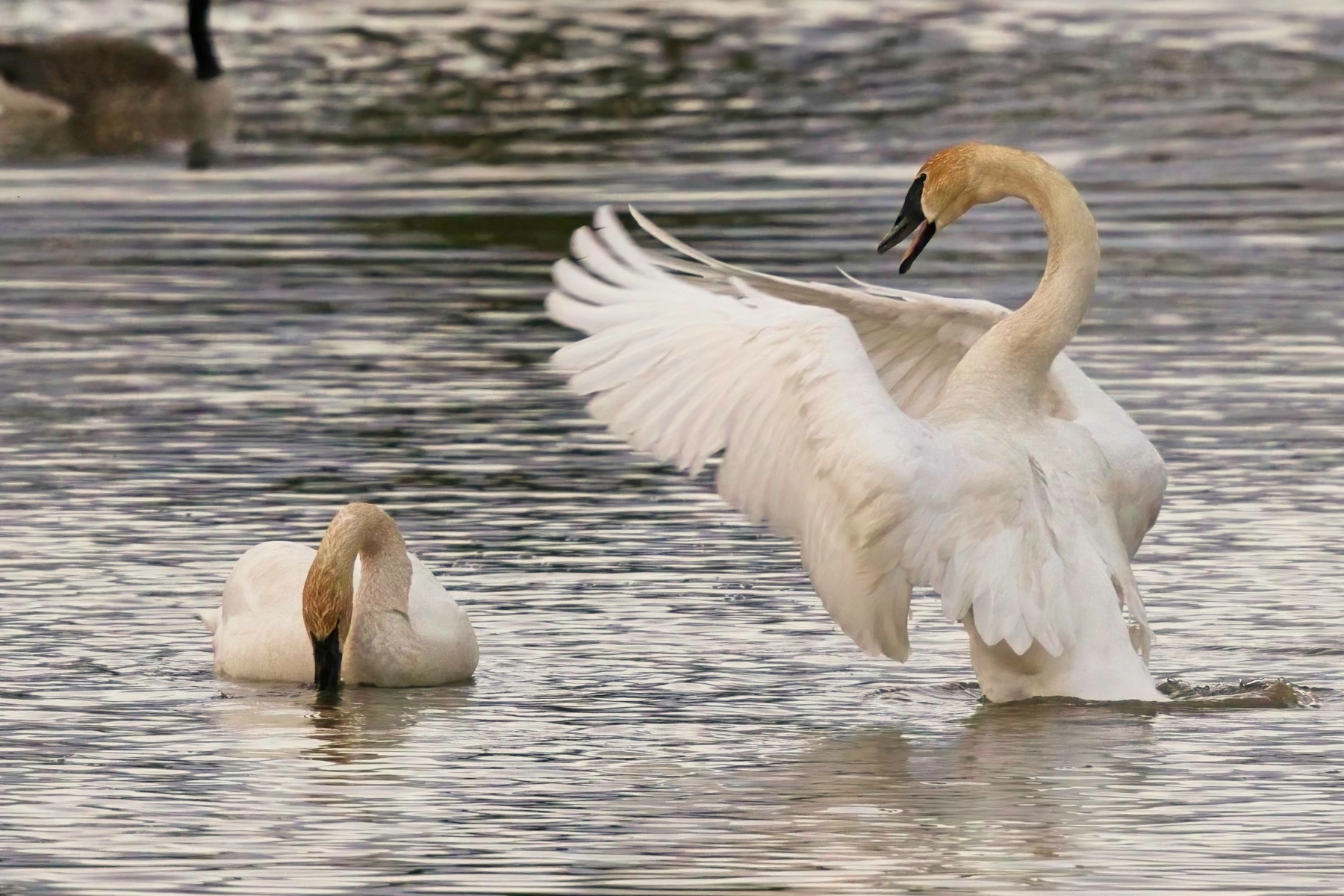
Today, On1 released an update to NoNoise. I haven't been able to detect any differences yet though performance has taken a step backwards for the initial rendering, is otherwise unchanged for the operations, and is faster upon file closure. Overall, it remains much faster than Topaz on my rig. I took the same underexposed cRAW image (0.7 stop) at ISO 12800 and ran it through both NoNoise and Topaz Denoise AI using both the low light and severe noise models while trying to adjust the respective settings to achieve optimal results. Images are cropped approximately 75%
NoNoise
Topaz DeNoise AI low light
Topaz DeNoise AI severe noise
Original crop tone corrected, demonstrating base noise
Can anyone explain how I can keep the colors looking correct when doing a DNG roundtrip out of LR through On1? If I do a TIFF it keeps my colors. If I do a DNG it changes the colors and even if I sync my raw file settings back to the ON1 processed DNG it doesn't fix them.
EDIT: Seems it isn't a Profile issue but a WB issue. Same WB setting applied to the DNG comes out warmer than to the .ARW
Although setting the WB to "As Shot" seems to be identical. But if I set a custom temp they aren't matching.
Also it seems that Edit with LR adjustments doesn't work for the DNG setting? Is this what others are seeing? I prefer with Topaz to output after cropping to minimize file sizes and processing time.
I was having issues with exposure and WB with the initial release using dng output. If the file is exported as a psd, it’s fine. Supposedly, this was addressed in a recent update?