Just tested against Deep prime and found that On1 does apply more sharpening. I also find the Deep prime still has better color fidelity and control into shadows. That said I do find On1s speed excellent. Maybe they will improve further with time but the software will have to produce better results than DP as I already own photoLab 4 elite.
Jman13 wrote:
I went ahead and purchased....the results are just stellar, and seem to require far less tweaking than I needed to do in Topaz.
Note to any interested, the promo code NIKONRUMORS will give you 20% off, putting the total after tax to just around $50.
Right away I encountered two issues when I run it as a plugin in Photoshop CC via ACR (or LR).
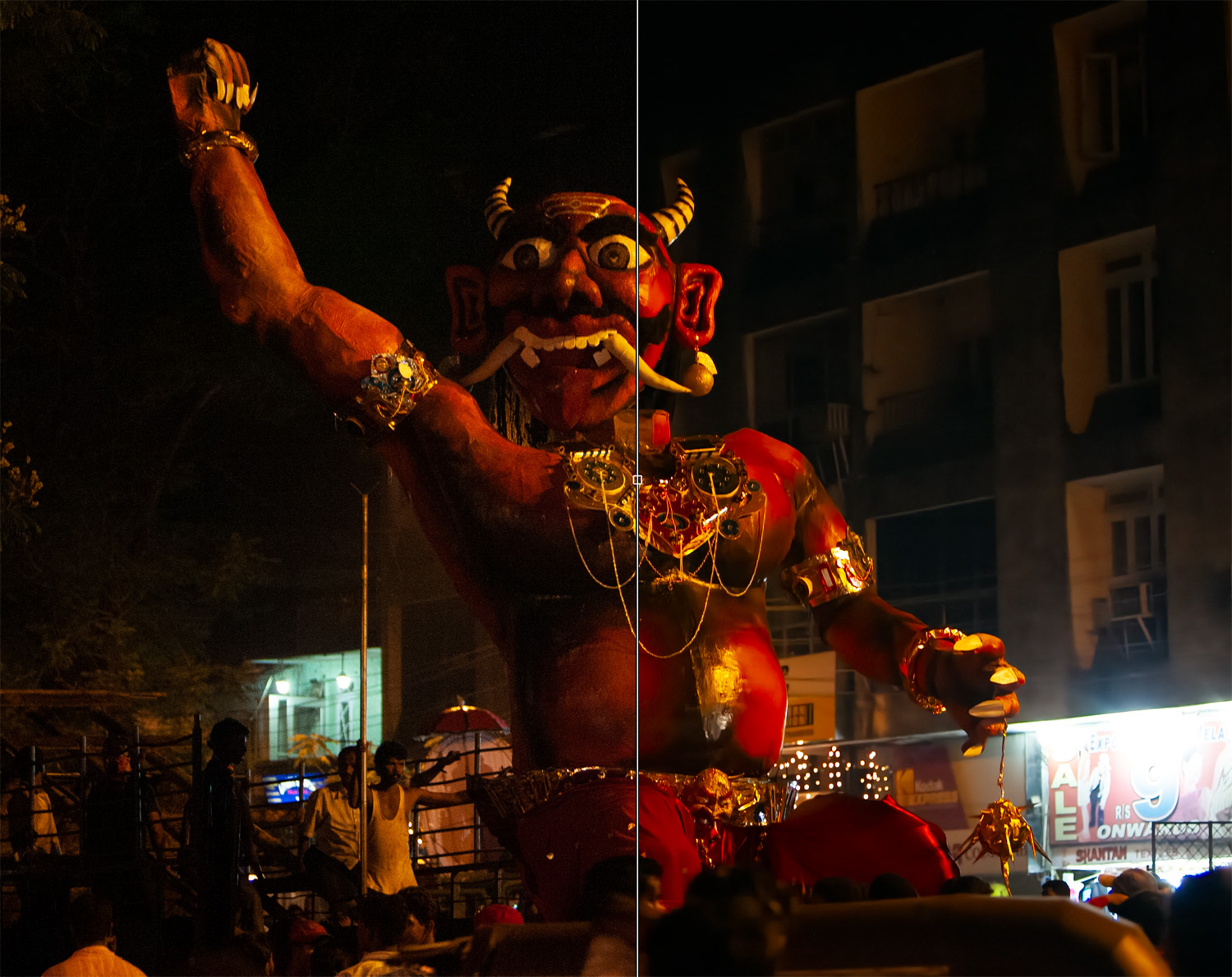
First it says that this is a non-RAW photo when I open a RAW file in Photoshop. Then after processing it dramatically changes colour (the right side has gone reddish in the second image). I think this means the original Colour profile is not preserved. Attaching both images. Likely there's a simple fix.
Rajan Parrikar wrote:
I bought ON1 NoNoise with the 50% discount.
Right away I encountered two issues when I run it as a plugin in Photoshop CC via ACR (or LR).
First it says that this is a non-RAW photo when I open a RAW file in Photoshop. Then after processing it dramatically changes colour (the right side has gone reddish in the second image). I think this means the original Colour profile is not preserved. Attaching both images. Likely there's a simple fix.
I’m not 100% sure of this, but I believe when you use the plugin the file is converted to a TIFF before it is sent to the app. I think if you select the Filter dropdown there is an option to send the RAW file to On1.
I’m not a Ps user, but I saw this in one of the YouTube reviews. Maybe Anthony Morganti.
Thanks for the DxO test. When it sends the dng back to ACR or LR, it does not pass on the original Colour profile (if you have a custom camera profile made). That may account for the shift. I have to manually set the profile to match the camera from the dropdown menu.
I am very impressed with the DeepPrime tech. Sometimes the DxOPureRAW will tend to oversharpen. However, you can opt out of the lens correction and only have it do the noise reduction. Another option is to use DxO Photolab where there is far more control.
People have been sending support tickets for various glitches which is normal for a new release. If DXO can send a DNG back and still have access to colour profiles can others do this? I don’t know about the tech when it comes to that. Don’t know if anyone asked ON1 about that. I may get on the ON1 forums and ask.
Zenon Char wrote:
With DXO you can still select a colour profile. You can't using NoNoise as far as I can see. NoNoise does allow you to import with LR settings so if you pre-select a profile it should honour it. I'll test for that.
I noticed that the colour profile I sent from LR to NN and did not retain. Page 11 of the NN documentation.
Clicking OK will send the image to NoNoise AI in the chosen format. When you have finished with your processing, click Done. NoNoise will then apply all of the edits, save the file in the format you’ve chosen, and return you to Lightroom. If you have added settings in Lightroom to the original photos, those edits will not appear automatically in the new DNG file. You can use Lightroom’s Copy and Paste Settings options or Sync settings to apply the edited image’s settings to the NoNoise-processed DNG.
...........
If you want to keep the file in the catalogue, you must use the "Edit with" command, but that forces you into exporting a tif, PSD, or jpg, and No Noise is optimized for raw files.
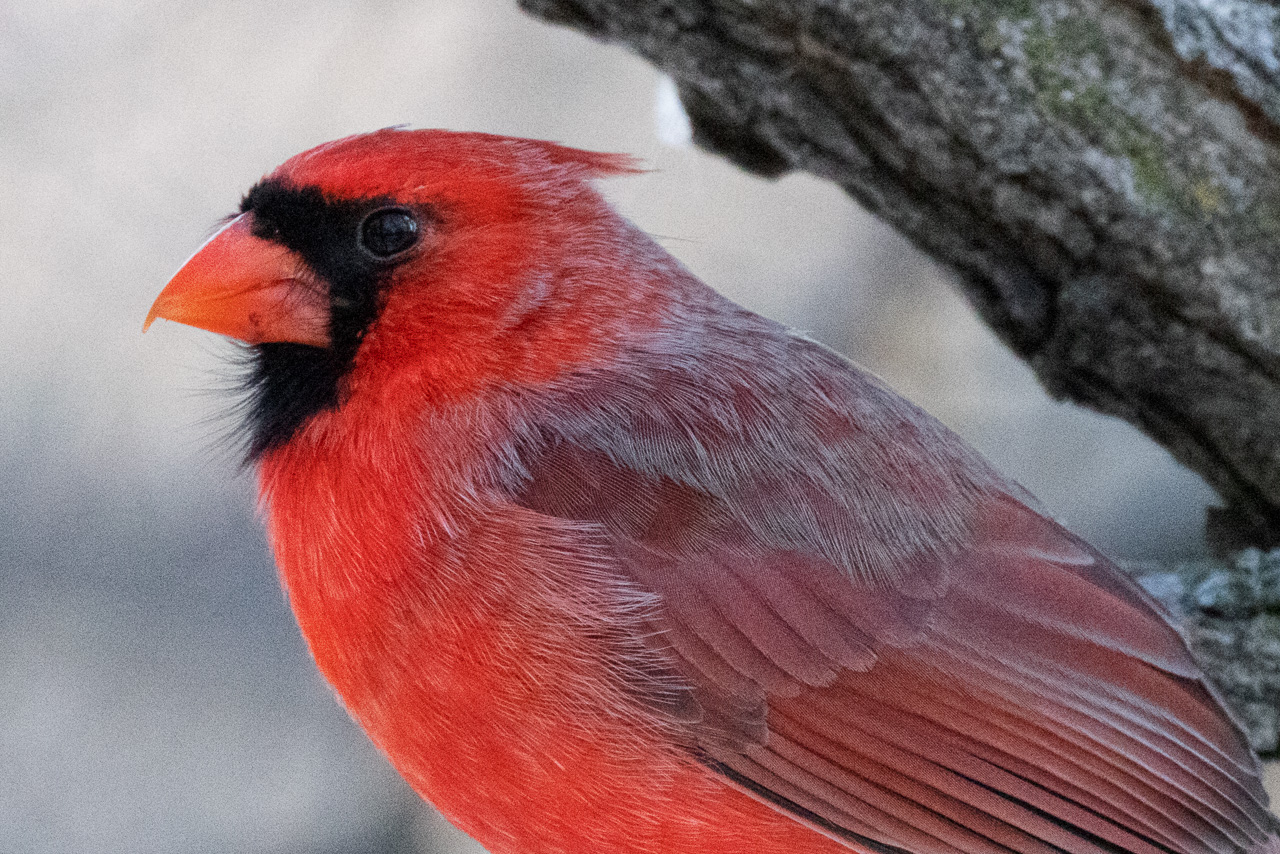
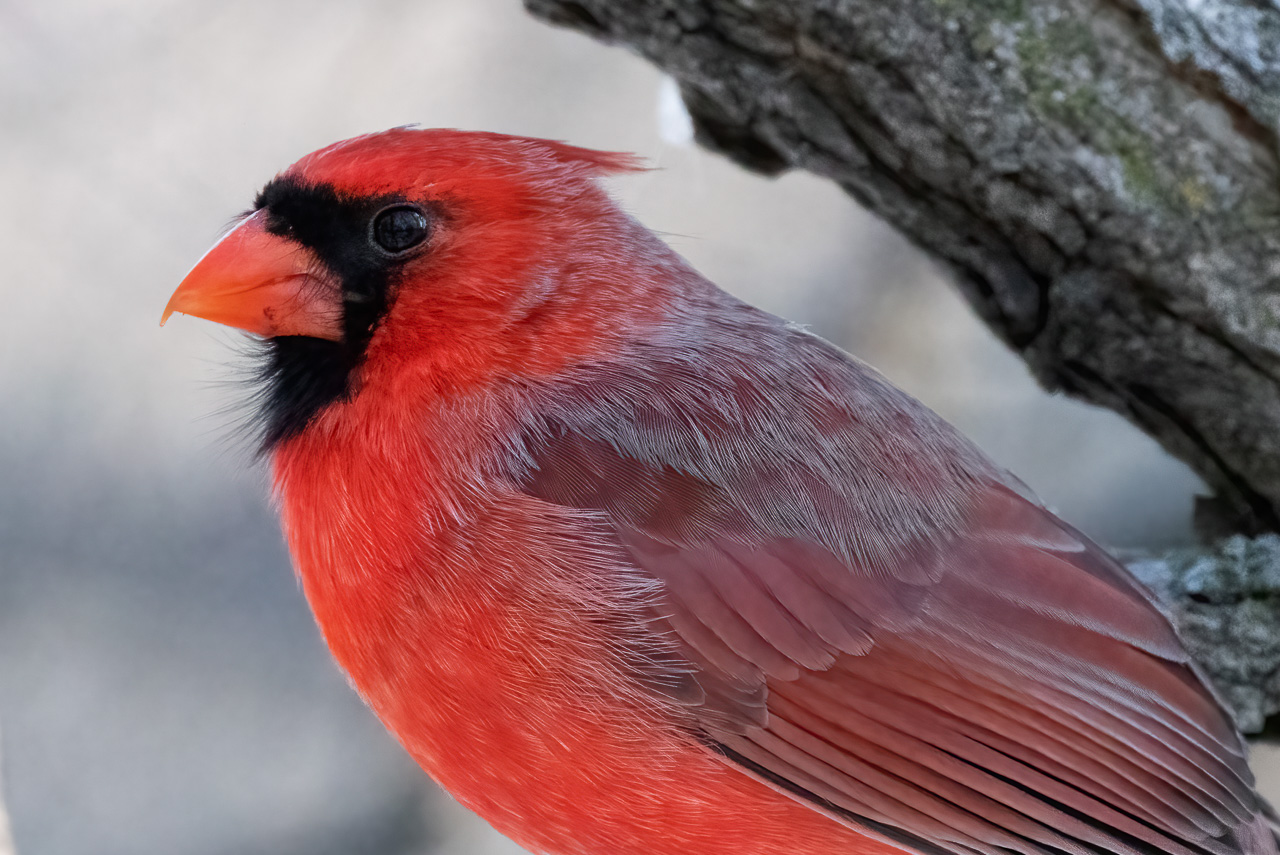
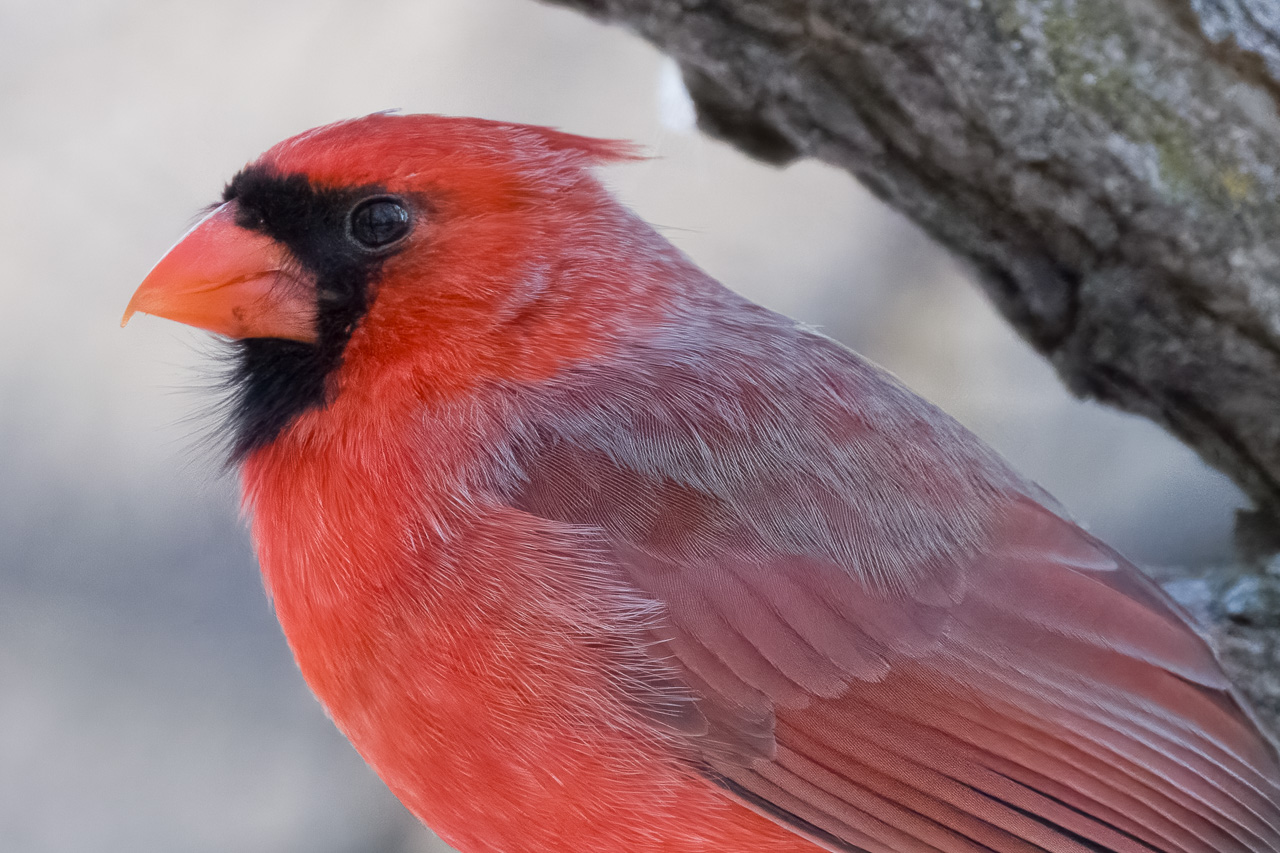
I tried a comparison using Topaz Denoise(exported as 16bit tiff), NoNoise(16-bit tiff) and NoNoise on the original using the raw file.
..................
The drop down list that appears after you select "Edit With/On1 NoNoise" in C1 also has dng as an option not just tif, PSD, or jpg.
?
I'm trying the On1 demo but I get a plugin fail message with all file type options.
Good news is that On1 dngs back in C1 show none of the huge color shifts that Topaz dngs show back in C1.
Rajan Parrikar wrote:
I bought ON1 NoNoise with the 50% discount.
Right away I encountered two issues when I run it as a plugin in Photoshop CC via ACR (or LR).
First it says that this is a non-RAW photo when I open a RAW file in Photoshop. Then after processing it dramatically changes colour (the right side has gone reddish in the second image). I think this means the original Colour profile is not preserved. Attaching both images. Likely there's a simple fix.
---------------------------------------------
gbinoz wrote:
Thanks, couldn't resist, just bought it.
Thanks to both of you. I tick advantage of the 50% discount.
So far I had been using an old free version of Nik from Google.
It served me well. But ON1 noise reduction is better,
in particular when opening the raw file with ON1 directly.
I then finished editing in Capture One 21.
Zenon Char wrote:
Then Topaz sneaks in version 3.2 that improves colour preservation.
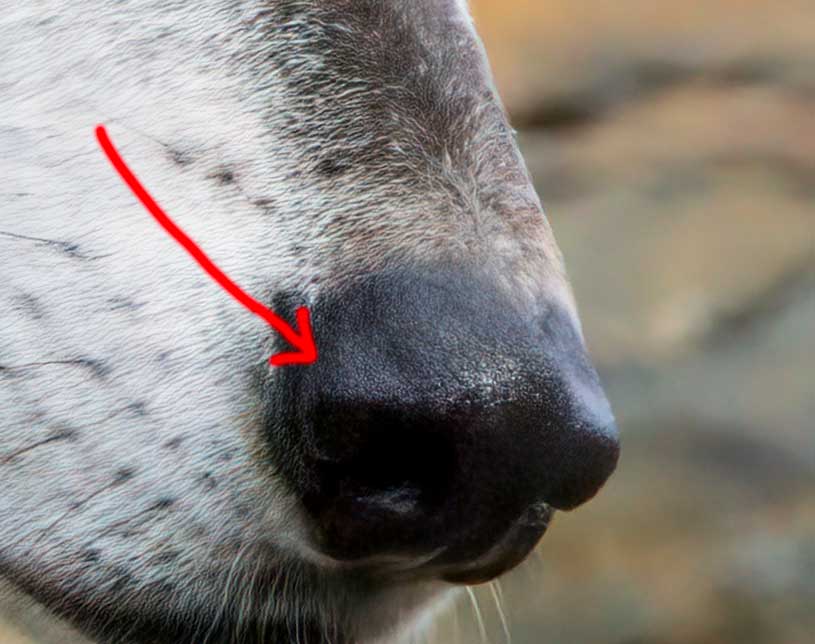
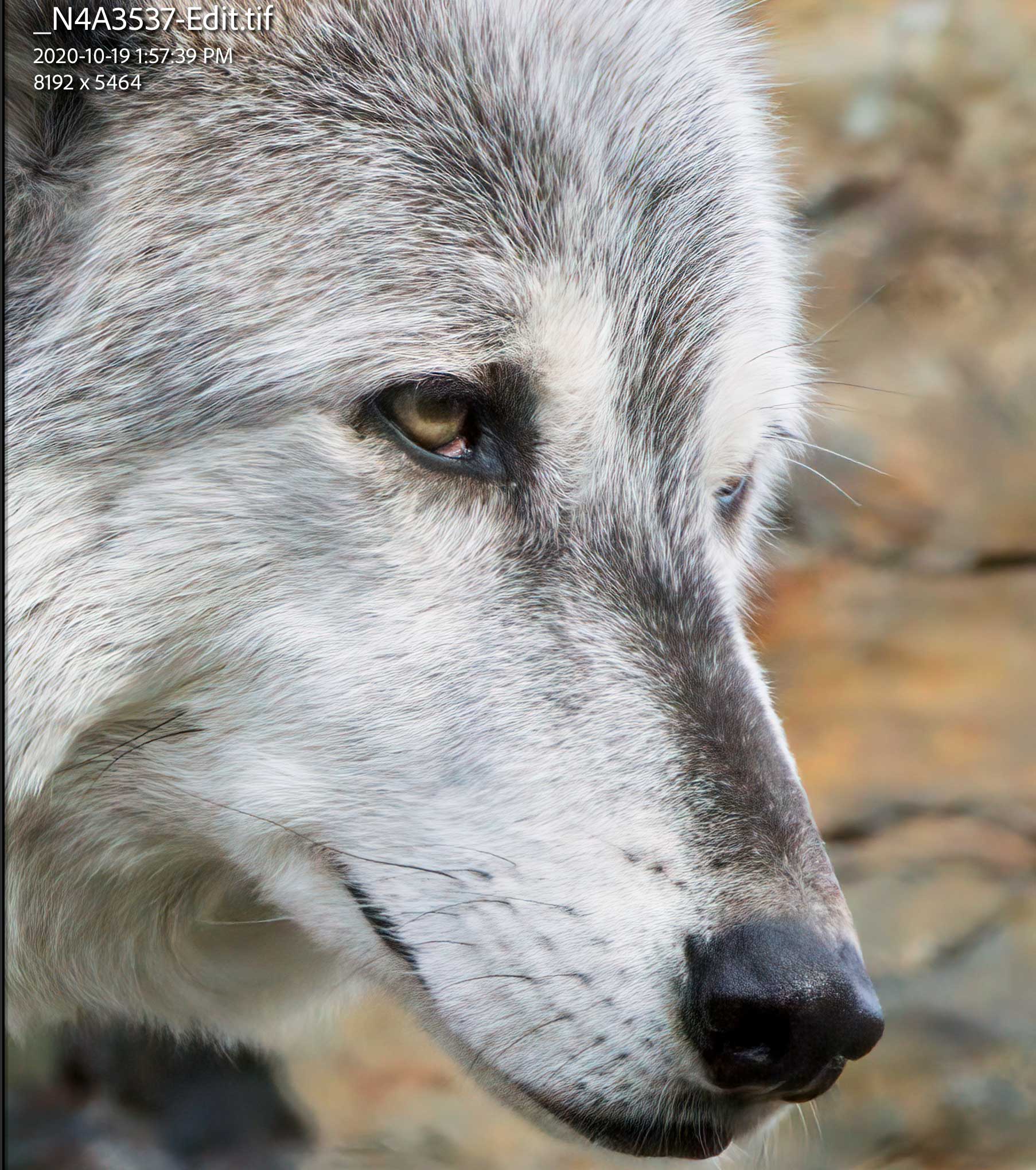
This appears to be a heavily cropped photo and I'm not sure whether you used default settings or tried to tweak both software? Anyhow, to me the rendering in NoNoise appears more natural in gradation and texture. The Topaz has more saturated color and is sharper. Overall, I would prefer to use the NoNoise image as a starting point for further PP.
armd wrote:
This appears to be a heavily cropped photo and I'm not sure whether you used default settings or tried to tweak both software? Anyhow, to me the rendering in NoNoise appears more natural in gradation and texture. The Topaz has more saturated color and is sharper. Overall, I would prefer to use the NoNoise image as a starting point for further PP.
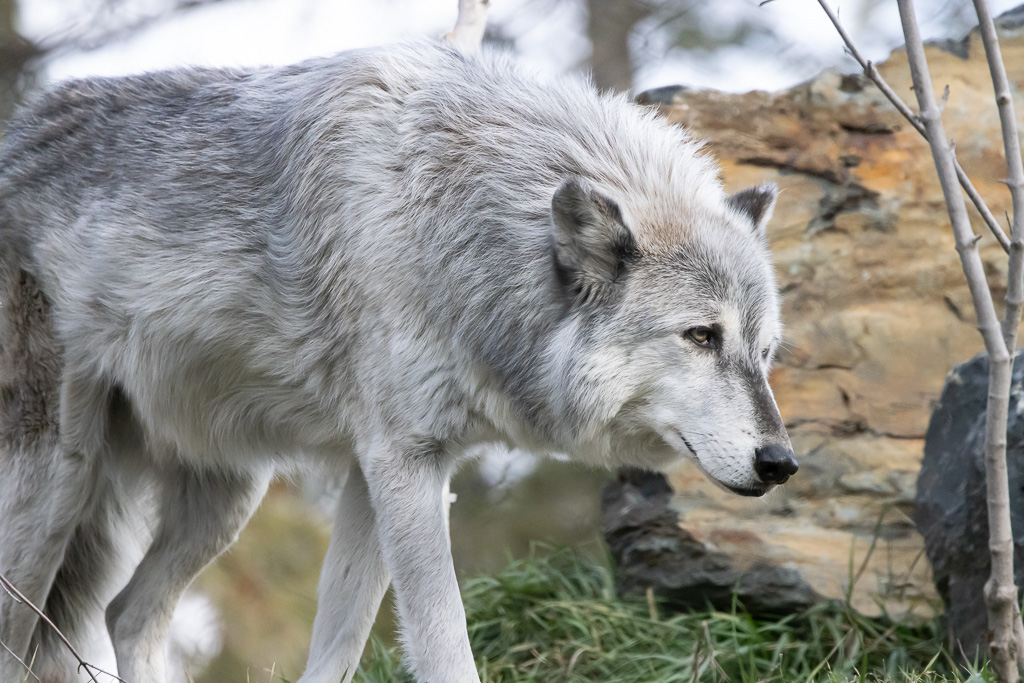
I used Auto for both just to see what they do. I have not experimented with either. The original.
Yes, it does and the masking is much more sophisticated than DeNoise AI. While Topaz does a "good enough" job at masking, it becomes unwieldy if one wants to apply selective sharpening unless one employs layers in PS. Also, it has some built in retouch tools.