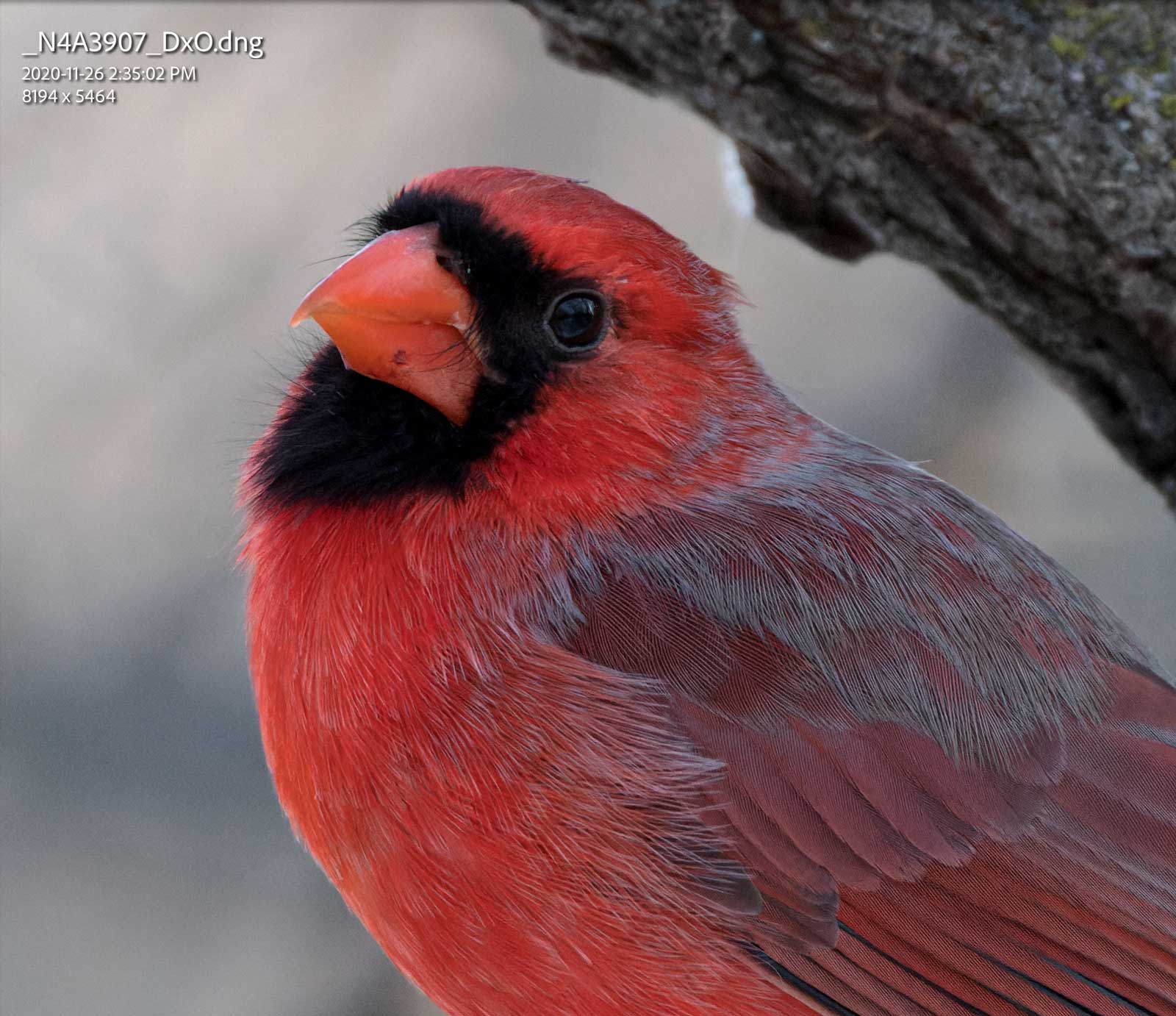
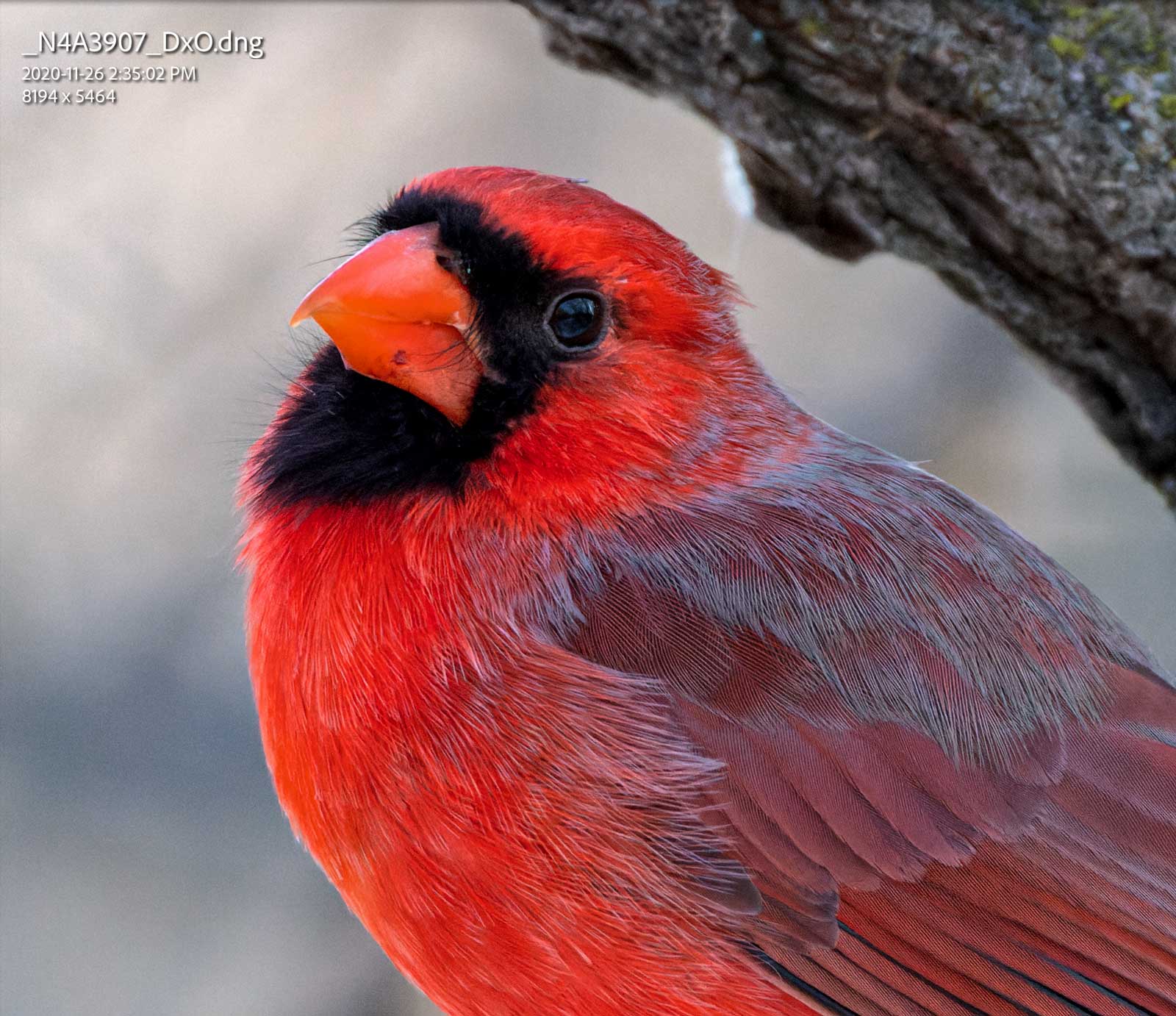
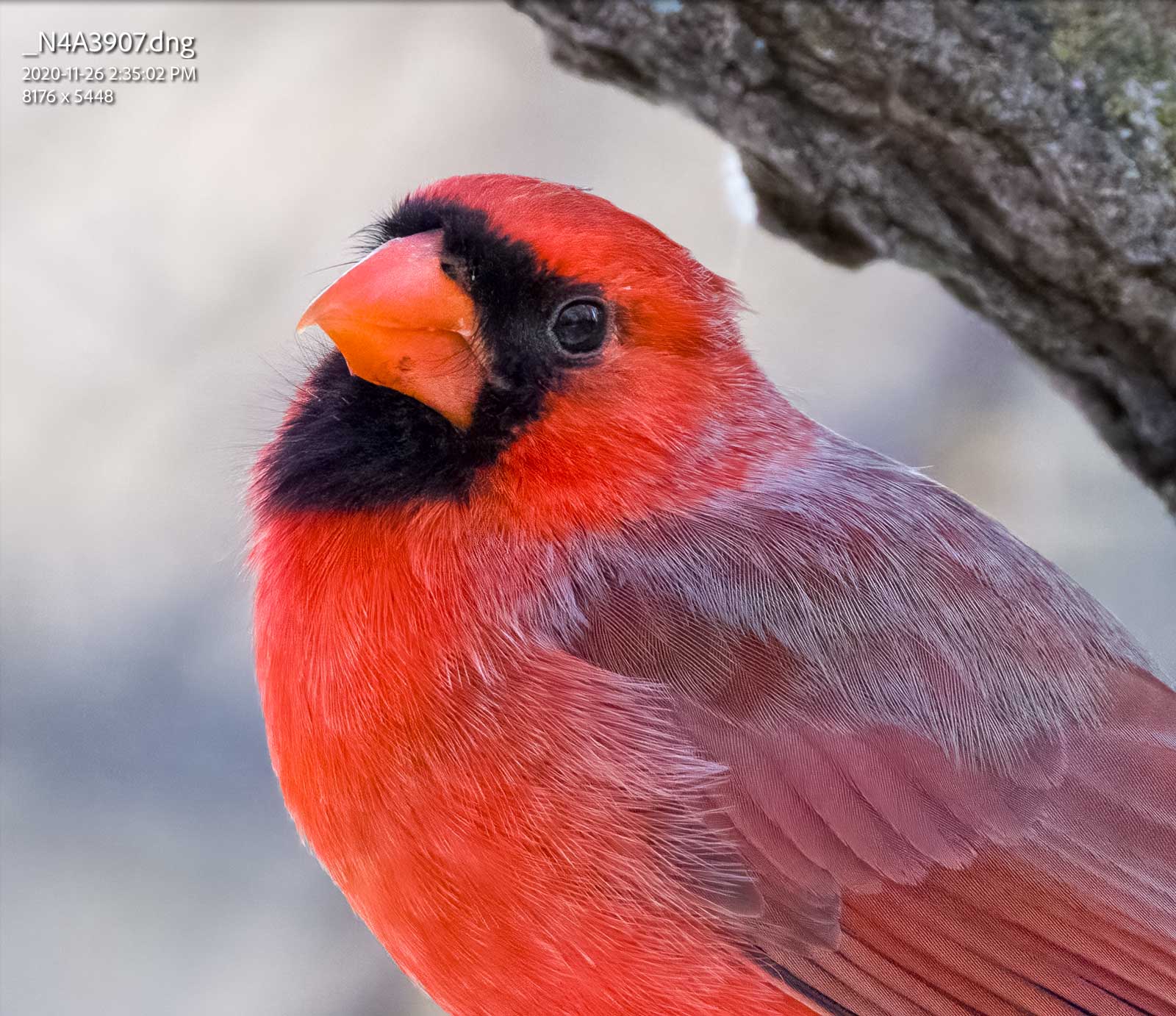
Hi, just a quick review of using NoNoise AI in case anyone is considering it. In my brief experience with NoNoise compared to Topaz denoise using Capture One as my primary DAM and optimization software.
First off, there is a bit of a hiccup using the software and C1. When you export the file from Capture One, you cannot export it as a raw file to NoNoise, unless you use the "Open with" command. The hiccup is that the file is not automatically imported back into your C1 library, and you must re-import the denoised file, thus creating an extra step that does impact your workflow.
If you want to keep the file in the catalogue, you must use the "Edit with" command, but that forces you into exporting a tif, PSD, or jpg, and No Noise is optimized for raw files.
I tried a comparison using Topaz Denoise(exported as 16bit tiff), NoNoise(16-bit tiff) and NoNoise on the original using the raw file.
The two tiffs are very close; on the image I used(A9 at 12,800 ISO), I would say the No Noise has a slight advantage. But with the Raw file, No Noise was significantly better. I should also mention I used the default settings in C1 for the tiff exports(i.e., I didn't adjust the image) and default settings in Topaz Denoise and No Noise.
Anyway, just my observations.
armd wrote:
Go to 9:15 where he explains the earlier file was a tiff and that when he used a RAW image that On1 performed as well as or better than topaz.
I did a comparison between NoNoise using a tiff and a raw file(same image) and the raw file improvement is dramatically better than the tiff improvement.
scott f wrote:
I did a comparison between NoNoise using a tiff and a raw file(same image) and the raw file improvement is dramatically better than the tiff improvement.
My understanding is that a significant amount of the NR and preservation of detail in NoNoise actually occurs in the demosaicizing of the RAW image.
I went through the documentation. It does not seem to work with right clicking on the file and selecting NoNoise like all the other plugins do. If you use the top menu bar and select File - Plugin Extras it will open the file.
Now that I have it working time to test. I have 13 days. Anyone notice any occasional weird artifacts that Topaz can create? I think Denoise has improved a lot in that area but I'm still weary of it. I have to say I really like the instant response when you make a change compared to Denoise.
Zenon Char wrote:
Now that I have it working time to test. I have 13 days. Anyone notice any occasional weird artifacts that Topaz can create? I think Denoise has improved a lot in that area but I'm still weary of it. I have to say I really like the instant response when you make a change compared to Denoise.
To get NoNoise to open the RAW file from Lightroom, you need to select the file, then go to File->Plug-In Extras->OnOne NoNoise 2021. Export with lightroom adjustments then outputs a DNG, or if you just do a 'copy' it'll open the original raw file format.
Working on PSDs or TIFFs, I think Topaz does a nicer job, but opening the RAW files, I think OnOne just blows Topaz out of the water. I did some ISO 10,000 bird shots, and they look absolutely remarkable in NoNoise.
Here's that shot...ISO 10,000 on the Canon R5 (these are 100% crops). CR3 is the RAW file after my usual import settings (so sharpening applied, etc, and my default usually roughens noise a bit, but still)....then Topaz, and then NoNoise. Topaz looks good...NoNoise looks phenomenal to me. I may need to purchase.
I don't remember the topaz settings, entirely, but I'm pretty sure is was the AI algorithm - it's from when I initially processed the image to best balance noise and detail. The NoNoise was just auto.
armd wrote:
Care to say what settings you used in the respective software? What Topaz algorithm, etc.?
16,000 ISO file. This is DeepPrime vs NoNoise. I don't know whey but the files were always underexposed when PL4 sent them back to LR. I was trialling PL4 and I don't have it anymore. I was never able to find a solution. I think will get NoNoise just for the speed alone.
Thanks for the DxO test. When it sends the dng back to ACR or LR, it does not pass on the original Colour profile (if you have a custom camera profile made). That may account for the shift. I have to manually set the profile to match the camera from the dropdown menu.
I am very impressed with the DeepPrime tech. Sometimes the DxOPureRAW will tend to oversharpen. However, you can opt out of the lens correction and only have it do the noise reduction. Another option is to use DxO Photolab where there is far more control.
As Rajan noted, one downside to this is that it strips the ability to apply many camera profiles to the processed DNG file...for instance, my Colorfidelity profiles for the R5 don't work on the processed DNG (and I can't manually select them). However, I just did a test by taking a picture of my color checker passport and processing that, and then creating a profile from the processed DNG, and that works, so now I'll create a dual-illuminant NoNoise profile, and that should work just fine for better color correction.
Thanks for the DxO test. When it sends the dng back to ACR or LR, it does not pass on the original Colour profile (if you have a custom camera profile made). That may account for the shift. I have to manually set the profile to match the camera from the dropdown menu.
I am very impressed with the DeepPrime tech. Sometimes the DxOPureRAW will tend to oversharpen. However, you can opt out of the lens correction and only have it do the noise reduction. Another option is to use DxO Photolab where there is far more control.
With DXO you can still select a colour profile. You can't using NoNoise as far as I can see. NoNoise does allow you to import with LR settings so if you pre-select a profile it should honour it. I'll test for that.
DeepPrime is good. I'm not too thrilled about the company itself. I did night shot test with an R at 40,000 ISO file and DP was better. But that was a while ago and I'm not sure if I applied some LR NR before sending it to PL4. I did do some experiments where I applied about 30% of NR normally required just to make the 3rd party NR work less hard.
Yes I read a few concerns about PureRaw over-sharpening and controlling that via lens correction.