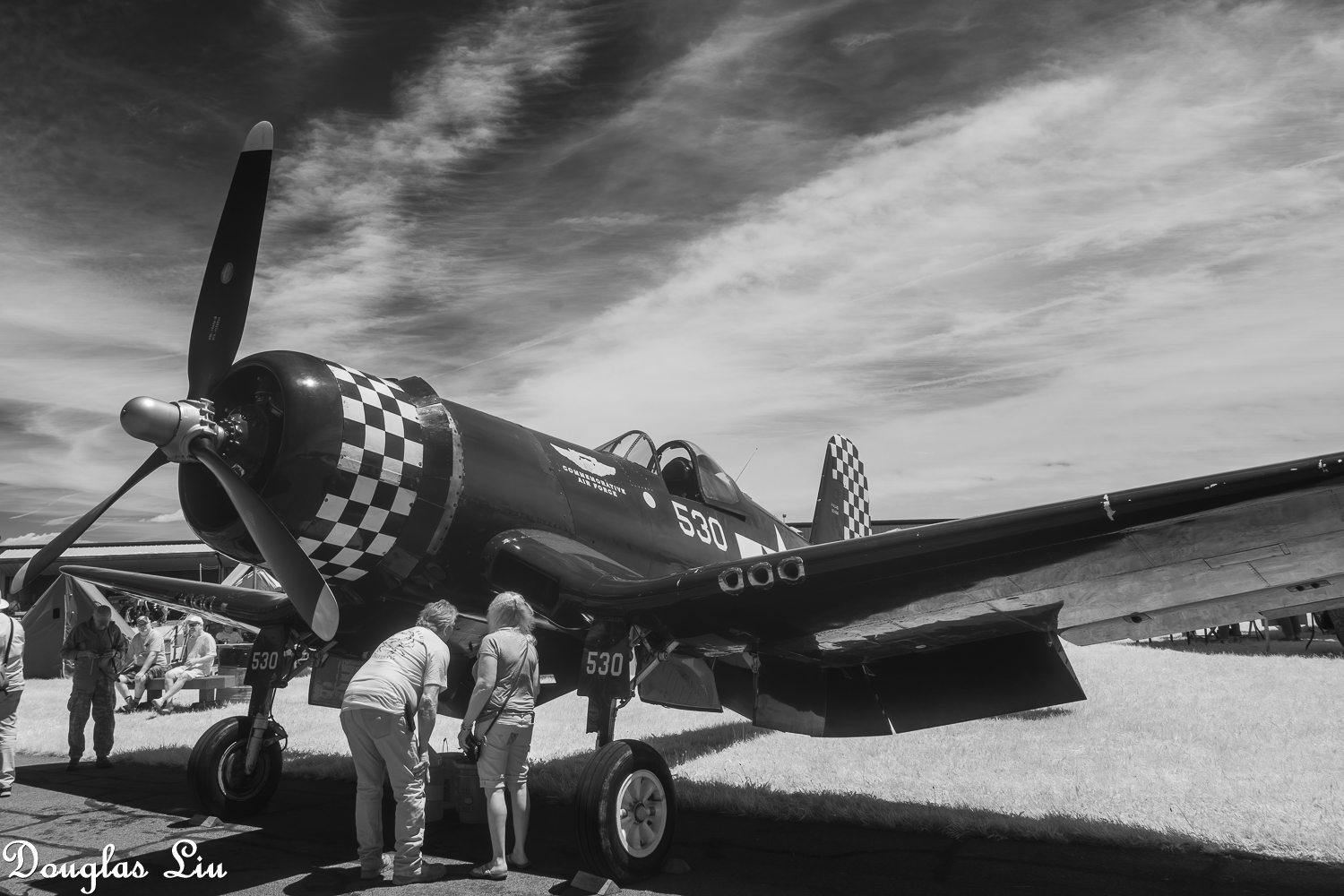
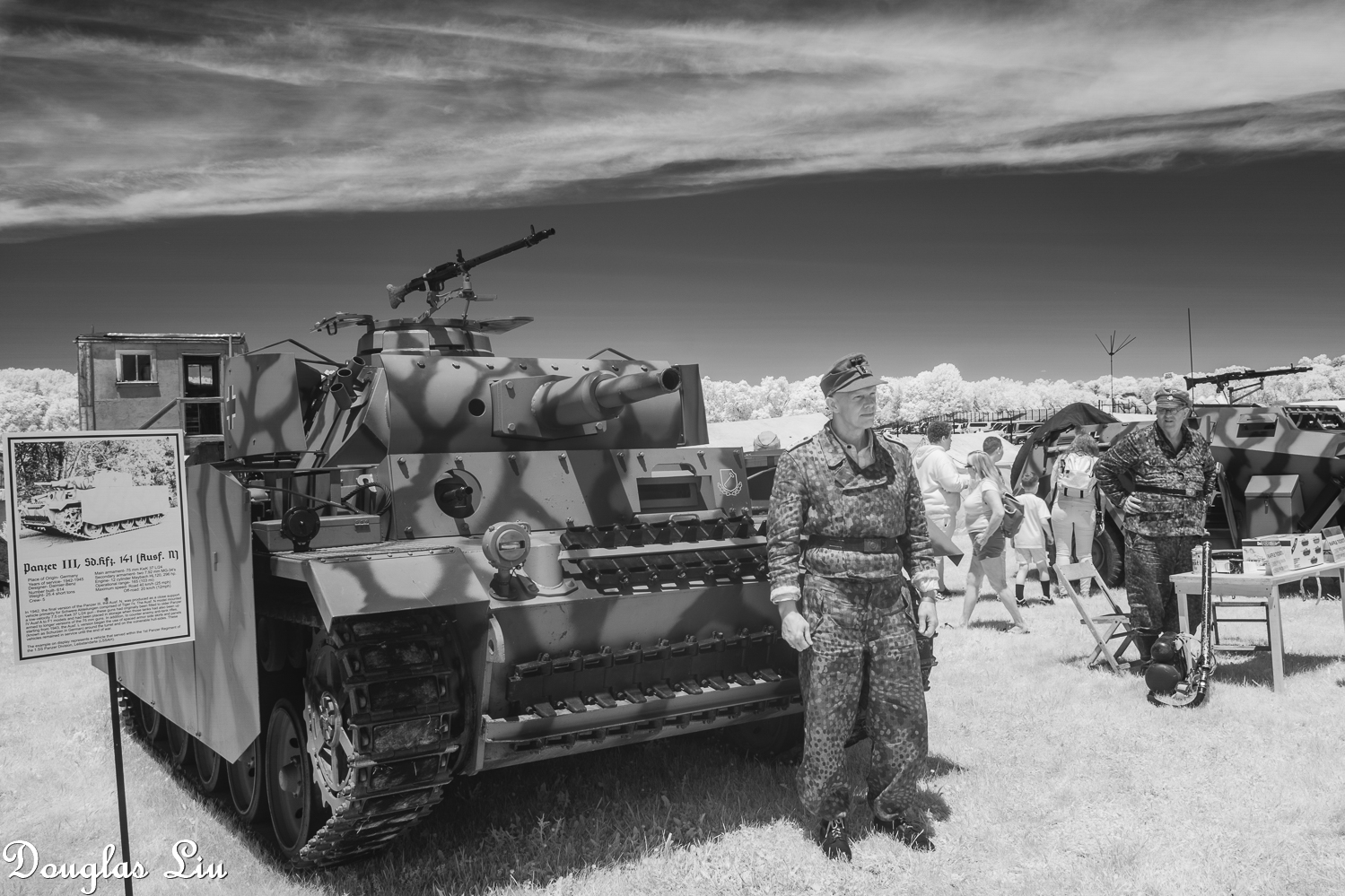
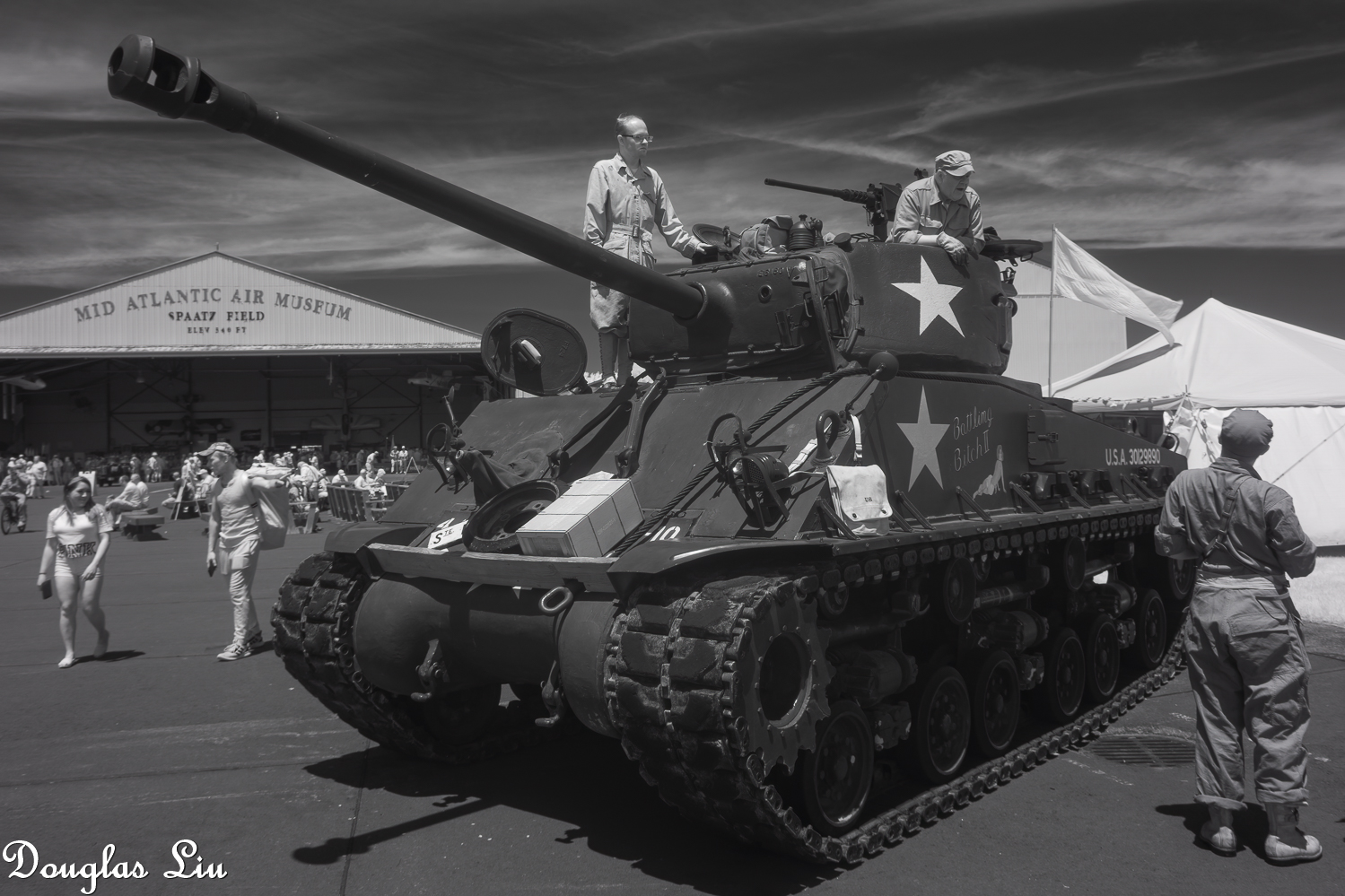
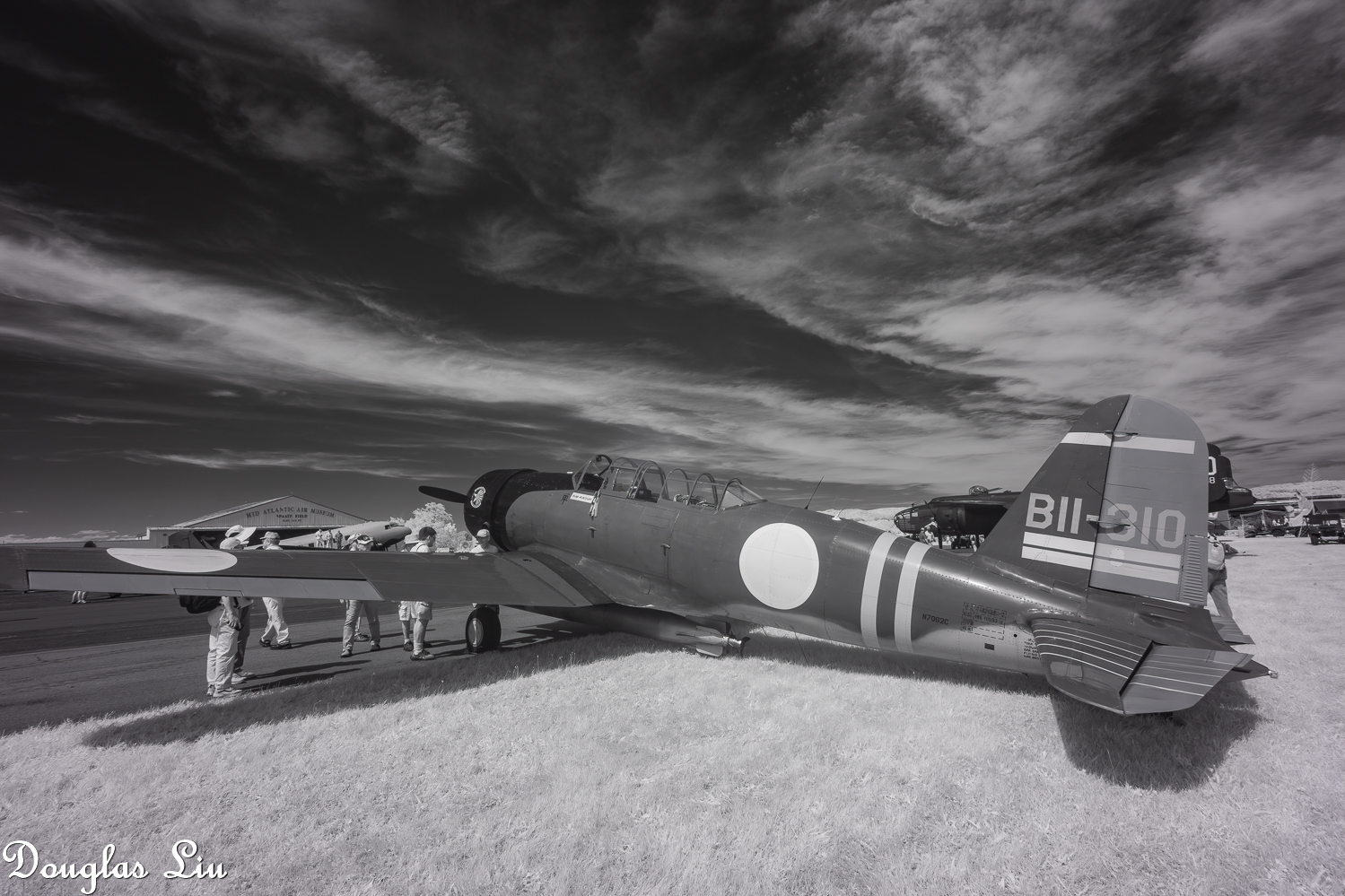
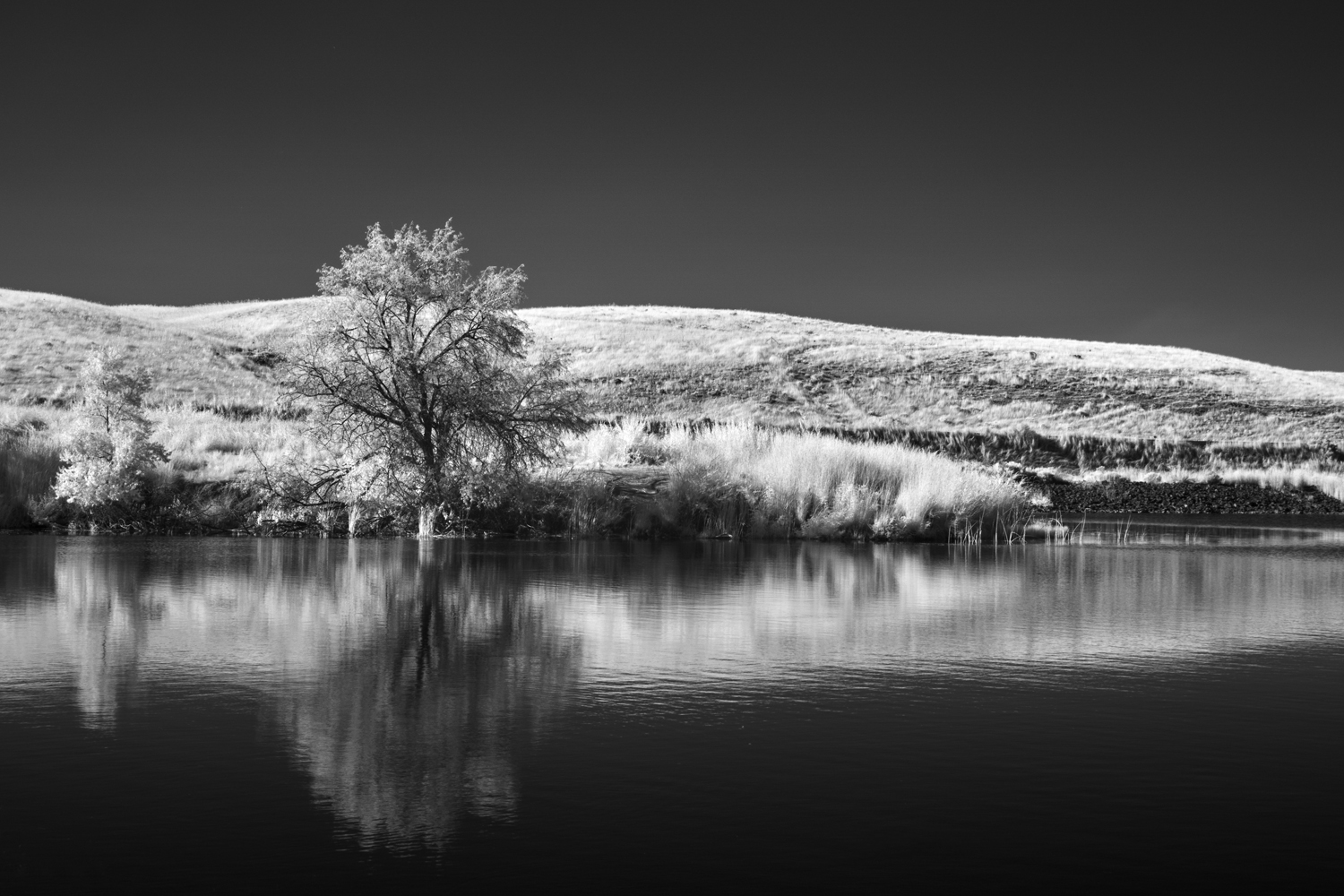
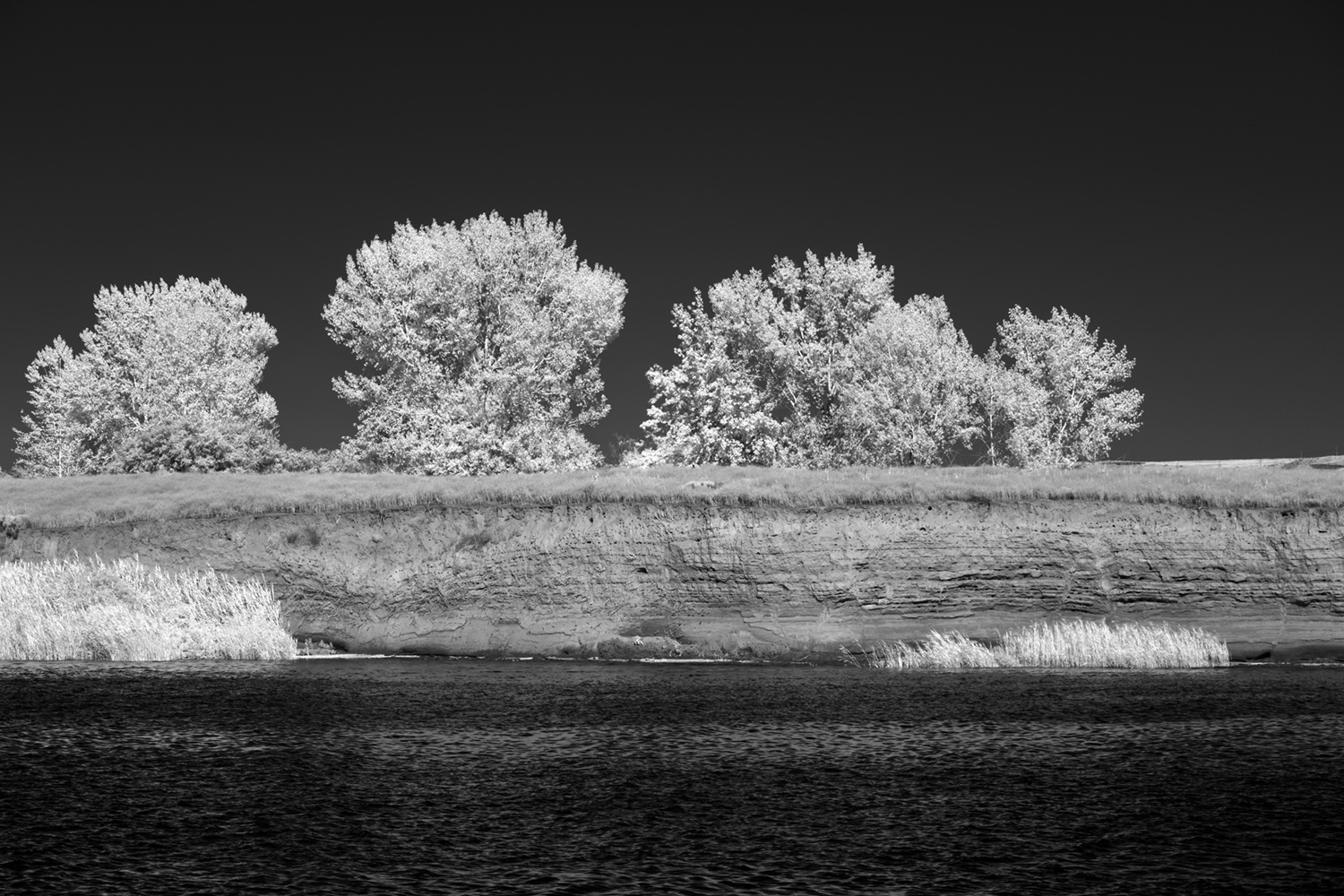
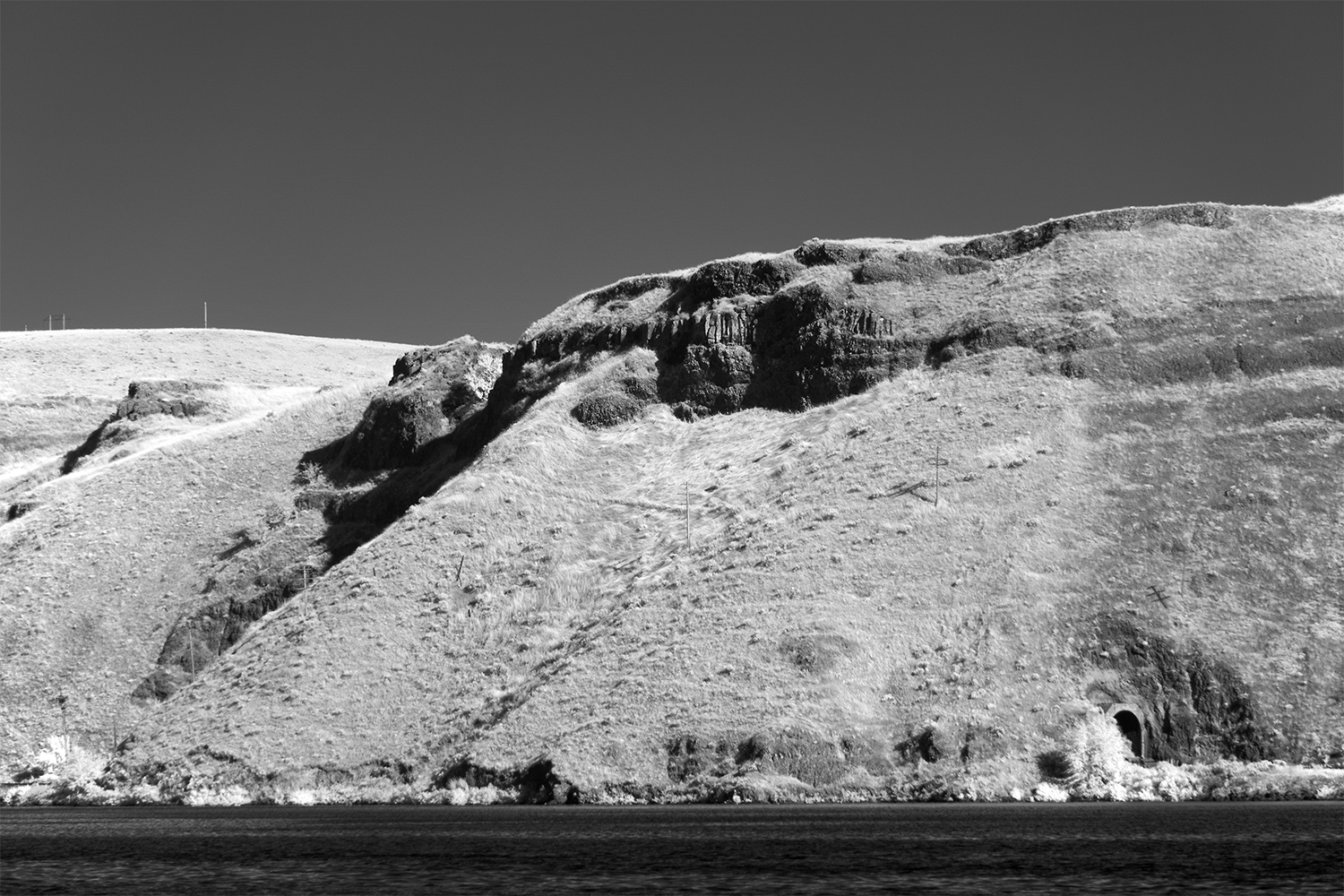
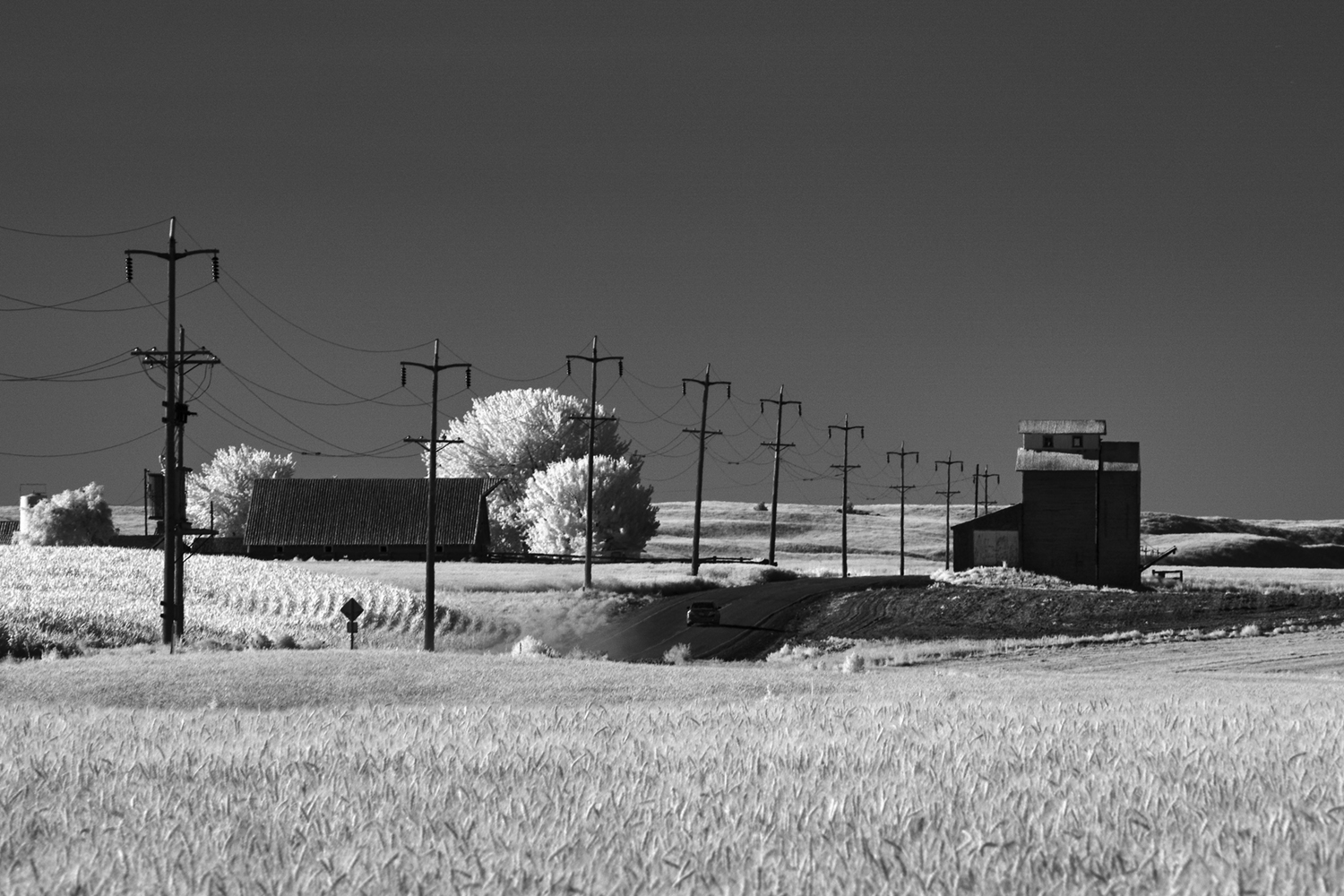
Finally I dug my IR camera out and took a few shots of the Arlington National Cemetery yesterday morning. To my eyes, the IR versions have a more haunting look than color ones or even normal B&W.
Thanks. I am still putting your old a6000 to good use. Your shots are perfect for IR. I agree there is something to IR that make it better than just converting visible spectrum photos to black and white.
RomanMF wrote:
I plan on doing this with my A7RII once I upgrade.
I recommend it. I can't speak to if the A7RII is a good candidate or not. I can say my IR camera gets almost all the non wildlife mid day use on trips.
One more recent shot
Sony ILCE-6000
E 10-18mm F4 OSS
ƒ/7.1 14.0 mm 1/60 100
RomanMF wrote:
I plan on doing this with my A7RII once I upgrade.
I had a 590nm A7Rii and loved and regretted getting rid of to fund my purchase of the A1 last year.
So this year, I got a new A7Rii full spectrum converted. Also have a full spectrum converted A7iii but there is something about the results I get with the A7Rii. Both cameras will give me PDAF lines in smooth areas of an image but the A7Rii much less than the A7iii gives me.
pointreyes wrote:
I had a 590nm A7Rii and loved and regretted getting rid of to fund my purchase of the A1 last year.
So this year, I got a new A7Rii full spectrum converted. Also have a full spectrum converted A7iii but there is something about the results I get with the A7Rii. Both cameras will give me PDAF lines in smooth areas of an image but the A7Rii much less than the A7iii gives me.
PDAF lines? Don't think I've ever seen these on an image, but something about the spectrum conversion makes them more present? Do you have examples? Is it easy to correct?
PDAF lines? Don't think I've ever seen these on an image, but something about the spectrum conversion makes them more present? Do you have examples? Is it easy to correct?
I have a converted full spectrum A7r2 waiting for me when I get back from my holidays, my birthday present,
Why do I find out about the Internal IR problem after the fact lol, always the case,
Got a set of 5 ir filters, and step up rings for my primes so will have to test the lenses to see what works,
Got a clip in astronomic CLS filter as I want to dabble into Astro but will have to see how crippled the ir thing I is,
I also got an uf/ir cut filter but have no idea how effective this will be in normalizing the camera,
I just got a a6000 converted to 850 nm and used it for the first time yesterday. Very surprised at the dull and flat dng. I played with various settings in LR and improved it quite a bit, but still lacking compared to the samples I see here. Any processing tips anyone?
andyptak wrote:
I just got a a6000 converted to 850 nm and used it for the first time yesterday. Very surprised at the dull and flat dng. I played with various settings in LR and improved it quite a bit, but still lacking compared to the samples I see here. Any processing tips anyone?
I have never shot an 850nm filter but assume it is similar to 720nm but just even less permissive.
Step 1, when shooting, you need a lot of light…not because of shutter speed, necessarily, but to bring out the differential IR reflection in the scene. Overcast skies require a lot of post. Ideally, you have a partly cloudy sky with the sun not behind a cloud.
Step 2, choose your subject. As a rough approximation, assume everything green reflects the same degree. Assume yellow/dry grasses will be a bit less and that red leaves may be yet darker. Look for scenes where you have elements expected to reflect varying amounts of light as well as some that will not likely reflect at all (dirt, tree trunks, metal, blue sky, some stone) and try to shoot from angles wherein the light areas are broken up by dark ones. It is perhaps easier to describe what not to shoot. For instance, if you shot a densely leafy tree from above that was sitting in a dense green field of grass, it would be a big white nothing. The dark elements need to break up the lighter ones to pull them apart from each other.
Step 3: expose to the right. Increase the exposure until you start overexposing the whitest elements…and then reduce 1/3 stop. Generally, do not have the sun in your image…ideally behind you or directly above.
Step 4: process to improve the contrast. If you followed the steps above, then your scene should already be fairly high contrast but still may need the black point darkened. For starters, pull the Blacks slider to the left in LR until the histogram starts to touch the left wall. You can always tweak more or less. Your White edge should already be close to the right wall. Take it all the way there with the Whites slider. This is now the max (unclipped) contrast. Better? You can now decide where the middle tones should be and how steep your curve should be.
Many images essentially only will need the black point set. Others will require more work, but far IR has less intrinsic contrast from a single subject, so composition and exposure are really important.
p.9 #10 · Is Infrared Photography a Fad (for you)?
Dehaze, clarity, contrast and level adjustment.
I also am getting an 850nm a6000. Curious what lenses you are using?
andyptak wrote:
I just got a a6000 converted to 850 nm and used it for the first time yesterday. Very surprised at the dull and flat dng. I played with various settings in LR and improved it quite a bit, but still lacking compared to the samples I see here. Any processing tips anyone?
p.9 #11 · Is Infrared Photography a Fad (for you)?
andyptak wrote:
I just got a a6000 converted to 850 nm and used it for the first time yesterday. Very surprised at the dull and flat dng. I played with various settings in LR and improved it quite a bit, but still lacking compared to the samples I see here. Any processing tips anyone?
I use an a6000 with an 850nm IR filter. I bought it used from Douglas. He had it already setup with a custom white balance so it shows as B&W in camera. I haven't touched those settings. When shooting, I ensure the insure the images looks good in camera and the whites aren't blown.
For processing I use LightRoom. In LR the raw files are not B&W but monochrome reddish/pinkish/purplish. I usually use the LR B&W presets as a starting point. Specifically I use the "Landscape," "High Contrast," or "Punch" presets are the best in my opinion. Often that is all that is required. Sometimes I make some minor adjustments after that.
p.9 #13 · Is Infrared Photography a Fad (for you)?
andyptak wrote:
I'm using the CV 21mm Nokton. I tried a AF lens and everything was out of focus. Is this right?
Thanks Jim.
On mirrorless, AF should be fine, but you have to focus with the filter (if using a full spectrum camera and lens-based filter, for instance) in place. For MF, same thing, sharp image in EVF or back screen when focusing will yield sharp image. Note that IR images will run a little softer than visible light generally. For instance, I shoot visible light with almost any and every aperture. For IR, I generally shoot f/8-f/16…but I am also generally shooting landscapes, where you usually want deep DoF.
p.9 #14 · Is Infrared Photography a Fad (for you)?
andyptak wrote:
I'm using the CV 21mm Nokton. I tried a AF lens and everything was out of focus. Is this right?
Thanks Jim.
AF lenses are fine, no corrections or anything needed. If they are not working, something is wrong.
MF lenses will be "off" but work fine too. For example: the manual Samyang 12mm f/2 lens, infinity is close to accurate for visible light. On the a6000 converted to 850nnm IR, infinity focus position is noticeably different due to the properties of IR light vs. visible spectrum.
p.9 #19 · Is Infrared Photography a Fad (for you)?
Just FYI I thought I'd post this here (from Spencer Cameras Utah - IR conversion page) :
Highly Recommended IR Cameras:
These cameras are proven to be the best models because for excellent performance at IR sensitivity, custom white balance functions, overall build quality, compatibility with software and accessories, built-in functionality, battery capacity, and expandability. For the best astrophotography results and performance we recommend that you choose from this list:
Canon EOS Digital Rebel SL1
Canon EOS Digital Rebel SL2
Canon EOS Digital Rebel T5i
Canon EOS Digital Rebel T6i
Canon EOS Digital Rebel T6s
Canon EOS Digital Rebel T7i
Canon EOS Digital Rebel T8i
Canon EOS 60D
Canon EOS 70D
Canon EOS 77D
Canon EOS 80D
Canon EOS 90D
Canon EOS 6D
Canon EOS 6D Mark II
Canon EOS 5D Mark II
Canon EOS 5D Mark III
Canon EOS 5D Mark IV
Canon EOS 5DS
Canon EOS 5DS-R
Canon EOS 7D
Canon EOS 7D Mark II
Canon 1D X
Canon 1D X Mark II
Canon EOS M3
Canon EOS M5
Canon EOS M10
Canon EOS R
Canon EOS R5
Canon EOS R6
Canon EOS RP
Fujifilm X-E2
Fujifilm X-E2s
Fujifilm X-T1
Fujifilm X-T2
Fujifilm X-T10
Nikon D500
Nikon D600
Nikon D610
Nikon D700
Nikon D750
Nikon D800
Nikon D810
Nikon D850
Nikon Z6
Nikon Z7
Olympus OM-D E-M1
Olympus OM-D E-M1 Mark II
Olympus OM-D E-M10
Olympus OM-D E-M10 Mark II
Olympus OM-D E-M5
Olympus OM-D E-M5 Mark II
Pentax K-1
Pentax K-S2
Sony A6000
Sony A6300
Sony A6500
Sony NEX7
Sony A7
Sony A7 II
Sony A7 III
Sony A7R
Sony A7S
Sony A99 Mark II
p.9 #20 · Is Infrared Photography a Fad (for you)?
Not the greatest examples but I just got my a6000 that was converted to hyper color. I mistakenly bought it thinking it was super color, oops. I checked the shutter count though and it's only 902, so I'm happy about that. I have a cheap Zomei 850nm filter I have had good luck with in the past and used that on these images.
Now on to the Sony E 18-135mm lens. I was at first really disappointed with what I saw from that lens. The first images I took at 18mm were horrendous. Luckily, the second time I went out they were much better, still some softness in the corners but it wasn't as bad as my first experience. I think it will be a great lens for IR as I really like having a zoom lens with some range to it.